AI Powered Search

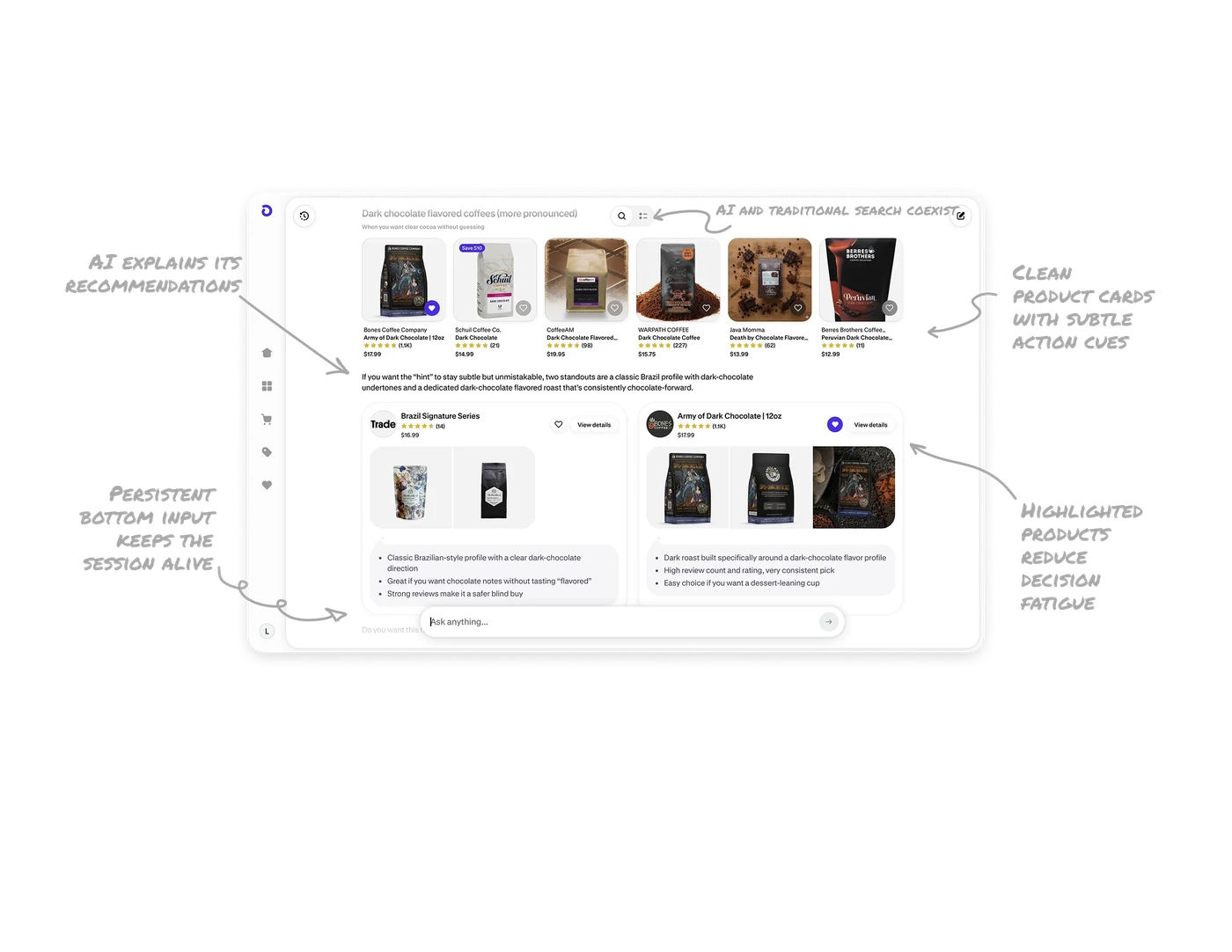
AI and traditional search coexist without conflict
At the top, the interface clearly reflects the user’s query and offers a toggle between AI powered results and the standard product list. This is important. It does not force AI. It gives users control over how they want to explore. Power users can rely on filters. Curious users can lean into AI guidance. When new paradigms sit beside familiar ones, adoption feels natural instead of risky.
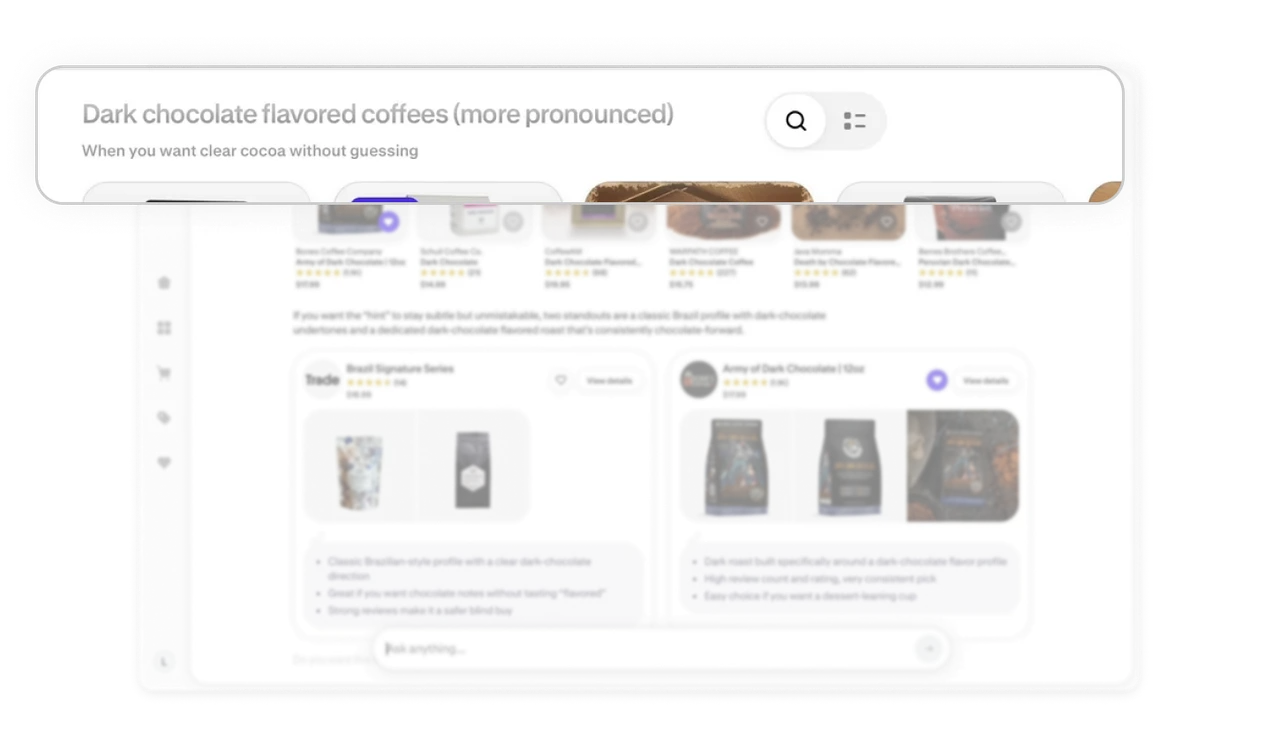
AI explains its recommendations
The interface does not just surface products. It explains why certain items are highlighted. For example, it references flavor profile or consistency. This reasoning builds trust. Users understand the logic behind suggestions instead of guessing how results were ranked. Transparency reduces skepticism, especially in AI driven experiences.
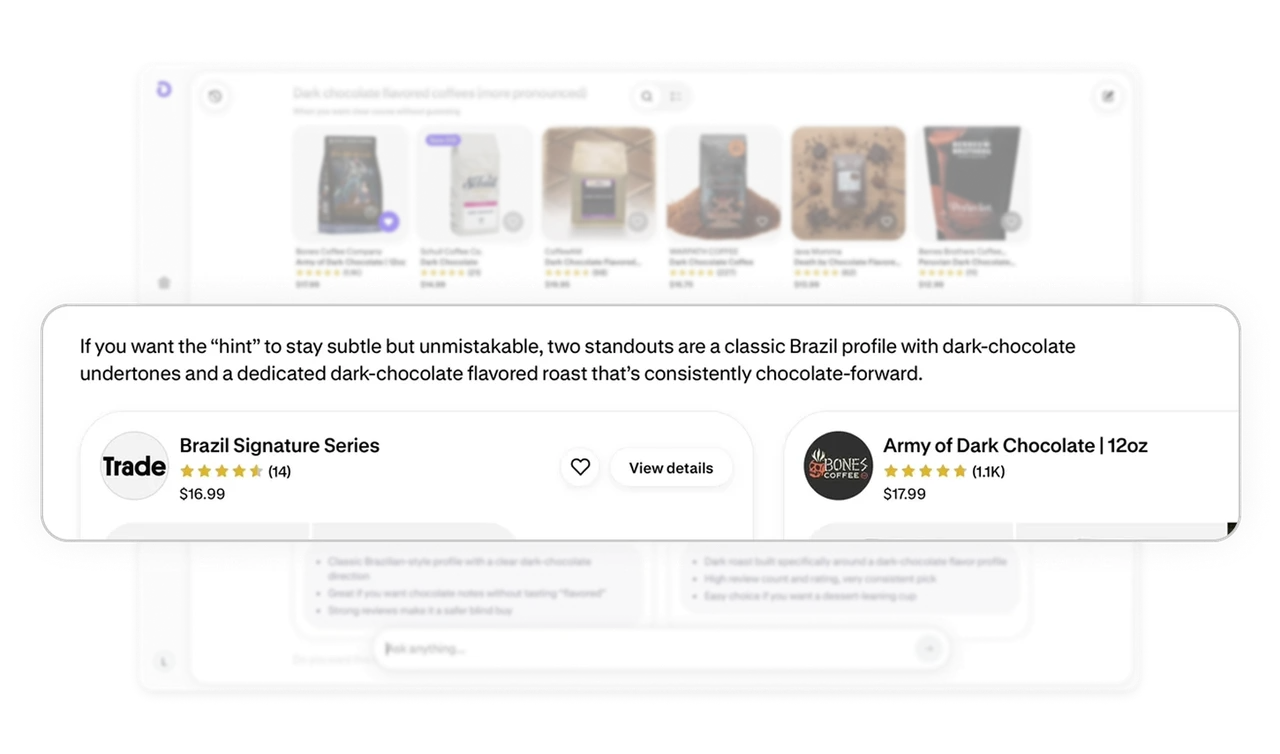
Highlighted products reduce decision fatigue
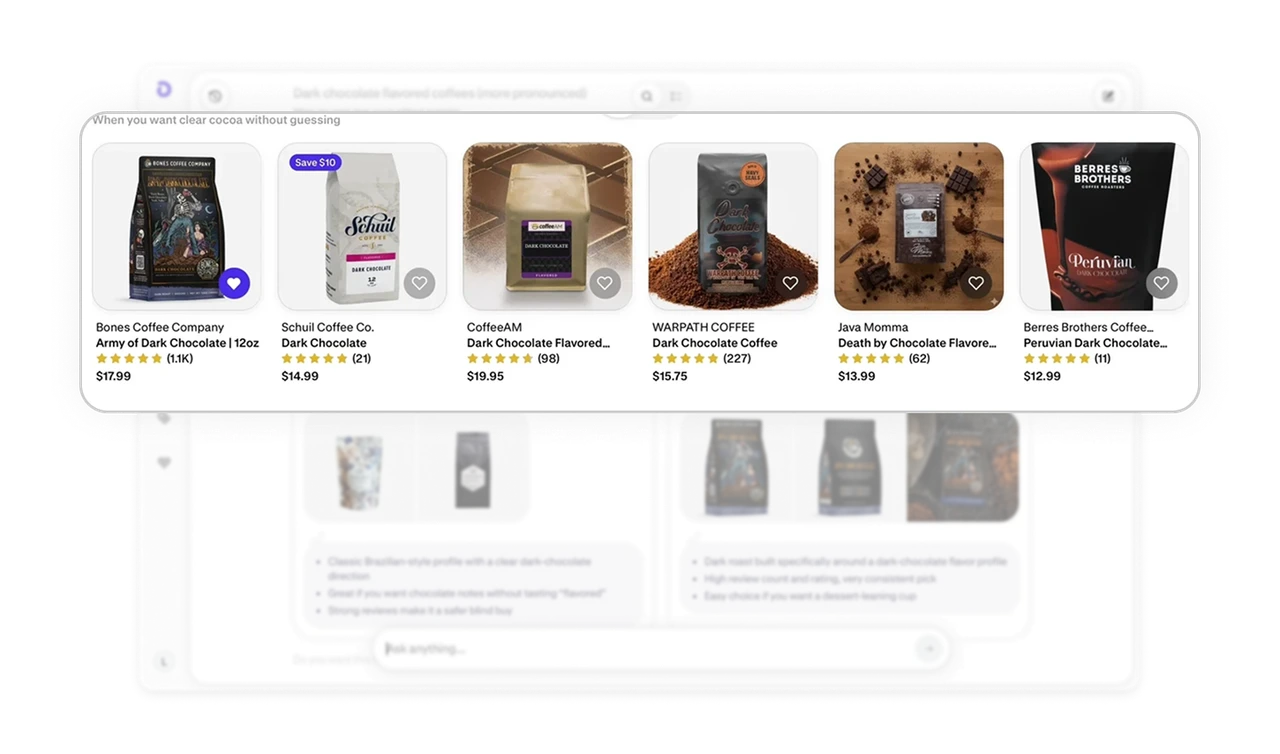
Featured recommendations include two to three concise bullet points that summarize why they stand out. This saves users from opening multiple product pages just to compare. It compresses research time into scannable insights. It is a strong example of progressive disclosure. Enough detail to decide, not enough to overwhelm.
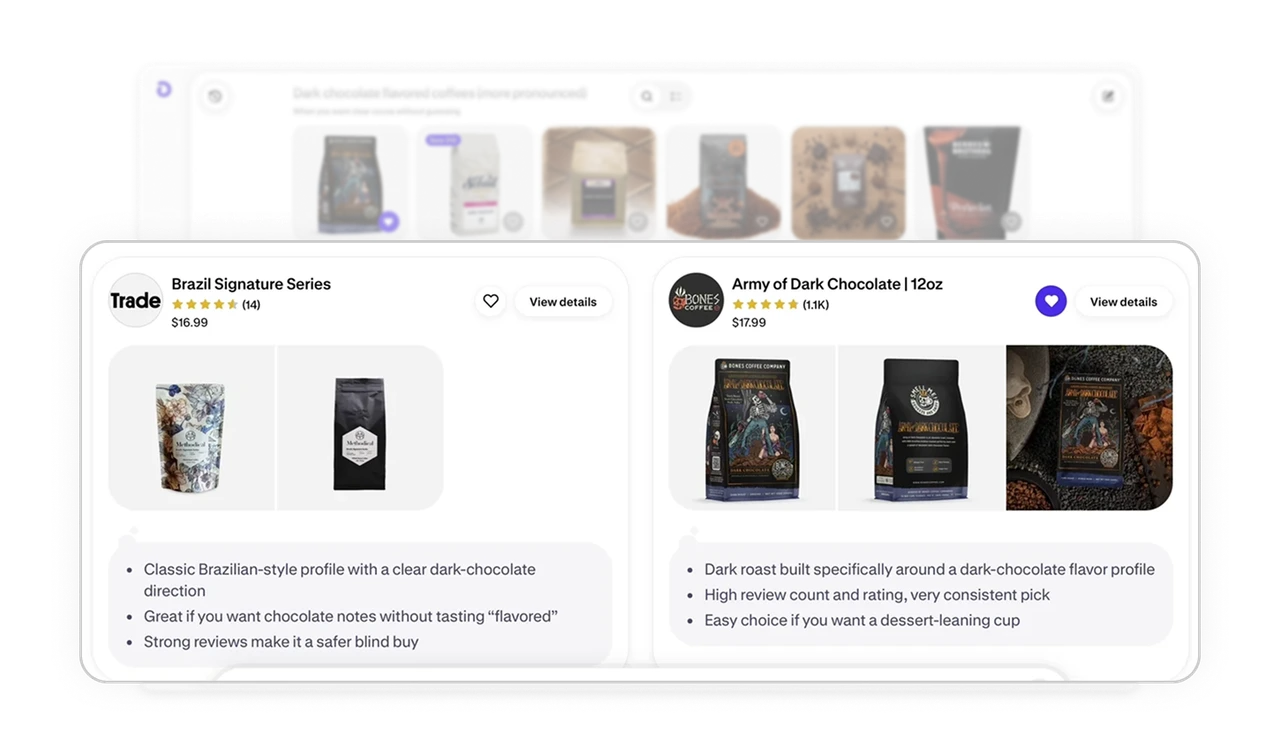
Clean product cards with subtle action cues
Product cards are visually minimal. Ratings, price, and promo badges are present but restrained. The save or like action is a small microinteraction, not a loud button. Promotions such as Save $10 are highlighted but do not dominate the layout. The hierarchy stays intact. Restraint in commerce UI increases clarity and perceived quality.
Persistent bottom input keeps the session alive
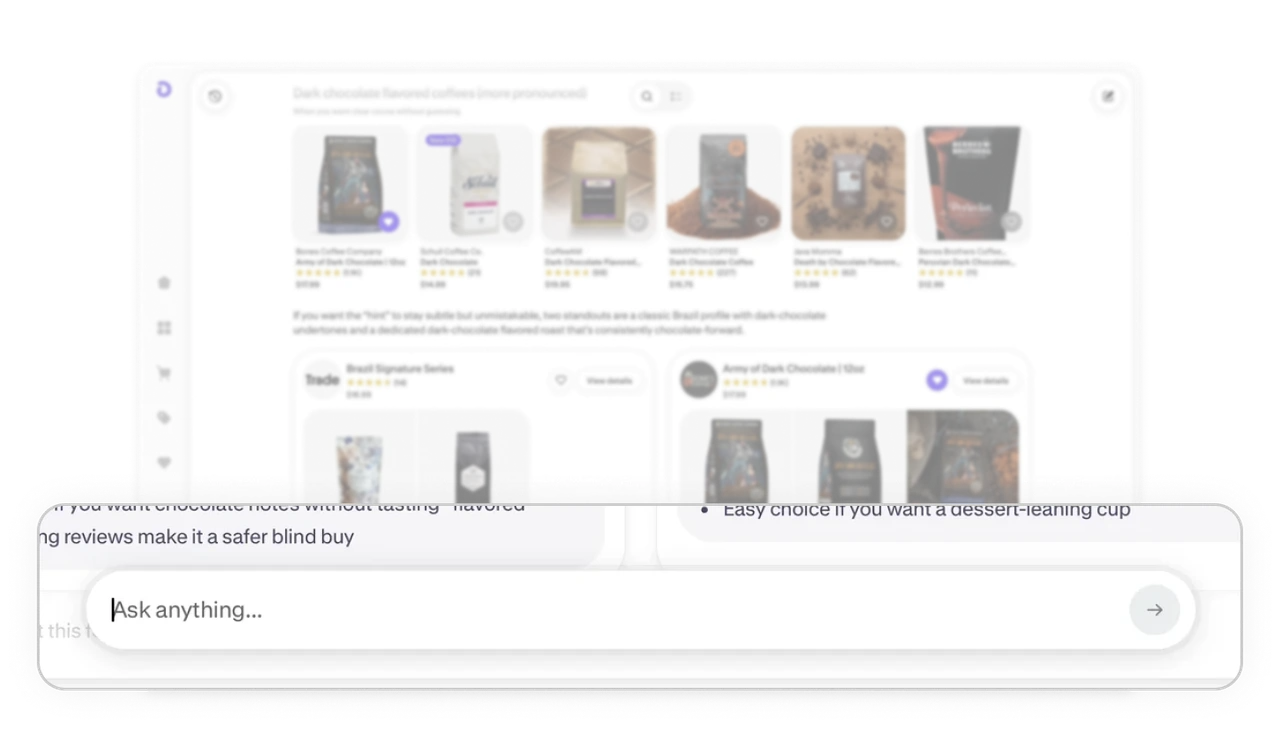
The bottom Ask anything input anchors the experience. After scanning results, the user’s natural eye flow ends near the bottom, where the next action is already waiting. This placement keeps the conversation continuous. It turns search into an evolving dialogue instead of a one time query. Good placement can shape behavior more than extra features.
Similar Breakdown Lessons







