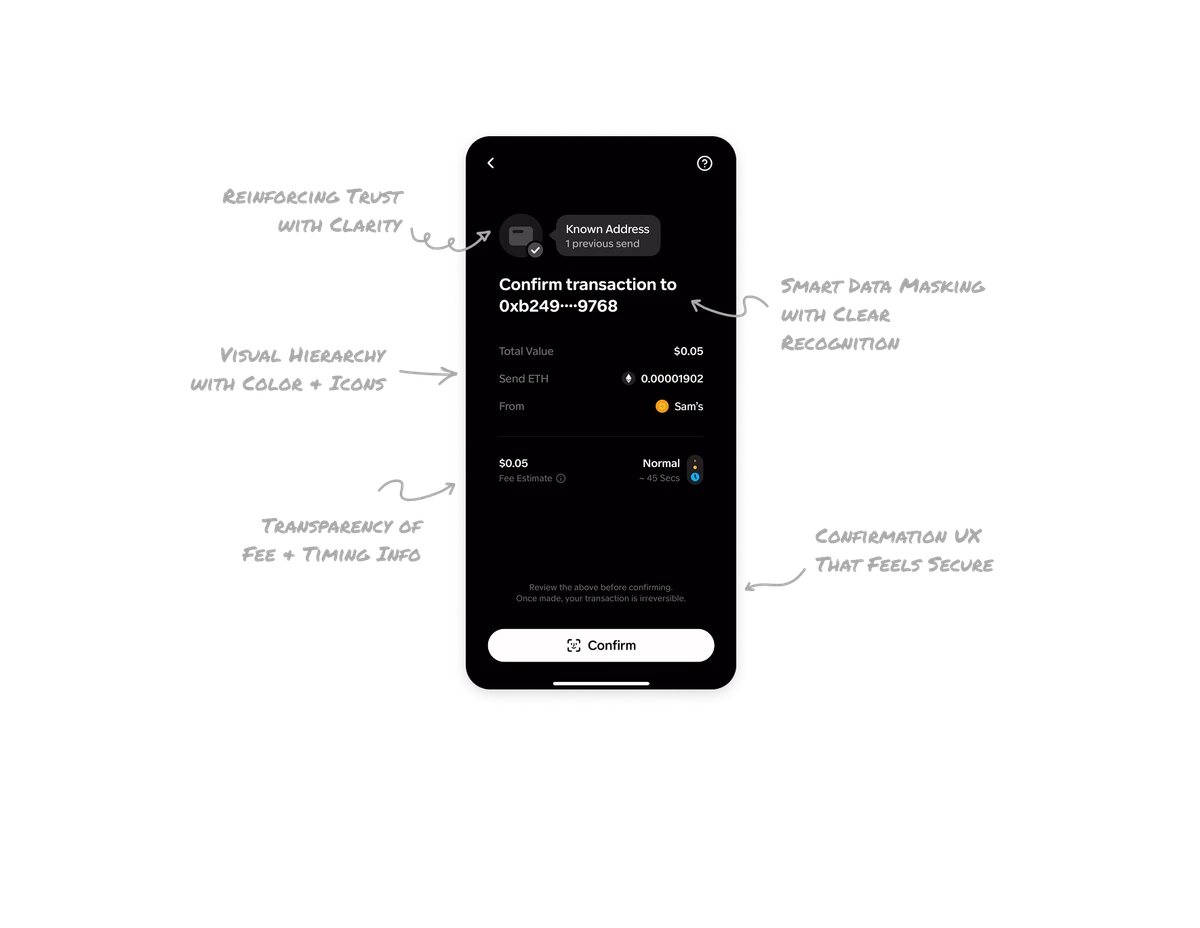
Booking a Ride

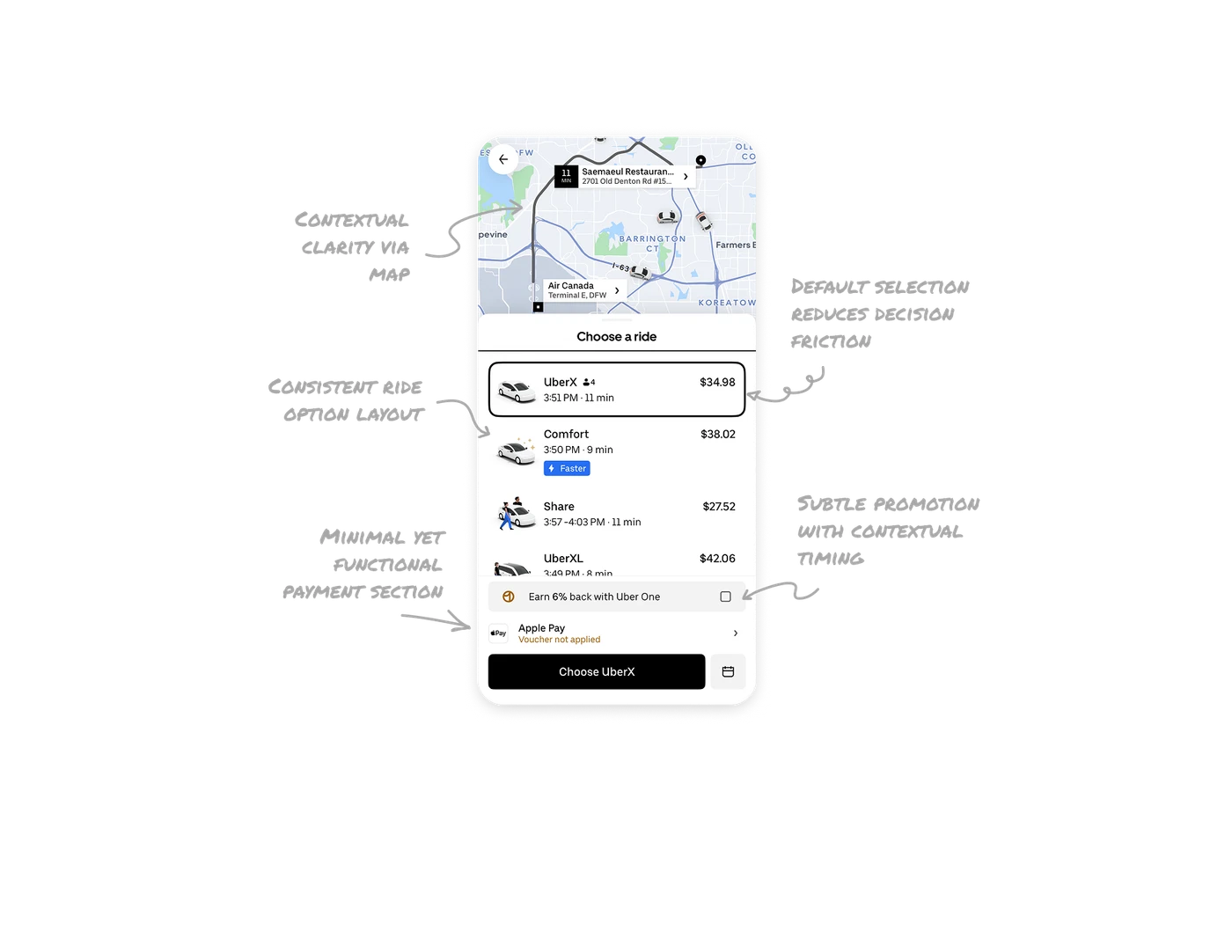
Contextual clarity through live map visualization
Showing both the pickup and destination points on the map with a connecting route and nearby cars provides instant situational awareness. It mirrors real-world expectations and helps users trust the system’s accuracy.
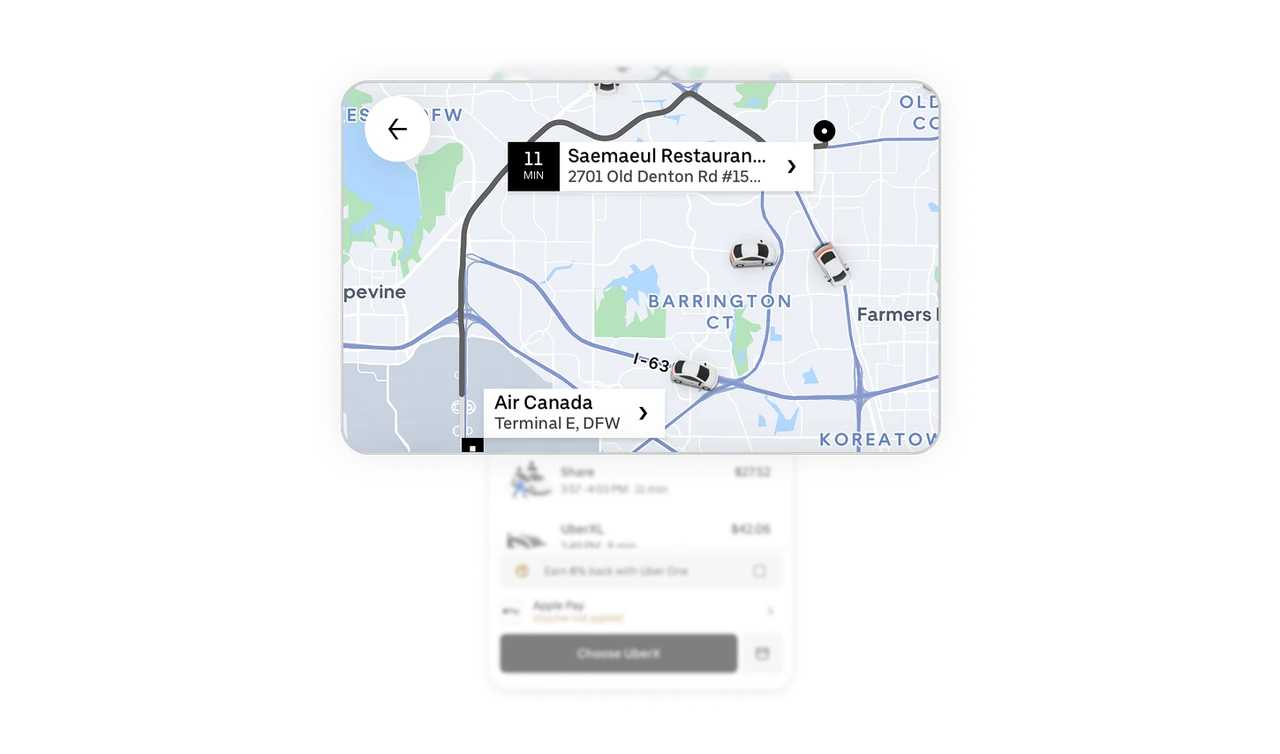
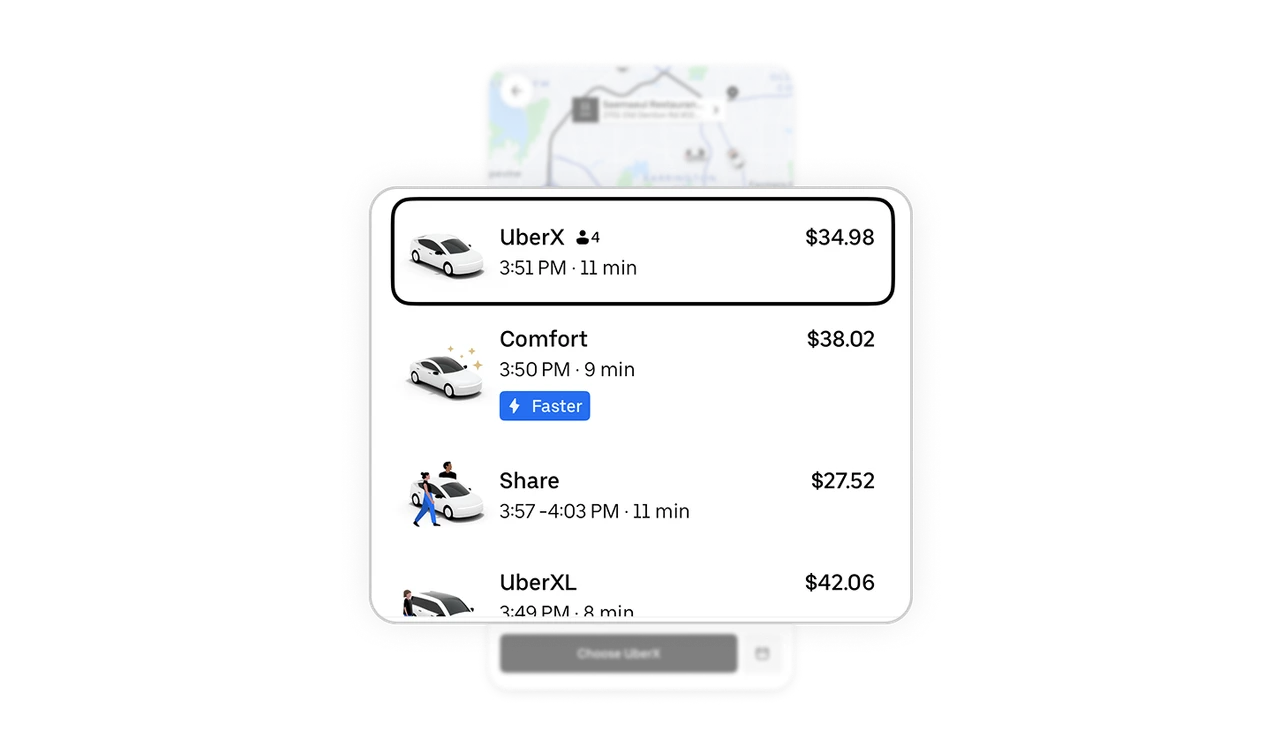
Default selection reduces decision friction
By pre-selecting the most common ride option, Uber gives users a psychological head start. Clear visual distinction between the selected and unselected states reduces cognitive load and speeds up the booking flow.
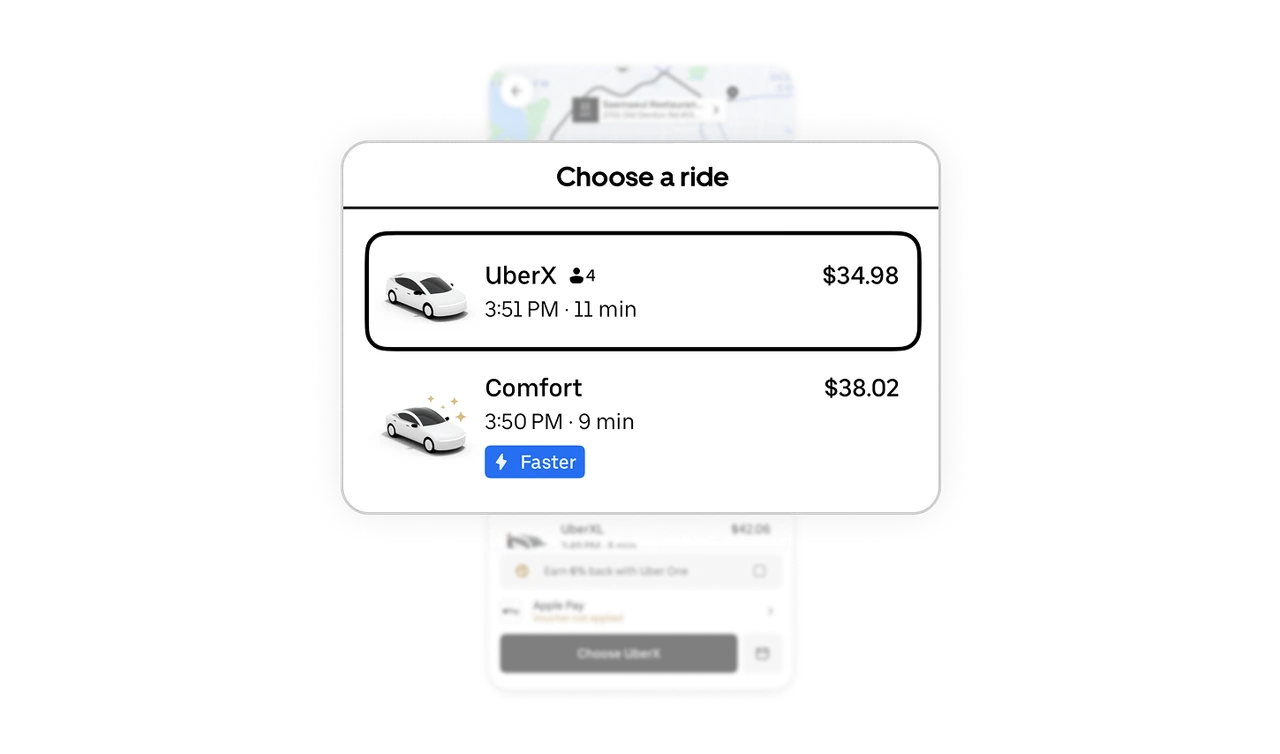
Consistent ride option layout aids quick comparison
Each ride card follows the same structure: car image, time, price, and type, allowing users to effortlessly scan and compare. This consistency minimizes confusion and promotes confident decision-making.
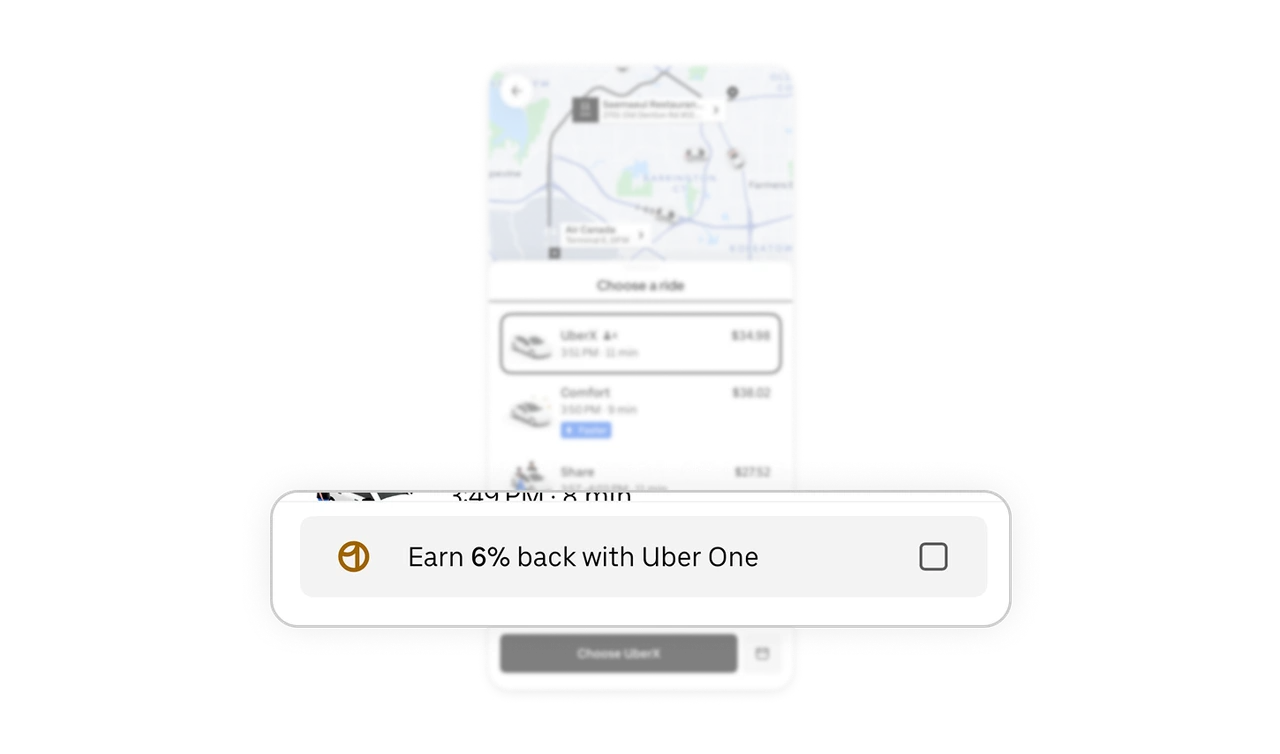
Subtle promotion with contextual timing
Uber smartly promotes “Uber One” membership right where cost savings matter. Placing it between ride selection and payment adds relevance, increasing conversion without disrupting the booking journey.
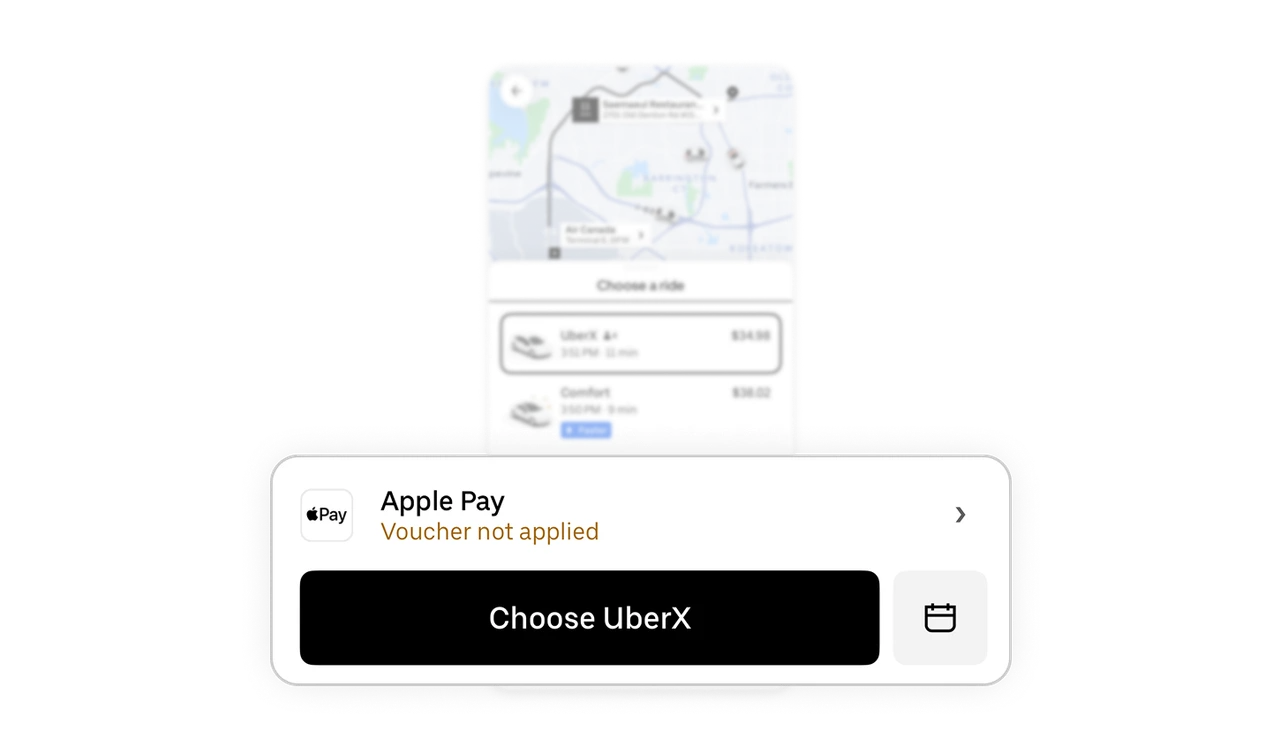
Minimal yet functional payment section
The payment bar balances simplicity with flexibility. Displaying the last used payment method and a clear “Choose” button prioritizes primary action while keeping secondary actions (scheduling) accessible but non-distracting.
Similar Breakdown Lessons