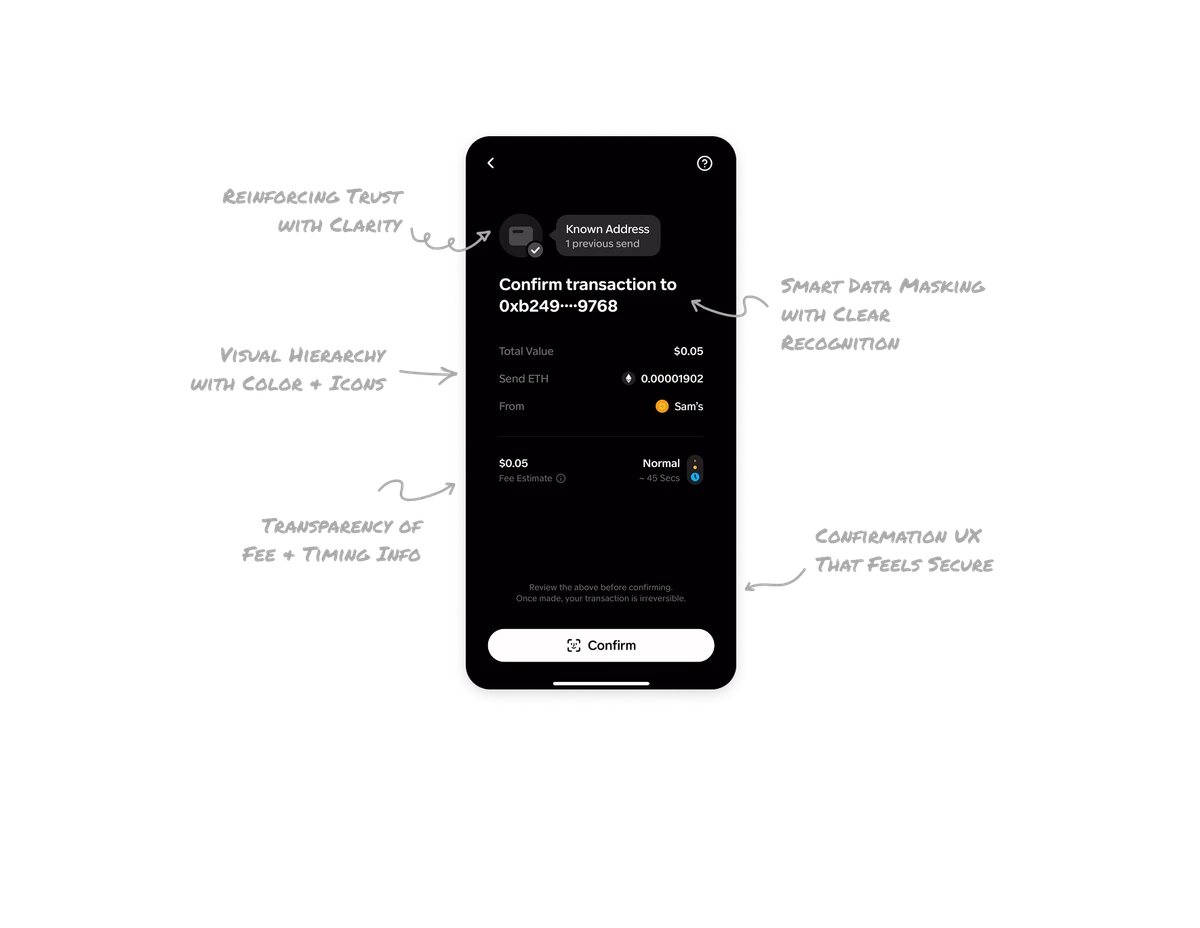
Budget Dashboard

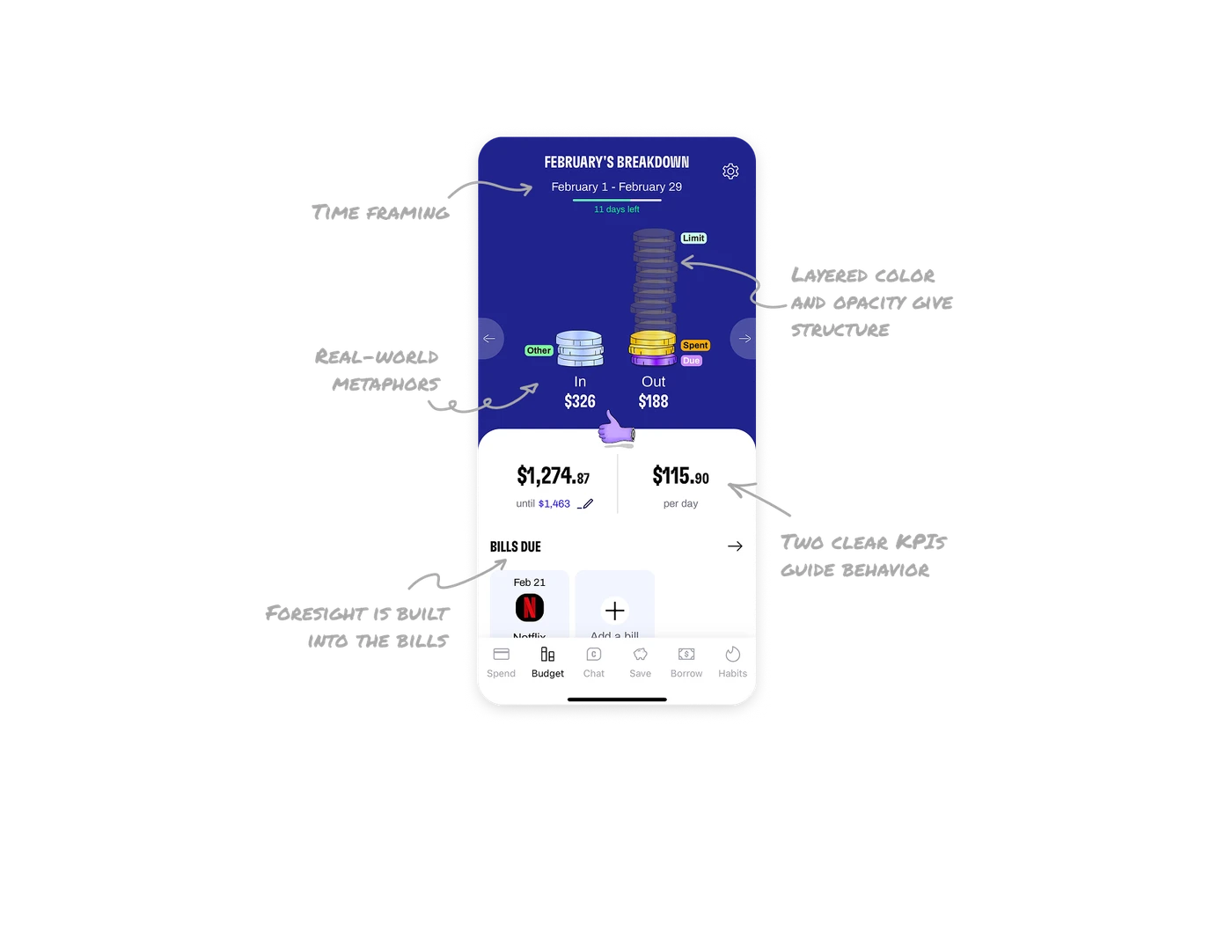
Real-world metaphors make money feel understandable
The coin stacks are a smart choice. People instantly connect coins with value, so the in and out sections don’t need extra explanation. The metaphor removes cognitive load and gives users a fast read on where their money stands.
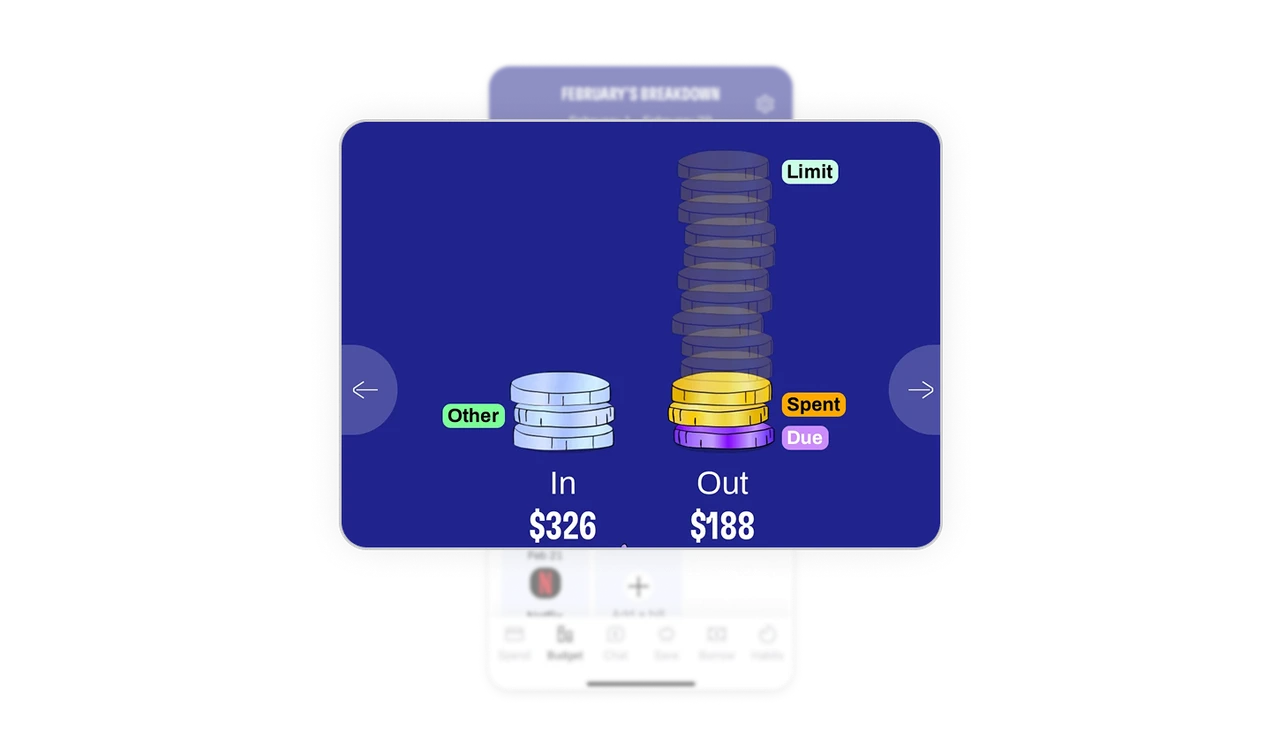
Layered color give structure to complex data
The out stack isn’t just decorative. The colors and shading map directly to limit, spent, and due amounts. This lets users decode three different states at a glance without reading a single label. It’s a visual hierarchy done with personality.
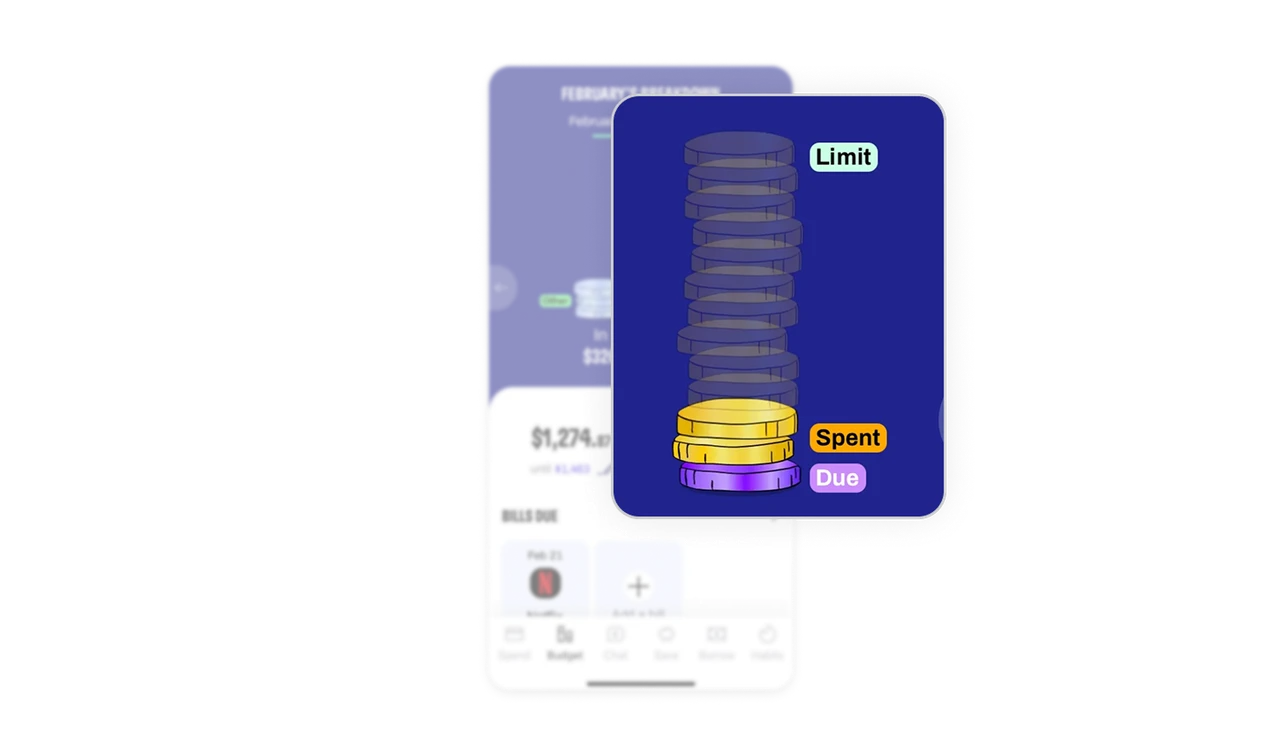
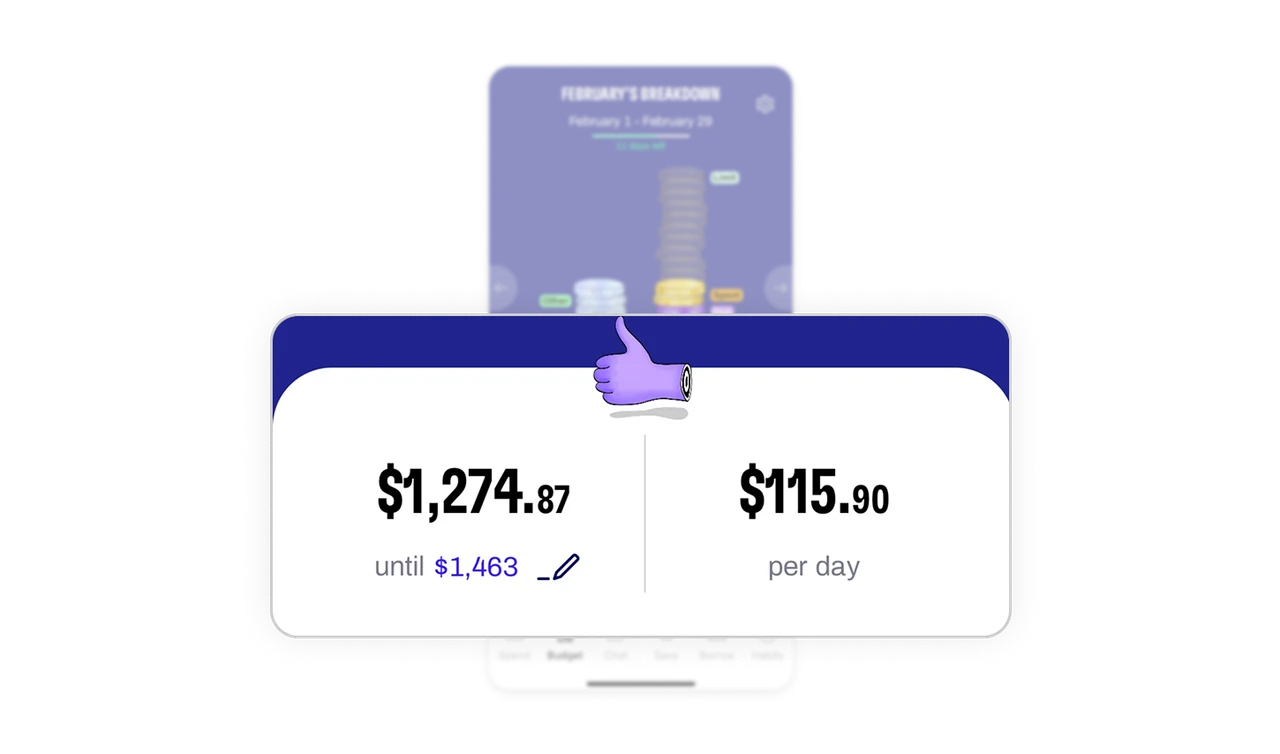
Two clear KPIs guide behavior, not just reporting
The remaining budget and per-day allowance sit front and center because those numbers drive daily decisions. Pairing them with a small expressive emoji pushes an emotional cue that matches the current financial state. Information plus feeling gives users a faster, instinctive reaction.
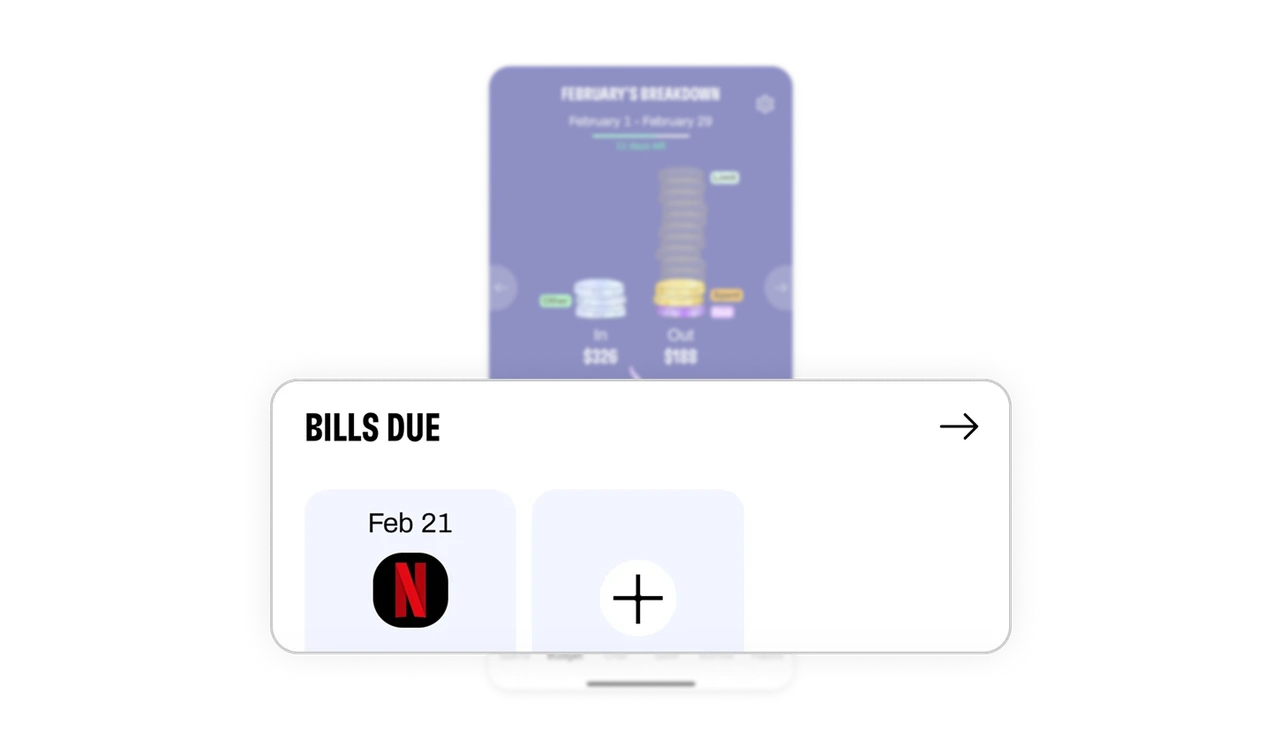
Foresight is built into the bills section
The upcoming bills are visible and predictable. By showing what’s about to leave the wallet, the dashboard supports planning instead of just reporting. It shifts the system from tracking to guidance, which is where real value lives.
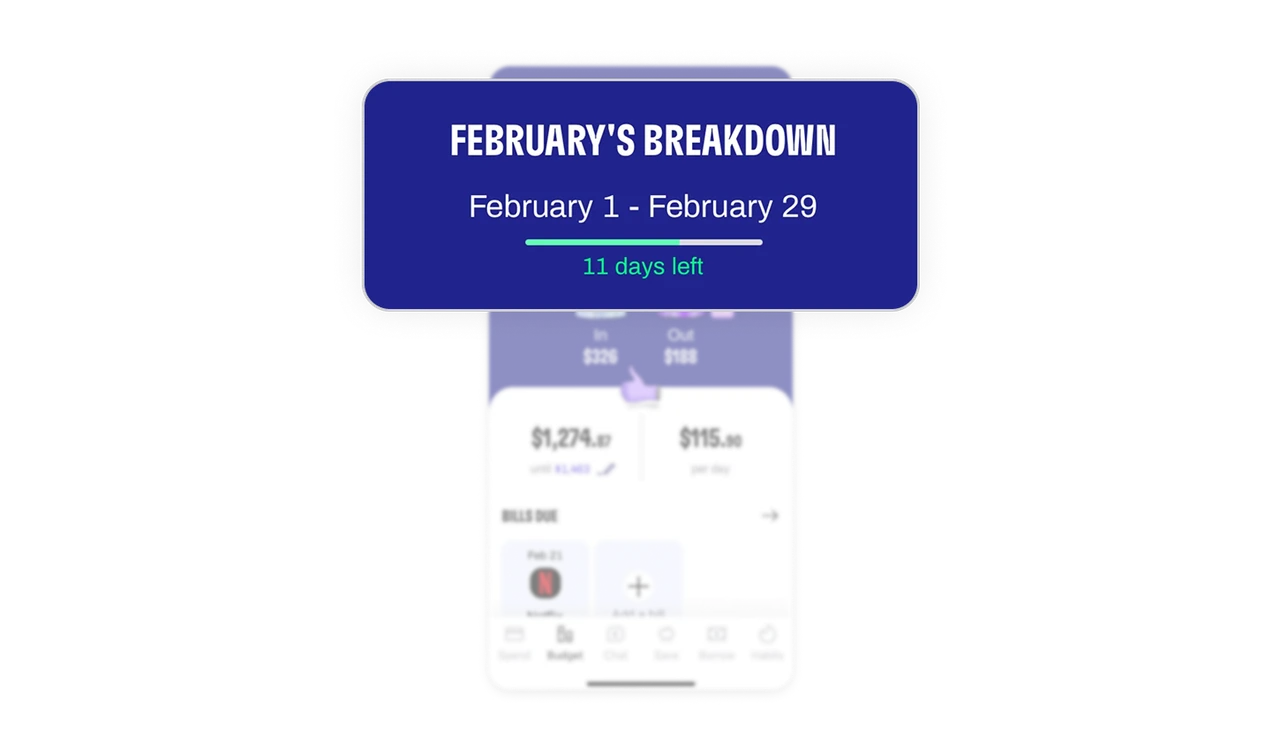
Time framing keeps the whole screen grounded
The date range, month label, and days left anchor everything. Money only makes sense in context, and this header ensures every number sits inside a timeline. It helps users understand pace, progress, and urgency with one quick look.
Similar Breakdown Lessons