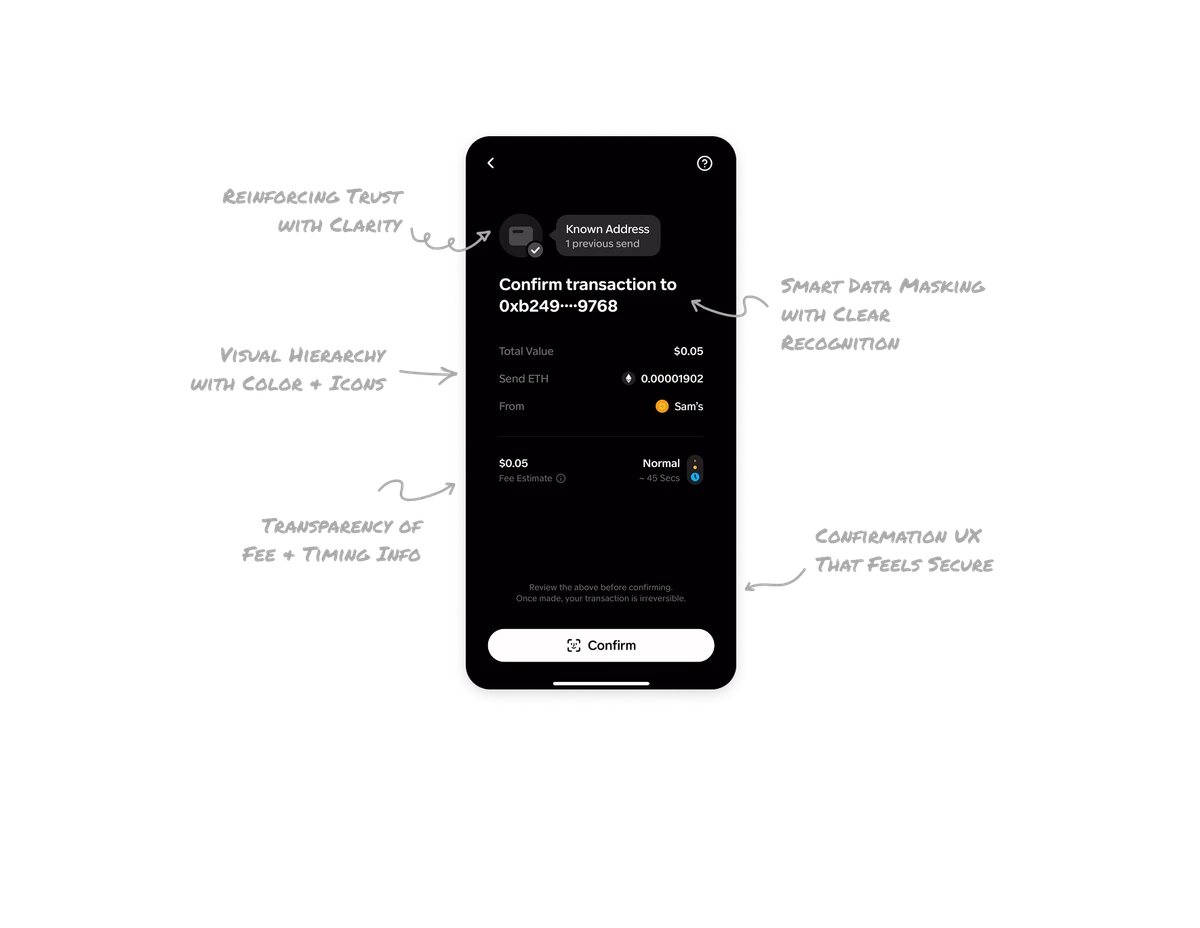
Climate Control Settings

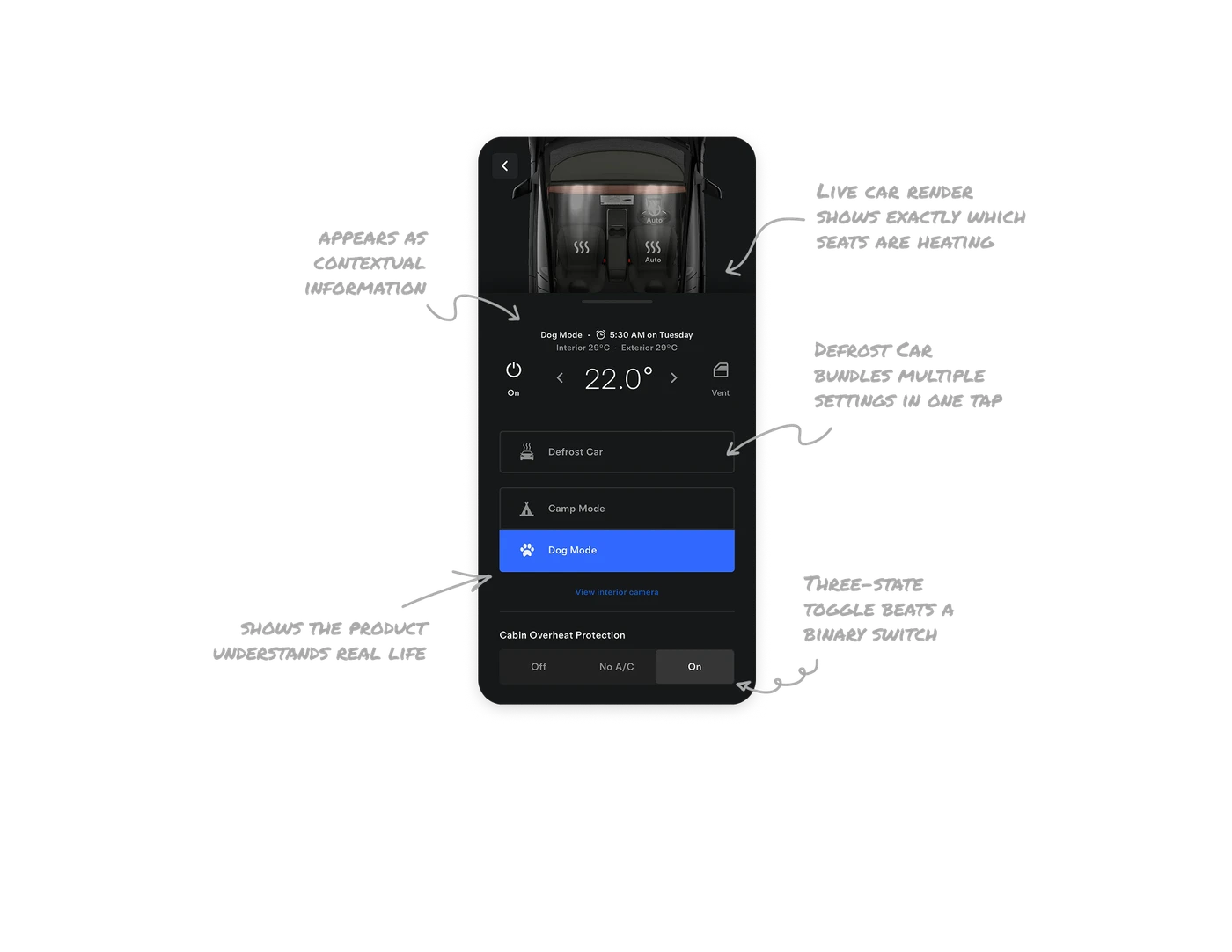
Live car render shows exactly which seats are heating
The top illustration renders the user's actual car from above with animated heat waves on the seats that are currently warming. Users see the state of their car at a glance without reading any labels. Real-world match at this fidelity, showing the specific car with live active zones, is far more effective than any toggle grid. The visual does the entire status communication job.
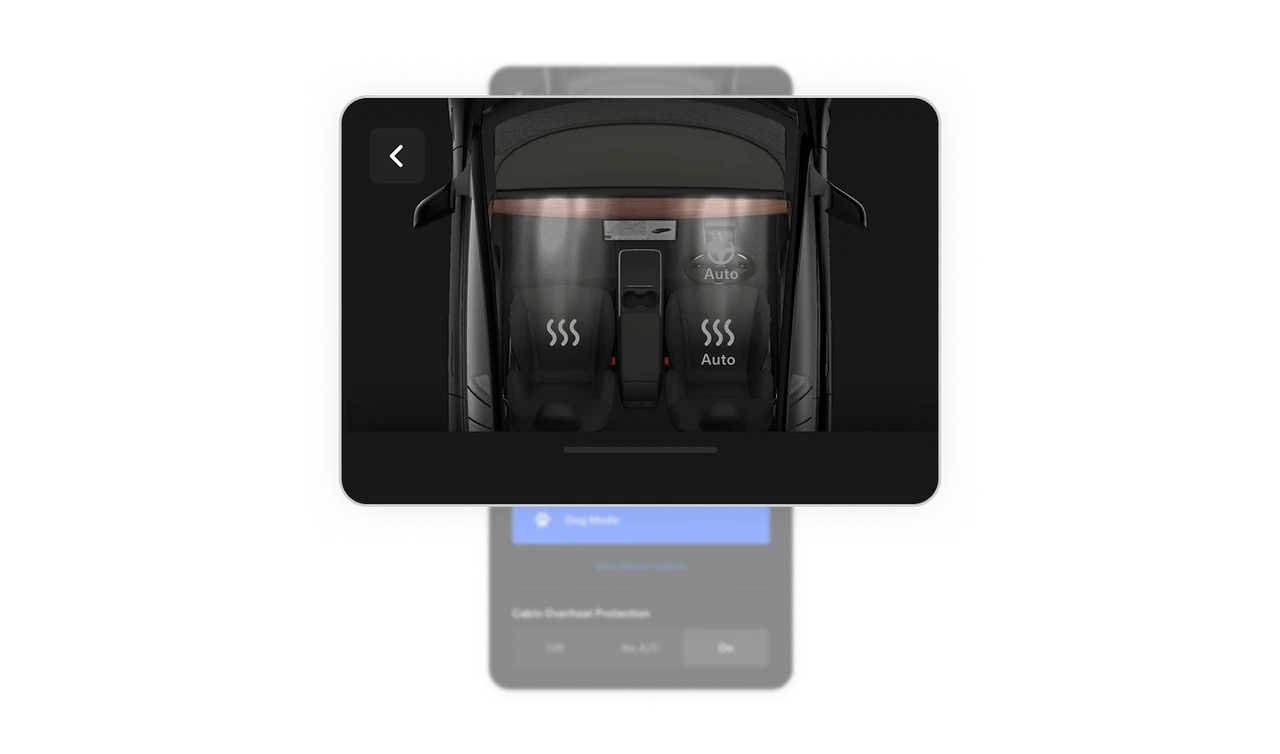
Defrost Car bundles multiple settings behind one tap
Defrosting a windshield normally requires knowing the right temperature, fan speed, and vent direction. Tesla compresses all of it into one button labeled Defrost Car. Users do not need to understand HVAC mechanics, they just tap the outcome they want. This pattern of hiding technical configuration behind a plain-language goal is the most powerful accessibility tool any control panel can offer.
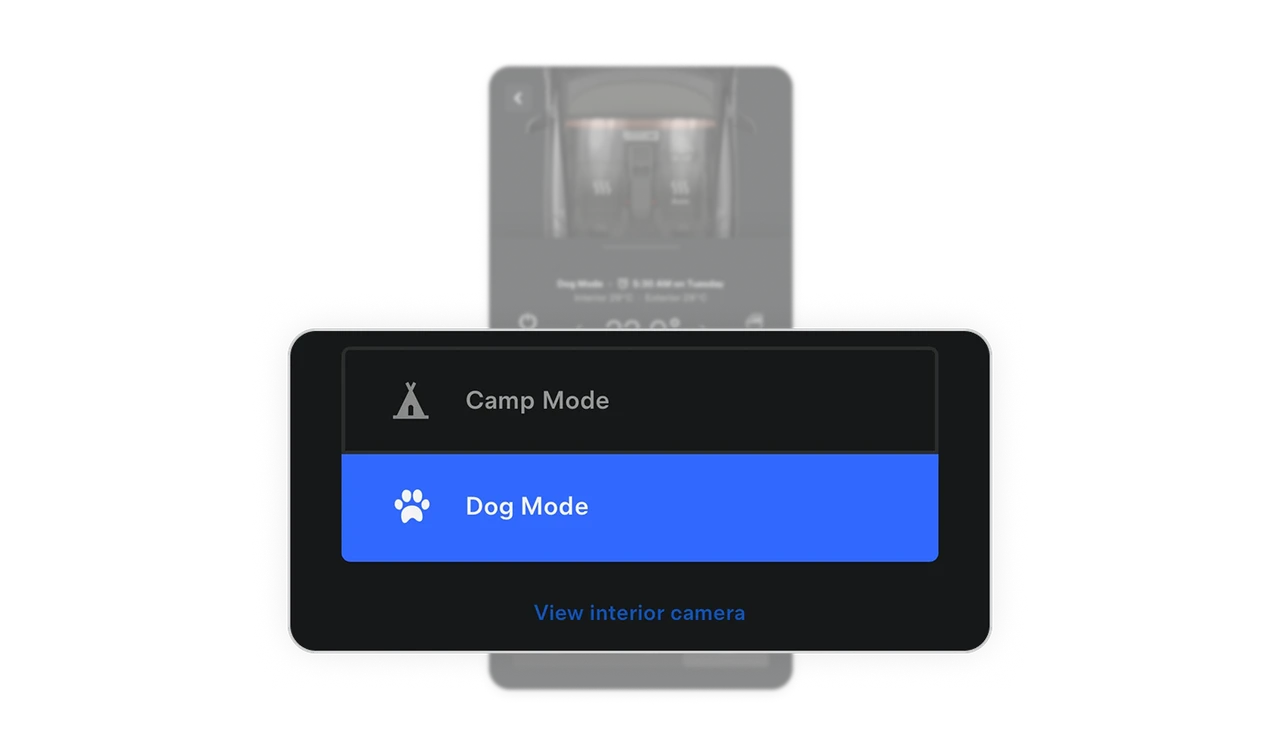
Dog Mode shows the product team understands real life
Camp Mode and Dog Mode exist because Tesla designers recognized actual user situations that a standard climate UI would ignore. View Interior Camera next to Dog Mode lets owners check on their pet remotely. Features built from empathy with specific real-world scenarios create deeper emotional connection than any generic "feature" ever could. This is contextual design that earns lifelong users.
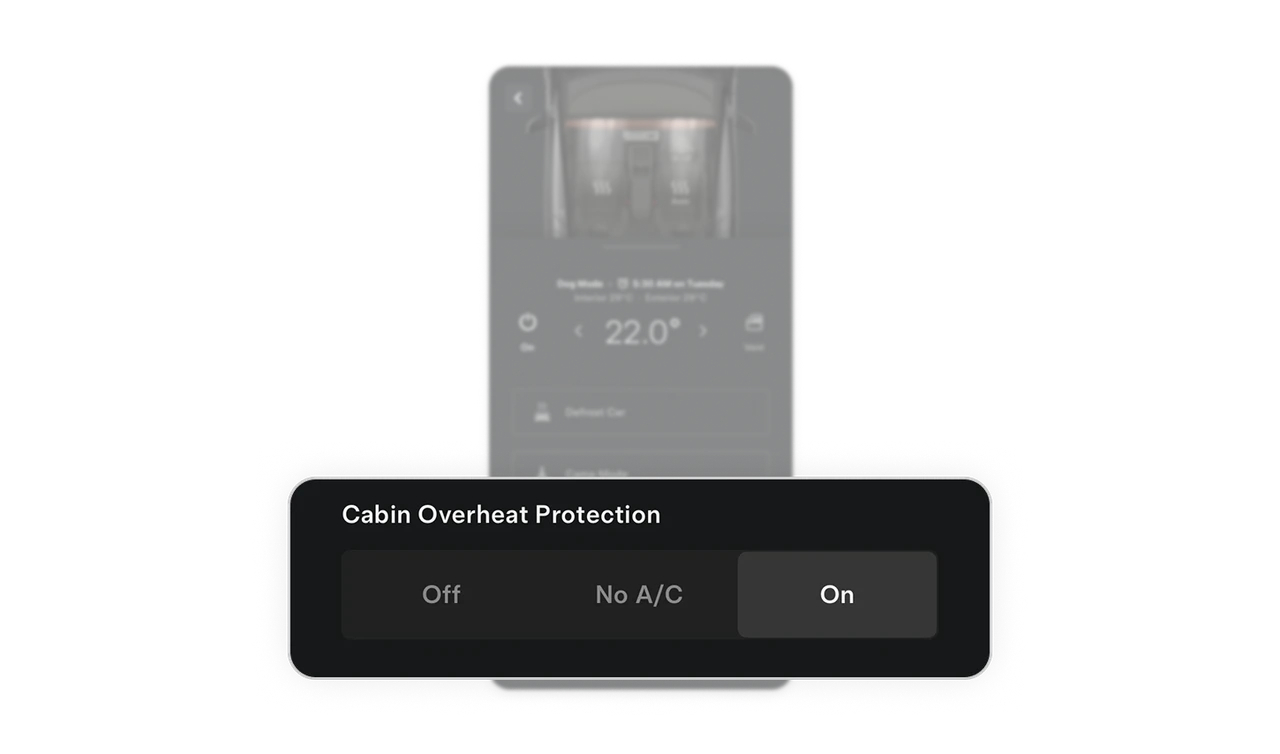
Three-state toggle beats a binary on-off switch
Cabin Overheat Protection offers Off, No A/C, and On instead of just Off and On. The middle option lets users protect the car from heat without draining the battery. This nuance shows the team thought about the tradeoff between comfort and range. Adding a third state to a binary control is a small decision that acknowledges real user constraints and prevents forced all-or-nothing choices.
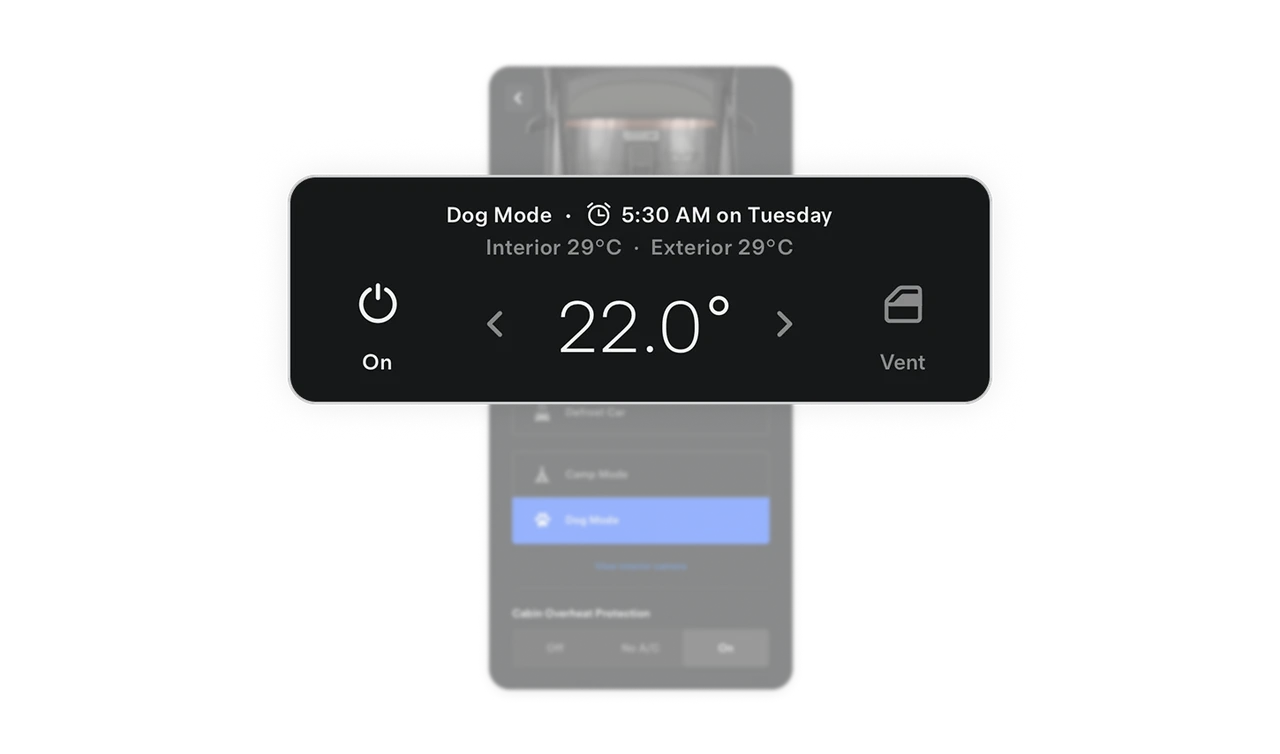
Scheduled climate preheat appears as contextual information
"Dog Mode - 5:30 AM on Tuesday" sits quietly beneath the current temperature. Users see their active mode and the next scheduled climate event in one compact line. This pattern of showing both current state and upcoming change side by side gives users full situational awareness without a separate schedule screen. Scheduling becomes transparent rather than hidden behind a settings menu.
Similar Breakdown Lessons