Contractor Dashboard

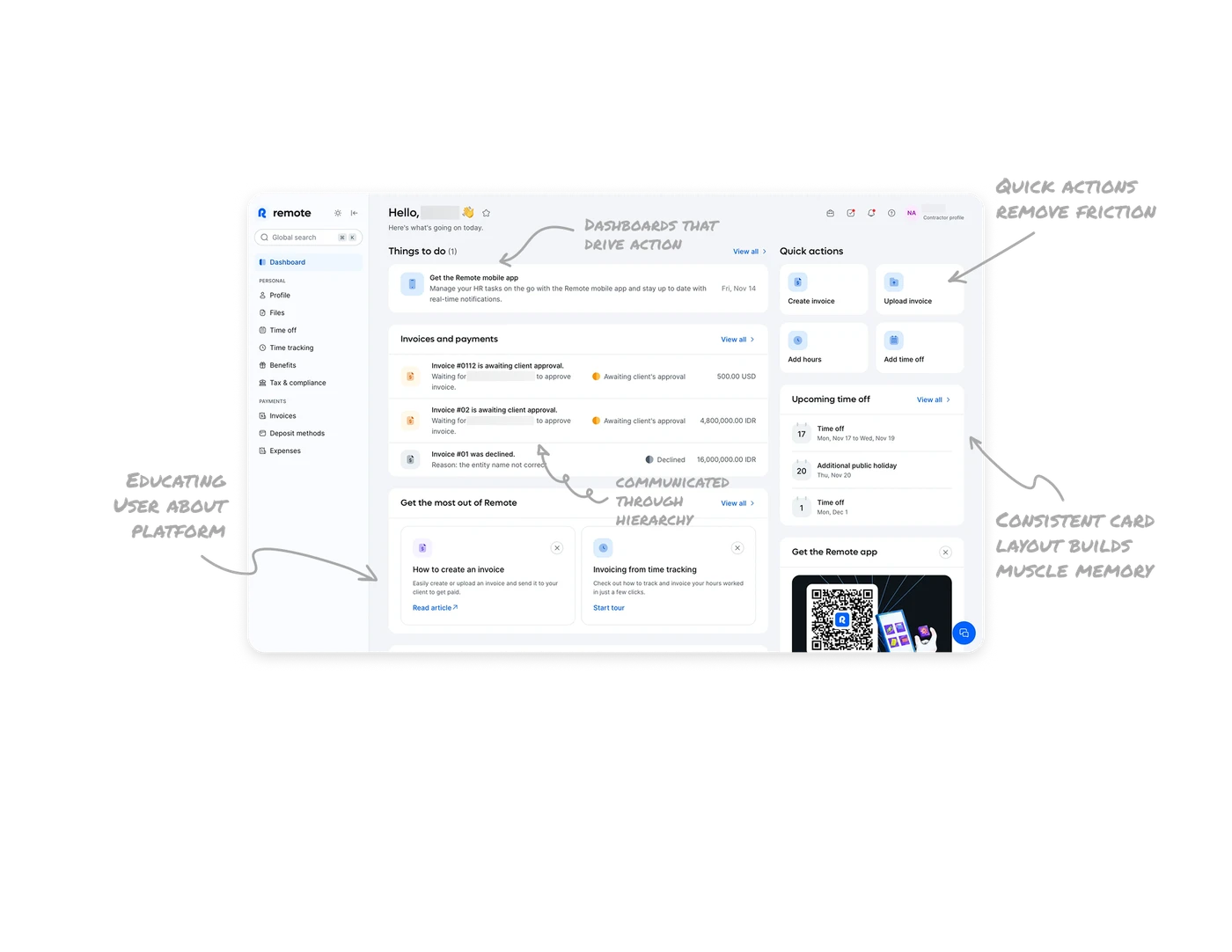
Dashboards should drive action, not just show data
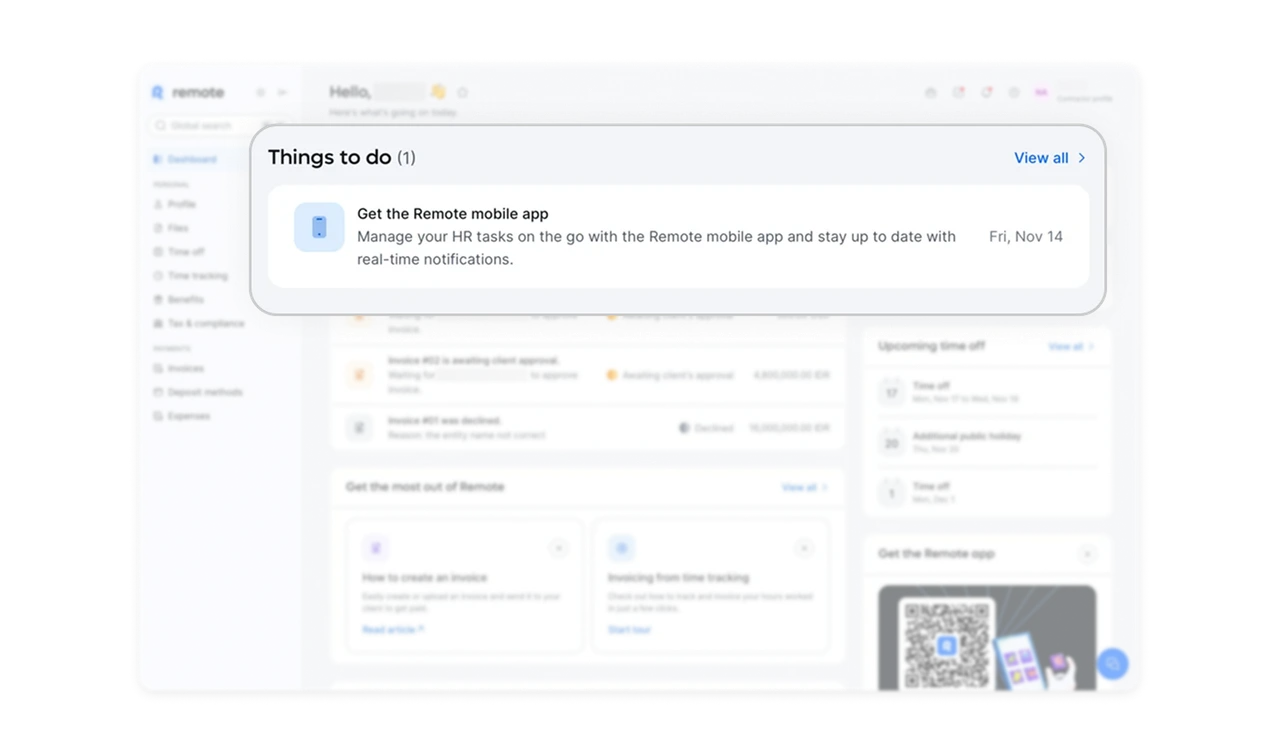
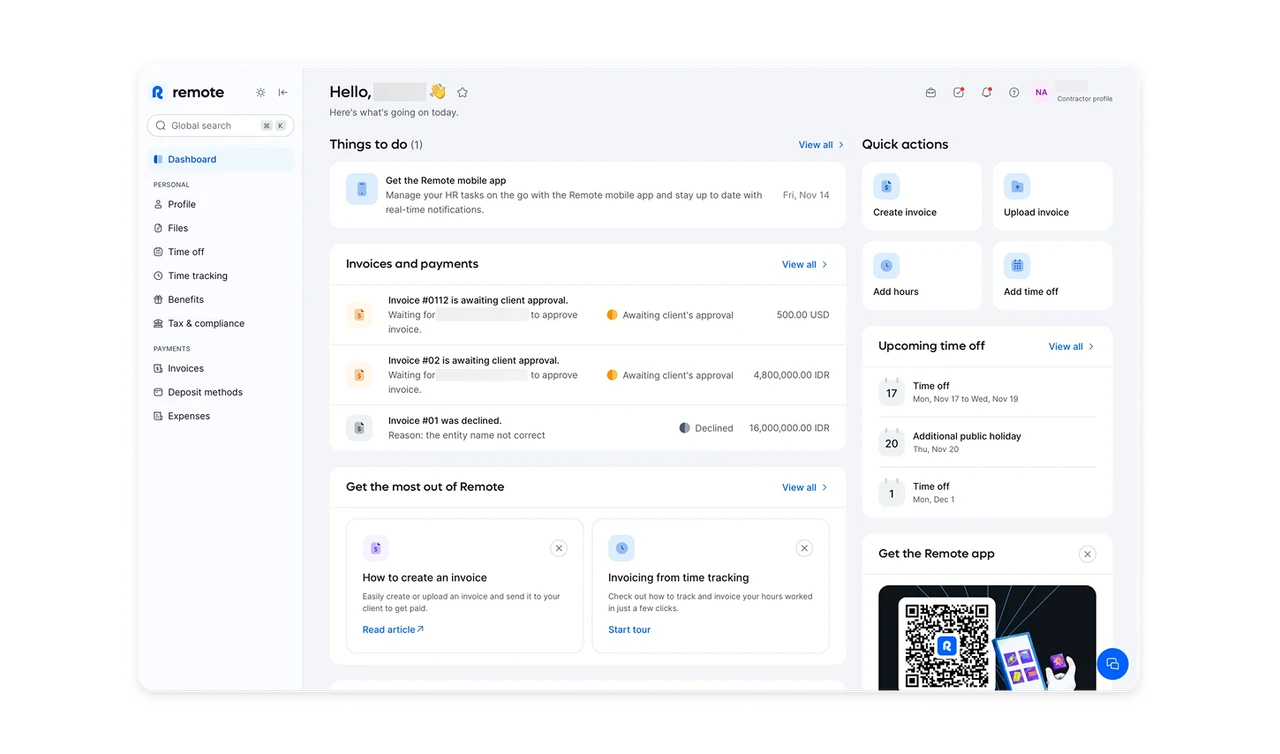
The Things to do section sits at the very top and answers one question immediately: what should I act on right now? This keeps the dashboard outcome-focused and prevents users from scanning aimlessly before doing real work.
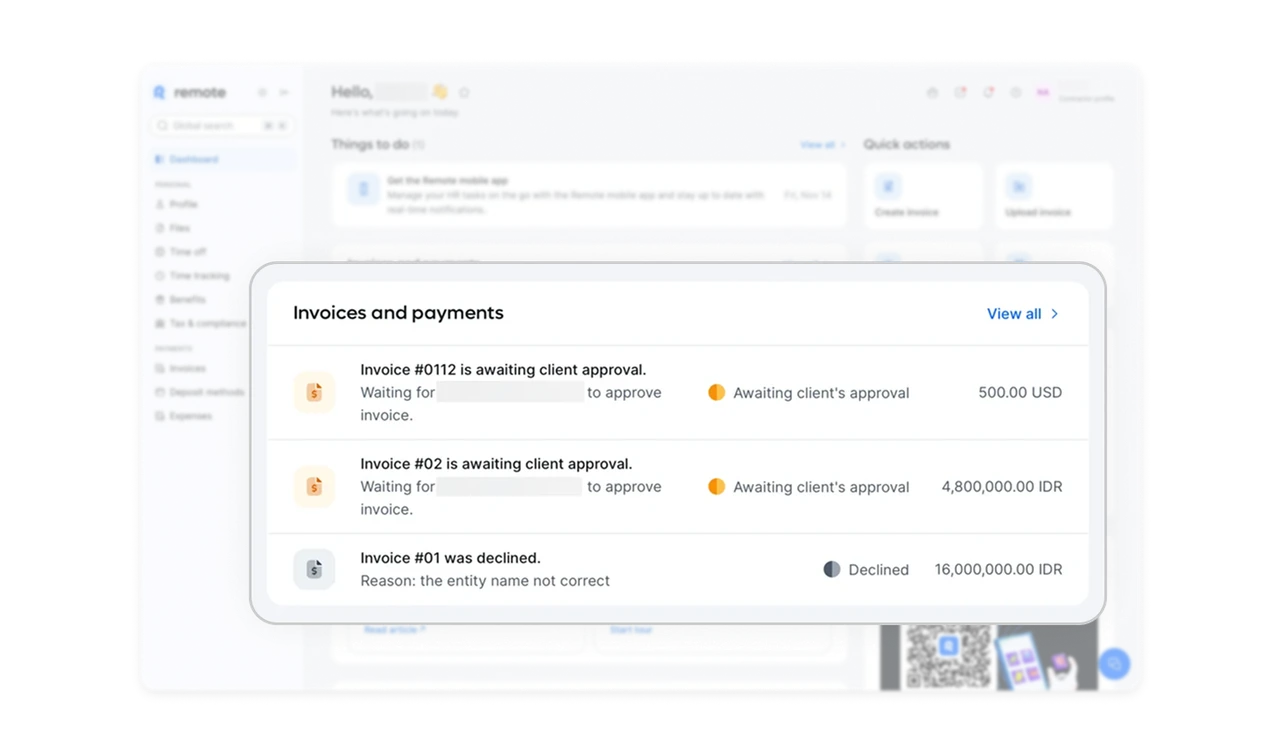
Financial status is communicated through hierarchy
The invoices and payments section limits itself to the most recent items and uses clear color signals for status like awaiting approval or declined. Amounts, status, and context are visually separated so users can scan without reading every line.
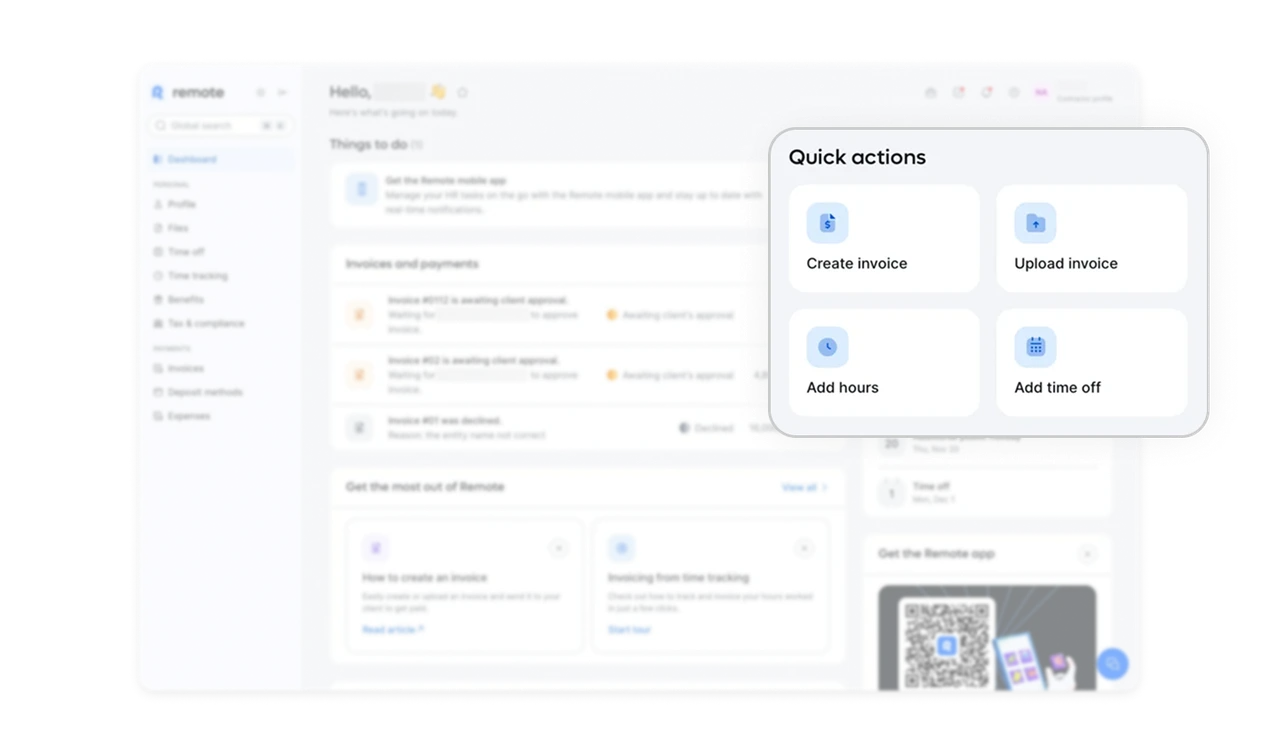
Quick actions remove friction at the moment of intent
Frequently used actions are grouped together with large click targets and clear icons. This reduces navigation depth and supports fast task completion.
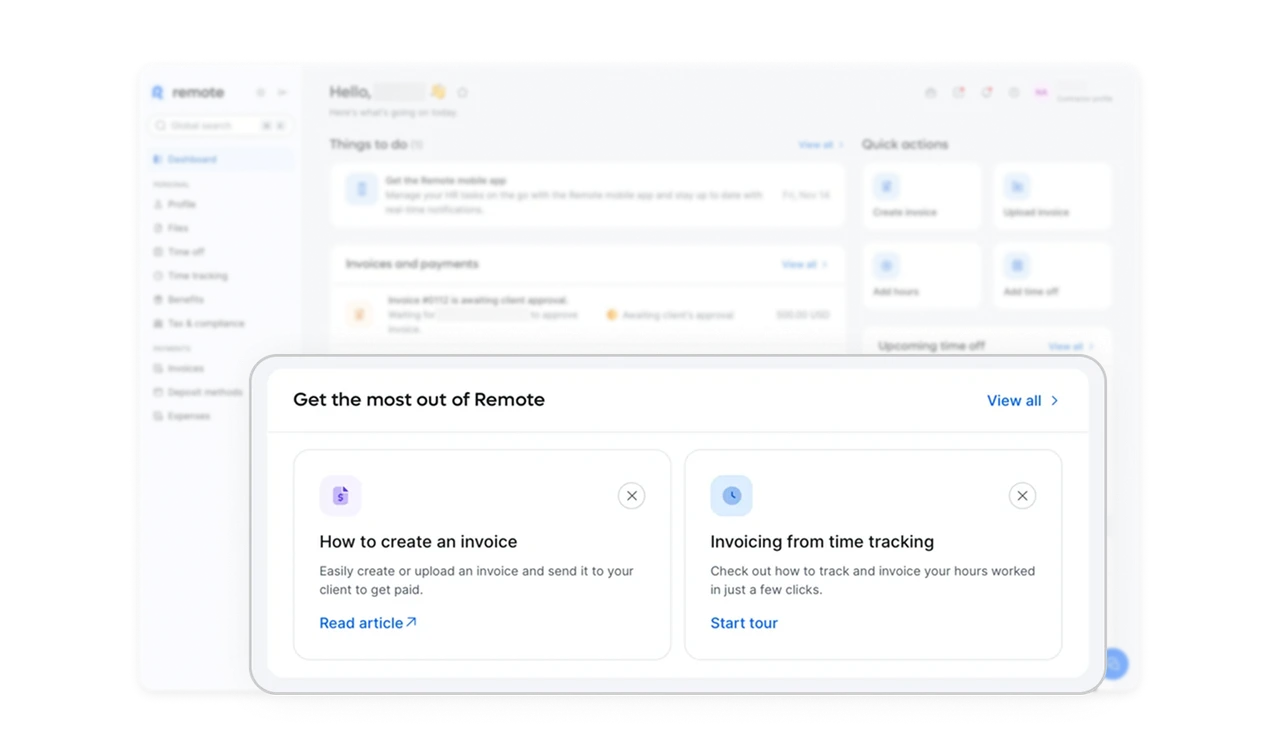
Education is deferred until after core information
The Get the most out of Remote section lives lower on the page, where it can guide users without interrupting critical workflows. This placement respects user priorities while still supporting onboarding and long-term retention.
Consistent card layout builds dashboard muscle memory
Each section owns a clear visual block with predictable spacing and alignment. Over time, users learn exactly where to look for payments, actions, or time off, reducing cognitive load and speeding up repeat usage.
Similar Breakdown Lessons