Dashboard Home

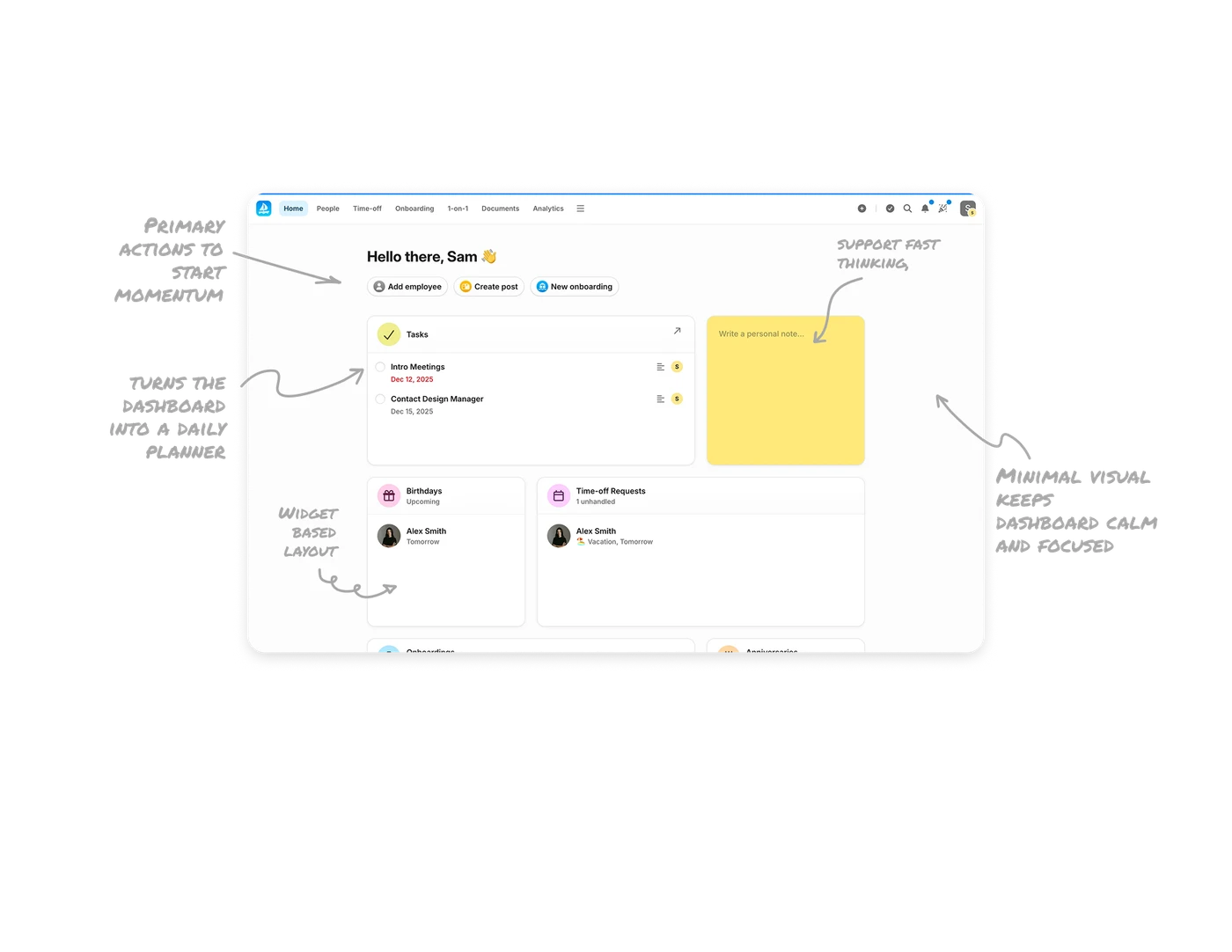
Primary actions are placed exactly where momentum starts
Right after the greeting, the dashboard surfaces the most common HR actions like adding employees, creating posts, and starting onboarding. This removes friction from daily workflows and helps users move straight into execution instead of navigation.
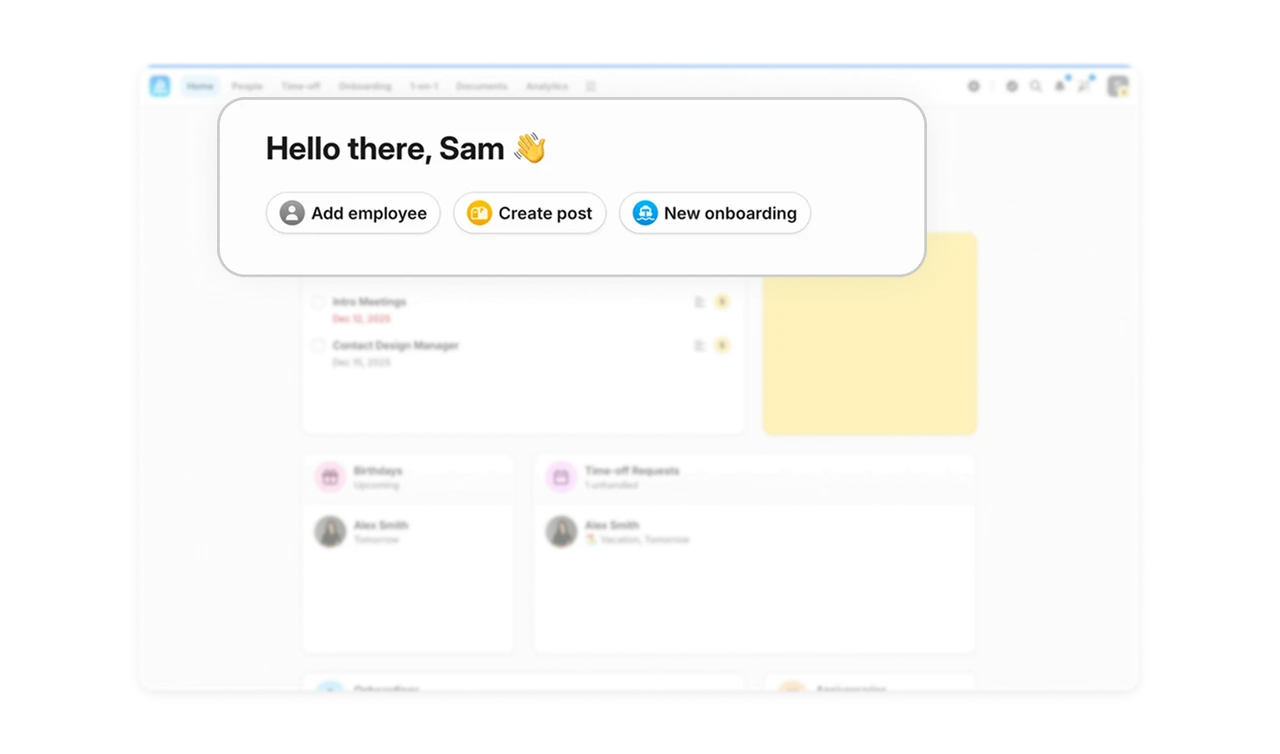
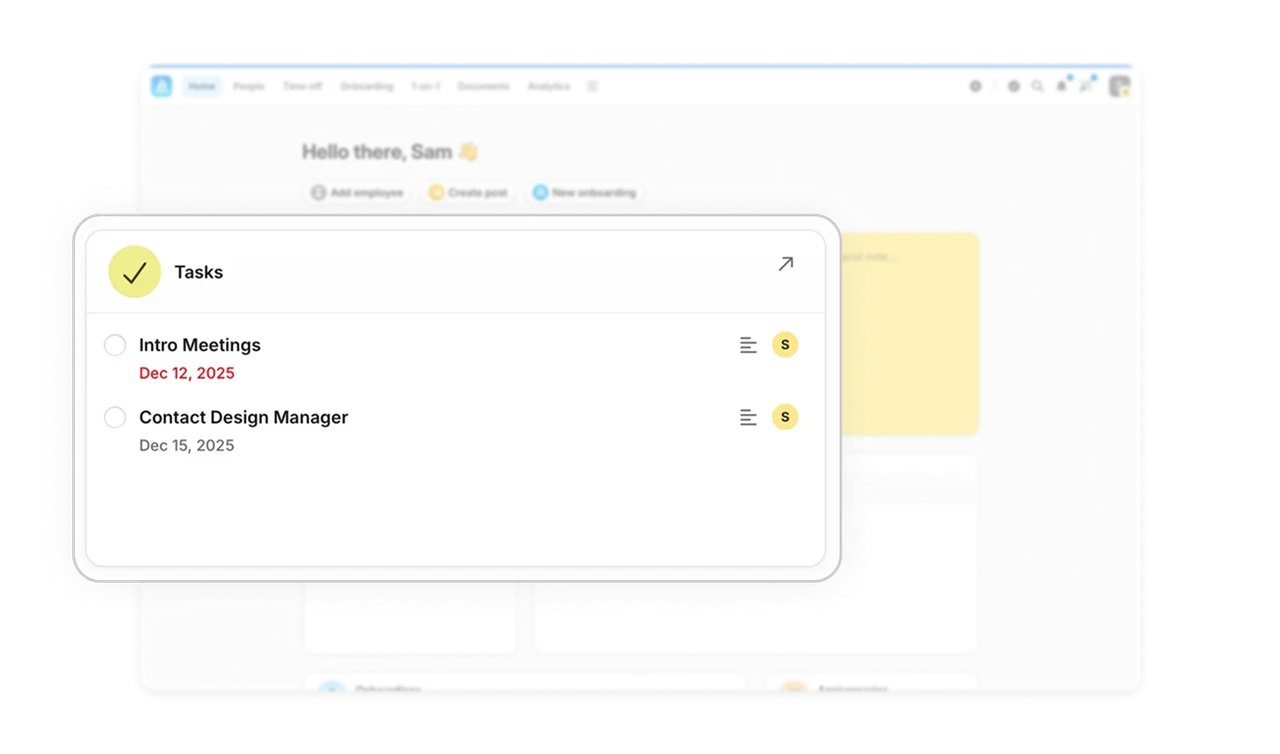
Tasks as the first card turns the dashboard into a daily planner
The task widget sits at the top of the layout and immediately answers what needs attention today. Due dates, status indicators, and completion controls make it feel like a lightweight task manager. This helps users mentally map their day in seconds.
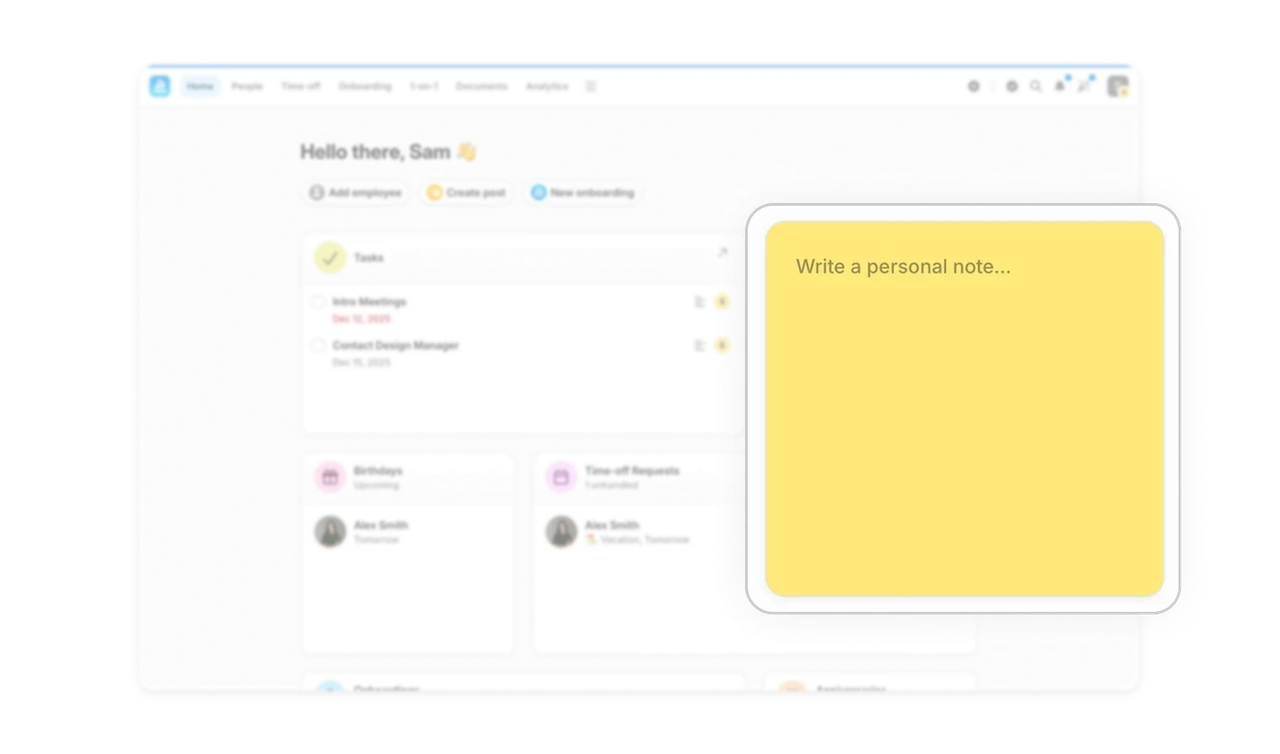
Built-in notes support fast thinking, not just record keeping
The personal note widget acts like a sticky note on your desk. It is always visible, always editable, and requires zero setup. This supports real work behavior. People think in fragments, reminders, and quick thoughts. The UI respects that.
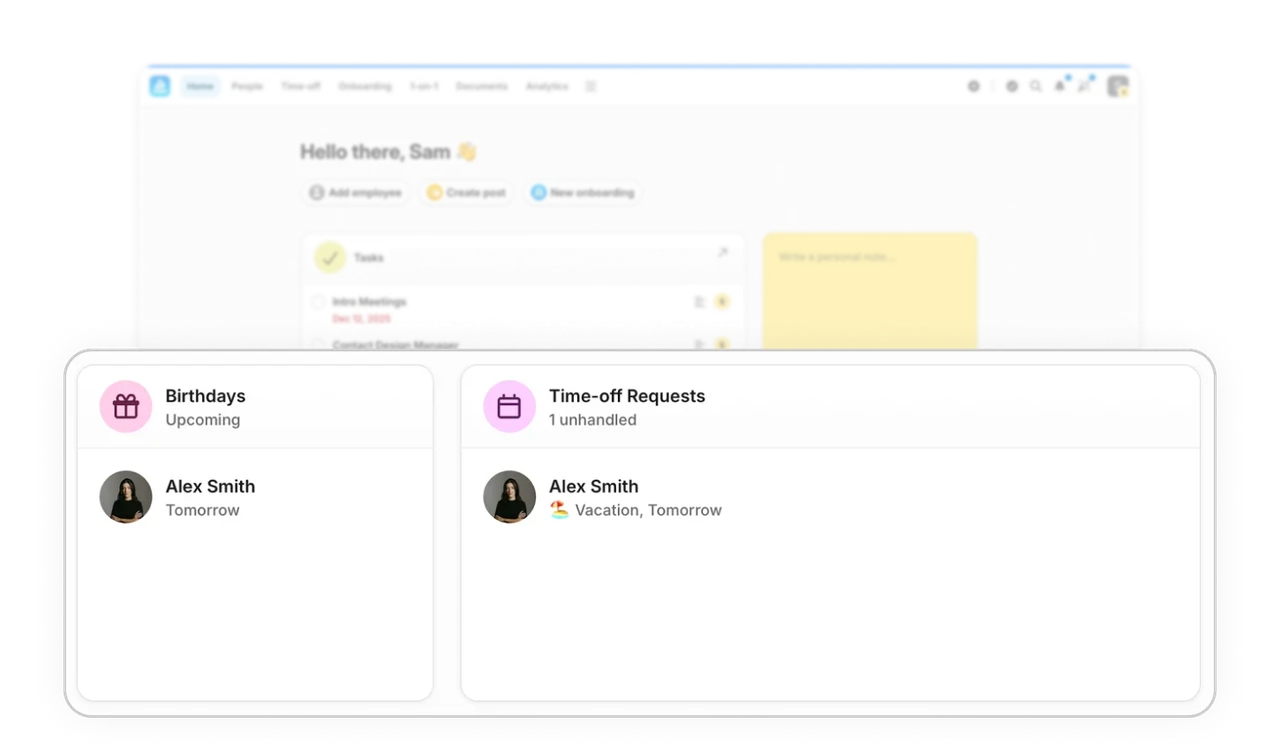
Widget-based layout creates clear information ownership
Each card is dedicated to a single purpose like tasks, birthdays, time-off. This creates predictable zones and makes scanning effortless. Users learn where to look for what, which builds speed and confidence over time.
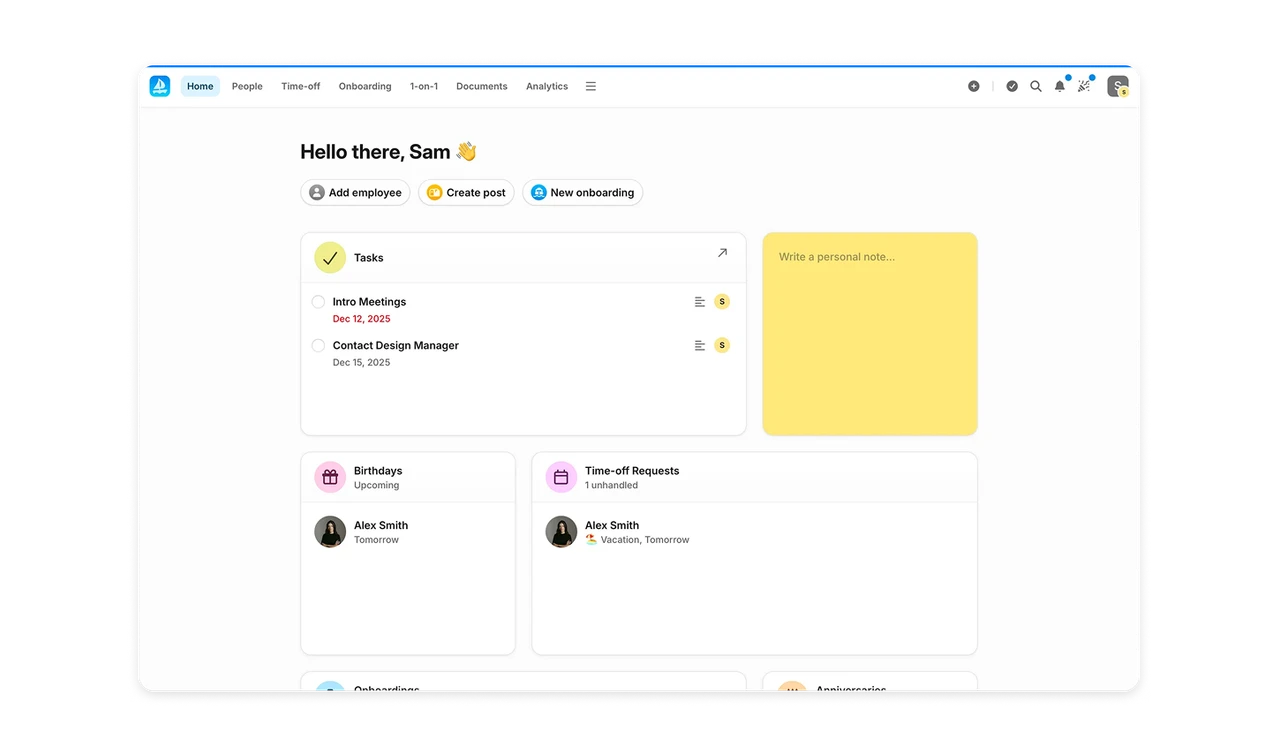
Minimal visual language keeps the dashboard calm and focused
Soft shadows, rounded cards, gentle color accents, and generous spacing keep the interface light and readable. Nothing competes for attention. The UI feels quiet, which is exactly what a productivity tool should feel like.
Similar Breakdown Lessons