Focus Dashboard

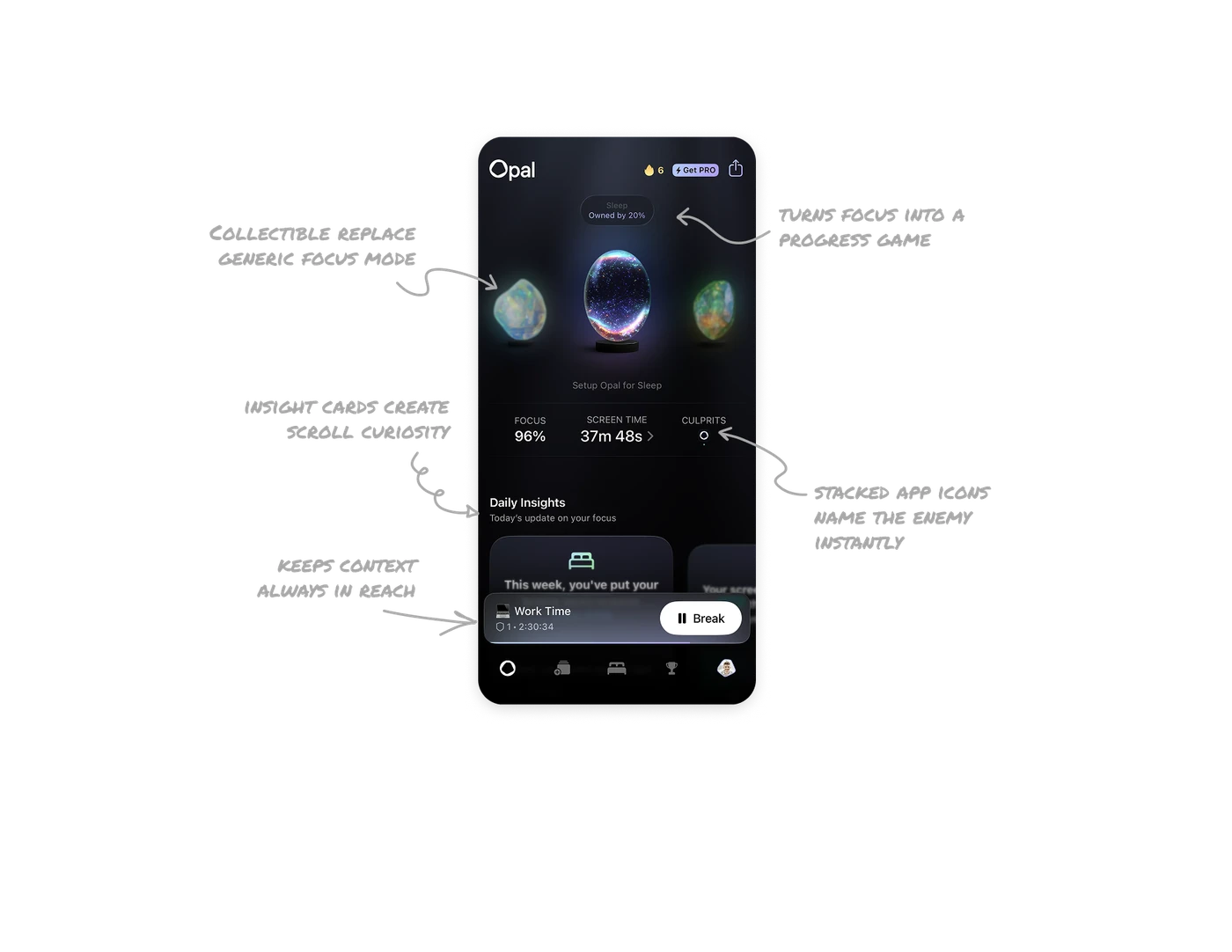
Collectible stones replace generic focus mode toggles
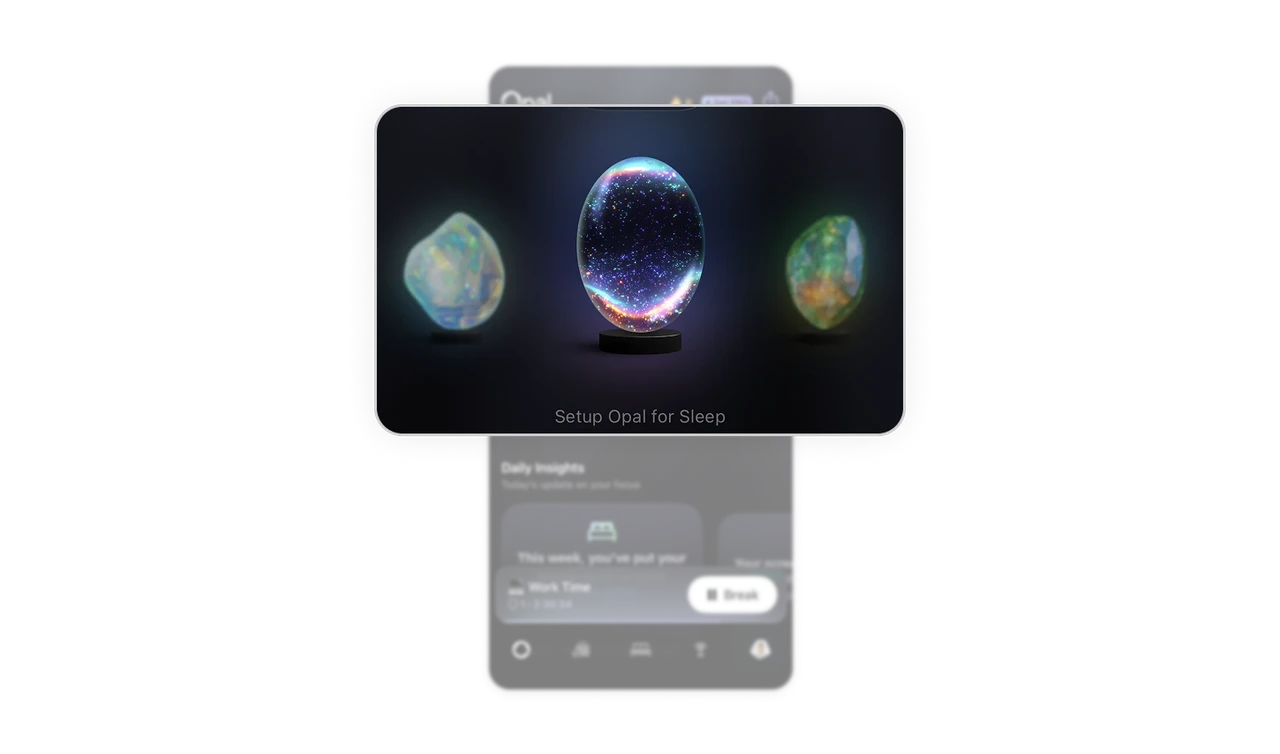
Each focus mode is a unique gemstone with its own visual identity. Users swipe between them like collectibles rather than picking from a dropdown of Sleep, Work, Study. The abstraction removes the chore feeling from productivity tools. Treating utility modes as objects you own and explore is a fundamentally different engagement model than treating them as settings.
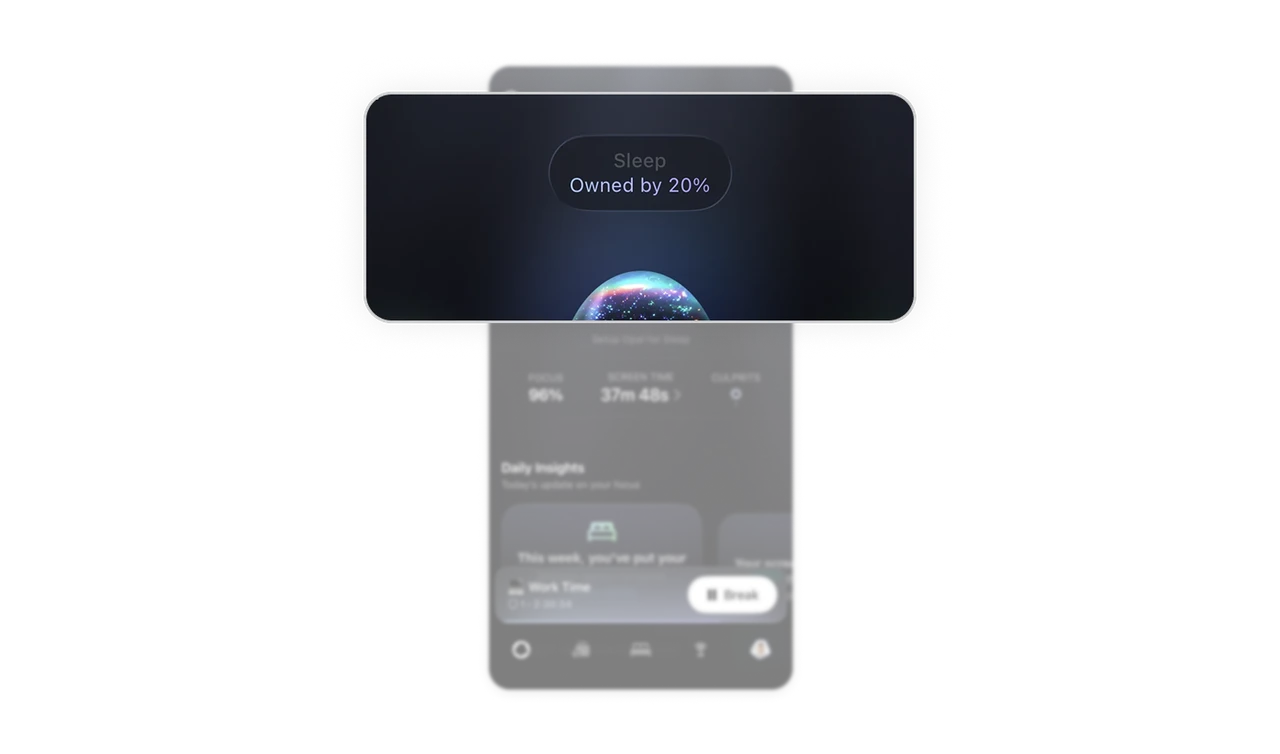
"Owned by 20%" turns focus into a progress game
The ownership percentage above the active stone gives users a concrete goal beyond "use the app." Focusing builds ownership. Ownership unlocks rarity. Rarity creates pride. This loop borrows from gaming mechanics but applies them to a behavior change product where traditional streaks and badges feel hollow. Progress framed as ownership is stickier than progress framed as streaks.
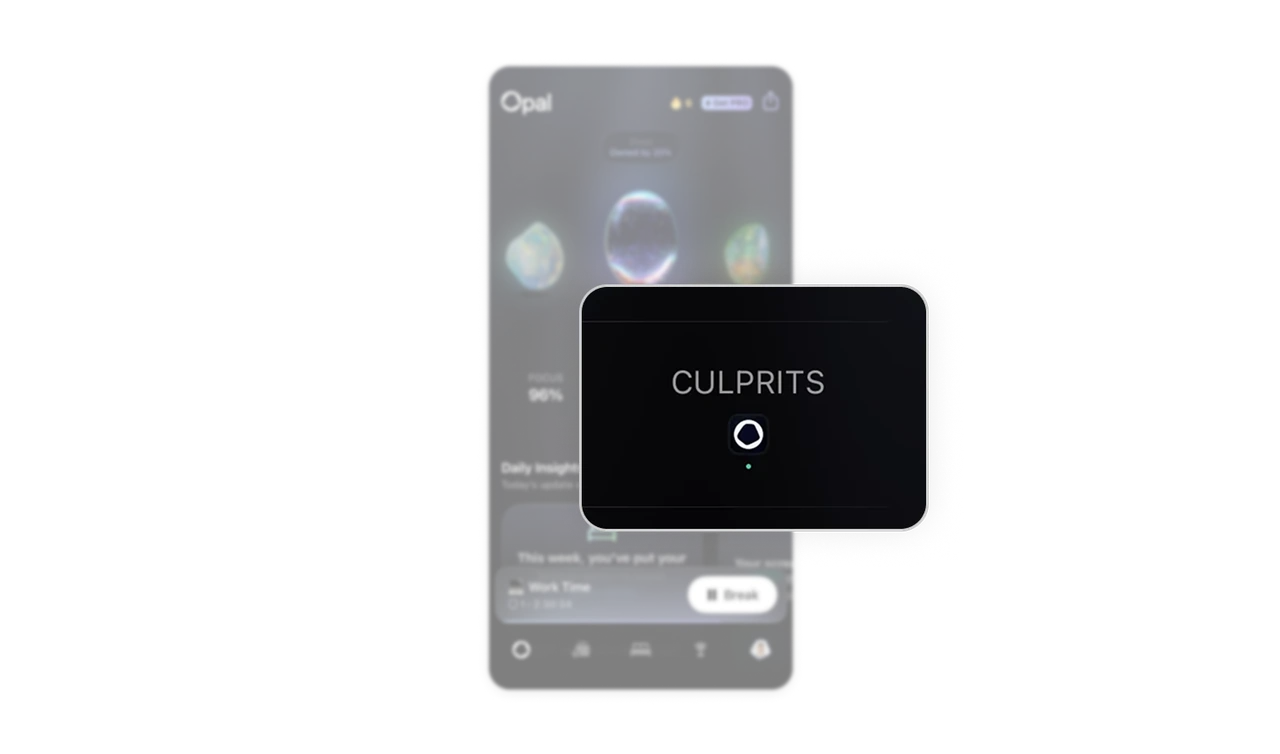
Culprits as stacked app icons name the enemy instantly
The Culprits KPI shows a small cluster of app icons rather than a number or list. Users recognize which apps are stealing their focus at a single glance, no labels needed. This is a small but advanced design decision: using brand logos as data points because users already know them better than any textual category. Recognition happens in milliseconds.
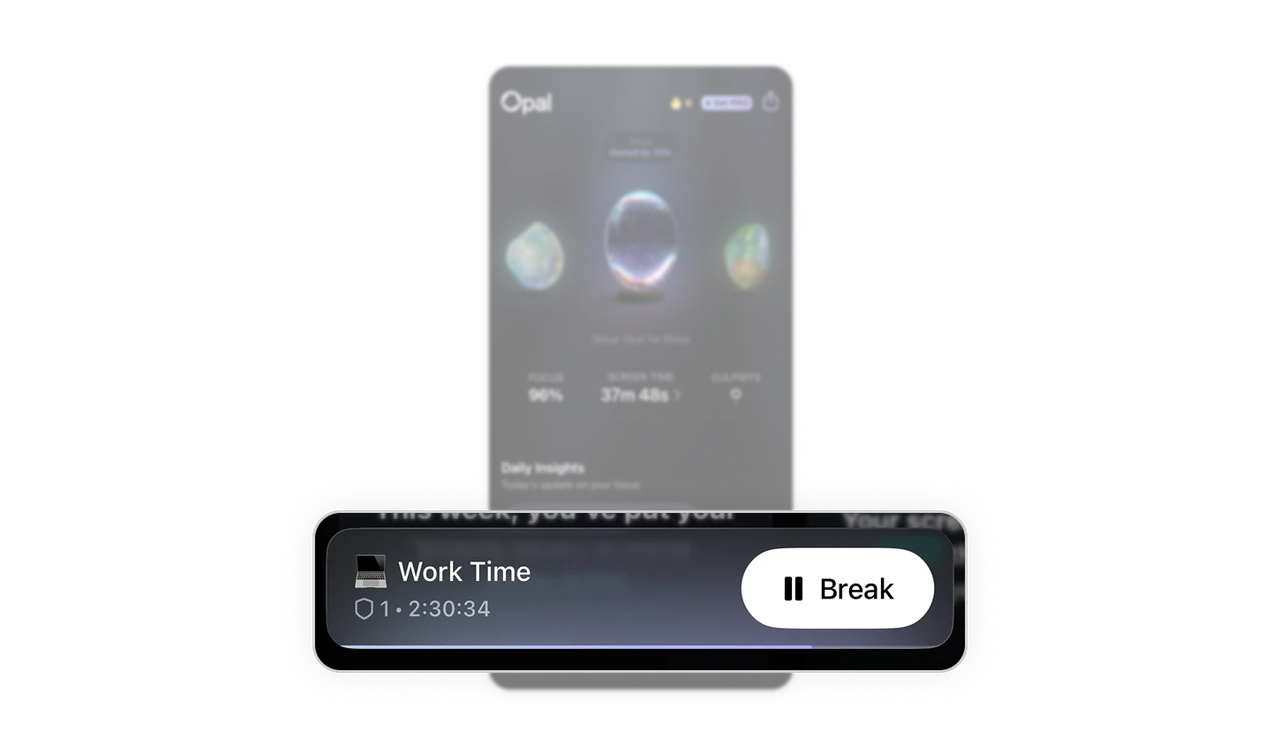
Persistent session bar keeps context always in reach
The Work Time bar at the bottom shows the current session, running timer, and a Break button. Users can take action on their active focus session from anywhere in the app without navigating. Persistent action bars in timer-based products are what separate tools that users abandon mid-task from tools that users trust to stay with them throughout the session.
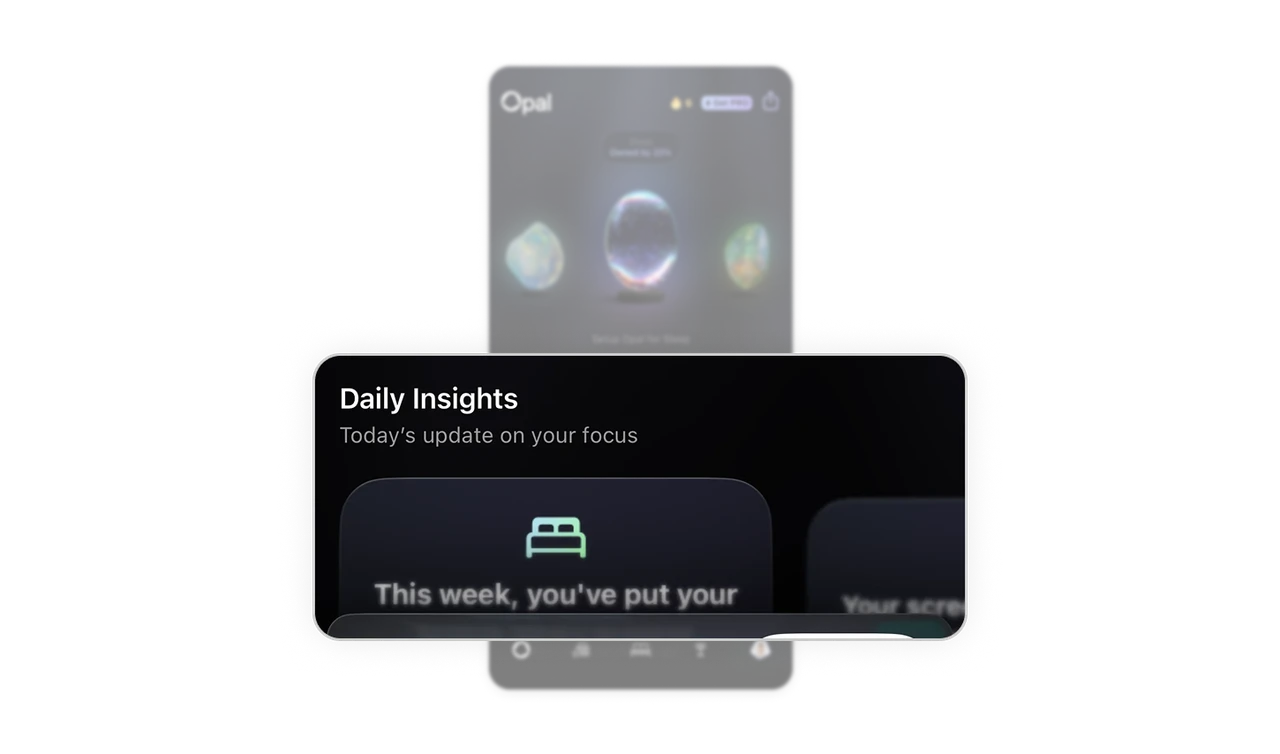
Partially visible insight cards create scroll curiosity
The Daily Insights cards peek from below the fold with text cut off mid-sentence. This is not an accident. Partial visibility signals "there is more here" and creates a gentle pull to scroll. Fully visible cards feel complete and let users leave. Cards cropped at the viewport edge are one of the most reliable ways to increase scroll depth without any explicit "see more" prompt.
Similar Breakdown Lessons