Help/Support

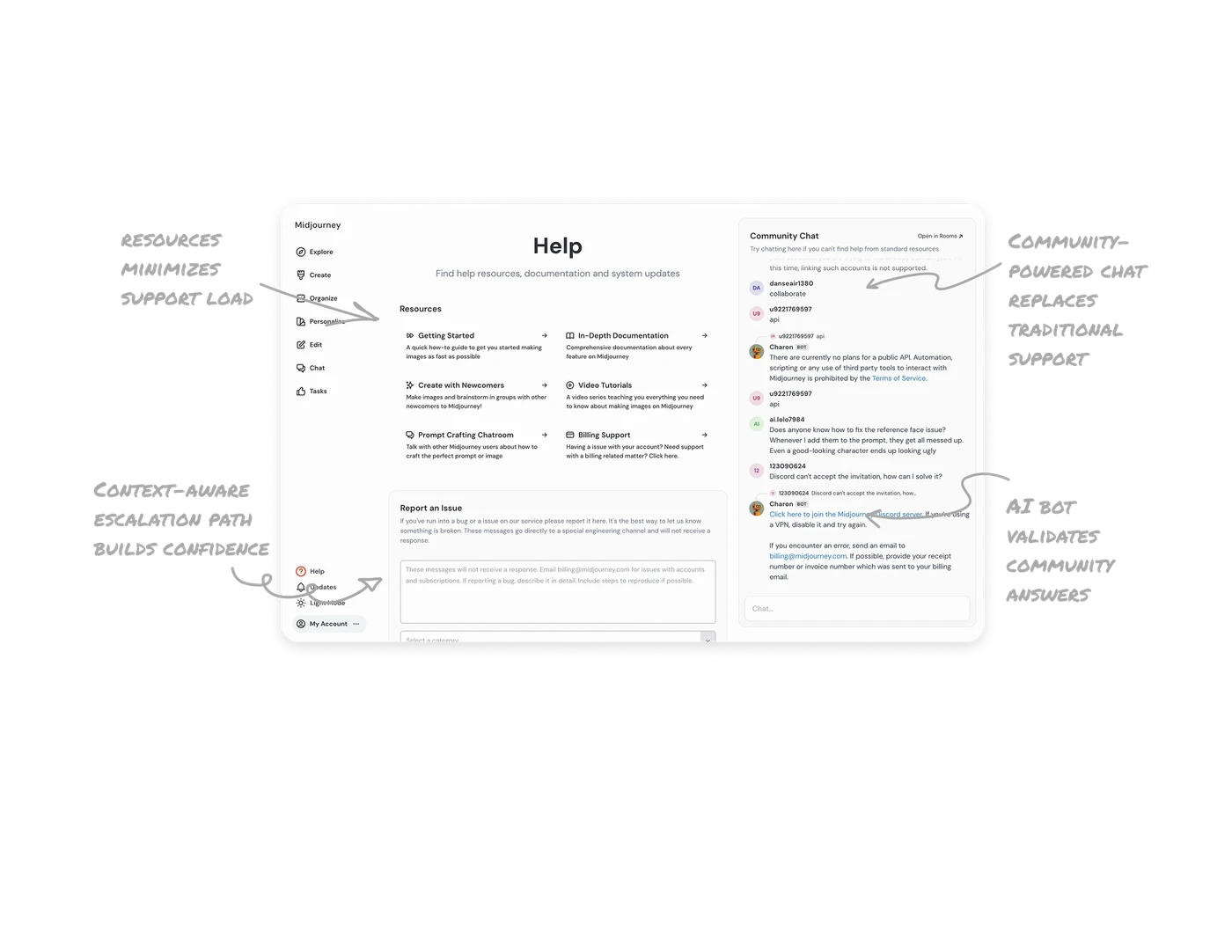
Clear resource hierarchy minimizes support load
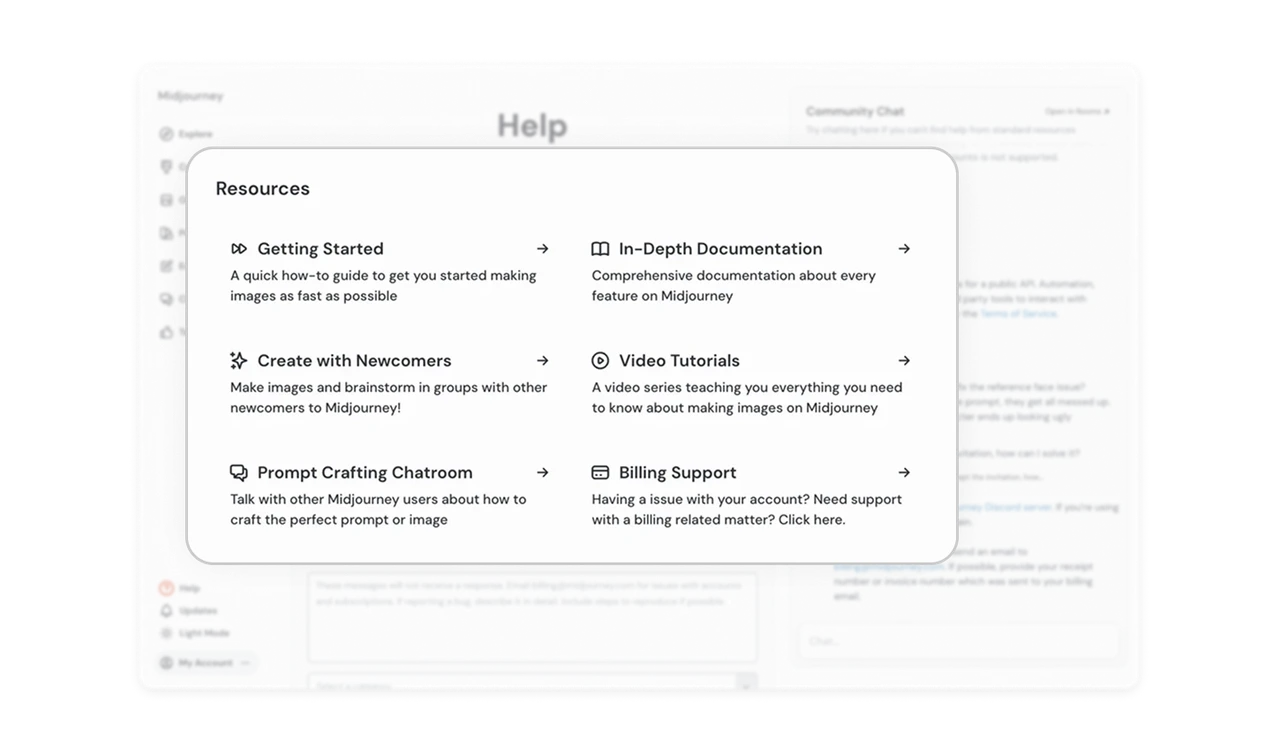
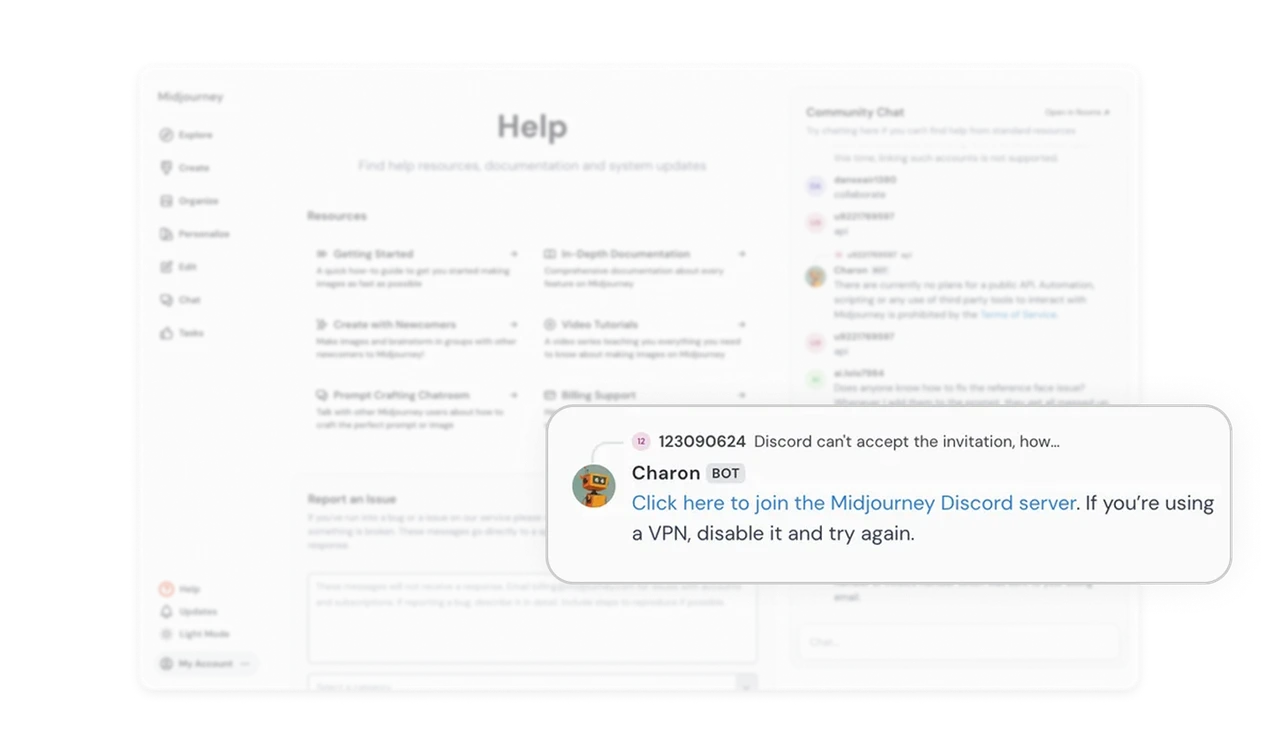
The Help page smartly organizes content into digestible resource cards, such as “Getting Started” and “Billing Support.” This clear categorization enables users to self-solve without requiring human assistance, thereby reducing their dependency on live agents.
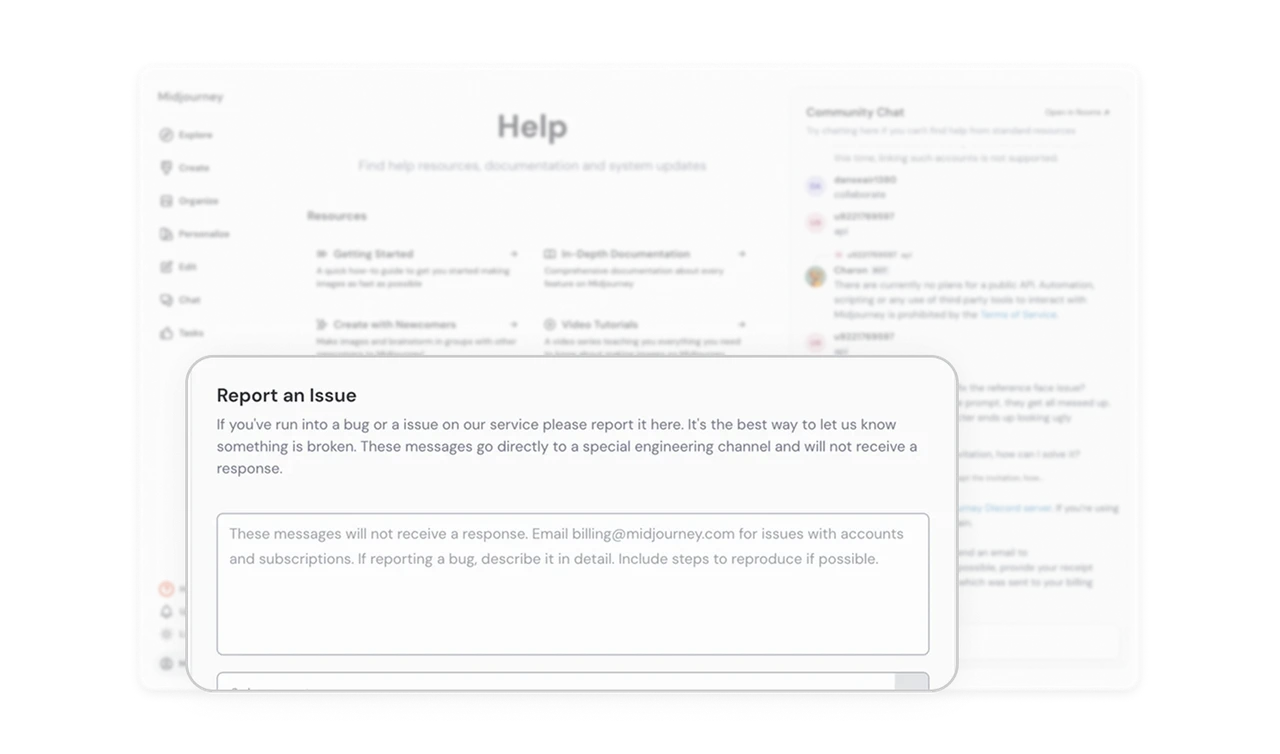
Context-aware escalation path builds confidence
Positioning the “Report an Issue” form right below resources creates a natural escalation flow. It ensures users explore existing help materials first, then move to reporting only if unresolved, optimizing support efficiency.
Community-powered chat replaces traditional support
Instead of relying on costly support staff, Midjourney integrates a community chat. Users can share questions and receive peer responses, creating a self-sustaining ecosystem of shared learning.
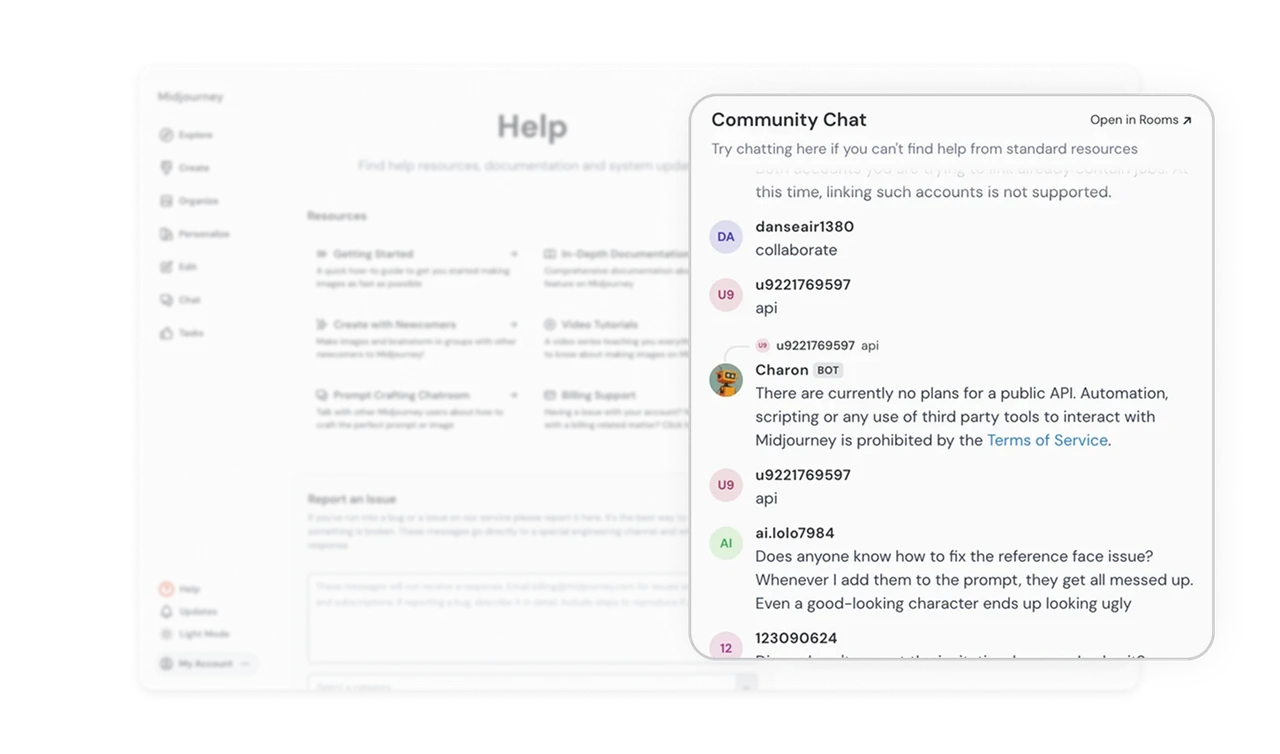
AI bot validates community answers
The Charon bot interjects with verified responses or corrections, striking a balance between automation and human collaboration. This design builds trust while maintaining accuracy and efficiency.
Similar Breakdown Lessons







