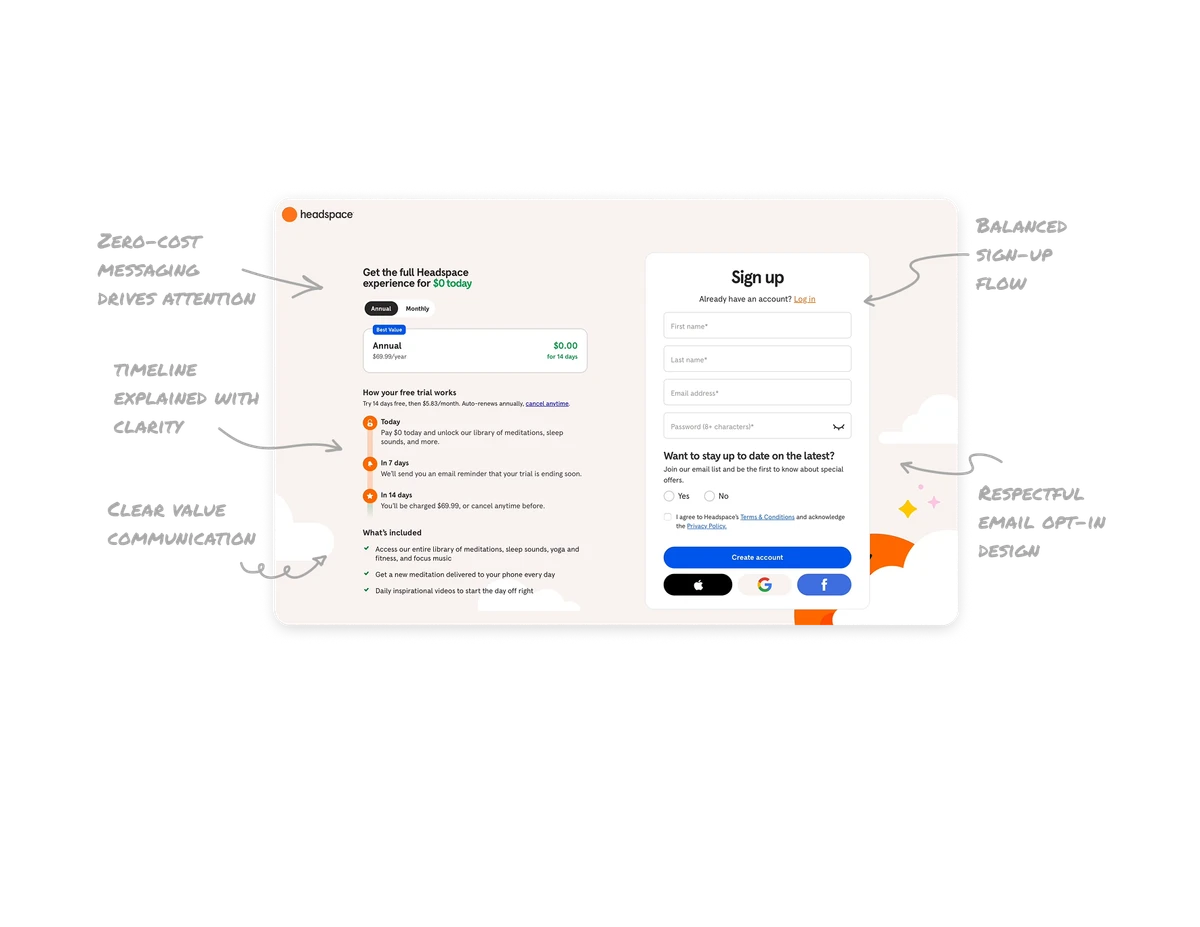
Marketing Landing Page

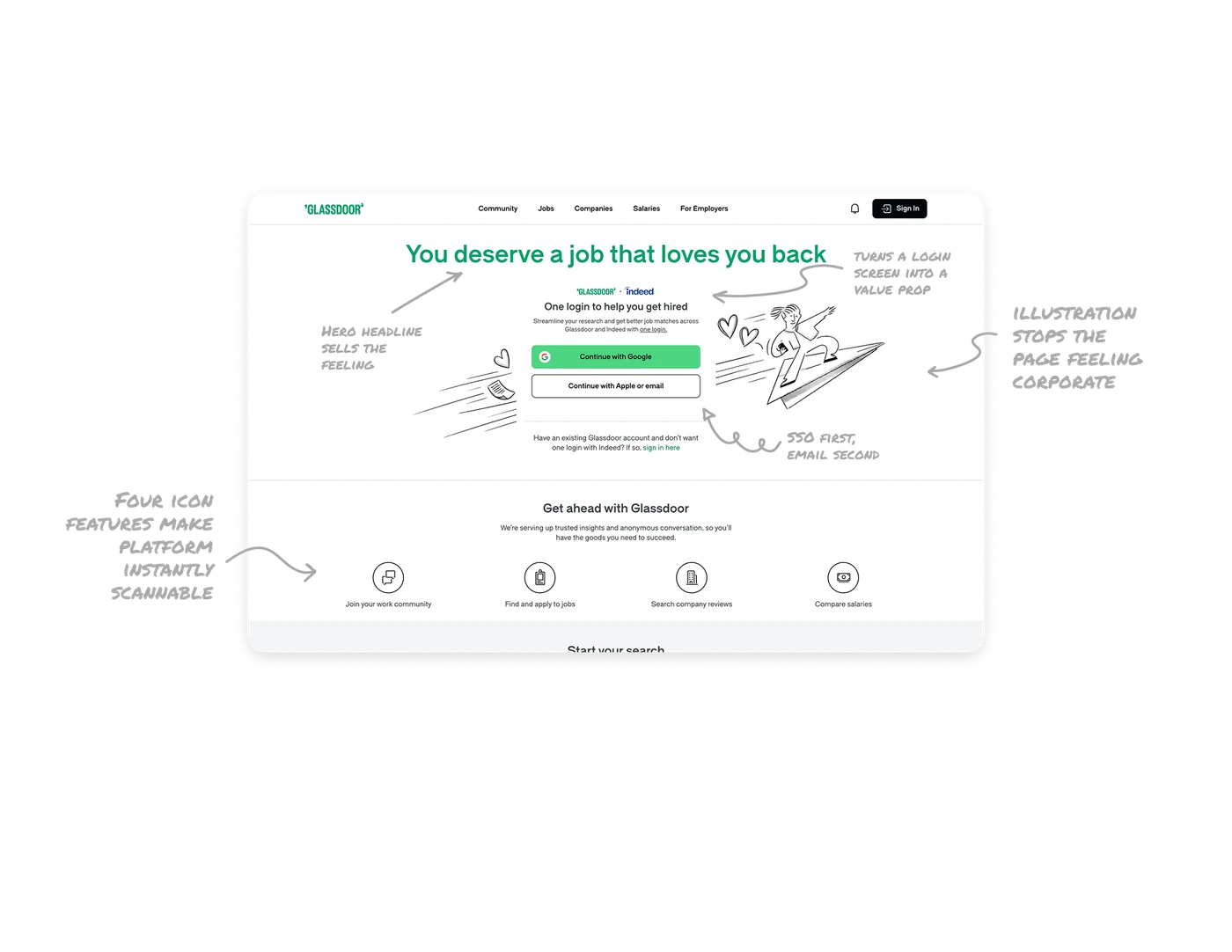
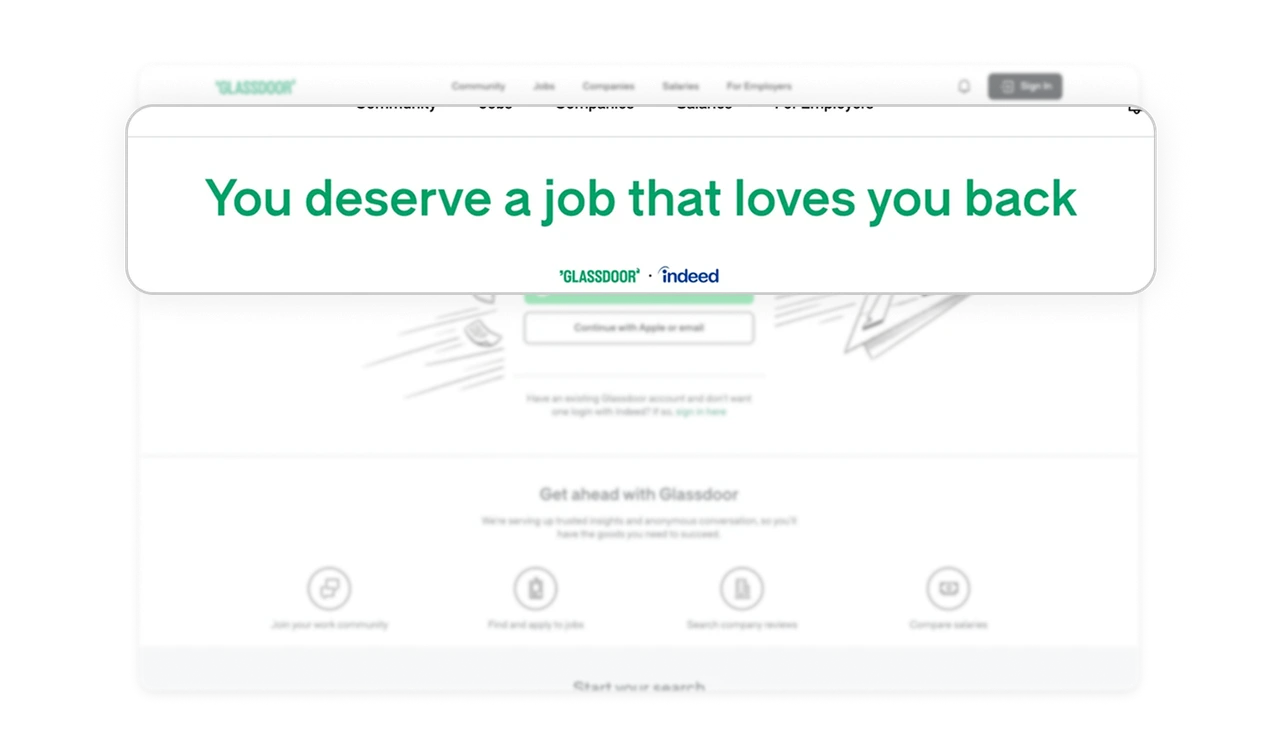
Hero headline sells the feeling, not the feature
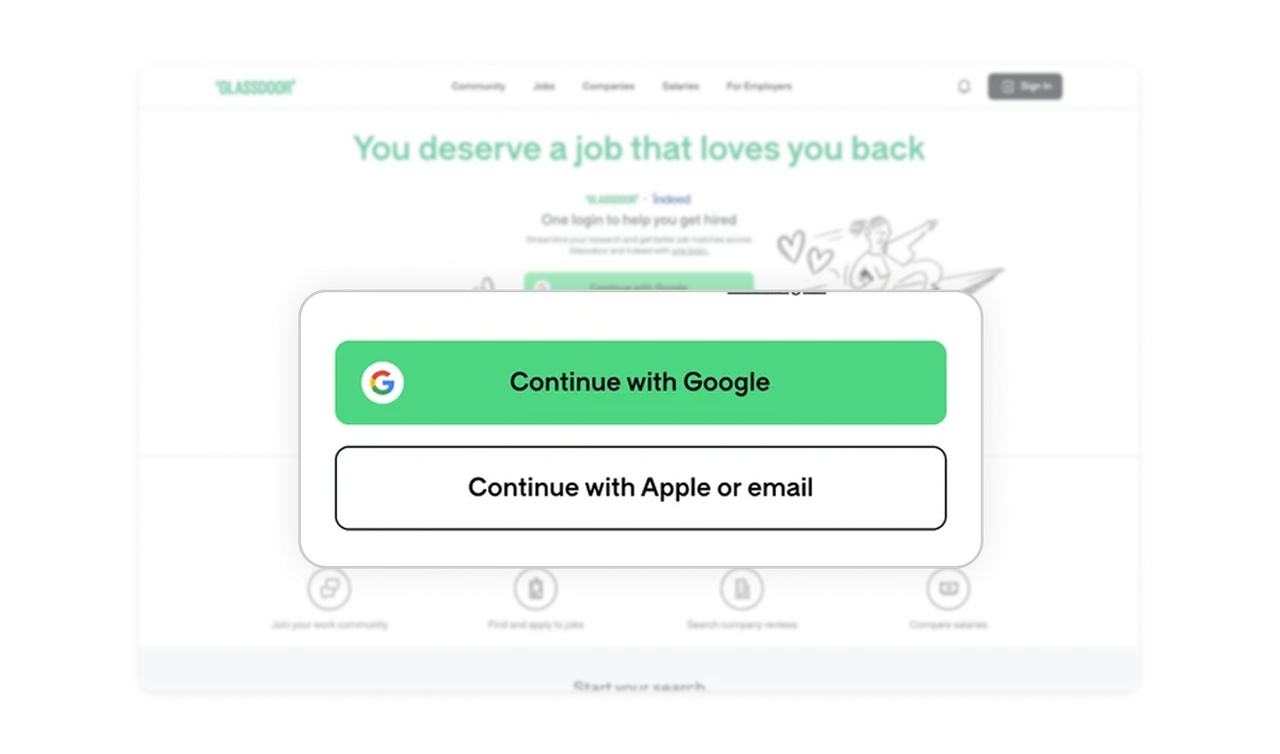
"You deserve a job that loves you back" says nothing about job listings, yet communicates everything about purpose. It speaks to the user's emotional reality before a single feature is explained. Landing pages that open with empathy convert better than those that open with product descriptions.
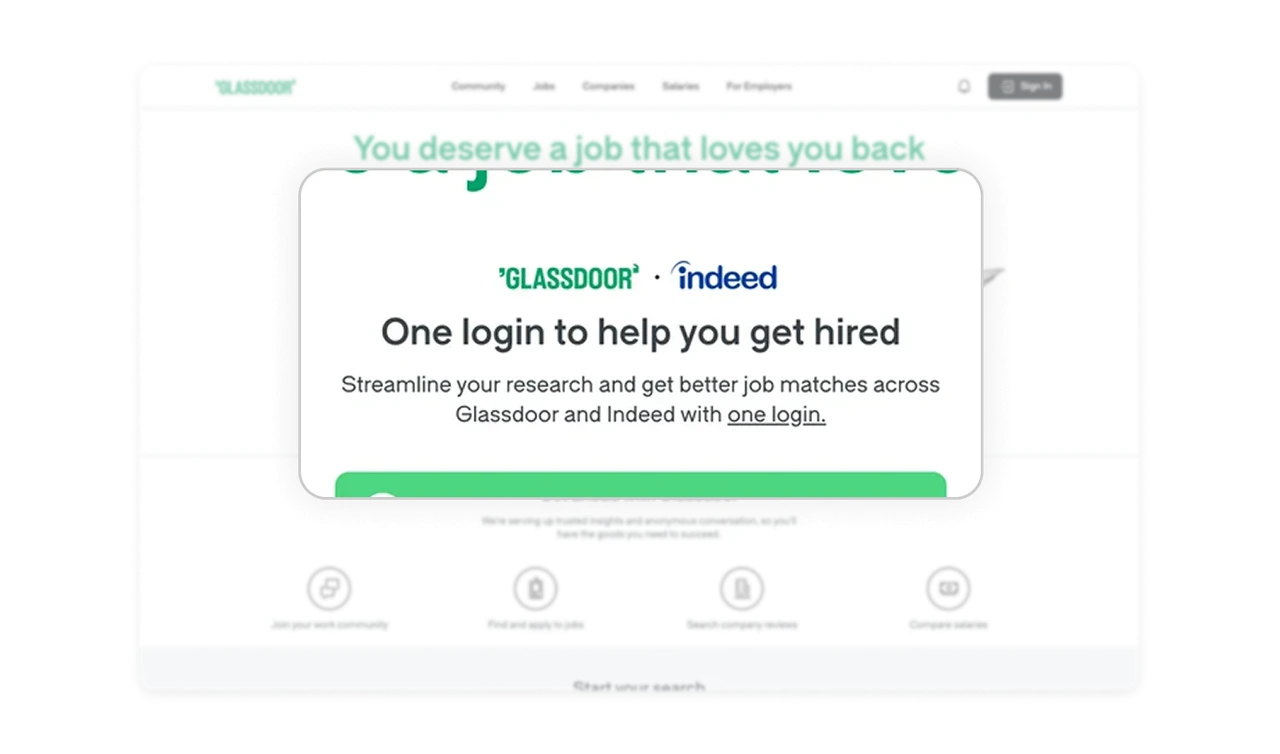
artnership badge turns a login screen into a value prop
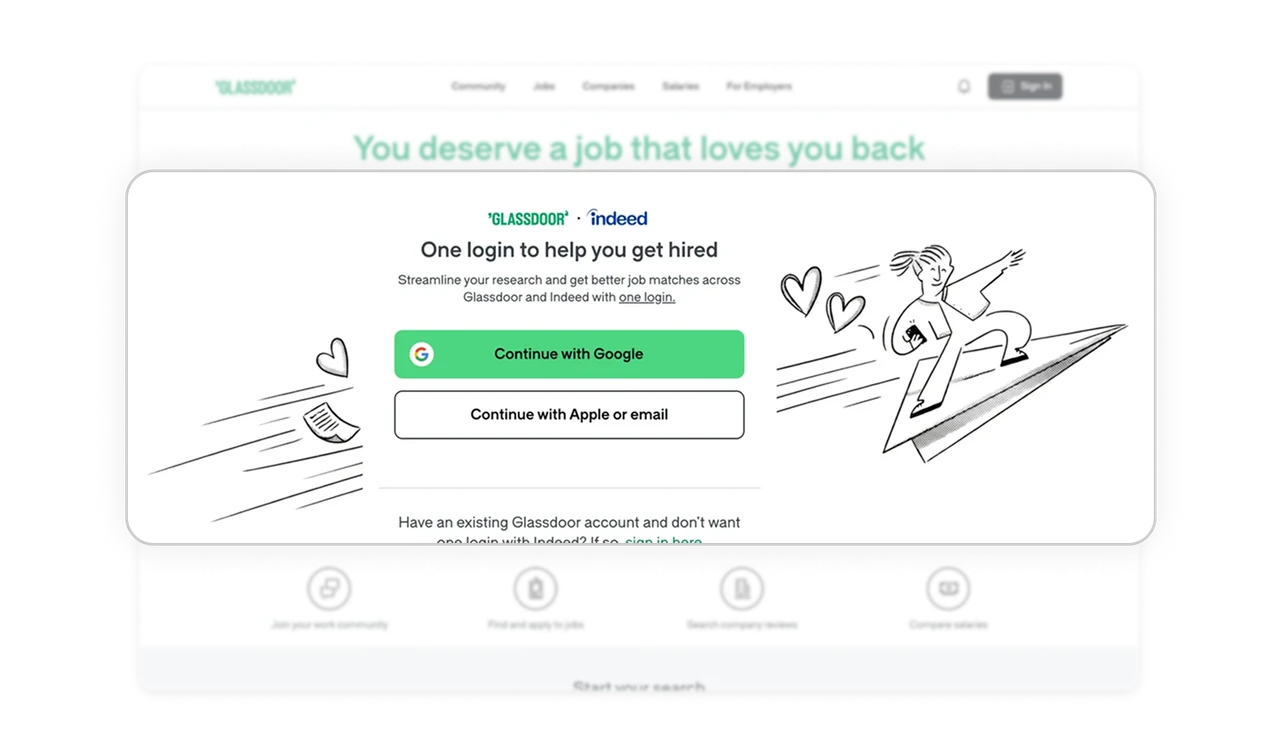
The Glassdoor plus Indeed logo lockup with "One login to help you get hired" reframes the signup step as a benefit, not a barrier. Most products treat authentication as a necessary friction. Glassdoor uses it as a moment to communicate platform reach. The login screen becomes a conversion asset.
SSO first, email second reduces login drop-off
Continue with Google is full-width, green, and prominent. Continue with Apple or email is smaller and outlined. The visual hierarchy matches the effort required: one tap versus typing credentials. Prioritizing the lowest-friction path as the primary CTA is one of the highest-impact conversion decisions on any signup screen.
Hand-drawn illustration stops the page feeling corporate
The sketchy line art figure riding a paper plane adds personality without complicating the layout. It signals that the brand is on the user's side rather than being another corporate job board. Illustration style is a tone-of-voice decision. Playful line art on a high-stakes product like job searching lowers anxiety and increases time on page.
Four icon features make the platform instantly scannable
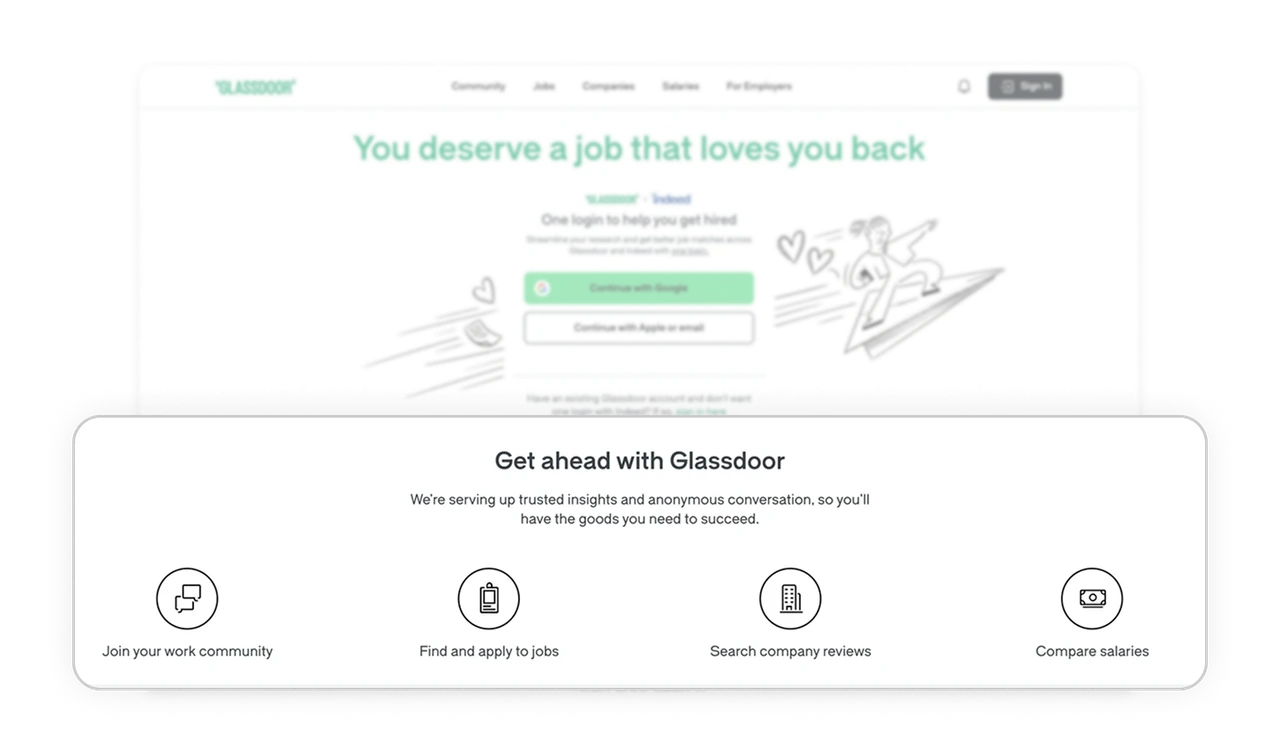
Community, jobs, company reviews, and salaries are presented as four equal icon-label pairs. No descriptions, no extra copy. Users grasp the full platform scope in one glance. When a product has multiple value streams, equal-weight icon grids communicate breadth without requiring any reading depth.
Similar Breakdown Lessons