Movie Details

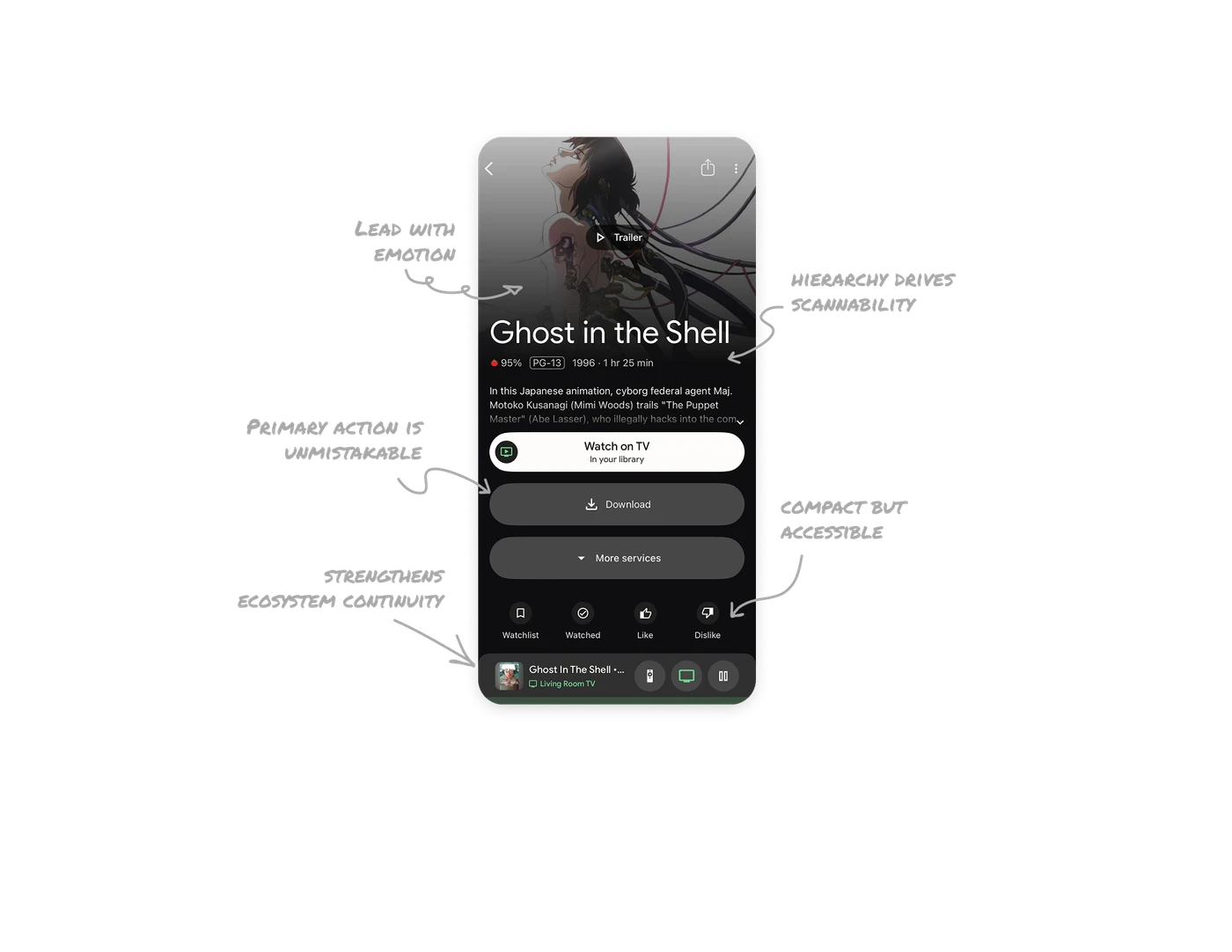
Lead with emotion before information
The screen opens with a large cinematic poster and an embedded Trailer play button. Before users read anything, they feel the tone of the film. This supports faster emotional decision making. When content is entertainment driven, mood sells before metadata does.
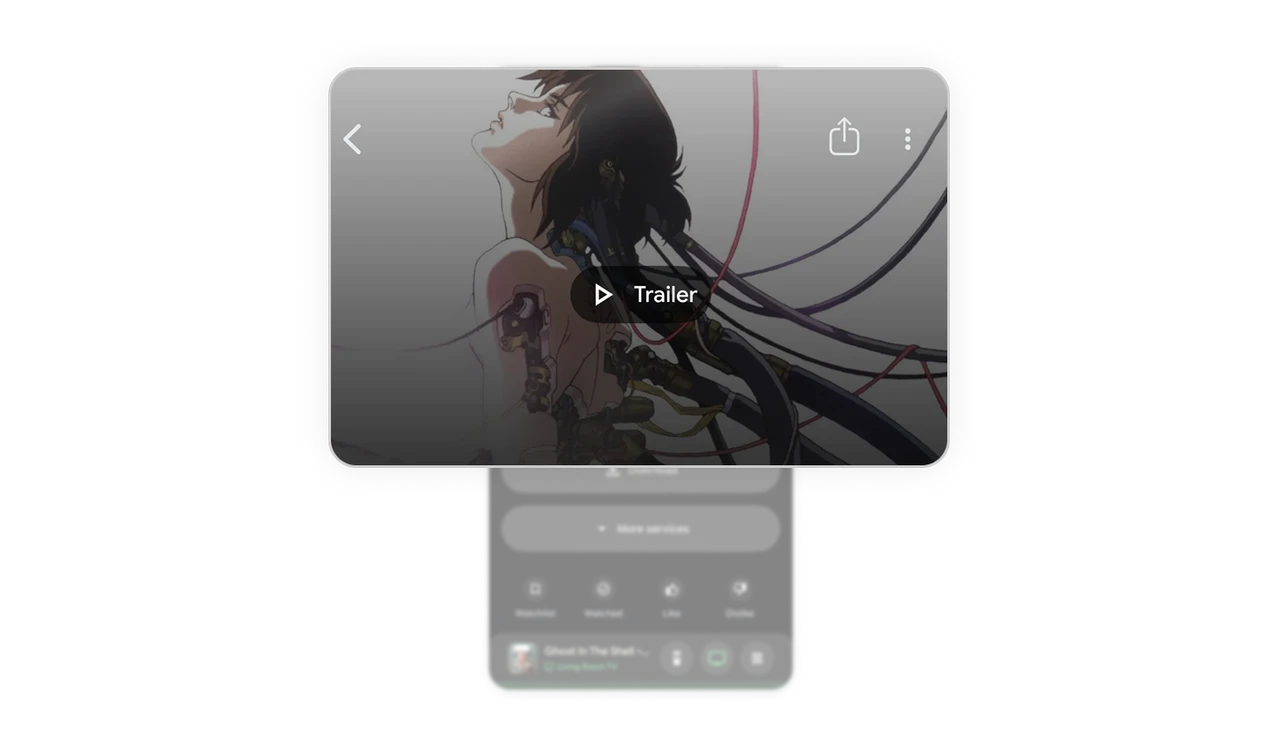
Strong typographic hierarchy drives scannability
The movie title is bold and oversized, followed by compact metadata like rating, year, runtime, and score. The contrast in scale creates instant hierarchy. Users first confirm what they are watching, then validate details.
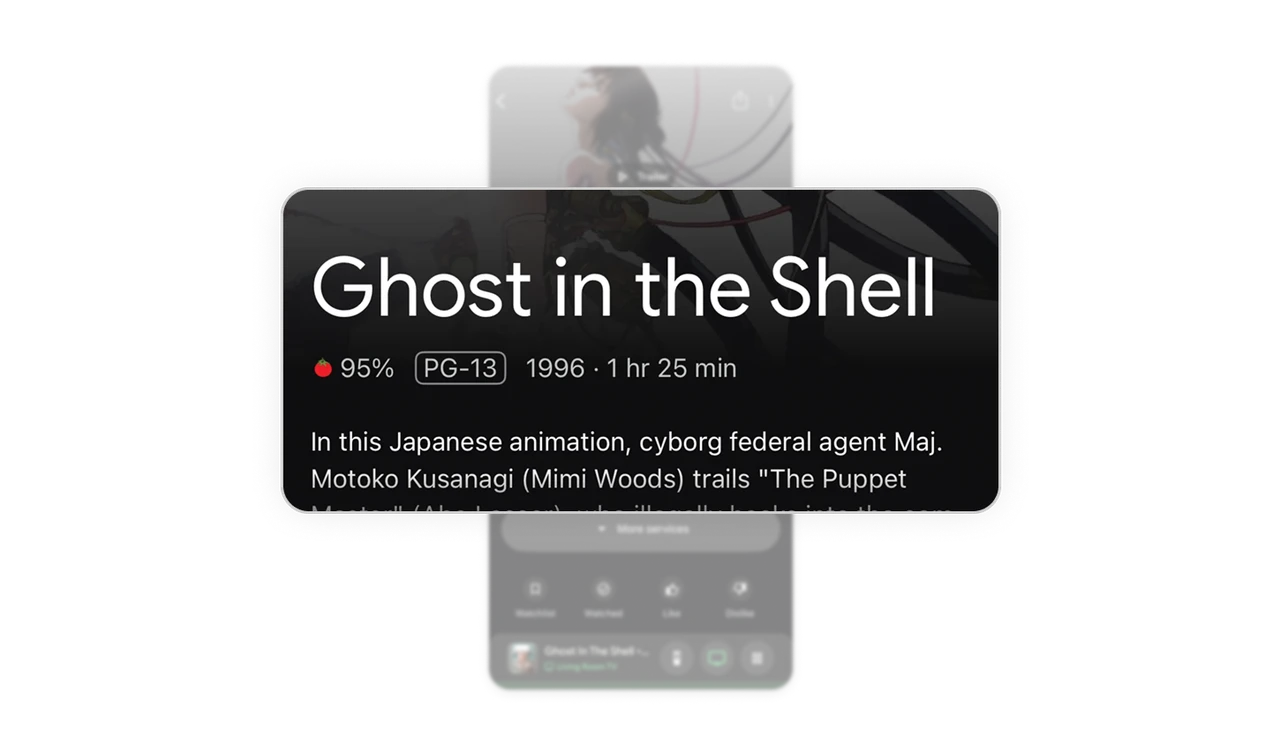
Primary action is unmistakable
Watch on TV is the most dominant button on the screen. Download and More services sit below with lower emphasis. Instead of presenting every option equally, the interface guides users toward the most likely action.
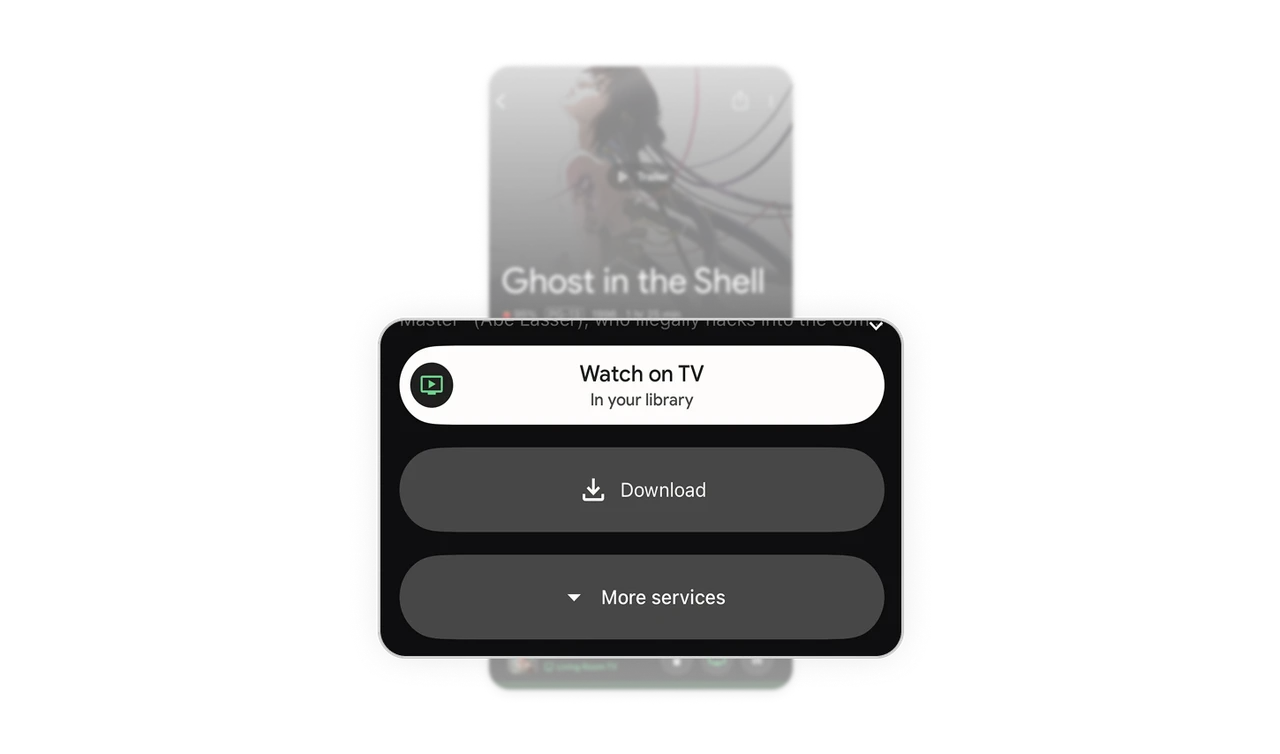
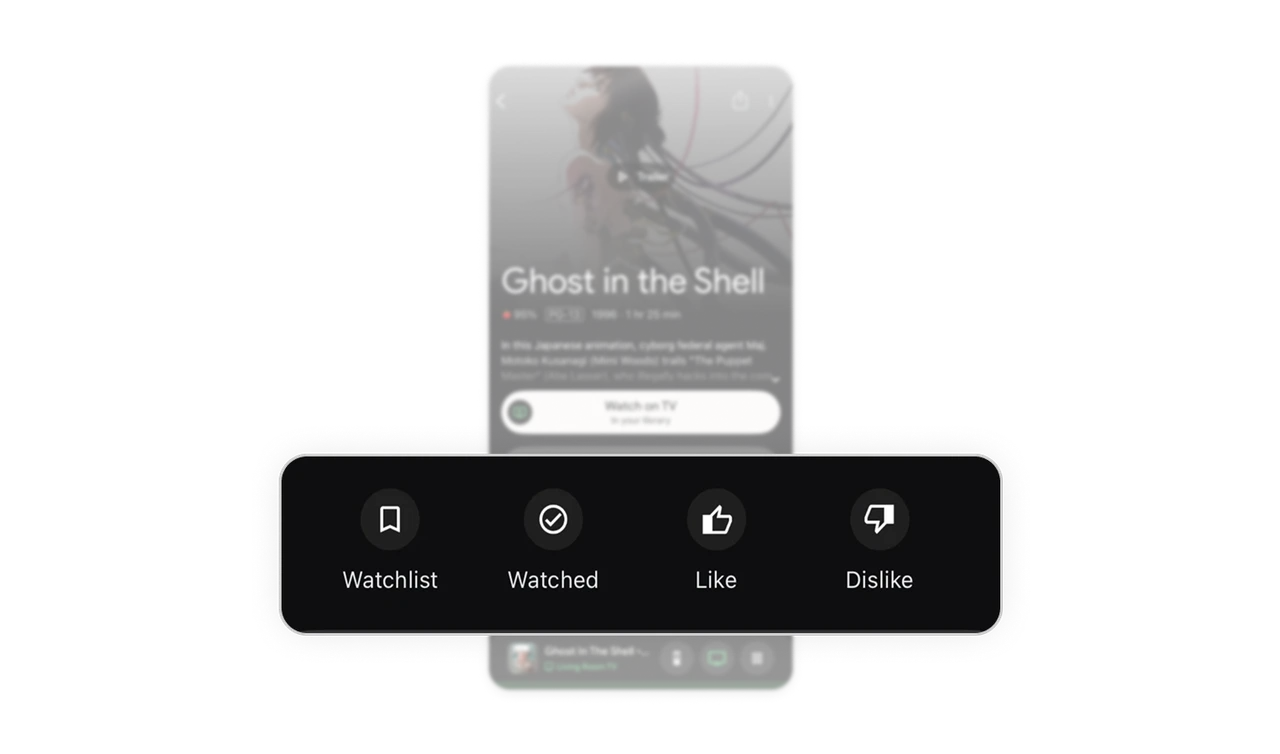
Secondary actions are compact but accessible
Watchlist, Watched, Like, and Dislike are displayed as icon led controls with small labels. They are visually separated from the primary CTA, preventing competition for attention. This separation keeps the interface clean while preserving engagement tools.
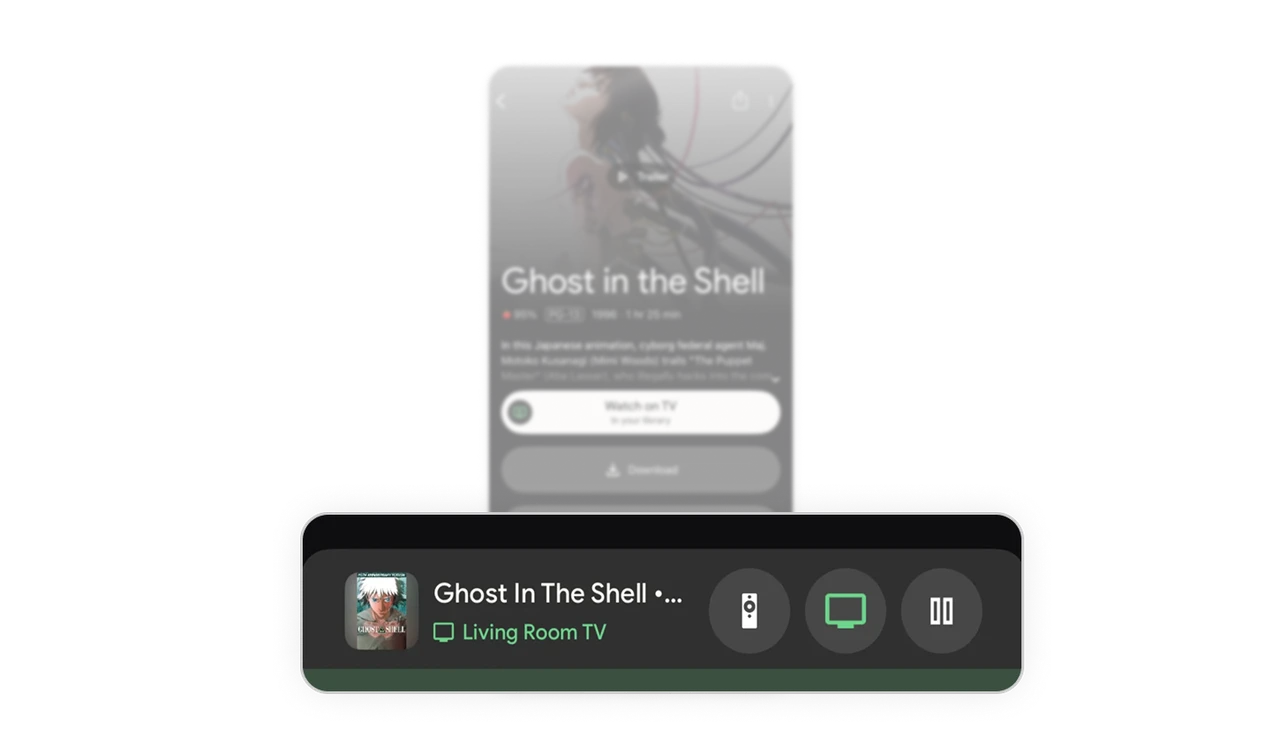
Persistent playback control strengthens ecosystem continuity
The bottom mini player shows what is currently playing on TV, along with remote and pause controls. Even when browsing details, users maintain awareness and control of active playback. This creates a seamless cross device experience without forcing context switching.
Similar Breakdown Lessons







