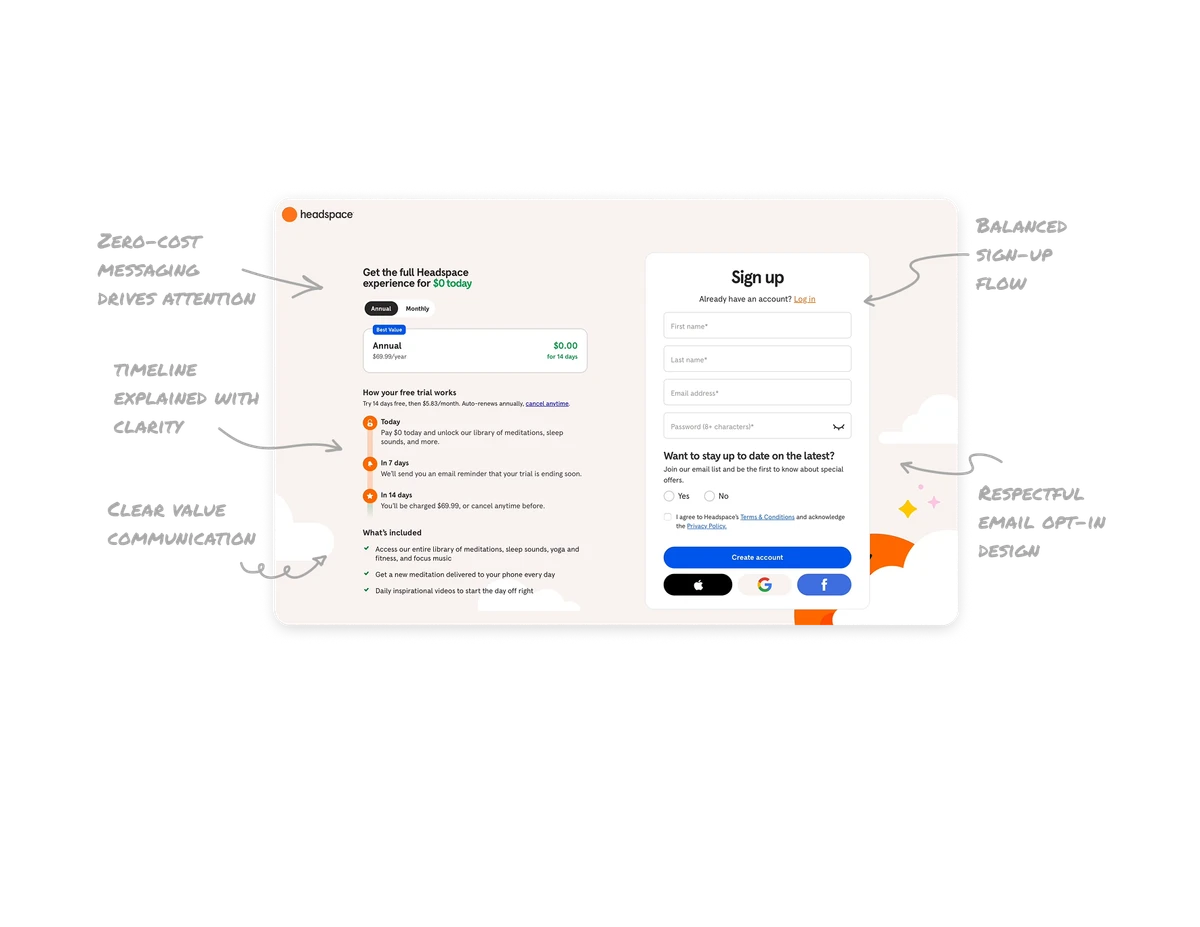
Notes Dashboard

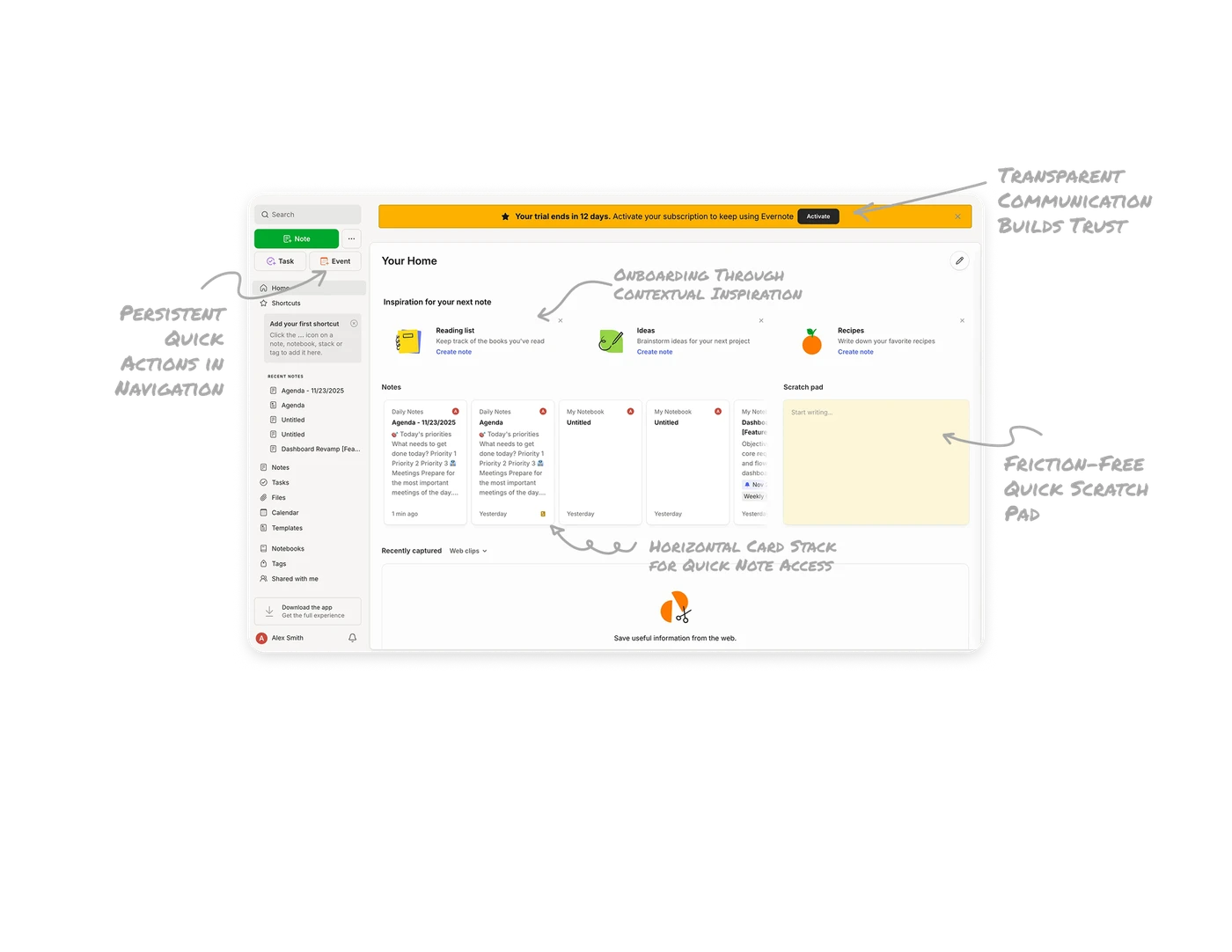
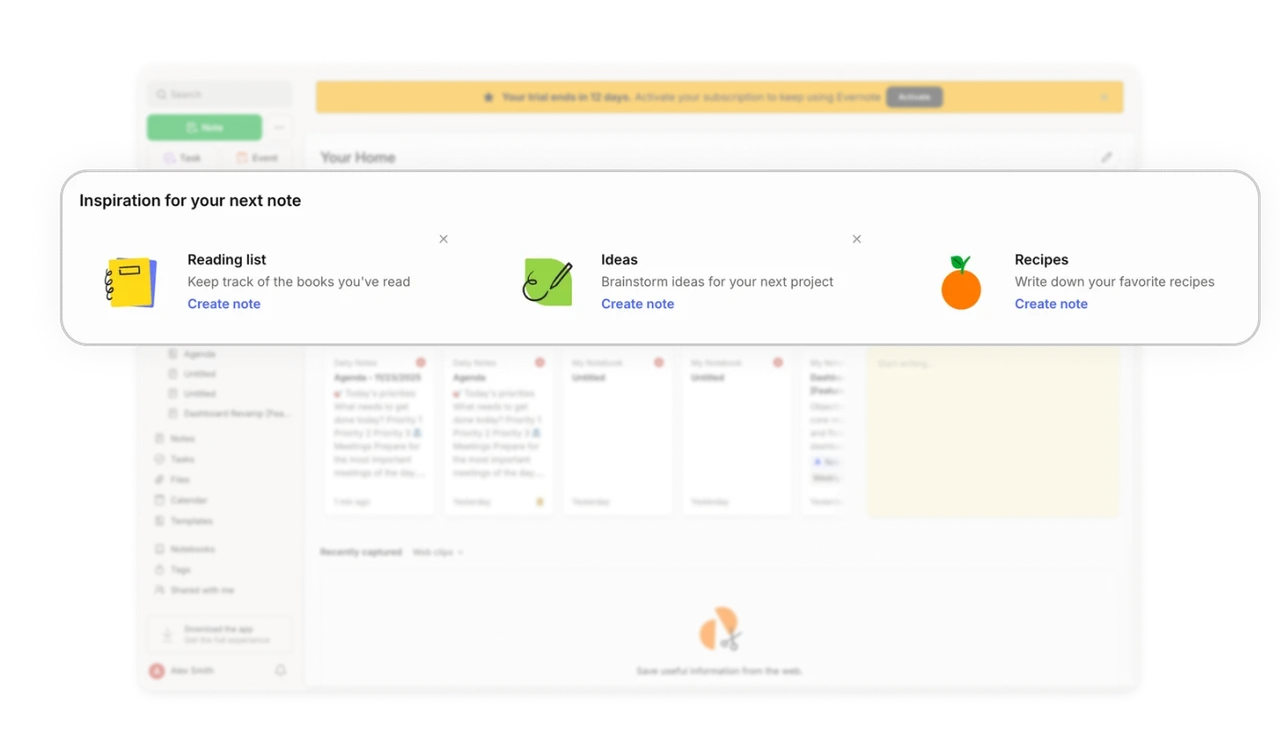
Onboarding Through Contextual Inspiration
The top section with pre-made templates (Reading list, Ideas, Recipes) helps new users discover use cases. This reduces blank canvas anxiety and demonstrates product value immediately, turning exploration into habit formation.
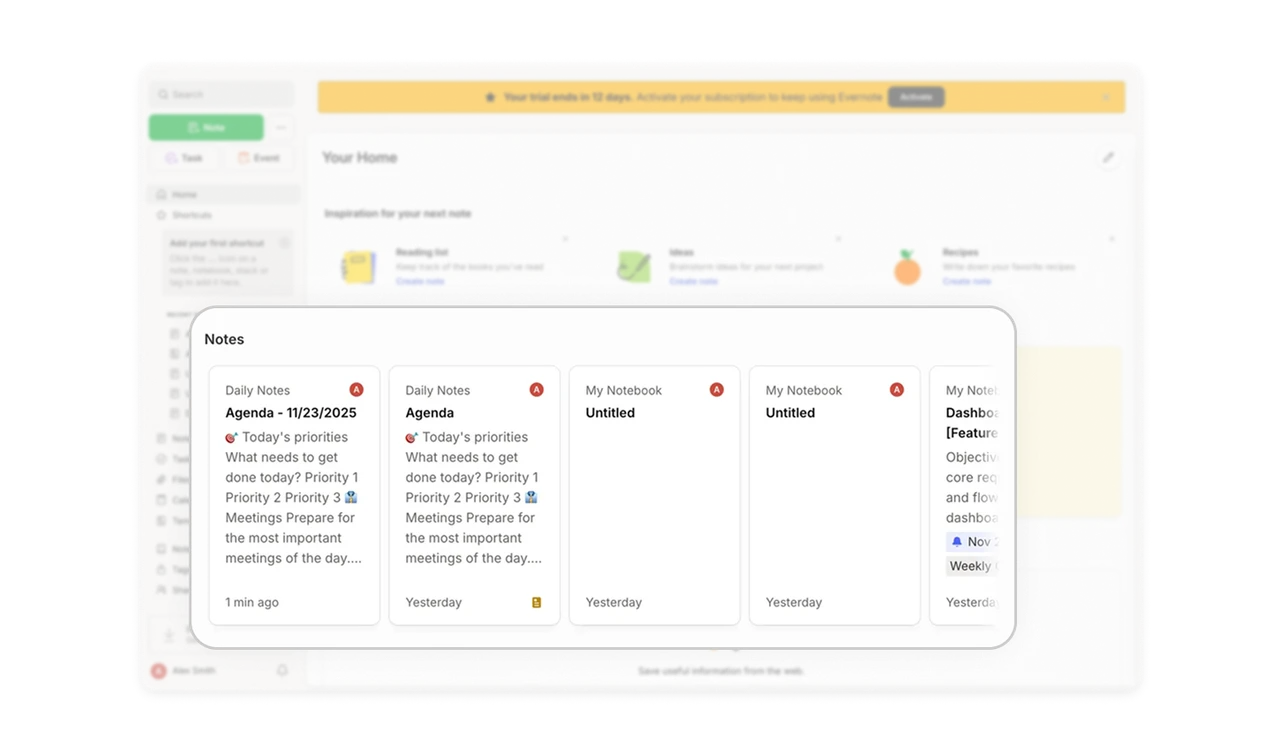
Horizontal Card Stack for Quick Note Access
Recent notes display as scannable cards showing title, preview text, and timestamps. This horizontal layout lets users quickly scan their work history and jump back into context without opening multiple pages or searching.
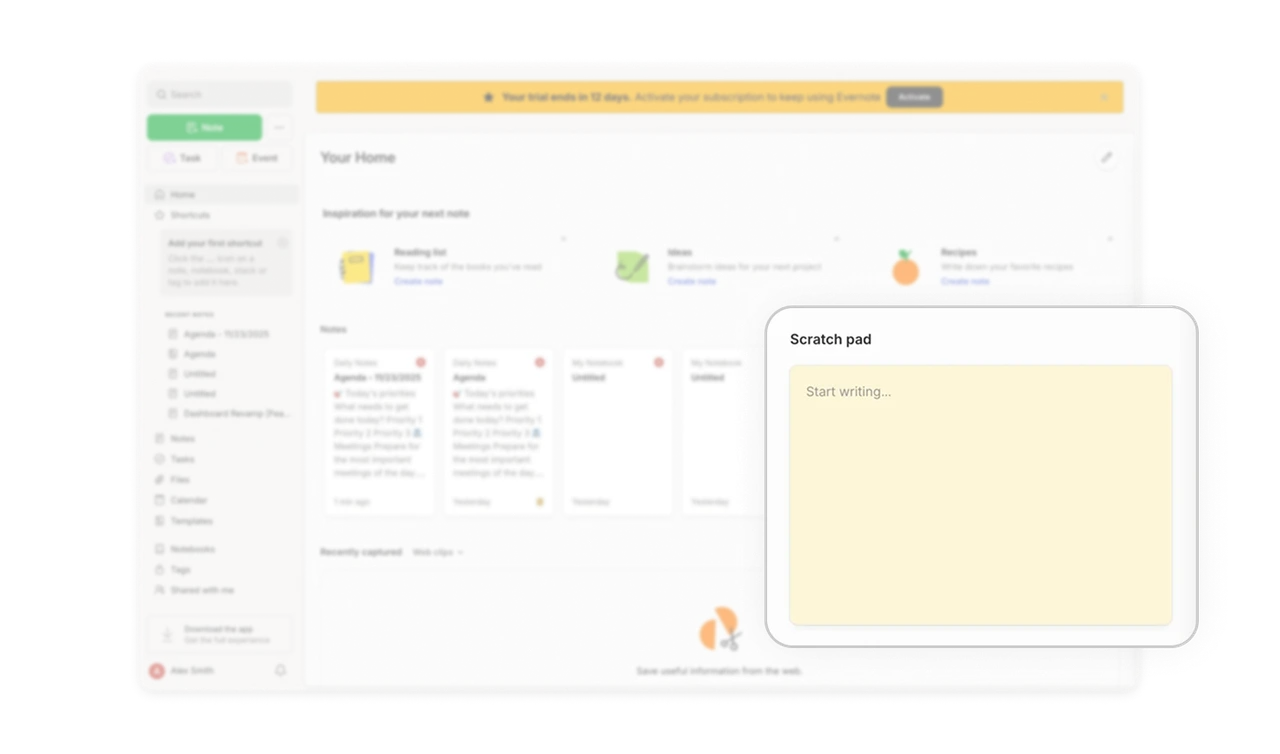
Friction-Free Quick Capture with Scratch Pad
The scratch pad mimics real sticky notes, removing the barrier of "creating a new note." Users can start typing immediately from the dashboard for quick thoughts, capturing ideas before they're lost without navigation friction.
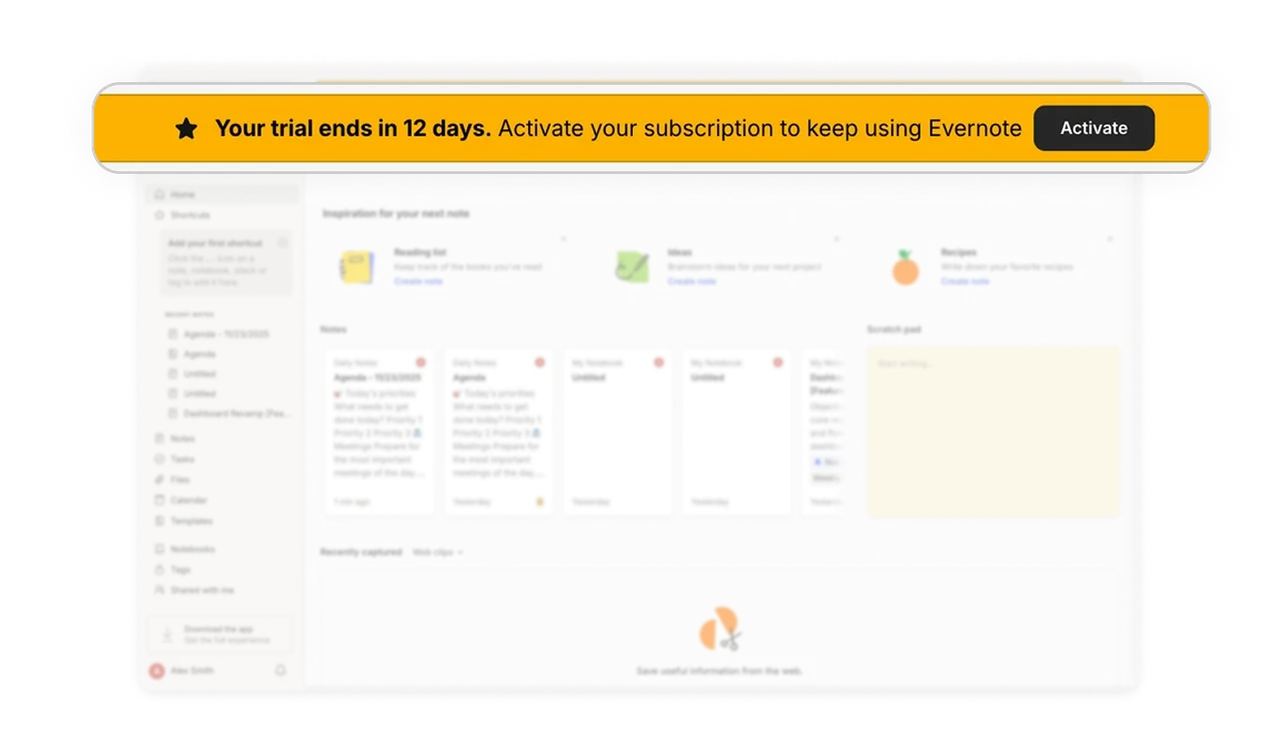
Transparent Trial Communication Builds Trust
The prominent yellow banner with clear activation CTA shows financial transparency. Users appreciate knowing exactly where they stand with subscriptions, building trust through clarity rather than hiding expiration dates.
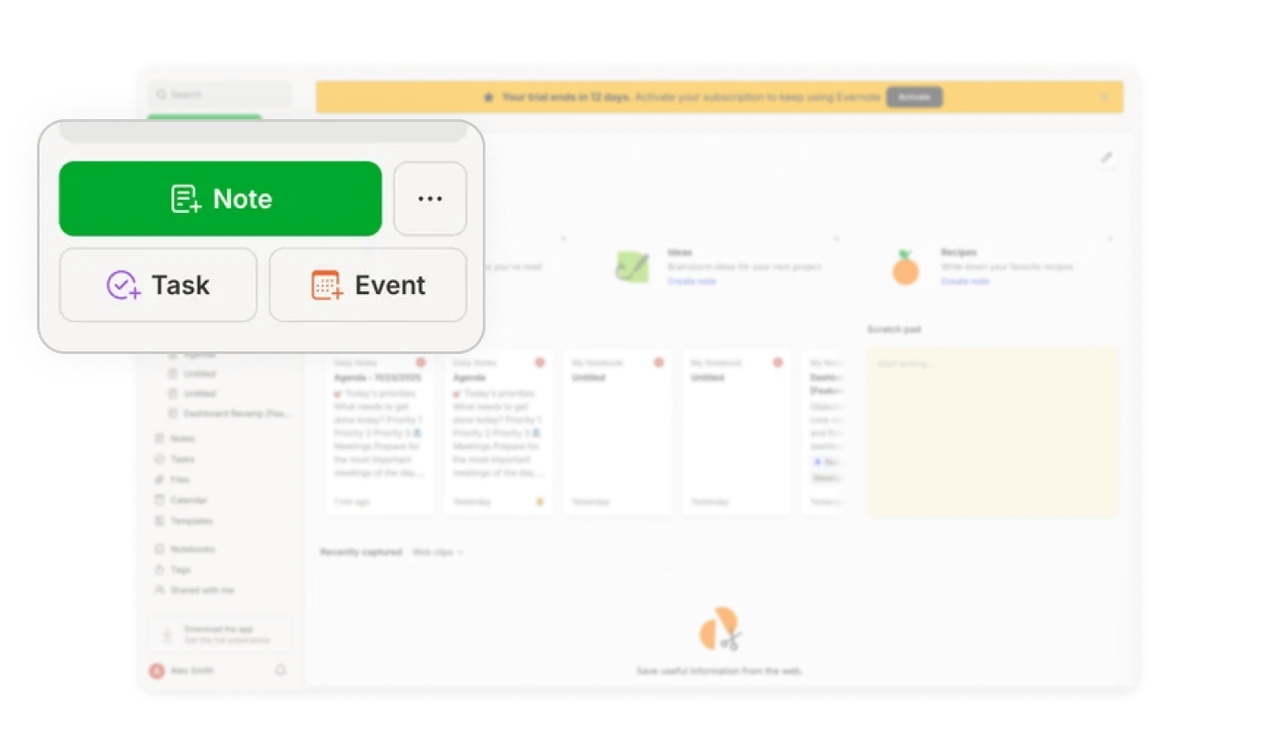
Persistent Quick Actions in Navigation
The sidebar keeps primary actions (Note, Task, Event) at the top, accessible from any screen. This persistent placement means users never hunt for core functions, reducing clicks and maintaining workflow momentum.
Similar Breakdown Lessons