Order Tracking

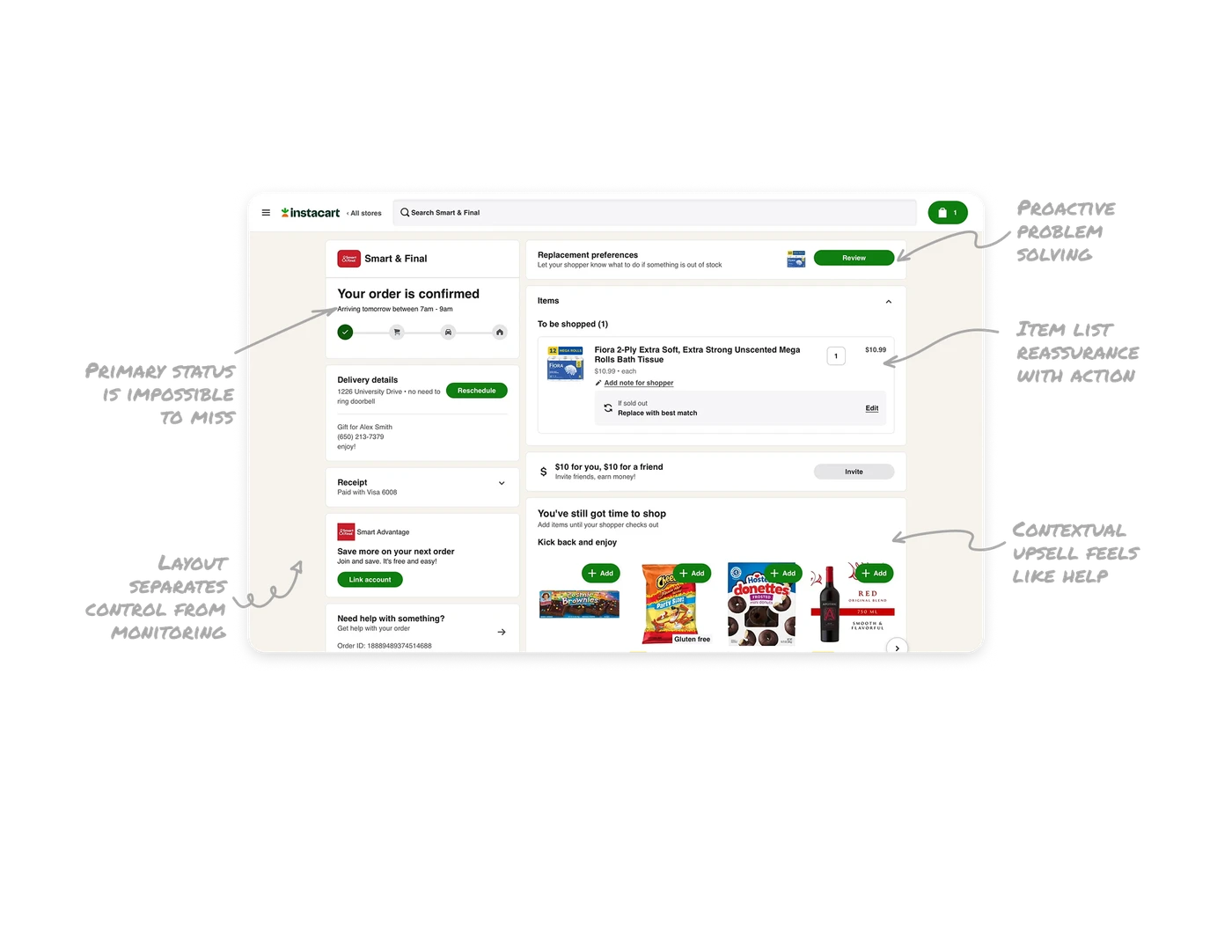
Primary status is impossible to miss
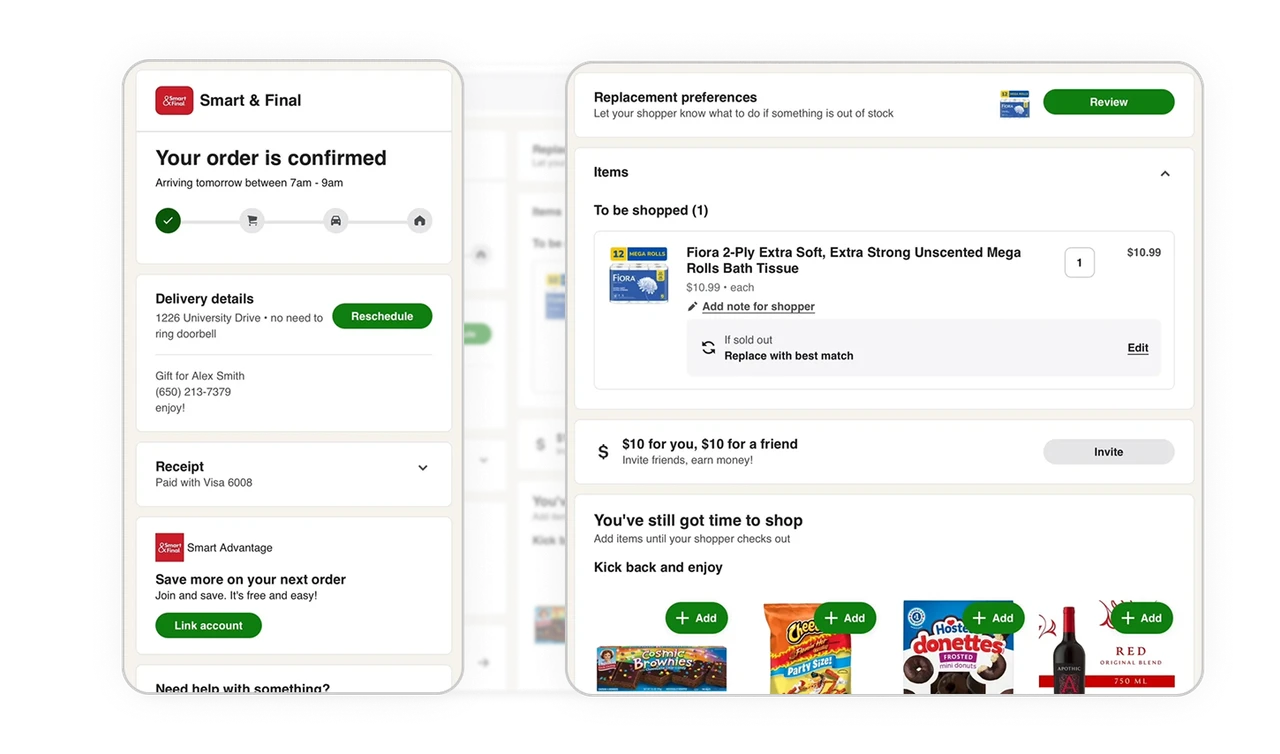
Order confirmation, arrival window, and progress steps sit at the very top with strong visual weight. Users land on the page and understand their order state in seconds without hunting.
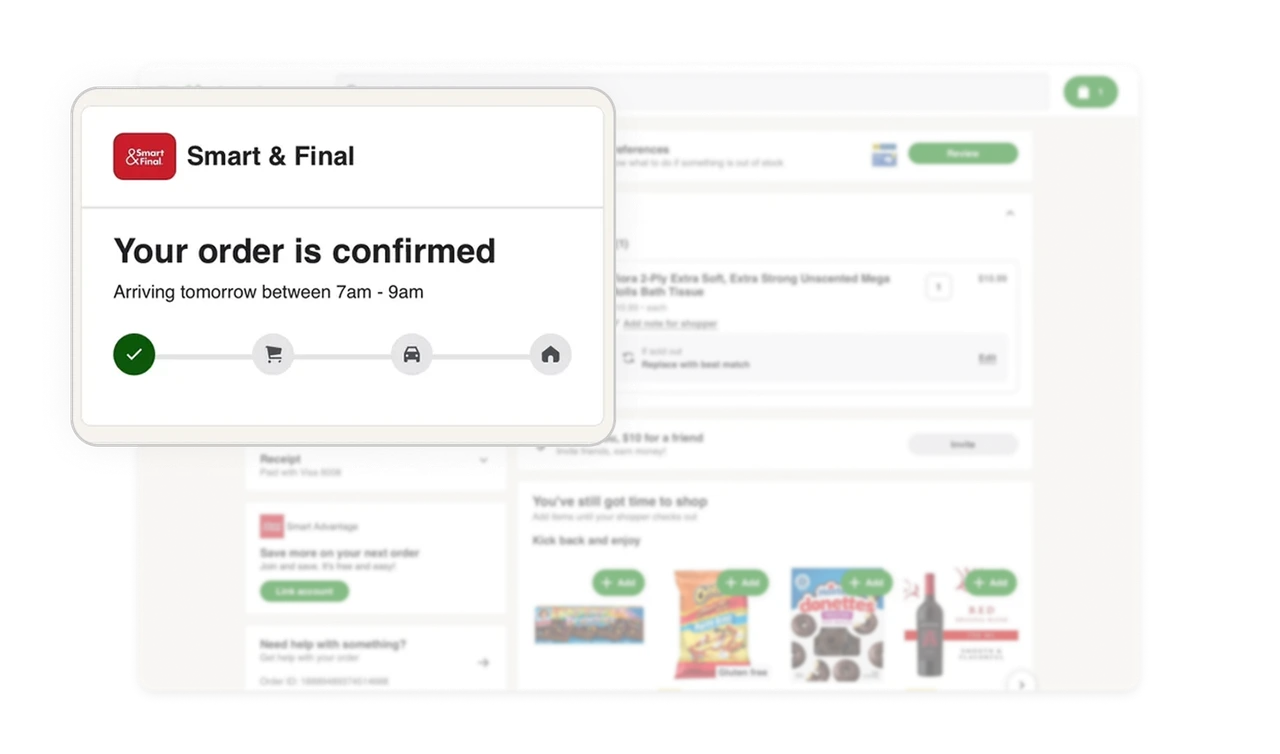
Proactive problem solving reduces support load
Replacement preferences and item level notes are shown before issues happen. By asking how to handle out of stock items in advance, the system prevents friction during shopping.
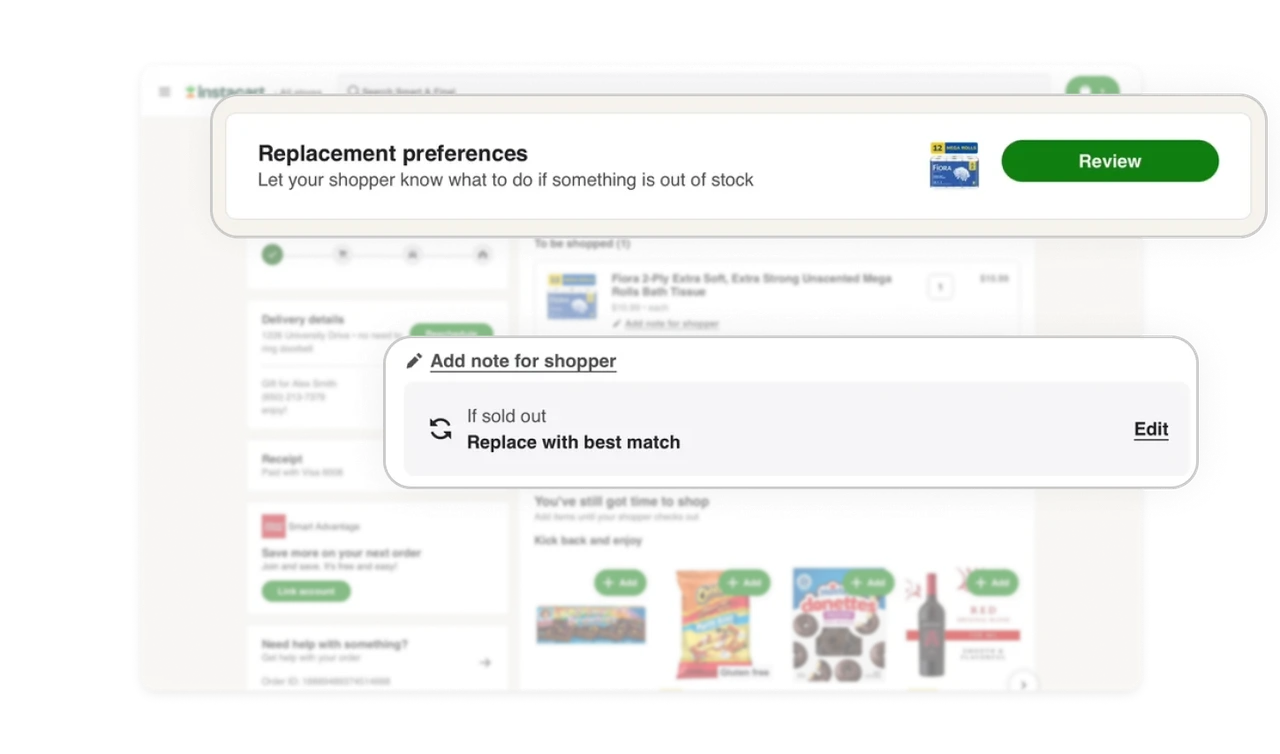
Item list balances reassurance with action
Ordered items are displayed with images, price, quantity, and shopper notes in a clean hierarchy. Users can verify what they bought and still make changes without leaving the context.
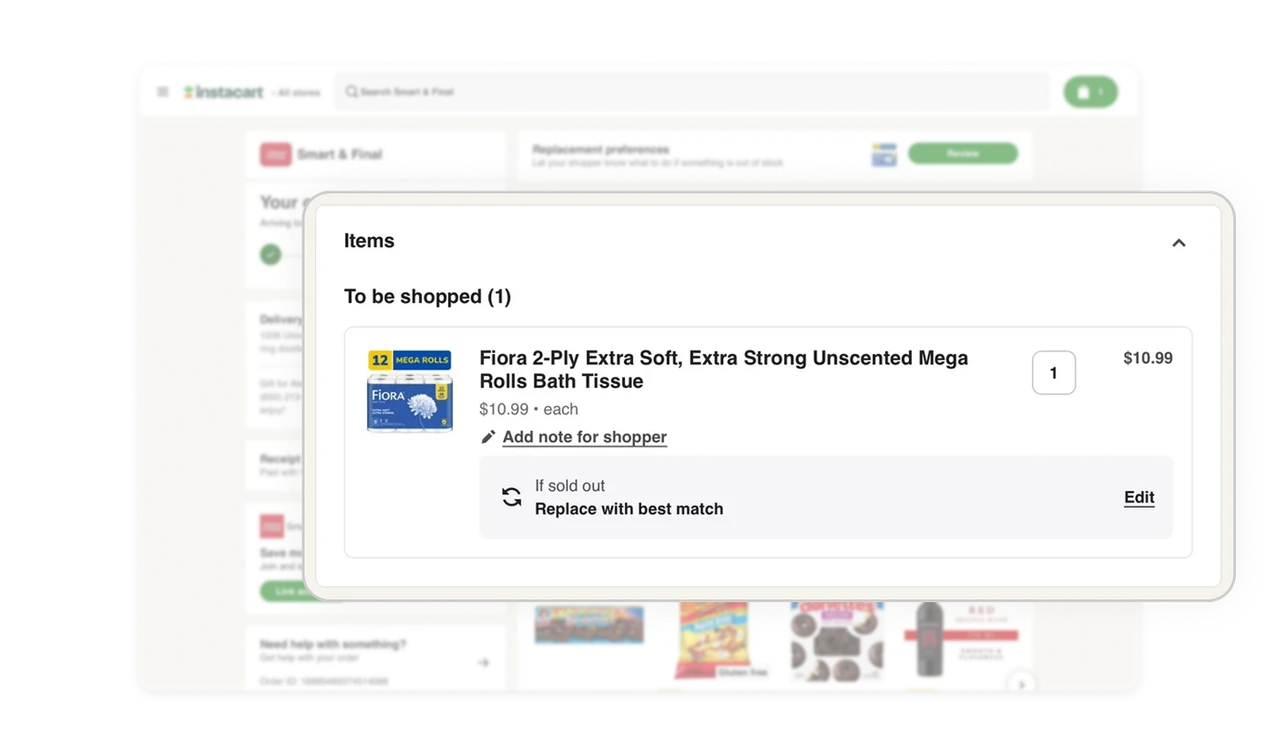
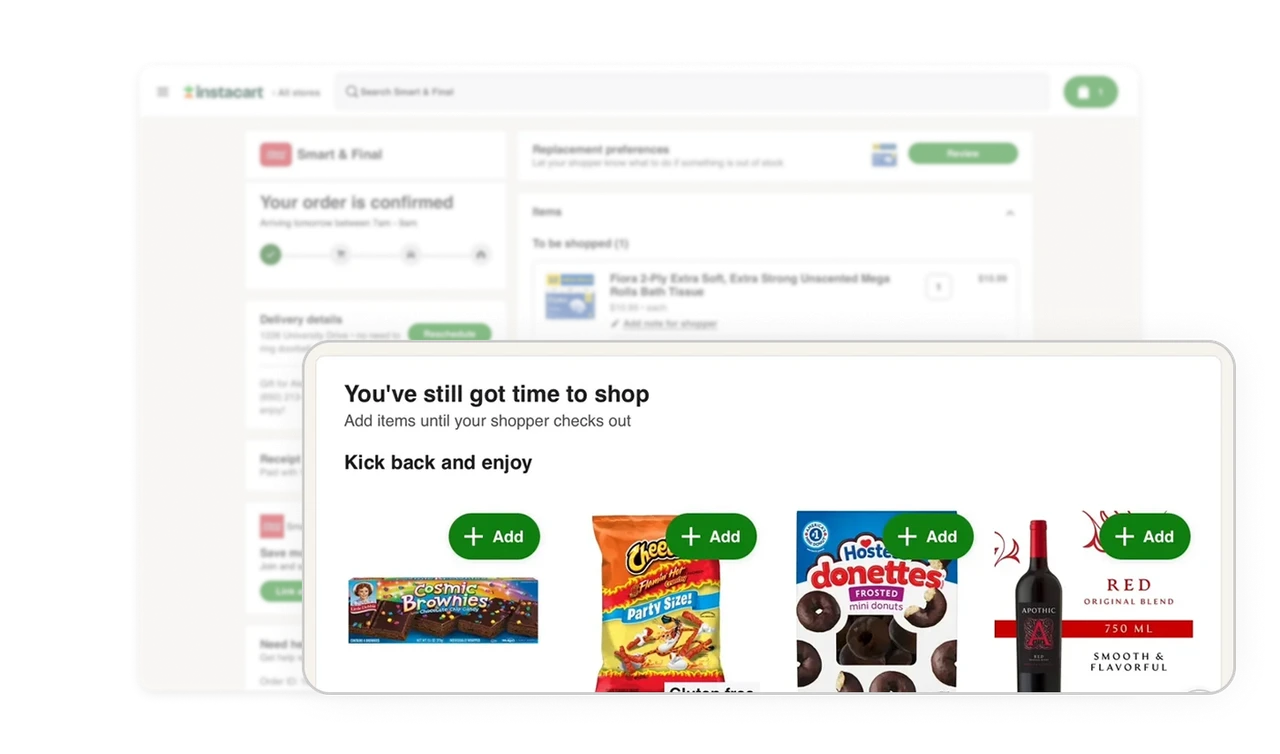
Contextual upsell feels like help
The You’ve still got time to shop section appears only because the order is still open. It frames add ons as convenience for the user, while naturally increasing basket size for the business.
Layout separates control from monitoring
The left column focuses on order level essentials like delivery details, receipt, and support. The right column handles item management, preferences, and add ons. This spatial separation makes a complex flow easier to scan and navigate.
Similar Breakdown Lessons







