Dashboard Home

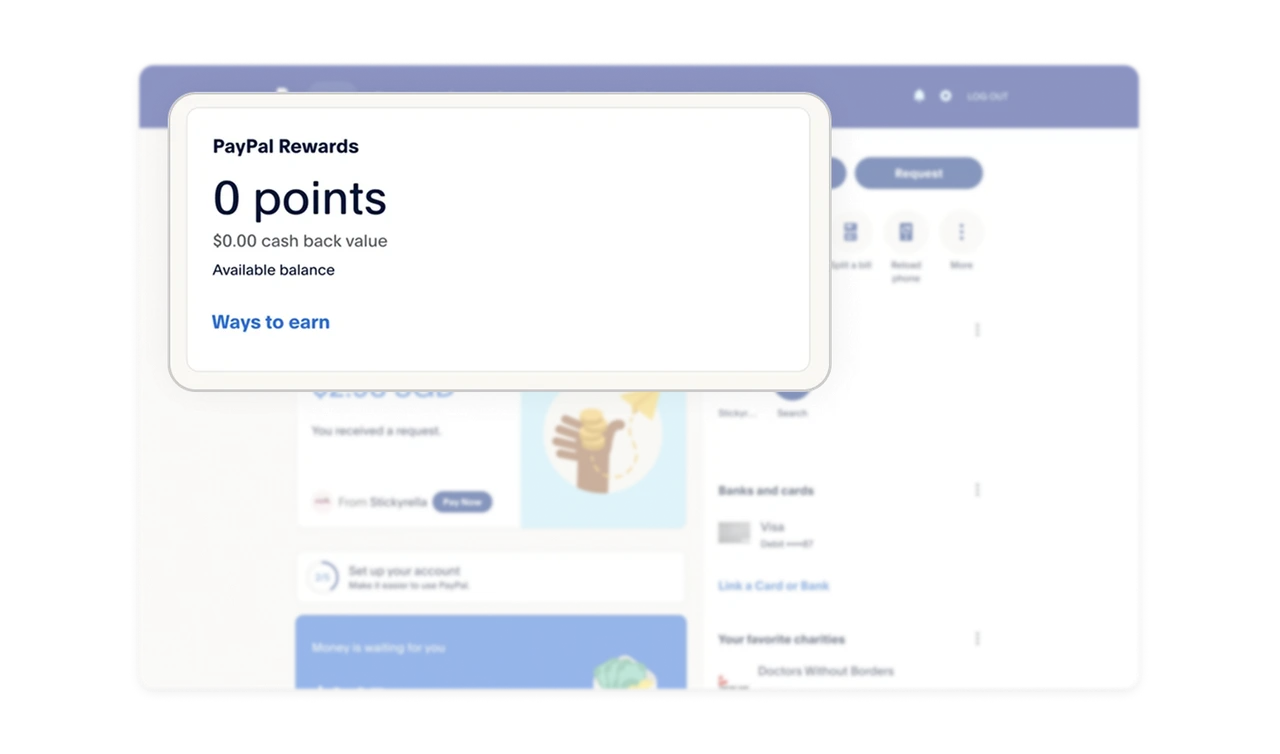
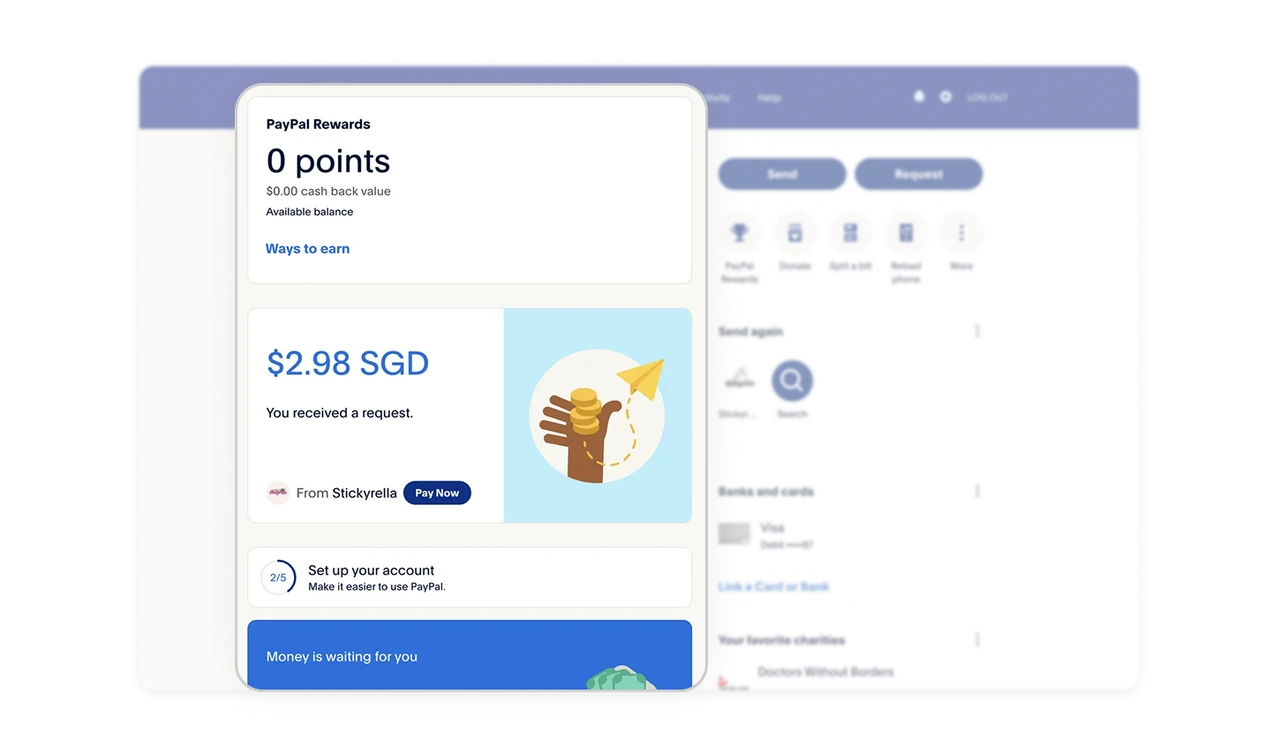
Rewards card with clear hierarchy
The rewards card uses bold typography to emphasize points and cashback value, while a supporting action link helps new users explore how to benefit.
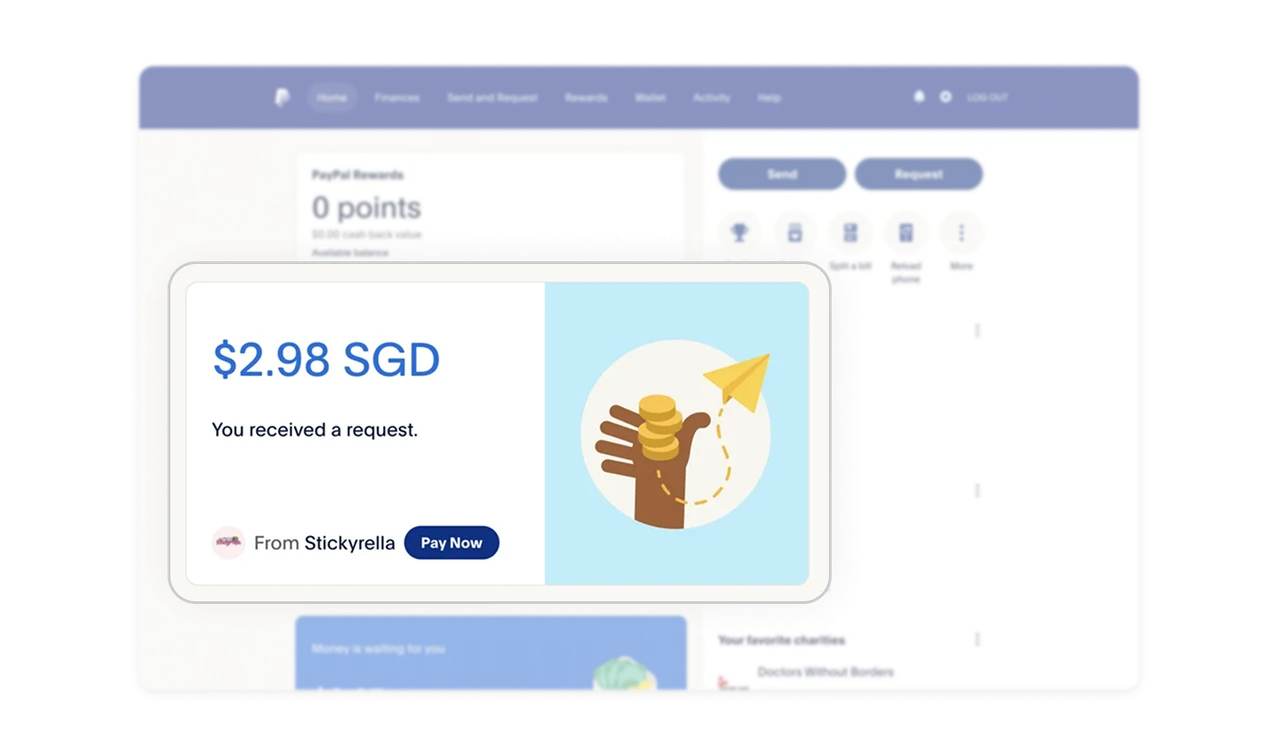
Request card that balances clarity and recognition
Large typography makes the requested amount instantly noticeable. Pairing it with the sender’s profile picture, CTA, and a playful illustration builds trust and recognition.
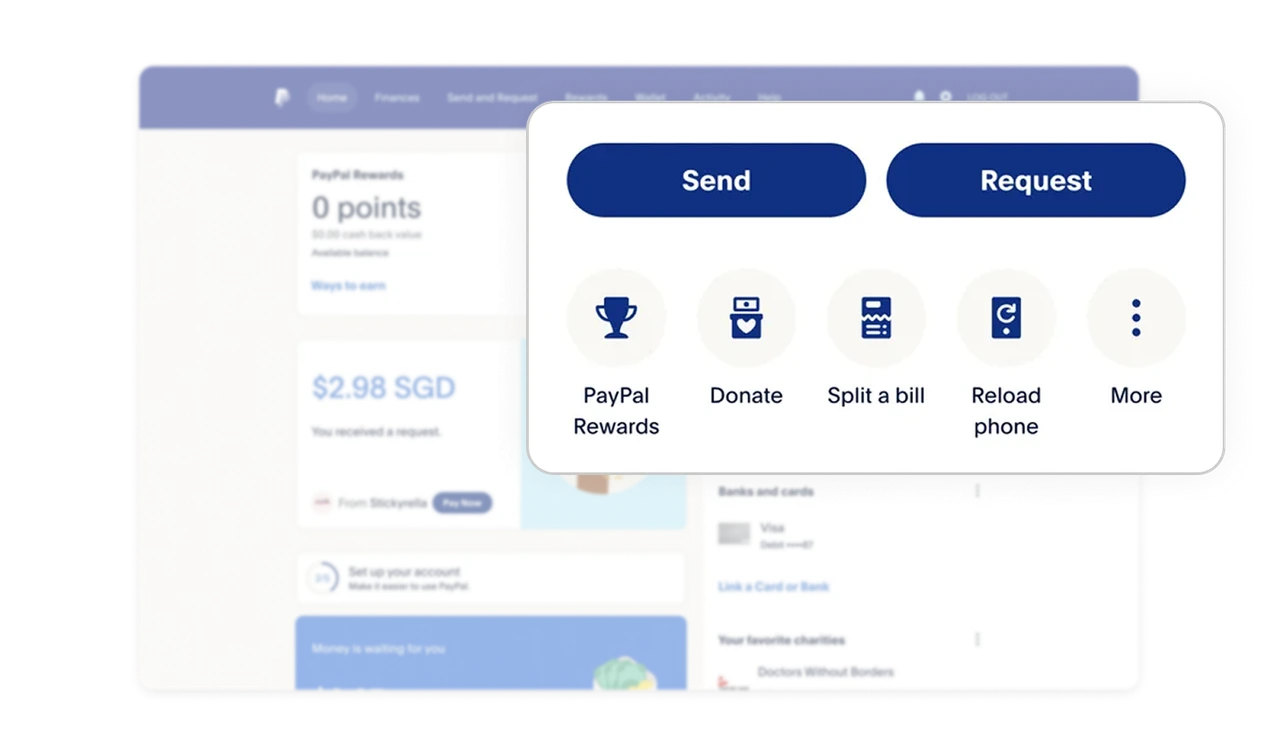
Action clustering with tiered importance
Primary actions, such as Send and Request, are placed upfront as buttons, while secondary options, like Donate and Split a Bill, are icon-based, keeping the layout clean yet powerful.
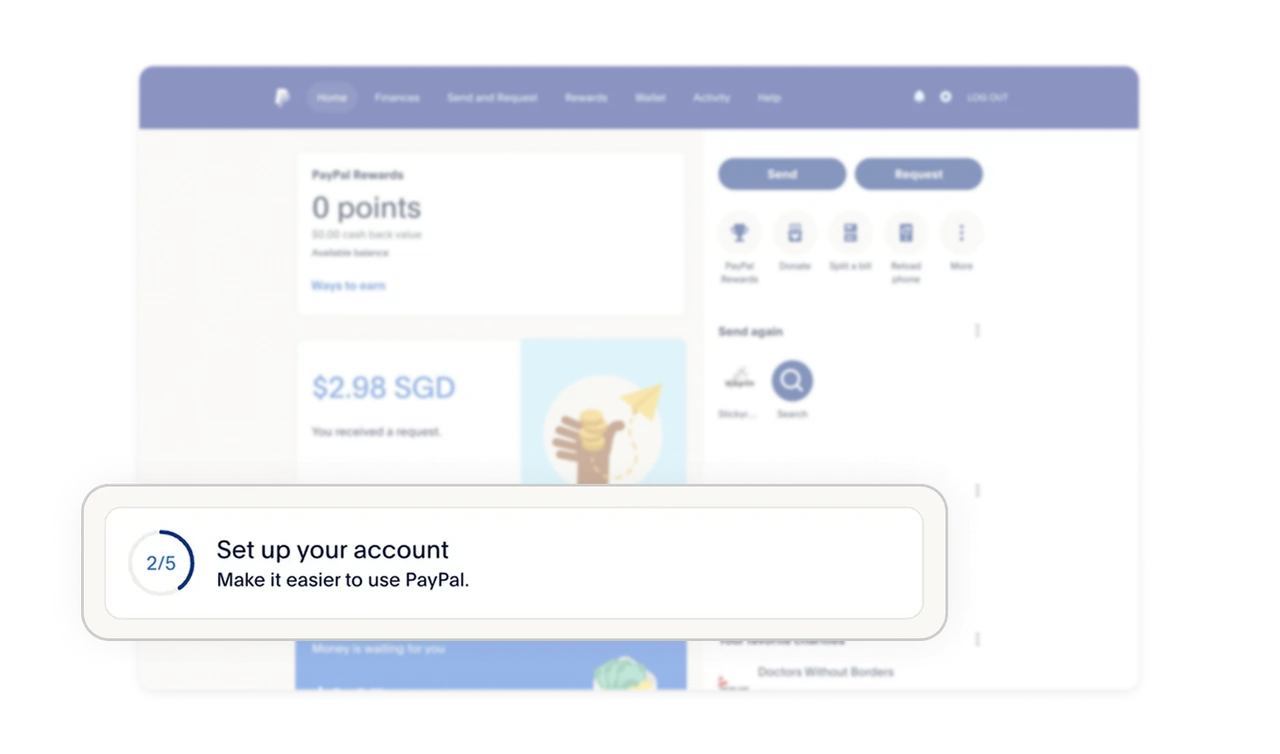
Onboarding card placement for reduced friction
The setup progress card appears lower in the hierarchy. Since users can already perform essentials like sending and receiving money, onboarding does not interrupt the main flow.
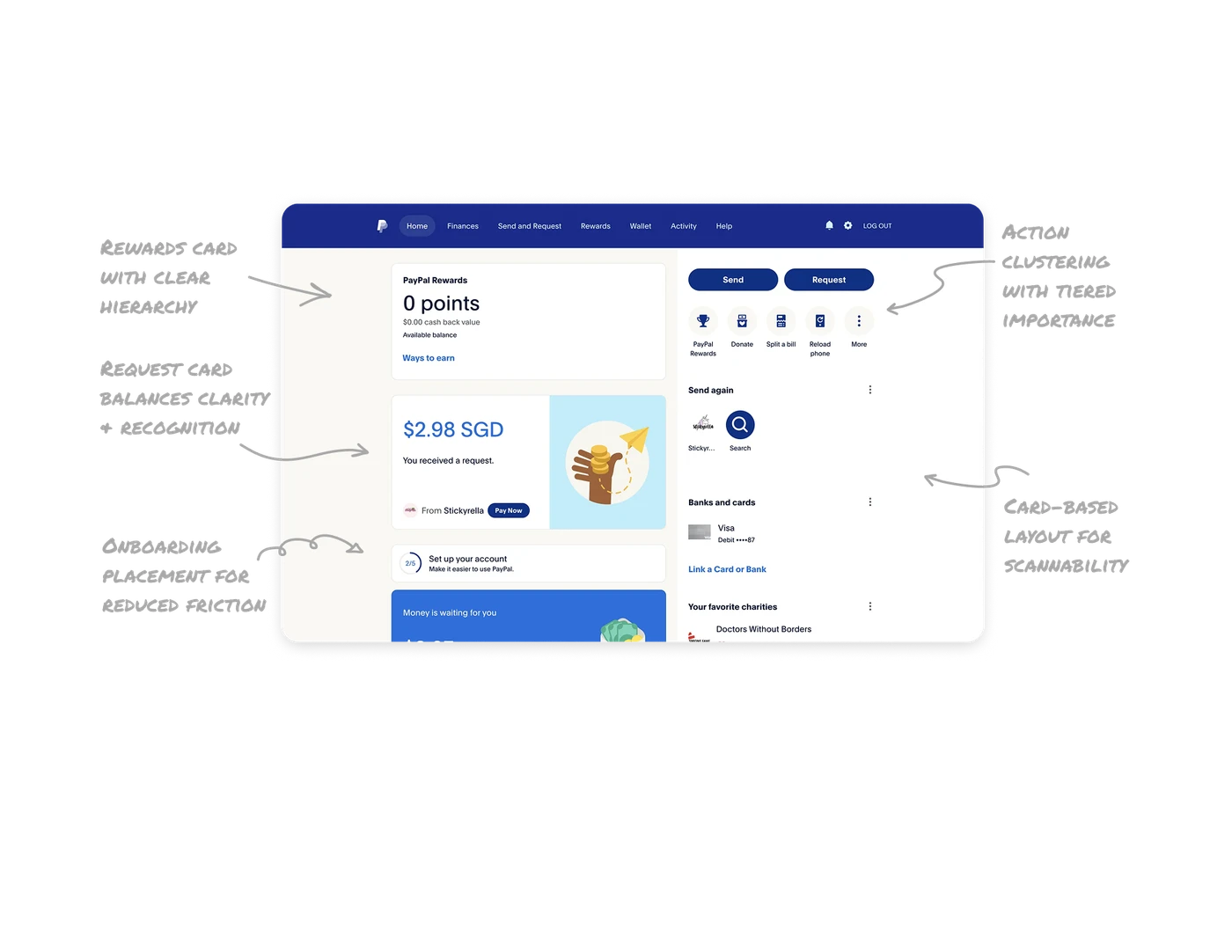
Card-based layout for scannability
Every piece of information is packaged into minimal cards with focused content. This prevents overload and ensures users can complete tasks quickly without distractions.
Similar Breakdown Lessons







