Setup Instruction

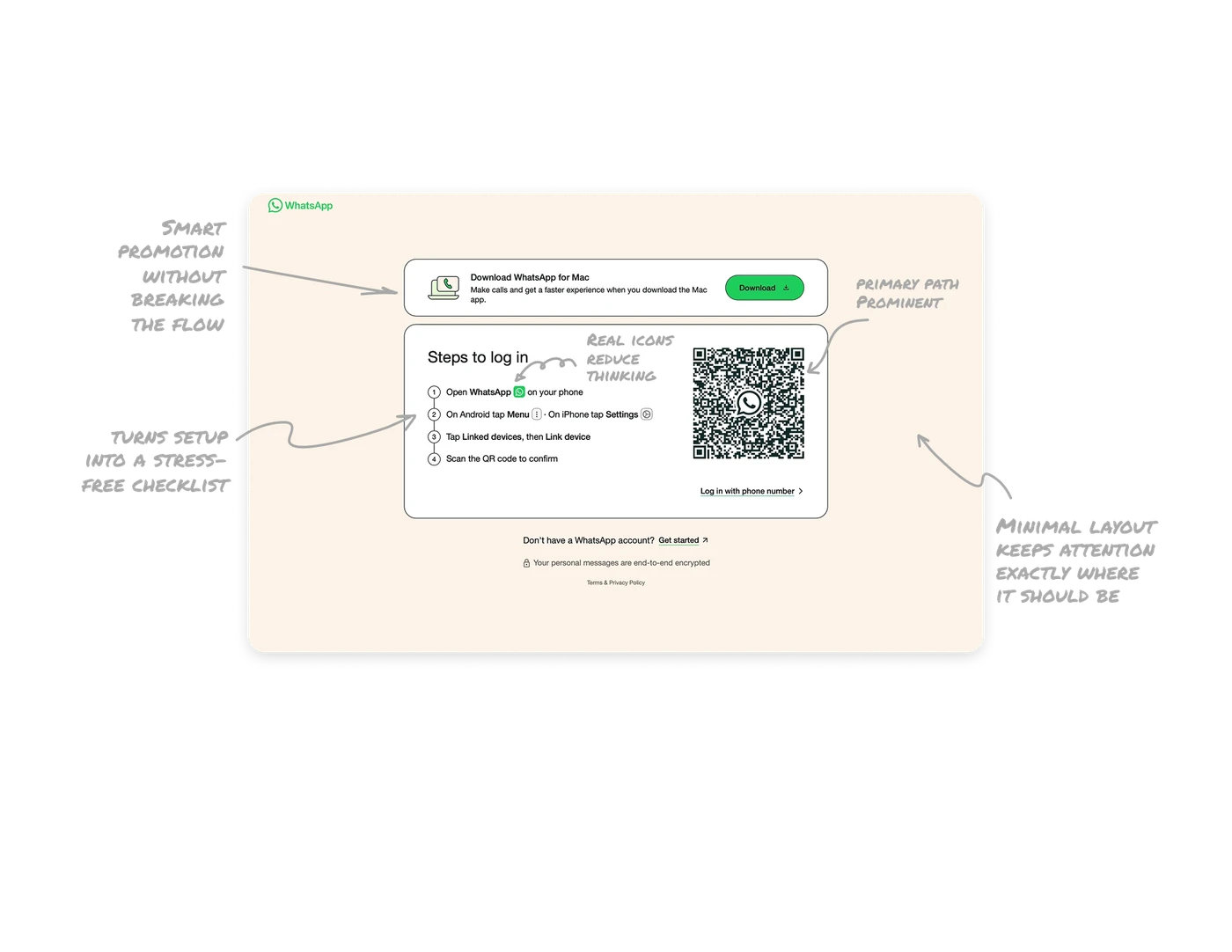
Smart promotion without breaking the setup flow
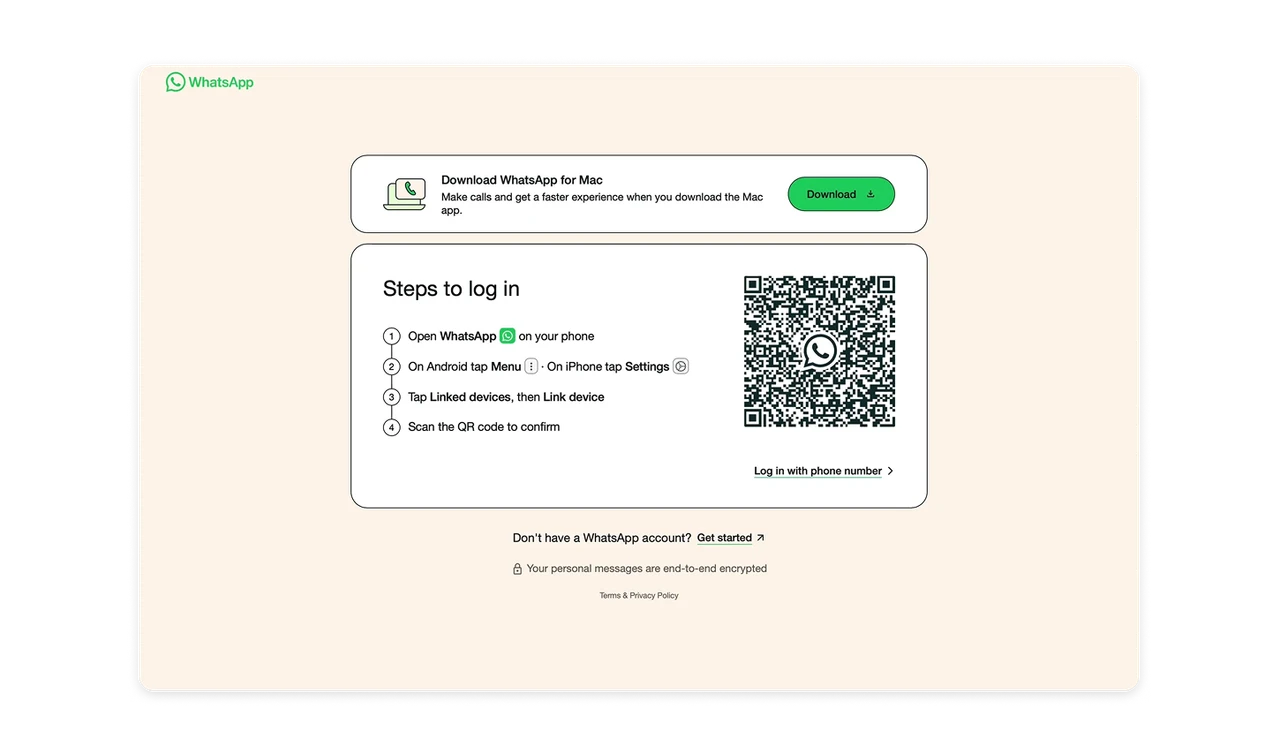
At the very top, WhatsApp promotes its Mac app with a clear benefit and a single strong CTA. It feels helpful, not pushy. The user understands why they should download it, and the action is one click away.
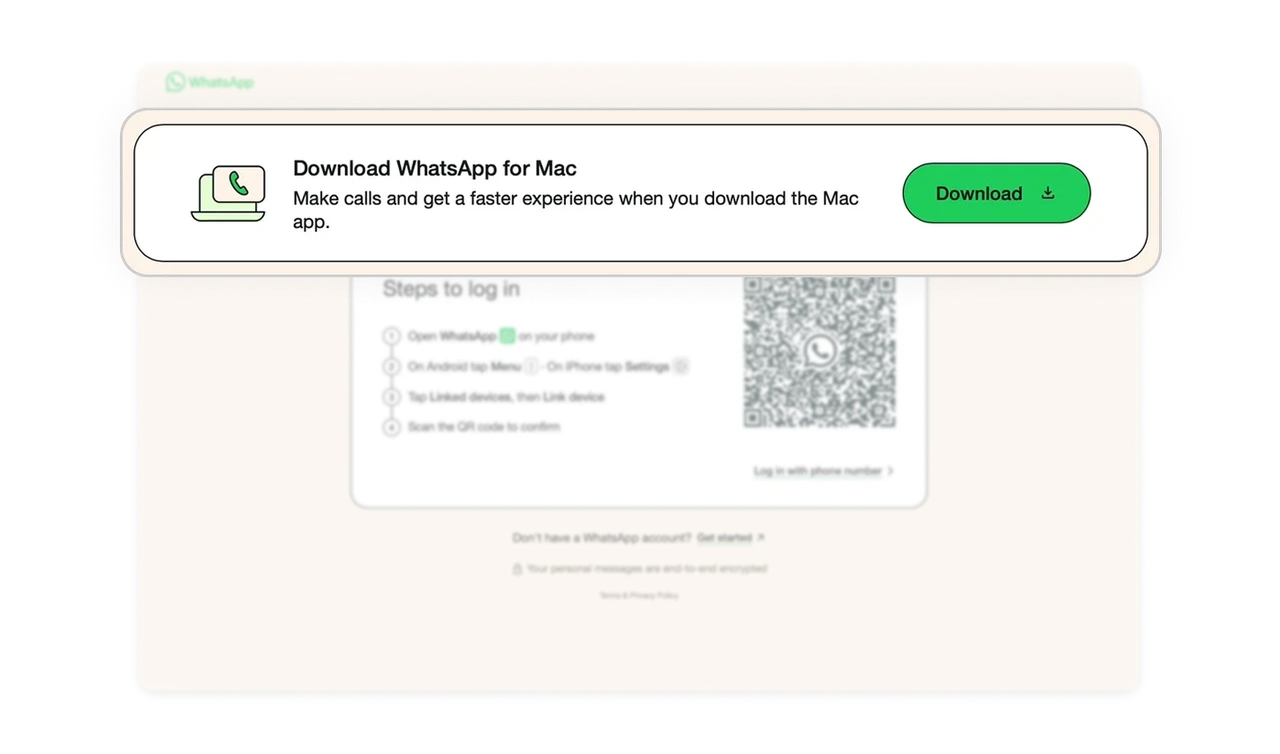
Stepper layout turns setup into a stress-free checklist
The login process is presented as a simple four-step checklist. Each step uses short, direct language that avoids technical jargon. Users do not feel like they are configuring software. They feel like they are following a recipe.
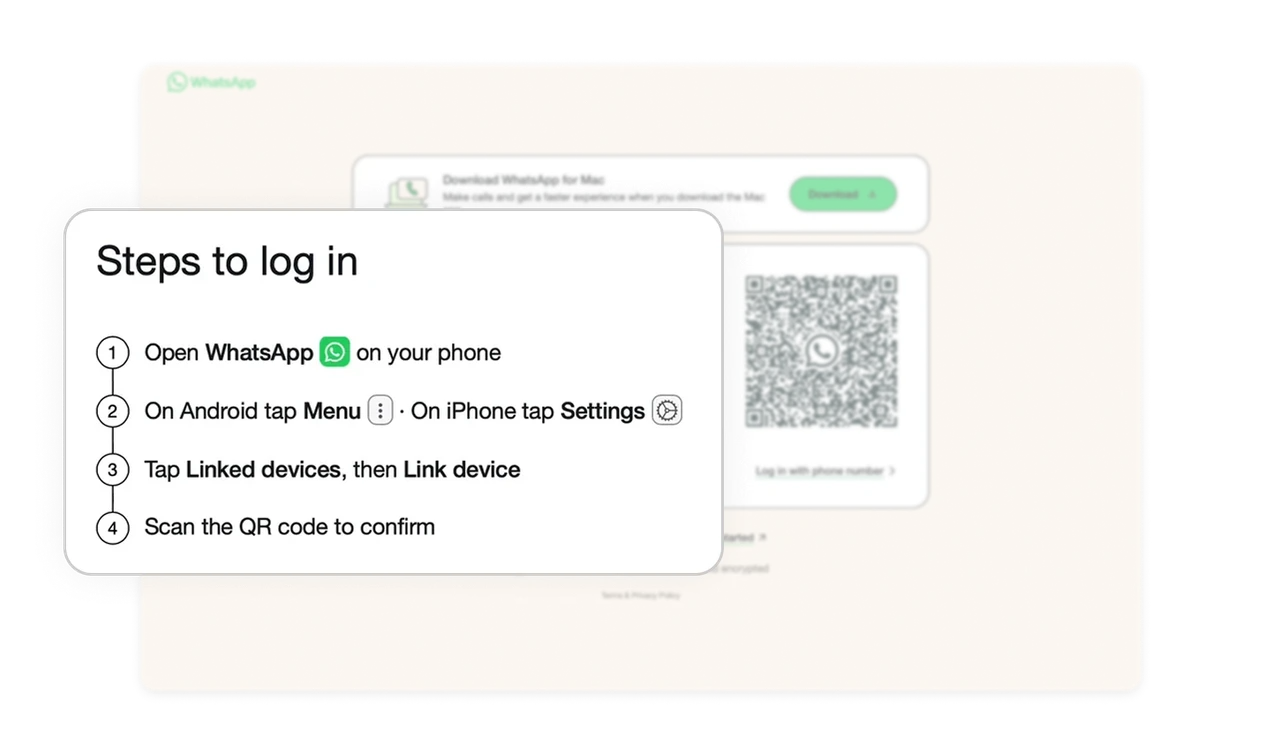
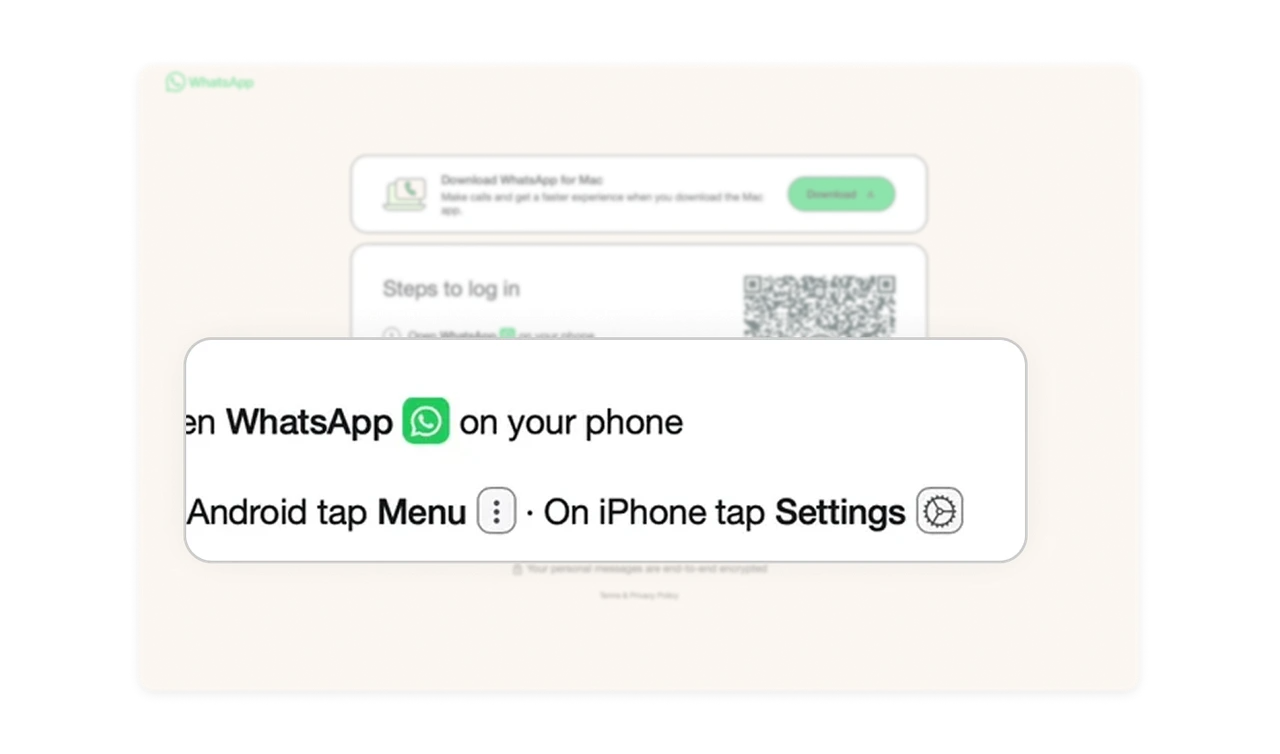
Real icons reduce thinking and increase confidence
Instead of describing where to tap, WhatsApp shows the actual icons users will see on their phone. This removes ambiguity and makes the instructions feel familiar before users even touch their phone.
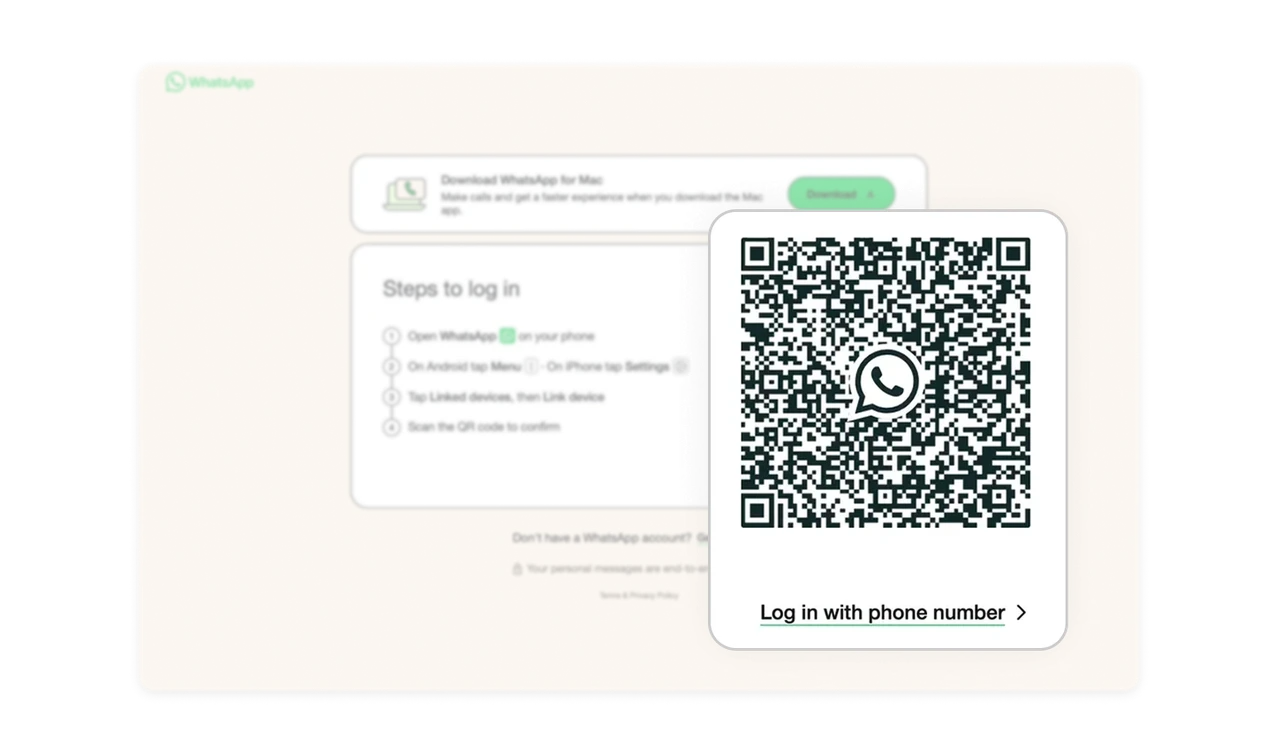
QR login is the primary path but alternatives stay visible
The large QR code is the visual anchor of the page. It is impossible to miss and easy to scan. At the same time, WhatsApp provides a fallback login option using a phone number. This respects different user comfort levels and device setups.
Minimal layout keeps attention exactly where it should be
The page uses soft colors, generous spacing, and zero visual noise. Nothing competes with the instructions or the QR code. This is a perfect example of restraint-driven design. Every element earns its place.
Similar Breakdown Lessons