Travel Dashboard

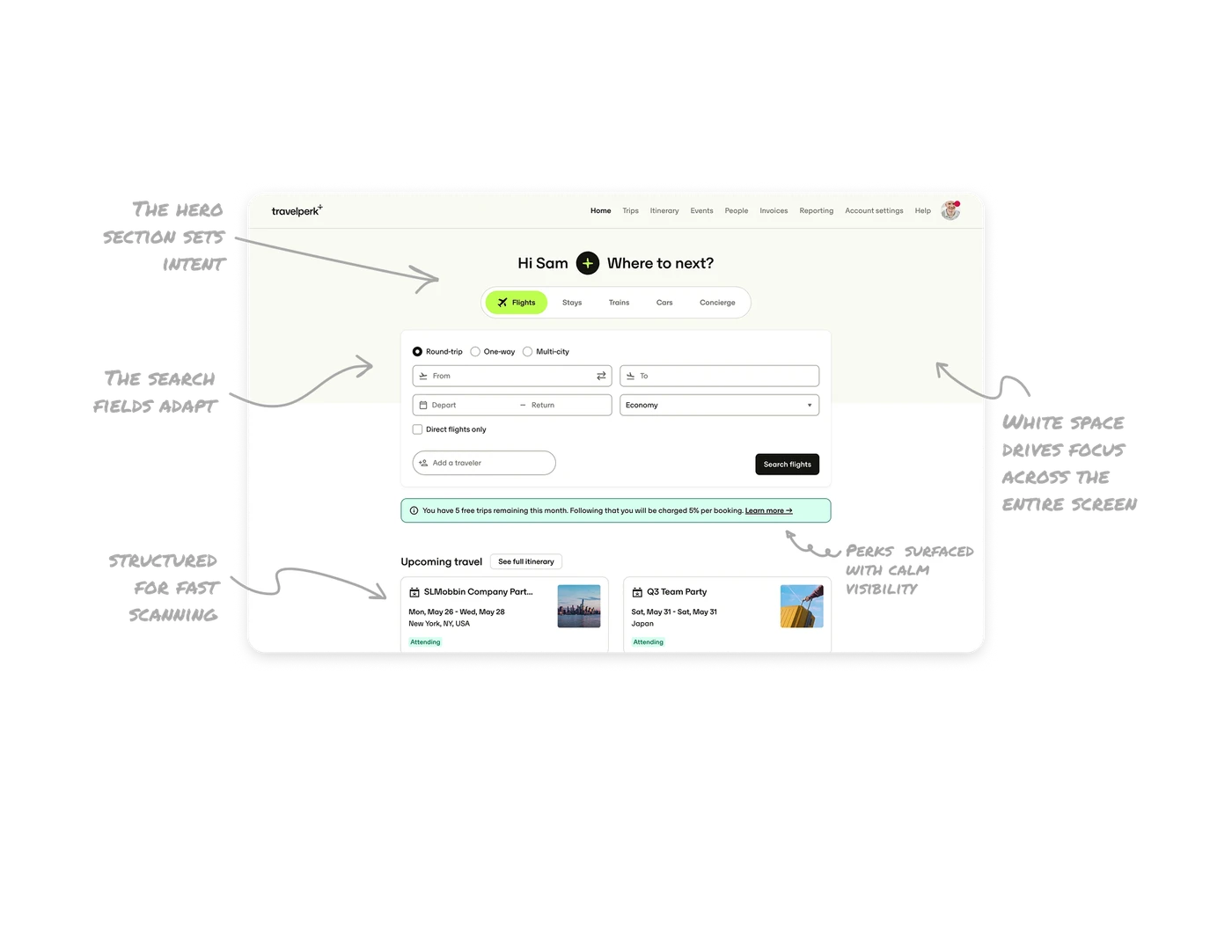
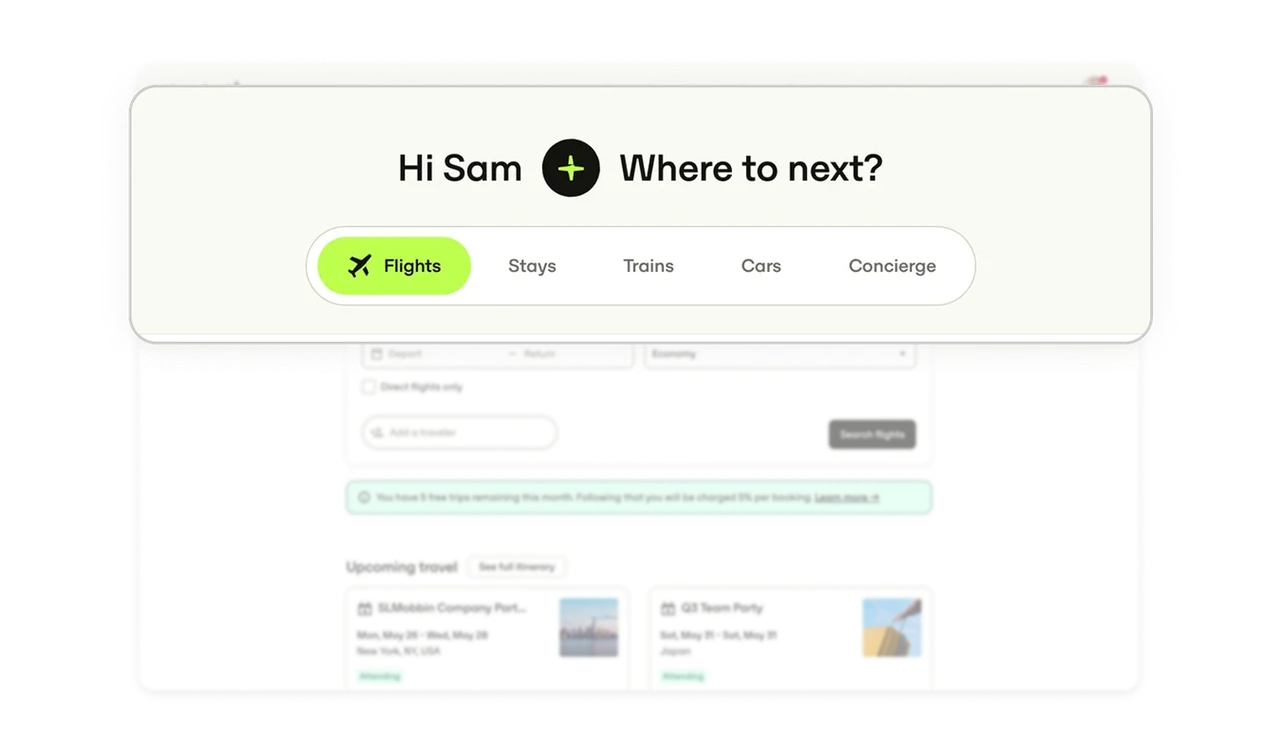
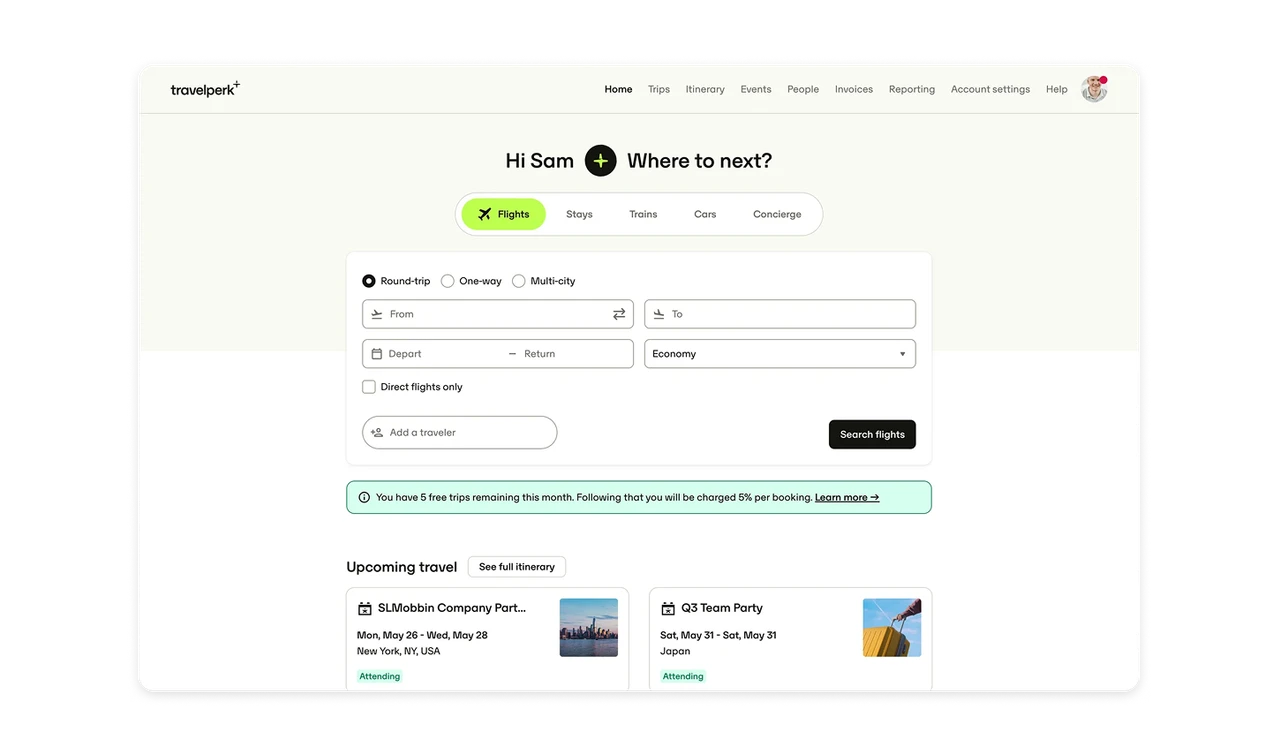
The hero section sets intent in one clean moment
The greeting, the short microcopy, and the compact travel-type tabs give the user a clear starting point. There’s no thinking required. The layout makes the first decision feel light and guided.
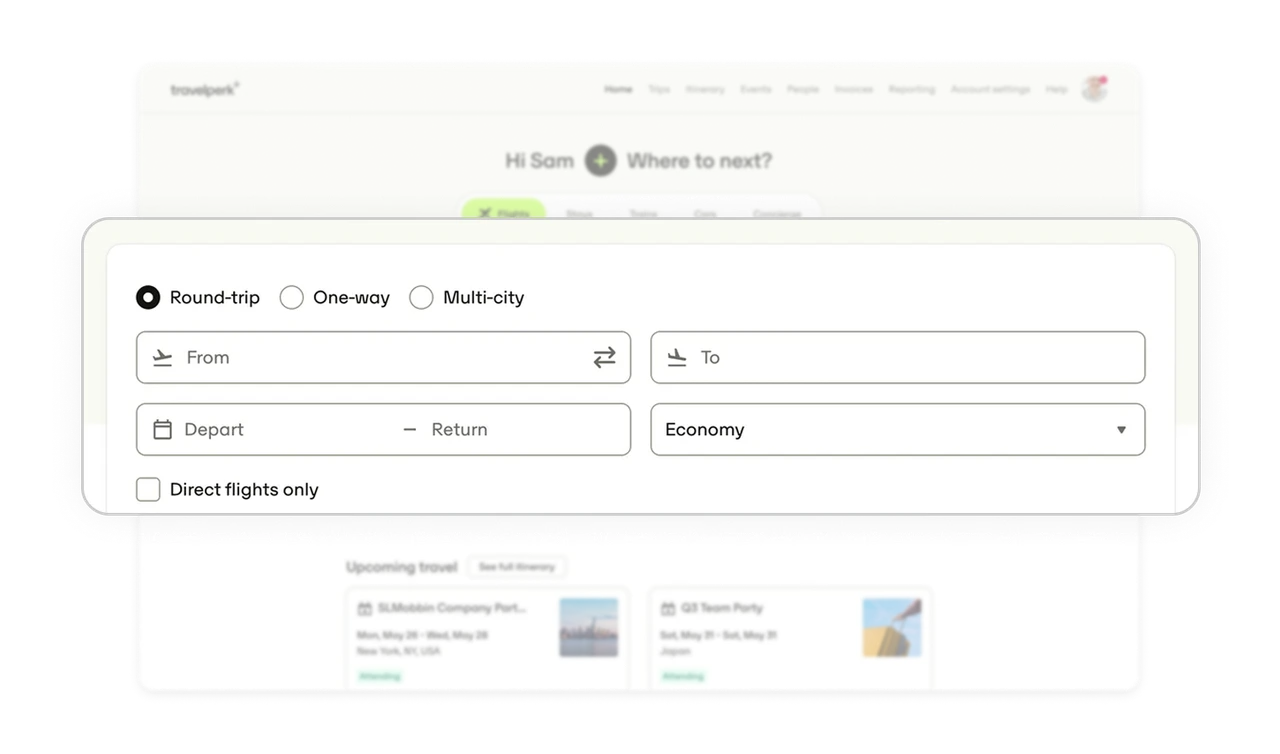
The search fields adapt to the selected travel mode
The form only shows the inputs needed for the chosen option. This keeps the interface focused and avoids overwhelming the user with fields they don’t need right now. It’s a simple pattern that dramatically improves clarity.
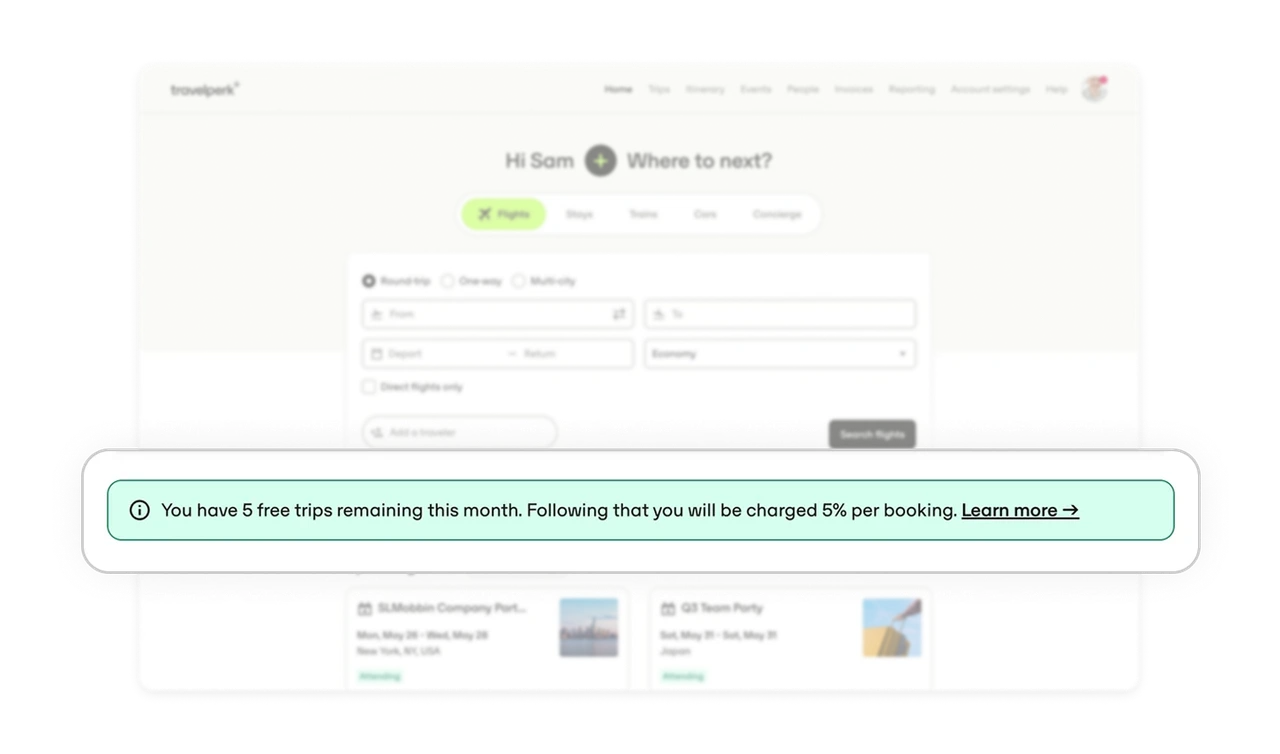
Perks and limits are surfaced with calm visibility
The notice about remaining free trips is placed right under the search area, where it’s easy to catch but never intrusive. It informs without creating pressure, which is exactly how account-level messaging should behave.
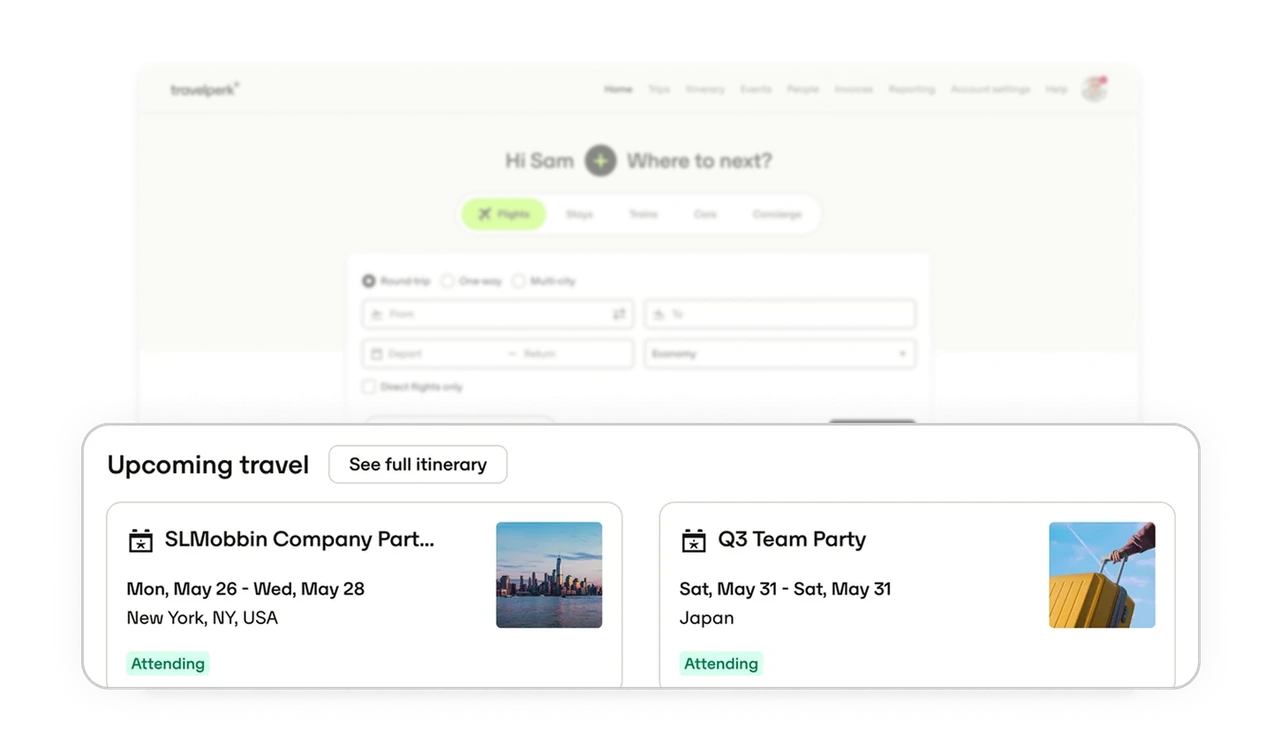
Upcoming trips are structured for fast scanning
Each card leads with the trip name, then location, then date, paired with a small contextual image. The hierarchy matches how people naturally read travel information. Users can scan multiple trips in seconds.
White space drives focus across the entire screen
The dashboard uses generous spacing and lightweight typography to keep everything breathable. Even with many elements on the page, nothing feels dense. This is a good example of how spacing can create calm without removing functionality.
Similar Breakdown Lessons