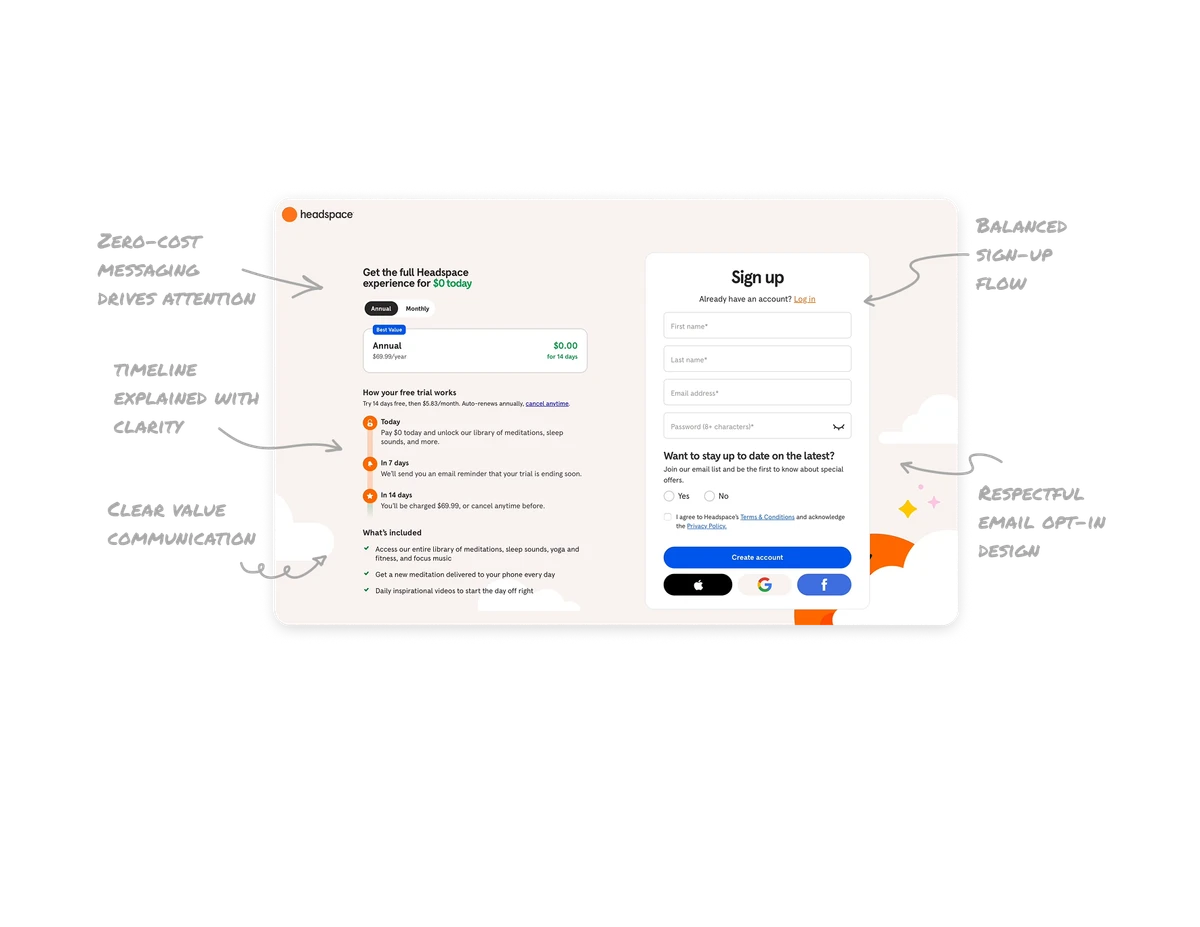
Subscription Plans

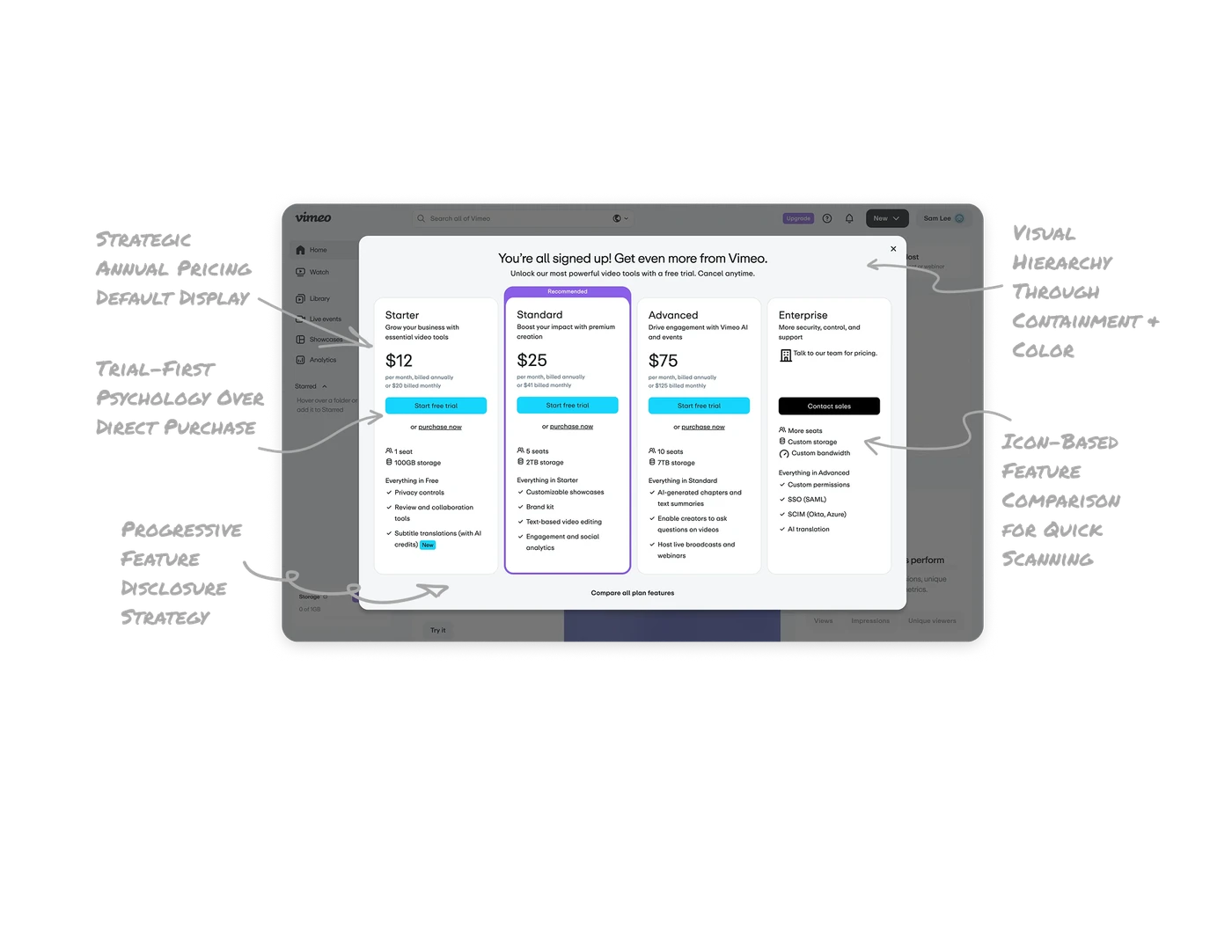
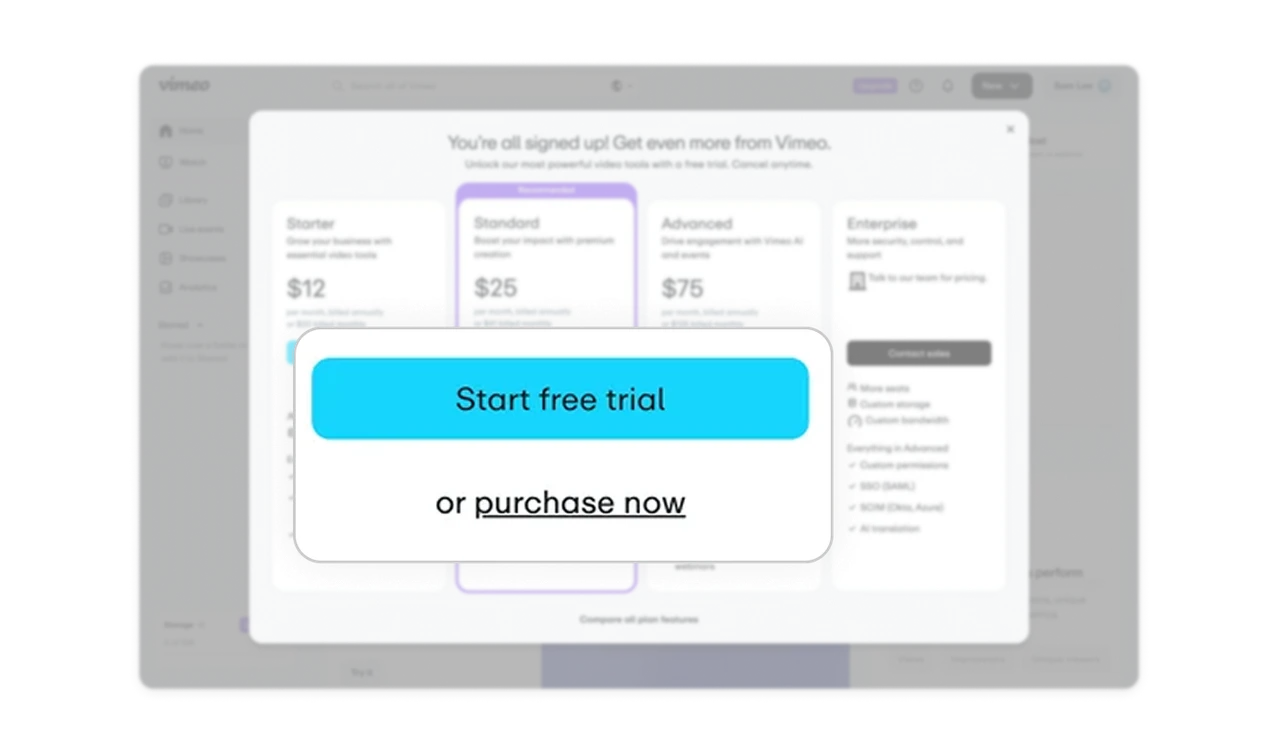
Trial-first psychology over direct purchase
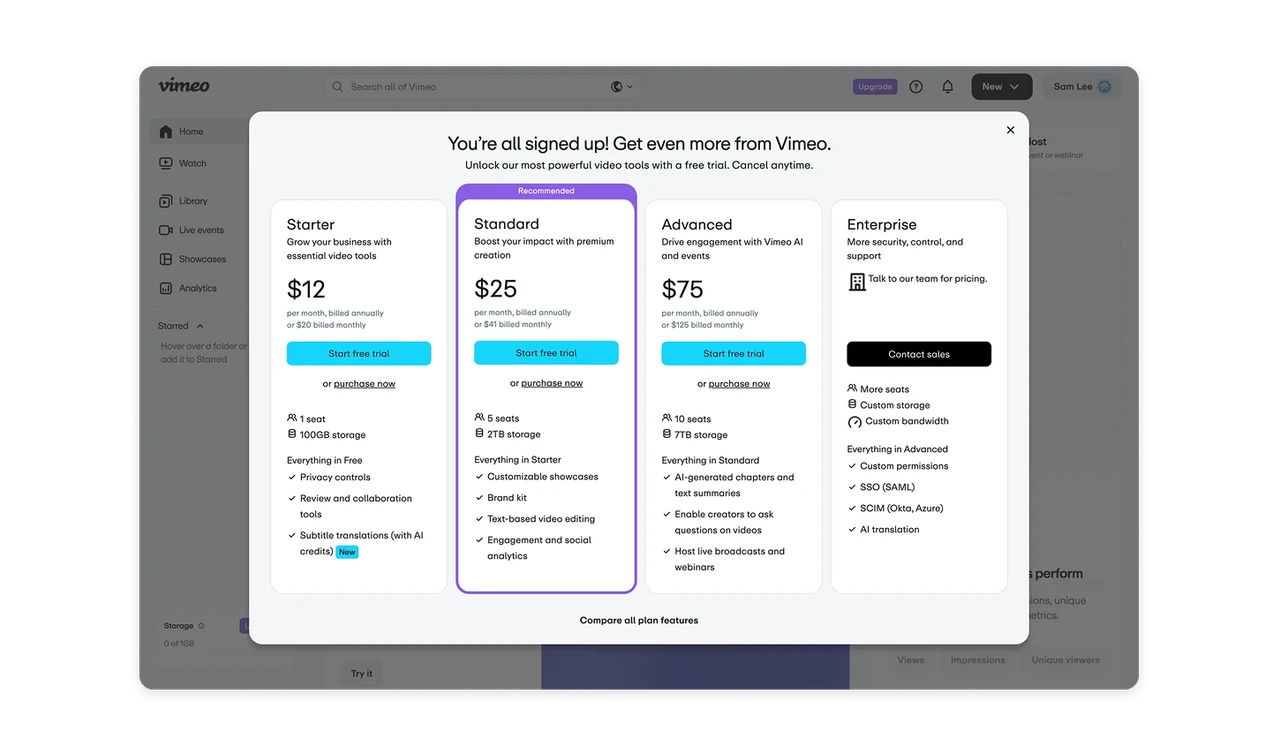
Vimeo prioritizes "Start free trial" buttons over "purchase now" links, showing confidence in their product. This reduces purchase anxiety by letting customers experience value before committing money. The secondary purchase option respects user decision-making without pressure tactics.
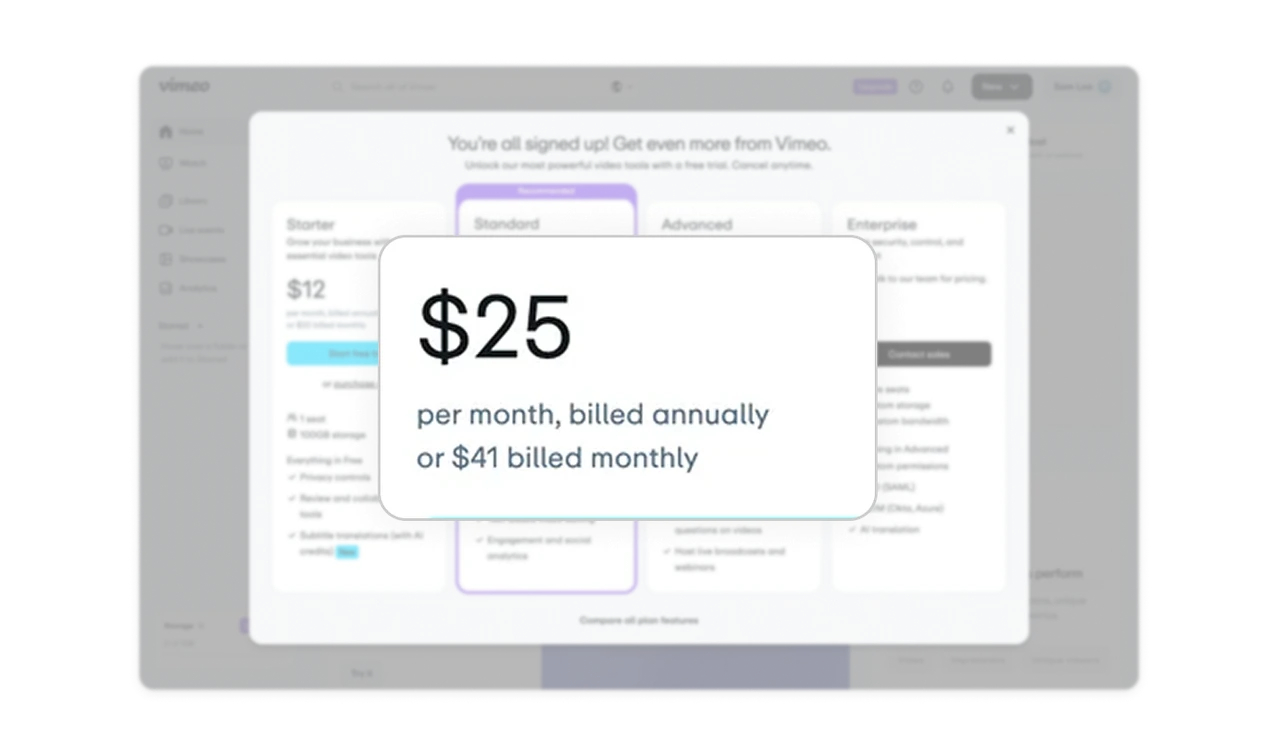
Strategic annual pricing default display
Annual pricing is displayed first, followed by monthly costs in smaller text below. This anchoring makes annual plans feel like the obvious choice when users see the cost difference ($25/month vs $41 billed monthly). Smart nudge toward higher lifetime value without hiding options.
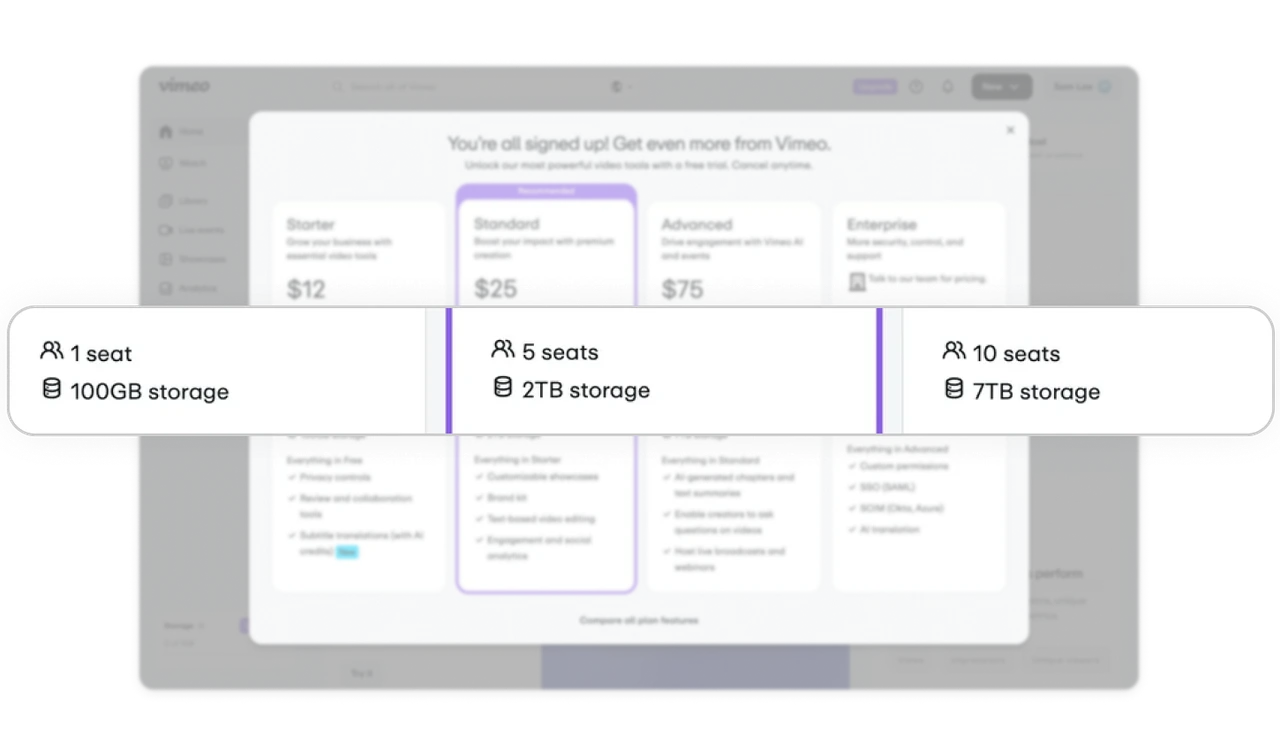
Icon-based feature comparison for quick scanning
Seats and storage use consistent icons across all tiers, creating instant visual comparison points. Users can scan horizontally to compare the same feature across plans without reading full descriptions. This reduces cognitive load during decision-making.
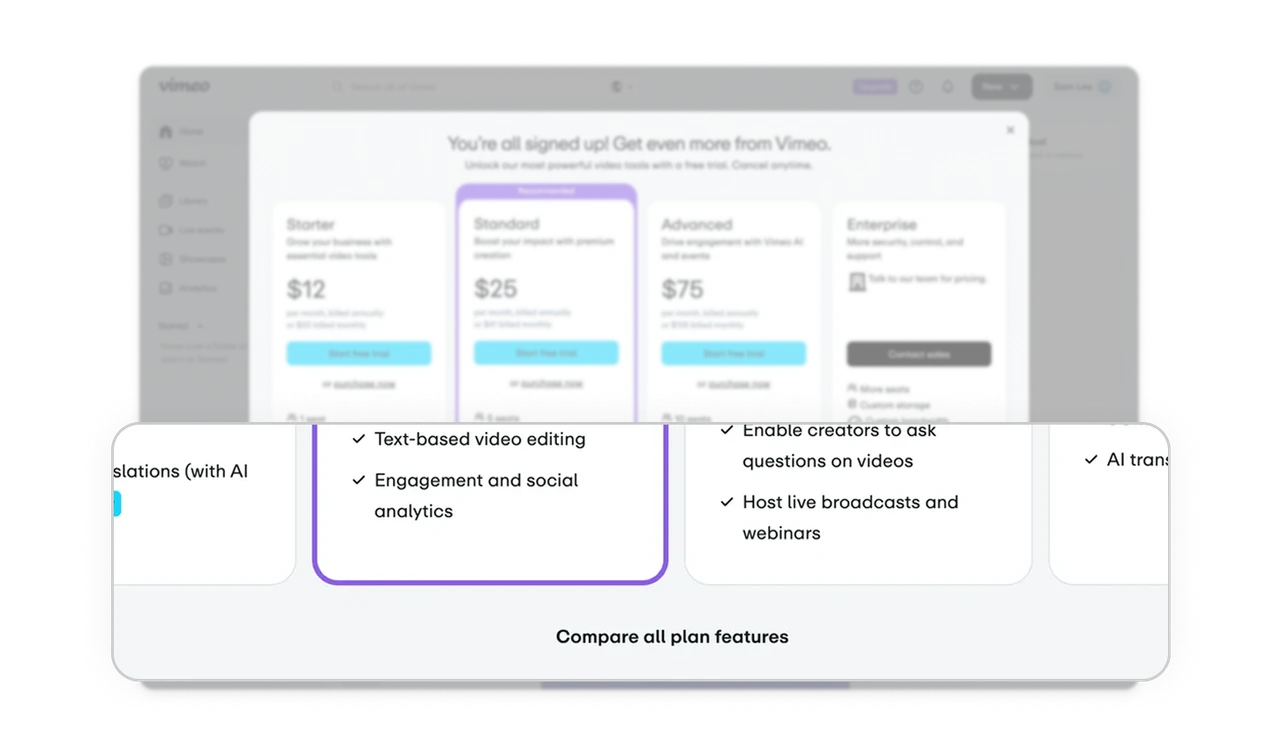
Progressive feature disclosure strategy
Each plan shows 4-5 key features upfront with a "Compare all plan features" link at the bottom. This prevents overwhelming users while giving detail-seekers access to complete information. Perfect balance between simplicity and transparency for different user types.
Visual hierarchy through containment and color
The "Recommended" badge and purple border create clear visual priority on the Standard plan without aggressive design tactics. White space, typography weight, and subtle borders guide attention naturally through pricing tiers, making comparison effortless.
Similar Breakdown Lessons