Activity Guide Search

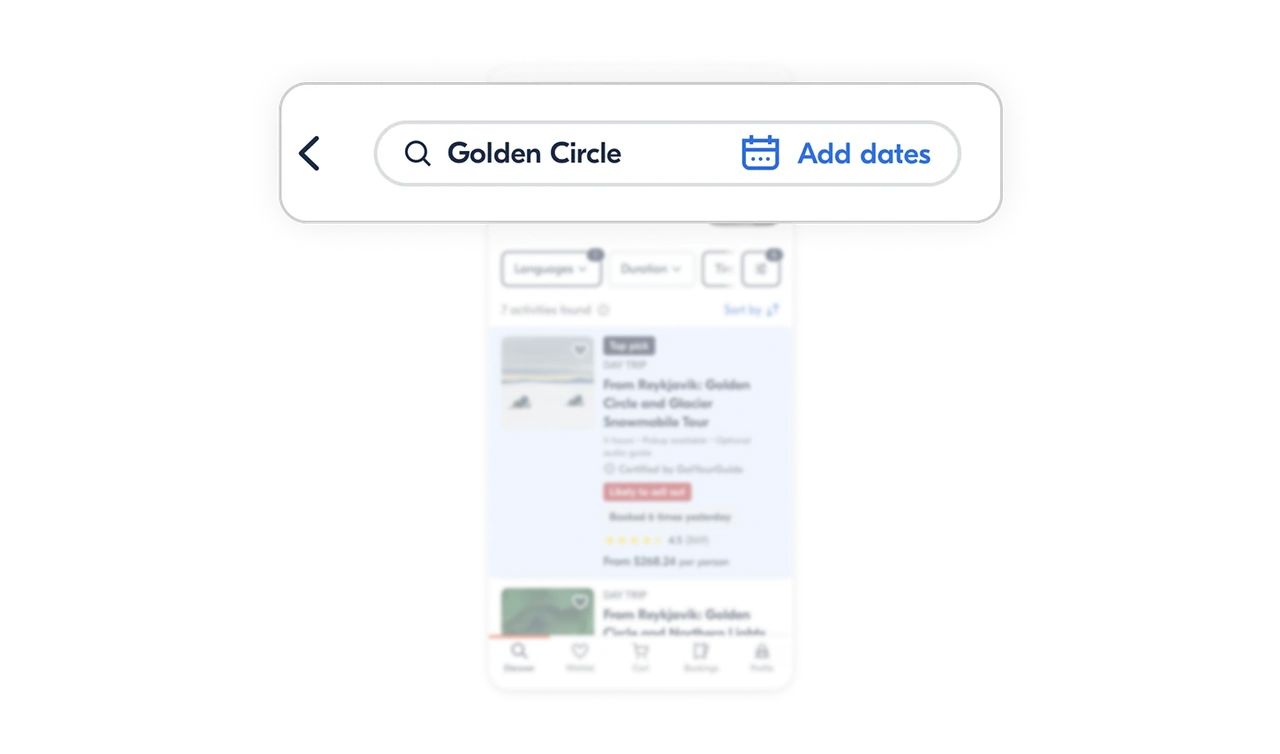
The search bar balances specificity and flexibility
The search input keeps the location visible while offering an optional date action. This lets users stay broad when they want inspiration or get precise when planning details matter. One component supports both mindsets without adding complexity.
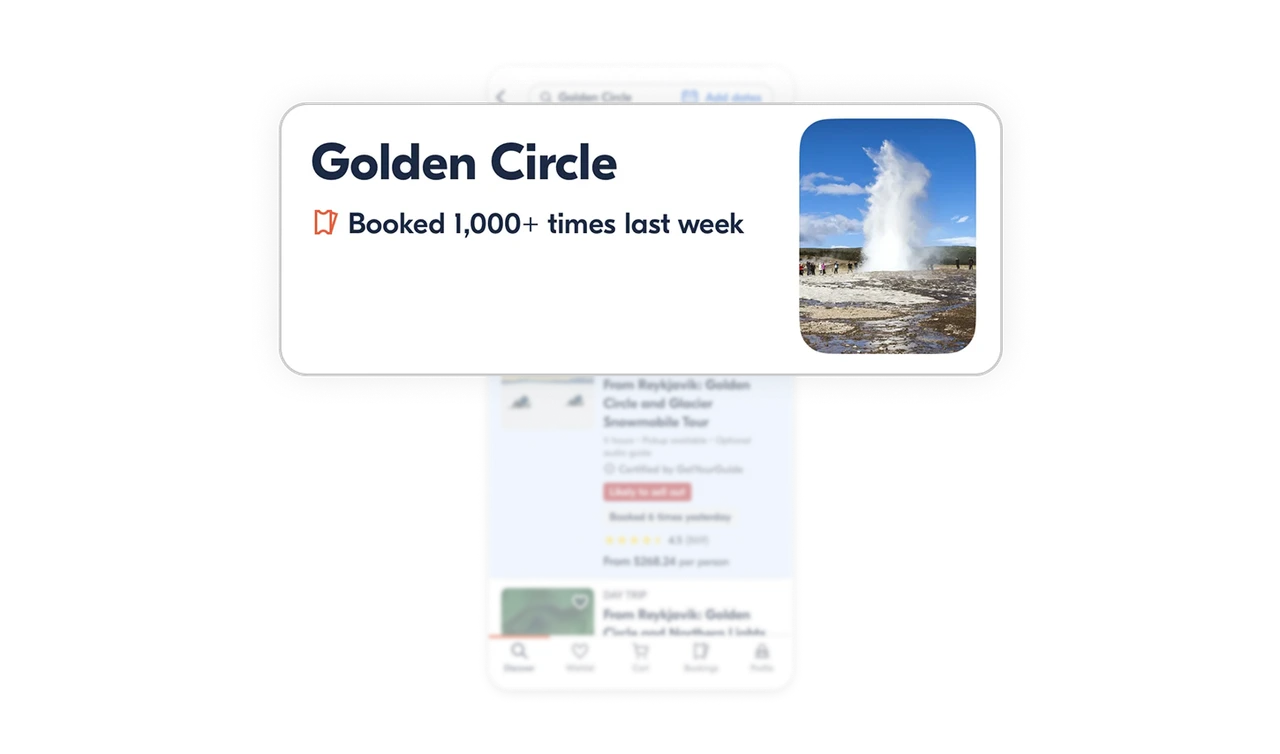
Location identity is confirmed instantly and confidently
The destination name, hero image, and booking volume appear together at the top. Users immediately know they’re looking at the right place, and the popularity signal builds trust before they even scroll.
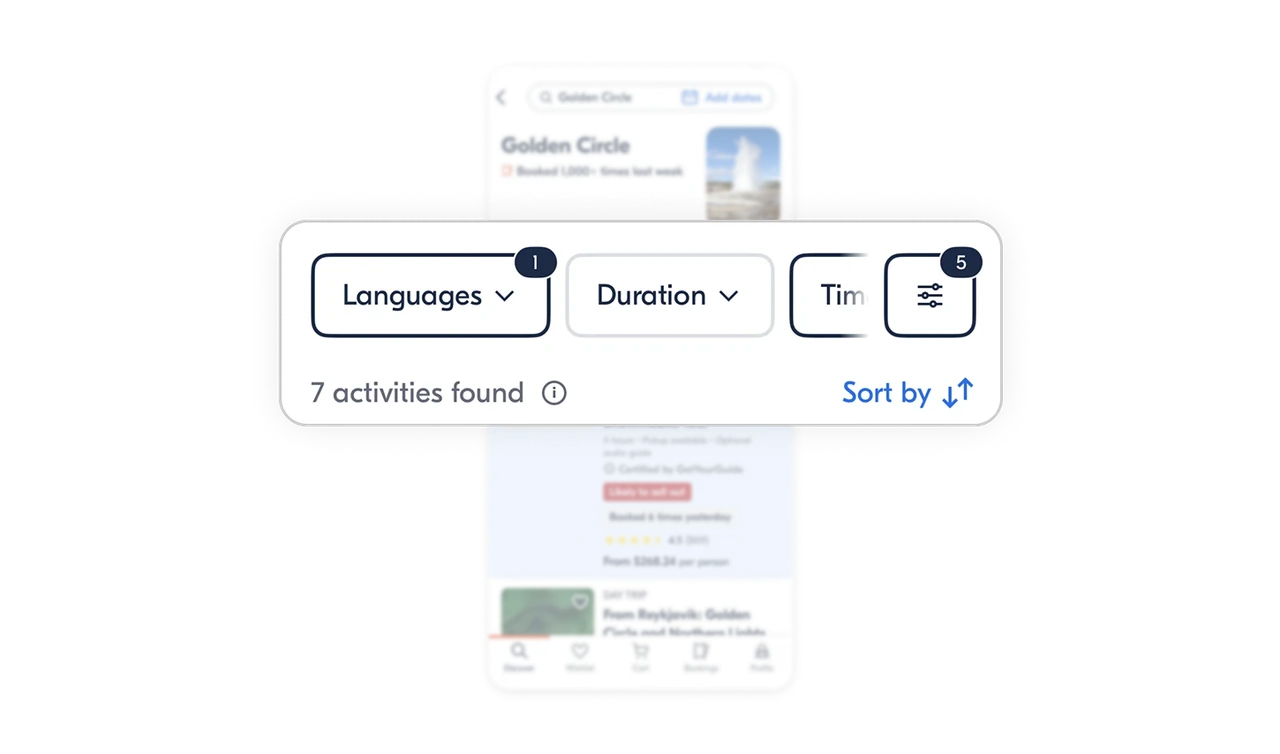
Filters scale horizontally to protect vertical space
Filters live in a horizontal bar, which keeps the results list front and center. Used filters are visually distinct from unused ones, so users always understand what’s shaping their results without reopening the filter panel.
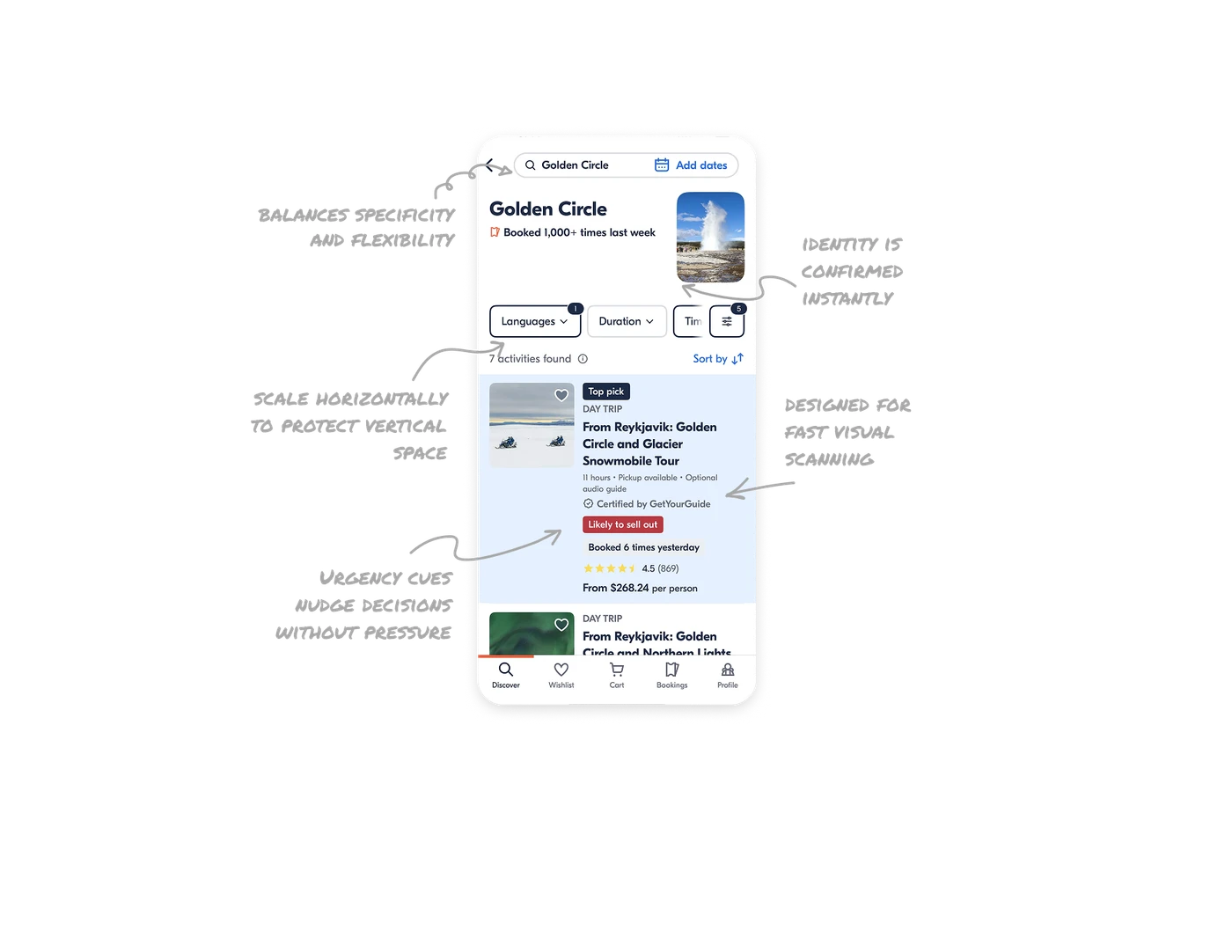
Result cards are designed for fast visual scanning
Labels like Top pick and Day trip surface quality and intent early. Strong typography hierarchy guides the eye from experience name to duration, ratings, and price without forcing users to read everything line by line.
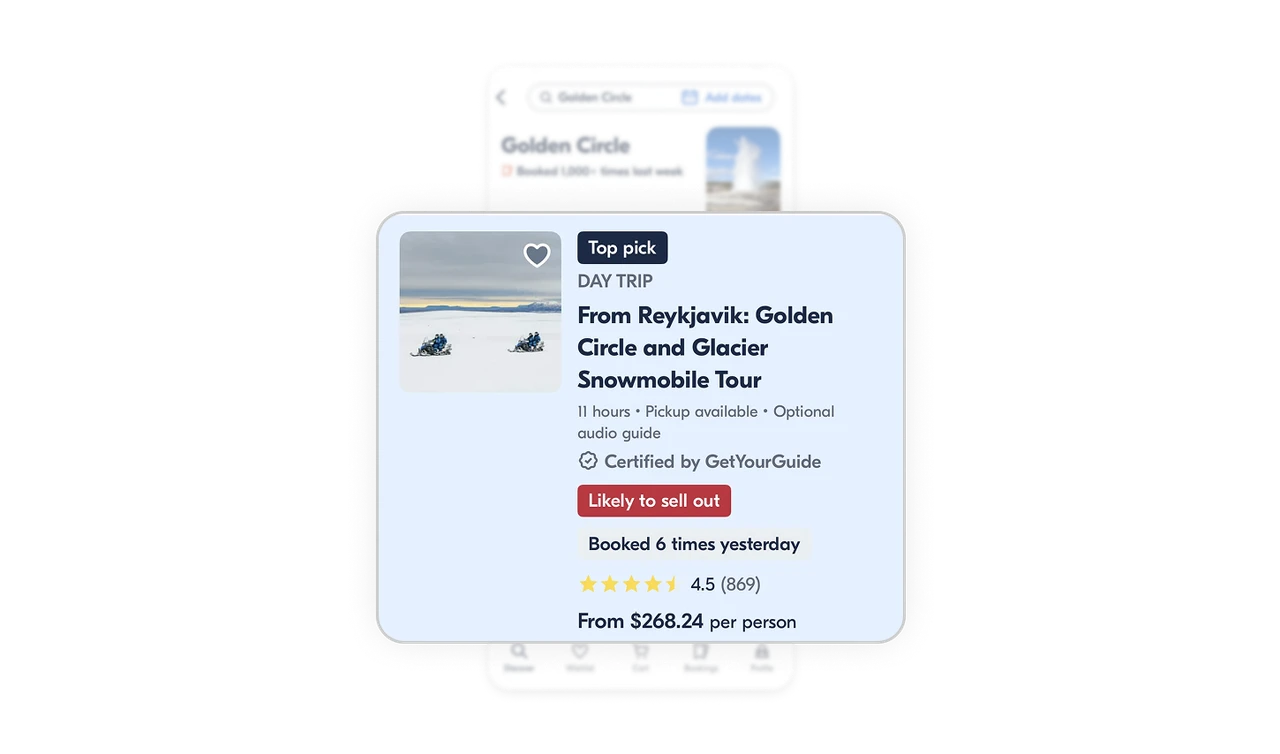
Urgency cues nudge decisions without pressure
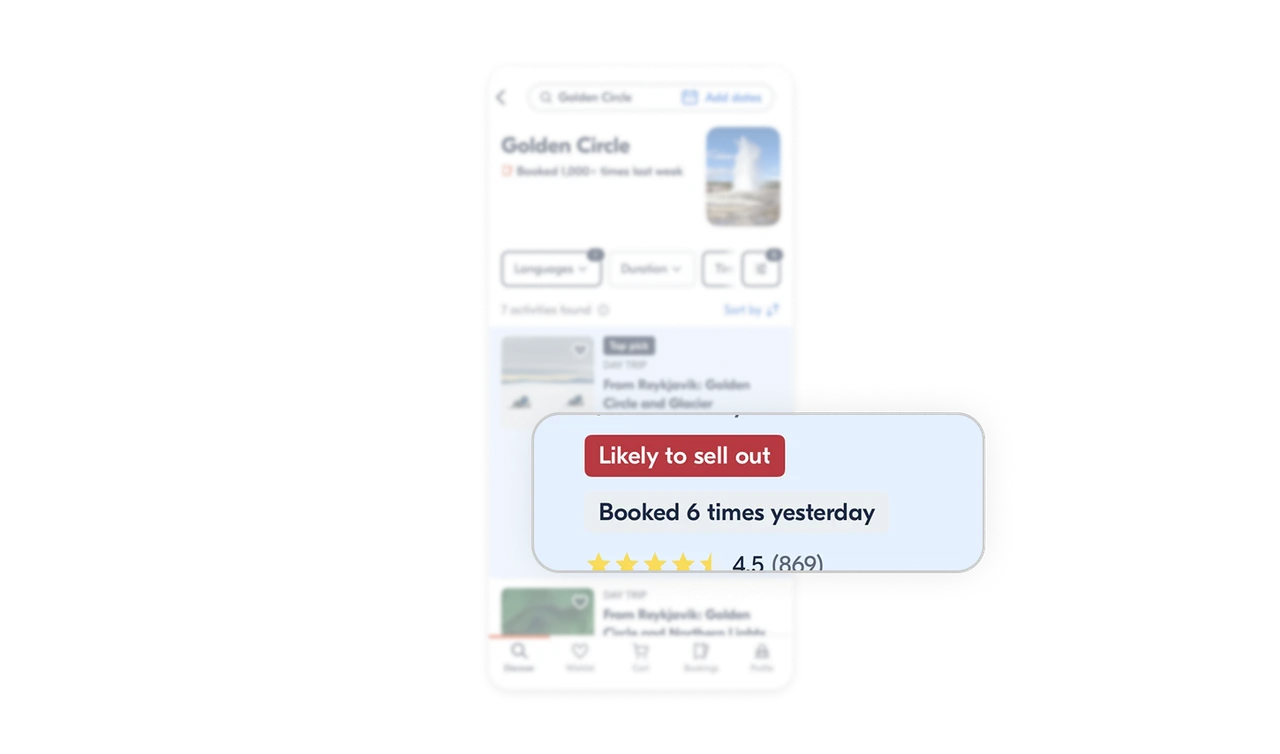
Messages like Likely to sell out and Booked X times yesterday introduce social proof and scarcity in a calm way. They support faster decisions while still letting users feel in control.
Similar Breakdown Lessons







