AI Audio Reader

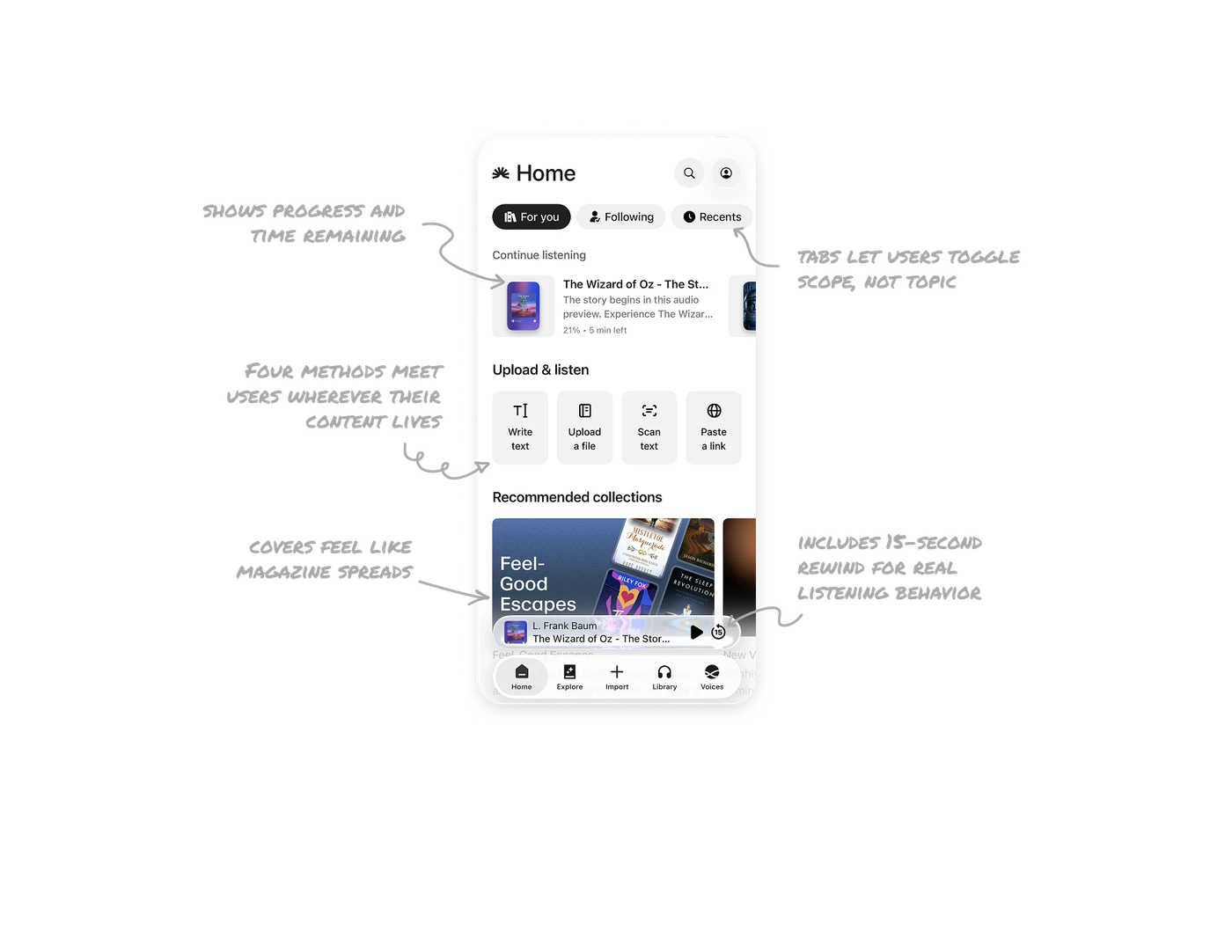
Continue listening card shows progress and time remaining
"21% • 5 min left" sits below the title alongside a thumbnail and play button. Users decide instantly whether to resume now or save for later. Progress percent without time feels abstract. Time without percent feels disconnected from the whole. Showing both lets users match their current free time to the content perfectly, which is the single biggest factor in whether audio gets finished or abandoned.
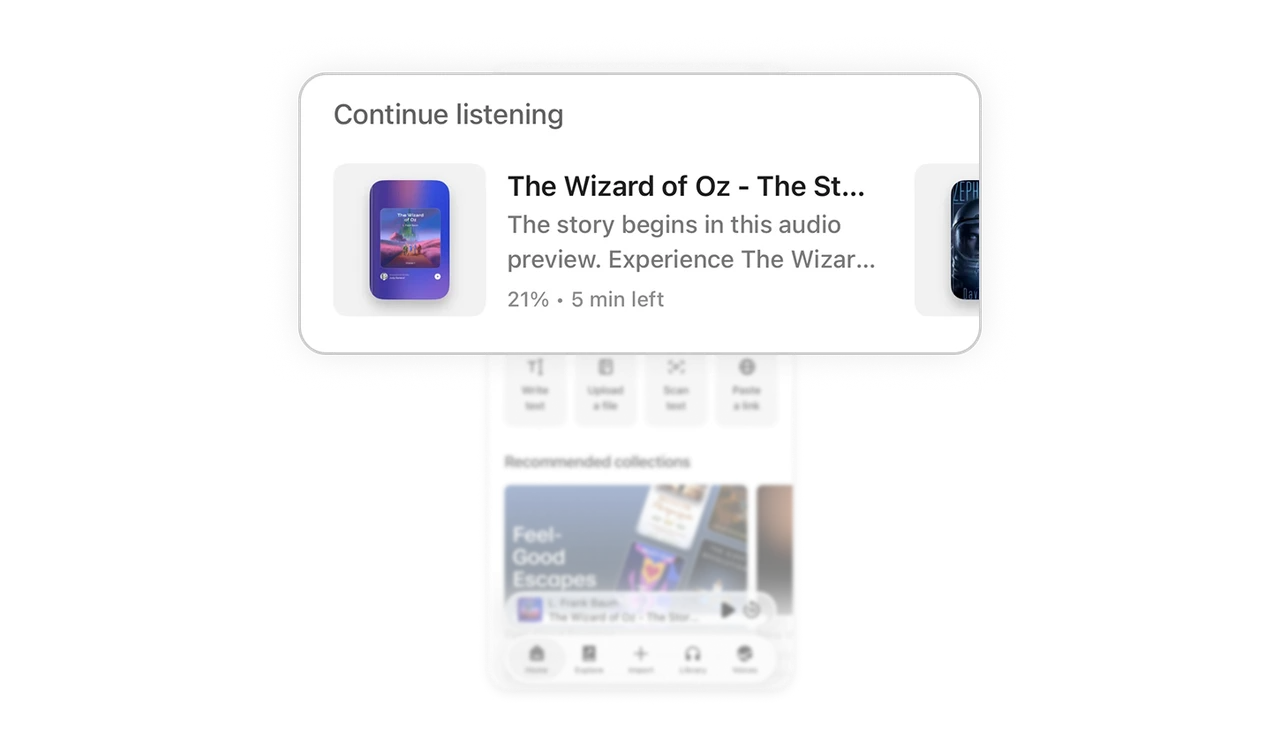
Four upload methods meet users wherever their content lives
Each tile represents a different content source: typed, file, physical paper, and web. Forcing one input method limits the product to one user workflow. Offering four means the tool fits how users actually have content, not how the product wishes they did. This is the highest-friction step of any AI tool, and the variety removes it.
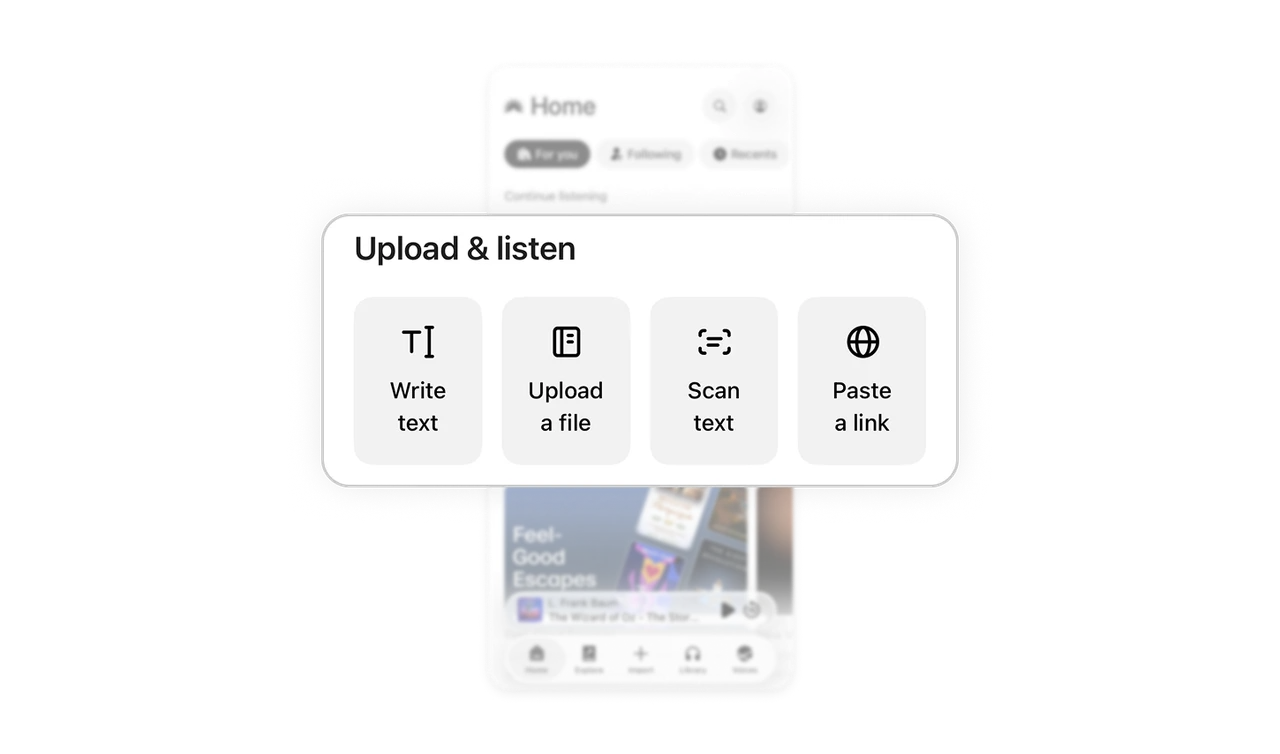
Editorial collection covers feel like magazine spreads
"Feel-Good Escapes" appears as a full-bleed card with large typography over a collage of book covers. The collection name is the hero, individual titles are background. This editorial treatment makes recommendations feel curated by humans, not generated by an algorithm. Content products that present recommendations as a magazine rather than a list earn more trust because users instinctively associate editorial design with editorial judgment.
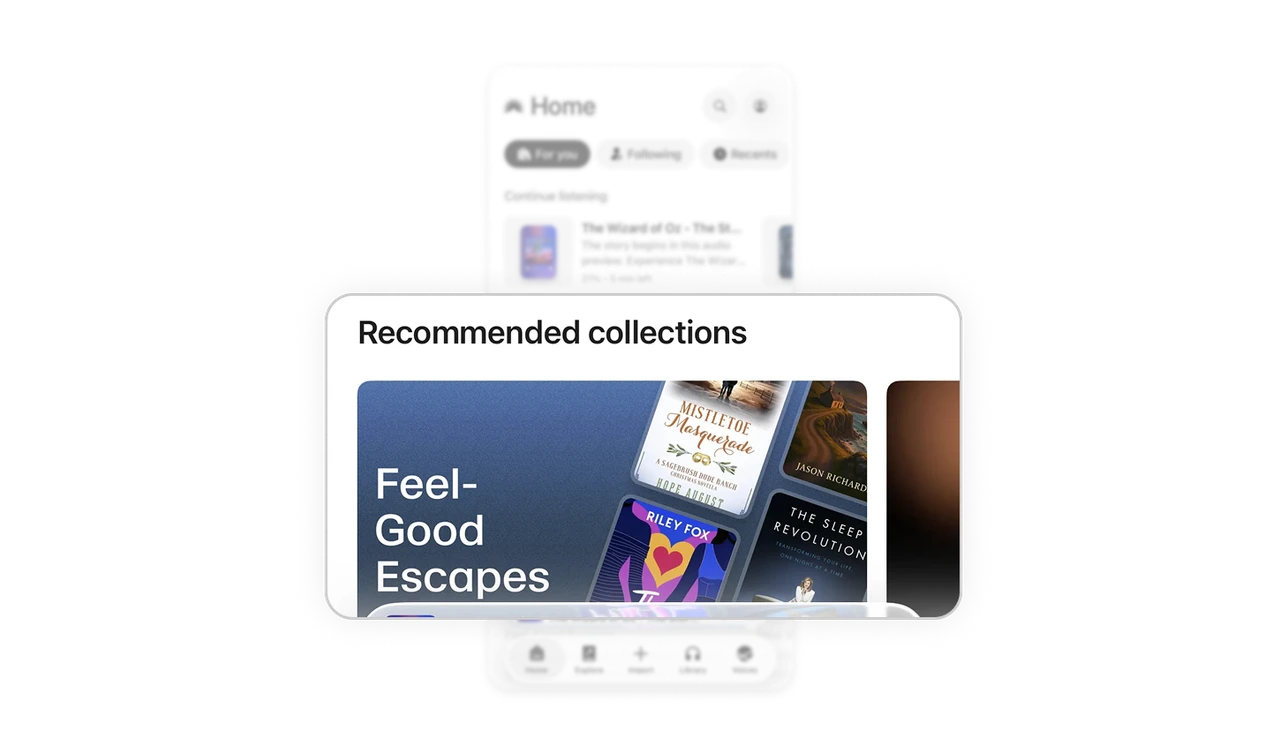
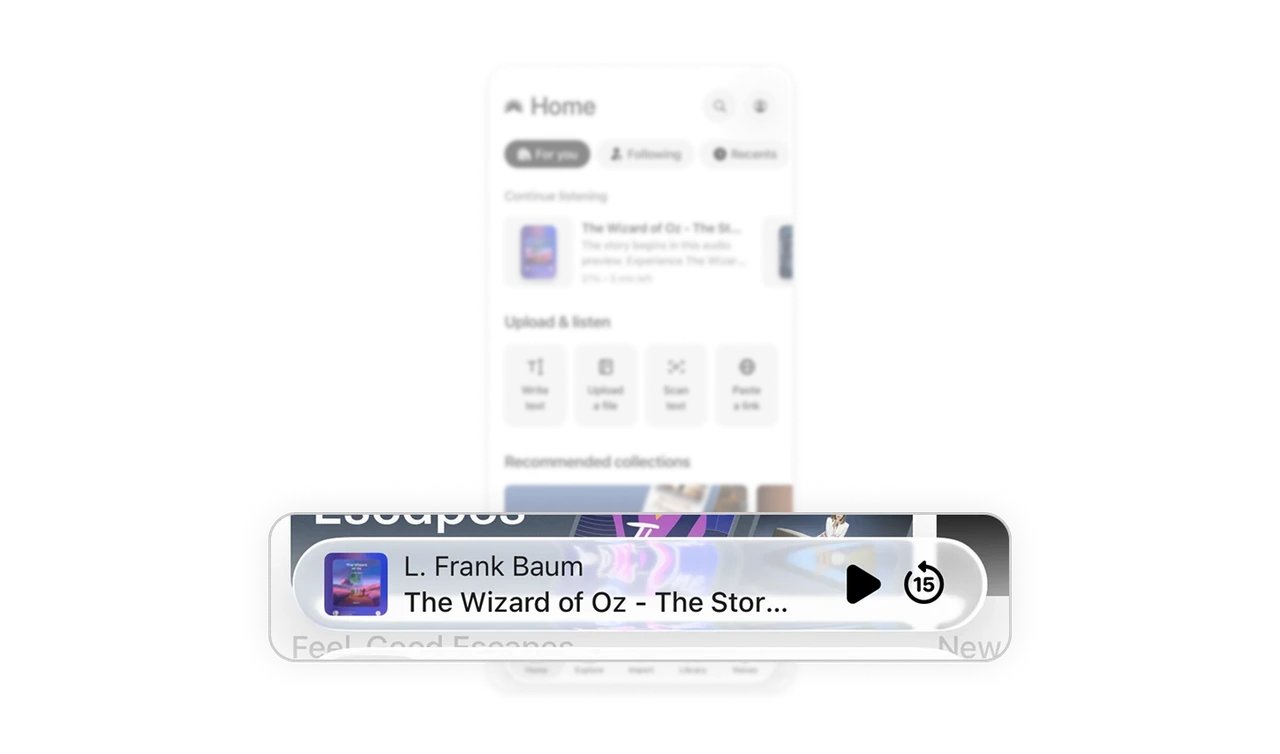
Sticky player includes 15-second rewind for real listening behavior
The floating player above the tab bar shows the current track, a play button, and a 15-second rewind icon. The rewind button matters because audio listeners regularly miss something and need to jump back without opening the full player. Including the second-most-used action inline alongside play shows the product understands listening behavior, not just playback states. Small interaction choices reveal deep user research.
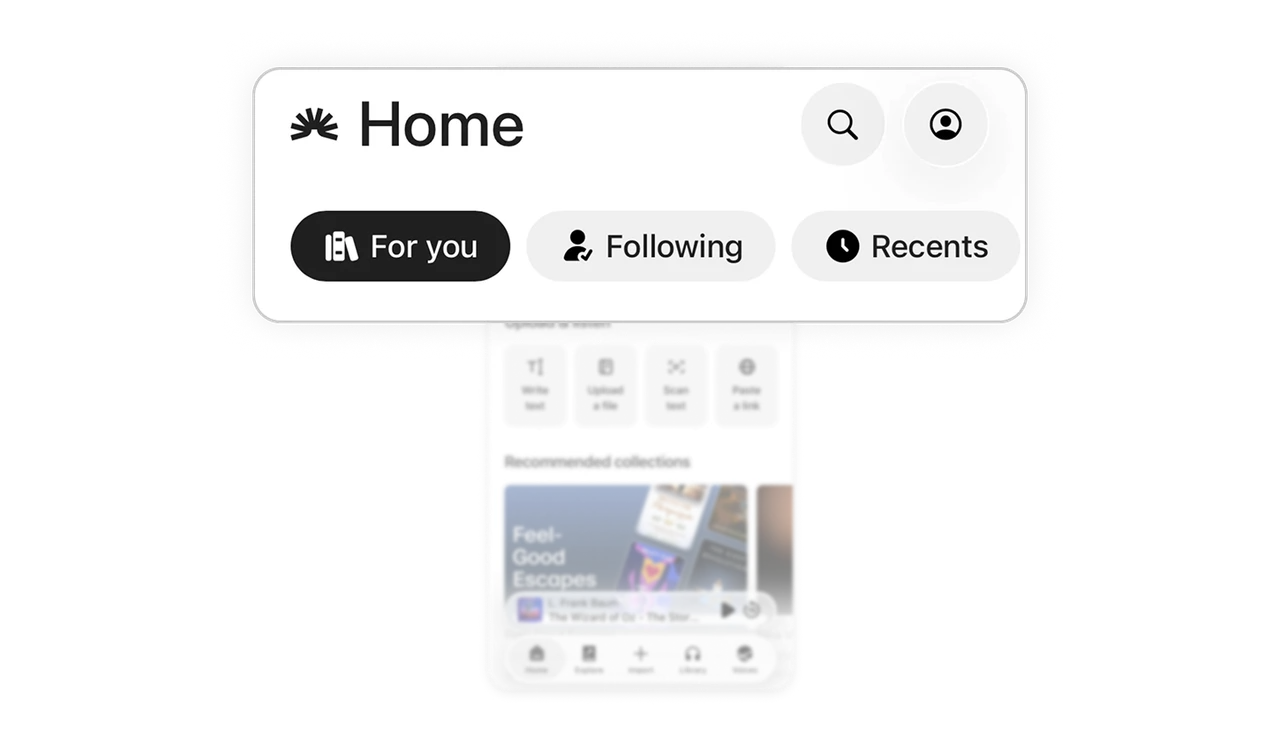
Tabs let users toggle scope, not topic
Three pills at the top switch between algorithmic, social, and historical feeds. Users decide their mood: what is recommended for me, what people I follow are doing, or what I have already touched. Scope toggles respect the difference between active discovery and passive return. The same pattern as Digg, and it consistently outperforms topic-based filtering for content products because mood shifts more often than topic preference.
Similar Breakdown Lessons