Job Search Dashboard

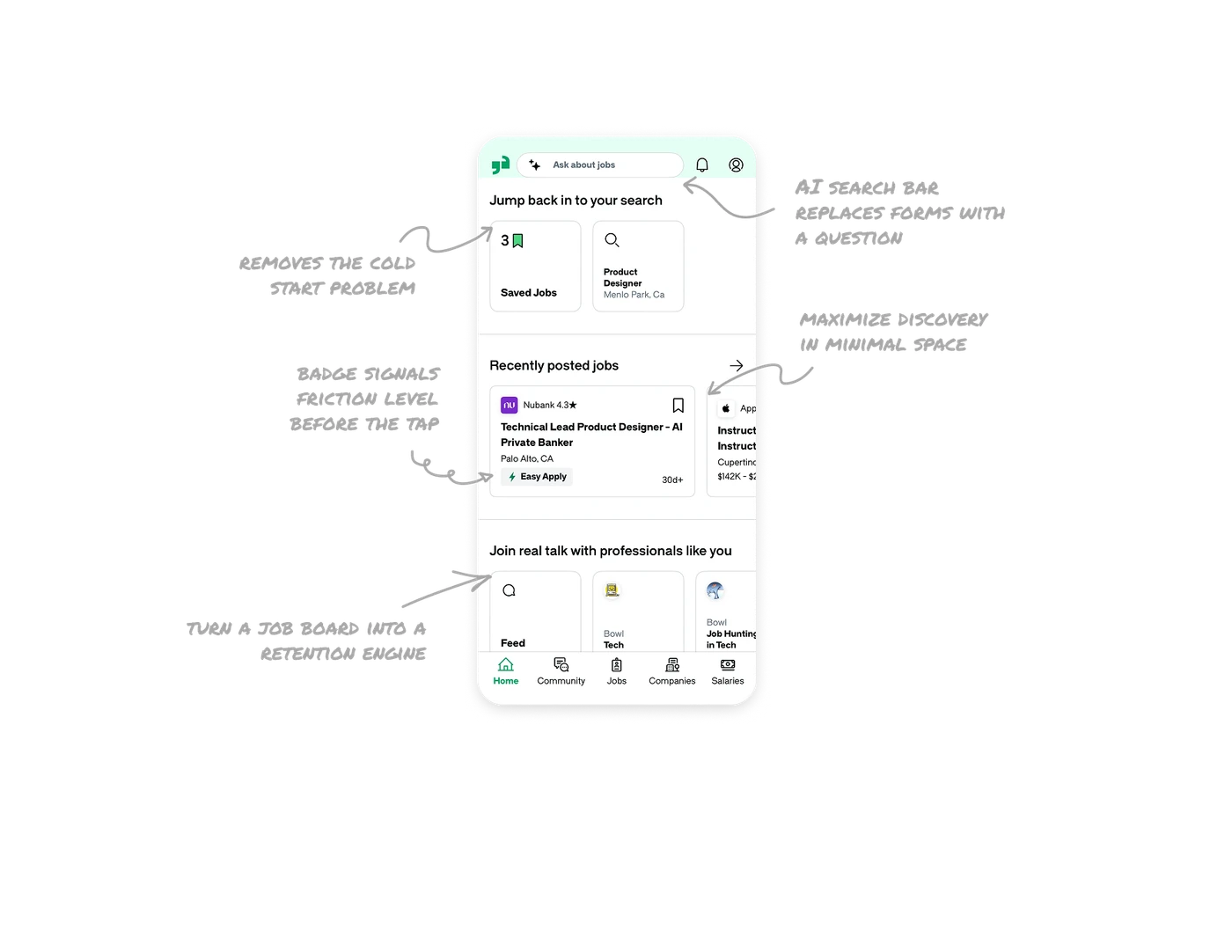
AI search bar replaces filter forms with a question
"Ask about jobs" sits at the top with a sparkle icon, letting users describe what they want in natural language instead of selecting filters. Traditional job search requires users to translate their intent into categories, locations, and salary ranges. An AI-first input removes that translation step entirely and lets users search the way they actually think about their next job.
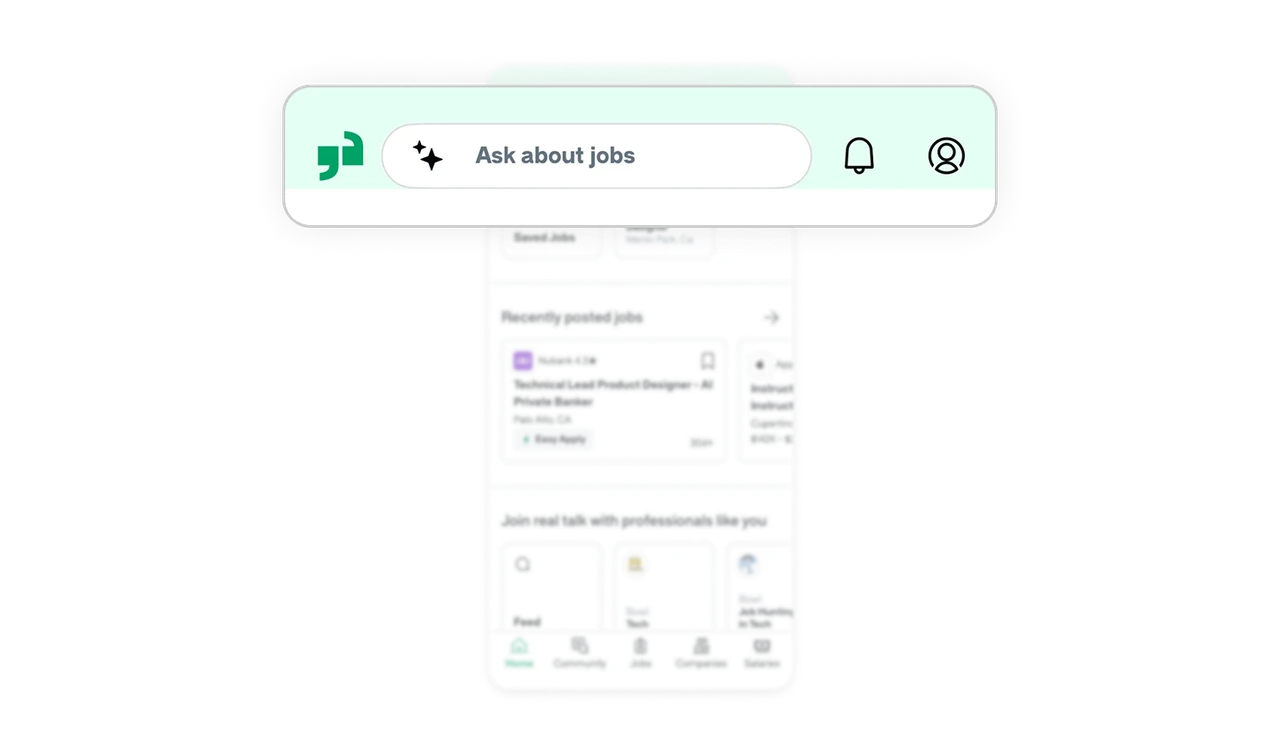
Jump back in section removes the cold start problem
Saved Jobs and the last active search sit at the top of the home screen as two tappable cards. Returning users continue exactly where they left off without searching again. Job hunting happens across many sessions over weeks. Remembering the user's last context and surfacing it first is the single most important retention mechanic in any search-heavy product.
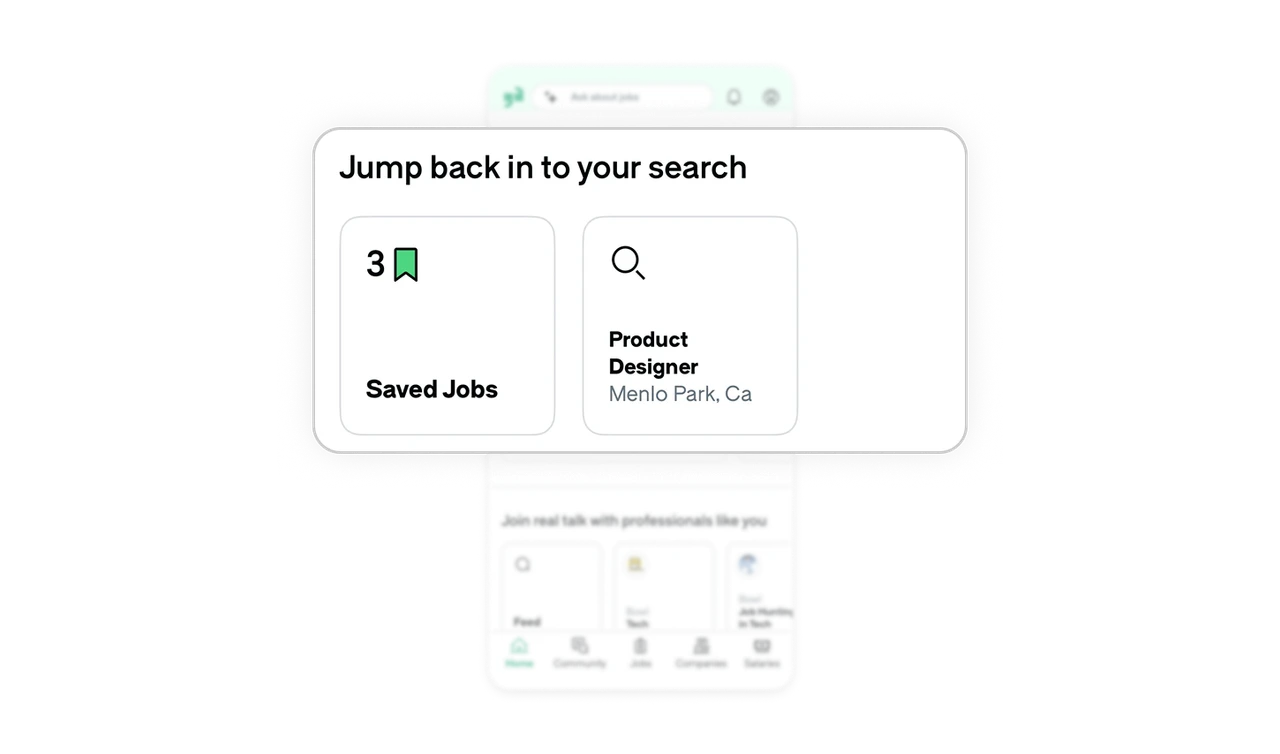
Horizontal scroll cards maximize discovery in minimal space
Recent jobs and community Bowls both use horizontal scroll rather than vertical lists. Users can peek at the next item without committing to a full scroll down the page. This pattern works well for secondary browsing sections where depth matters less than breadth. It keeps the home screen compact while still offering rich discovery across multiple categories.
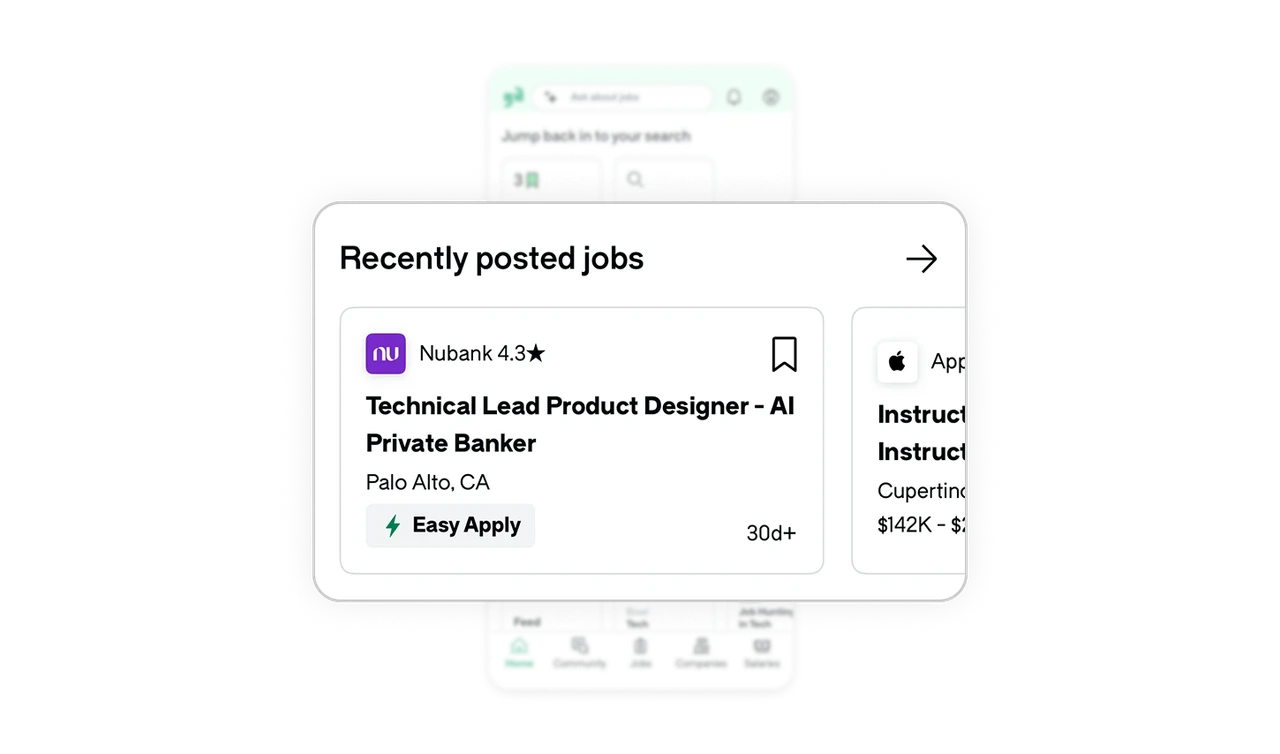
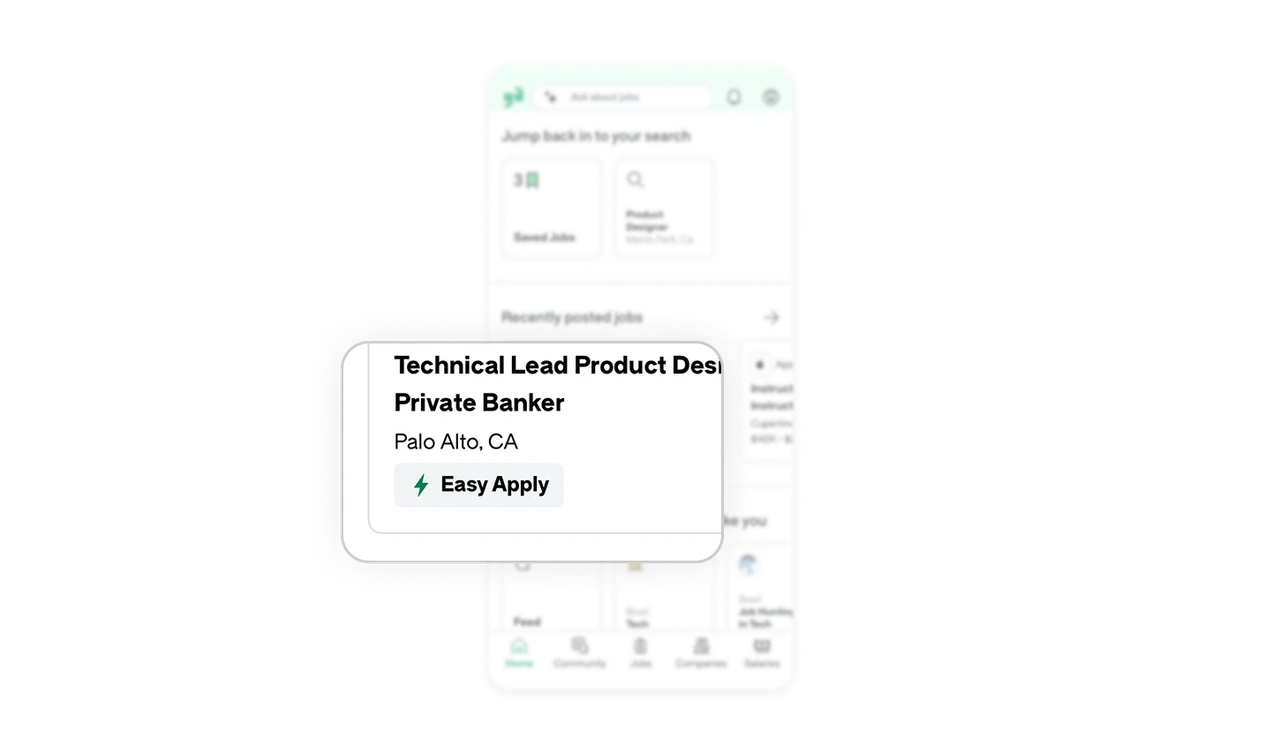
Easy Apply badge signals friction level before the tap
The green lightning bolt Easy Apply pill on the job card tells users before tapping that this role requires minimal effort, no external redirect, no long form. Users skip jobs that need a full external application and prioritize the fast ones when tired. Surfacing effort level at the list level, before commitment, is a subtle but powerful decision aid that increases application completion rates.
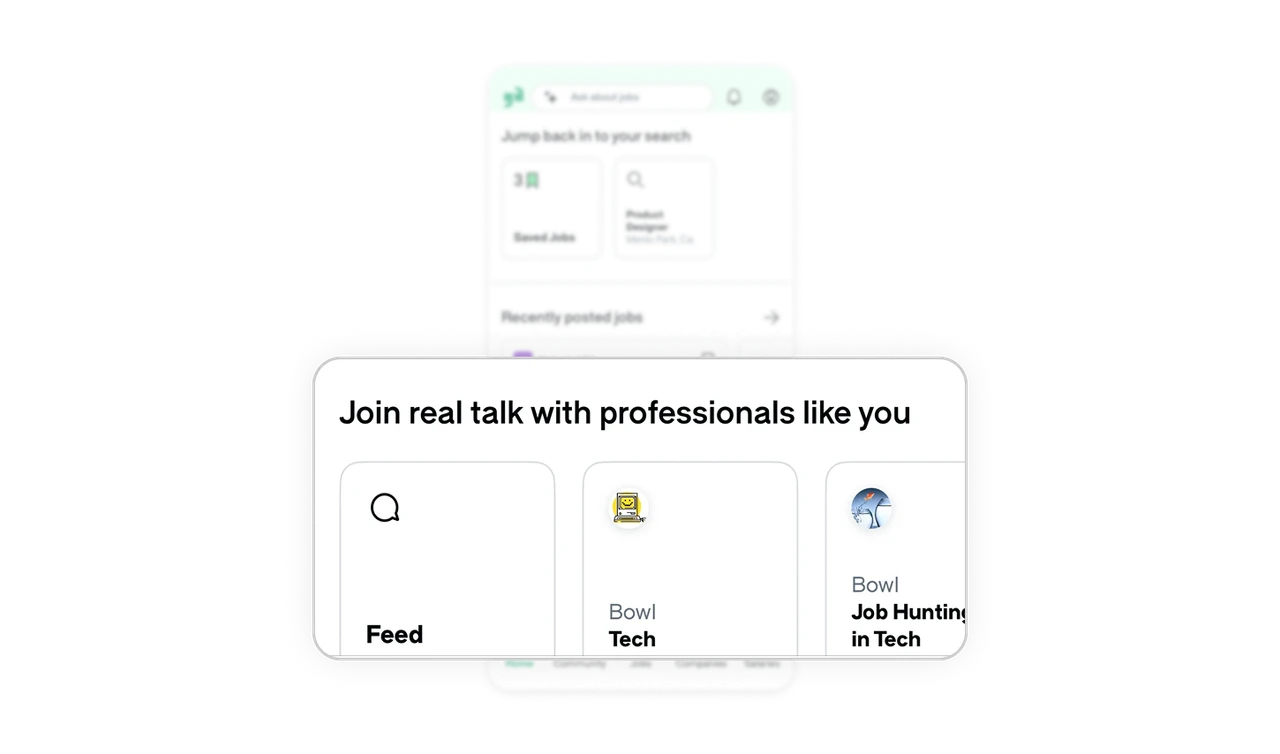
Community Bowls turn a job board into a retention engine
"Join real talk with professionals like you" surfaces community spaces like Tech and Job Hunting in Tech directly on the home screen. Job boards are transactional by nature. Users leave the moment they find a job. Embedding community keeps users engaged between active job searches, which turns a one-time utility into a product users visit weekly even when they are not applying.
Similar Breakdown Lessons







