AI Image Generator

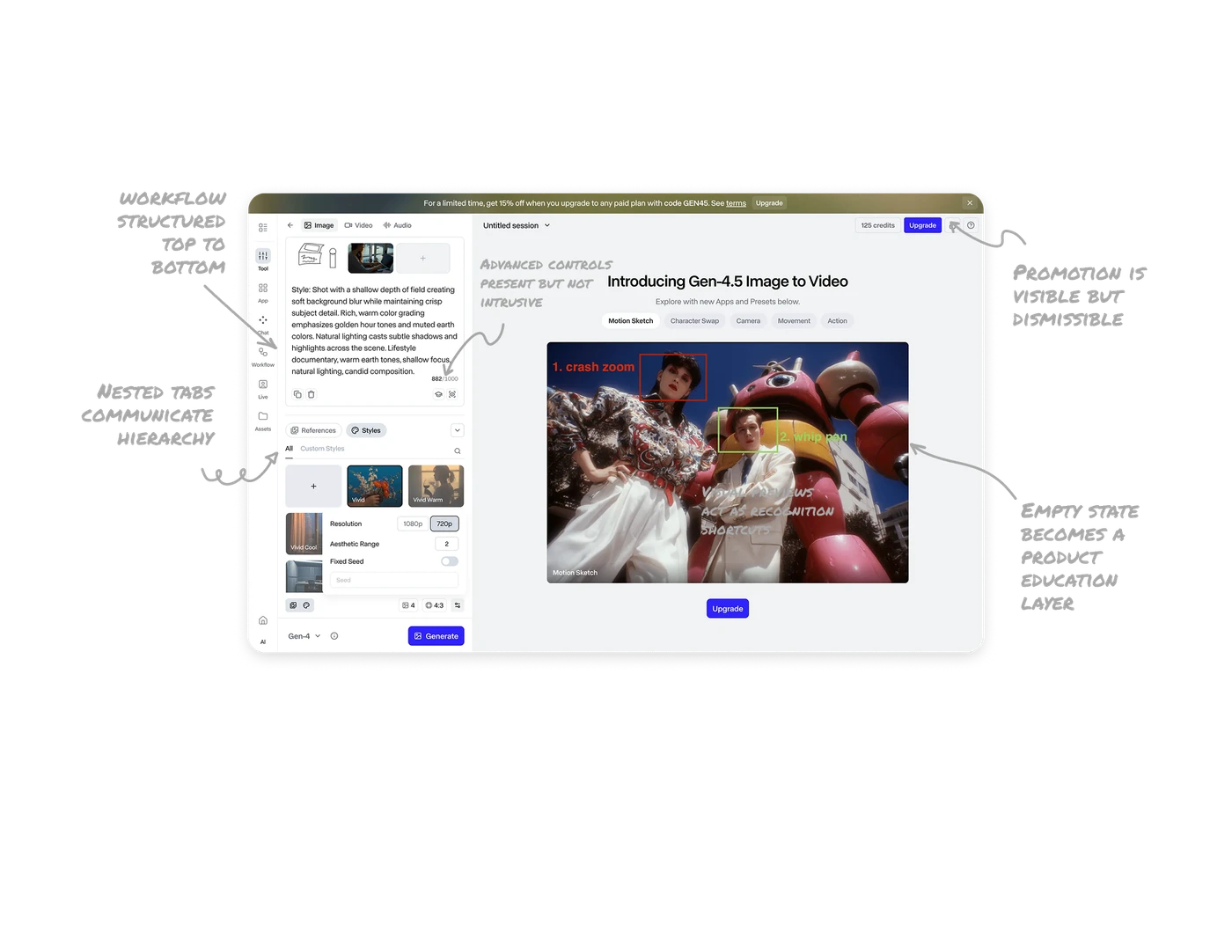
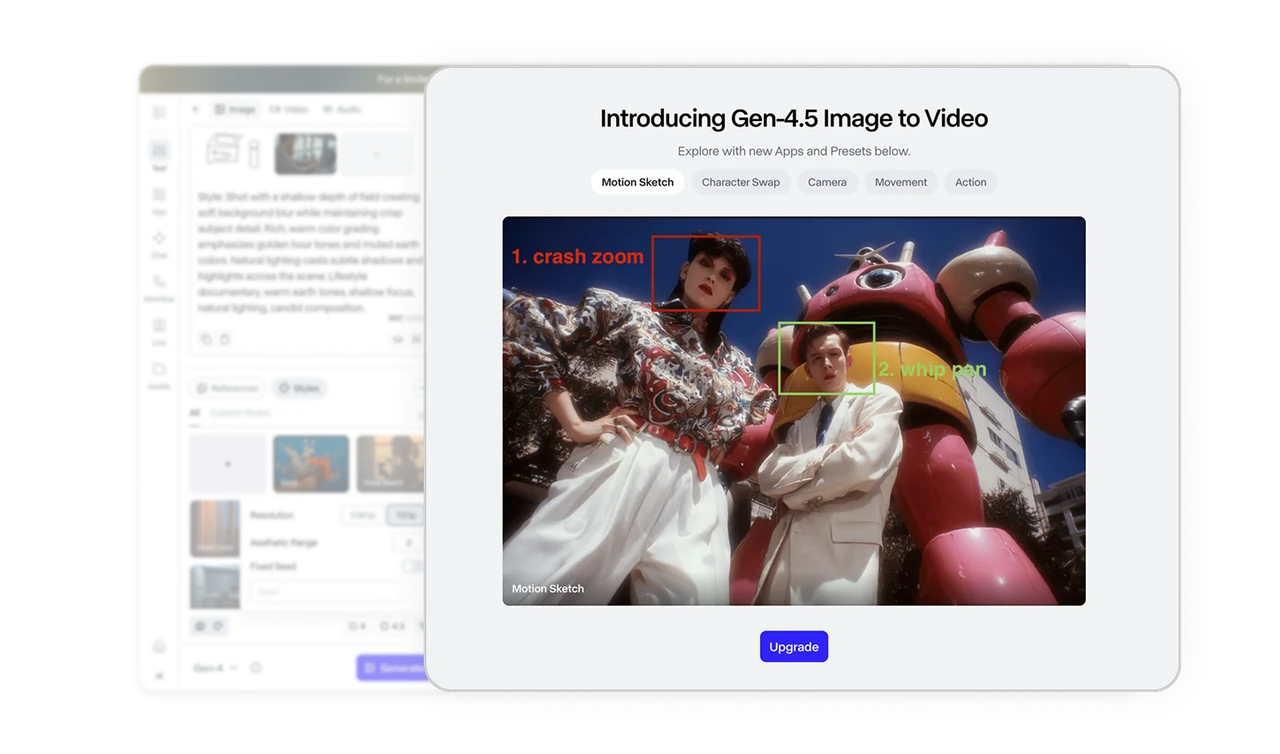
Empty state becomes a product education layer
Before generation, the canvas highlights new features like Gen 4.5 Image to Video along with an Upgrade CTA. Instead of leaving the space blank, the product uses idle time to educate and promote. Empty states can drive discovery and conversion at the same time.
The workflow is structured top to bottom
The left panel follows a natural creation flow. Select mode, upload or describe, choose references and styles, then generate. The layout mirrors the mental model of creating something from scratch. When the interface reflects user intent step by step, friction drops significantly.
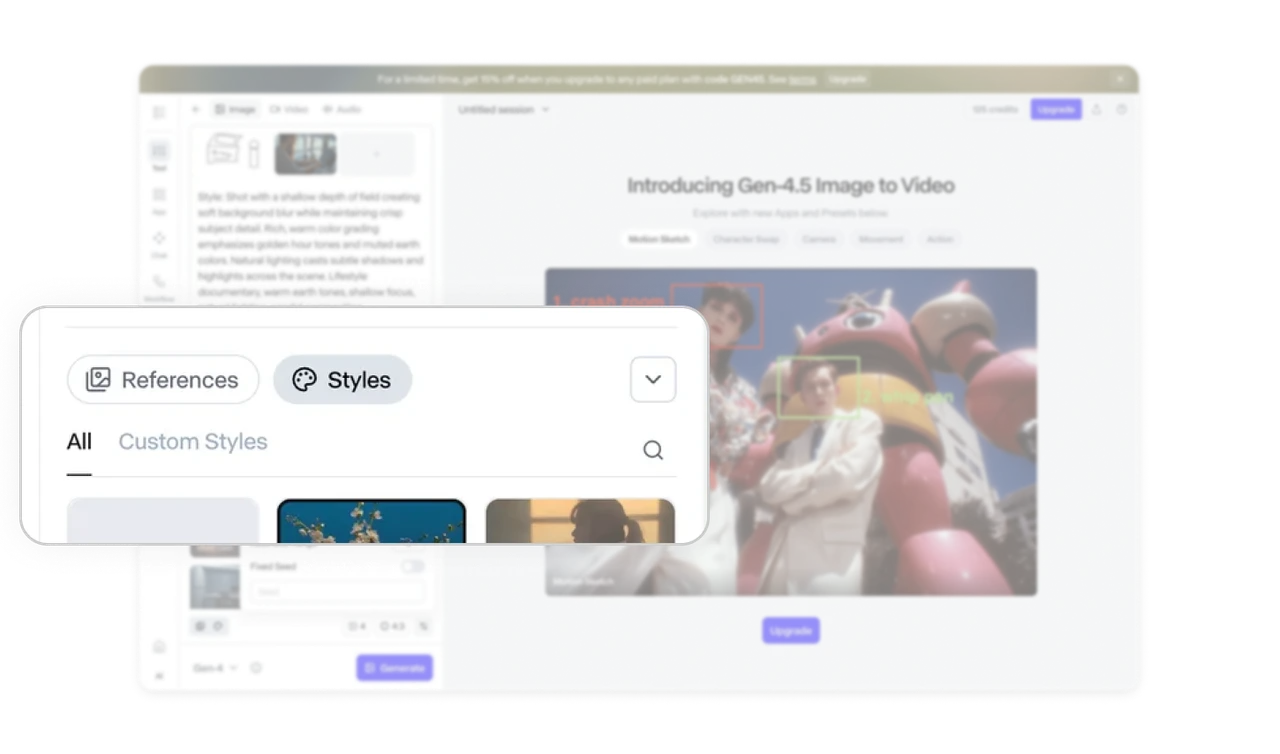
Nested tabs communicate hierarchy clearly
Styles includes parent and child tabs that are visually differentiated. This makes the relationship obvious without extra explanation. Users understand they are refining within a broader category. Clear hierarchy inside components prevents navigation confusion.
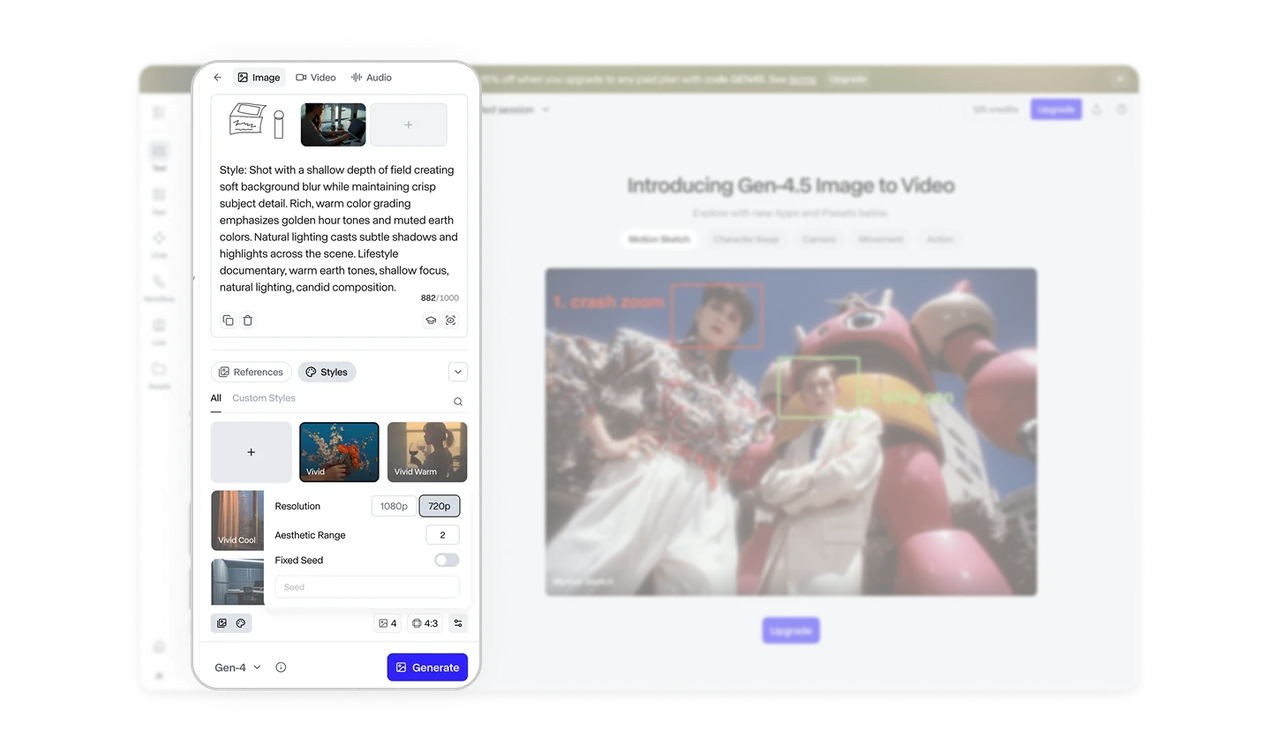
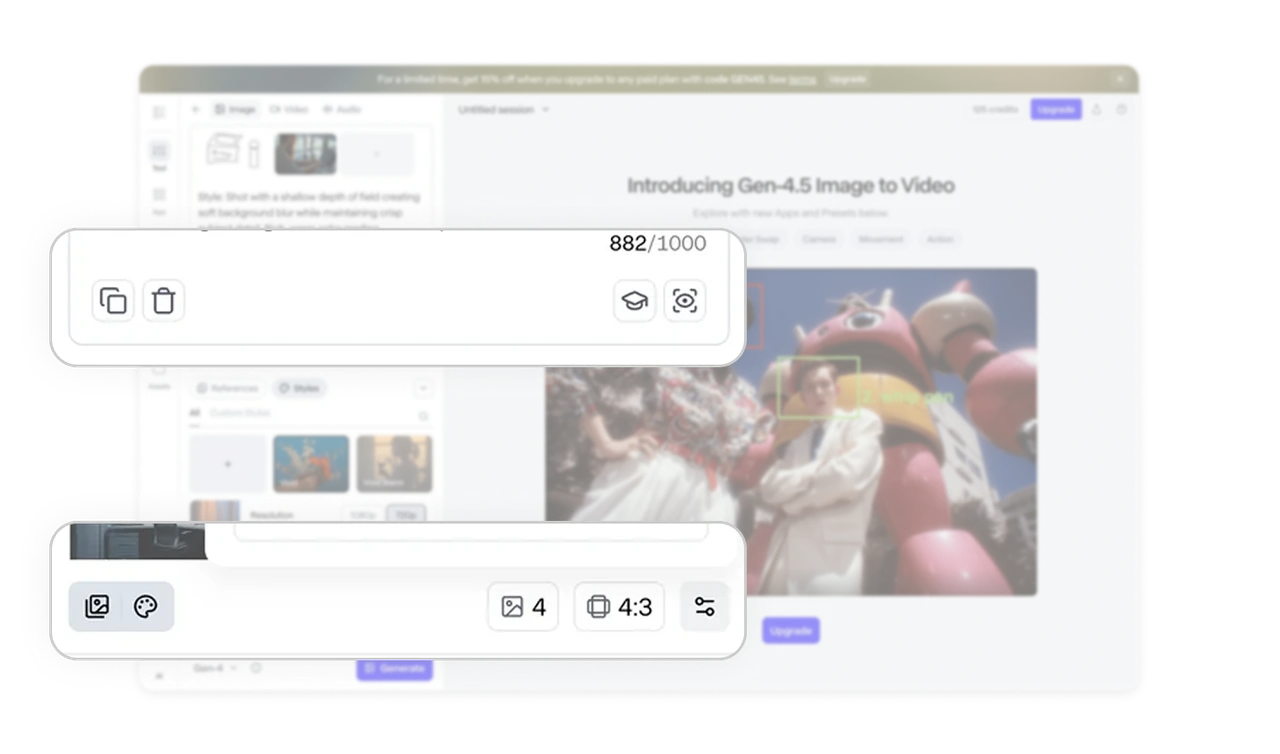
Advanced controls are present but not intrusive
Small icons open popovers for deeper settings like resolution, seed, or aspect ratio. Beginners see a clean interface, while power users can fine tune outputs. Progressive complexity keeps cognitive load balanced across skill levels.
Promotion is visible but dismissible
The top promotional banner uses contrast and placement to capture attention. At the same time, it provides a close control, respecting user focus. This balances business goals with user autonomy. Good monetization design does not feel forced.

Similar Breakdown Lessons







