AI Video Studio

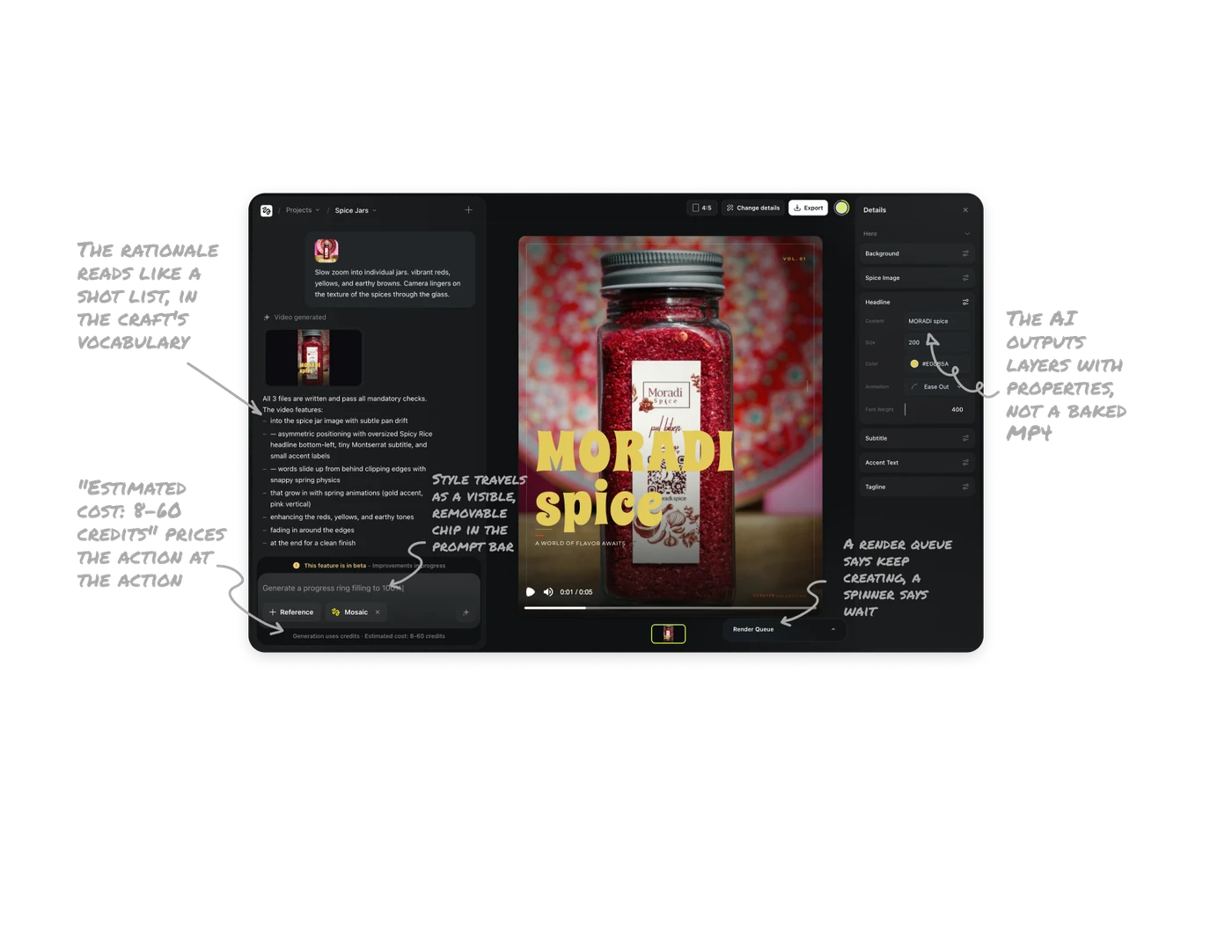
The AI outputs layers with properties, not a baked MP4
The Details panel decomposes the generated video into Hero, Background, Spice Image, Headline, Subtitle, Accent Text, Tagline, and Headline expands into real tokens: content, size 200, color #E0CB5A, Ease Out, weight 400. Change the headline color without regenerating anything else. An AI that outputs pixels is a slot machine, one that outputs parameterized layers is a design tool. For generative products, the output format IS the product decision.
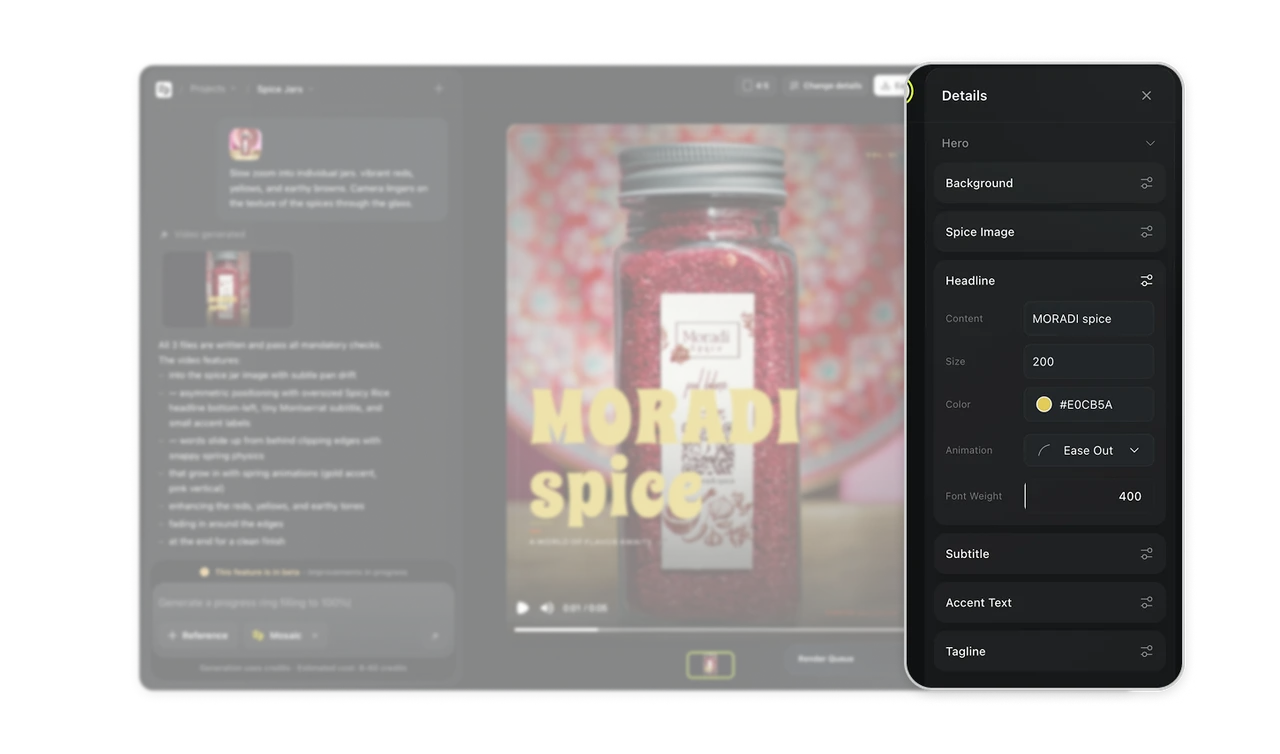
The rationale reads like a shot list, in the craft's vocabulary
Below "Video generated," the AI itemizes its choices: asymmetric positioning, oversized headline bottom-left, tiny Montserrat subtitle, words sliding from behind clipping edges with snappy spring physics, edge fade for a clean finish. Naming the font, the physics, and the layout logic proves intentionality, teaches motion-design literacy, and hands users precise revision handles, "make the spring snappier." Narrate craft decisions in the craft's own language.
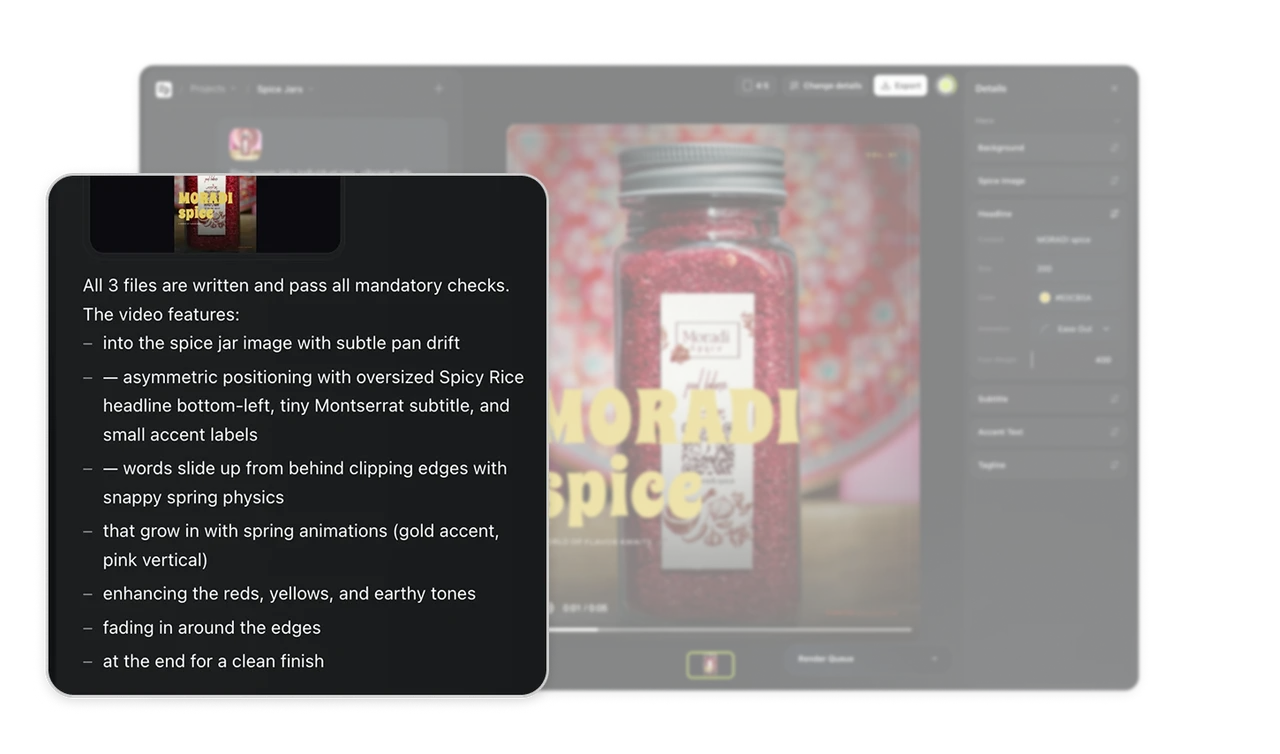
"Estimated cost: 8-60 credits" prices the action at the action
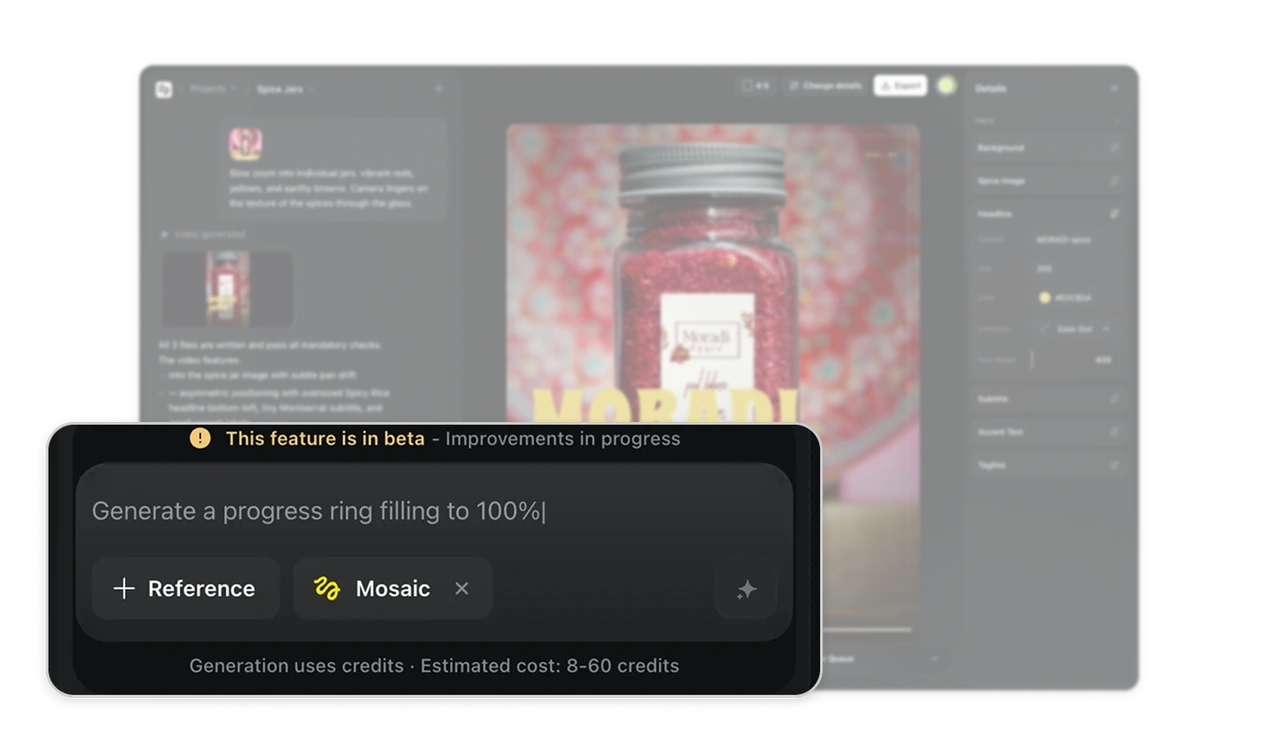
Beneath the prompt input: "Generation uses credits, Estimated cost: 8-60 credits," disclosed before the button is pressed, wide range and all. Video generation is expensive and variable, and the honest range beats both silence (bill shock) and false precision (broken trust when it is wrong). Computational cost made legible pre-commitment is the generative era's version of doing the math for the user, every credit-burning tool needs this line.
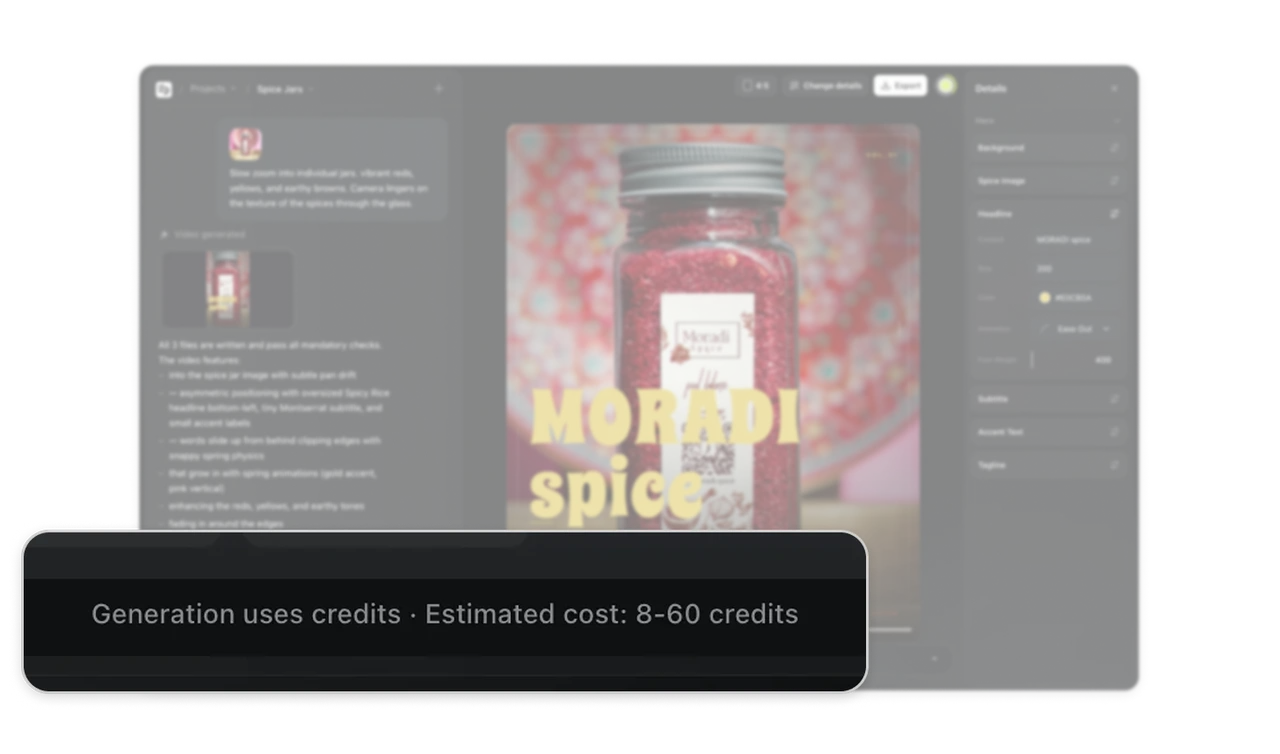
Style travels as a visible, removable chip in the prompt bar
The input carries a "+ Reference" attachment chip and a "Mosaic" style token with an x to remove it. Visual grounding and aesthetic preset ride along with the prompt as first-class objects, not buried settings. A style chip you can see and dismiss answers "why does everything look like this?" before it is asked, and turns aesthetic consistency across generations into a tangible object you deliberately carry from prompt to prompt.
A render queue says keep creating, a spinner says wait
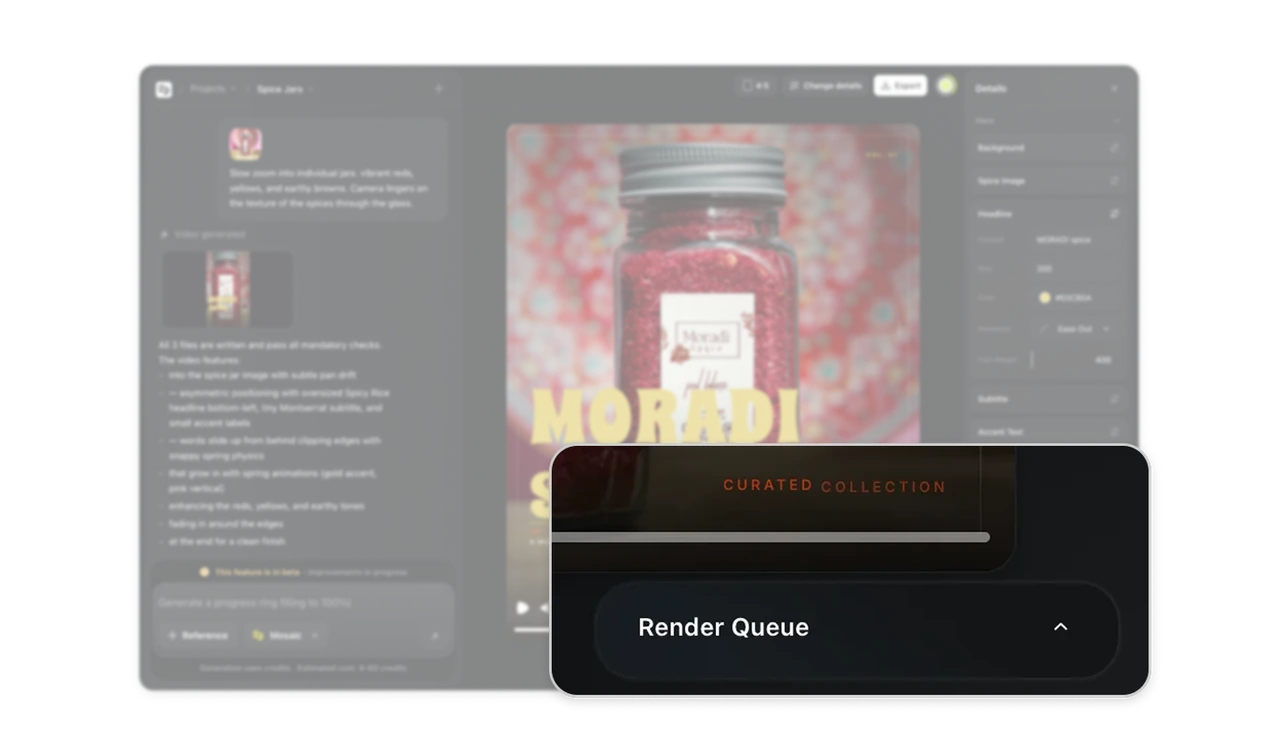
Bottom-right sits a collapsible Render Queue with the active version thumbnail highlighted beside it. Generations take time and stack up, and the queue converts dead waiting into productive parallelism: fire three variations, keep working, review as they land. Borrowed from 3D render farms, this is the pattern every slow-generation AI product will converge on. Queue UI reframes latency from an interruption into a workflow.
Similar Breakdown Lessons