Book Taxi Ride

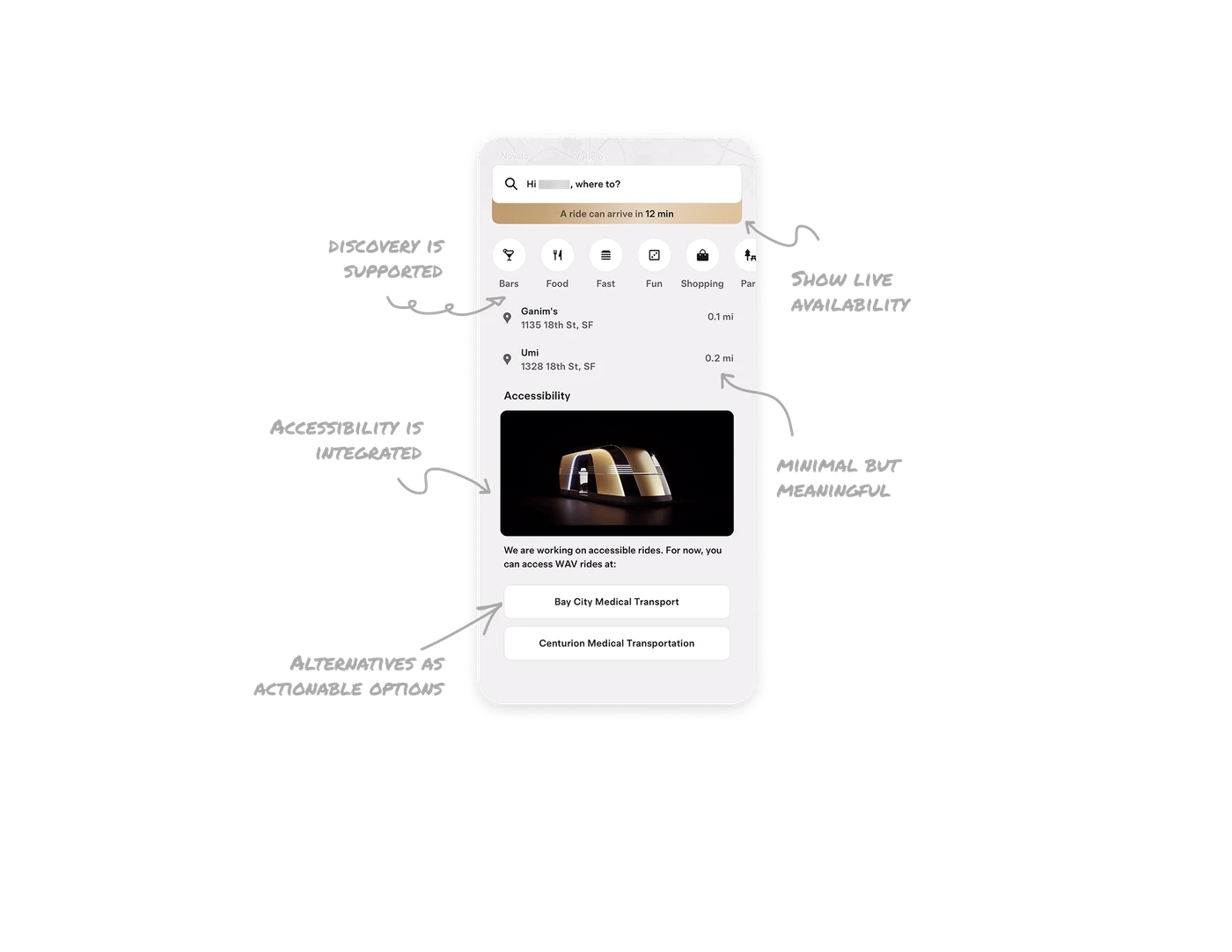
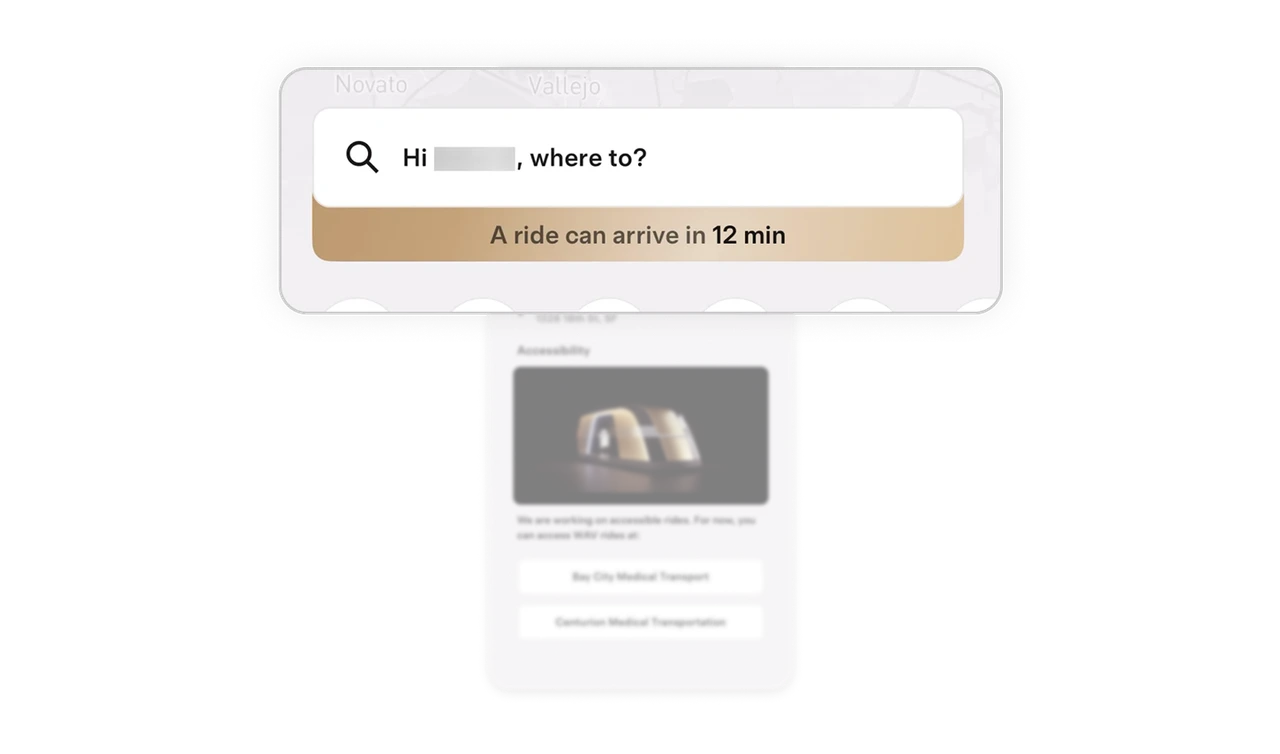
Show live availability before the user acts
Right below the search bar, the interface highlights estimated arrival time such as a ride can arrive in 12 minutes. This sets expectations before the user even enters a destination. Proactive system status builds trust and reduces uncertainty during high intent moments.
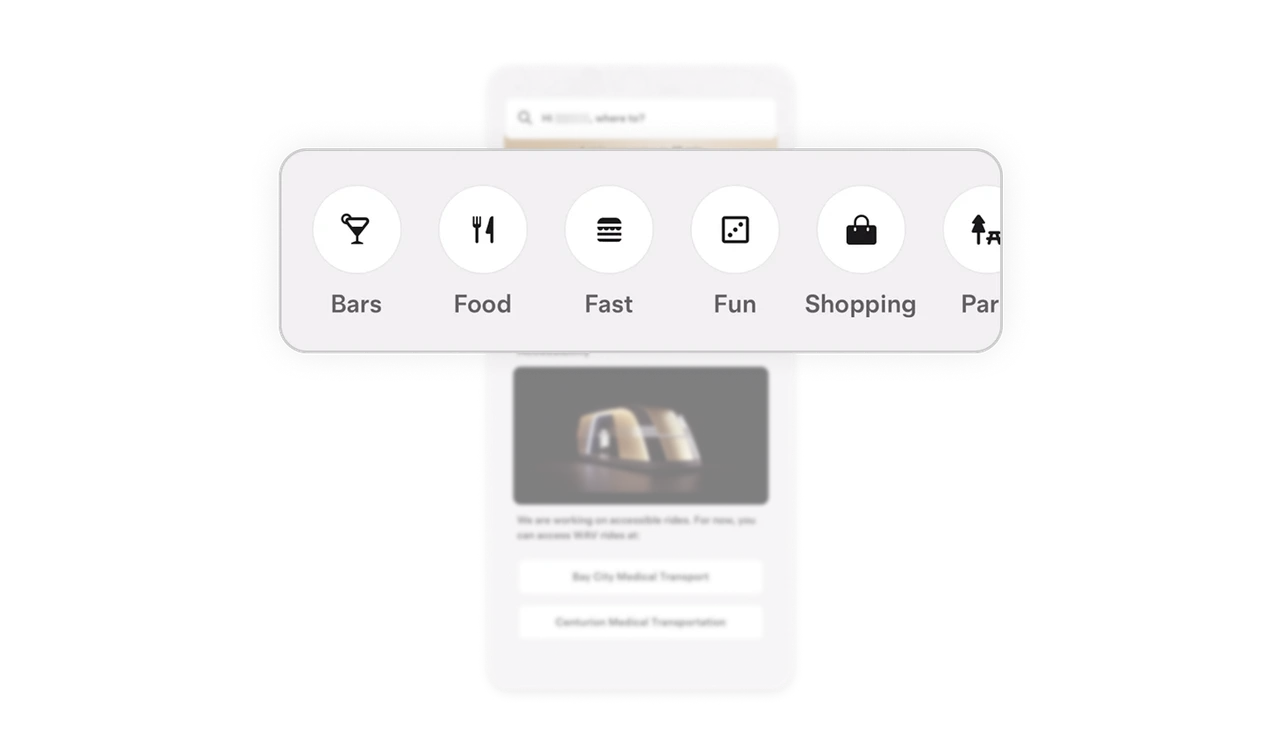
Search is primary but discovery is supported
The search bar dominates the layout, yet category shortcuts like Bars, Food, Fast, Fun, and Shopping sit just below. This blends intent driven search with lightweight exploration. When you support both direct intent and casual discovery, the product becomes more useful in everyday scenarios.
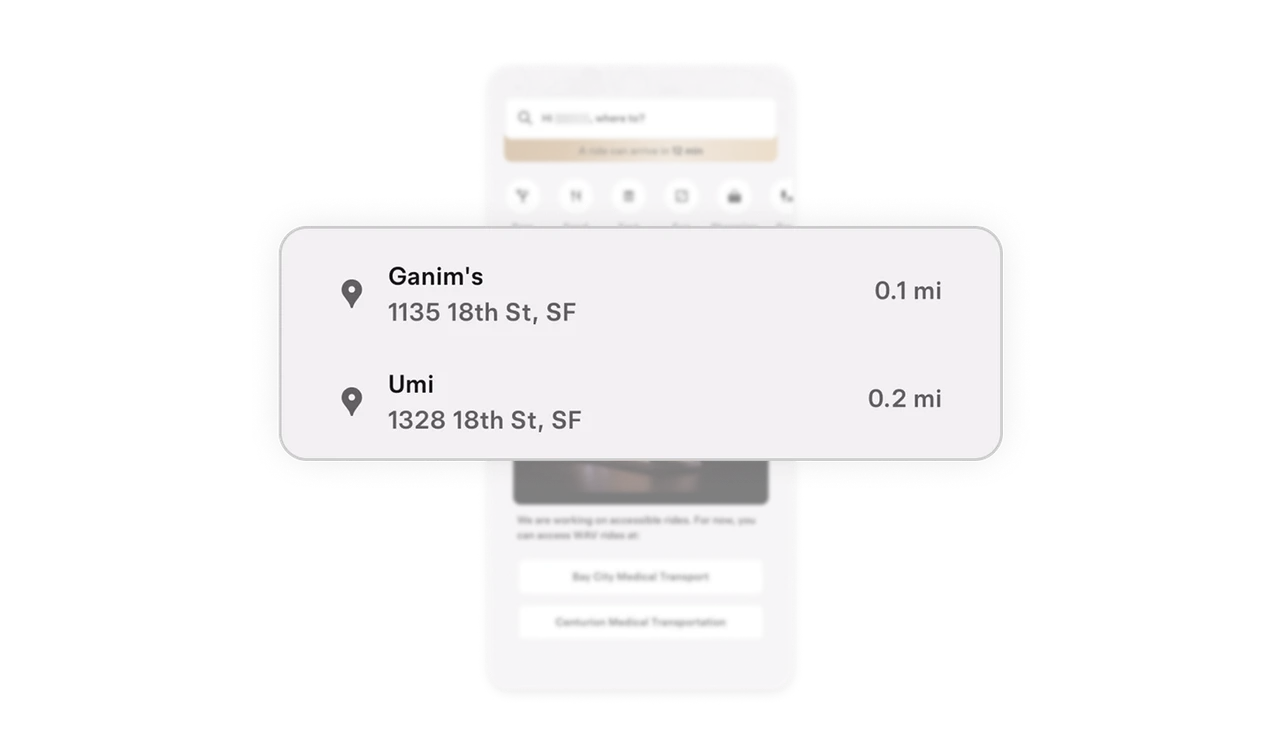
Recent locations are minimal but meaningful
Recent places are displayed with just name, address, and distance. No visual overload, no unnecessary metadata. The distance indicator helps users make fast proximity based decisions. Designing for quick repeat behavior improves retention without adding clutter.
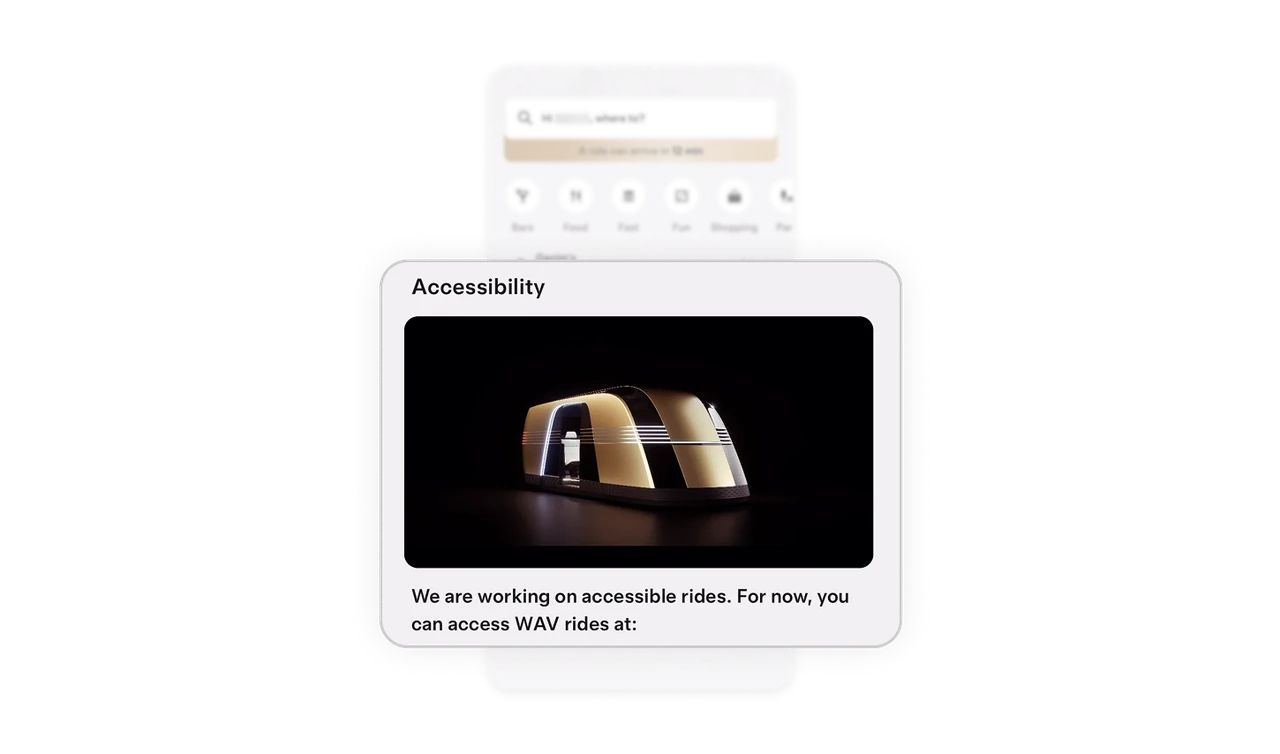
Accessibility is integrated, not buried
Accessibility is not hidden inside settings. It has a dedicated section with visual storytelling and clear explanation. The message communicates progress while offering currently available alternatives such as WAV providers. This balances transparency with action, which builds credibility.
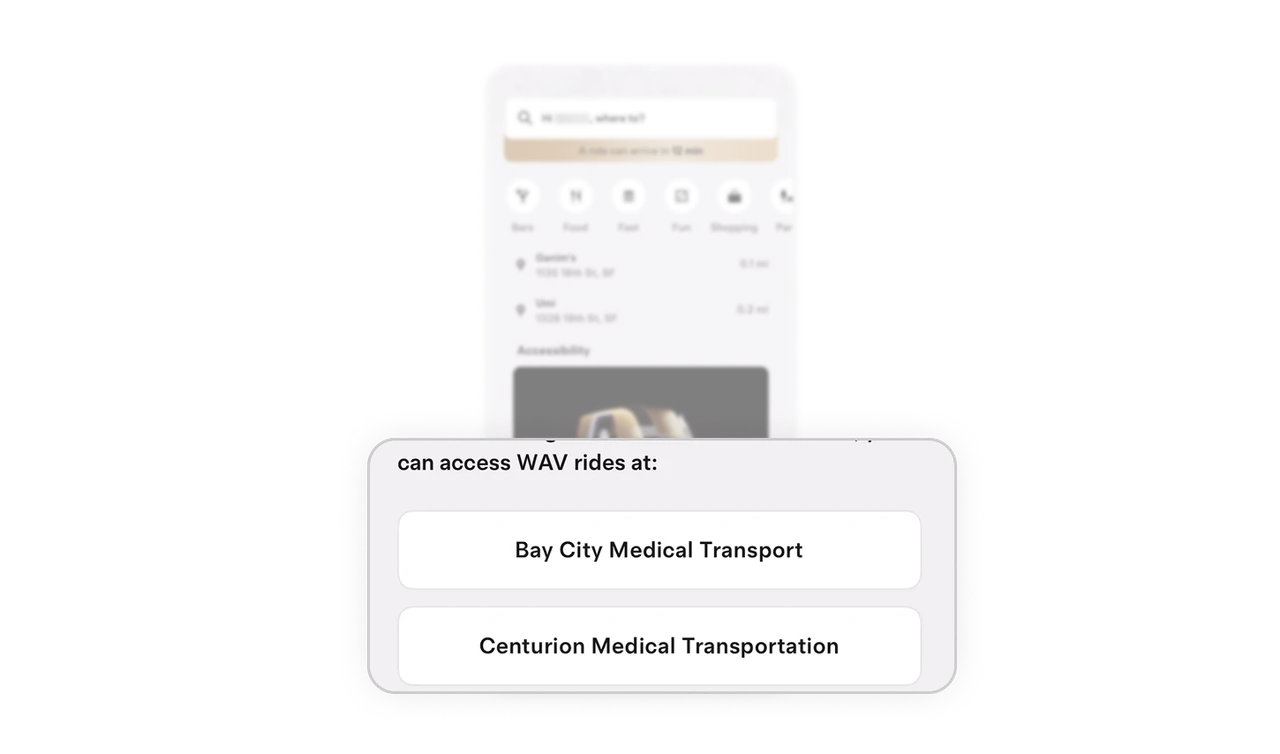
Alternatives are presented as actionable options
Instead of only stating limitations, the interface provides direct buttons to medical transport partners. This prevents dead ends and reduces the emotional friction of unmet expectations. Good UX does not just inform users. It guides them to the next viable step.
Similar Breakdown Lessons







