Calorie Tracking Dashboard

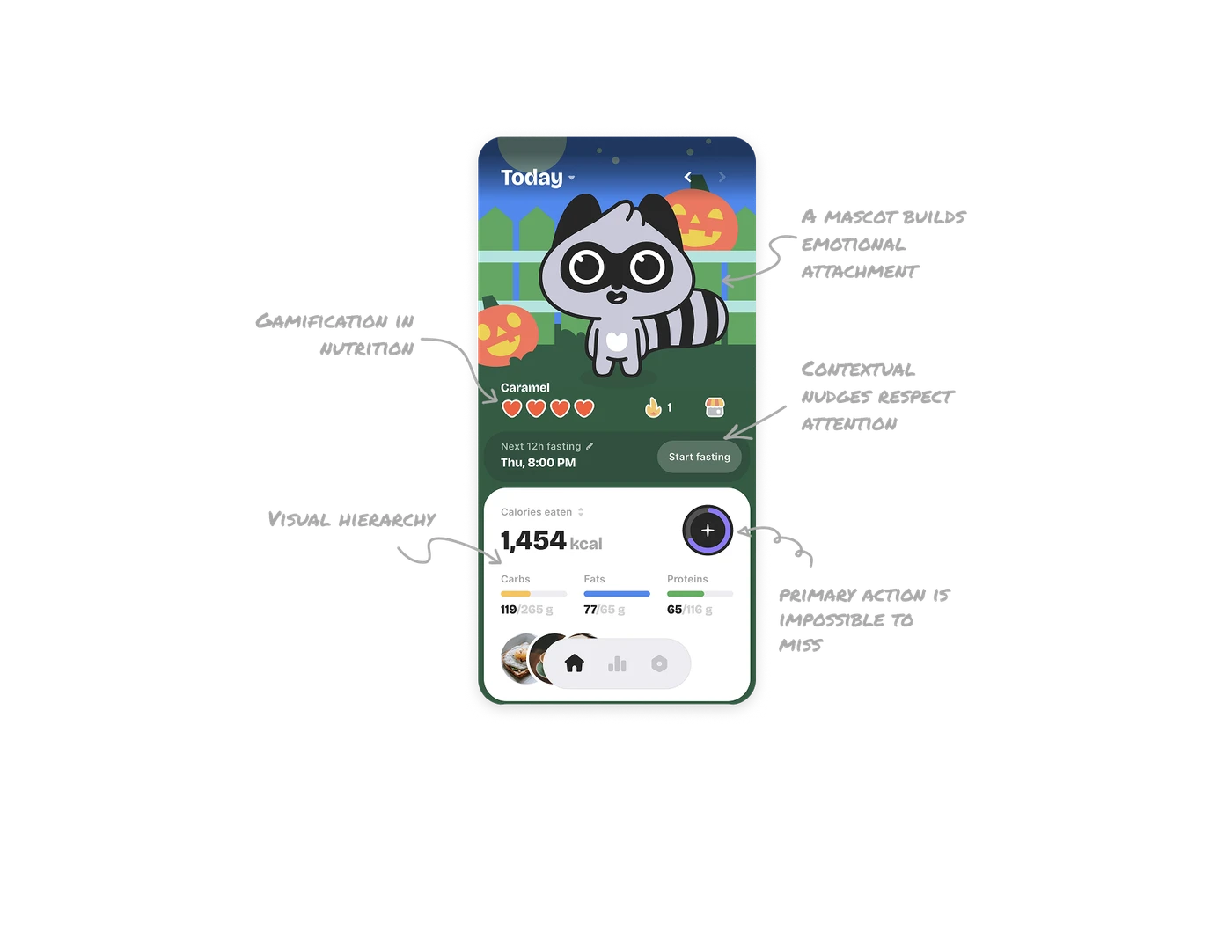
A mascot builds emotional attachment, not just branding
The raccoon mascot is not decorative. It creates a sense of companionship and accountability. Users are not just tracking calories; they are taking care of Caramel. Seasonal backgrounds reinforce this emotional layer and make the app feel alive instead of static.
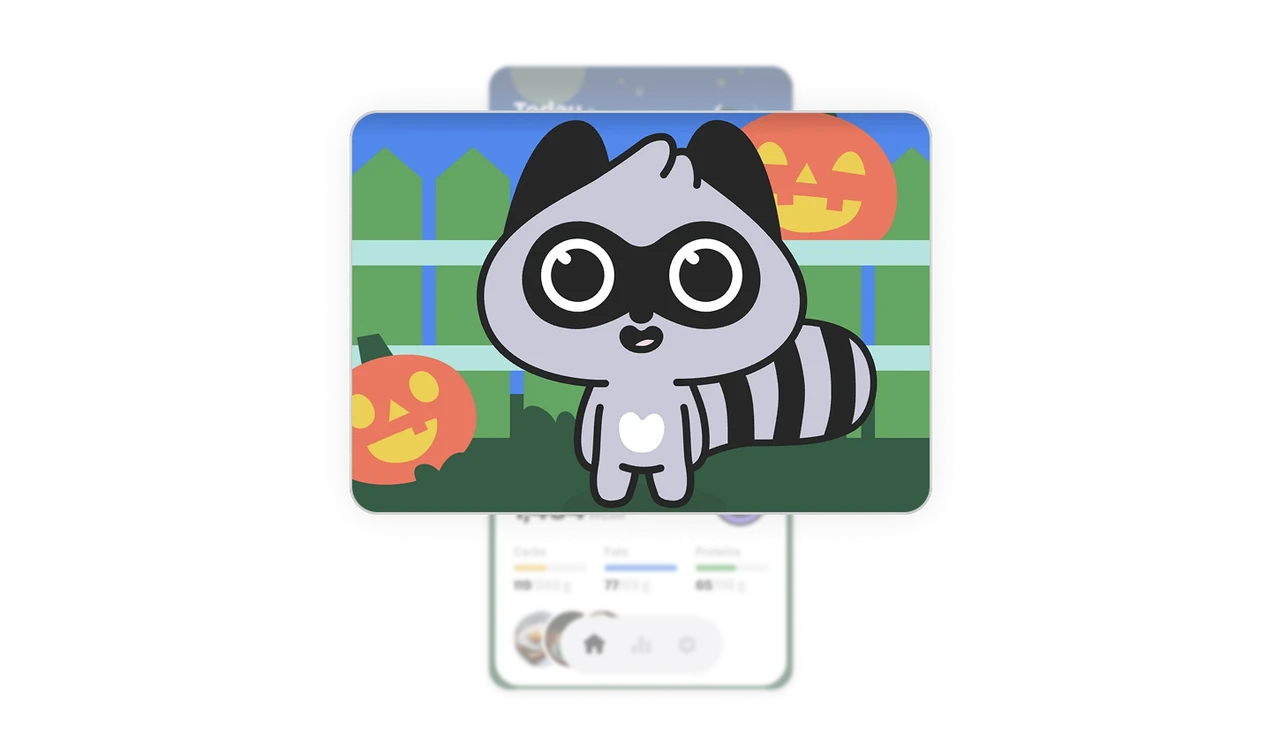
Gamification turns nutrition into a daily reward loop
Heart health is a simple visual proxy for food quality. Instead of reading nutrition labels, users instantly know how well they ate by checking Caramel’s hearts. Health becomes a game, and better food choices feel like wins.
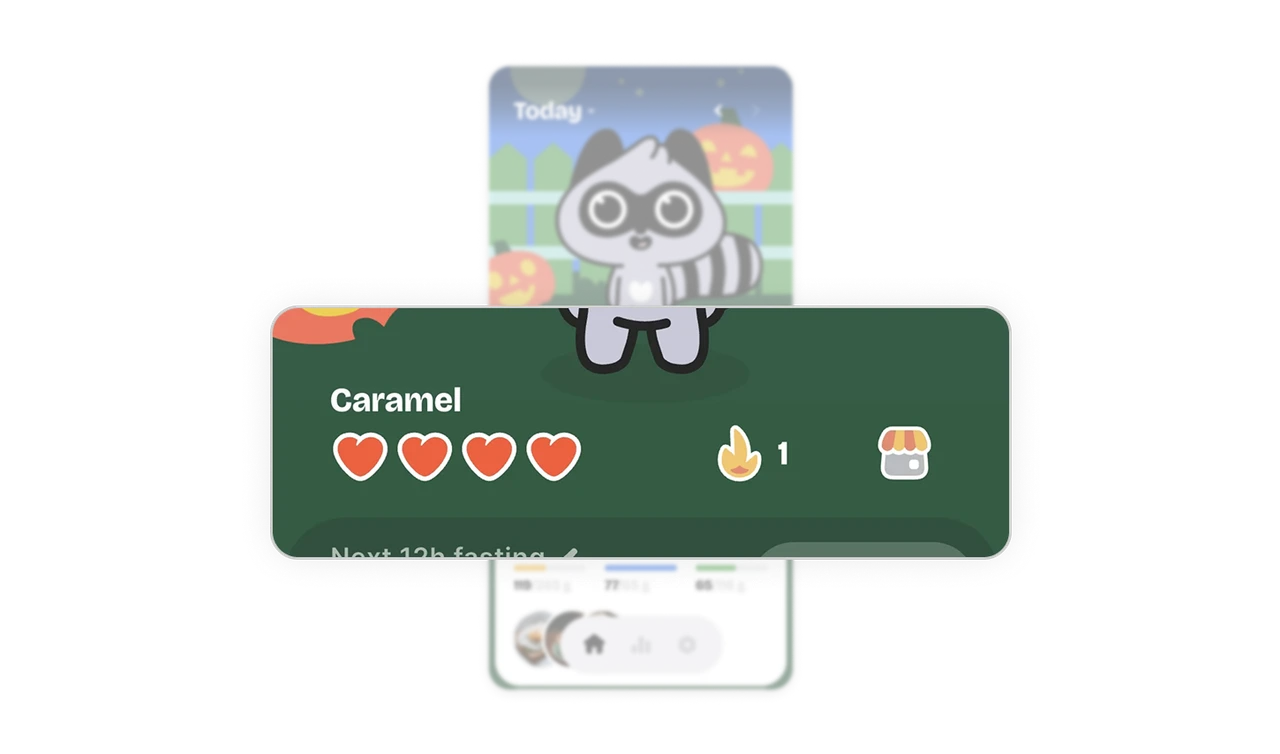
Contextual nudges respect attention and timing
The fasting reminder is visible but calm. It does not hijack the screen or interrupt the flow. It sits where the eye naturally travels and appears only when it matters. This is a great example of guidance without pressure.
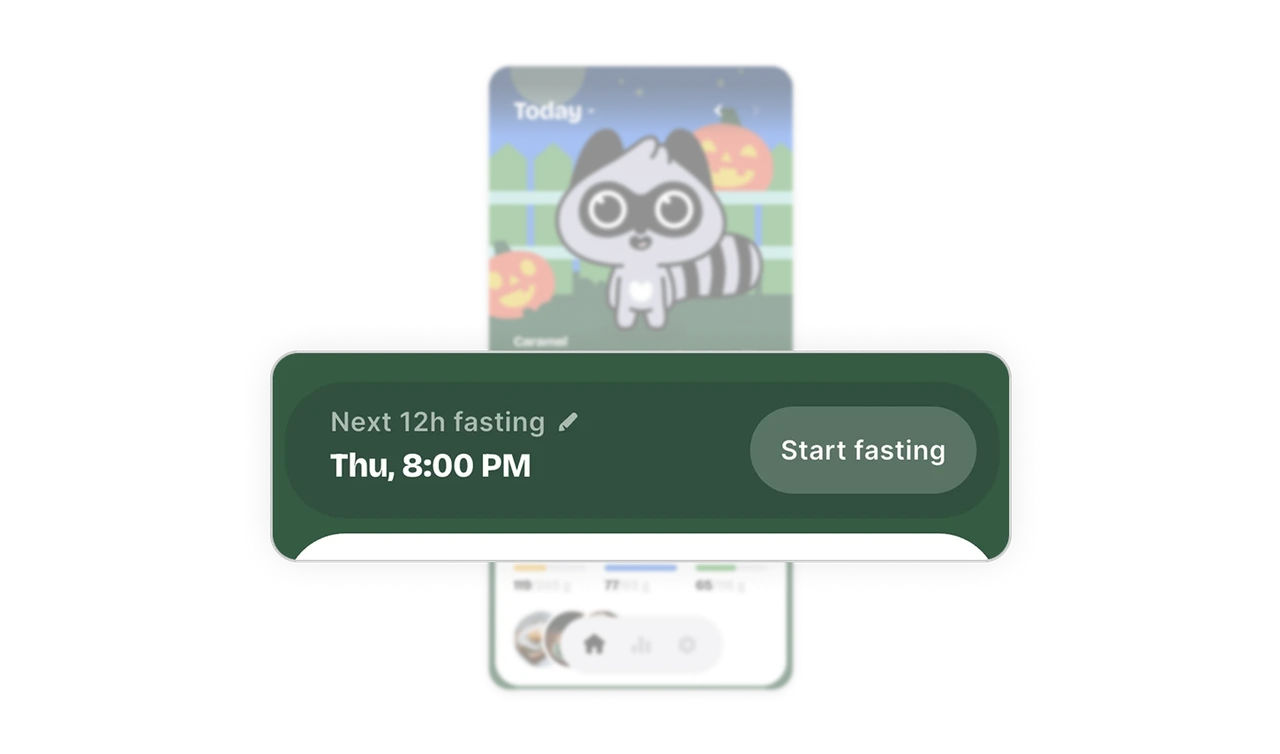
Visual hierarchy lets users understand everything in seconds
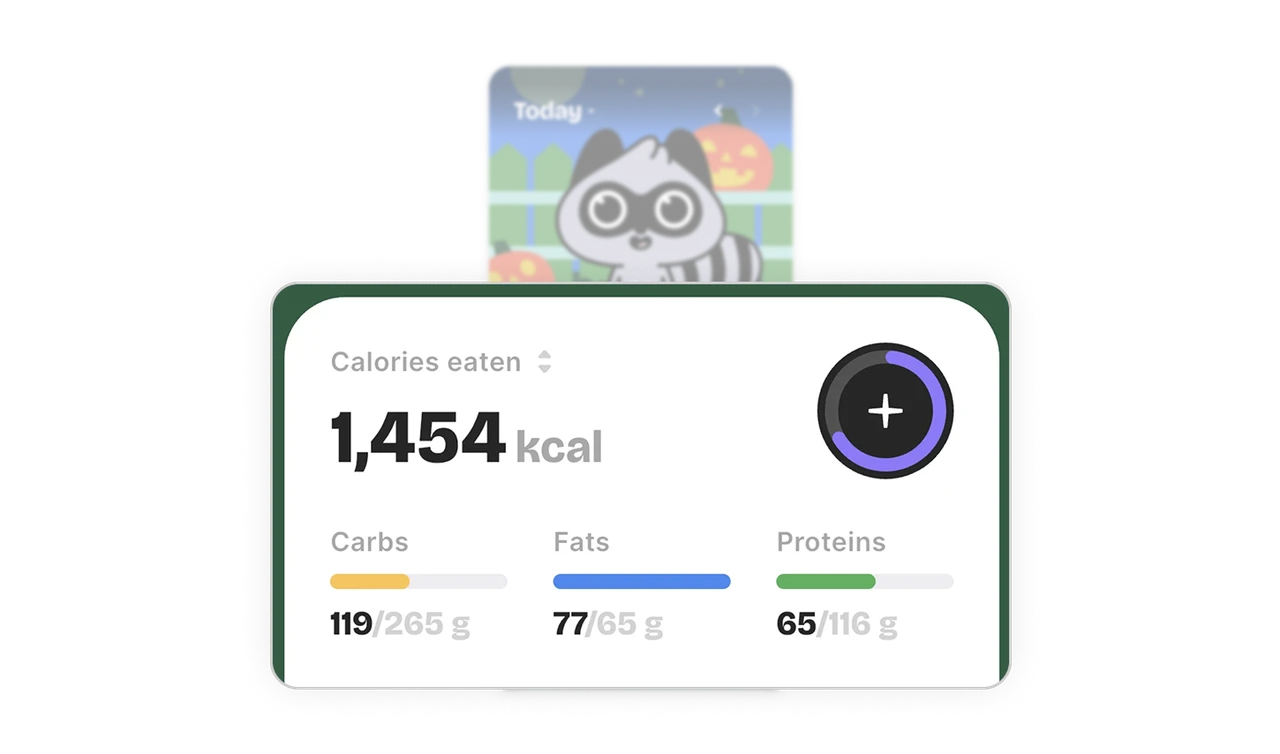
The calorie count uses large typography to anchor the screen. Macros are color-coded so carbs, fats, and proteins are readable without labels. The eye can scan the entire dashboard in one glance.
The primary action is impossible to miss
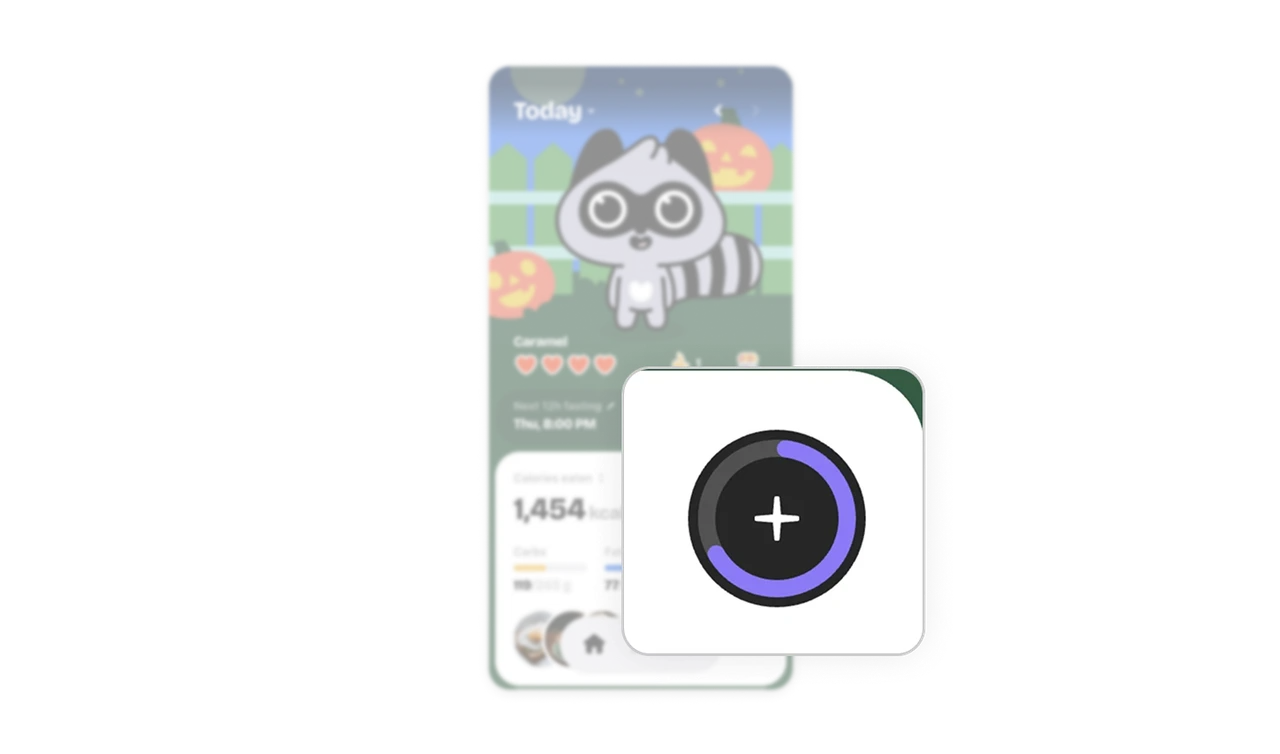
The plus button is large, thumb-friendly, and visually dominant. The progress ring turns an action into feedback by showing how much is consumed and how much is left.
Similar Breakdown Lessons







