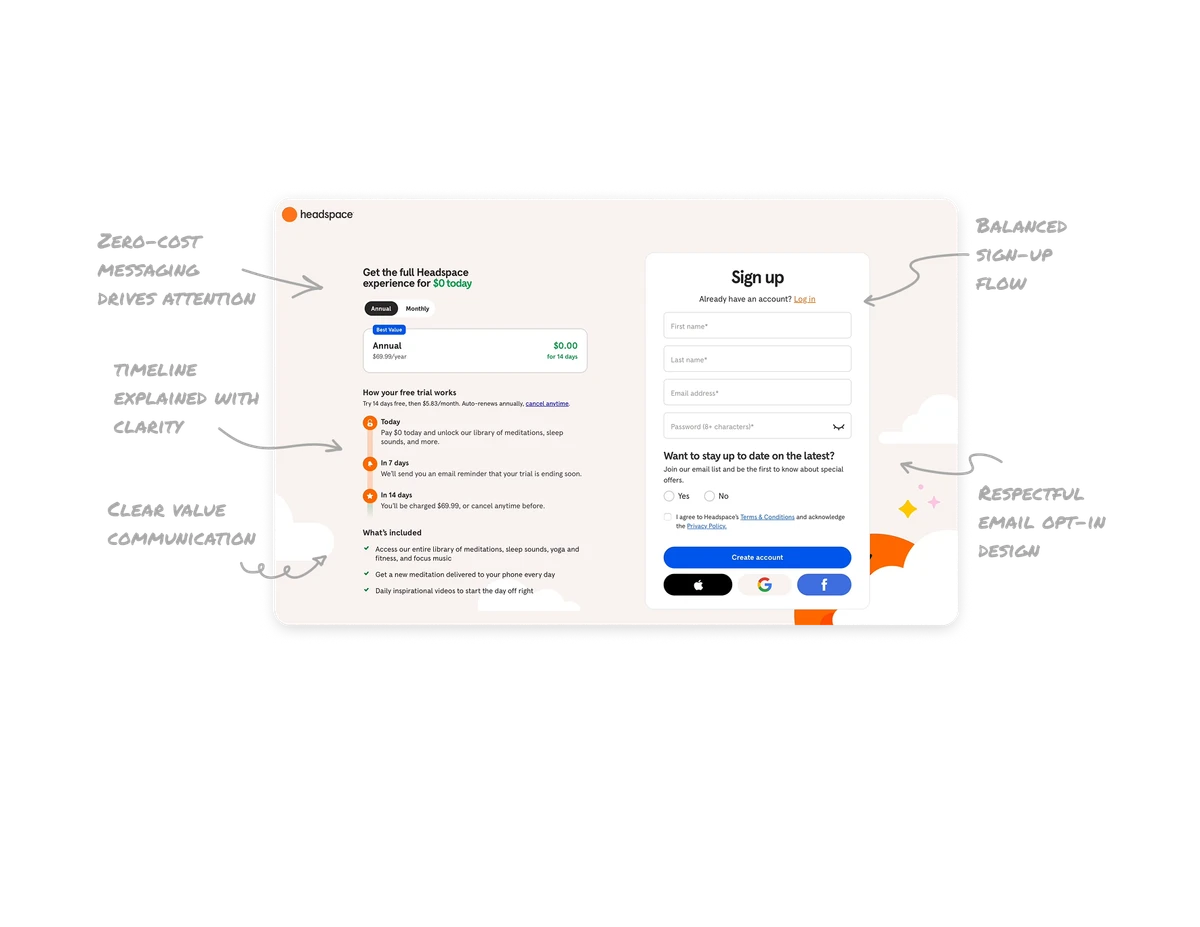
Custom Interactive Maps

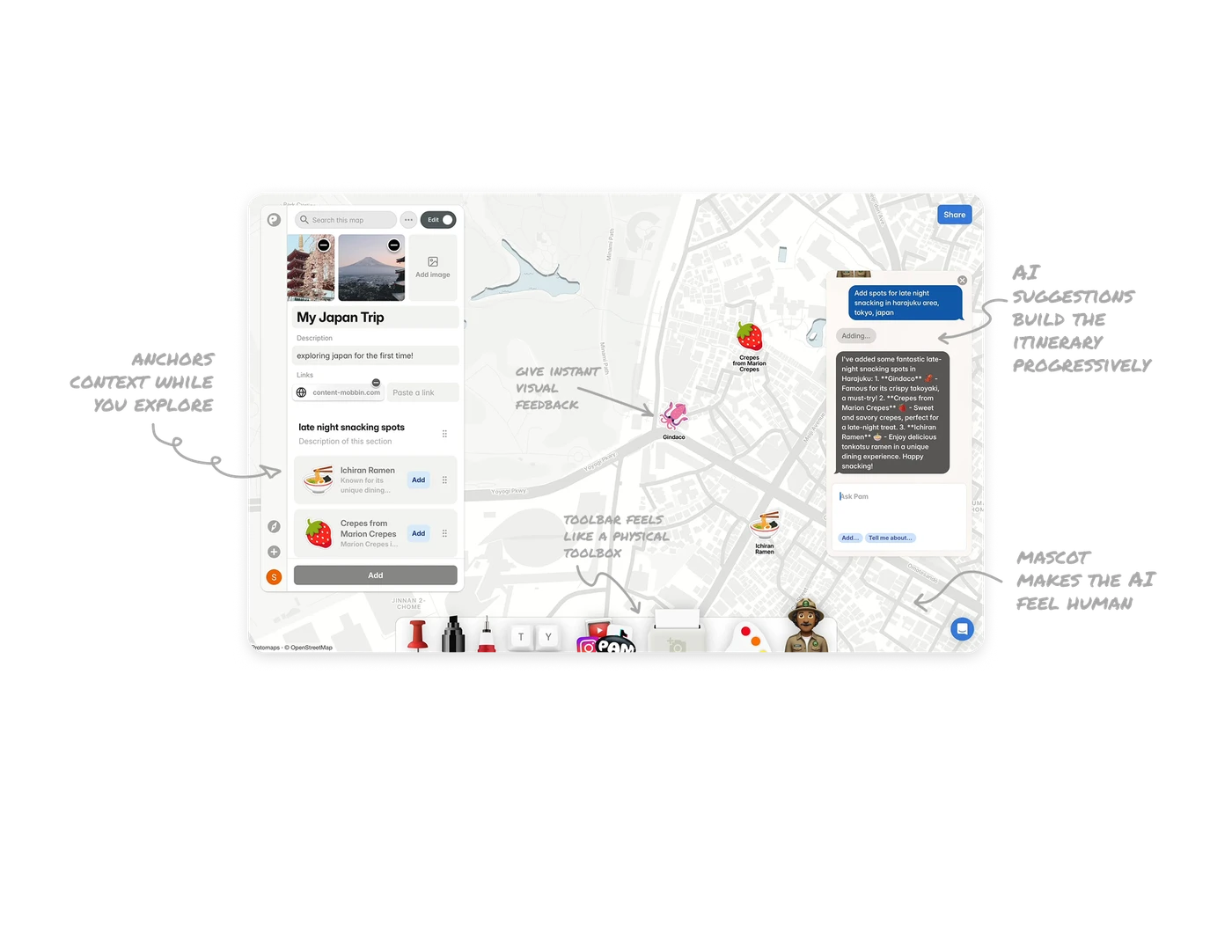
Sticky side panel anchors context while you explore
The left panel holds the trip title, description, images, and links in one persistent view. No matter how far users pan the map, their context never disappears. In spatial interfaces, losing your place is the biggest friction point. A persistent summary panel solves it without interrupting the exploration flow.
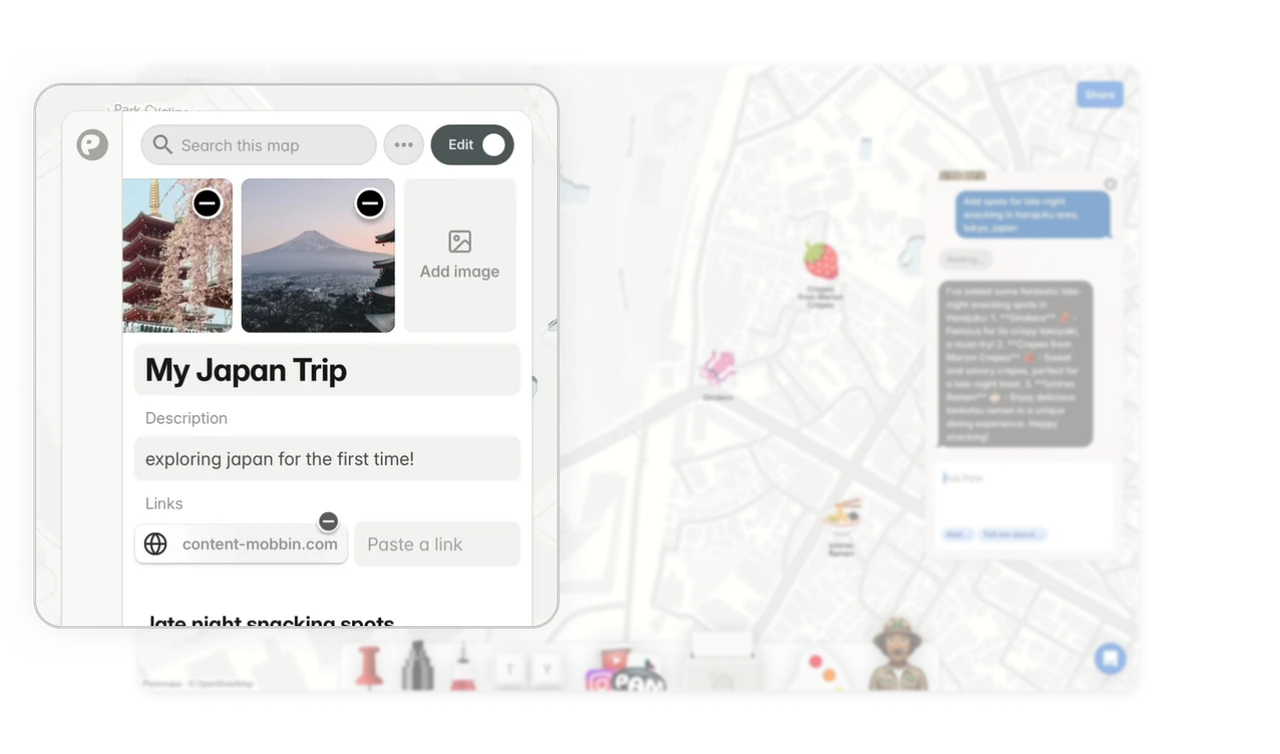
A character mascot makes the AI feel human
Pam the ranger illustration sits beside the chat, turning a generic chatbot into a named guide with a personality. This single visual choice shifts the emotional tone from "querying a machine" to "asking a local." In AI products, perceived warmth directly impacts how much users trust and engage with generated responses.
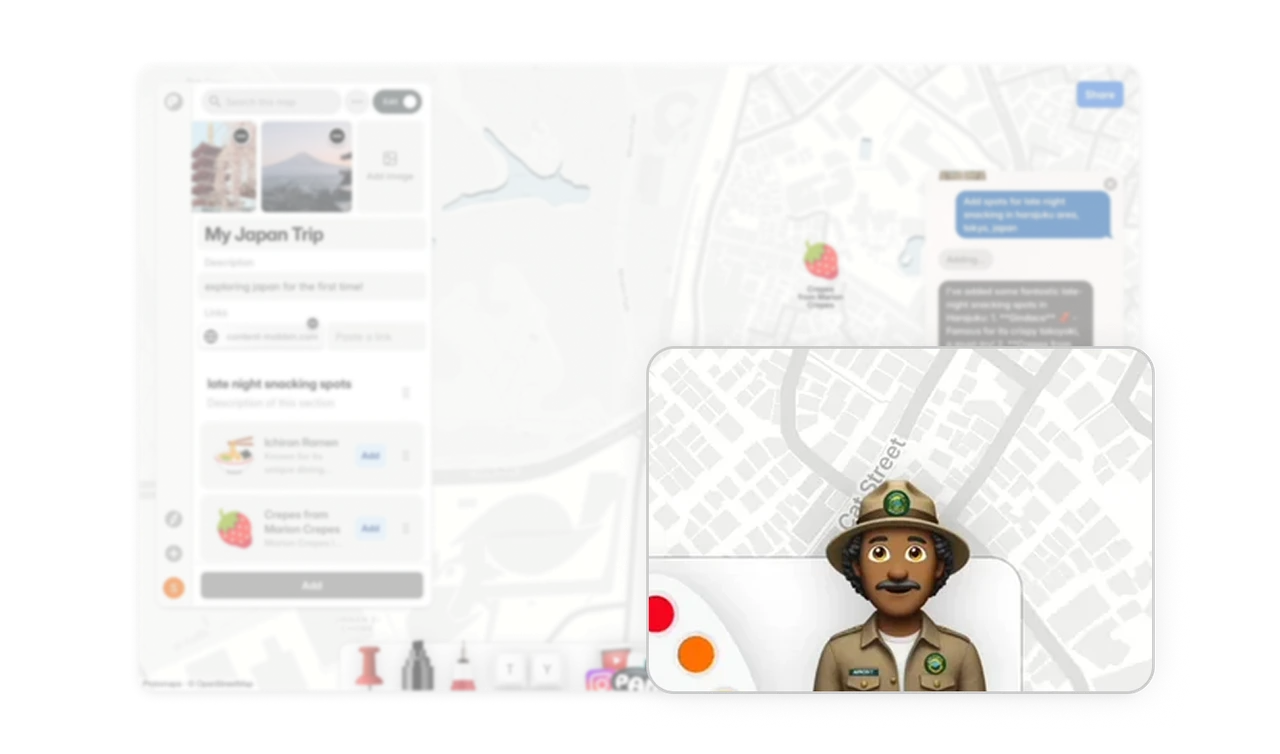
AI-placed stickers give instant visual feedback
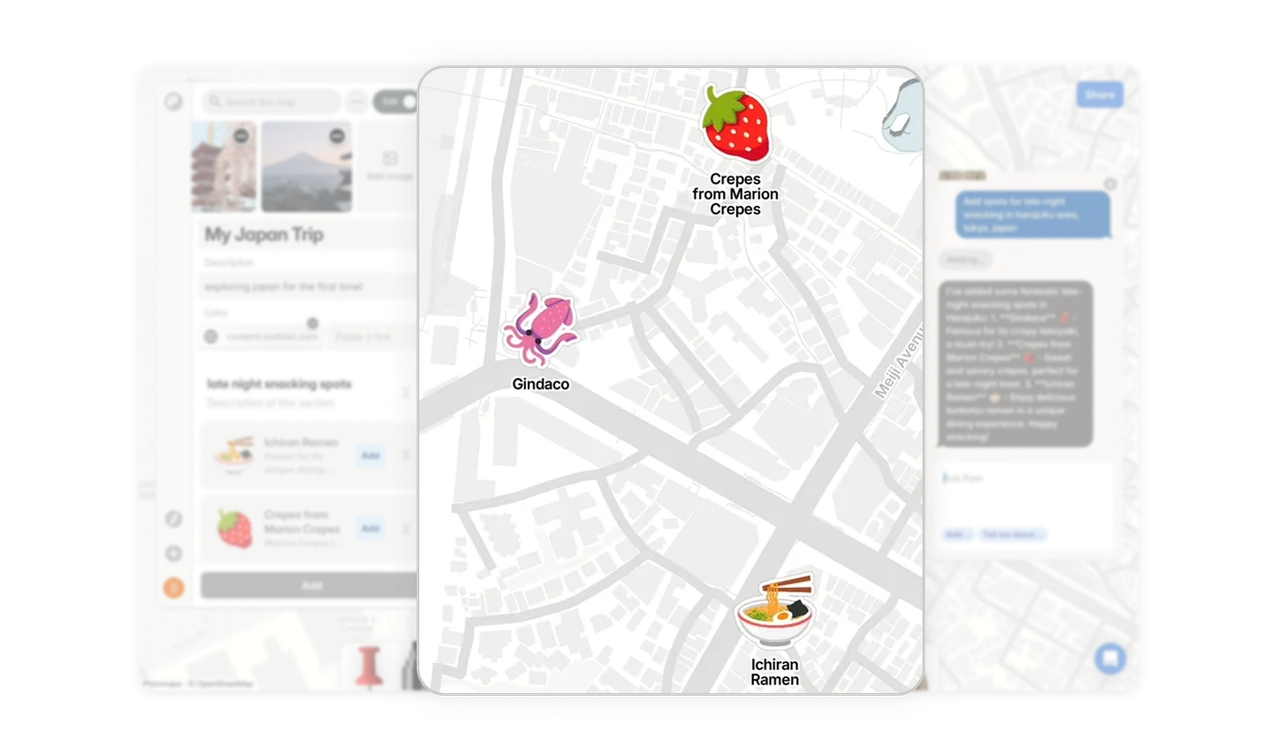
When the AI suggests a spot, a matching emoji sticker appears on the map immediately. The ramen bowl lands on Ichiran. The strawberry lands on Marion Crepes. Users see the result of their question spatially, not just as text. This live map feedback closes the loop between asking and understanding in a way no chat response alone could achieve.
Bottom toolbar feels like a physical toolbox
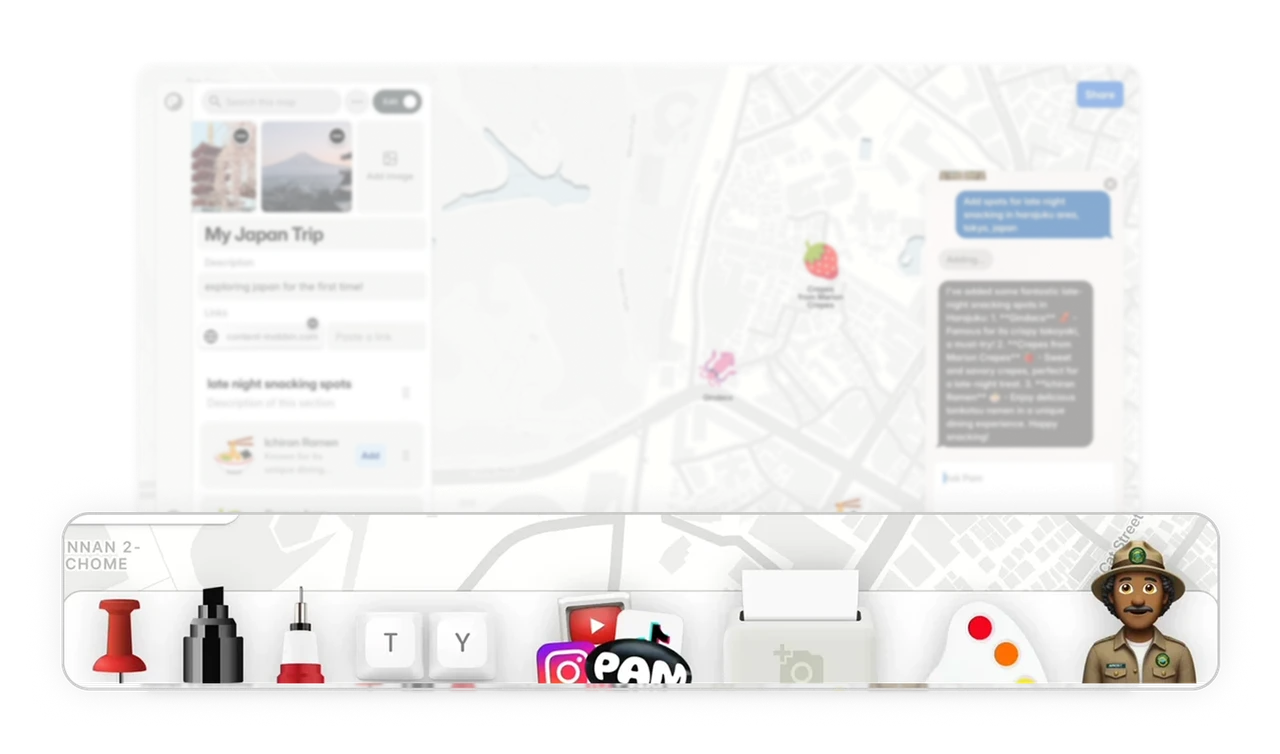
The sticky bottom bar uses tool icons that look like real objects: a pin, a marker, a text stamp. This is real-world match applied to a creative tool. Users do not need to learn what each tool does because the icons already communicate it through physical analogy. Familiar affordances lower the learning curve on complex creative interfaces.
AI suggestions build the itinerary progressively
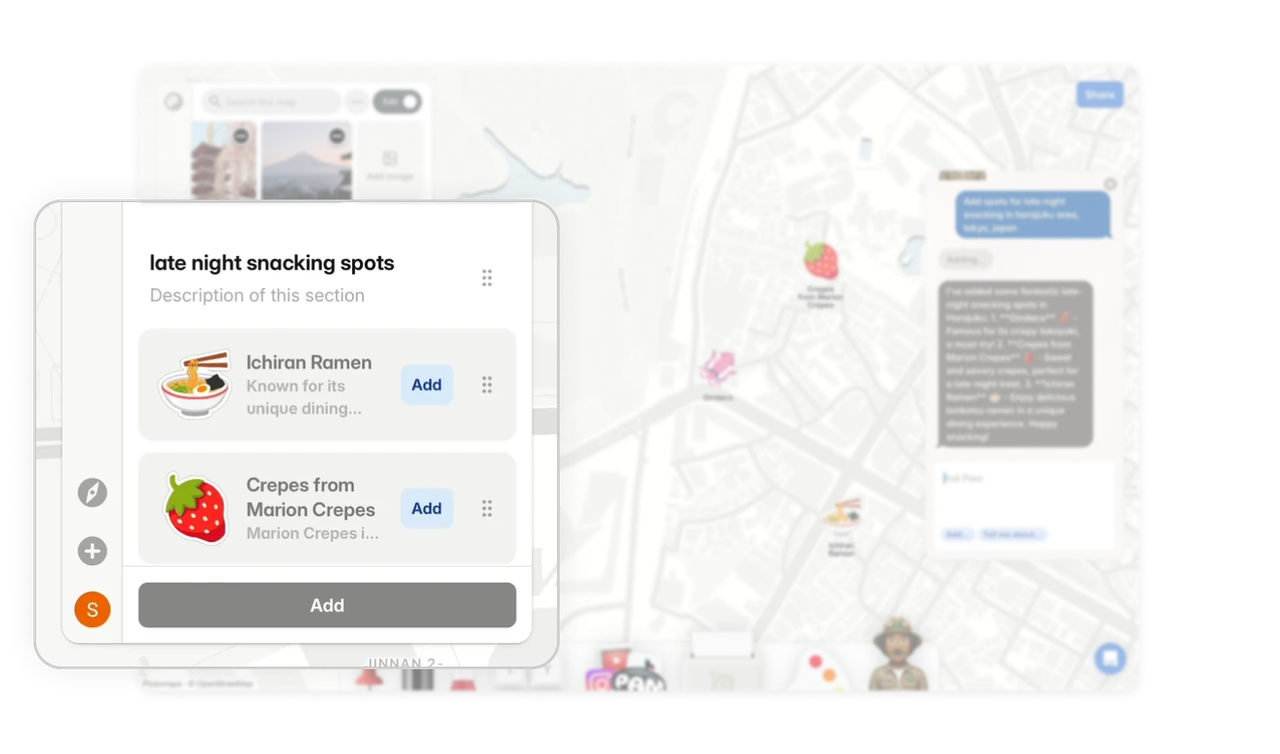
Every spot the AI recommends appears as an addable card in the side panel with an explicit Add button. Users stay in control of what enters their trip. This progressive building pattern means the itinerary grows through small committed actions, not a bulk import. Each Add tap feels like a personal curation decision, not an AI override.
Similar Breakdown Lessons