Electric Scooter Ride

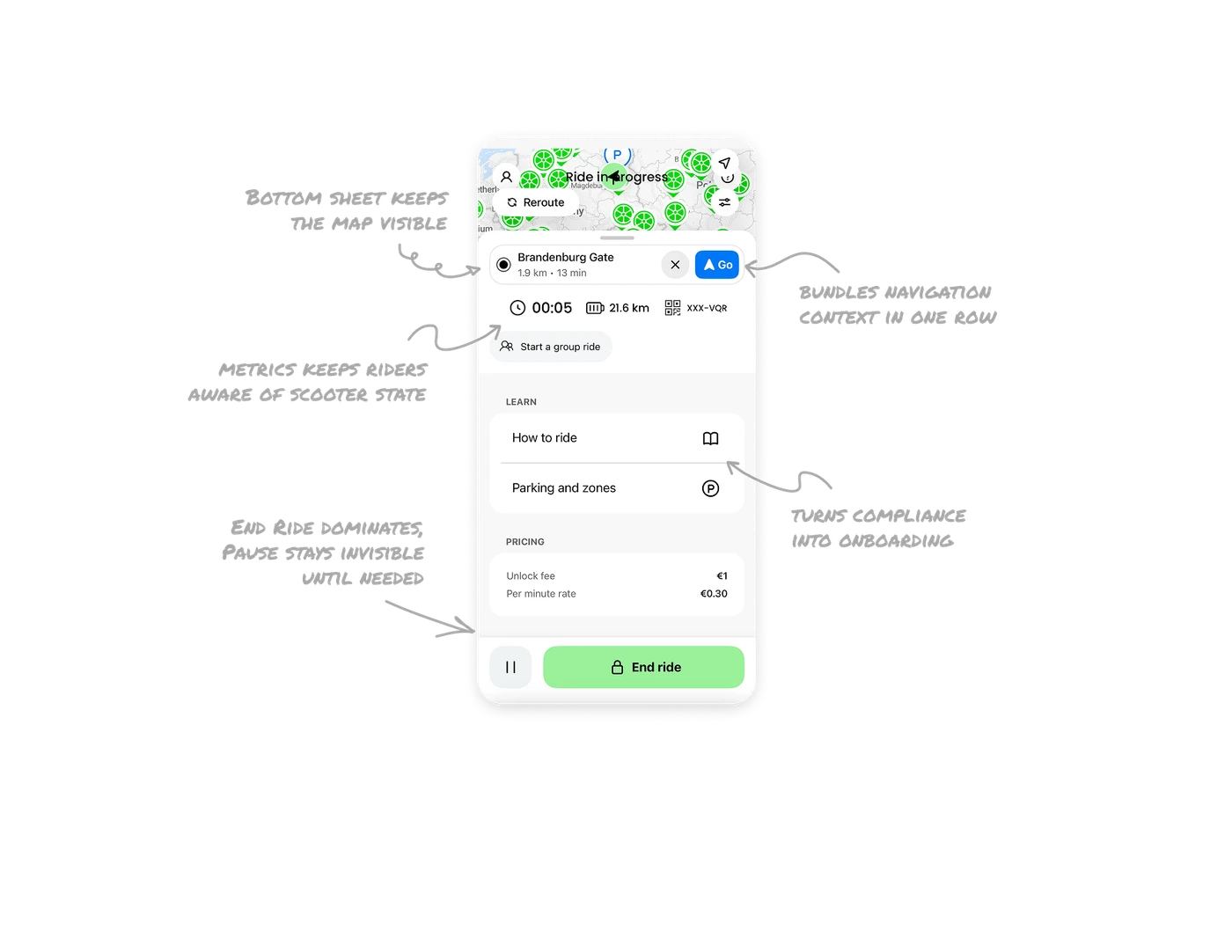
Bottom sheet keeps the map always visible
All ride controls sit in a bottom sheet layered over the live map. Users never lose their location context when interacting with the UI. In navigation and mobility apps, removing the map even briefly breaks spatial awareness. Overlaying controls instead of replacing the map is one of the most important layout decisions in any location-based product.
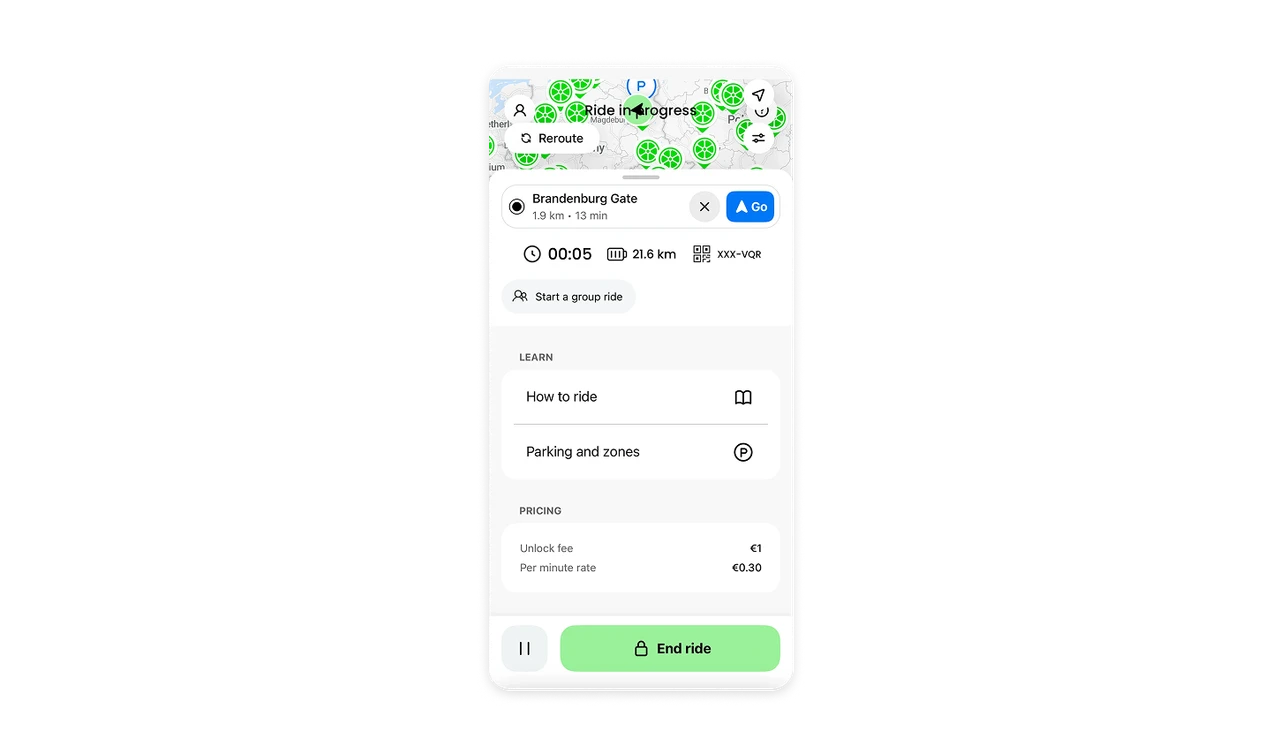
Destination card bundles navigation context in one row
Brandenburg Gate, 1.9 km, 13 min, a clear button, and a Go CTA all live in a single compact card. Every piece of information a rider needs to make a routing decision is in one place. The Go button is blue and labeled, the clear button is gray and icon-only. Visual weight does the hierarchy work without any extra explanation needed.
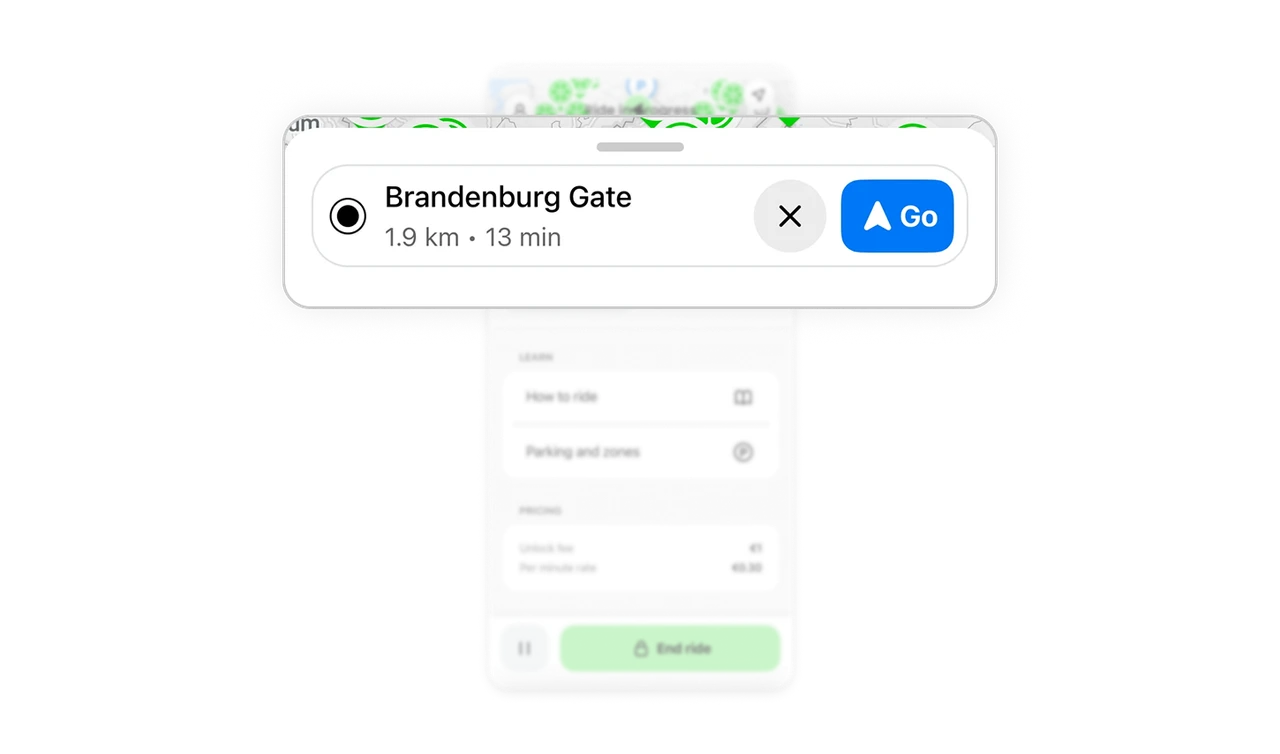
Device metrics row keeps riders aware of scooter state
Timer, battery range in kilometers, and QR code sit in one glanceable row. Each answers a different rider question: how long have I been riding, how far can I still go, and which scooter am I on. Grouping device state metrics horizontally lets users check all three in a single downward glance without interrupting the ride.
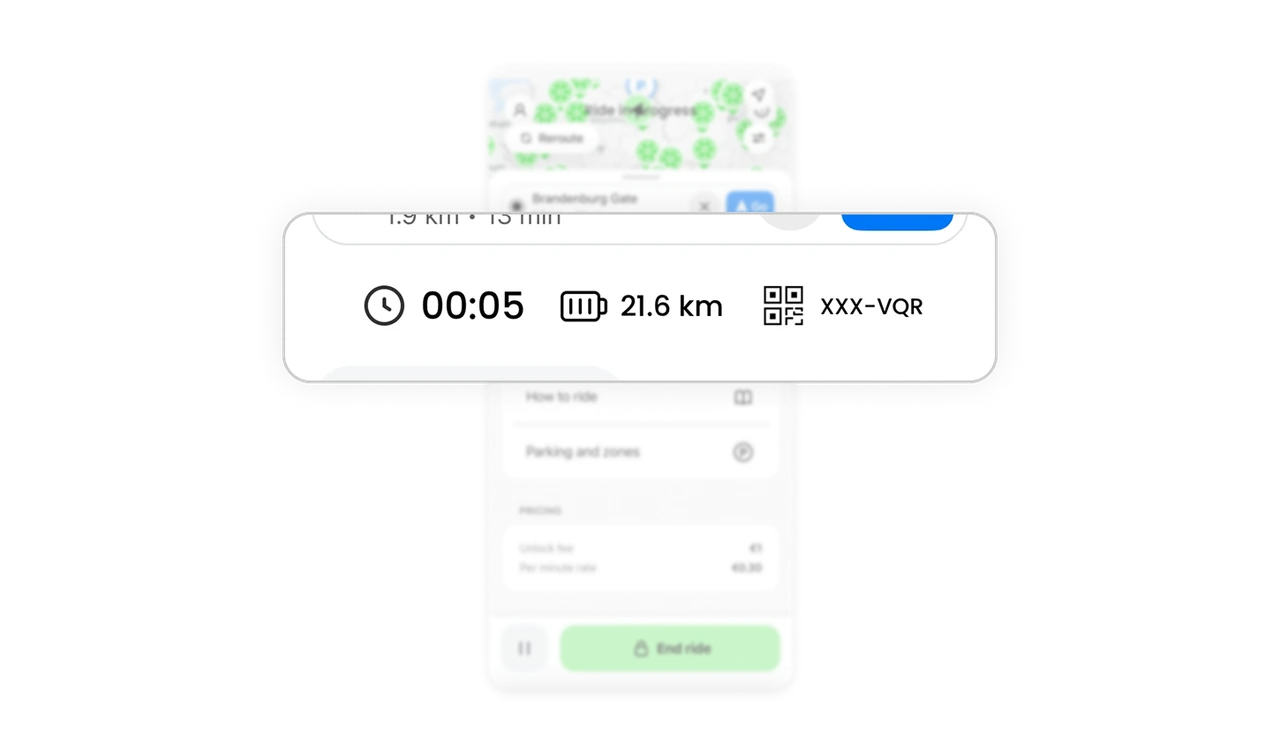
In-ride learn section turns compliance into onboarding
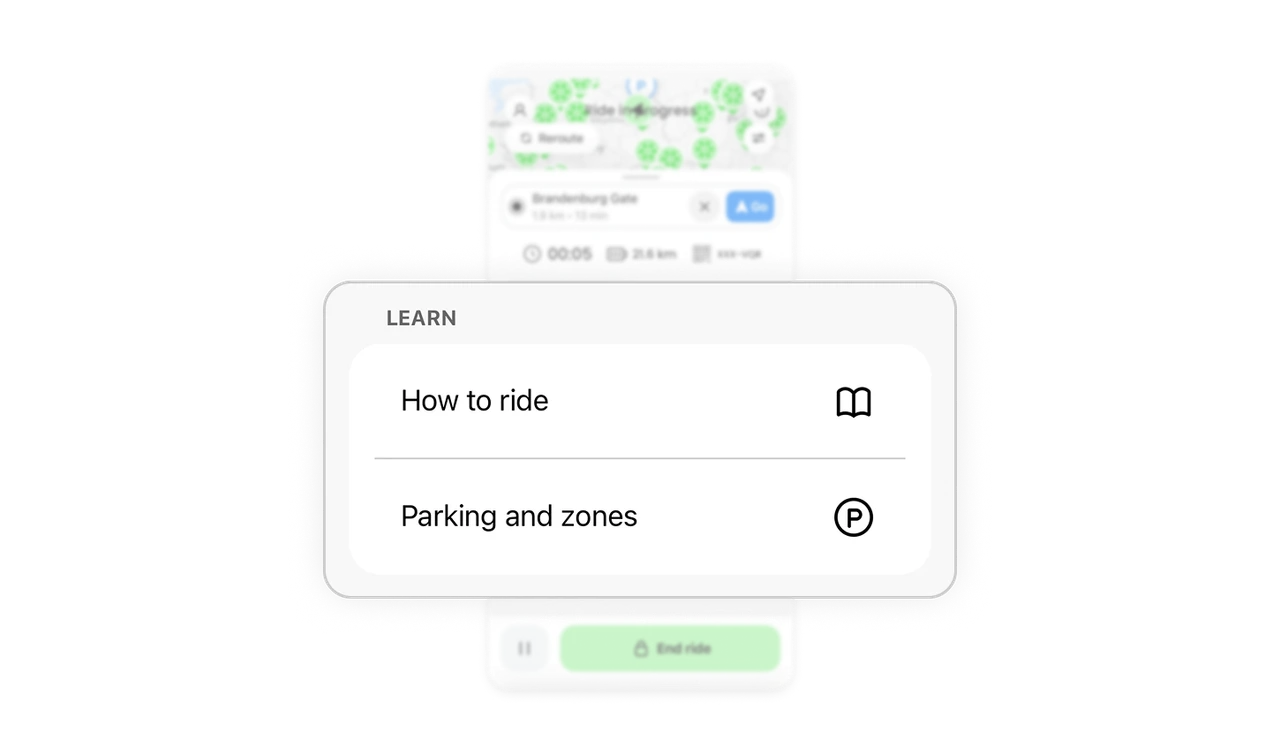
How to ride and Parking and zones appear as tappable items during the active ride. This is exactly the right moment to surface safety rules: the rider is already on the scooter and paying attention. Embedding education inside the task rather than in a pre-ride gate means users actually read it when it is most relevant and actionable.
End Ride dominates, Pause stays invisible until needed
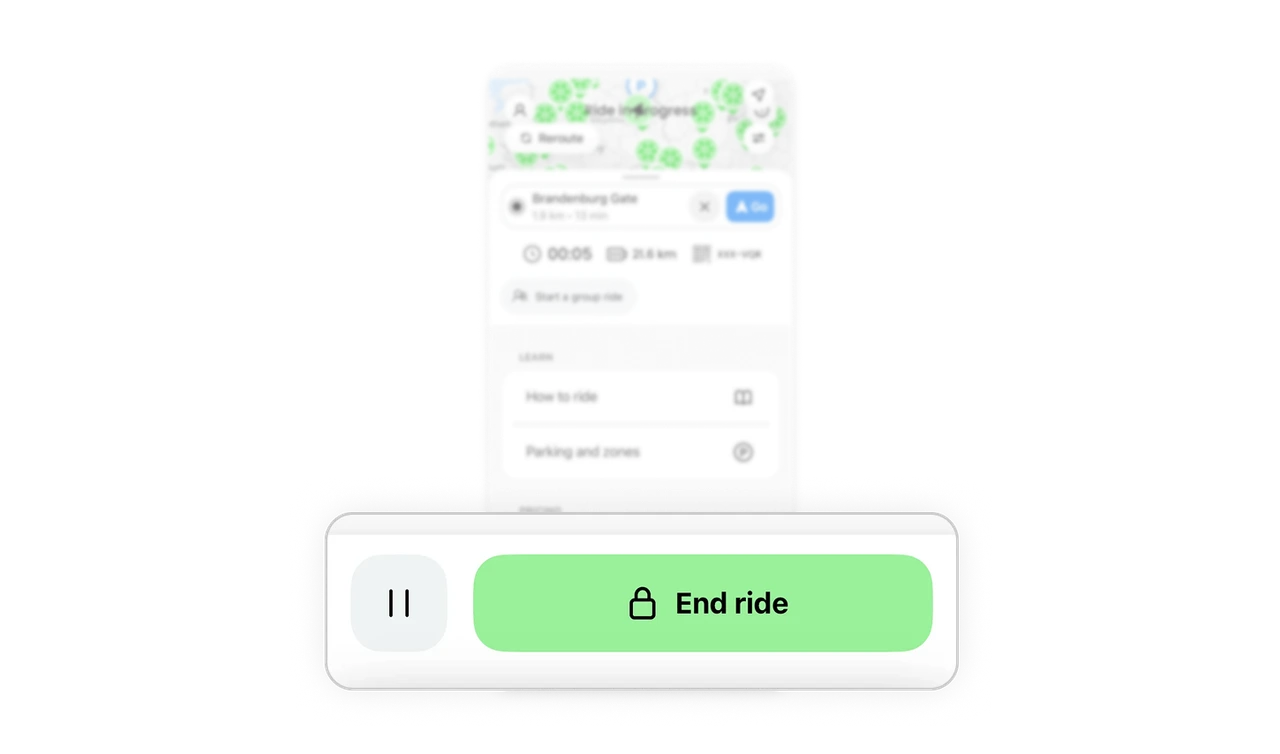
End Ride is a wide green pill with a lock icon and a bold label. Pause is a small gray circle with two lines and no label. The size and color gap is extreme and intentional. Ending a ride is the primary action that closes a transaction. Pausing is secondary and rare. Fitts's Law applied here means the most consequential action is also the easiest to hit, which reduces accidental taps on the wrong button.
Similar Breakdown Lessons







