EV Charging Station Details

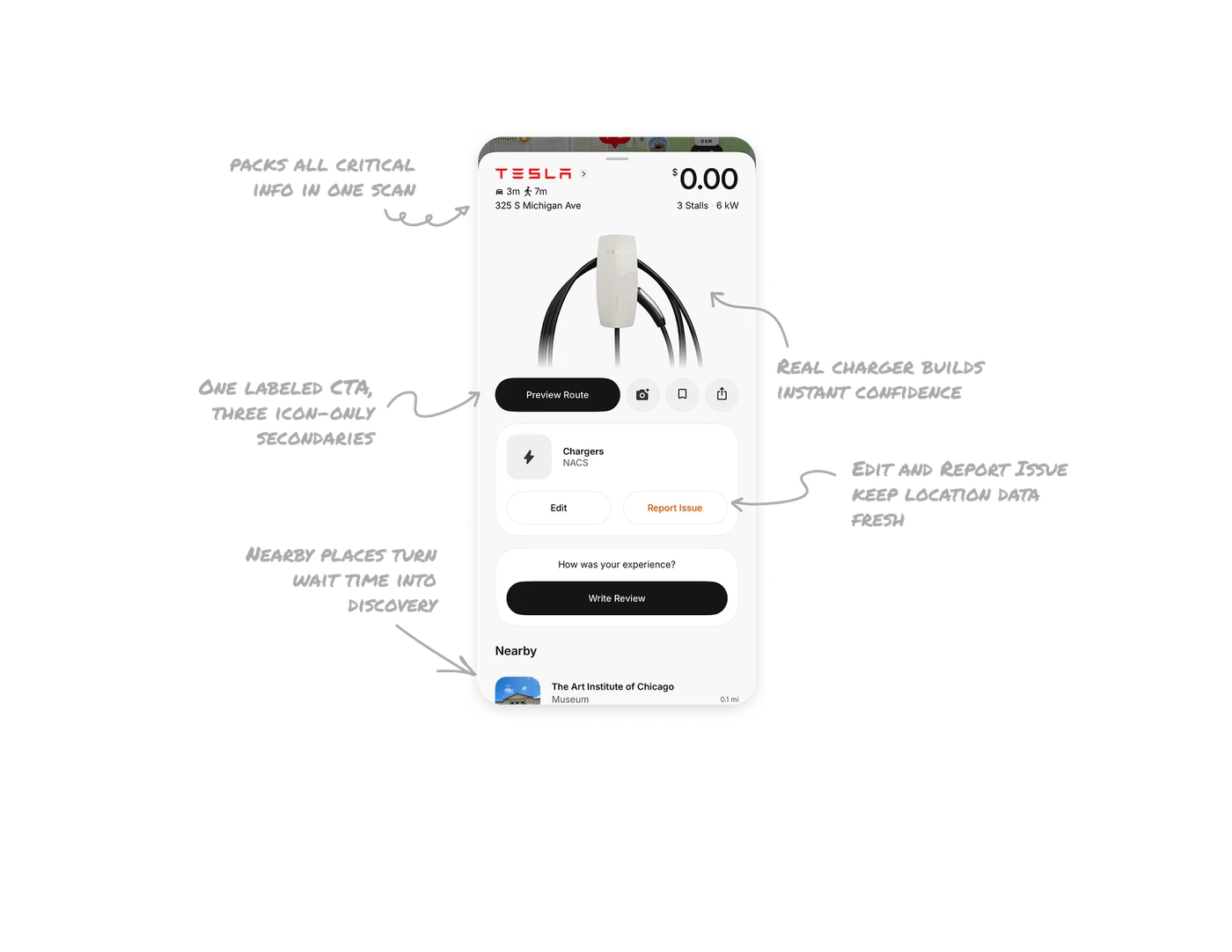
Header packs all critical info in one scan
Brand, distance by car and foot, address, price, stall count, and power output all live in four lines at the top. Size and weight create the hierarchy: $0.00 is the largest element because cost is the first decision. Drivers make a go or no-go call in under three seconds without scrolling.
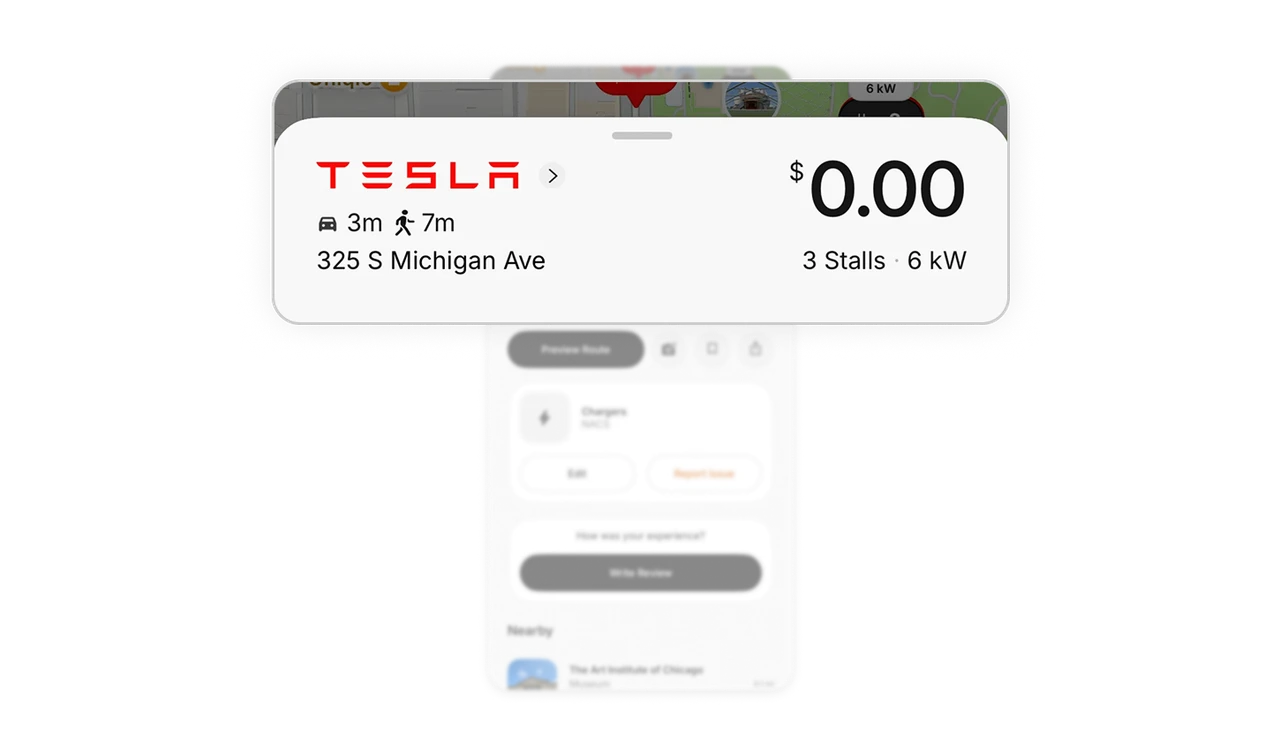
Real charger photo builds instant confidence
The product-style image of the actual charging unit tells drivers exactly what hardware to look for when they arrive. It removes arrival anxiety, the moment when users are in a parking lot unsure if they found the right spot. Real-world match at this stage directly reduces failed sessions and support contacts.
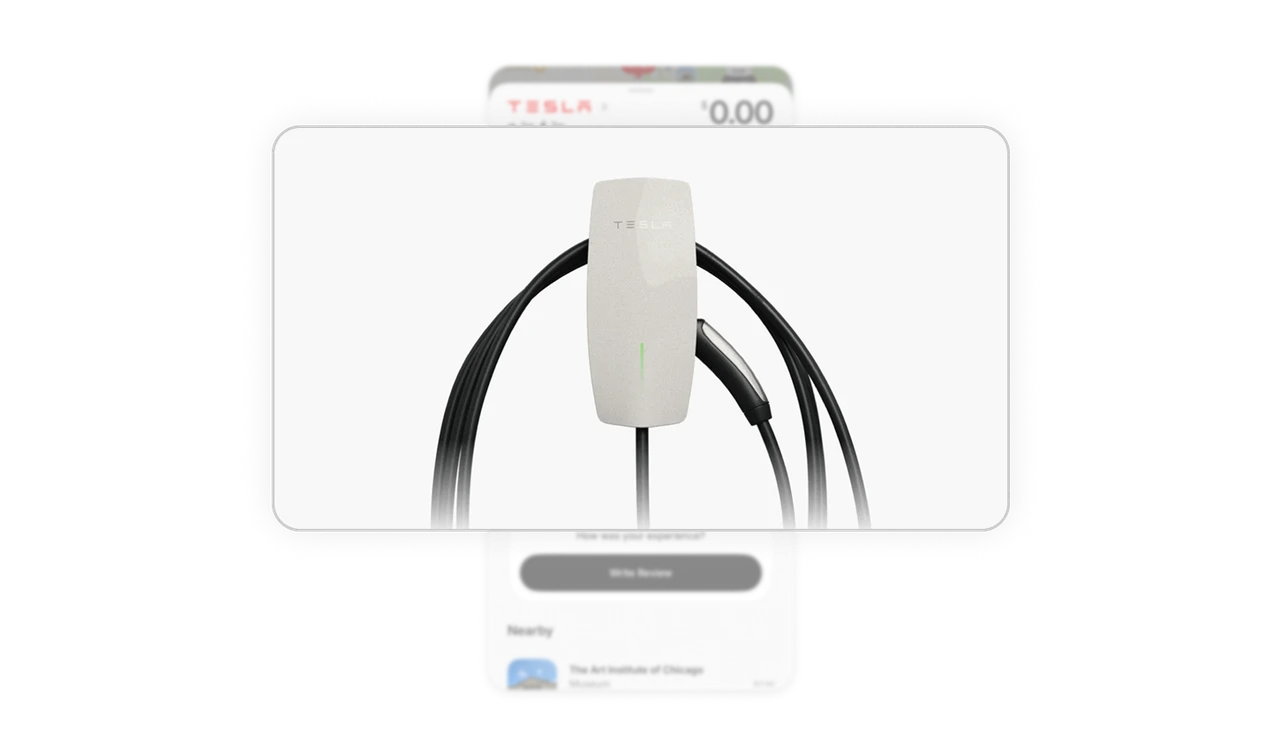
One labeled CTA, three icon-only secondaries
Preview Route is full-width, black, and labeled. Camera, bookmark, and share are small gray icon circles with no labels. The visual weight difference means users never hesitate on what to do next. Secondary actions are present for power users but invisible to anyone focused on the primary task of navigating to the charger.
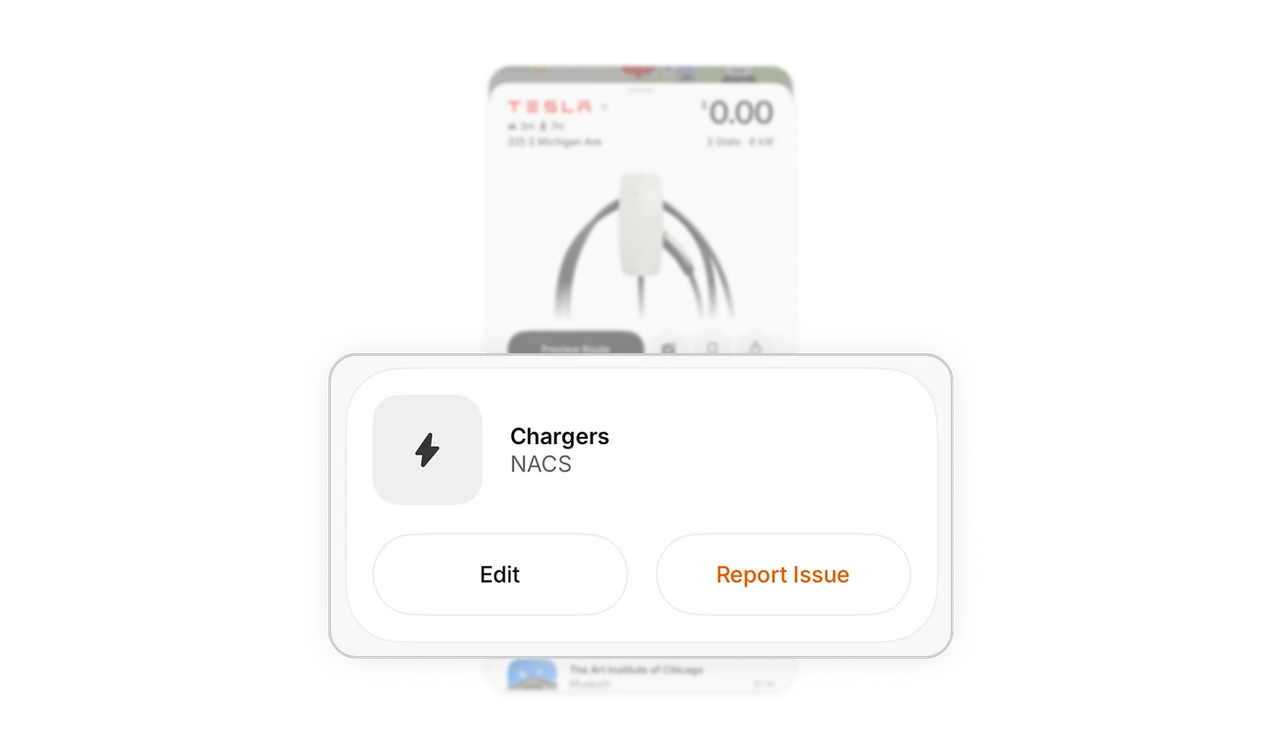
Edit and Report Issue keep location data fresh
Letting users flag outdated info or broken hardware turns the community into a self-updating data layer. This is crowd-sourced accuracy with minimal effort per user. Apps that rely on a static database go stale. Apps that make correction a one-tap action stay trustworthy at scale without a dedicated ops team.
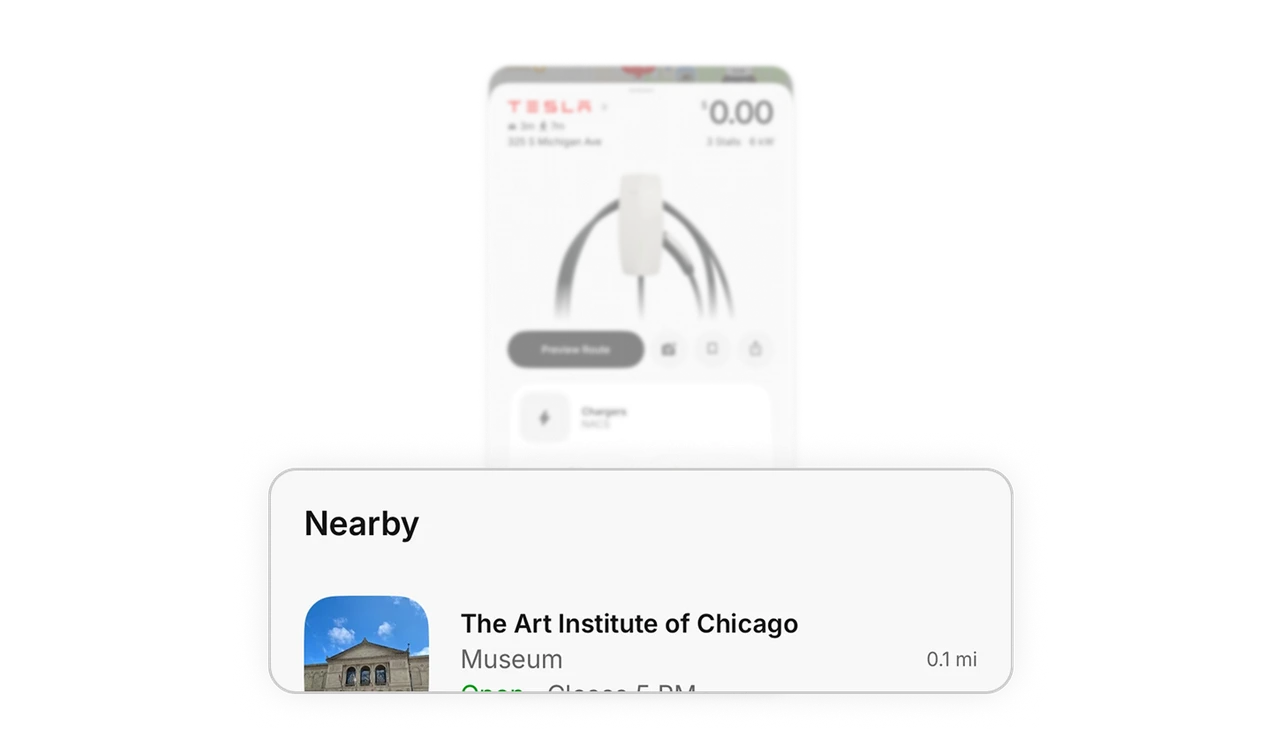
Nearby places turn wait time into discovery
Charging takes 20 to 45 minutes. Showing nearby museums, cafes, and landmarks inside the app gives users something to do with that time without switching apps. This contextual section solves a real user problem that most charging apps ignore entirely, and it increases session depth and return visits at the same time.
Similar Breakdown Lessons







