Finance Dashboard

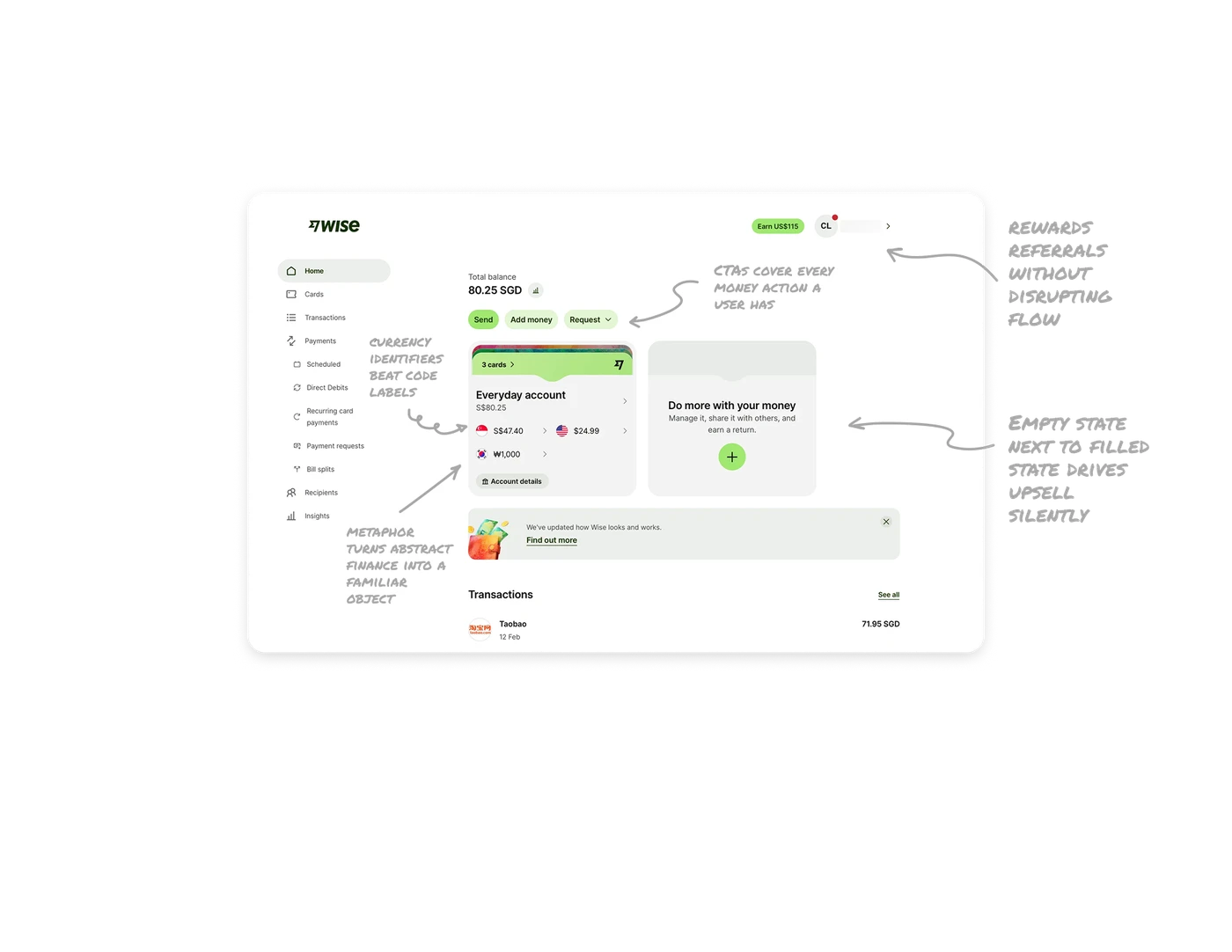
Wallet metaphor turns abstract finance into a familiar object
Wise renders the account as a literal stacked card wallet with the cards peeking out from the top. Users see "3 cards" the way they would in a real wallet, not as a list view. Most fintech apps treat money as numbers and tables. Wise treats it as physical objects you own. Real-world match at this level lowers the cognitive cost of using the product because users already know how wallets work.
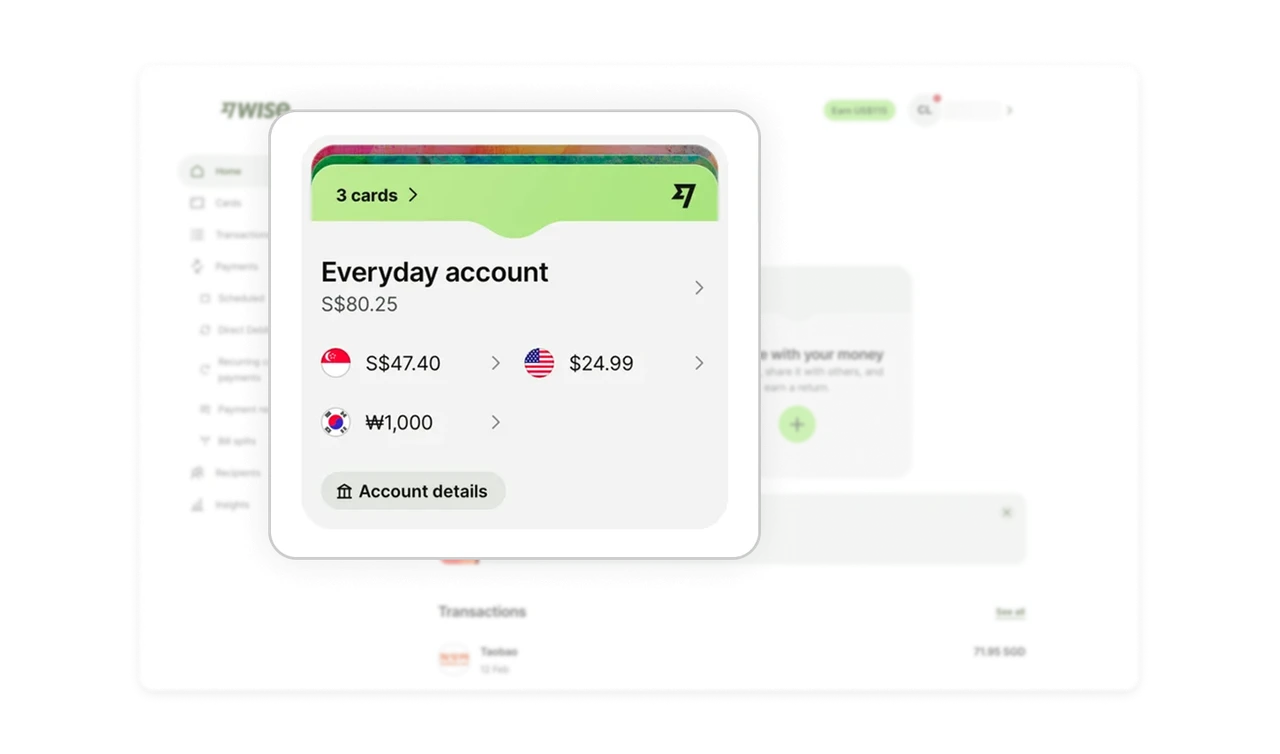
Country flags as currency identifiers beat code labels
Each currency in the wallet shows a flag (Singapore, US, South Korea) before its amount. Flags are recognized faster than three-letter currency codes because they tap into visual memory rather than reading. In multi-currency products where users hold money across countries, flag-based identification reduces lookup errors and lets the eye scan balances instantly without parsing SGD, USD, or KRW.
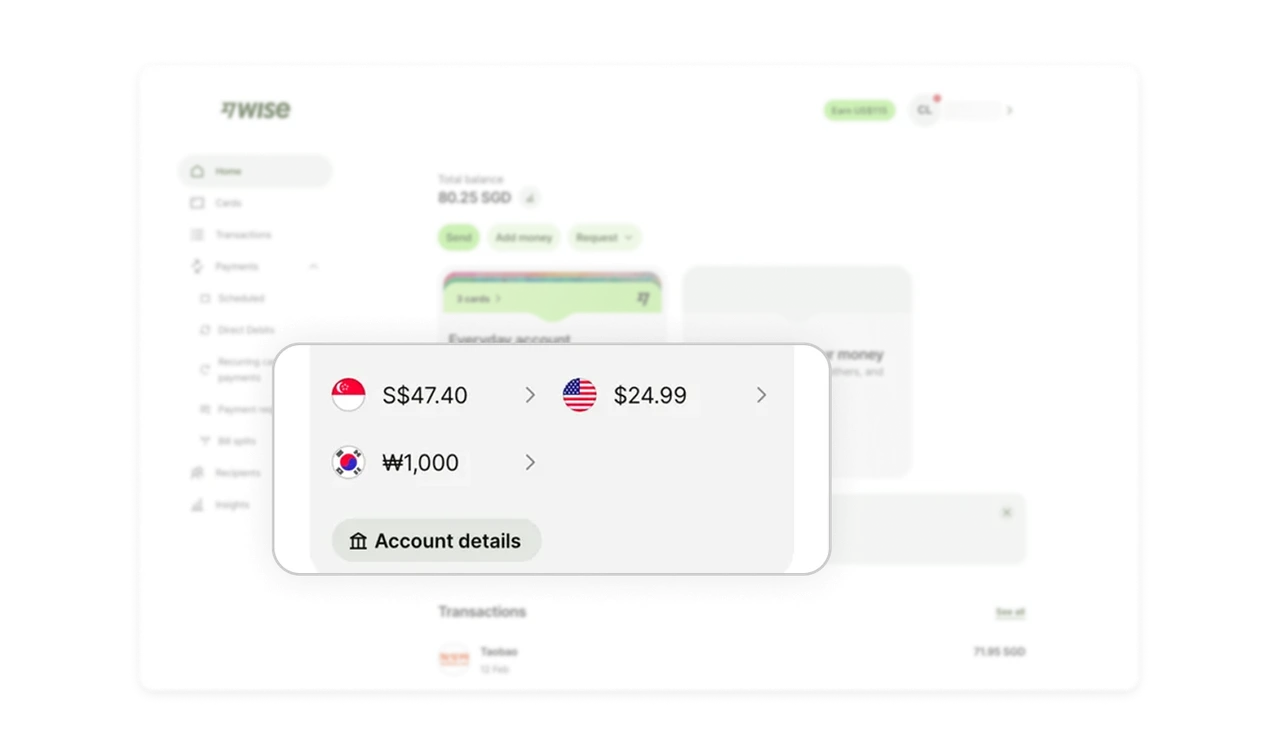
Empty state next to filled state drives upsell silently
A second empty wallet sits next to the active one with "Do more with your money" and a green plus button. The contrast between the full wallet and the empty one creates an implicit nudge to expand. Empty states placed beside filled states are far more effective than standalone CTAs because users see the gap between what they have and what they could have.
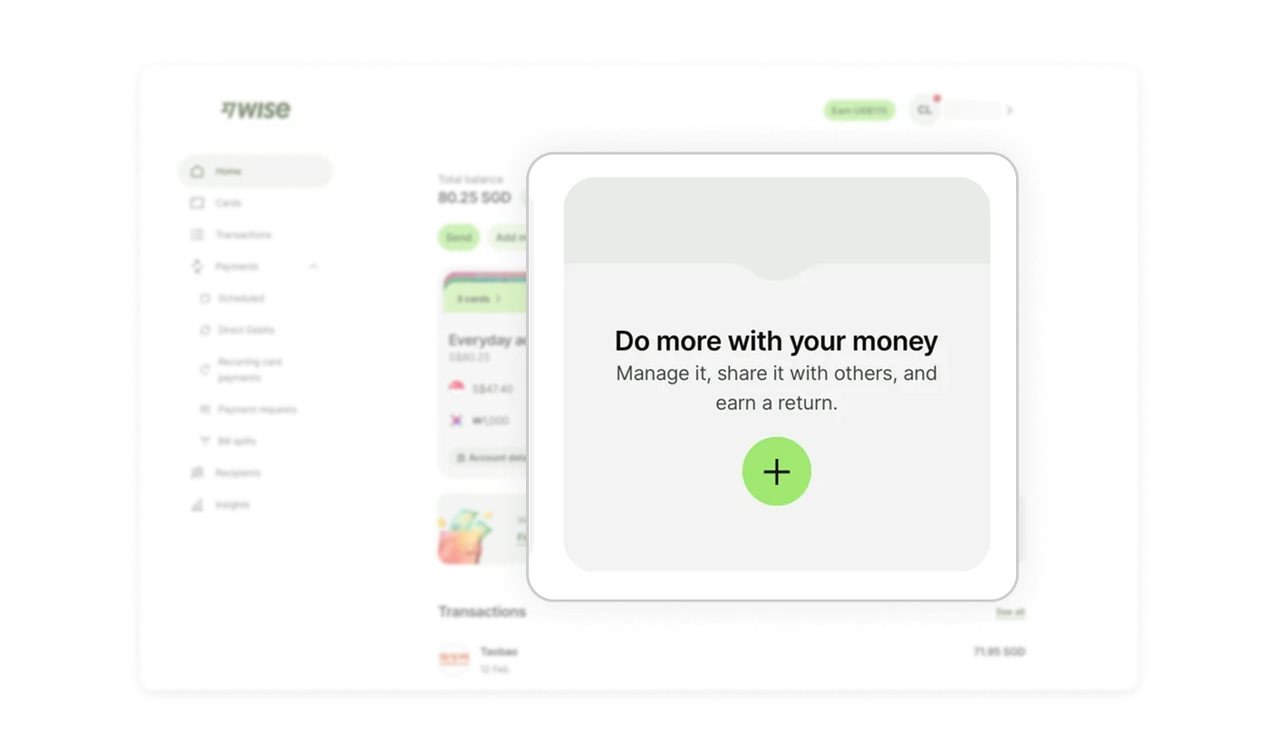
Three primary CTAs cover every money action a user has
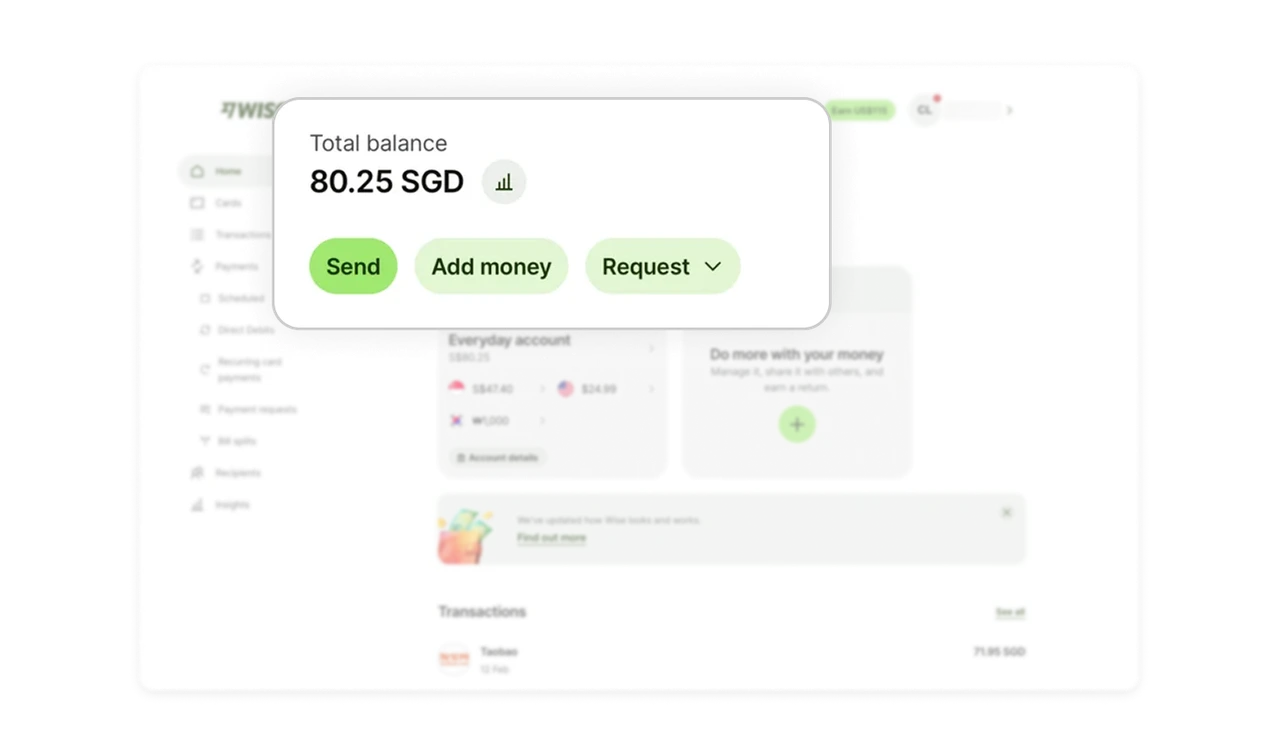
Send, Add money, and Request are the only three buttons next to the balance. Every financial intent fits into one of these three verbs. Limiting the action set to a complete but minimal taxonomy prevents decision paralysis. Hick's Law applied: fewer well-chosen actions accelerate decision-making more than a larger but redundant feature menu.
Earn US$115 button rewards referrals without disrupting flow
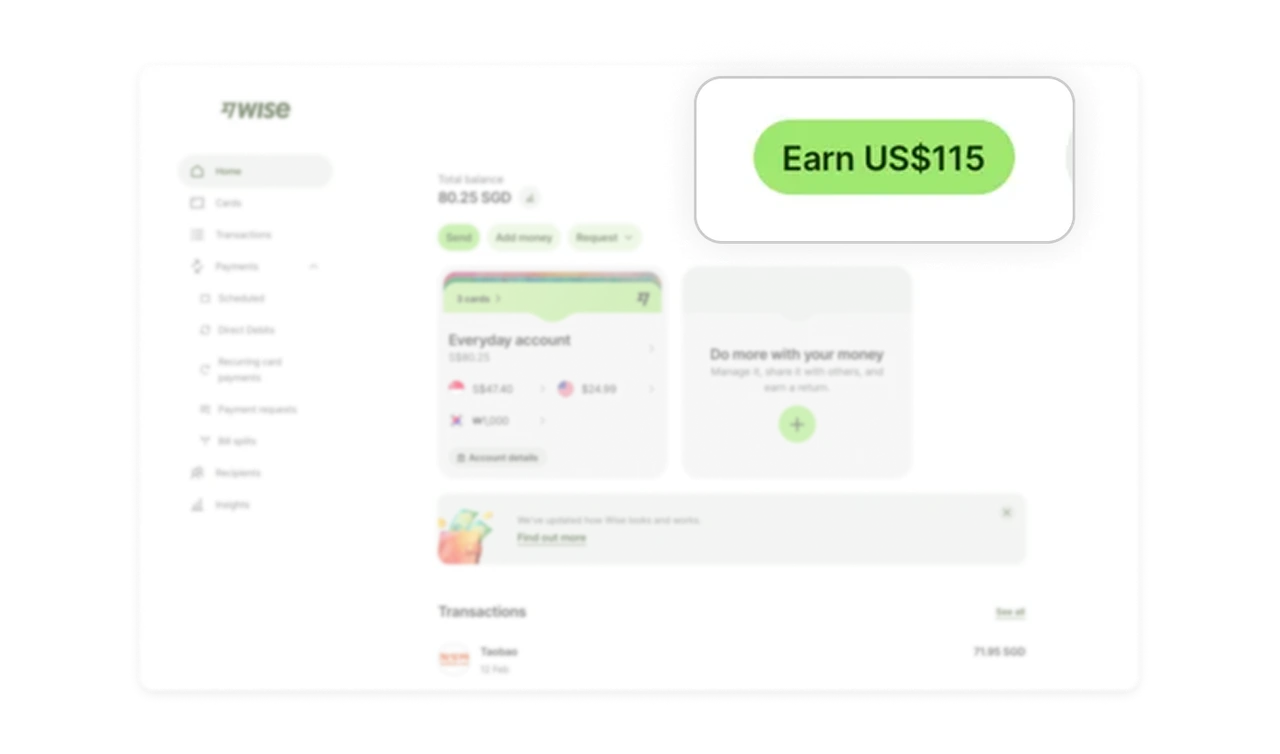
The Earn US$115 pill sits in the top nav next to the profile, always visible but never intrusive. The dollar amount is the hook, the placement is the restraint. Most apps push referrals through banners, popups, or modal interruptions. Wise treats it as a quiet ambient feature that users can choose to engage with when ready, which preserves trust while still driving viral growth.
Similar Breakdown Lessons







