Flight Details

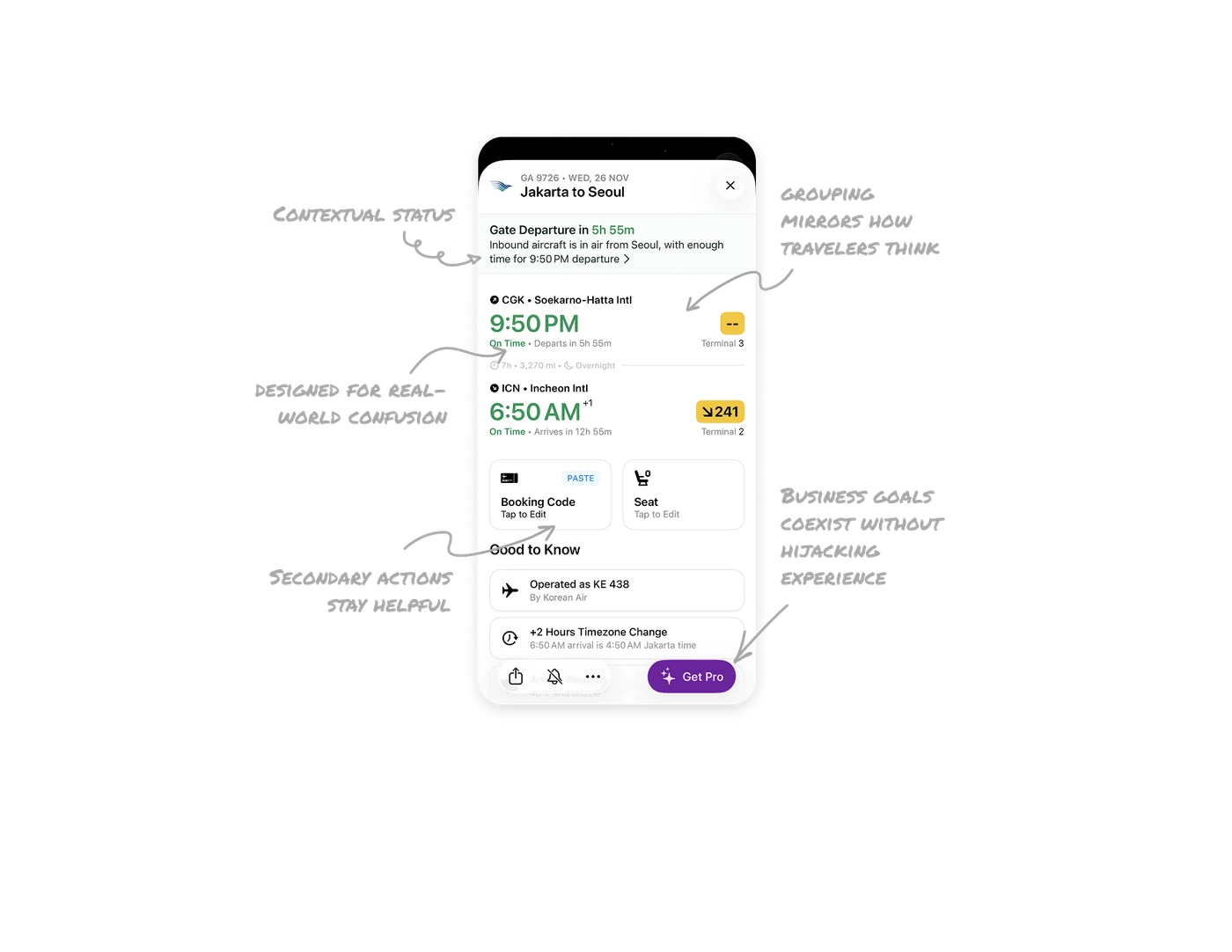
Contextual status appears only when it matters
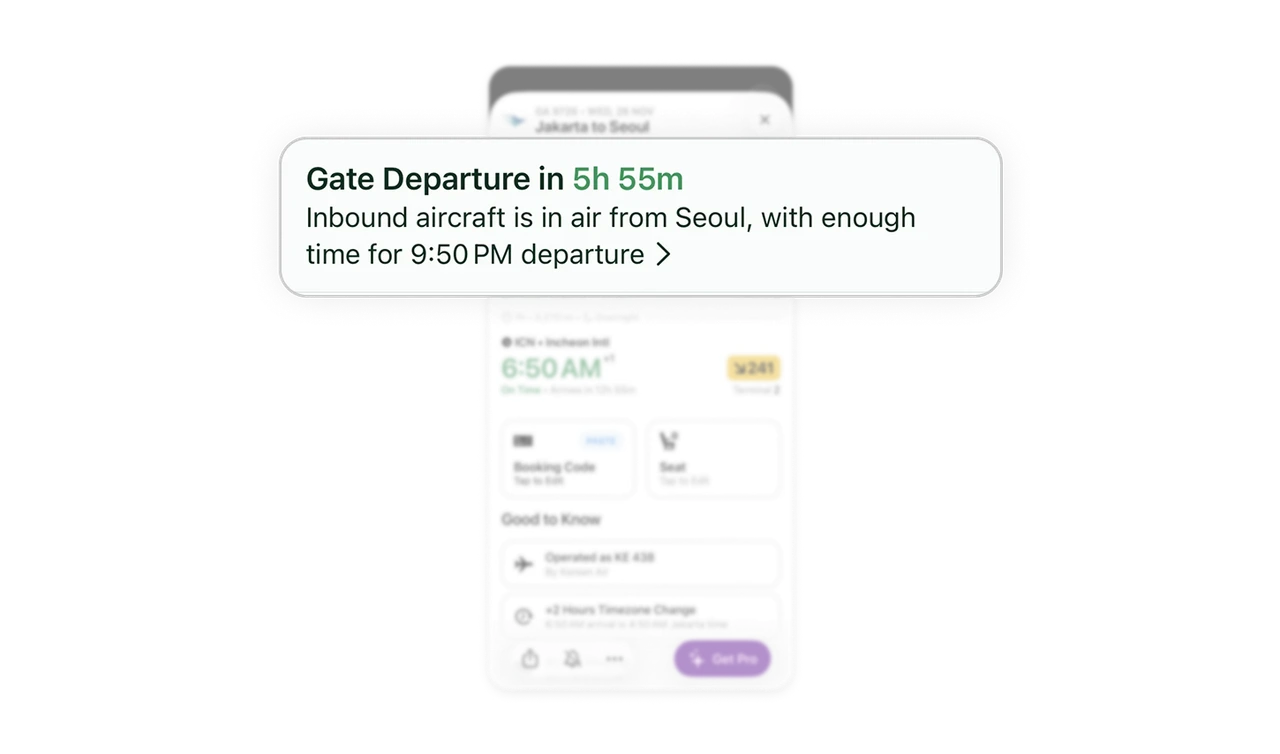
At the very top, Flighty shows a real-time inbound aircraft update because departure is still hours away. This keeps users informed early, reduces uncertainty, and sets expectations without triggering unnecessary alerts.
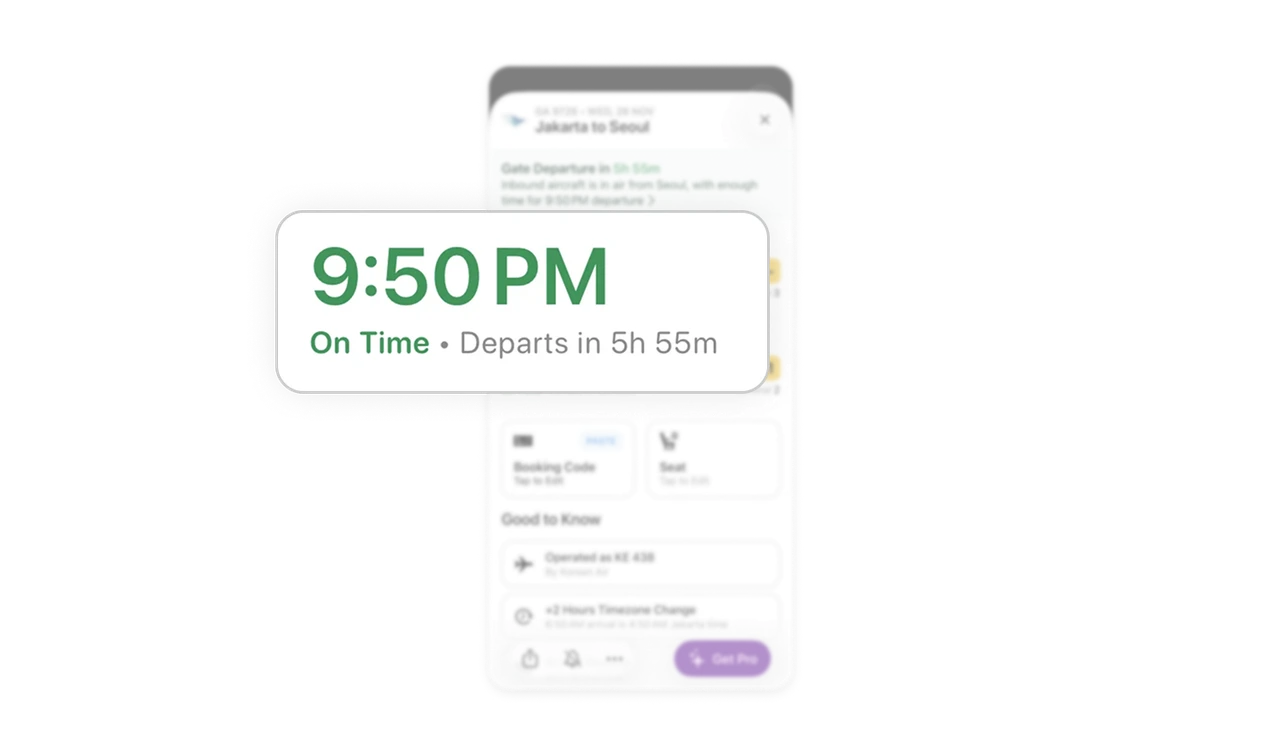
Time information is designed for real-world confusion
Departure and arrival times are grouped with strong typographic hierarchy, supported by countdowns like “Departs in 5h 55m” and “Arrives in 12h 55m.” This protects users from timezone errors, overnight flights, and mental math during travel stress.
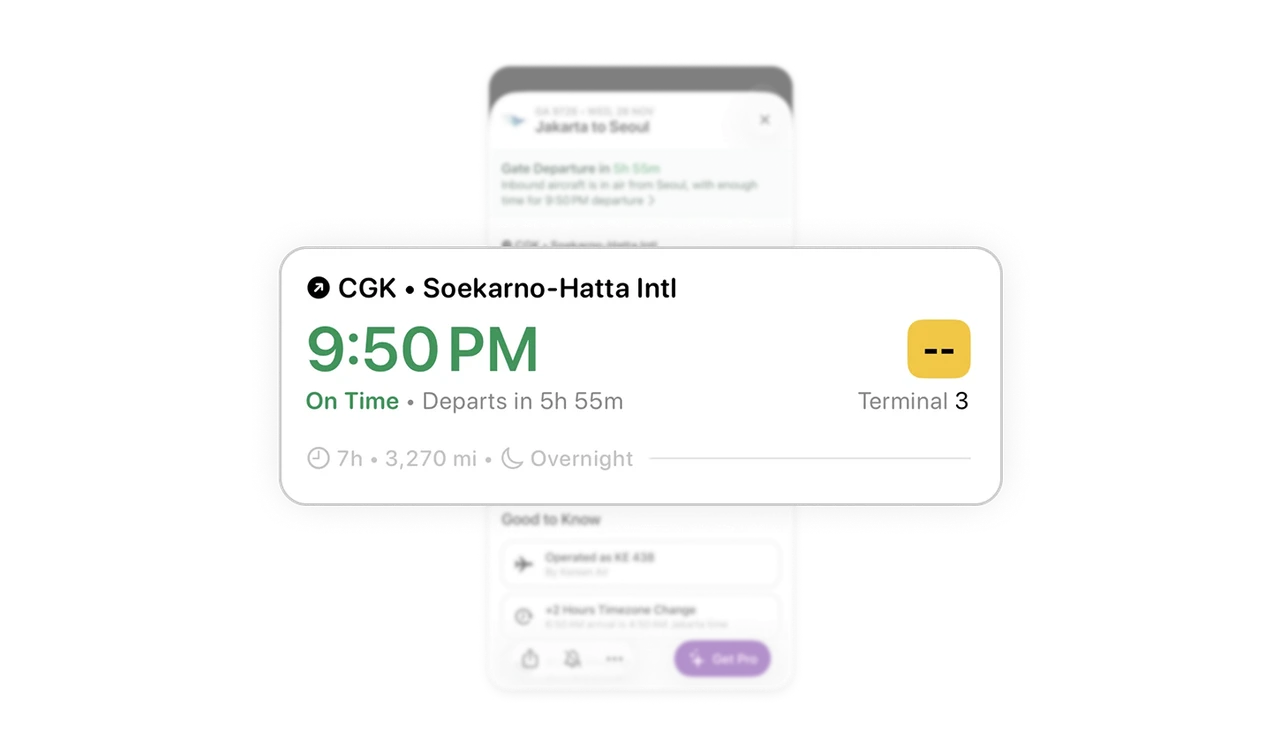
Visual grouping mirrors how travelers think
Origin and destination blocks are clearly separated, each with terminal and gate details placed consistently on the right. This spatial predictability helps users scan quickly and find the exact detail they need without reading everything.
Secondary actions stay helpful, not noisy
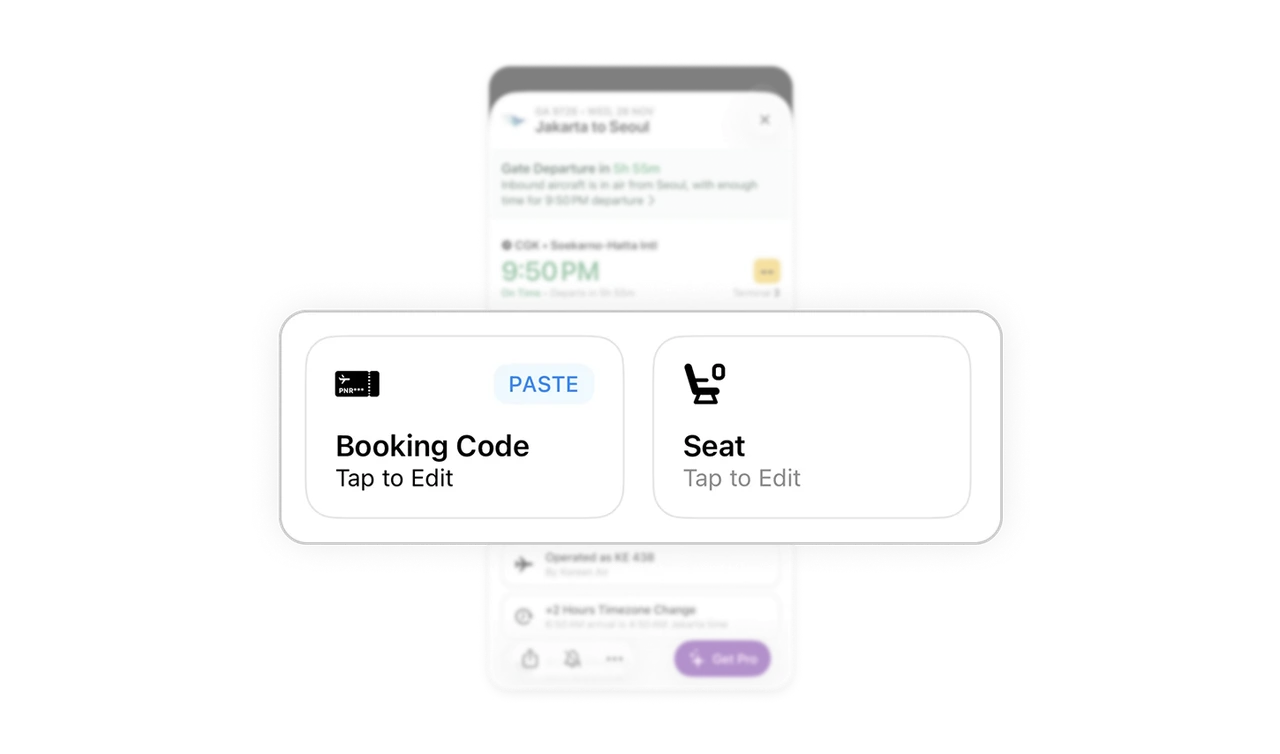
Actions like Booking Code, Paste, and Seat Edit are visually light and icon-led. They remain discoverable but never compete with critical flight information, respecting their secondary nature.
Business goals coexist without hijacking the experience
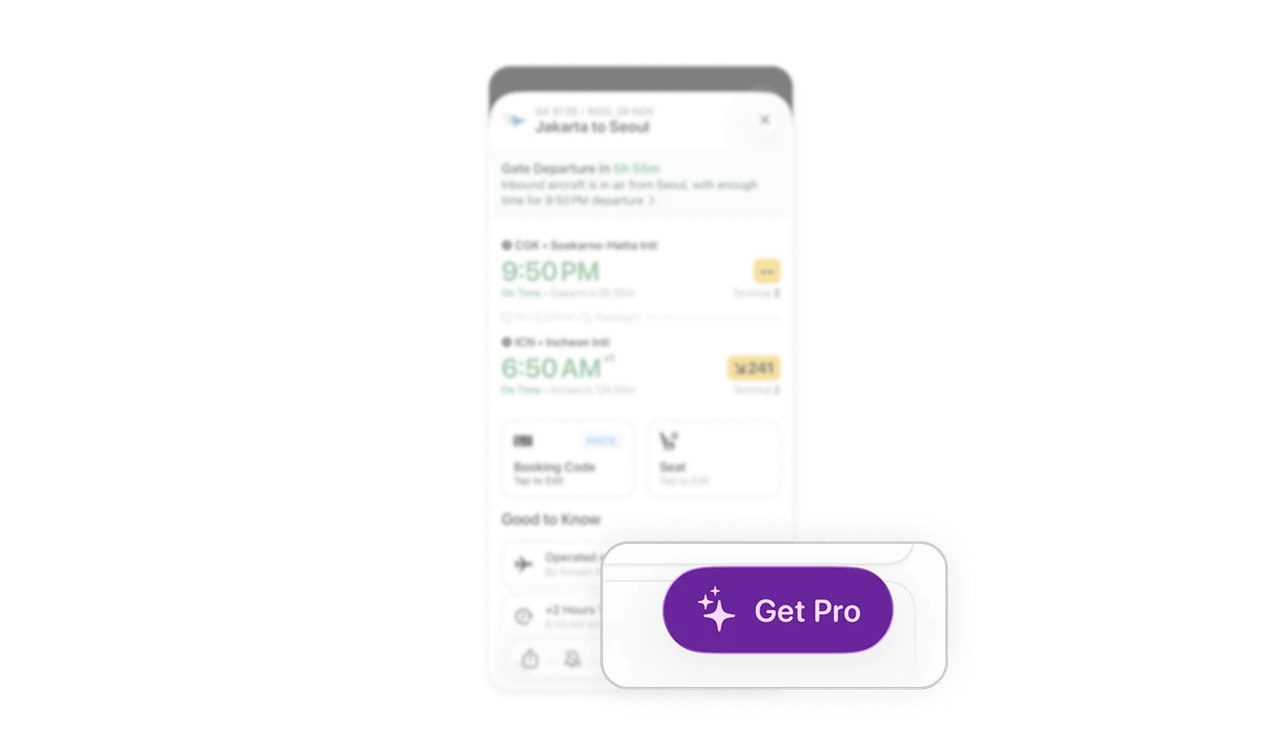
The Get Pro CTA stays sticky at the bottom, visible but visually detached from flight data. It keeps monetization present while avoiding disruption, a strong example of conversion without coercion.
Similar Breakdown Lessons







