Food Ordering

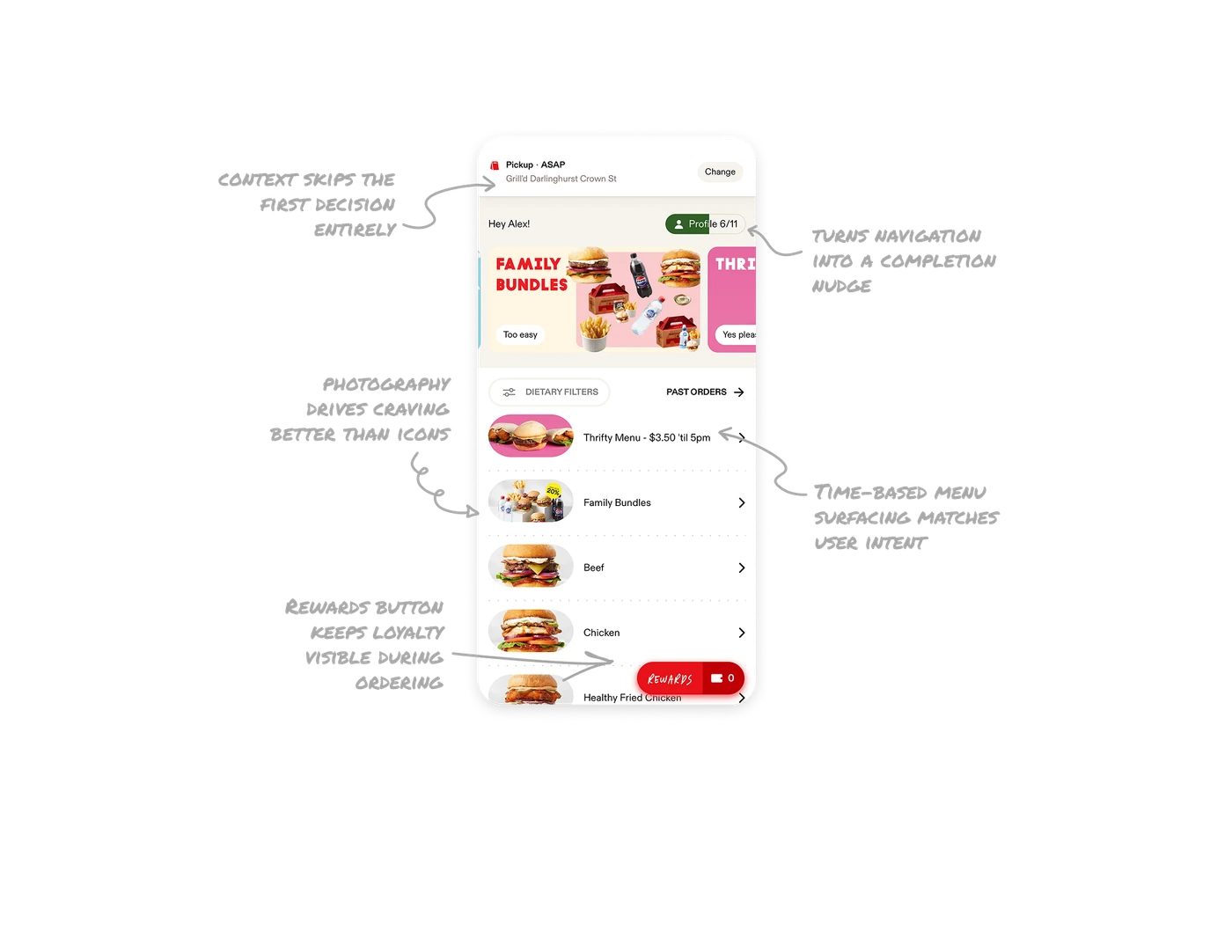
Pre-set pickup context skips the first decision entirely
Pickup, ASAP, and the nearest store are filled in before users even arrive on the screen. The Change button is small and quiet, signaling "only tap if needed." Most apps force users to confirm method, time, and location upfront. Pre-setting smart defaults and letting users override them later removes the friction that causes order abandonment in the first 5 seconds.
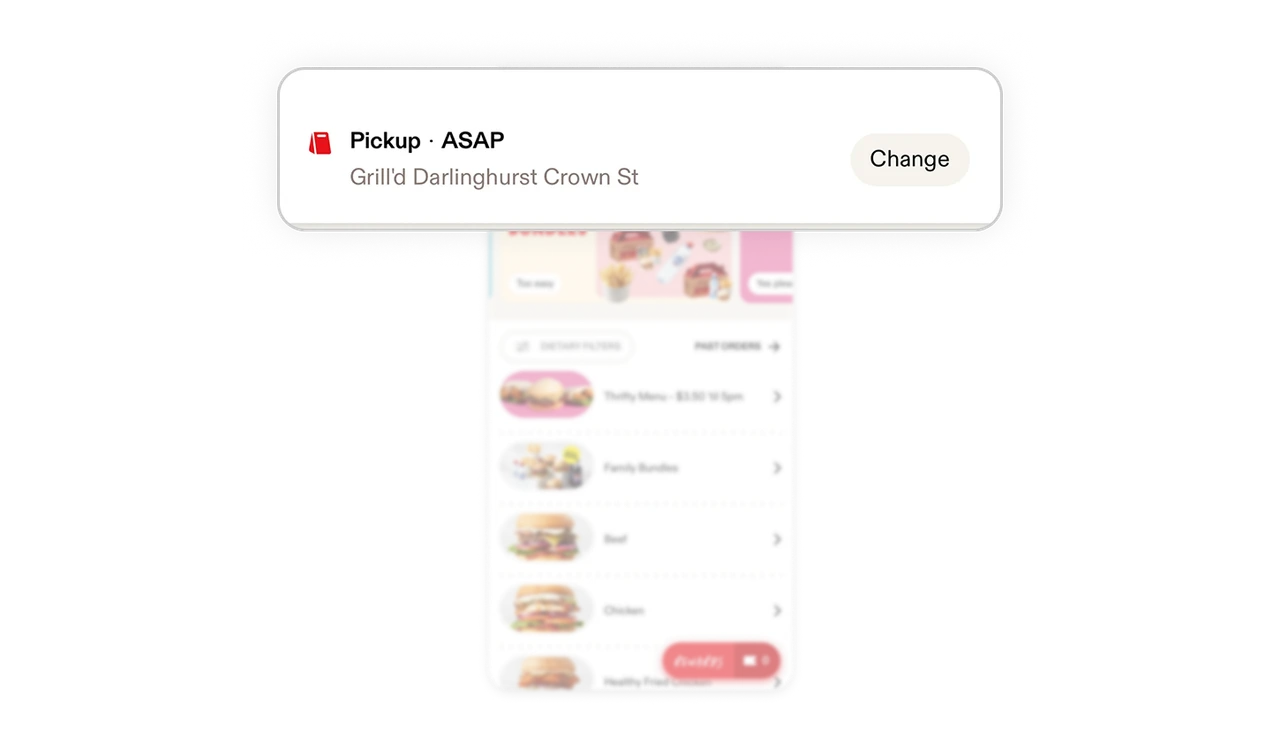
Profile 6/11 turns navigation into a completion nudge
The profile button doubles as a progress indicator showing 6 of 11 fields completed. Users see at a glance that their profile is incomplete without an intrusive prompt. This single visual signal increases completion rates by reframing profile filling as a small visible task rather than a hidden settings chore. Making completion progress visible at the navigation level is a quiet but powerful retention mechanic.
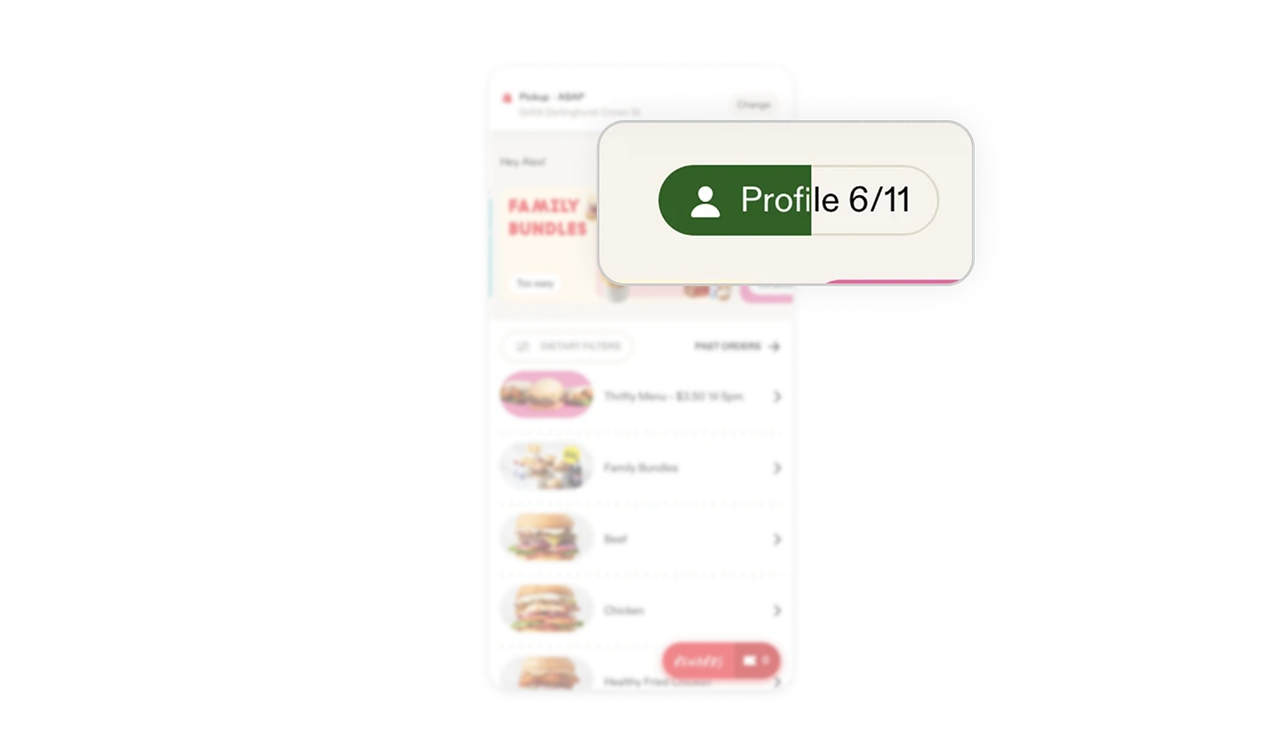
Time-based menu surfacing matches user intent automatically
Thrifty Menu shows at the top before 5pm, then disappears when the deal ends. The menu order is not static, it adapts to what is actually orderable right now. Users never see an offer they cannot use. Time-aware content surfacing prevents disappointment, protects perceived availability, and is a pattern any product with time-sensitive content should consider.
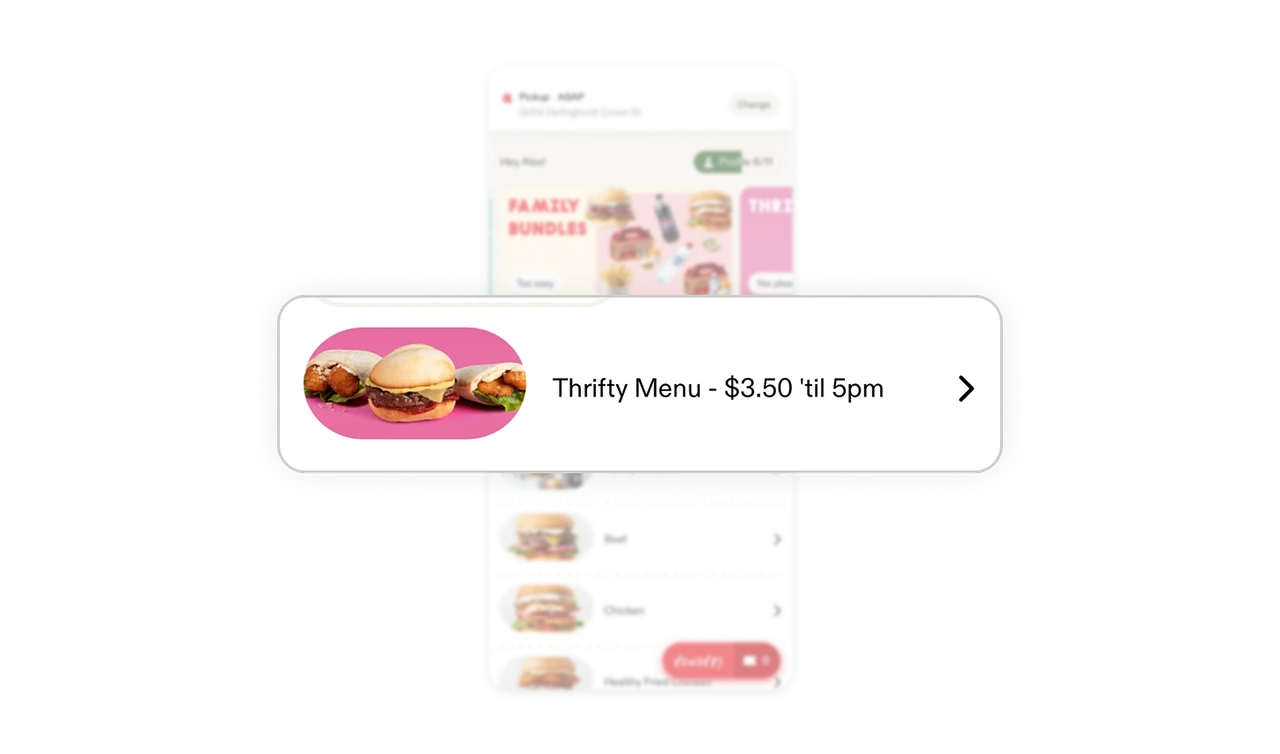
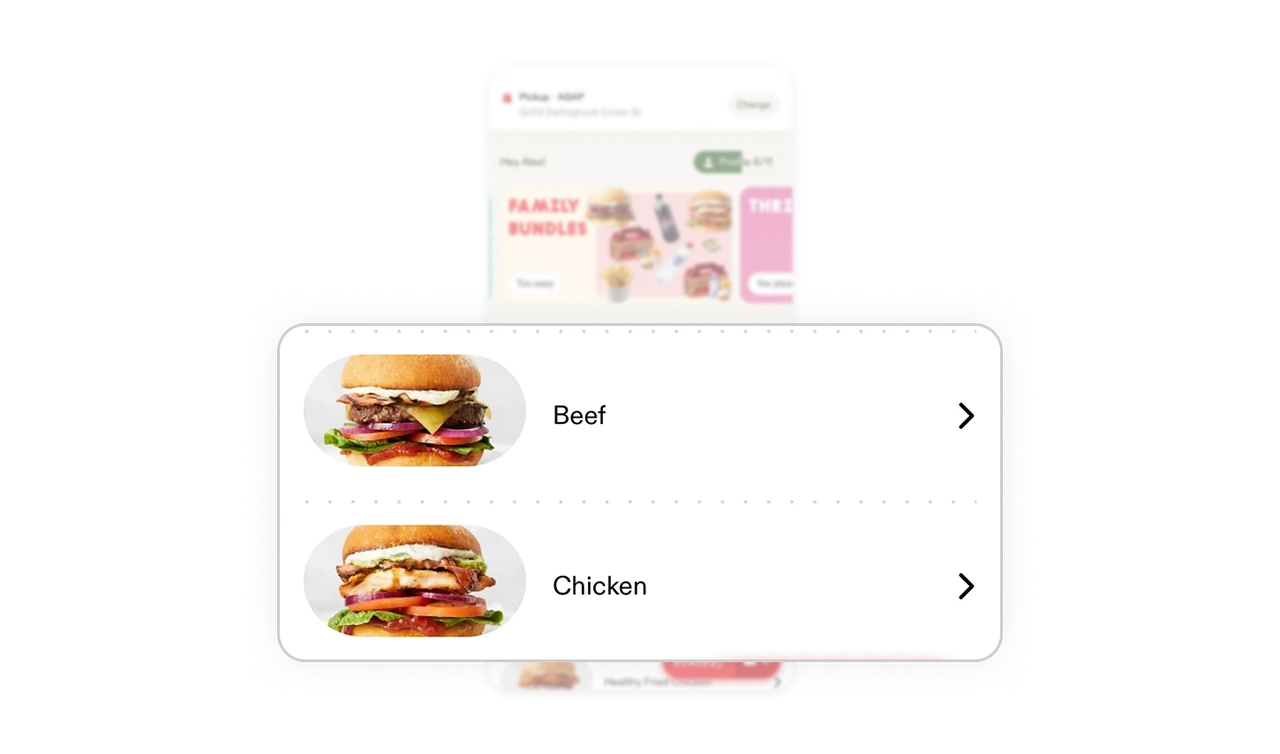
Real food photography drives craving better than icons
Each menu category uses real product photography, not illustrations or icons. The Beef burger image actually looks like the burger users will receive. Food photography in delivery apps directly drives ordering frequency by triggering hunger response. This is real-world match working on a biological level, not just a recognition level.
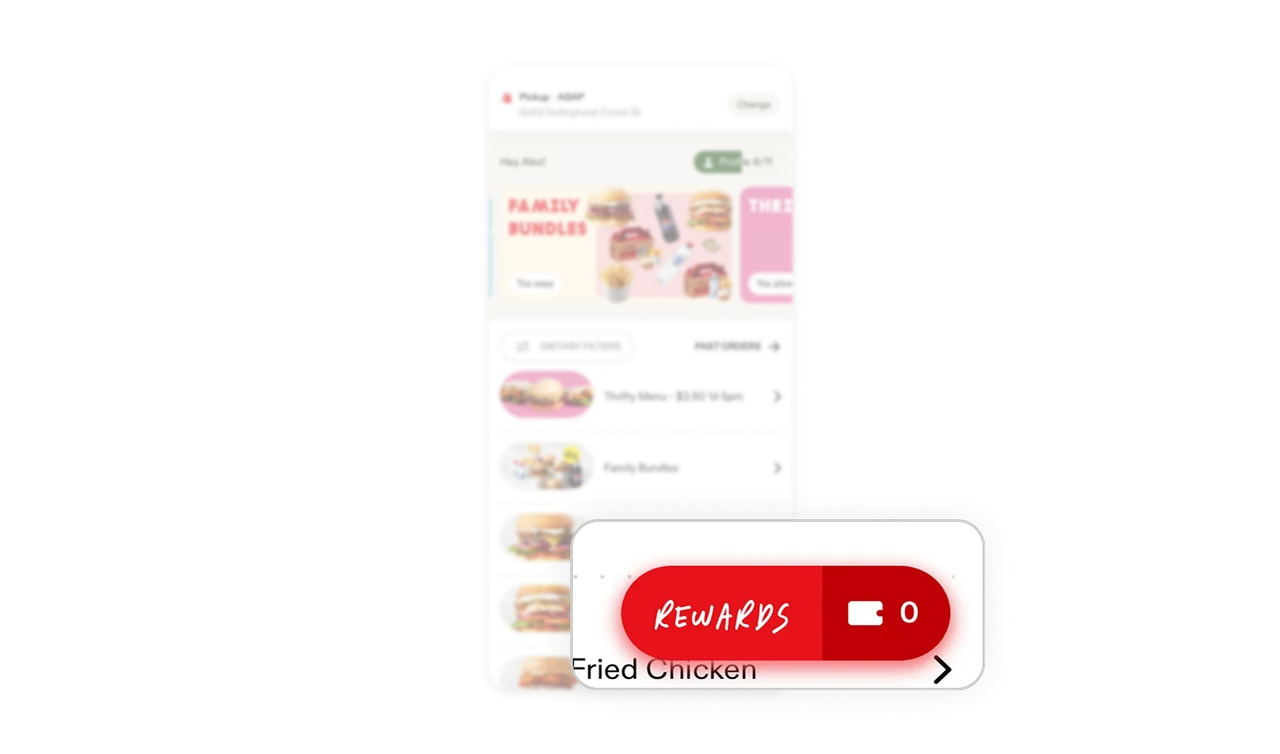
Sticky Rewards button keeps loyalty visible during ordering
The handwritten Rewards pill with point count floats at the bottom right at all times. Users see their balance while making purchase decisions. Most apps bury rewards in a separate tab, which means users forget to use them. Surfacing balance during the ordering flow turns rewards from a hidden feature into an active influence on what users add to their cart.
Similar Breakdown Lessons







