Friends Health Challenge

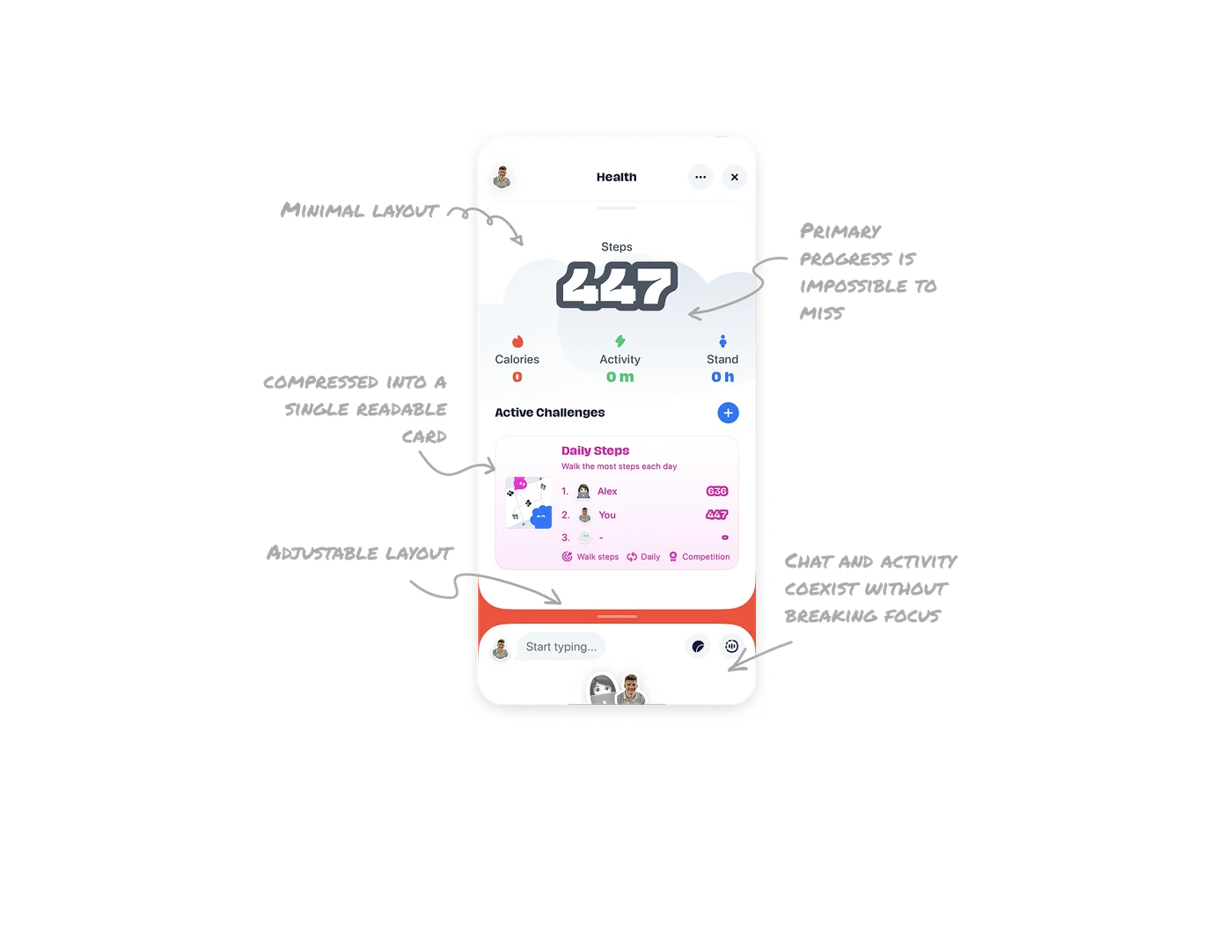
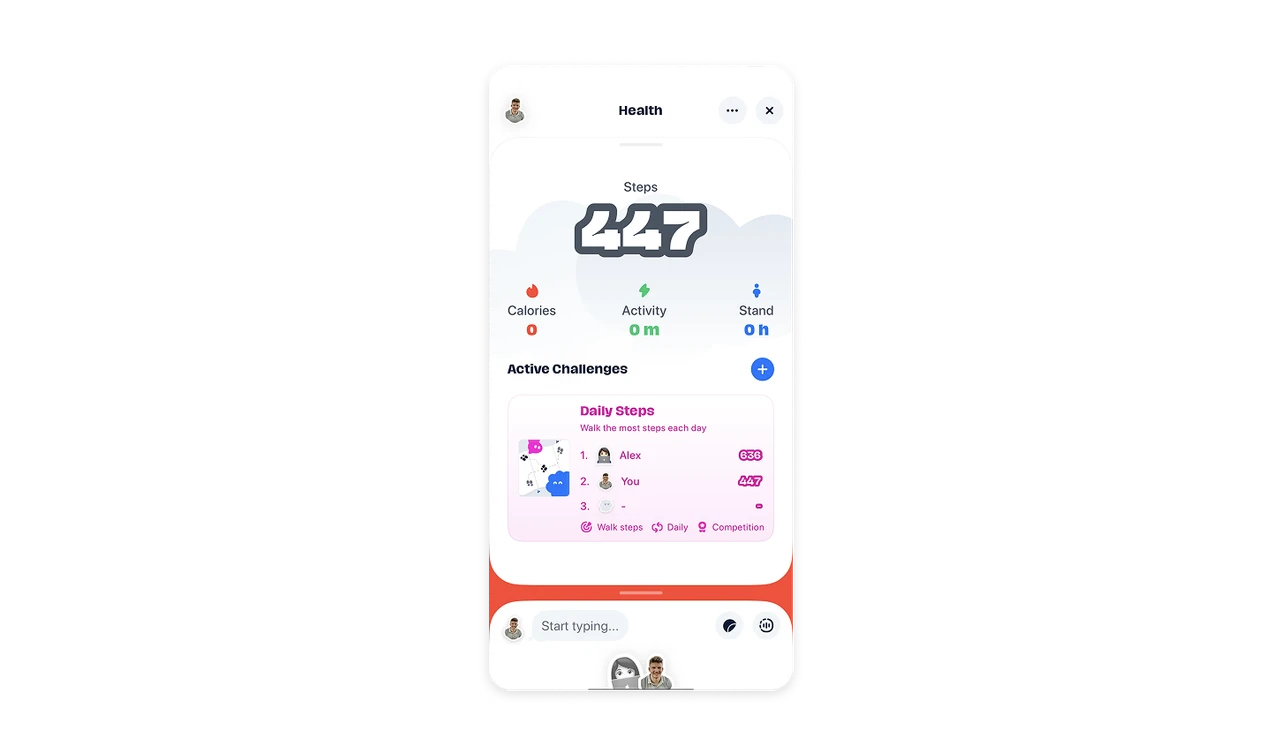
Primary progress is impossible to miss
The oversized step count anchors the screen and answers the main question instantly. Supporting KPIs use color and icons to make daily health stats scannable within seconds.
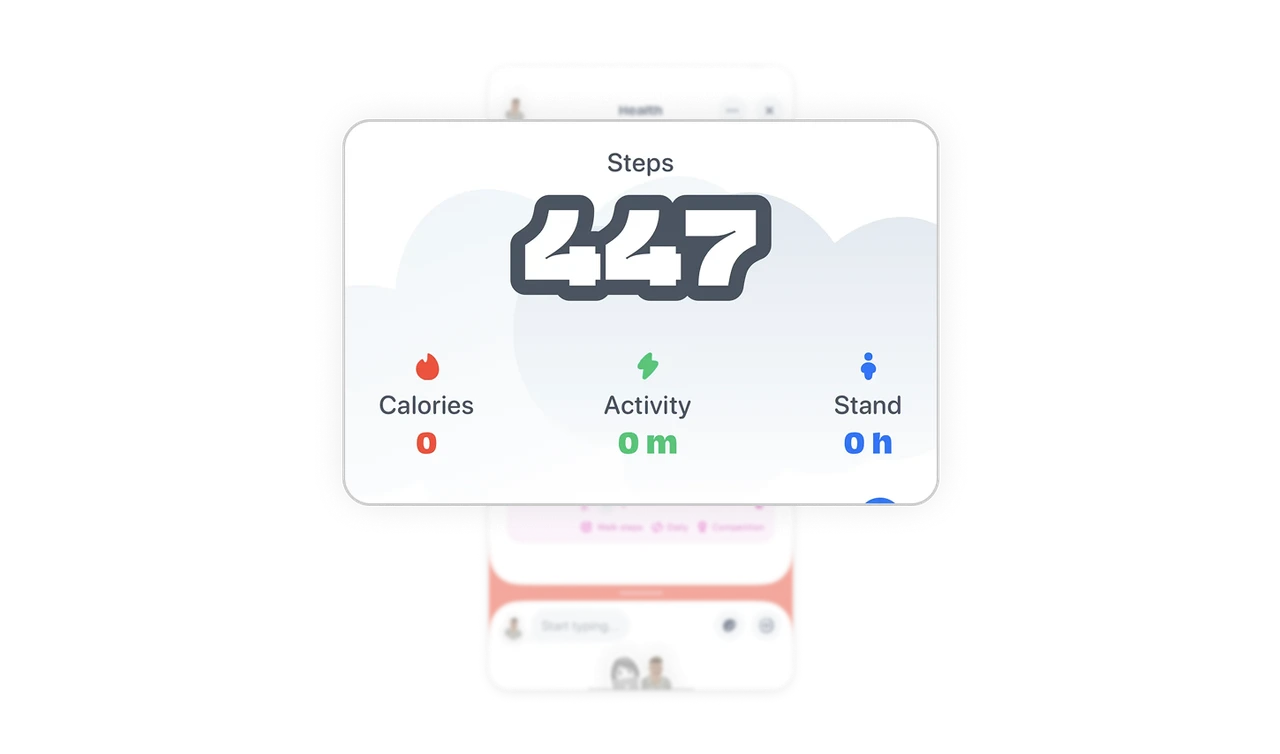
Competition is compressed into a single, readable card
Friend rankings and step counts are visible at a glance. Secondary details like challenge type and frequency sit quietly in smaller text, staying informative without stealing attention.
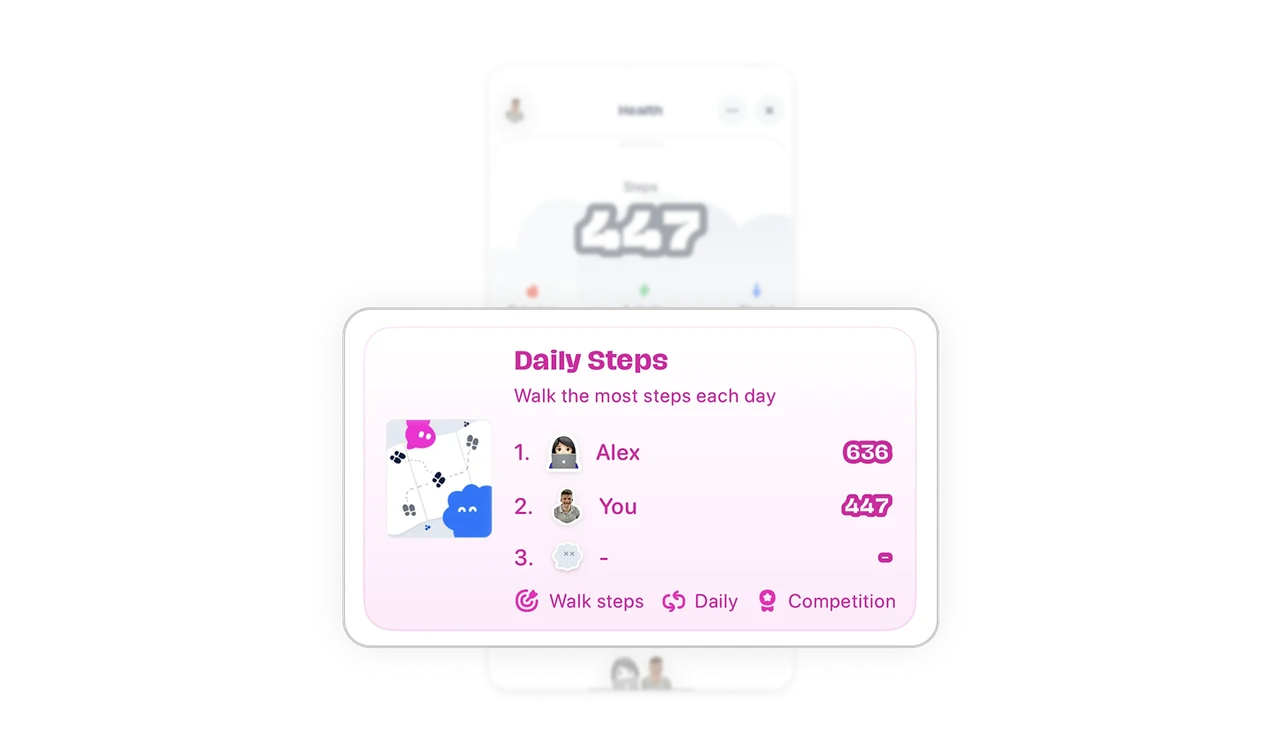
Chat and activity coexist without breaking focus
The chat area feels playful through user-generated stickers and avatars, yet remains visually separated from health data. Social interaction stays engaging without interrupting progress tracking.
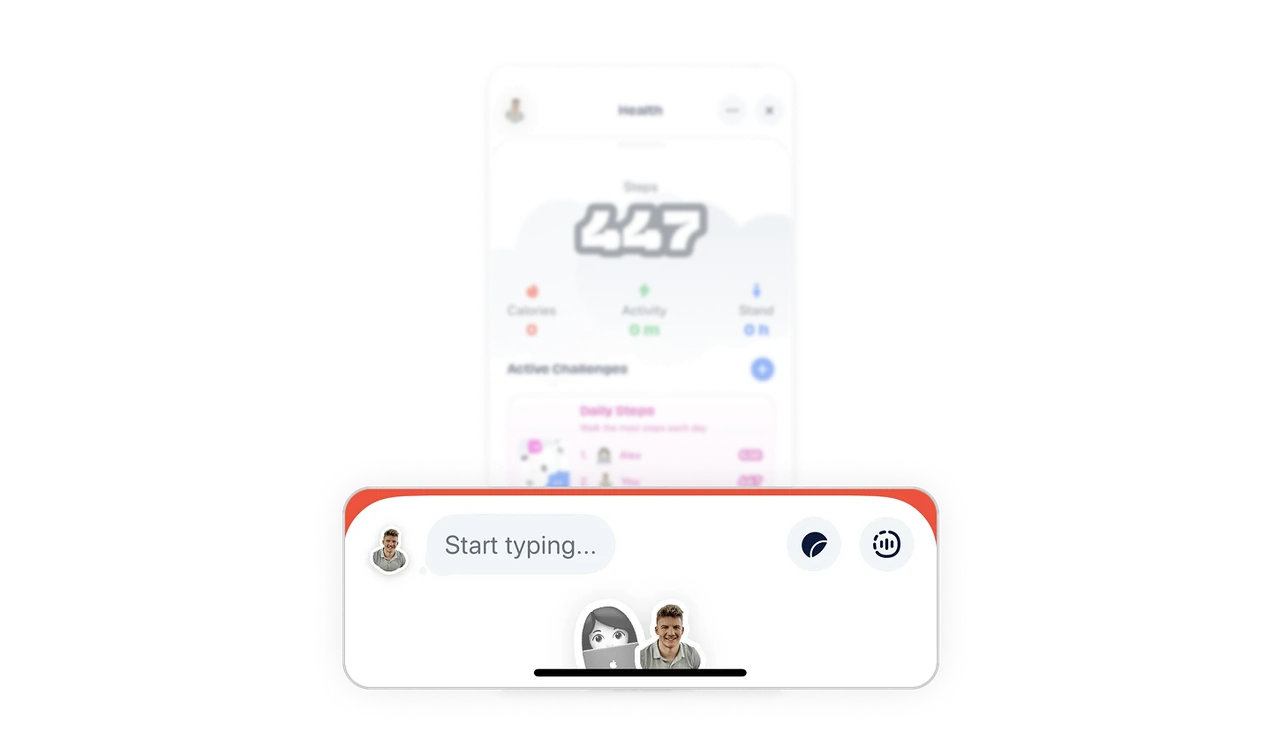
Adjustable layout supports different usage modes
Clear screen partitions allow users to minimize or expand sections based on intent. This flexibility lets users shift between tracking and social interaction without friction.
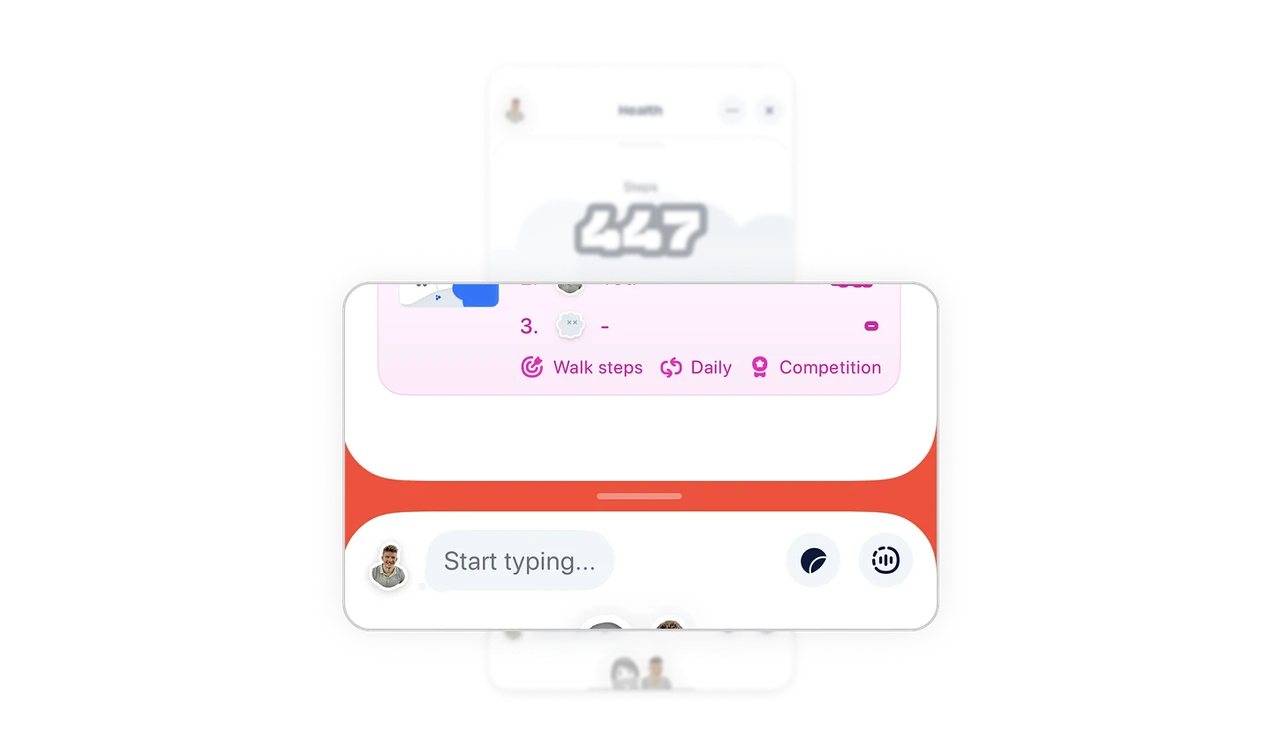
Minimal layout and white space protect long-term focus
The interface uses generous white space and restrained visual elements to keep cognitive load low. This makes the screen feel light and comfortable, especially for users who check it multiple times a day.
Similar Breakdown Lessons







