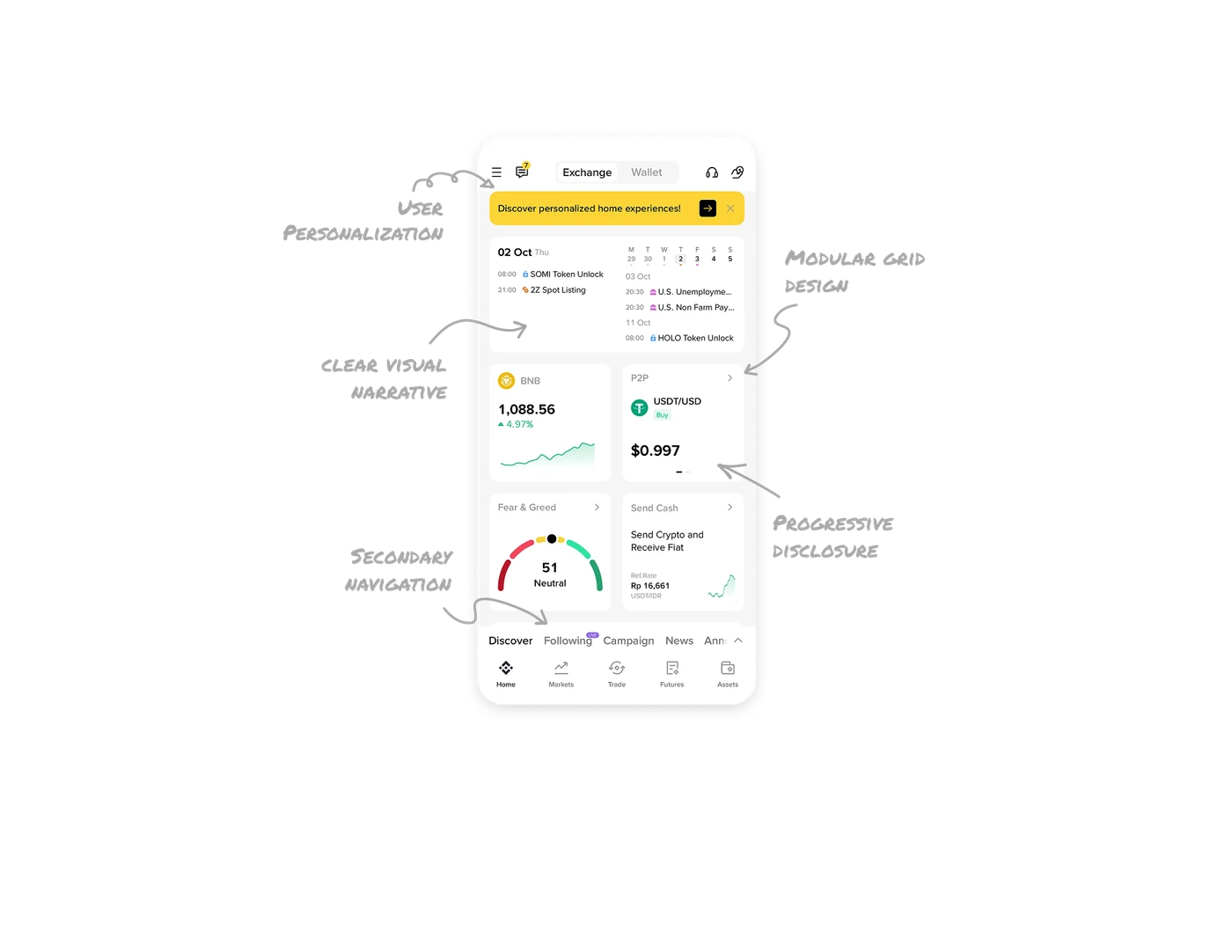
Home Dashboard

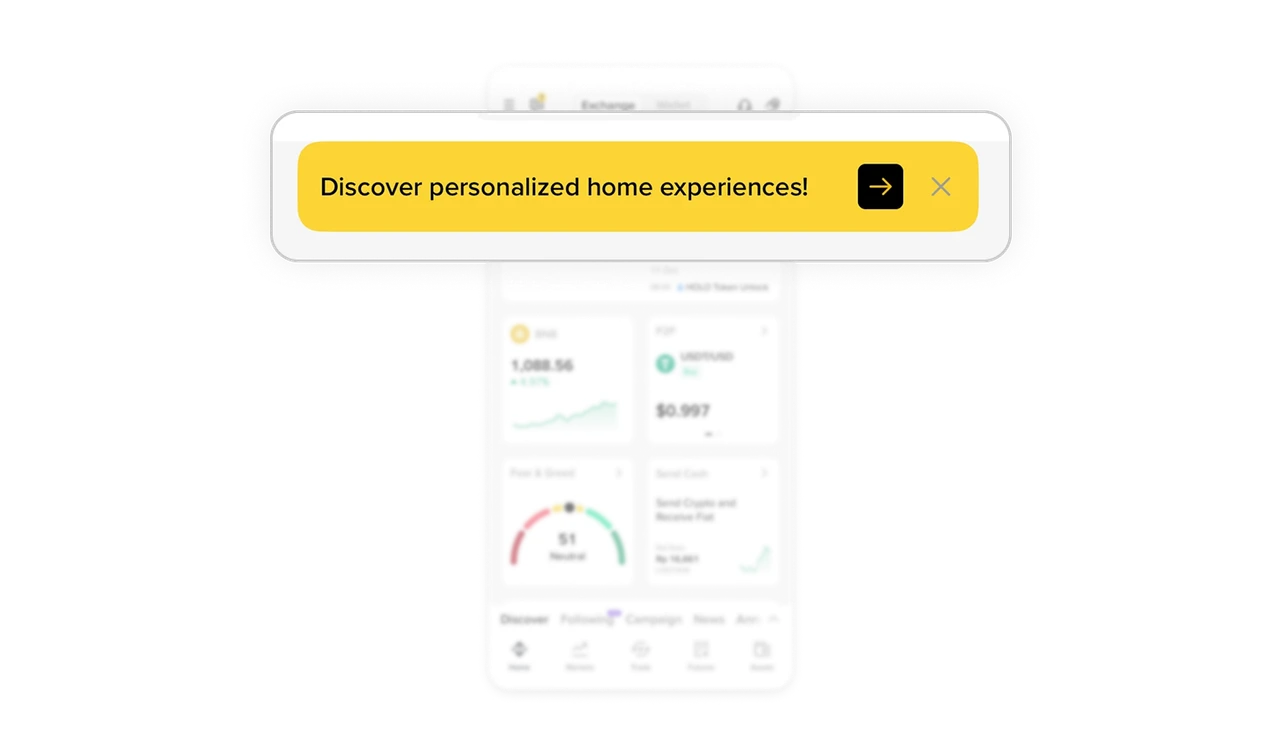
Personalization is introduced as value
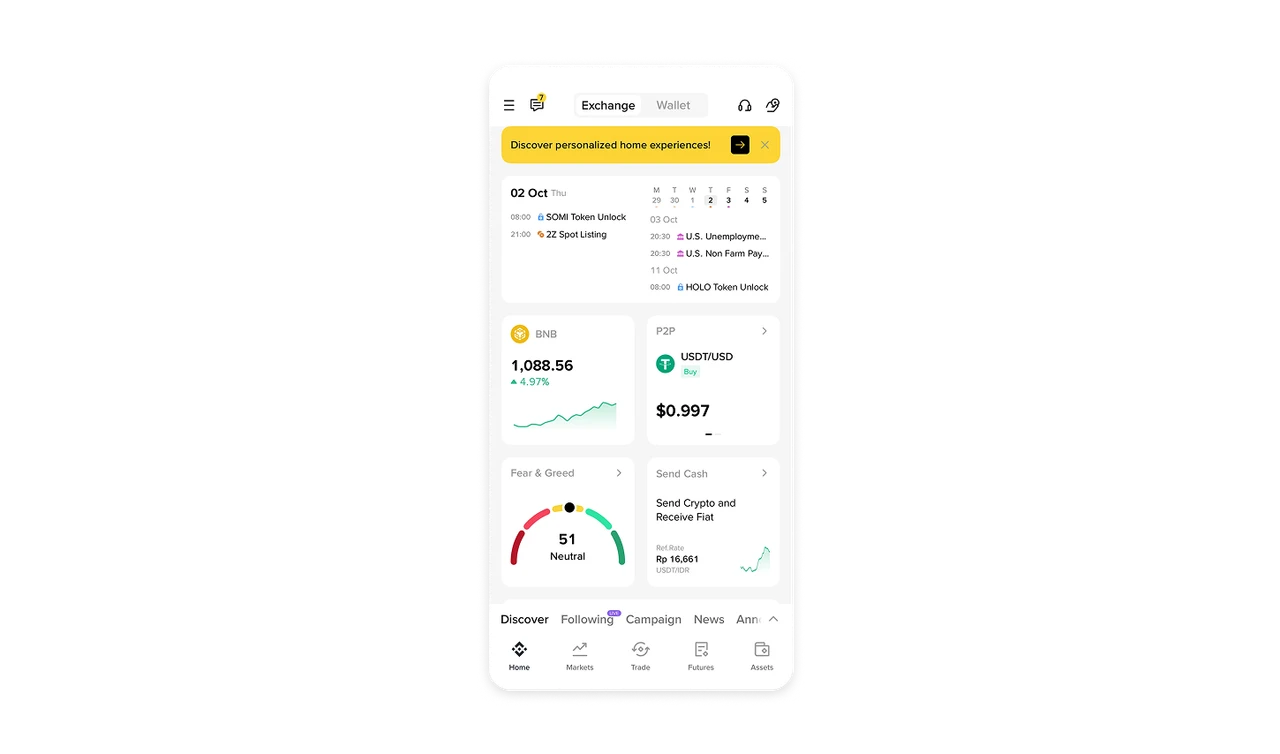
The yellow brand banner at the top does not push a feature. It educates. By framing personalization as a benefit rather than a configuration task, Binance encourages users to shape the dashboard without friction or commitment anxiety.
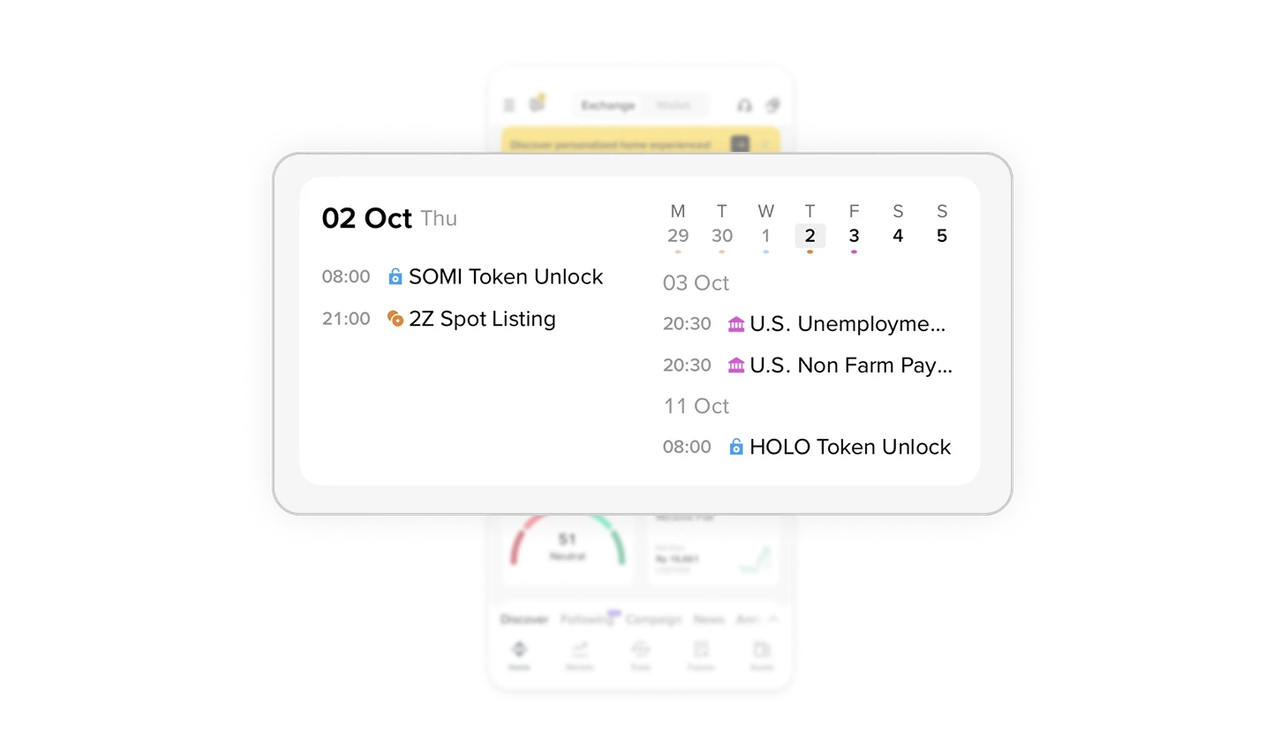
Time-based information follows a clear visual narrative
The calendar card is split into two mental zones. The left anchors users in today with immediate events, while the right previews upcoming signals. This mirrors how traders think about time now versus next and makes scanning effortless.
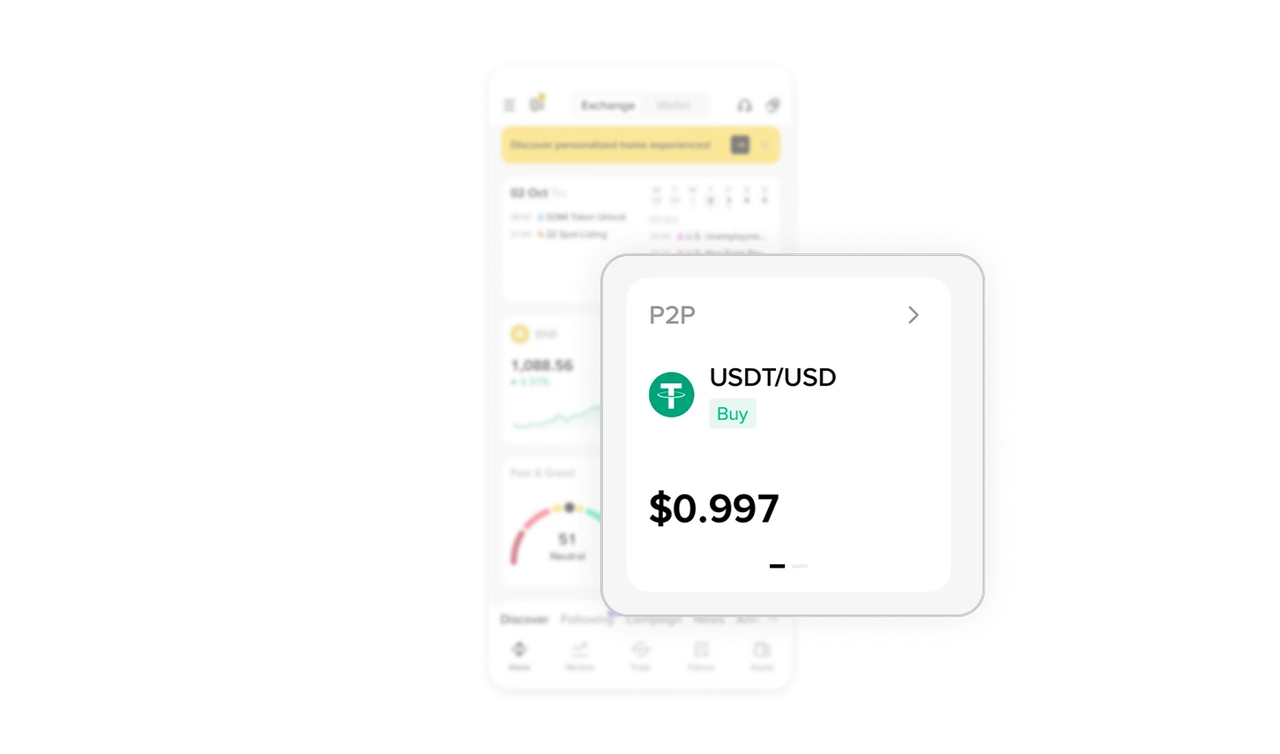
Progressive disclosure keeps widgets dense but readable
Small cards like P2P use horizontal swipe to reveal more data instead of stacking everything upfront. This keeps the dashboard clean while still offering depth when the user shows intent.
Secondary navigation stays out of the dashboard’s way
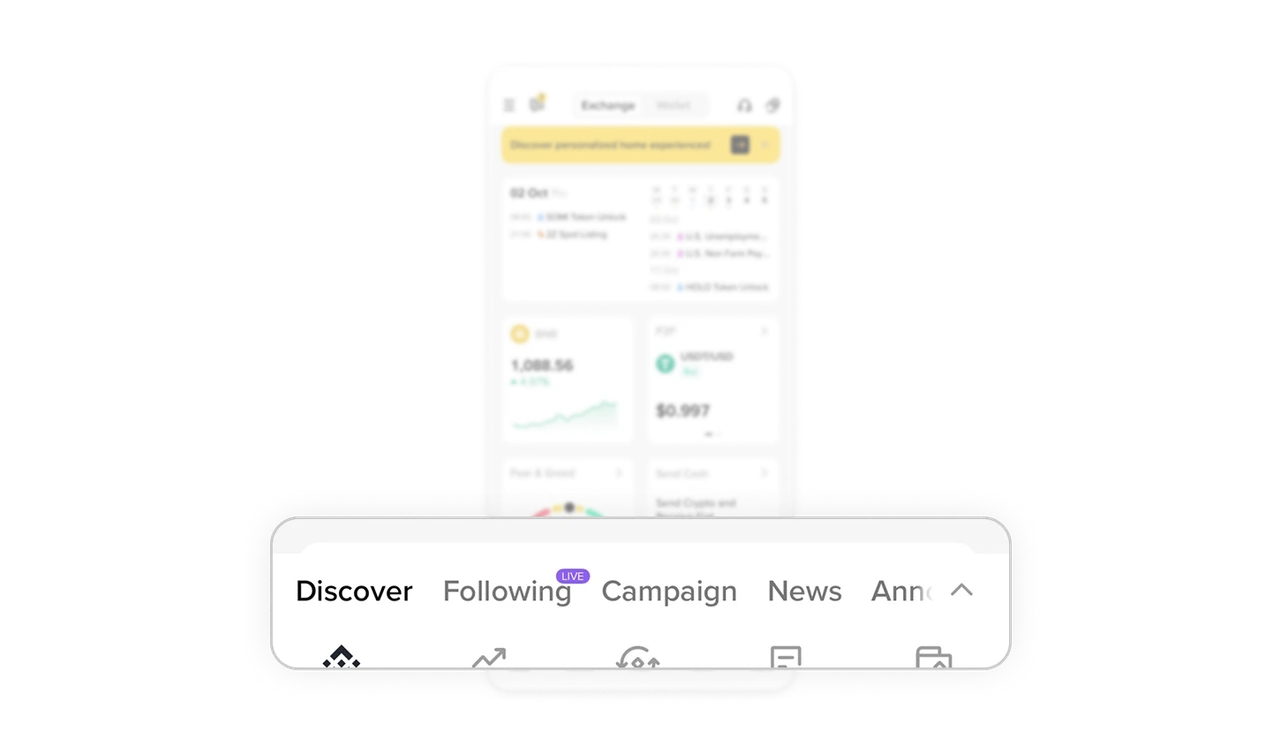
Deep sections like Discover, Campaigns, and News live in a minimal secondary tab strip. This prevents content overload on the home screen while keeping exploration one tap away. It is a strong example of restraint in information architecture.
Modular grid design supports fast mental parsing
The dashboard uses consistent card sizes, spacing, and alignment to break complex financial data into digestible chunks. Users can scan performance, sentiment, and actions independently without cognitive spillover.
Similar Breakdown Lessons







