Cal AIDashboardadvanced
Home Dashboard

Cal AIHome Dashboard
Microinteractions
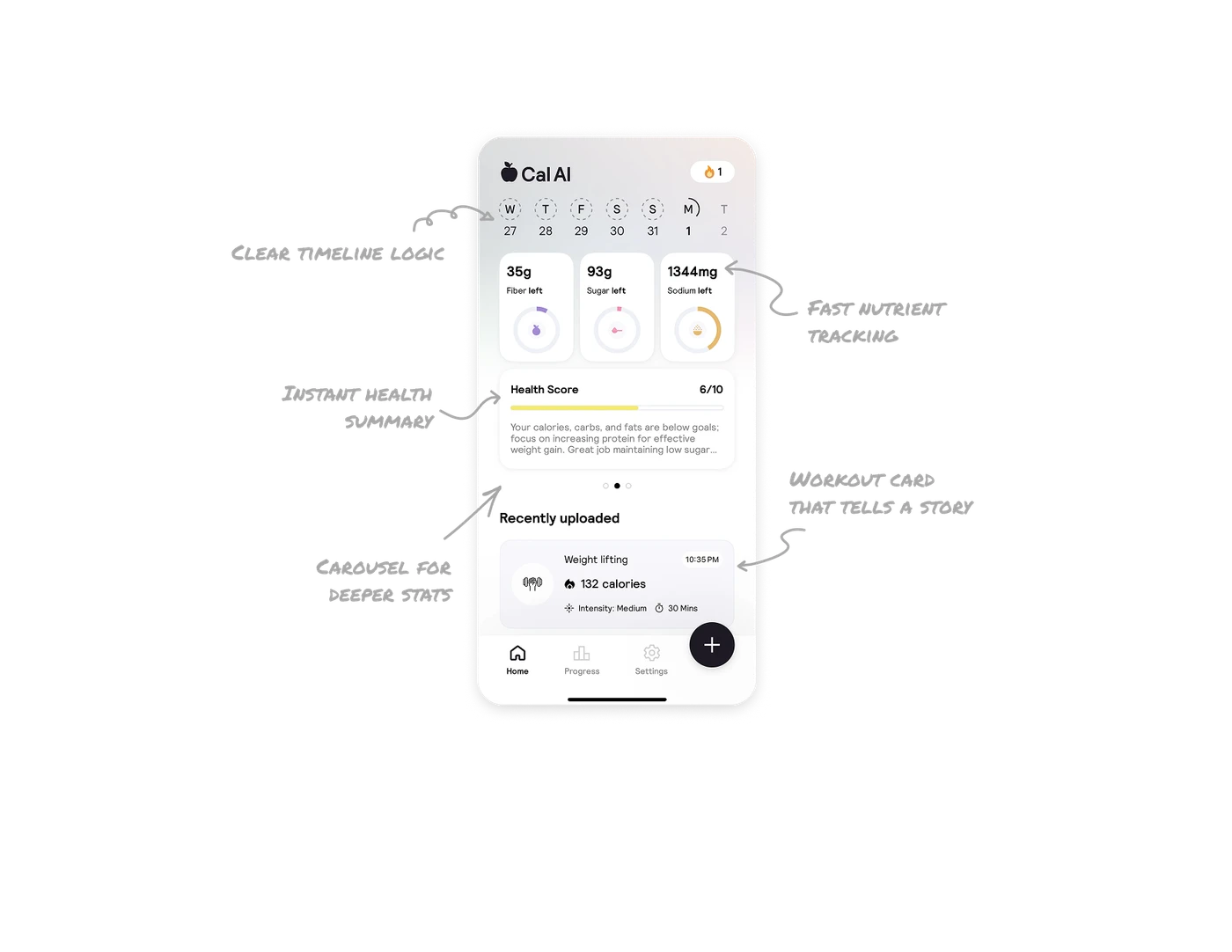
Clear timeline logic
The horizontal date strip makes it effortless to spot today, what’s done, and what’s ahead. Subtle contrast and progress rings keep it readable at a glance.
Metrics
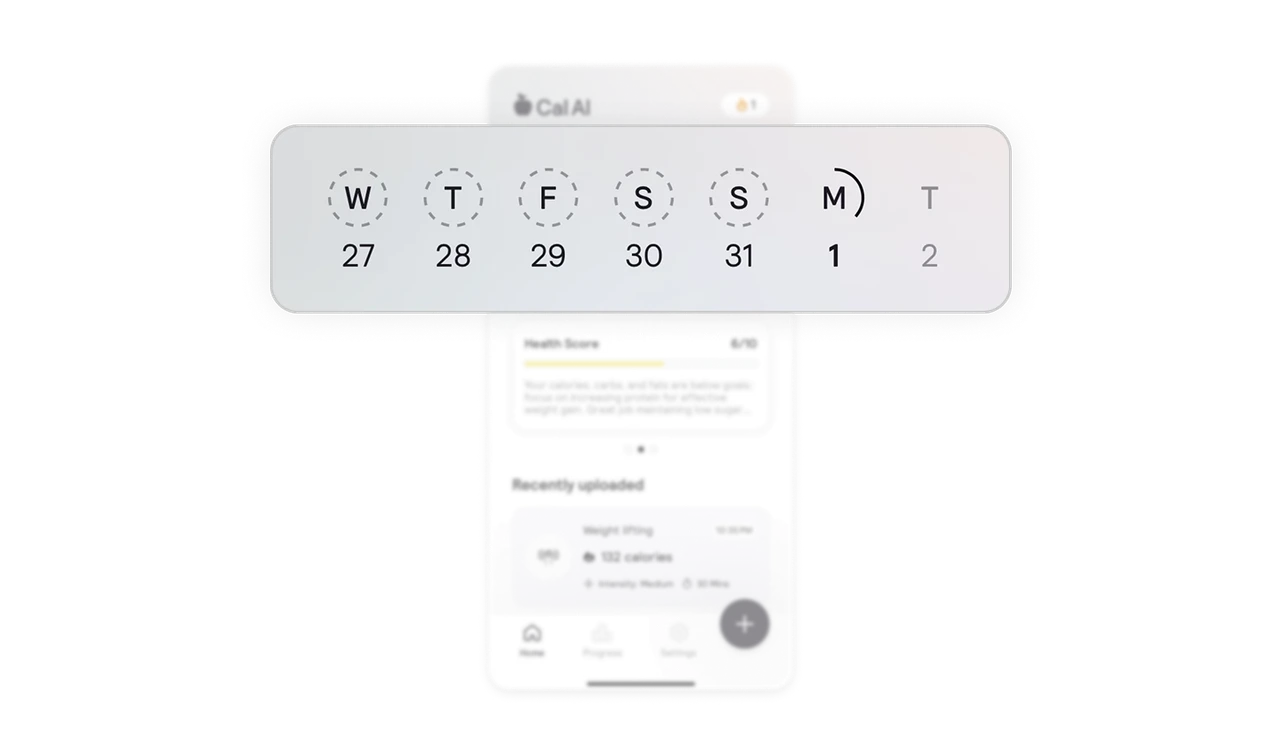
Fast nutrient tracking
The intake rings pair big bold numbers with color-coded nutrients, so users recognize what’s left without opening charts or extra screens.
Clarity
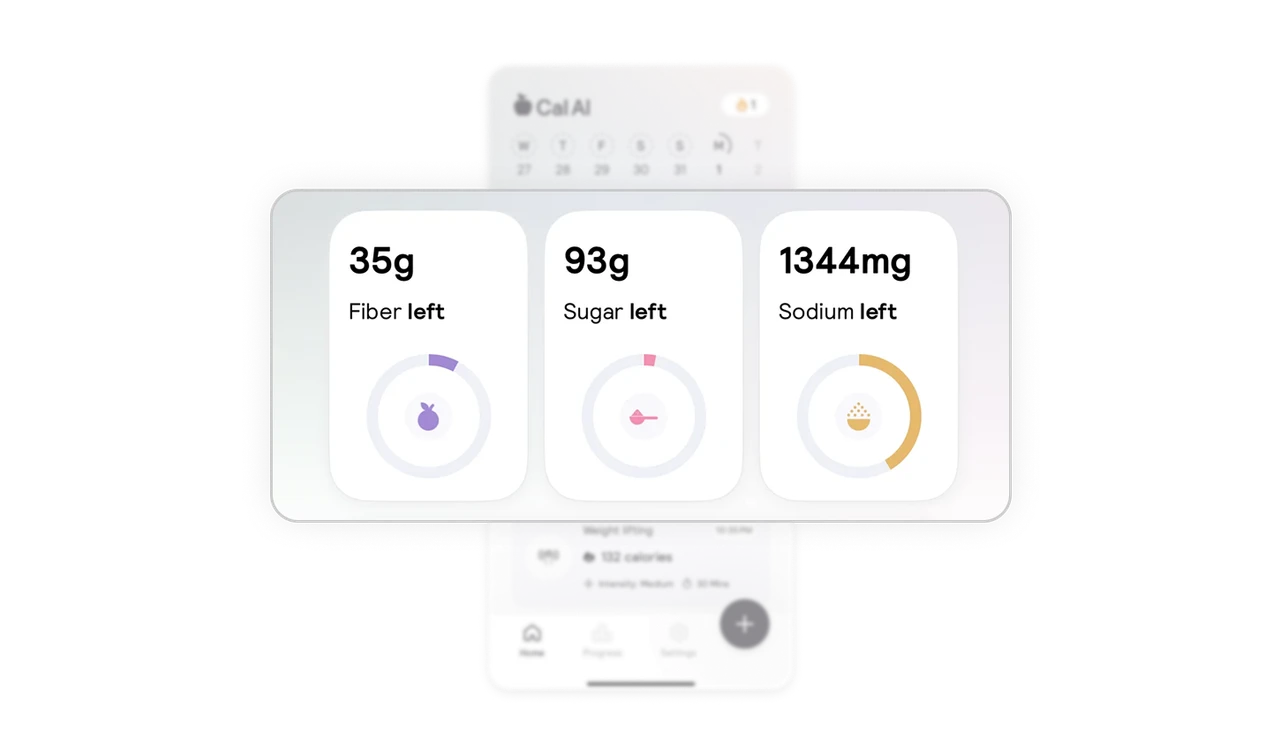
Instant health summary
The health score blends a simple rating with a short explanation. Users get context and direction without digging into analytics.

Information Architecture
Carousel for deeper stats
The horizontal stats carousel keeps the screen clean while offering more detail on demand. Users can hold on to their favorite metric without losing the overview.
Visual HierarchyStorytelling
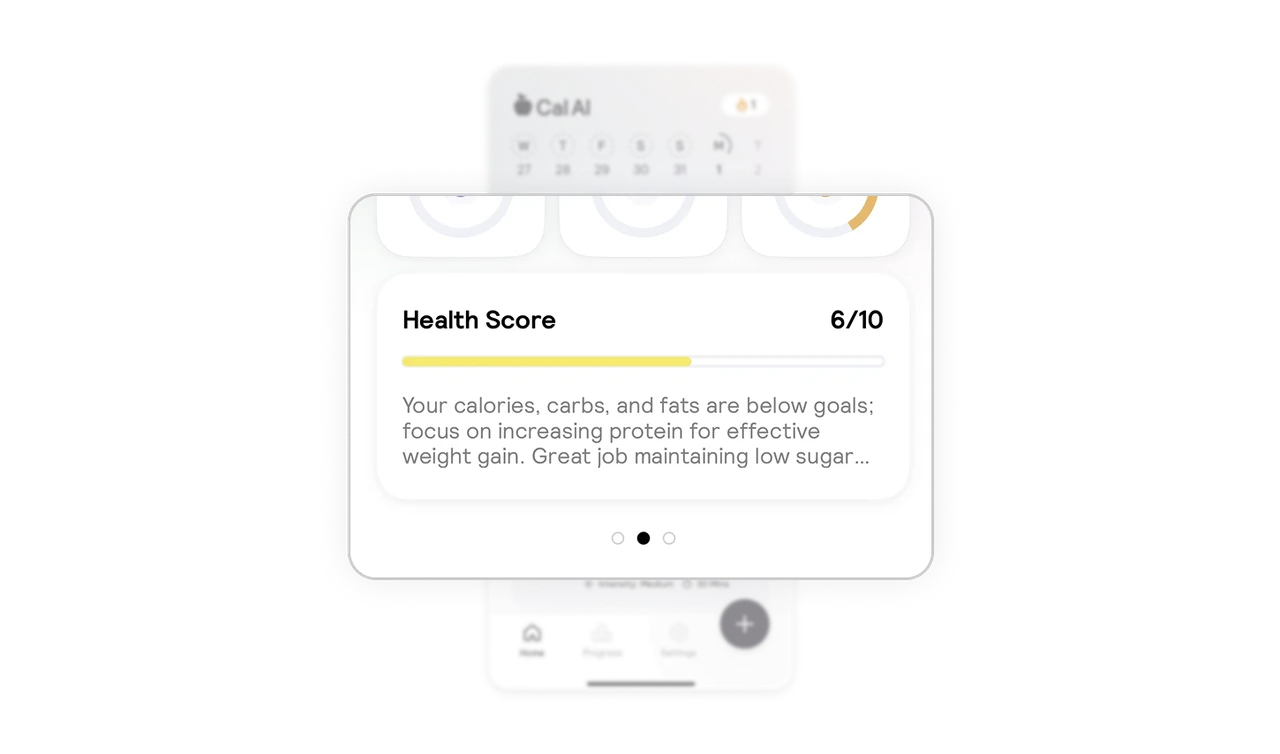
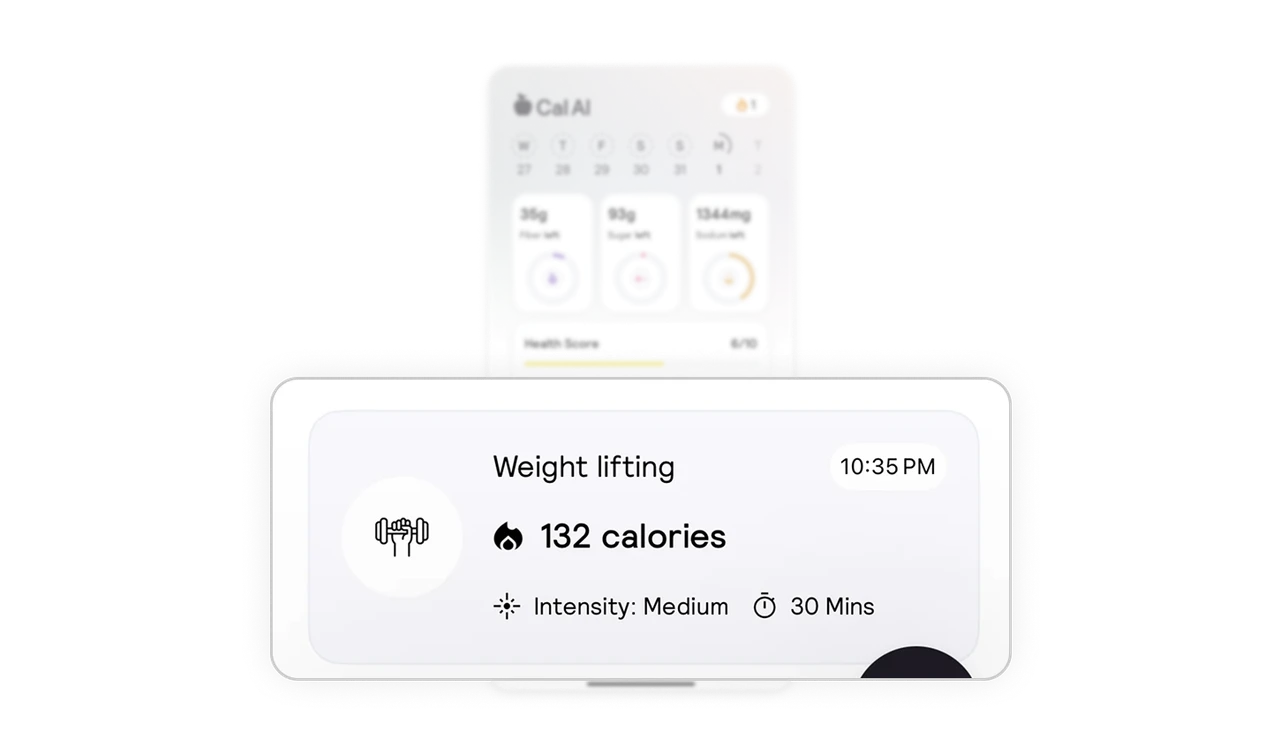
Workout card that tells a story
The workout log uses icons, timestamps, and intensity labels to highlight key details in the right order. It’s scannable and meaningful in seconds.
Get UI breakdowns like this delivered to your inbox every week
FreeNo spamReal valueEvery Tuesday
Similar Breakdown Lessons

Visual HierarchyClarityCall to Action (CTA)+1

Subscription Benefits DetailsGrab•Membership•intermediate

PersonalizationRetentionInformation Architecture+1

Job Search DashboardGlassdoor•Search / Results•intermediate

MicrointeractionsInformation ArchitectureClarity+2

Product Listing FeedOn•Product / Listing•intermediate

Visual HierarchyContextual DesignConsistency+2

Activity Dashboardtimespent•Dashboard•intermediate