Home Dashboard

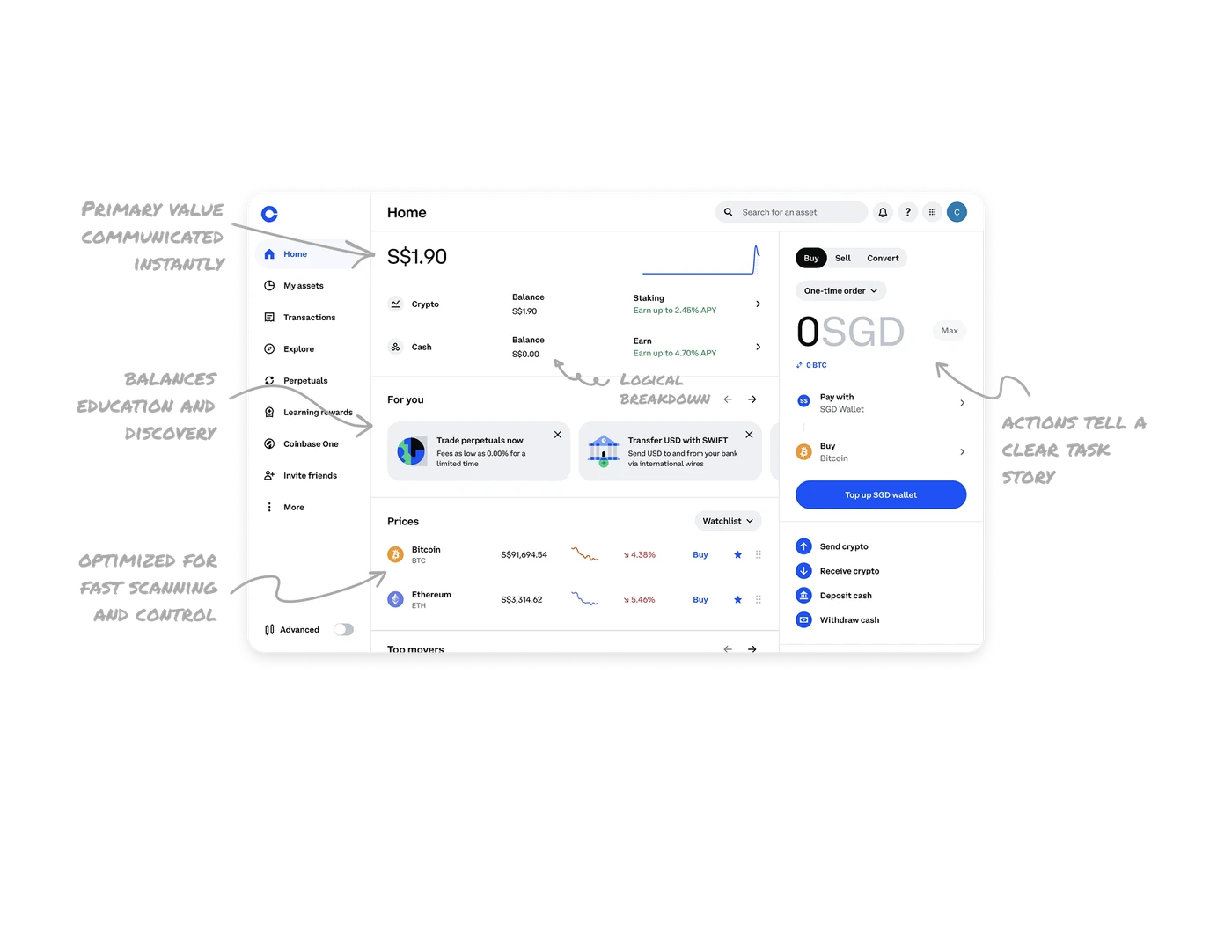
Primary value and trend are communicated instantly
The total balance is placed at the very top in large typography, paired with a small, clean line chart. This lets users grasp their current financial state and recent movement in a single glance without reading numbers in detail.
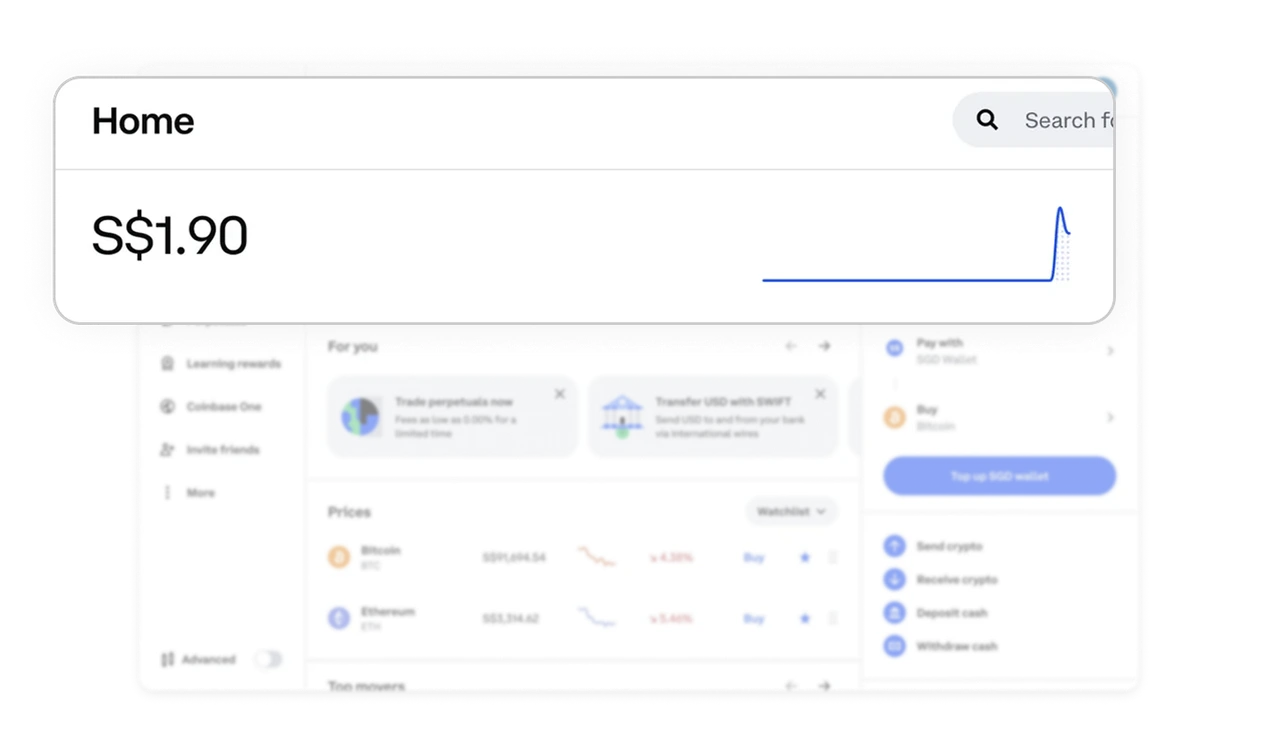
Logical breakdown follows the main value
Right below the total amount, users see a clear split between crypto and cash balances. Contextual earn APY messages appear alongside these sections, framed as opportunities rather than promotions.
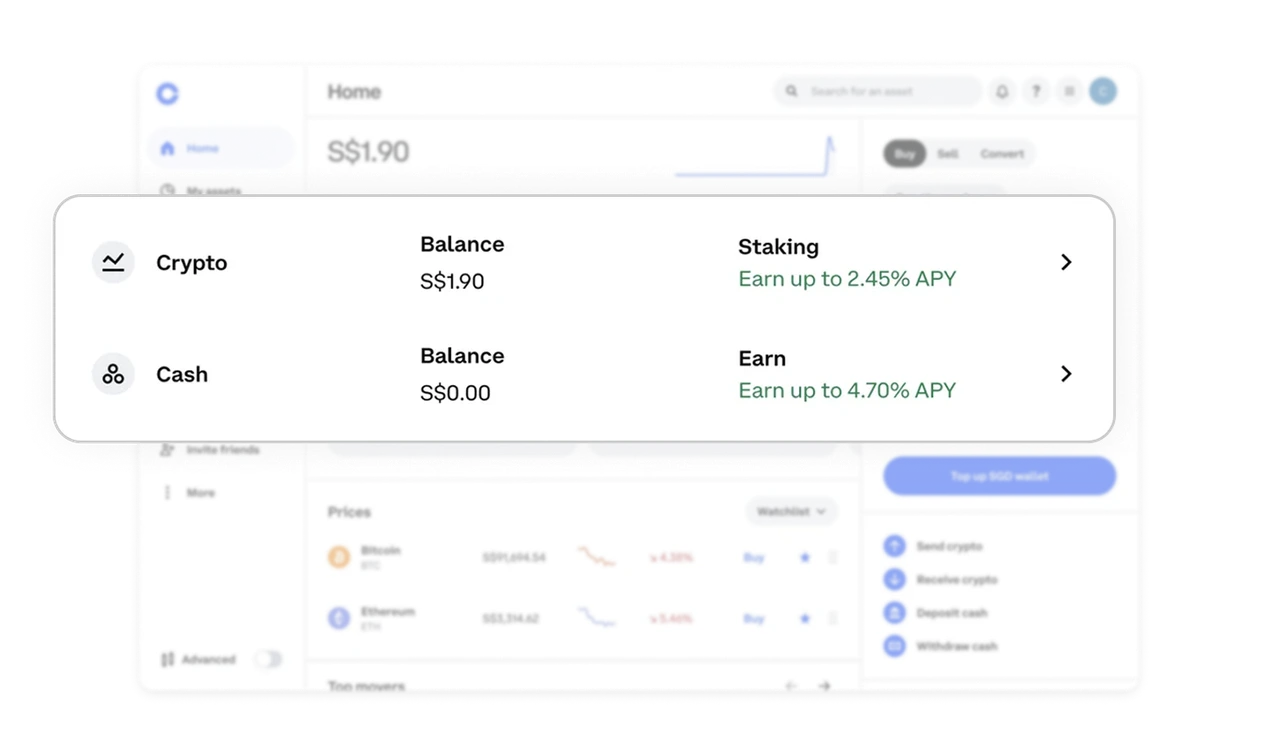
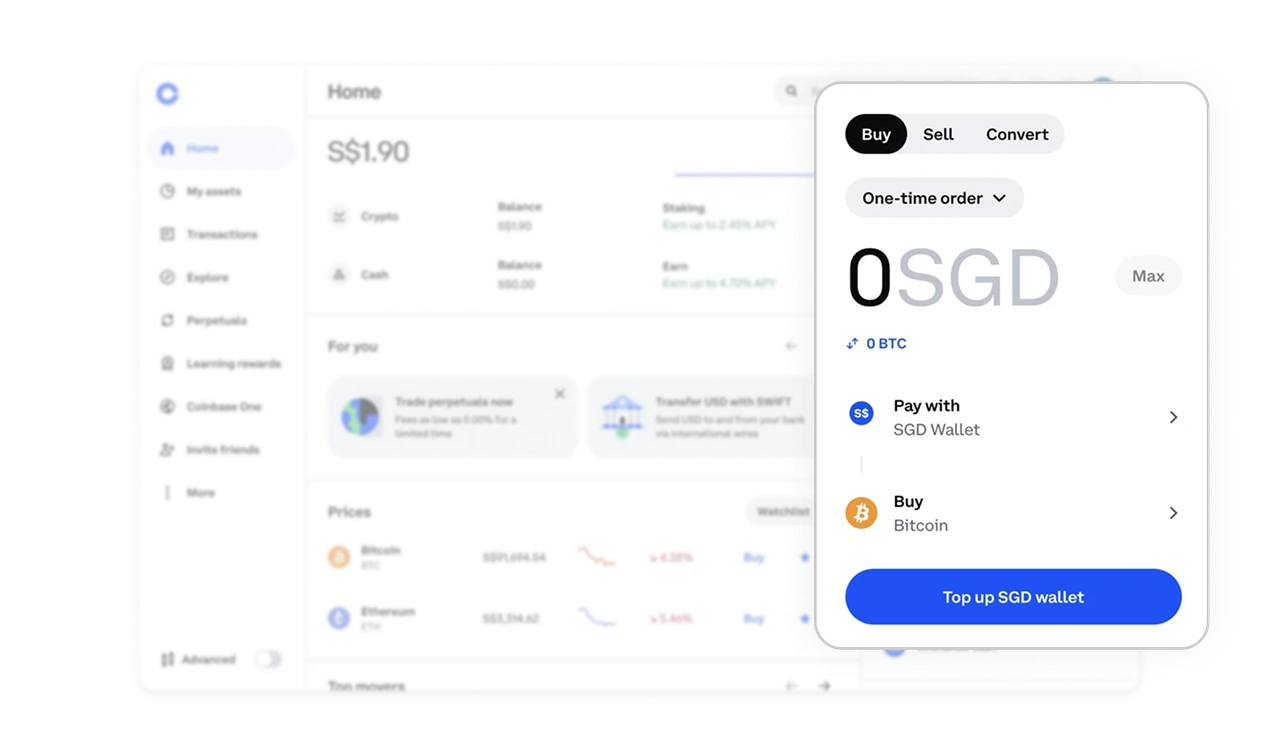
Right-side actions tell a clear task story
The action panel on the right is structured top to bottom, guiding users through buying, selecting a payment method, funding their wallet, and managing transfers. The layout supports multiple flows without overwhelming the user.
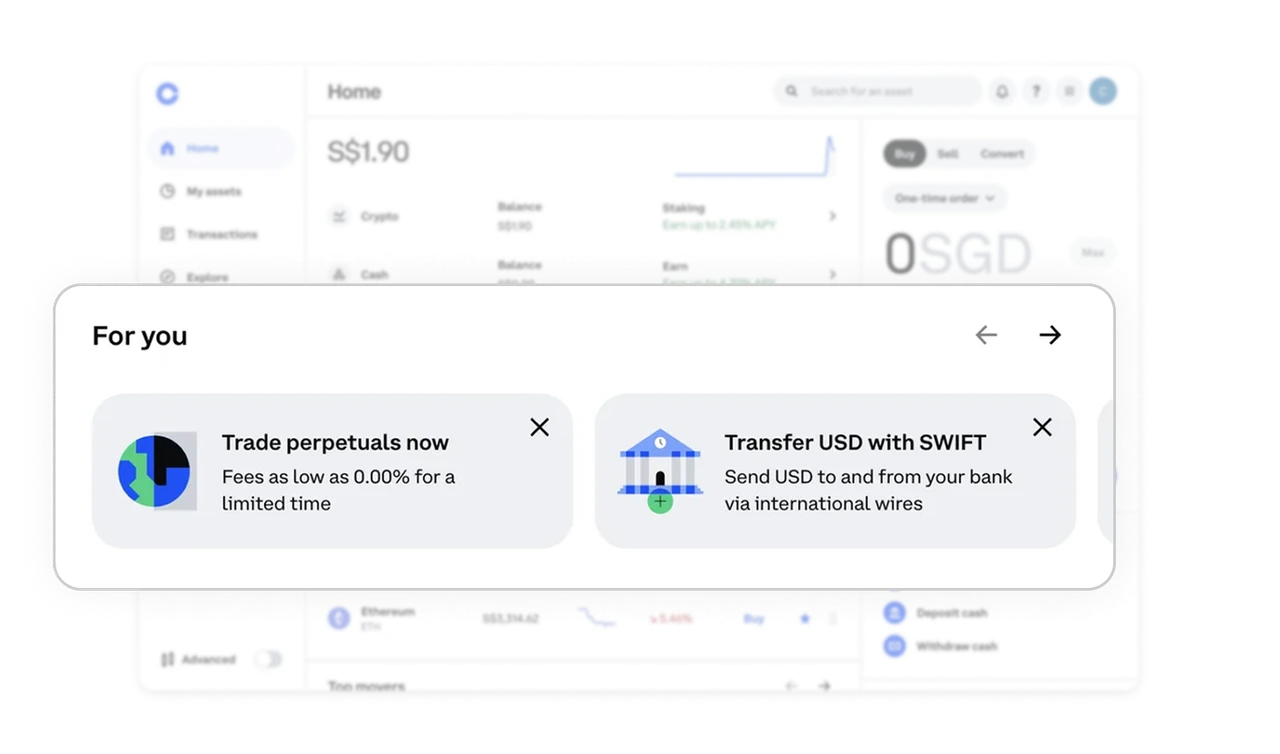
“For you” balances education and discovery
The personalized card section introduces features, promotions, or helpful actions using meaningful illustrations and short, direct copy. Content feels optional and informational, not disruptive.
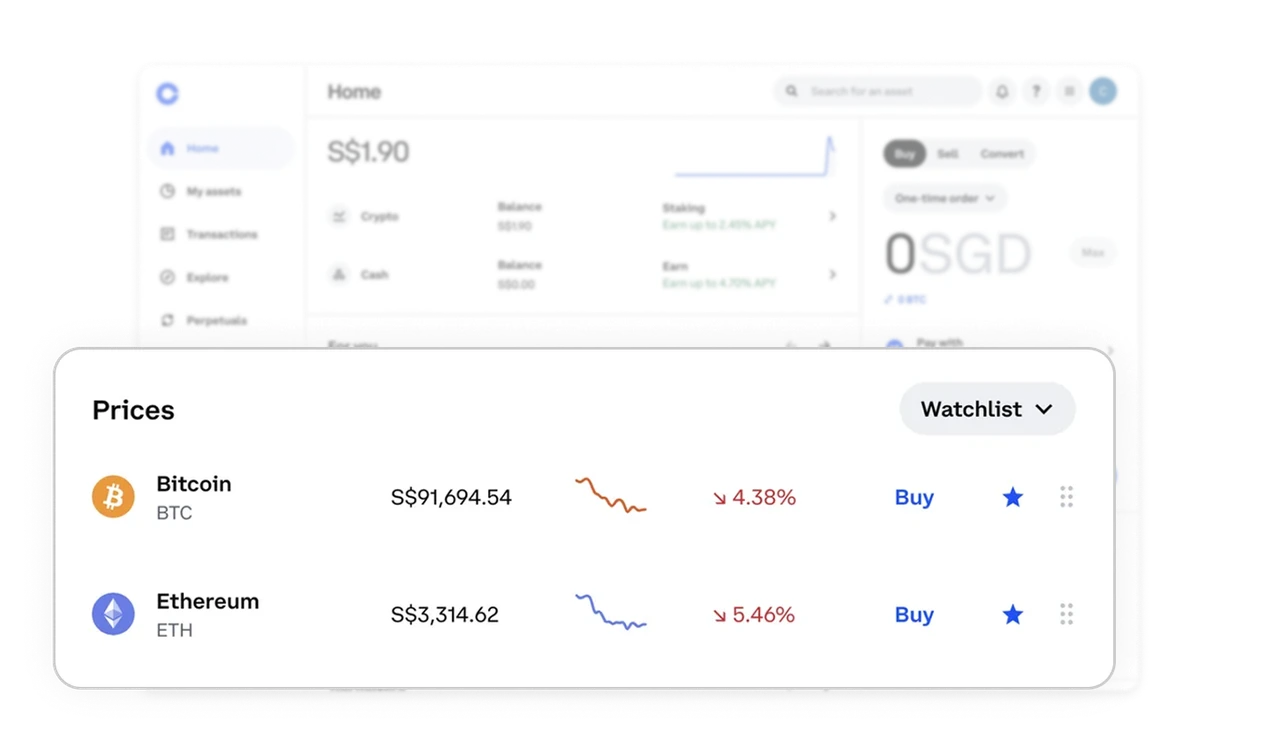
Price lists are optimized for fast scanning and control
The prices table uses strong hierarchy, spacing, and mini charts to make scanning effortless. Users can favorite assets, reorder lists, and switch views using lightweight controls that never clutter the screen.
Similar Breakdown Lessons