Home Dashboard

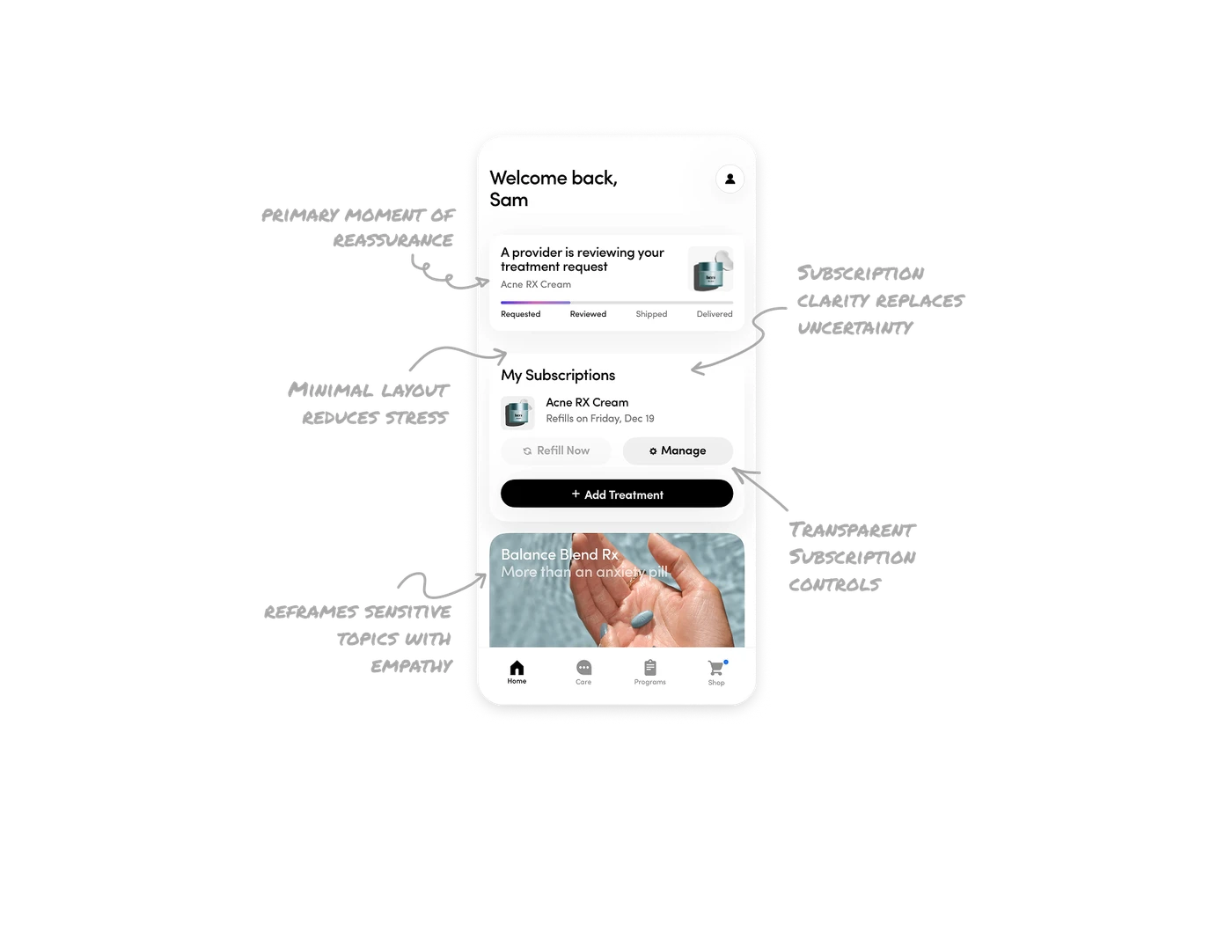
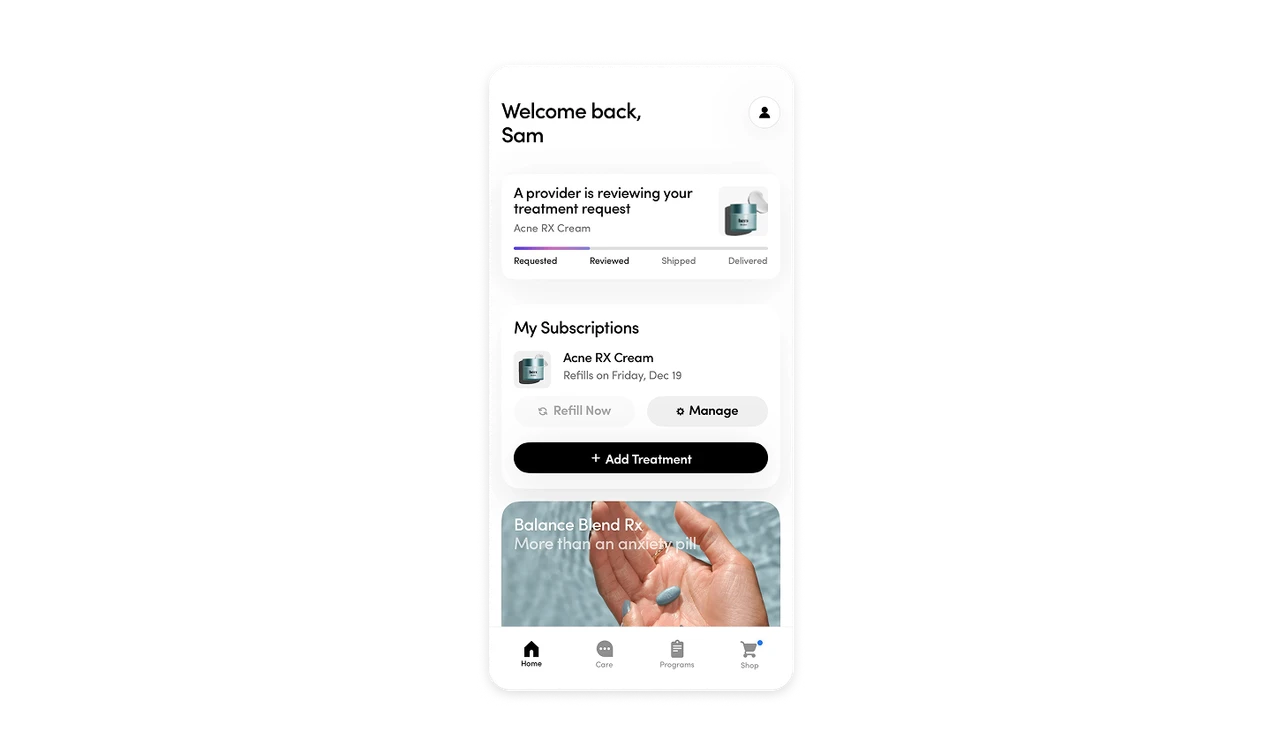
Order status is surfaced as the primary moment of reassurance
The top card clearly shows treatment status using a progress bar, current step, and product context. This answers the user’s biggest question first and reduces anxiety without requiring any navigation.
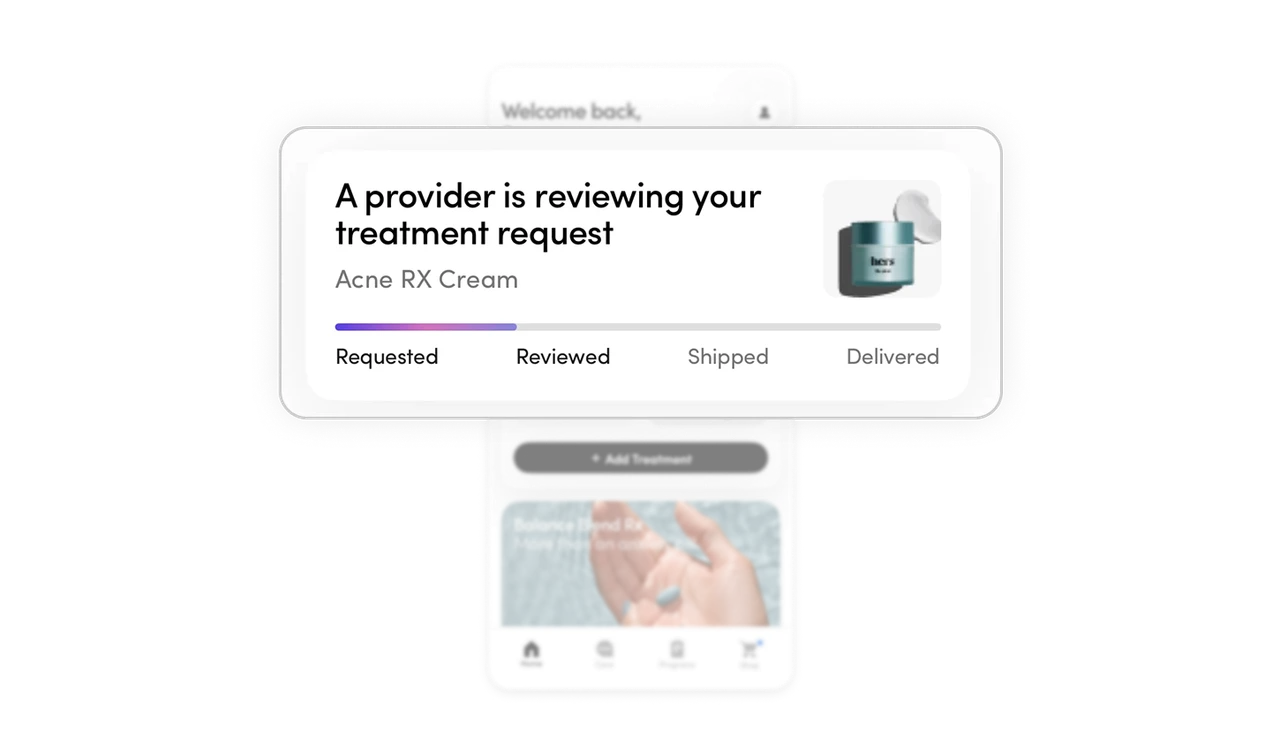
Subscription clarity replaces uncertainty with predictability
Product name, real imagery, and the next refill date are visible directly on the dashboard. This keeps users informed at all times and prevents surprise renewals or missed refills.
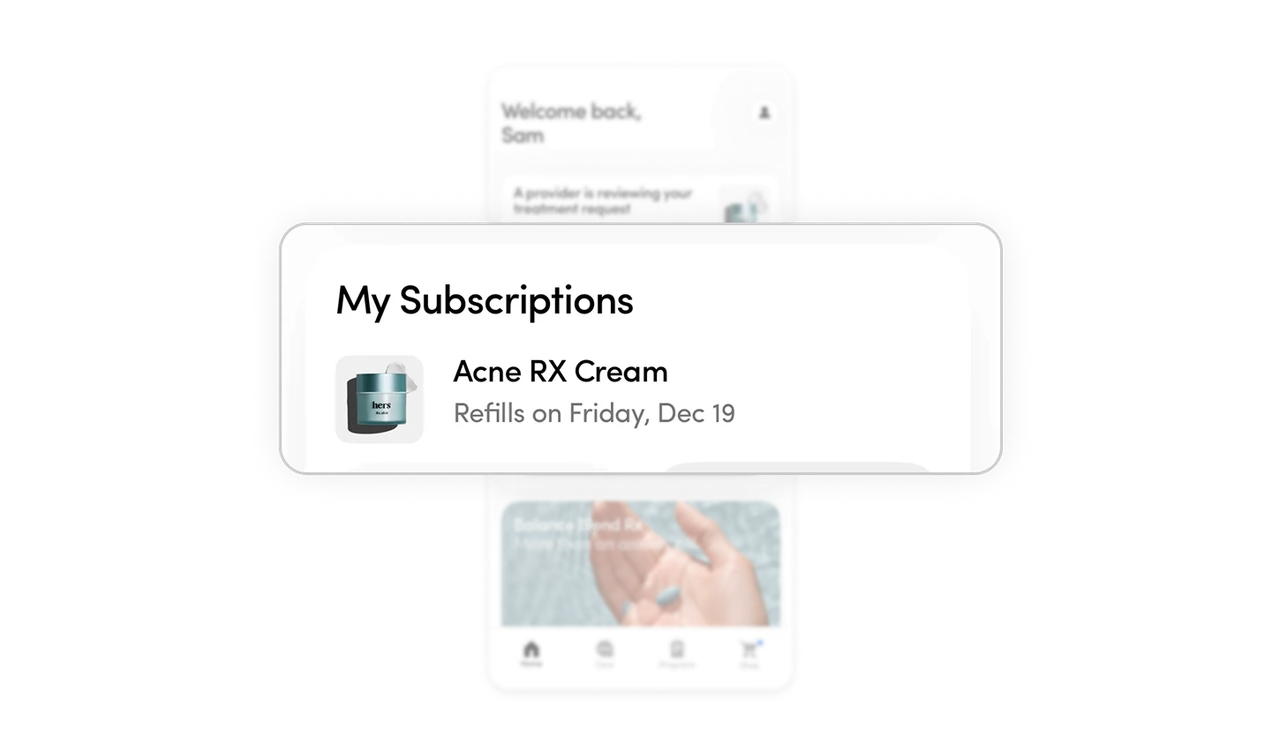
Subscription control is transparent and user-first
Refill and manage actions are available upfront instead of being hidden behind settings. Giving users clear control builds trust and avoids dark pattern behavior often seen in subscription products.
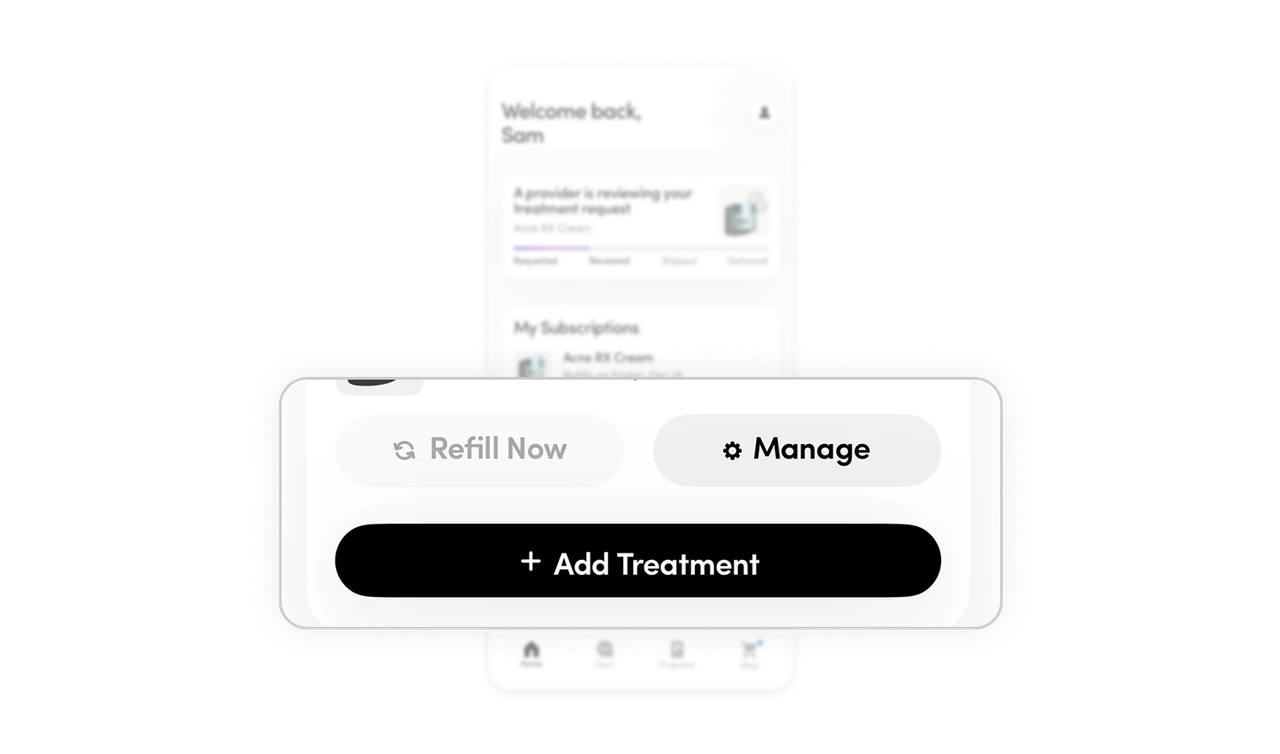
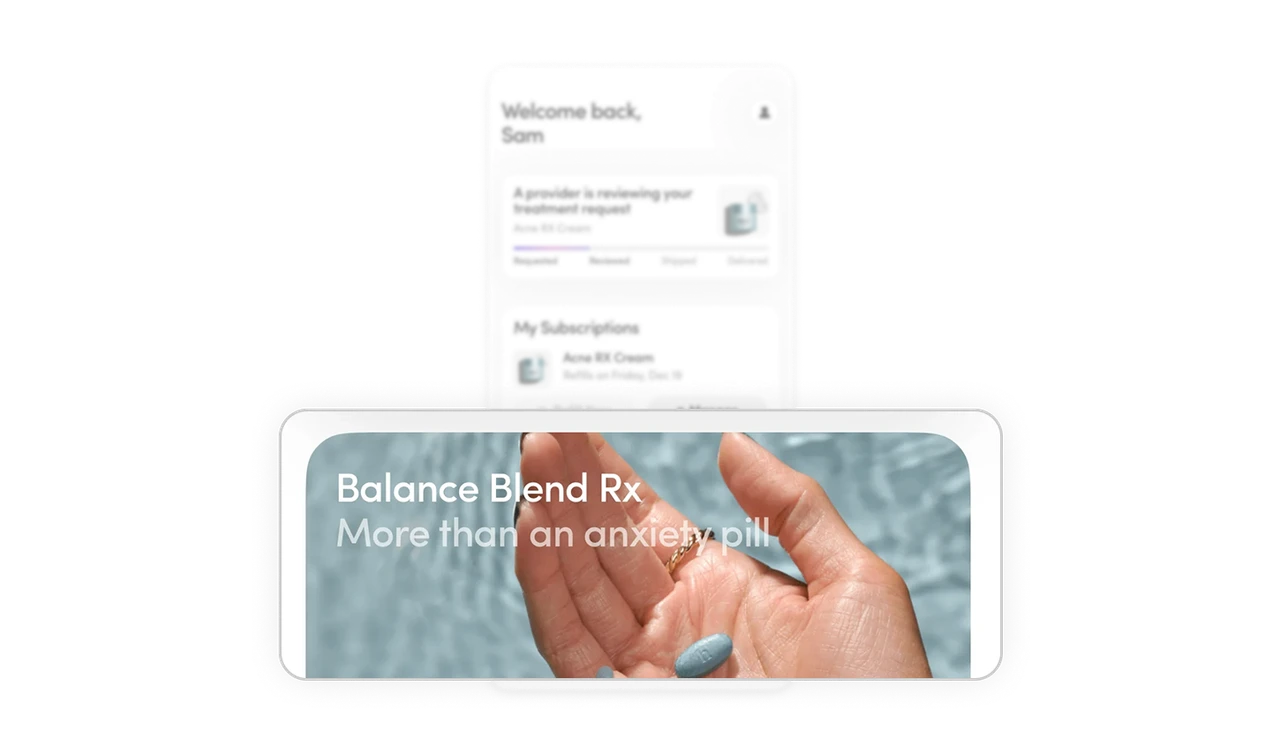
Educational content reframes sensitive topics with empathy
The informational card below the dashboard addresses emotional concerns around treatment. It normalizes the experience and builds confidence without feeling clinical or sales-driven.
Minimal layout reduces stress and supports clear decisions
The interface uses generous white space, soft elevation, and restrained visuals. This keeps the experience calm, readable, and supportive, especially important in healthcare contexts.
Similar Breakdown Lessons







