Hotel Search Results

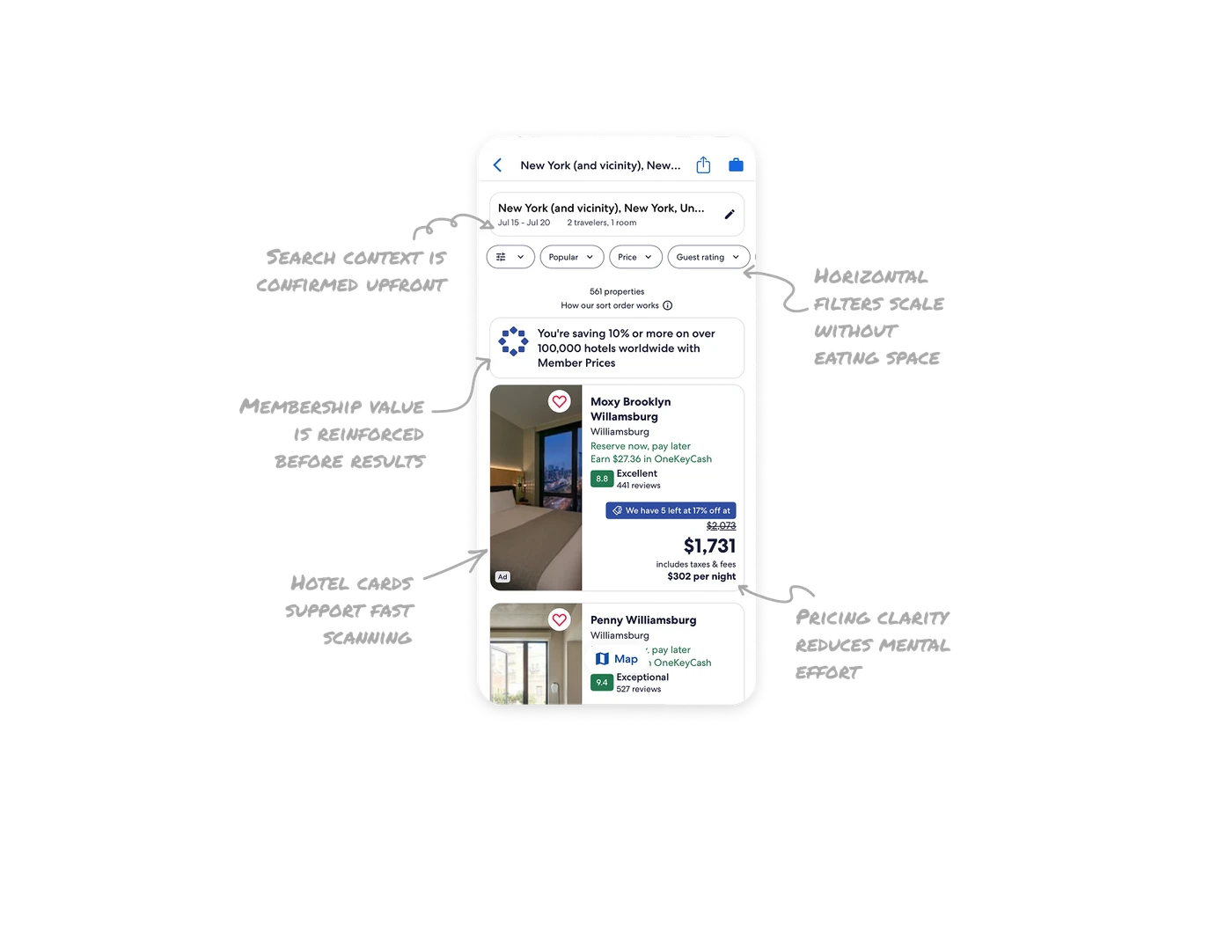
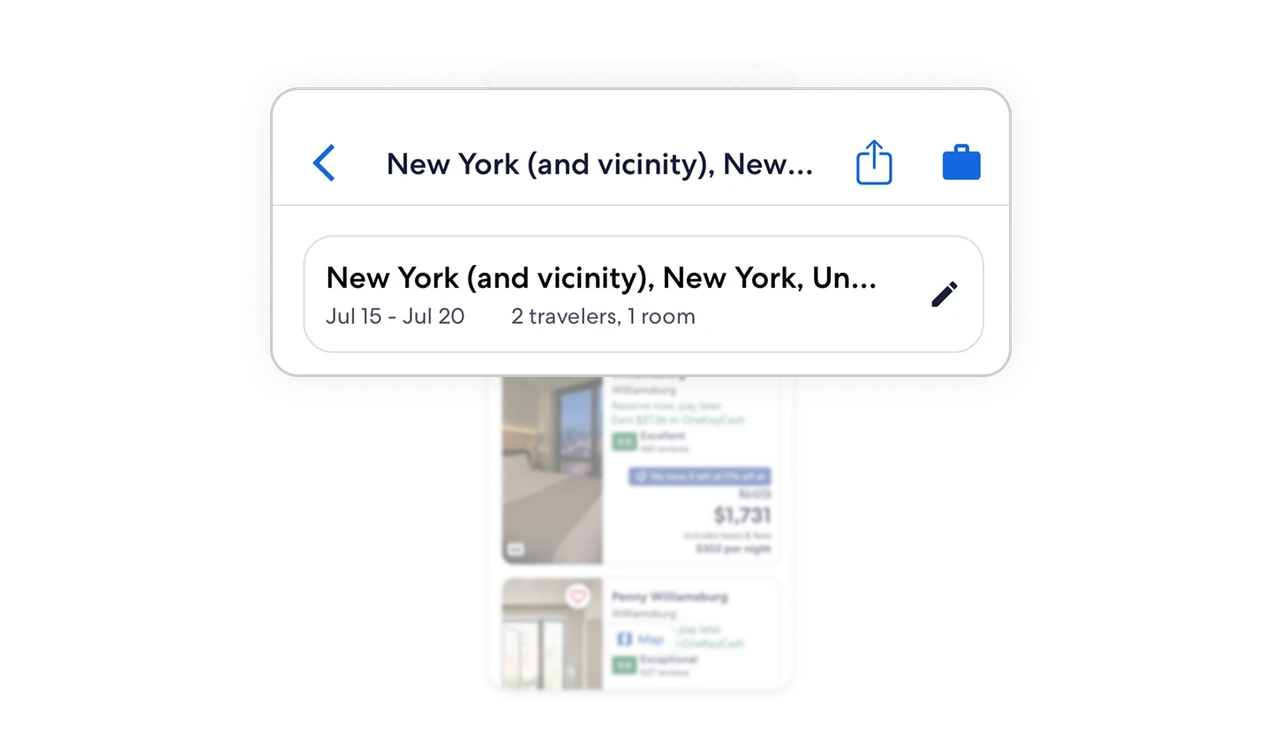
Search context is confirmed upfront
The destination, dates, and traveler count are clearly restated at the top. This reassures users they are browsing the right results and makes edits fast without restarting the flow.
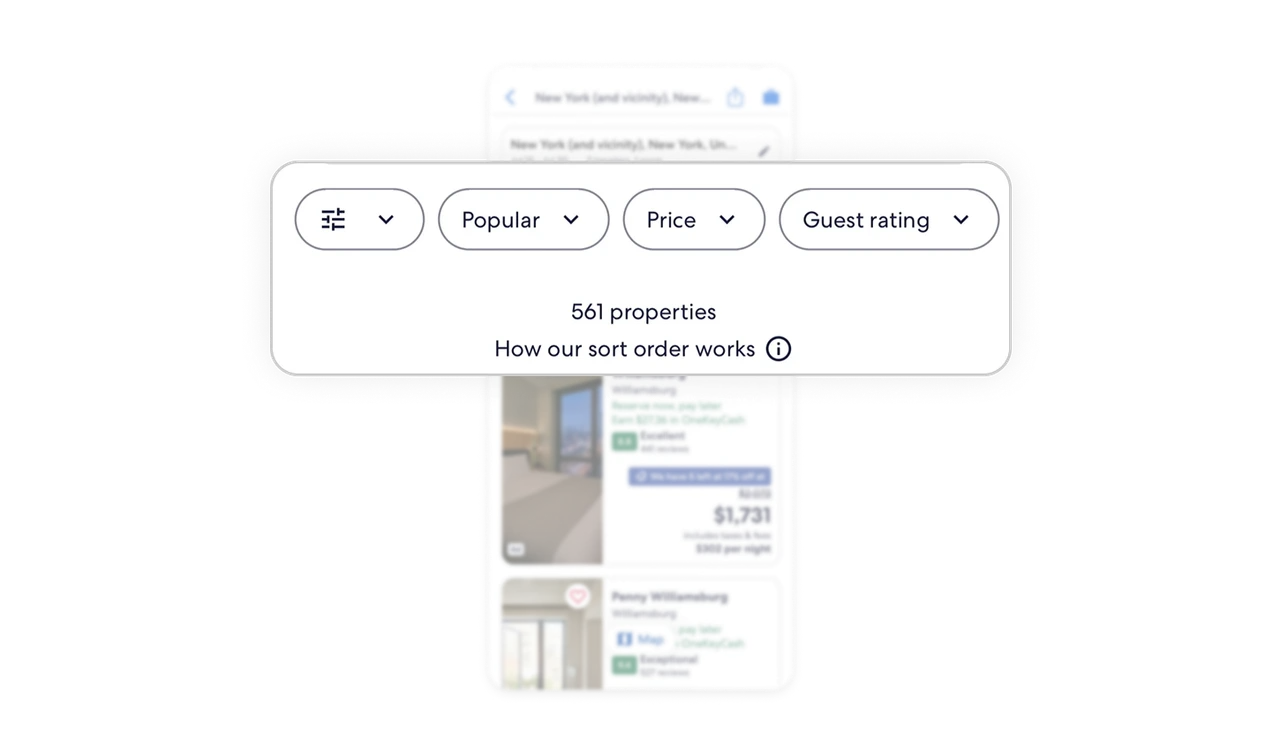
Horizontal filters scale without eating space
Filters live in a horizontal row, which keeps the screen compact while allowing room for growth. The sort explanation adds transparency, helping users trust why results appear in a certain order.
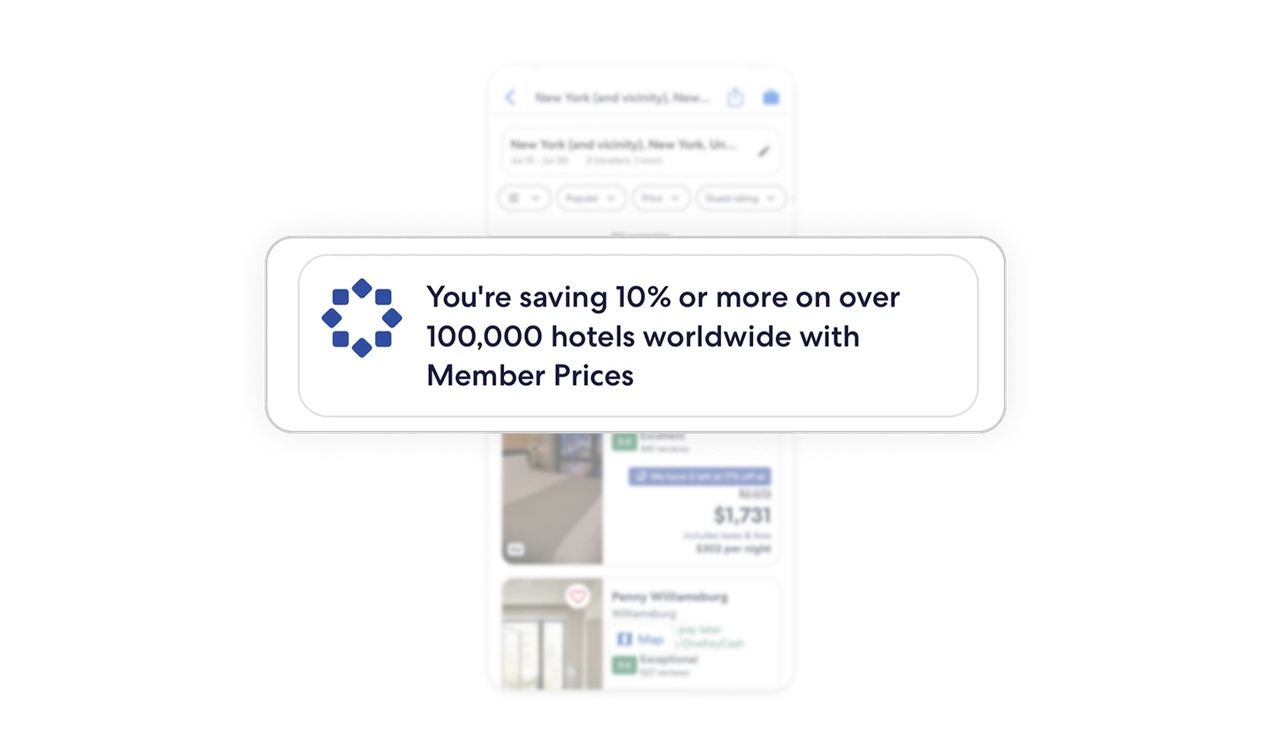
Membership value is reinforced before results
Before showing hotels, Expedia highlights how membership saves money. This keeps the benefit top of mind and frames the results as already optimized for value.
Hotel cards support fast scanning
Each card is visually split into hotel details on the left and pricing on the right. This separation lets users skim quality and cost independently while still understanding the full picture.
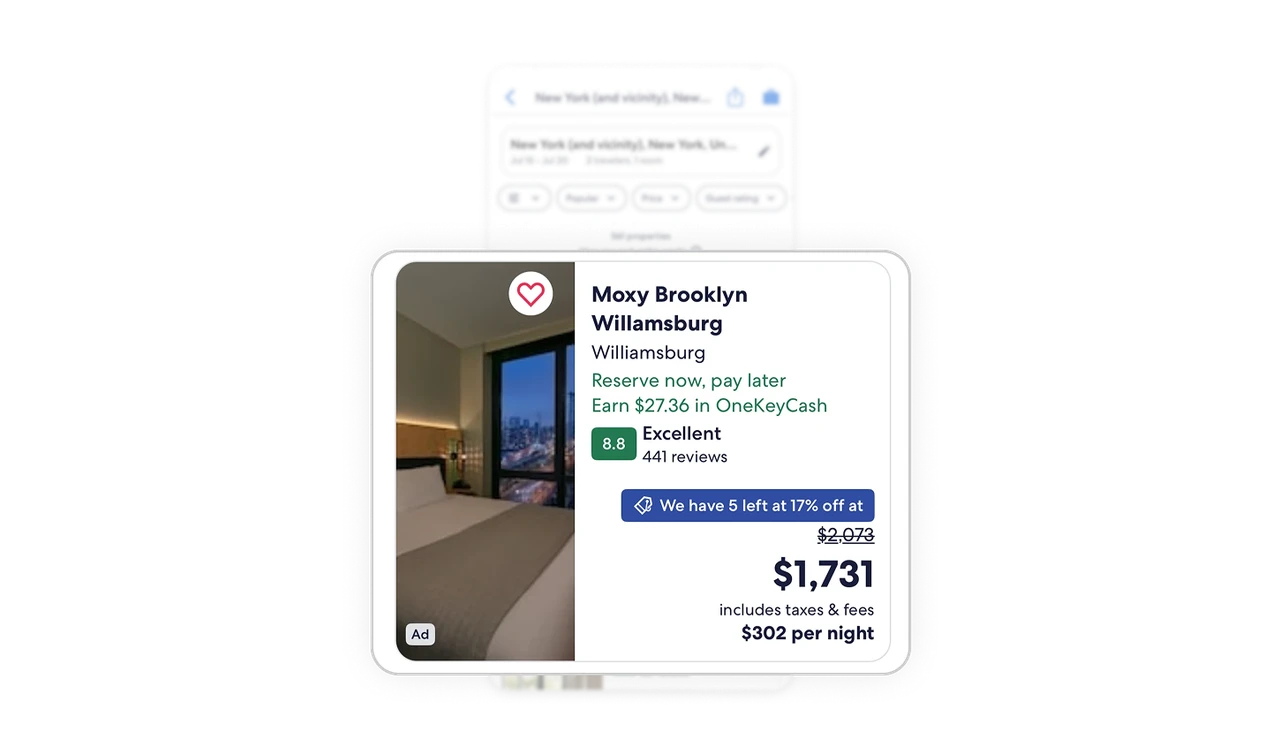
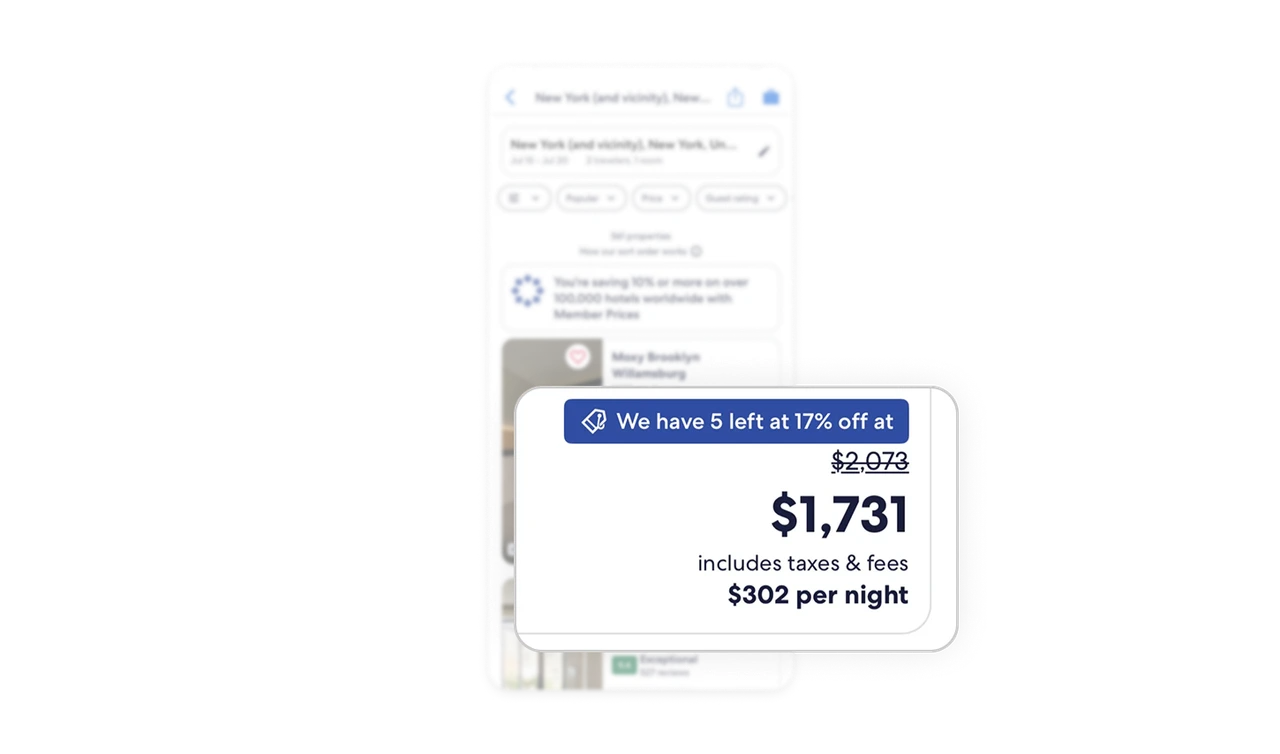
Pricing clarity reduces mental effort
Urgency cues are subtle and informative, not pushy. Taxes and fees are included upfront, with a per-night breakdown, so users do not need to do extra math or second-guess totals.
Similar Breakdown Lessons







