Nutrition Summary

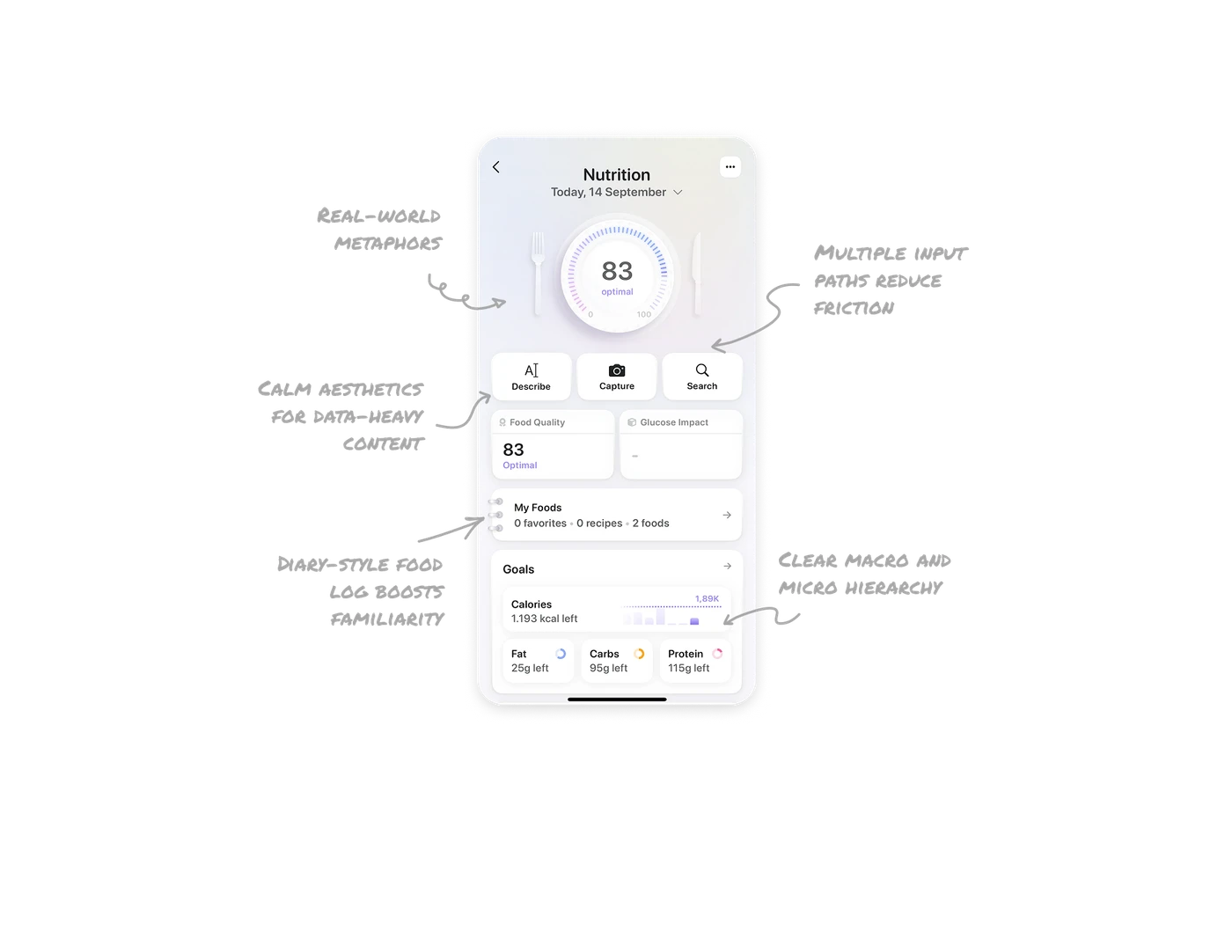
Real-world metaphors improve clarity and delight
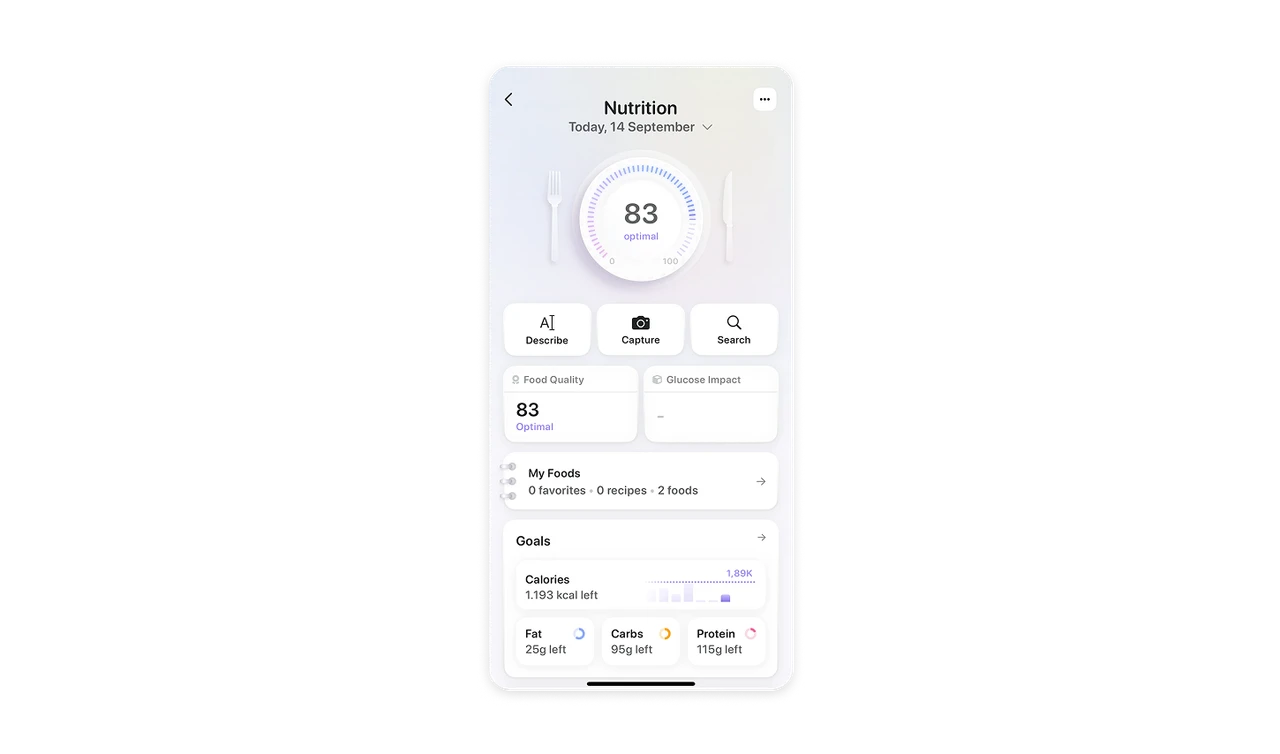
Placing the nutrition score between fork and knife mimics a real table setting, grounding the metric in eating behavior. Showing “optimal” below the score removes guesswork and makes the number instantly meaningful.
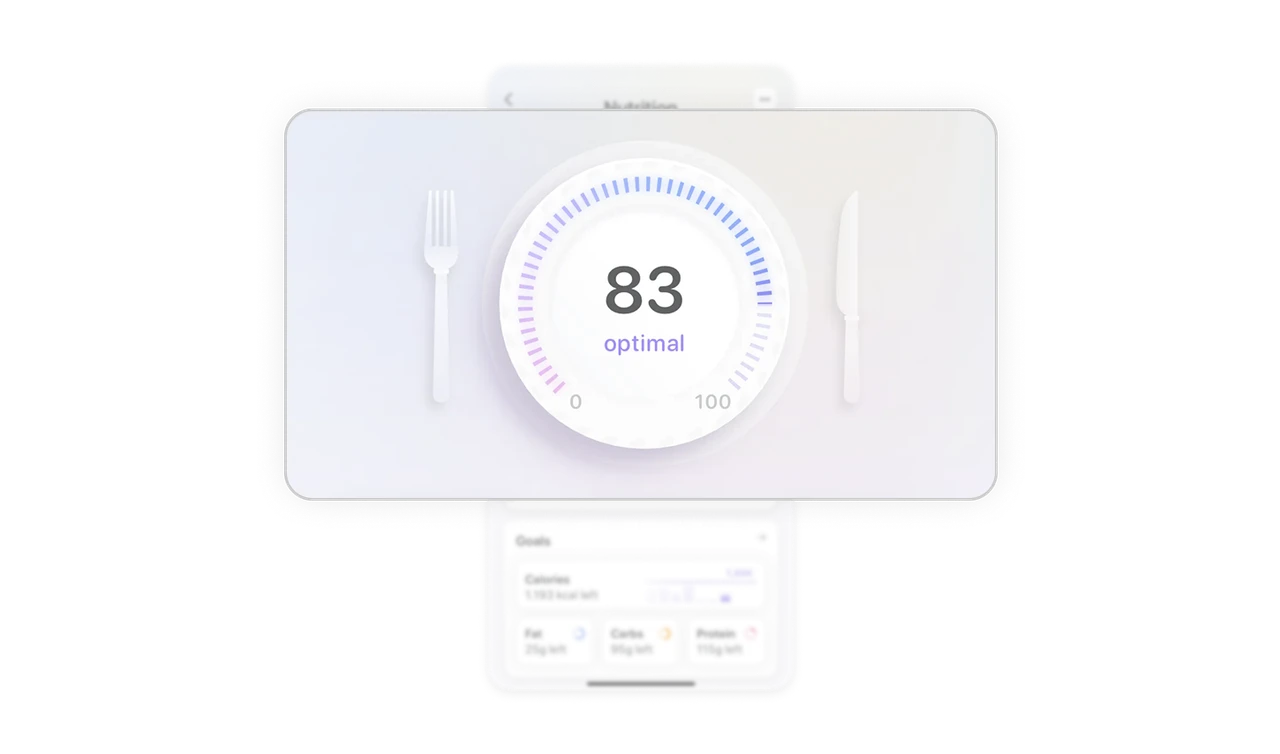
Multiple input paths reduce friction
Offering three logging options upfront supports different user behaviors and speeds entry. Users choose their preferred method instead of being forced into a manual search.
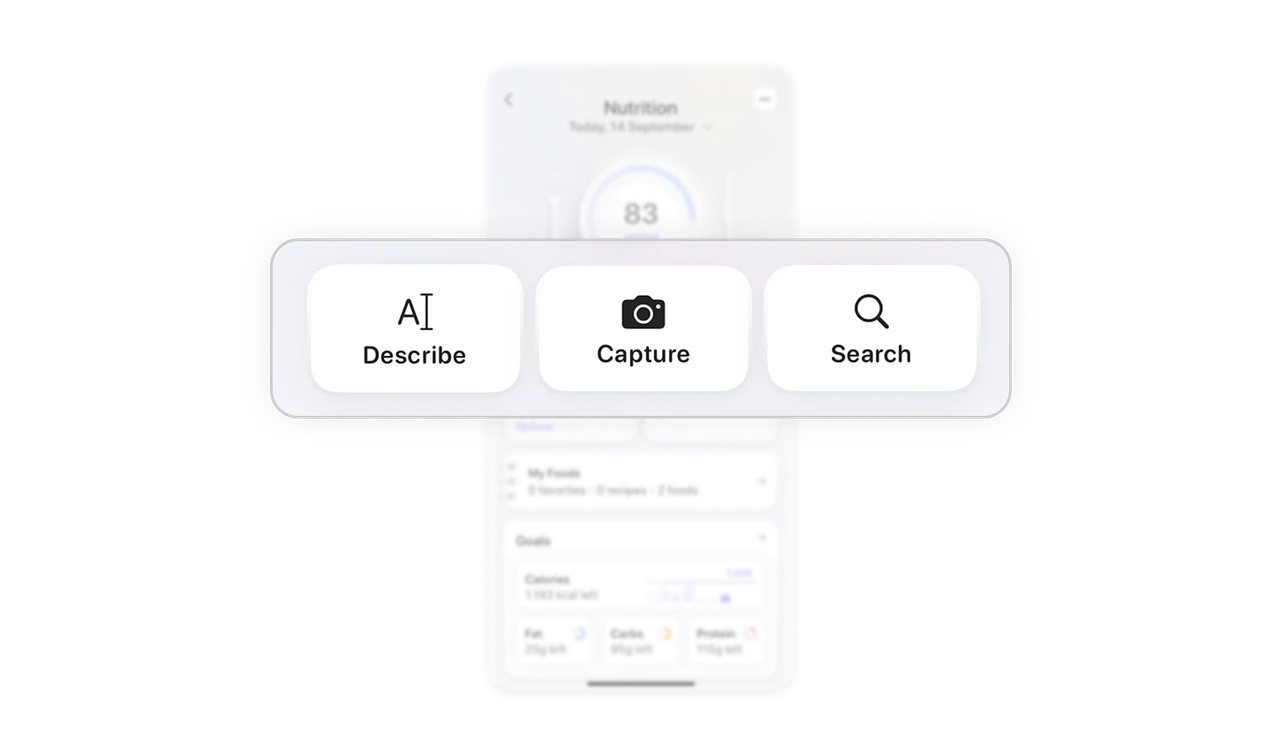
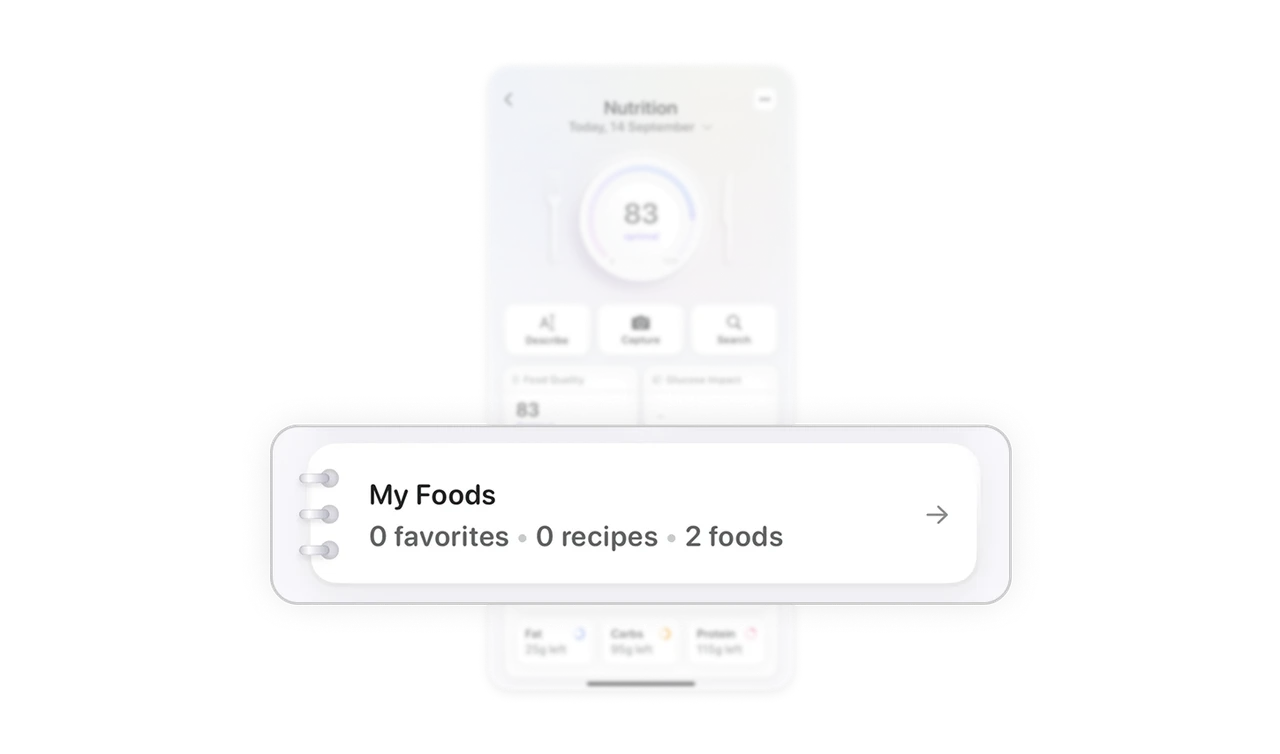
Diary-style food log boosts familiarity
The notebook-like card makes food tracking feel personal and familiar, similar to journaling. This real-world metaphor strengthens habit formation by making the interface intuitive and welcoming.
Clear macro and micro hierarchy
Calories appear first with a simple bar graph for quick insight. Macro cards for fat, carbs, and protein sit below for deeper detail. The structured hierarchy lets users scan fast and dive deeper only when needed.
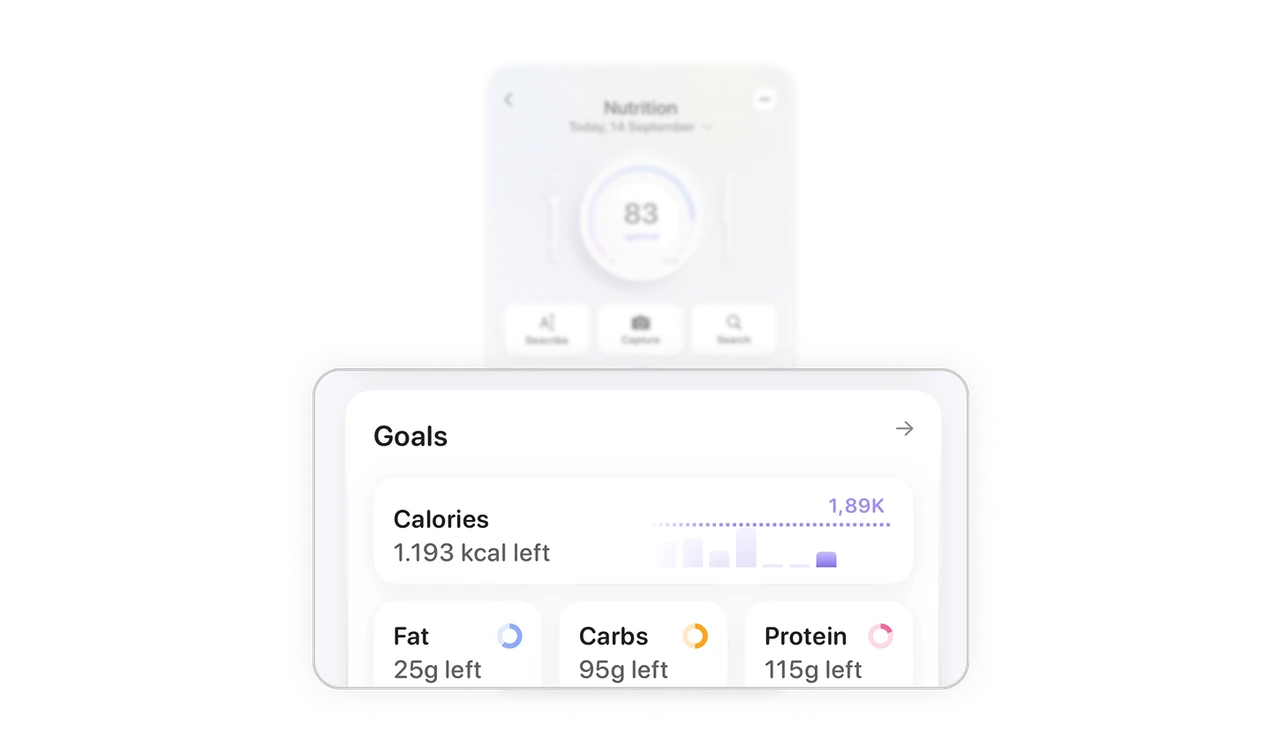
Calm aesthetics for data-heavy content
Soft gradients, subtle shadows, and restrained color keep the interface calm despite dense metrics. Clear type hierarchy and whitespace guide the eye and make information easy to absorb without overwhelming users.
Similar Breakdown Lessons







