Order Details Review

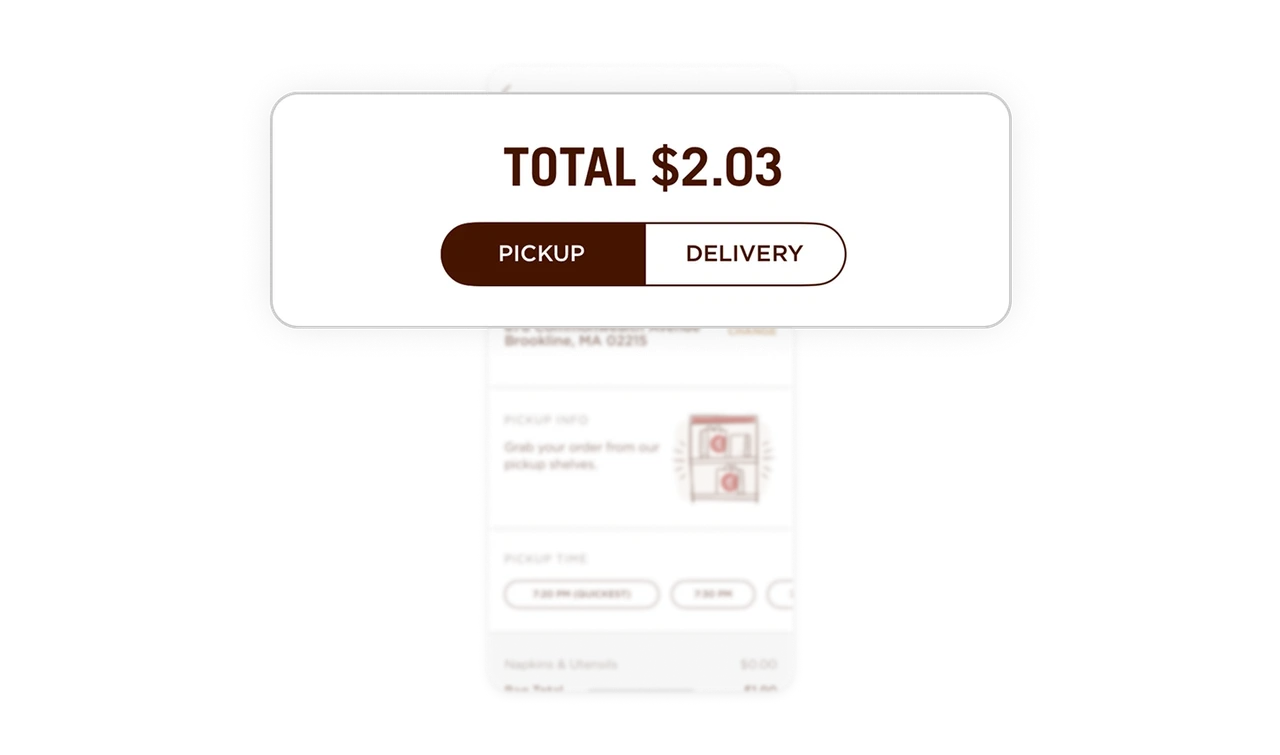
Price and fulfillment priority create immediate clarity
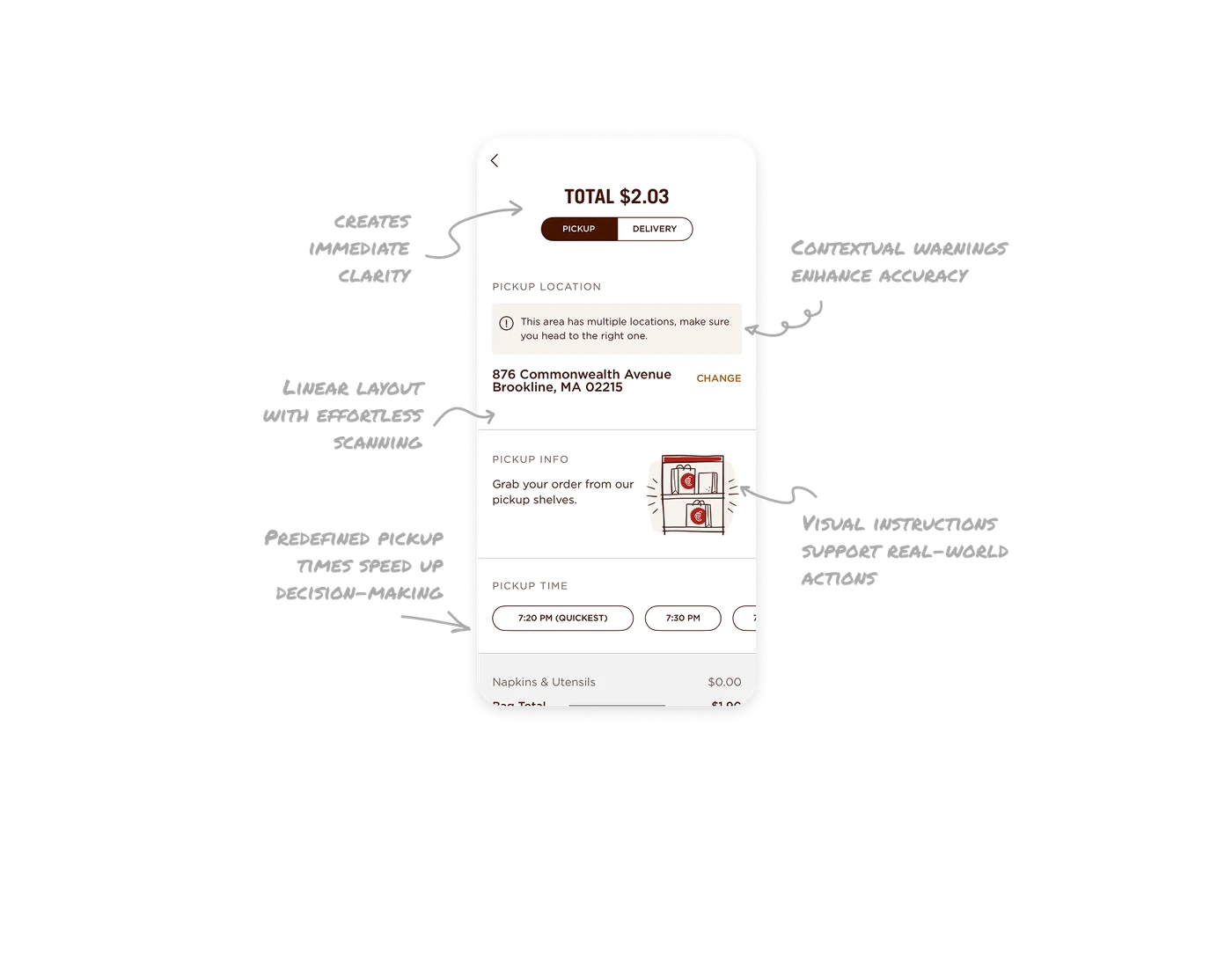
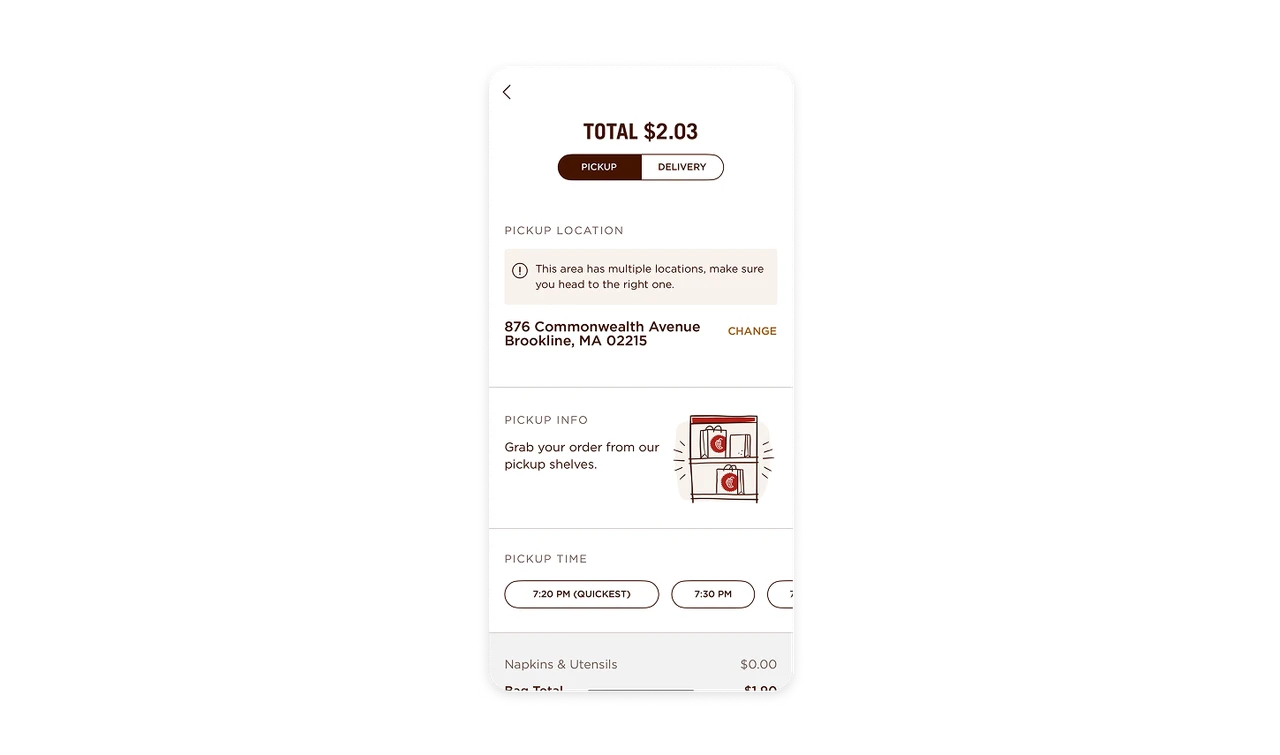
Displaying the Total price along with Pickup vs Delivery options at the top helps users make quick, informed decisions. It reinforces cost transparency and saves unnecessary navigation.
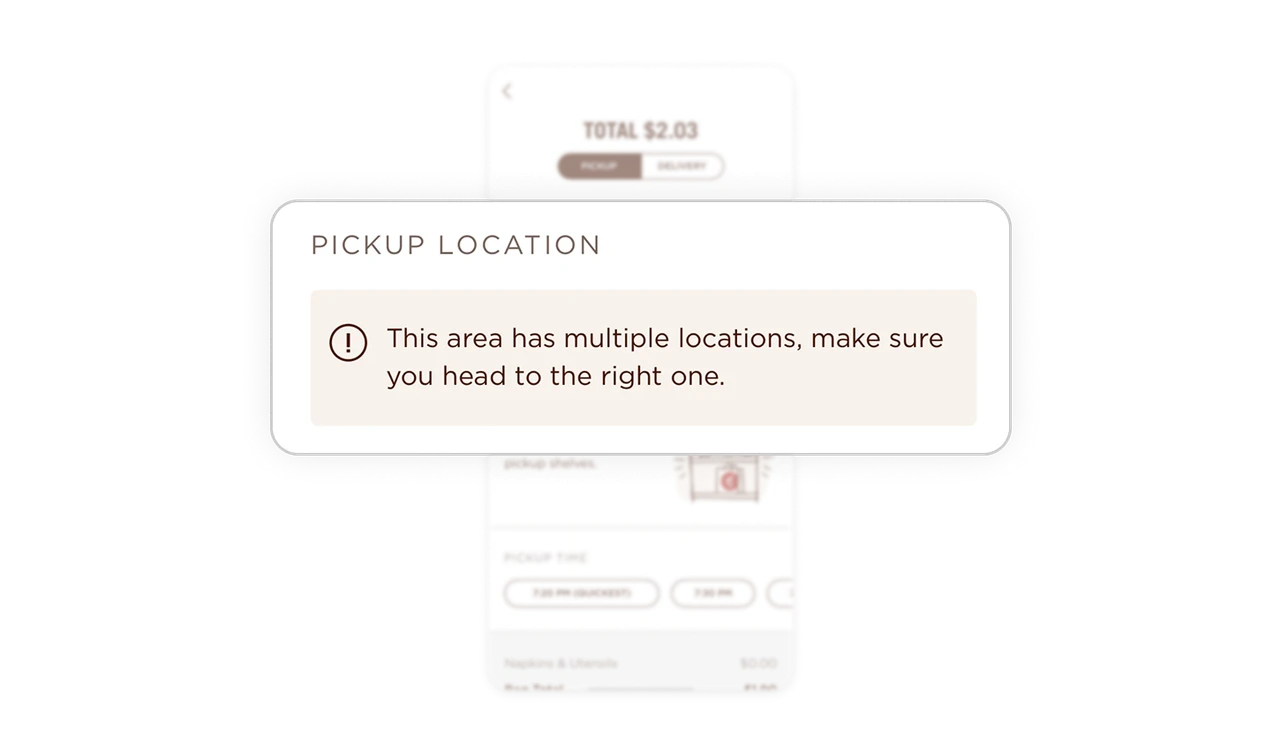
Contextual warnings enhance accuracy
The location-specific alert (“This area has multiple locations…”) prevents common user mistakes. Context-aware messages like this improve trust and reduce potential frustration.
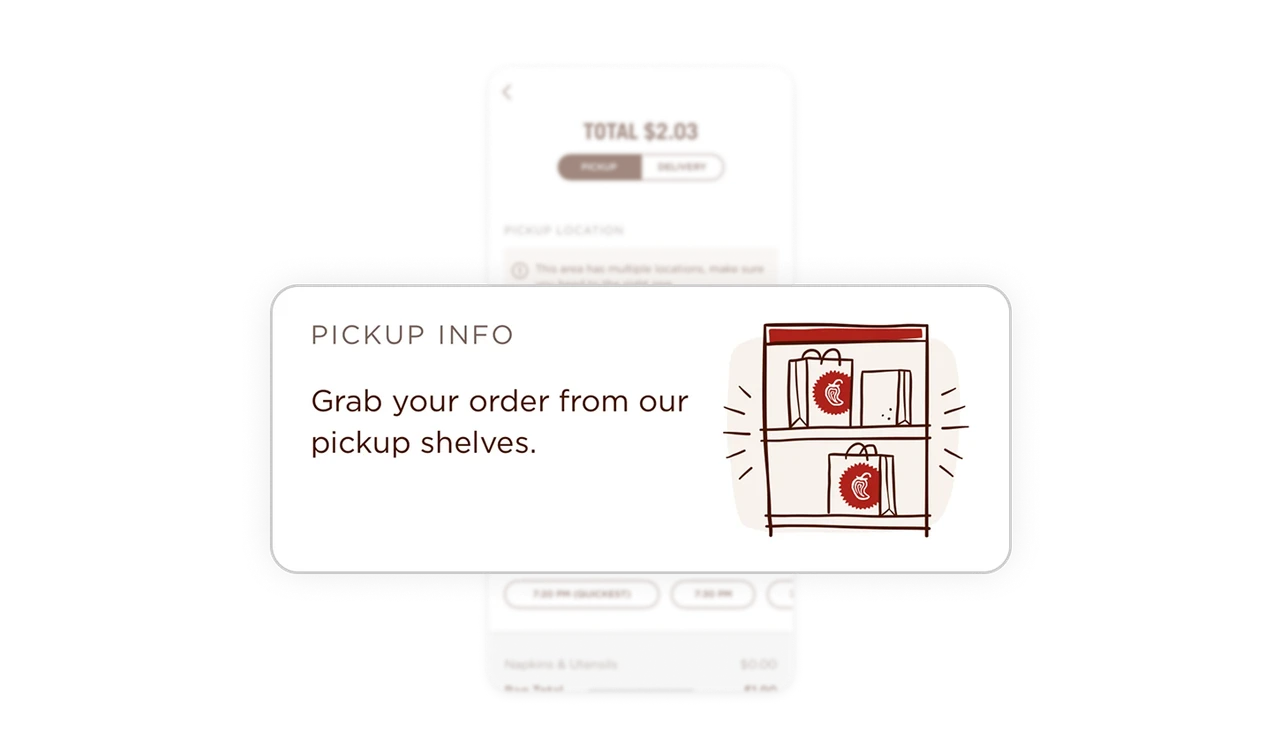
Visual pickup instructions support real-world actions
Showing clear pickup instructions with a relatable shelf illustration bridges the gap between digital and physical experiences, making order retrieval intuitive and recognizable.
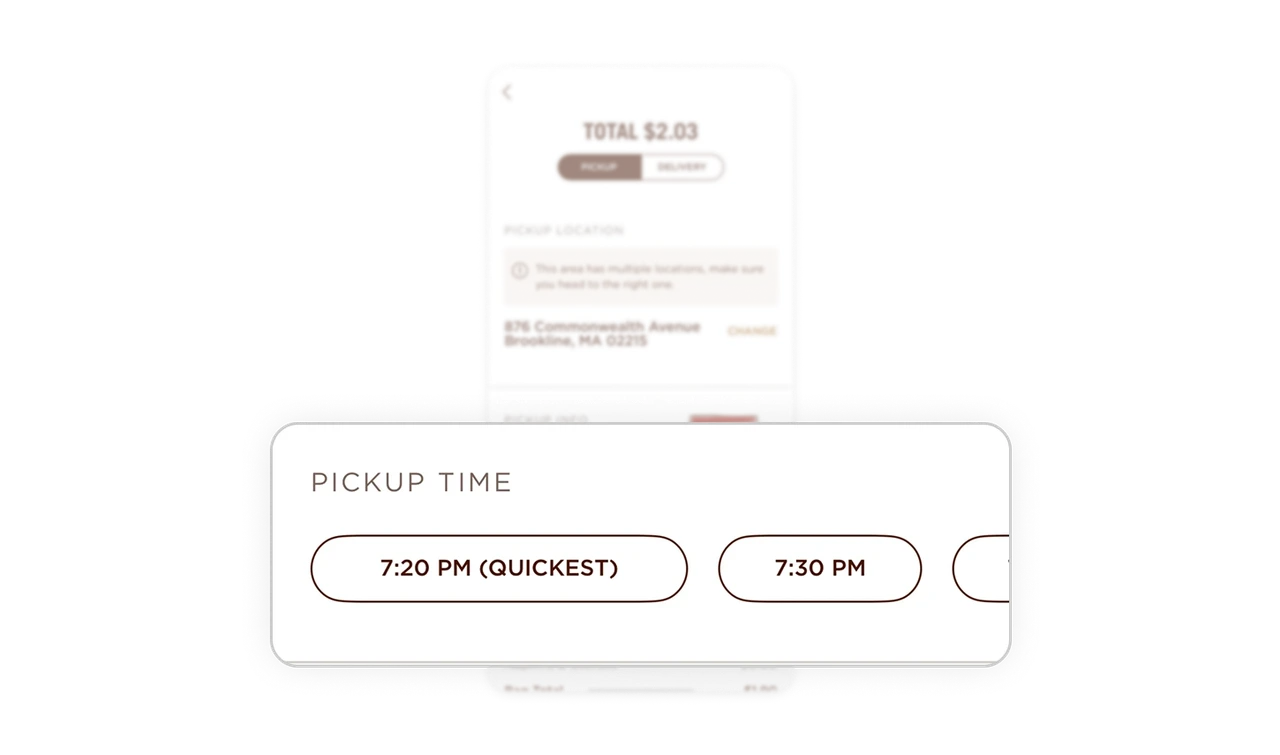
Predefined pickup times speed up decision-making
Offering ready-made time slots and highlighting “Quickest” as the first choice minimizes cognitive effort. It promotes fast checkout without manual input.
Linear layout supports effortless scanning
The top-to-bottom structure organizes details naturally, cost, location, instructions, and timing, mirroring how users process decisions, making the flow predictable and stress-free.
Similar Breakdown Lessons







