Podcasts Episode Details

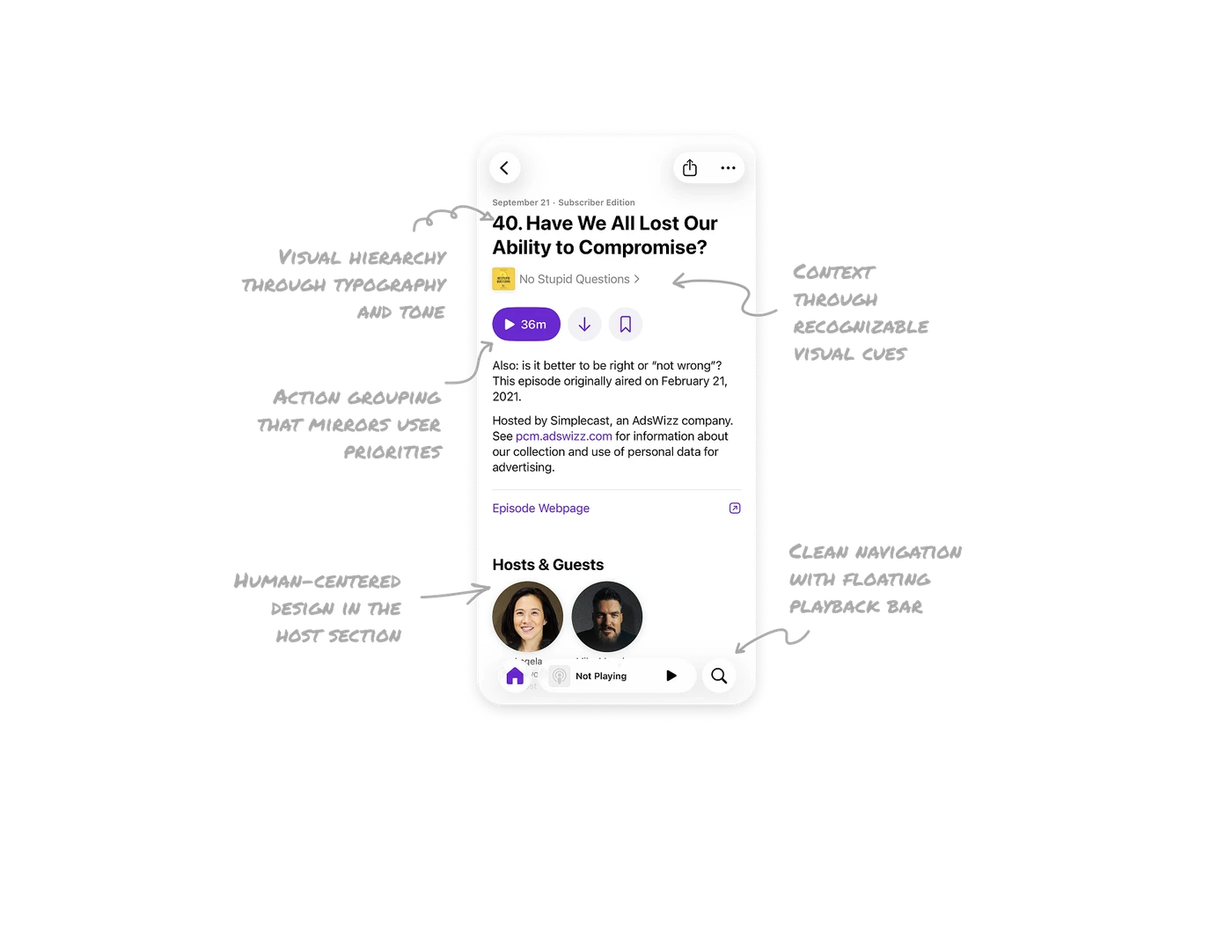
Visual hierarchy through typography and tone
The title uses bold, oversized text for instant focus, while date and edition details appear smaller and gray. This hierarchy separates core content from metadata and ensures effortless scanning.
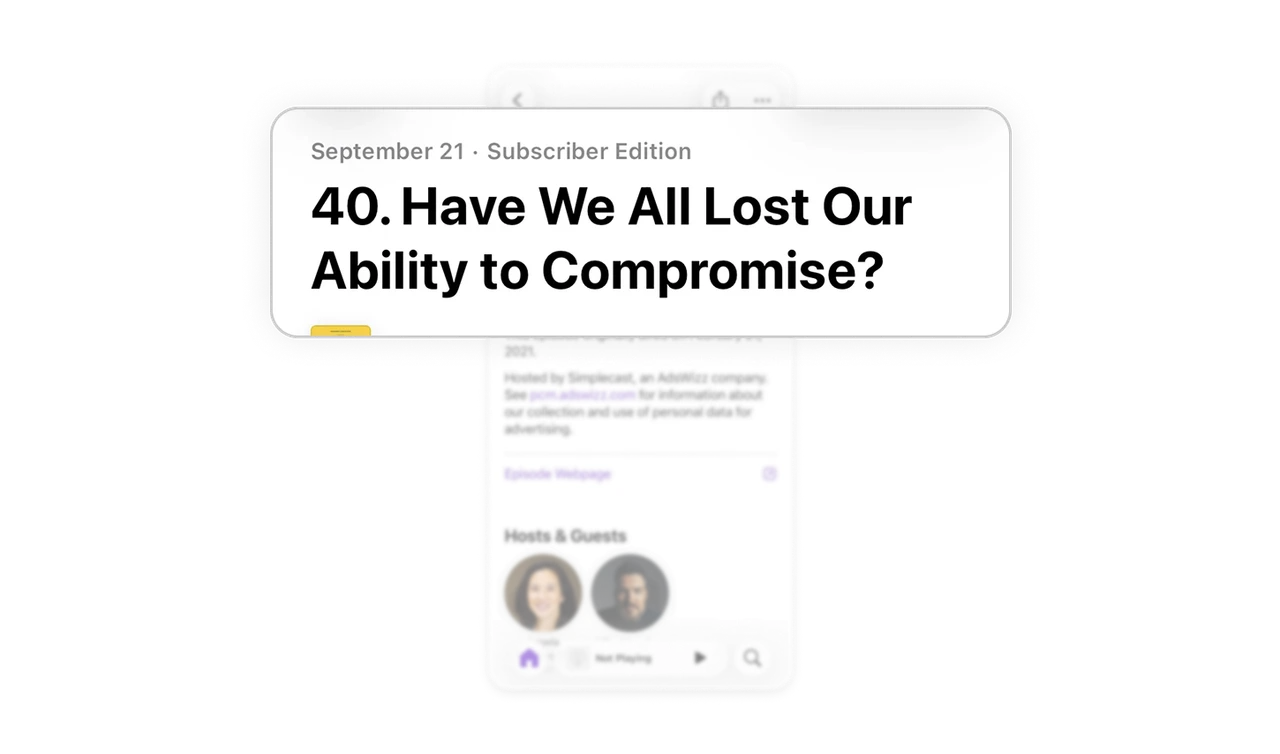
Context through recognizable visual cues
The podcast’s cover image and series name, paired with a small chevron, clearly signal tapability. It reinforces brand recognition and helps users quickly understand which show the episode belongs to.
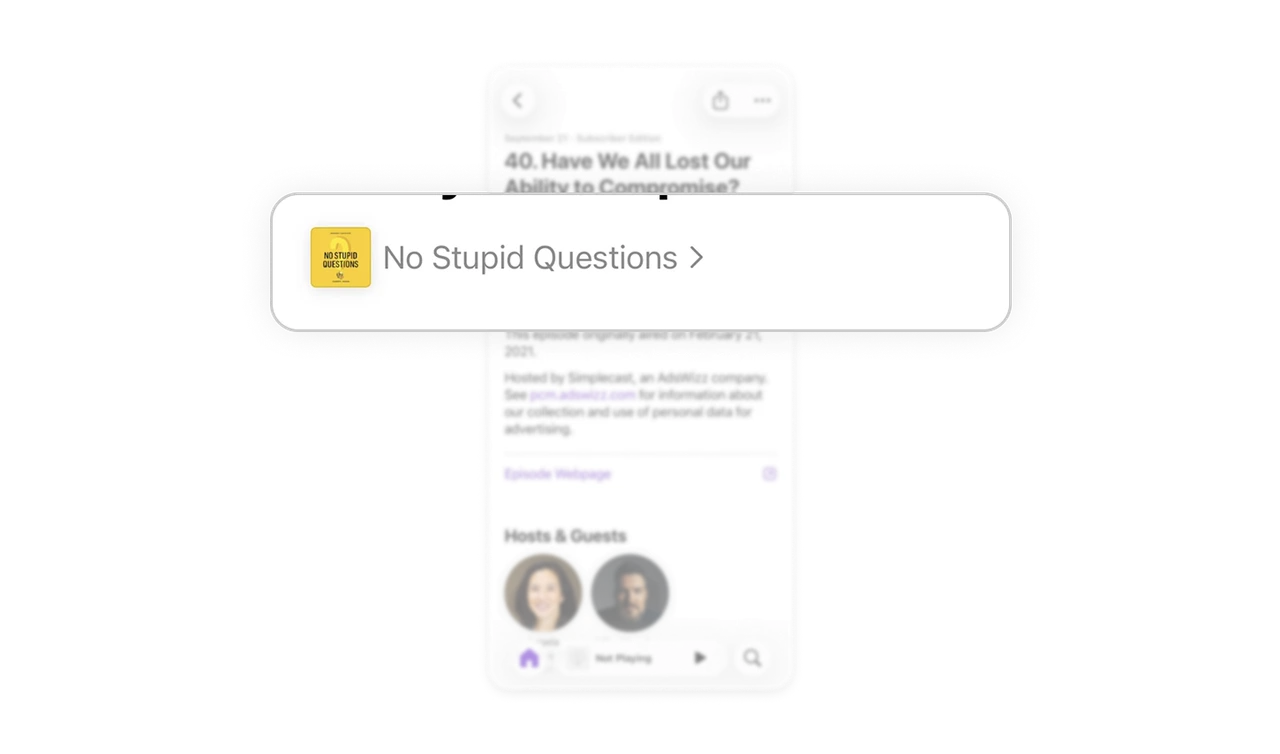
Action grouping that mirrors user priorities
Play, download, and save actions are visually grouped with balanced spacing. The primary action 'Play' is highlighted with color and duration, supporting instant engagement without cognitive load.
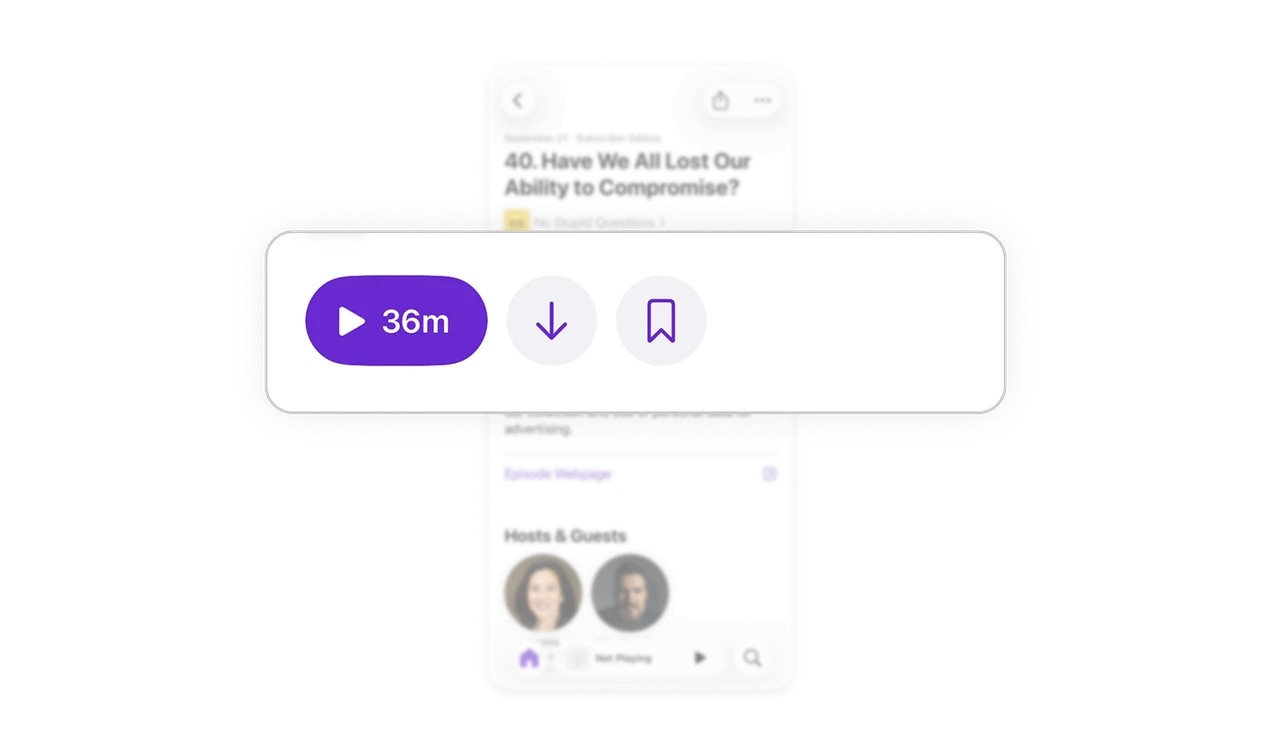
Human-centered design in the host section
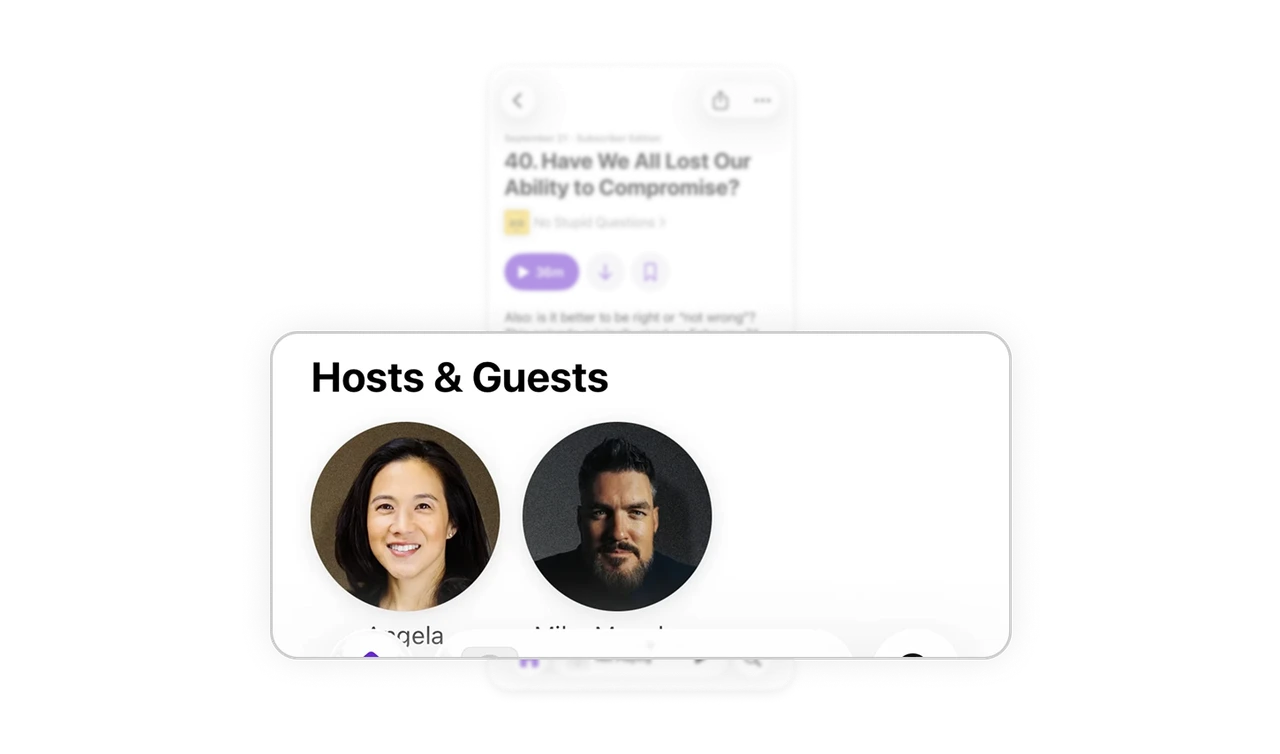
Circular profile images make the “Hosts & Guests” section personable and scannable. Users can identify voices and faces instantly without reading extra text, building familiarity and connection.
Clean navigation with floating playback bar
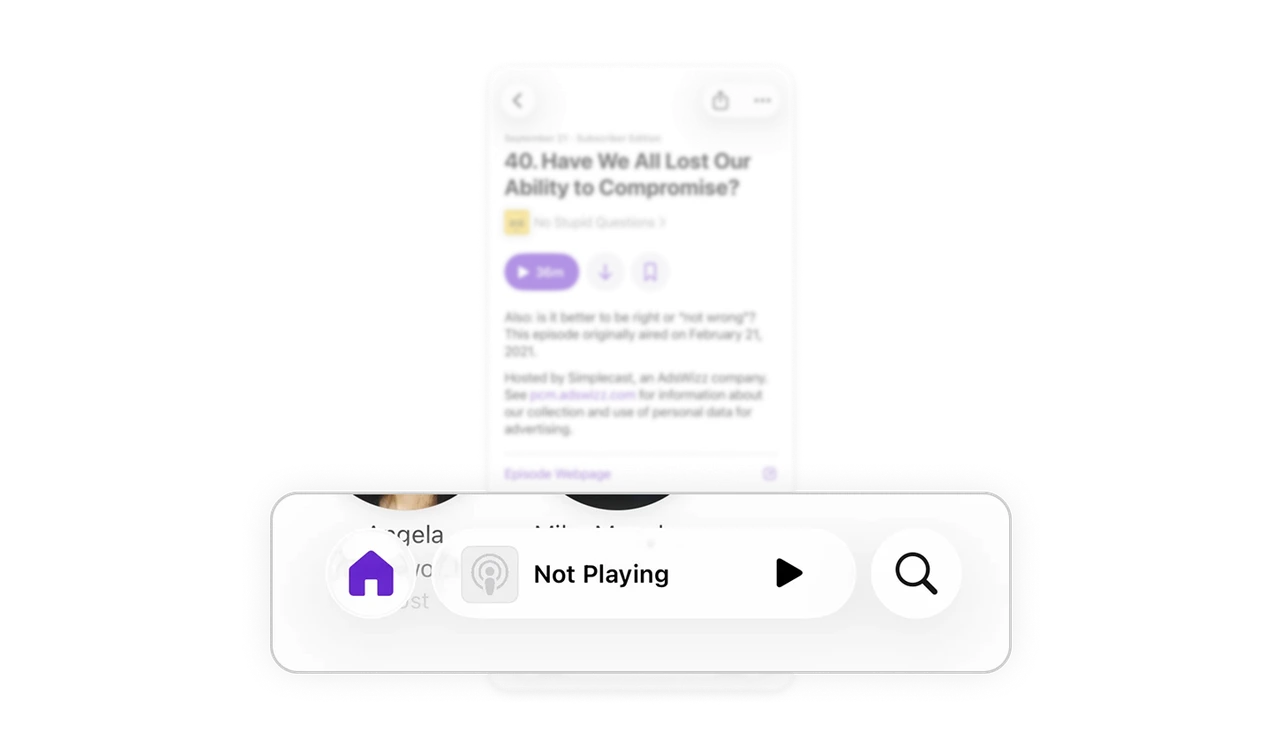
The bottom bar remains accessible yet unobtrusive, surfacing the current playback state and quick controls. Its floating design maintains focus on content while offering persistent navigation.
Similar Breakdown Lessons







