Post Settings

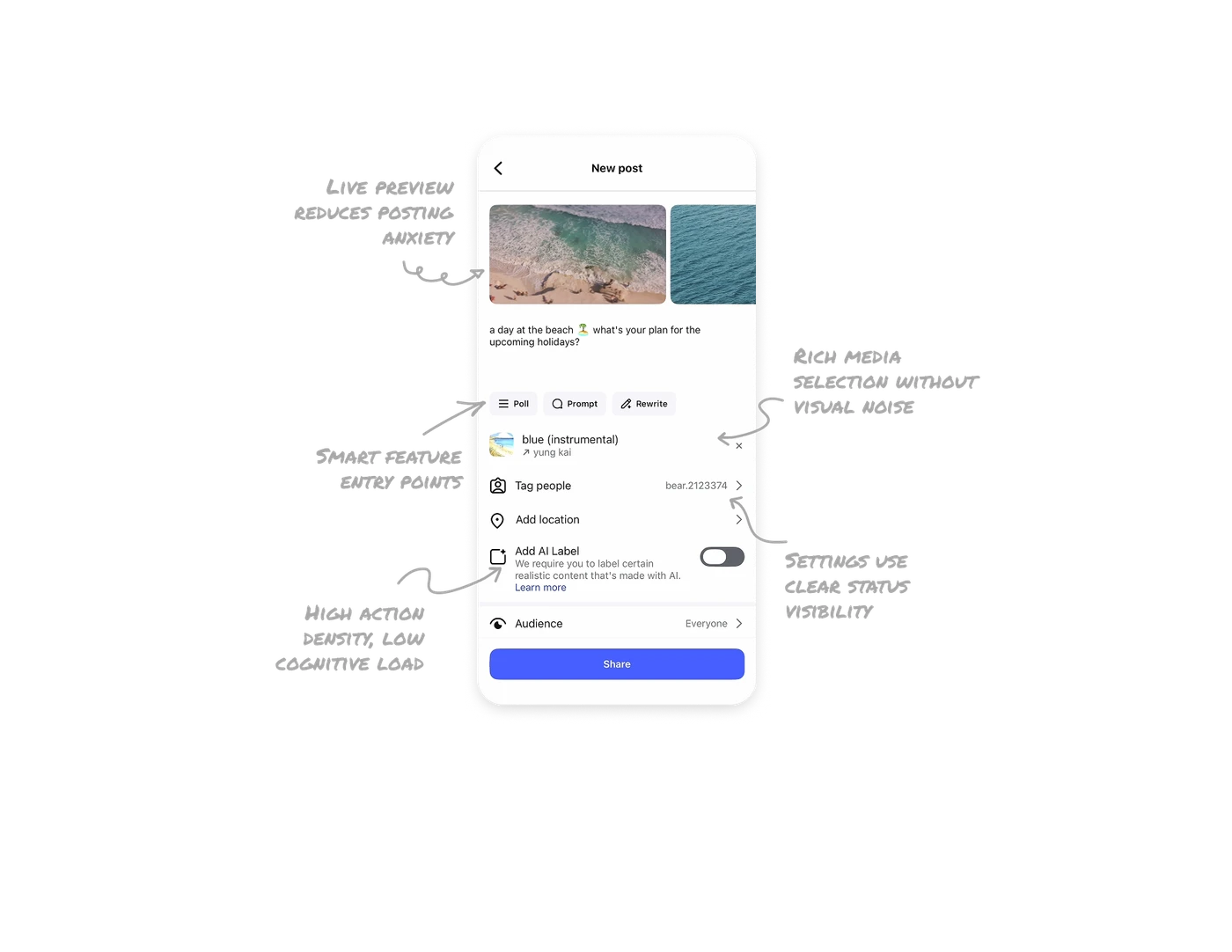
Live preview reduces posting anxiety
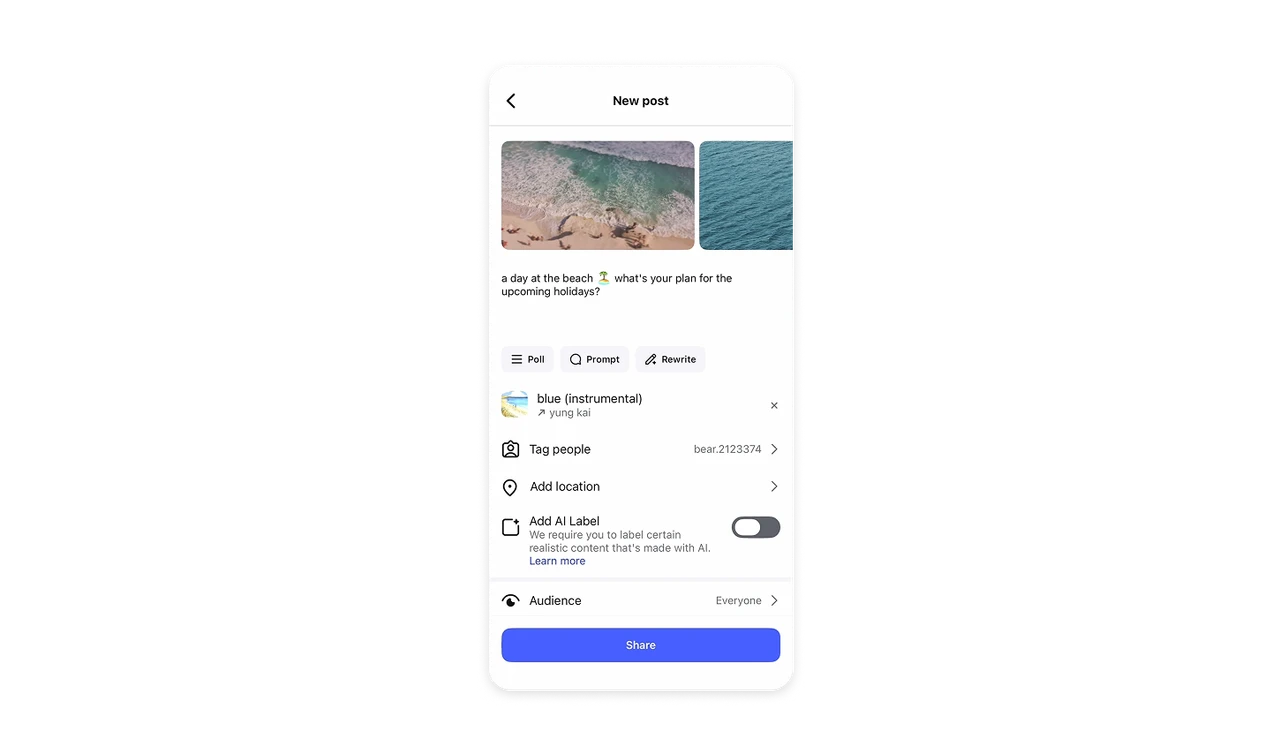
The selected media and caption are shown exactly how they will appear in the feed. This immediate preview builds confidence and helps users catch mistakes before sharing.
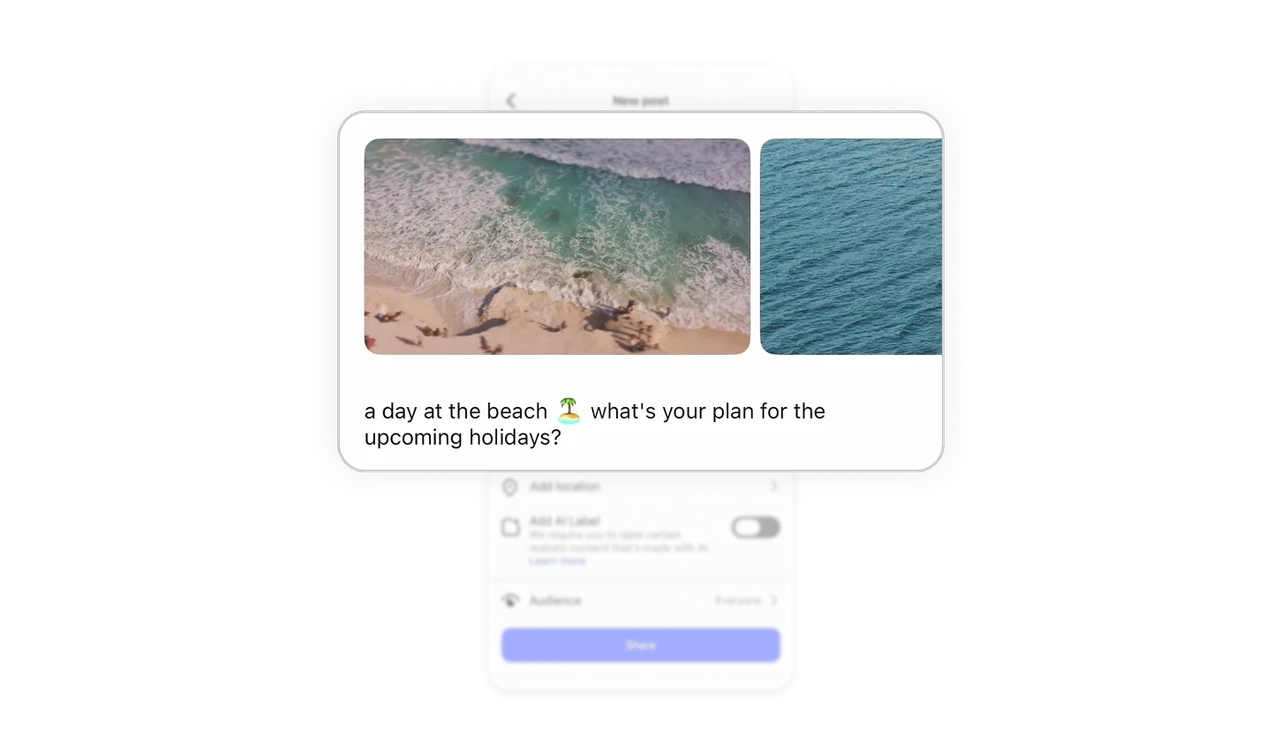
Smart feature entry points live where intent already exists
Options like Poll, Prompt, and Rewrite appear right next to the caption field. These tools support the user’s current task instead of pulling them into a separate AI or feature flow.
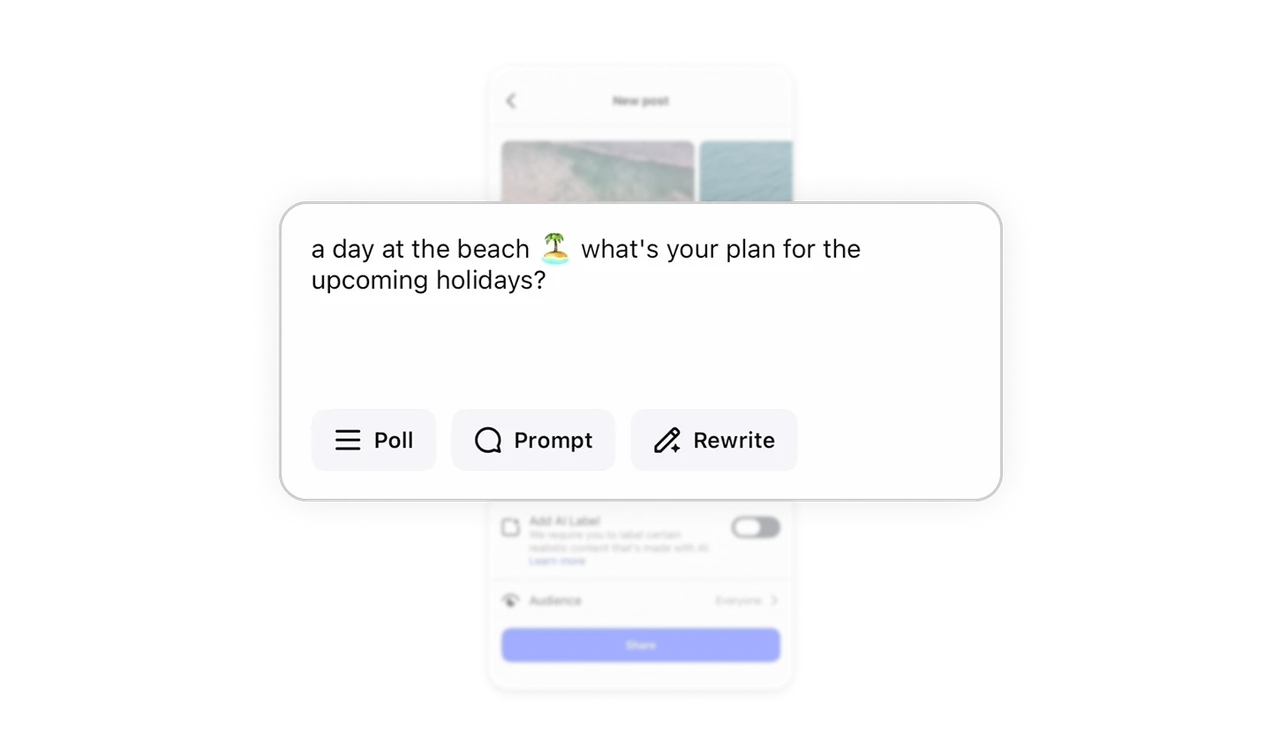
Rich media selection without visual noise
The music row uses a small thumbnail, song title, and artist name in a single compact line. Extra context like trend indicators is subtle, so users get helpful info without overwhelming the layout.
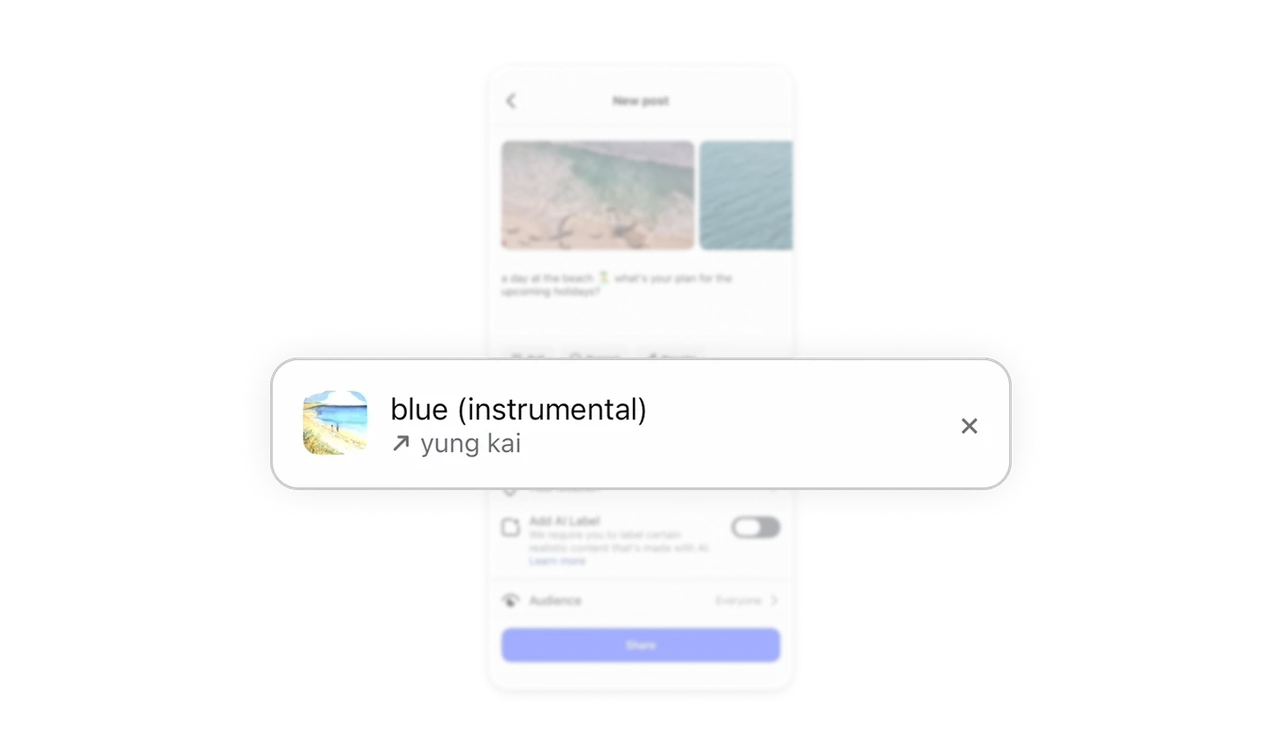
Settings use clear status visibility
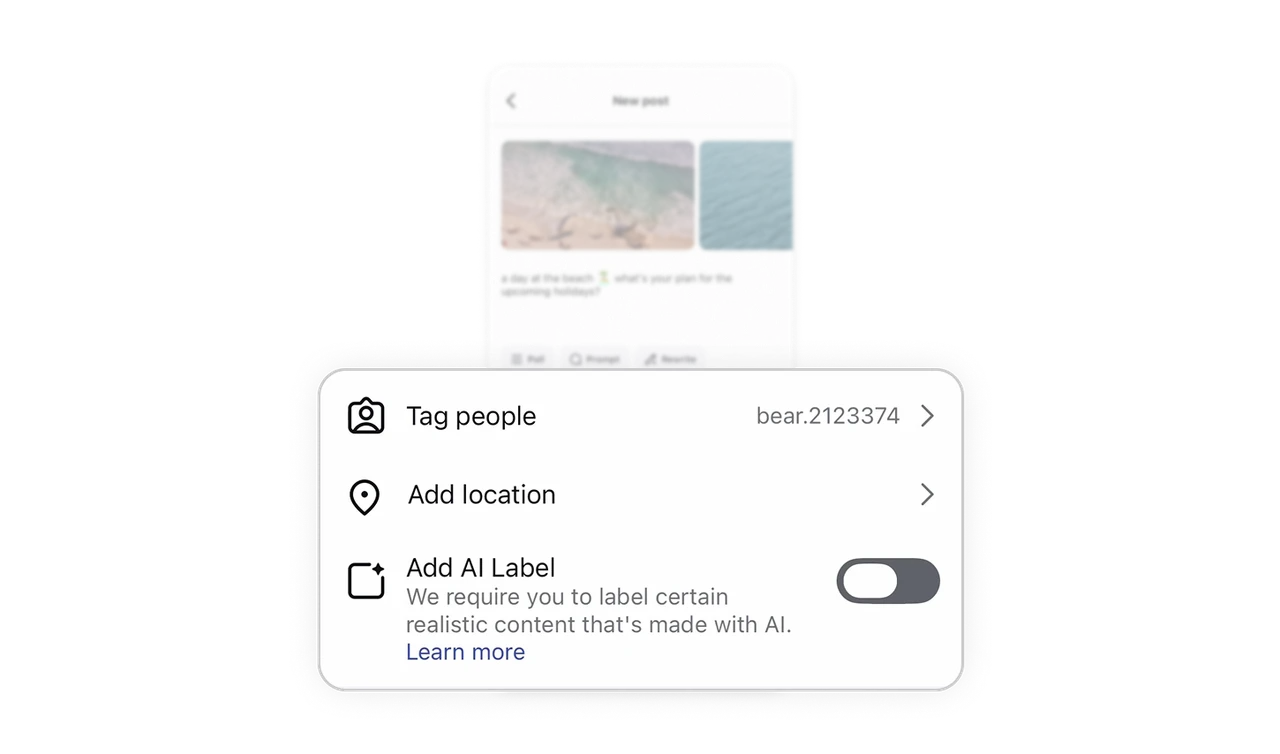
Tag people, Add location, and Add AI label are shown as simple rows with trailing indicators or toggles. Users can instantly see what is applied and what is not, reducing the need to open every option.
High action density, low cognitive load
This screen handles caption editing, media preview, music, tagging, location, AI disclosure, audience, and more. Strong hierarchy, spacing, and consistent row patterns keep it feeling calm and scannable despite the complexity.
Similar Breakdown Lessons







