Products Dashboard

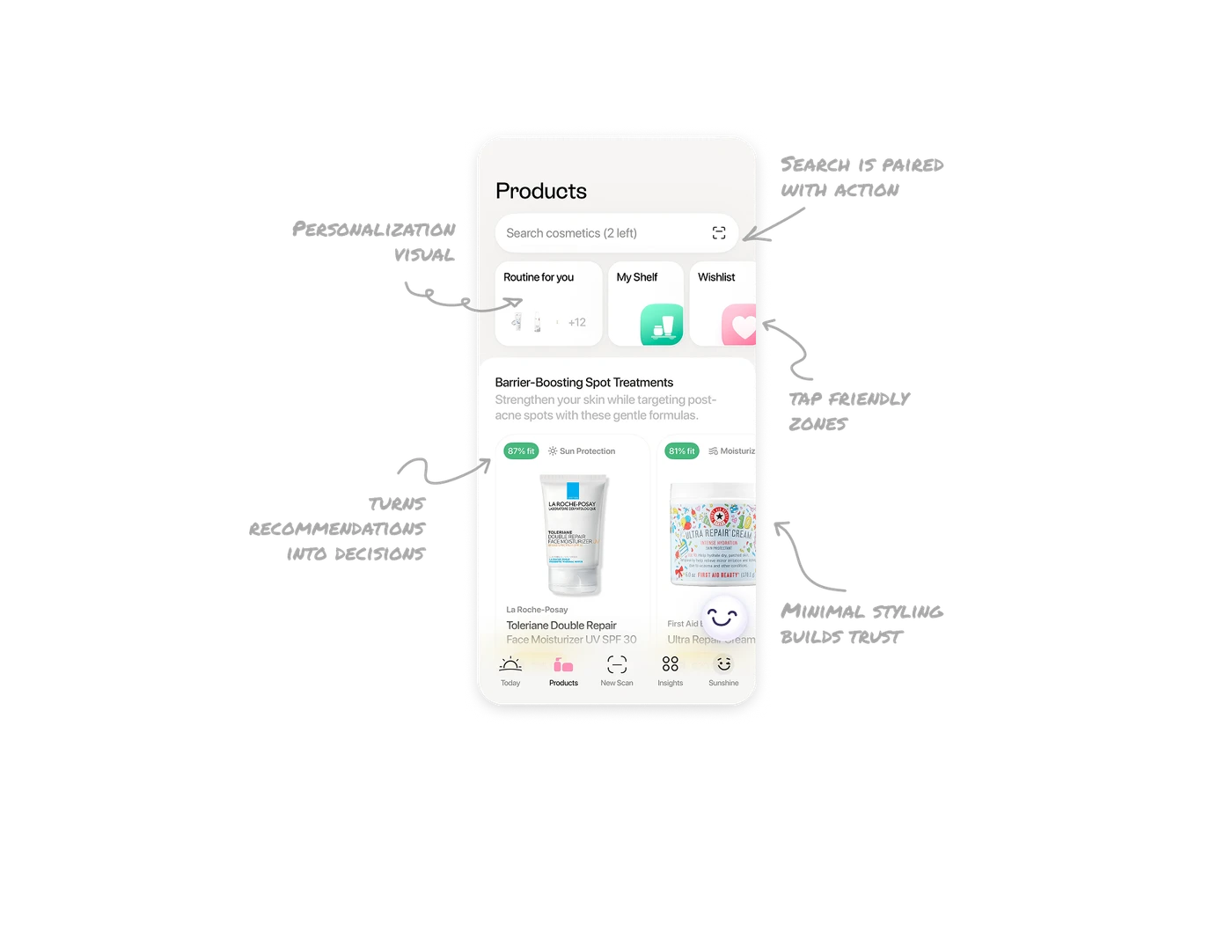
Search is paired with action, not just discovery
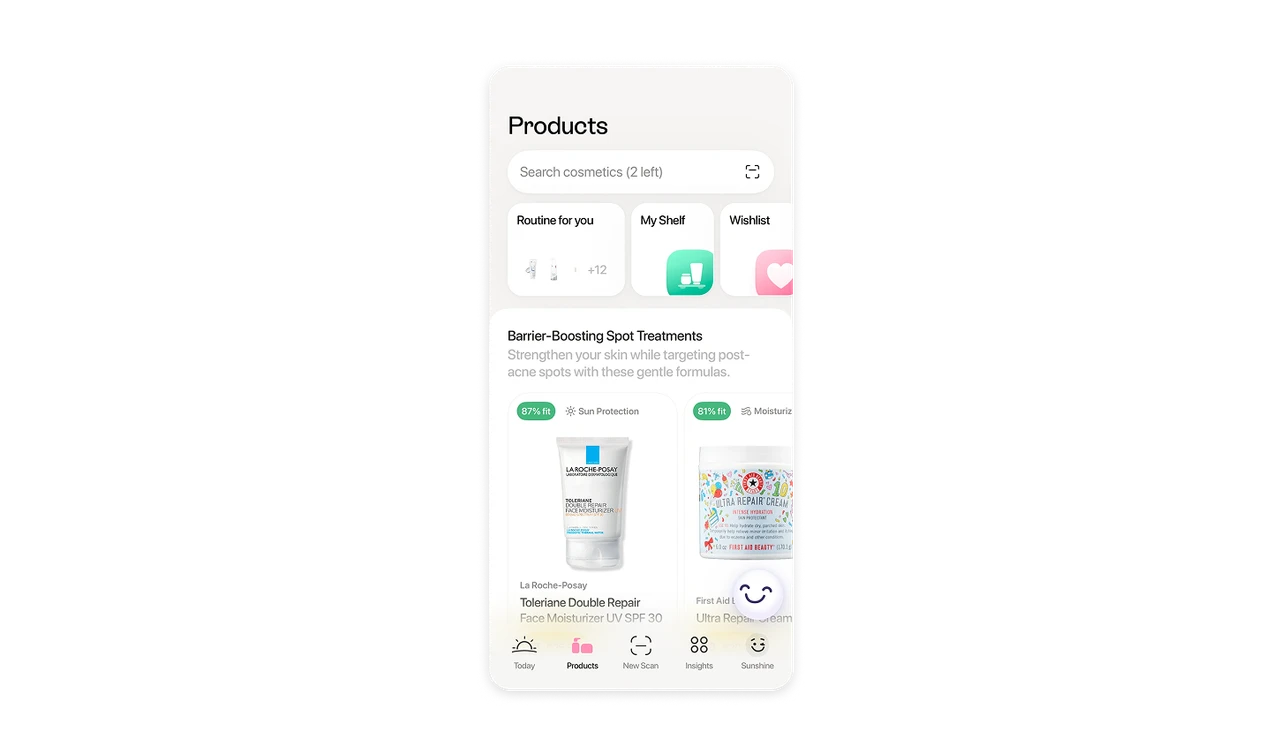
The search bar sits at the top with a scan shortcut. This supports two behaviors at once. Users can search manually or scan products they already own. It reduces friction between offline and digital routines.
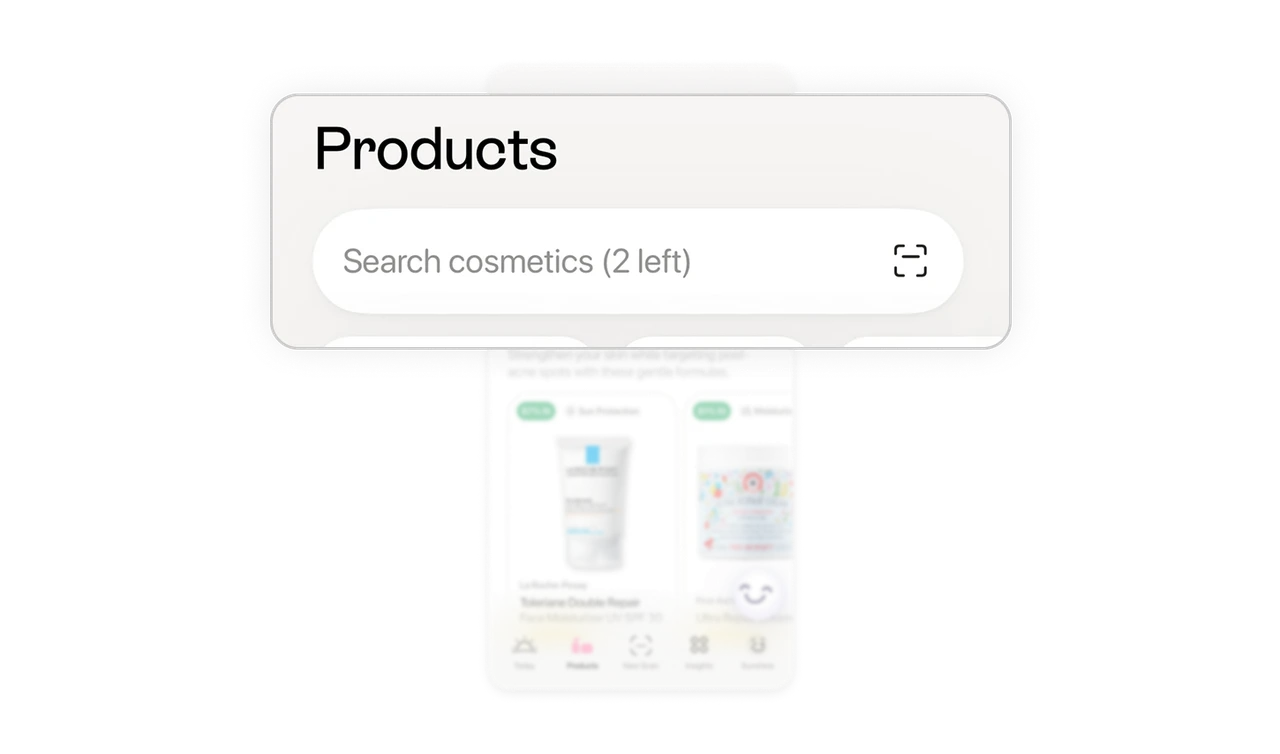
Personalization is visual, not hidden in settings
The Routine for you card shows real product thumbnails instead of generic icons. It reflects the user’s actual routine, which makes the dashboard feel owned rather than generic.
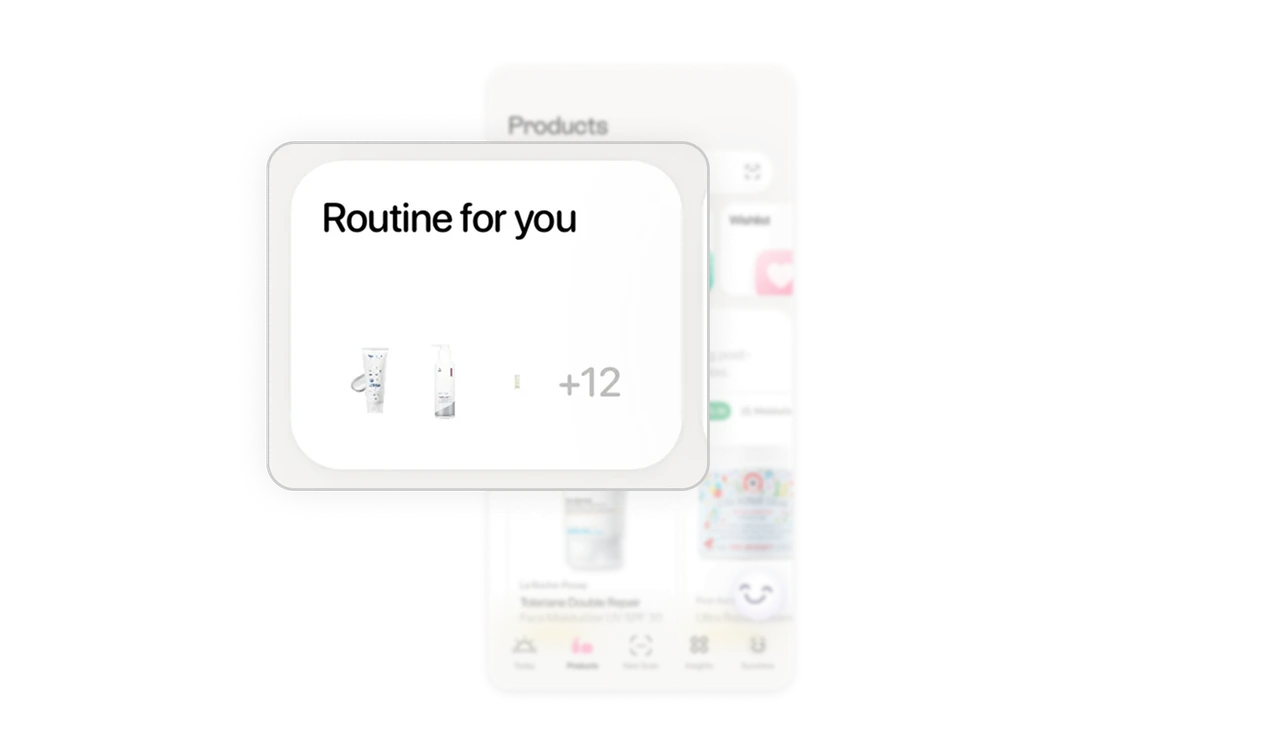
Organization is simplified into tap friendly zones
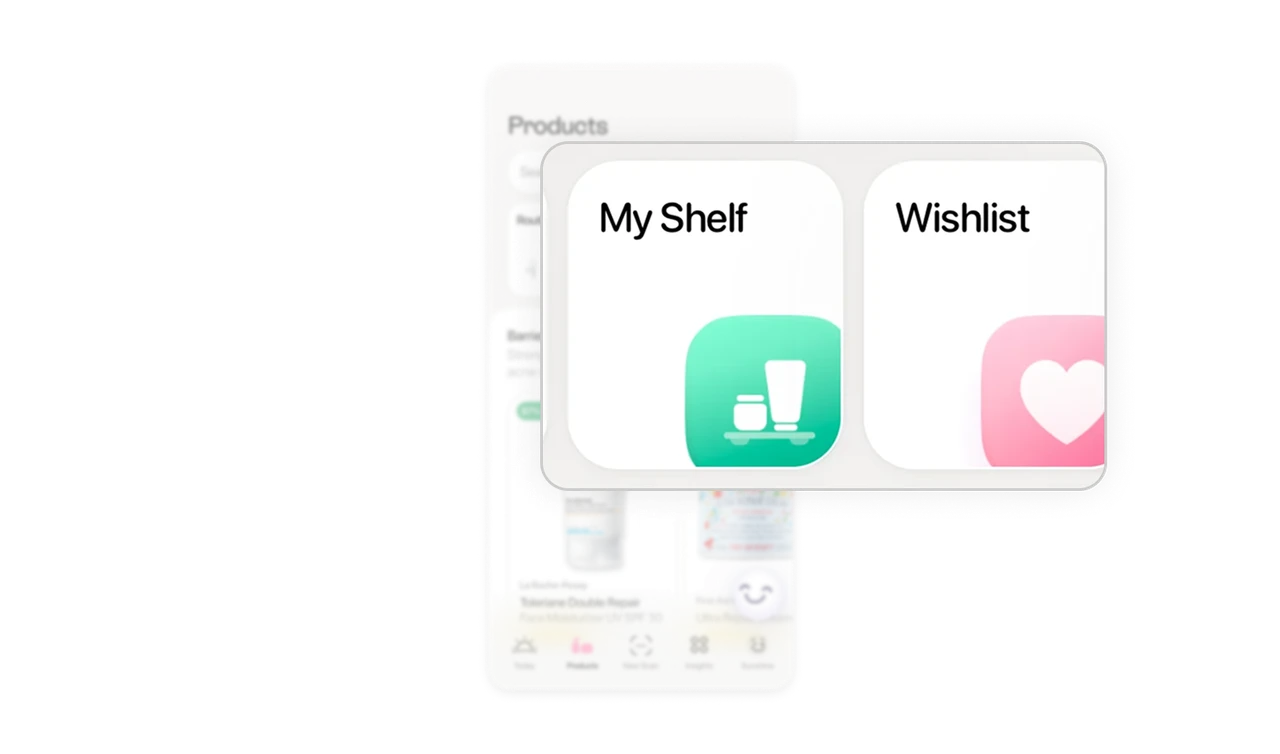
My Shelf and Wishlist are large, clearly separated cards. Instead of burying these inside tabs, the app turns them into primary surfaces. It makes collection management feel intentional and accessible.
Fit percentage turns recommendations into decisions
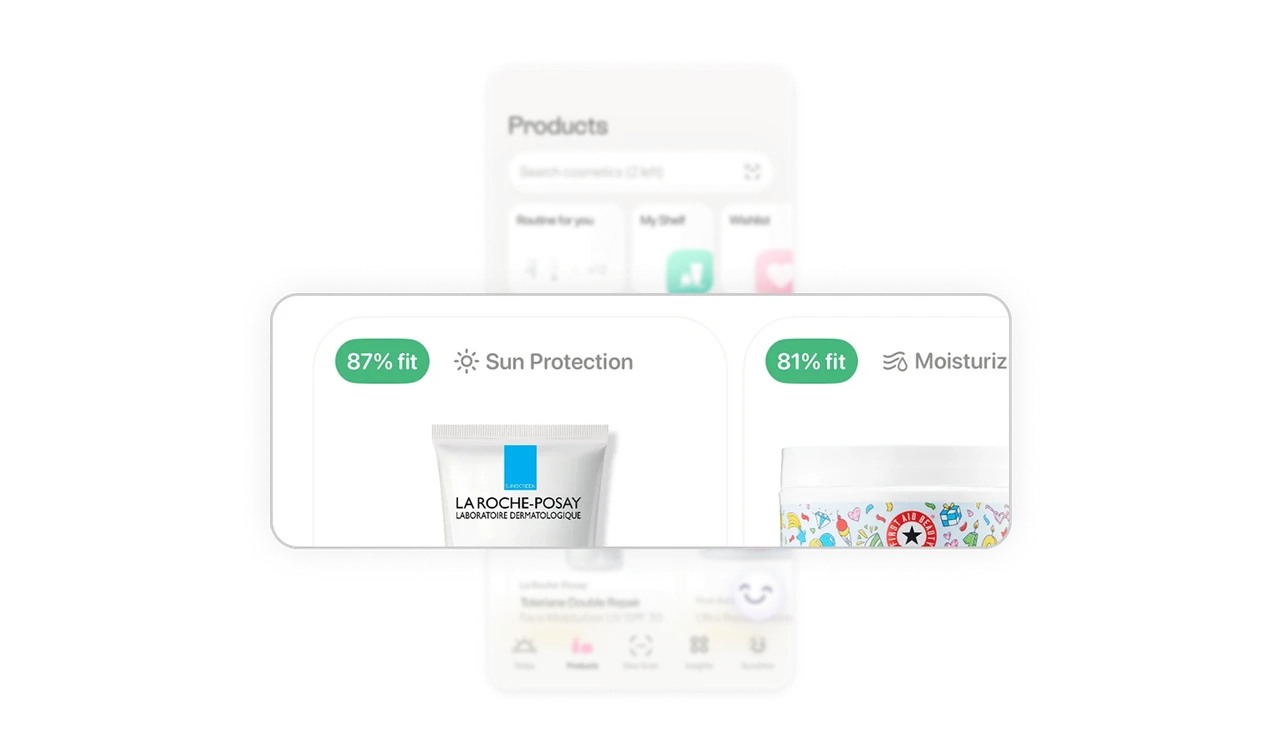
Each product displays a fit percentage with a clear category label like Sun Protection. This reduces evaluation time. Users do not need to decode ingredients or reviews first. The system gives a confidence signal upfront.
Minimal styling builds trust in a skincare context
Generous white space, soft shadows, and restrained colors create a calm tone. In skincare, trust and clarity matter more than visual noise. The interface reflects that emotional need.
Similar Breakdown Lessons







