Purchase Details

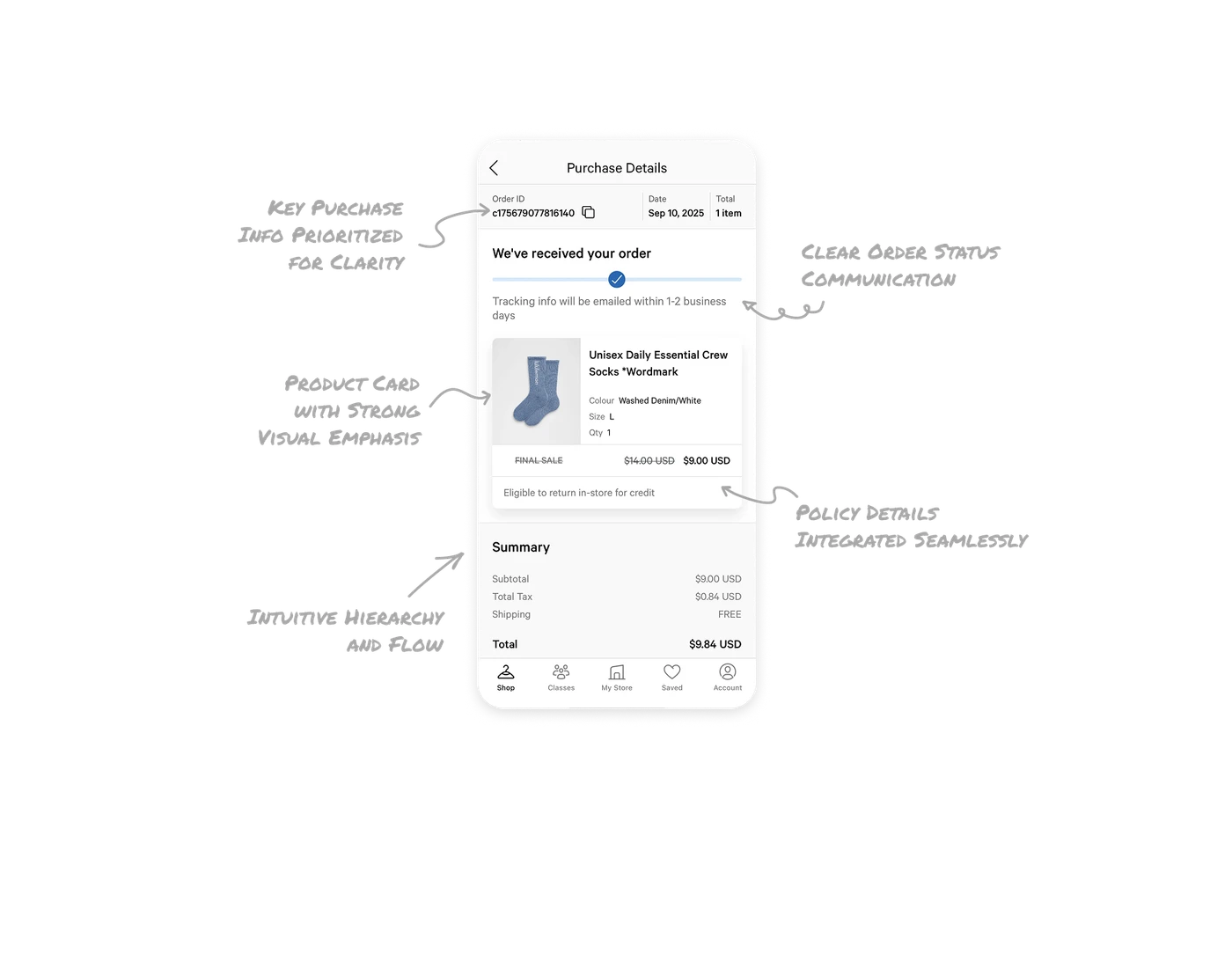
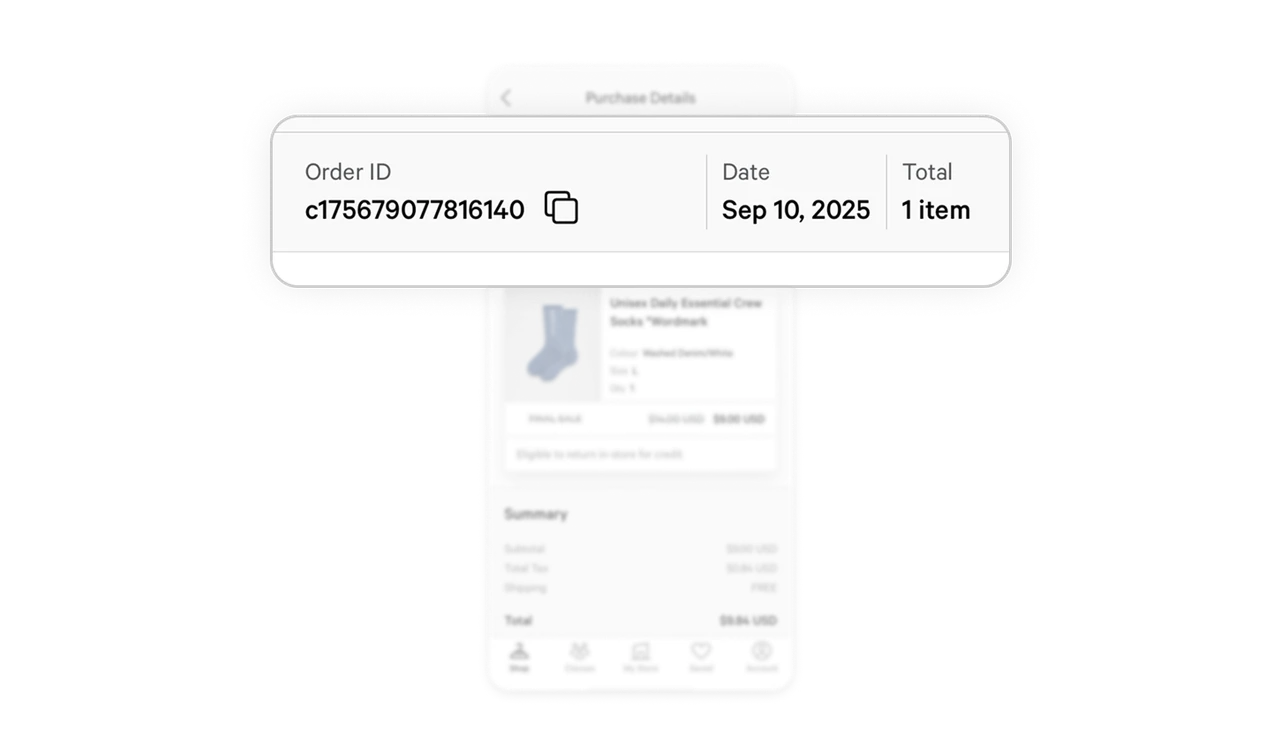
Key Purchase Info Prioritized for Clarity
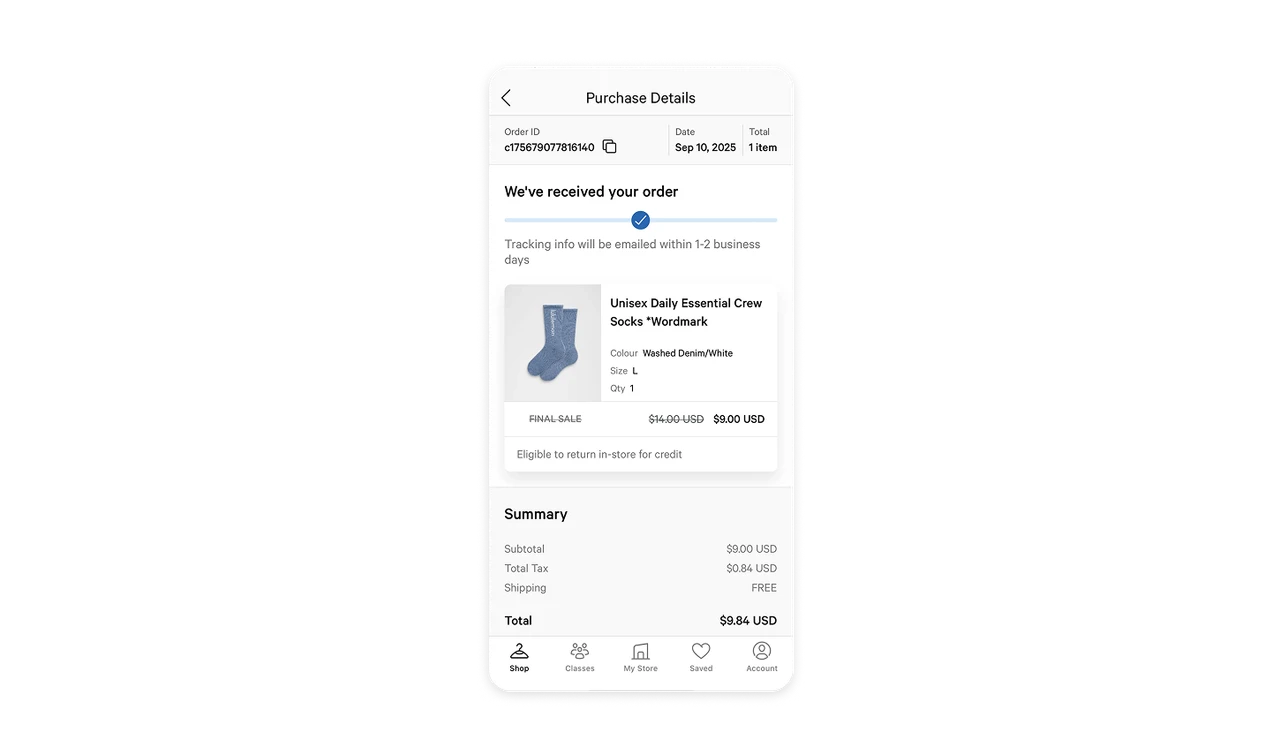
All essential order details like order ID, date, and total items are placed at the very top, paired with a copy icon for easy sharing. This not only reduces user effort when contacting support but also builds trust by presenting information transparently right away.
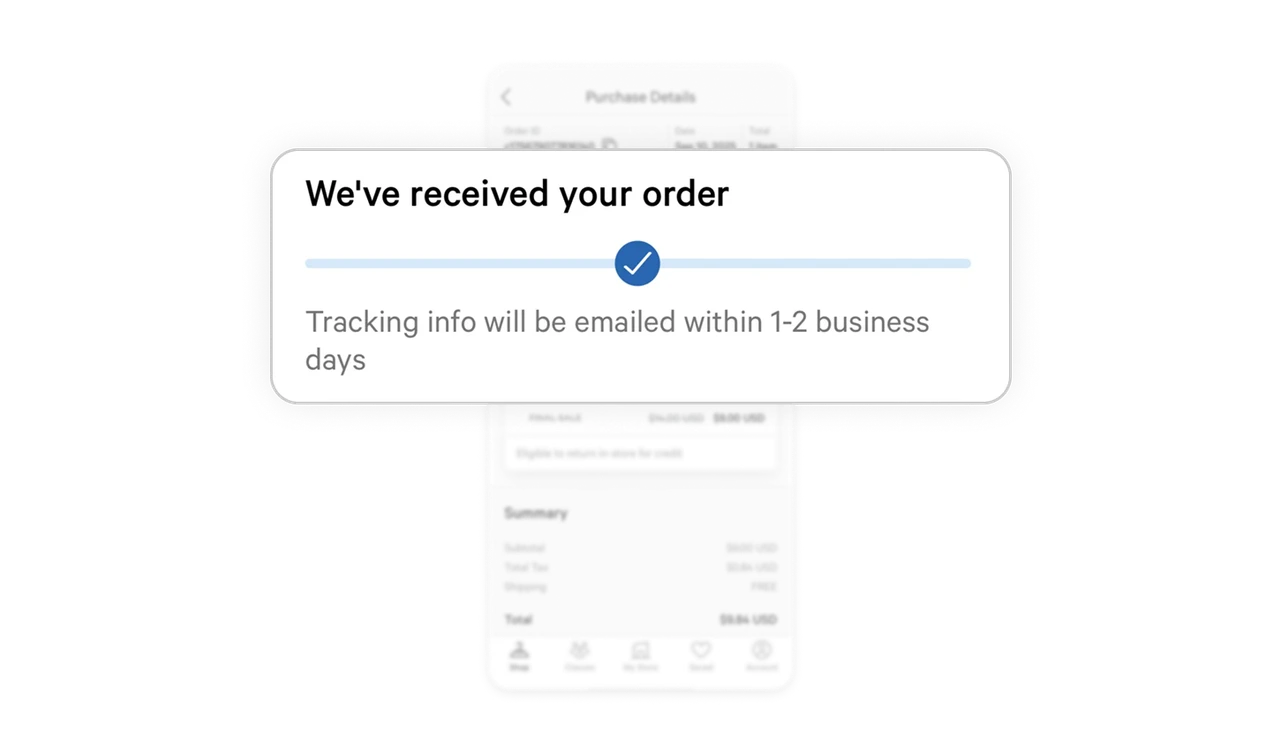
Clear Order Status Communication
The order status appears prominently with a simple visual indicator and short, supportive text. This immediately reassures users that their purchase was successful and guides expectations on next steps.
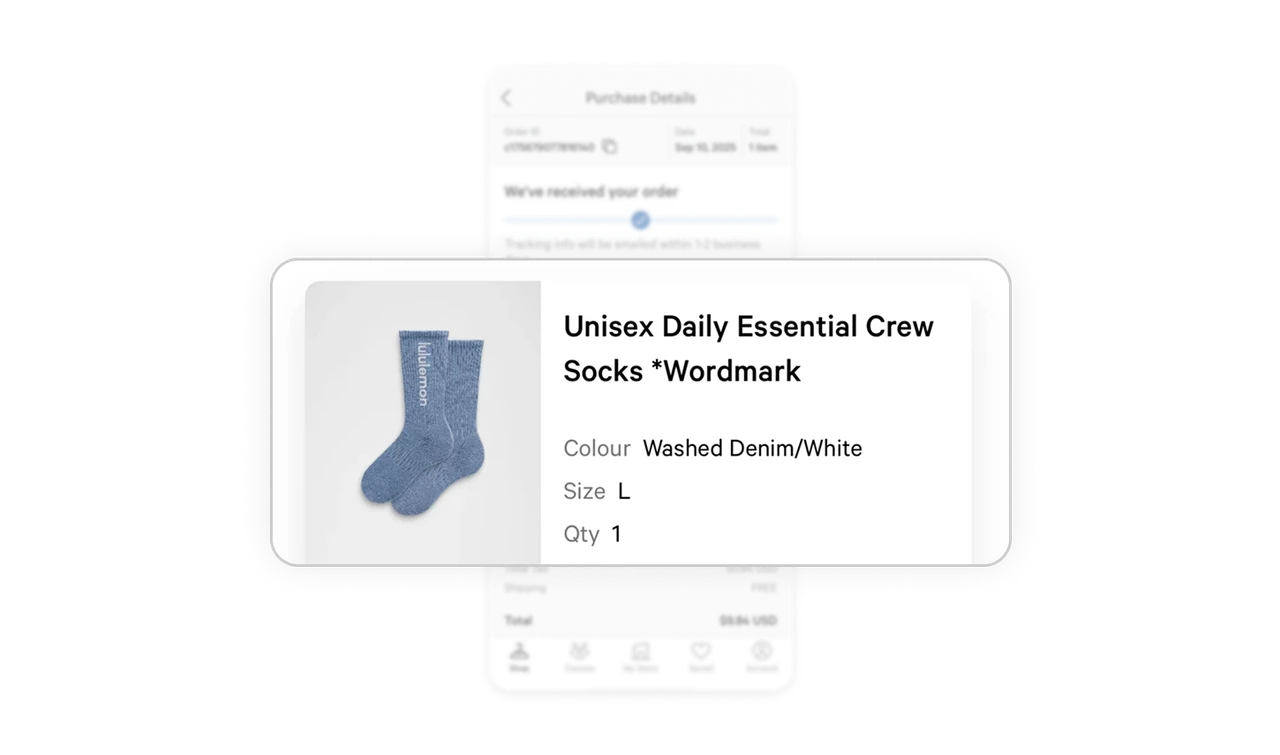
Product Card with Strong Visual Emphasis
The product section uses subtle elevation and spacing to visually separate it from other content. Displaying the product image alongside details like size, color, and quantity helps users quickly verify what they ordered without cognitive overload.
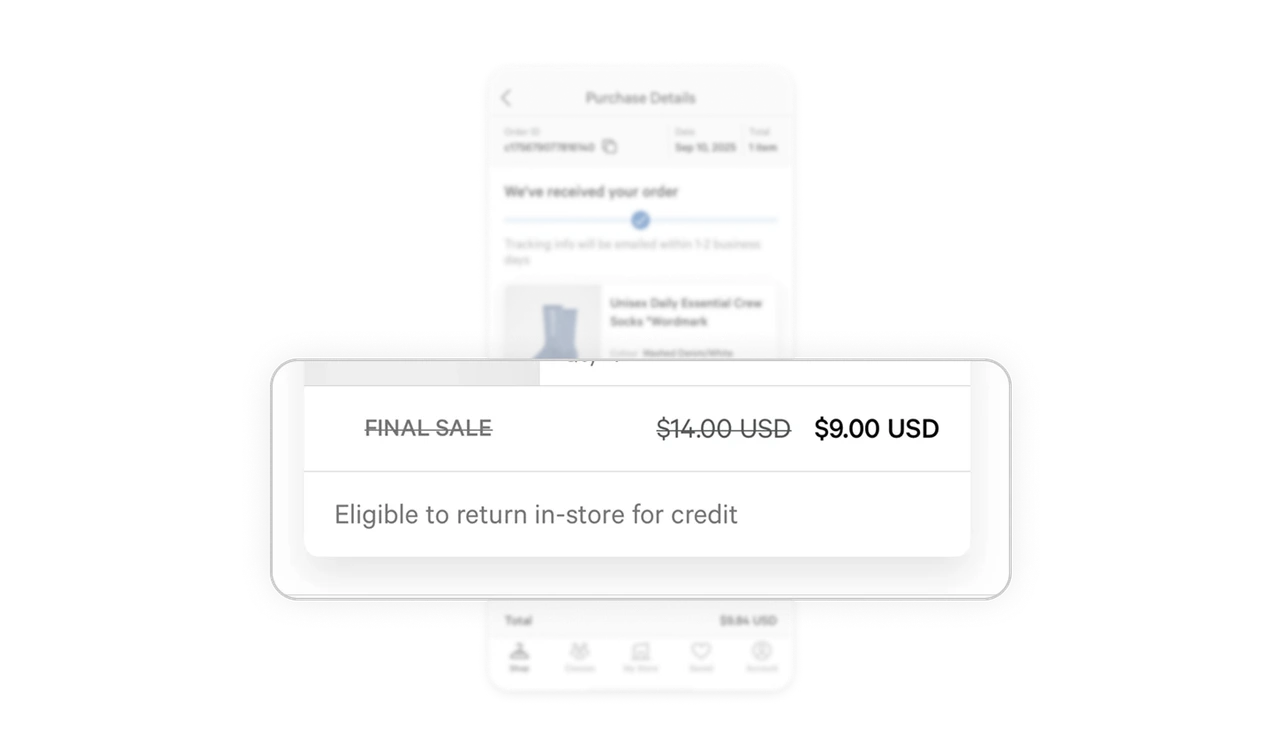
Policy Details Integrated Seamlessly
By extending the product card to include footer information such as Final Sale or Return Policy, users get clear, contextual information exactly where it’s relevant, avoiding confusion and reducing potential customer support friction.
Intuitive Hierarchy and Flow
The overall information architecture follows the natural order users expect: confirmation first, then order details, and finally the summary. This structured flow mirrors user mental models, making the experience feel effortless and predictable.
Similar Breakdown Lessons







