Renting an eBike

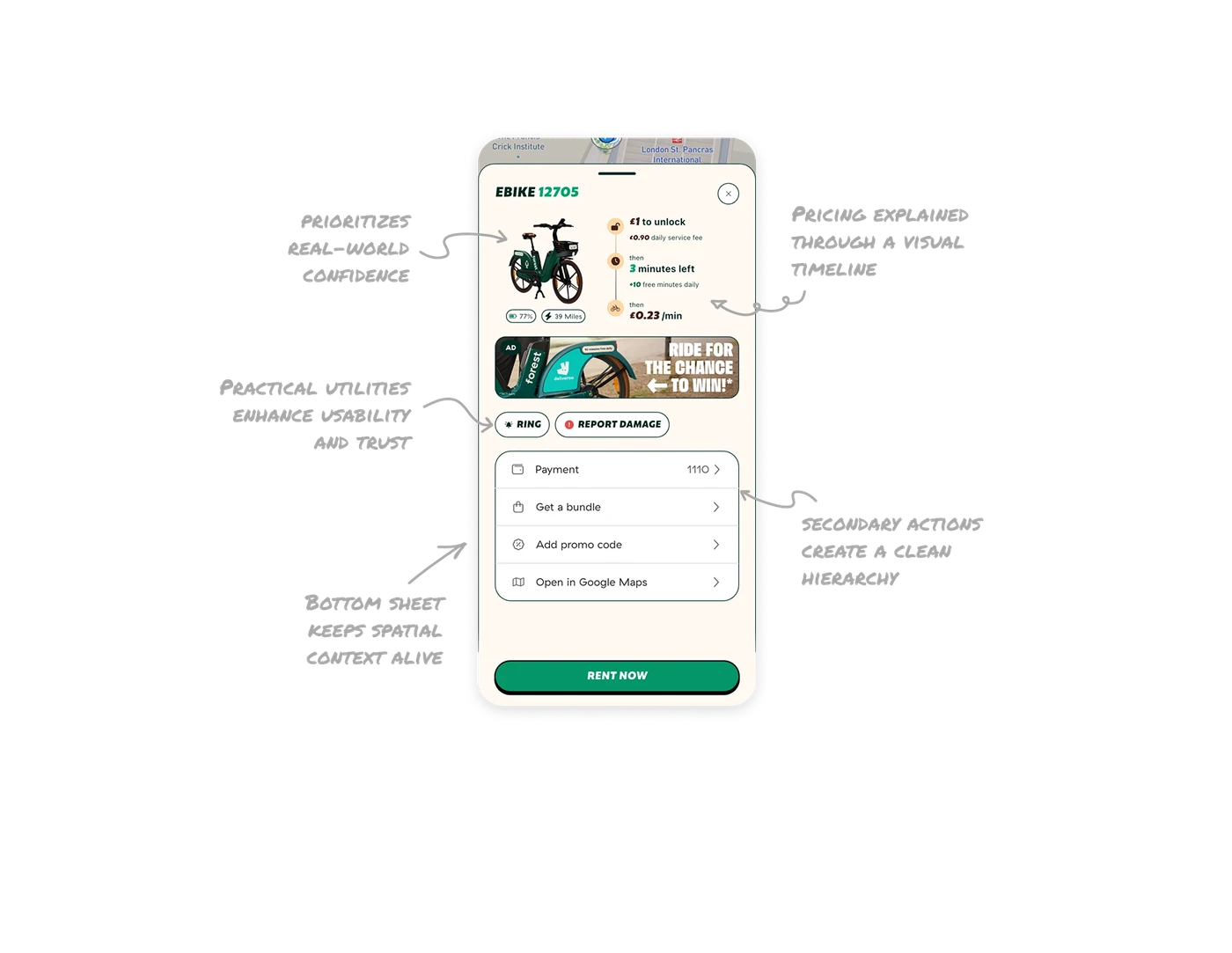
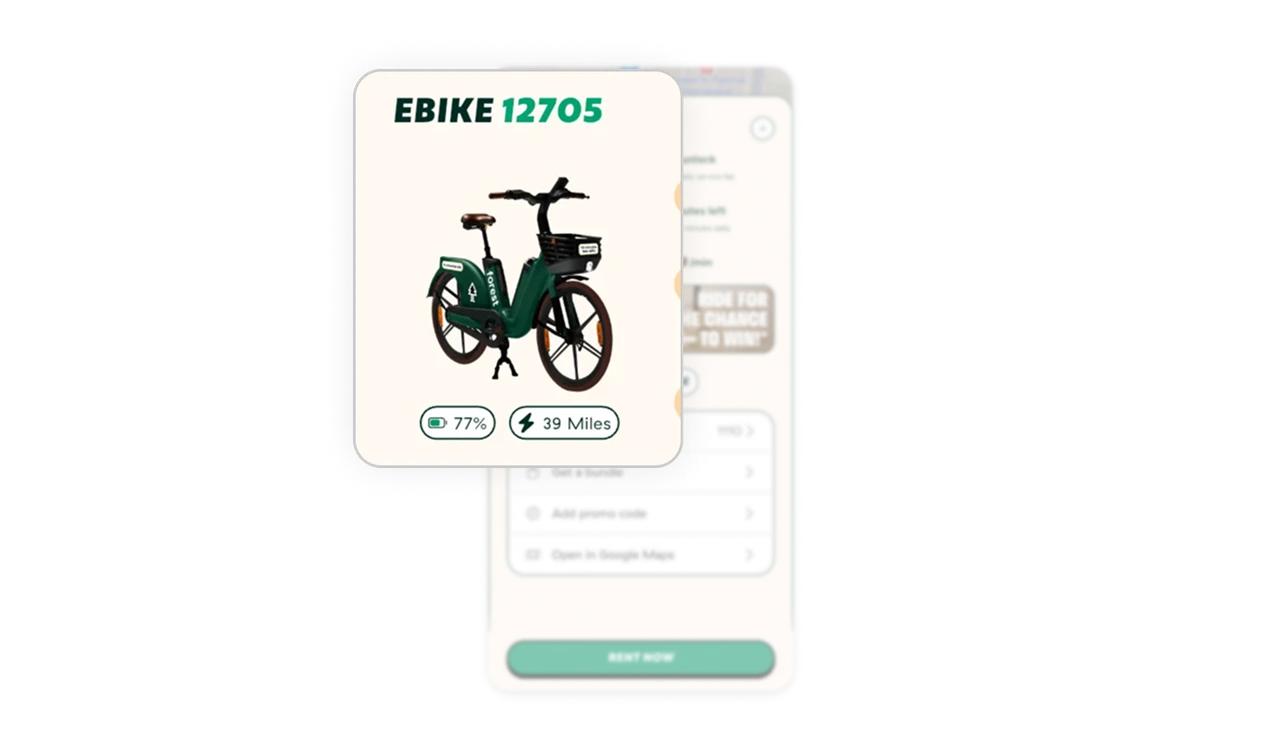
Top section prioritizes real-world confidence
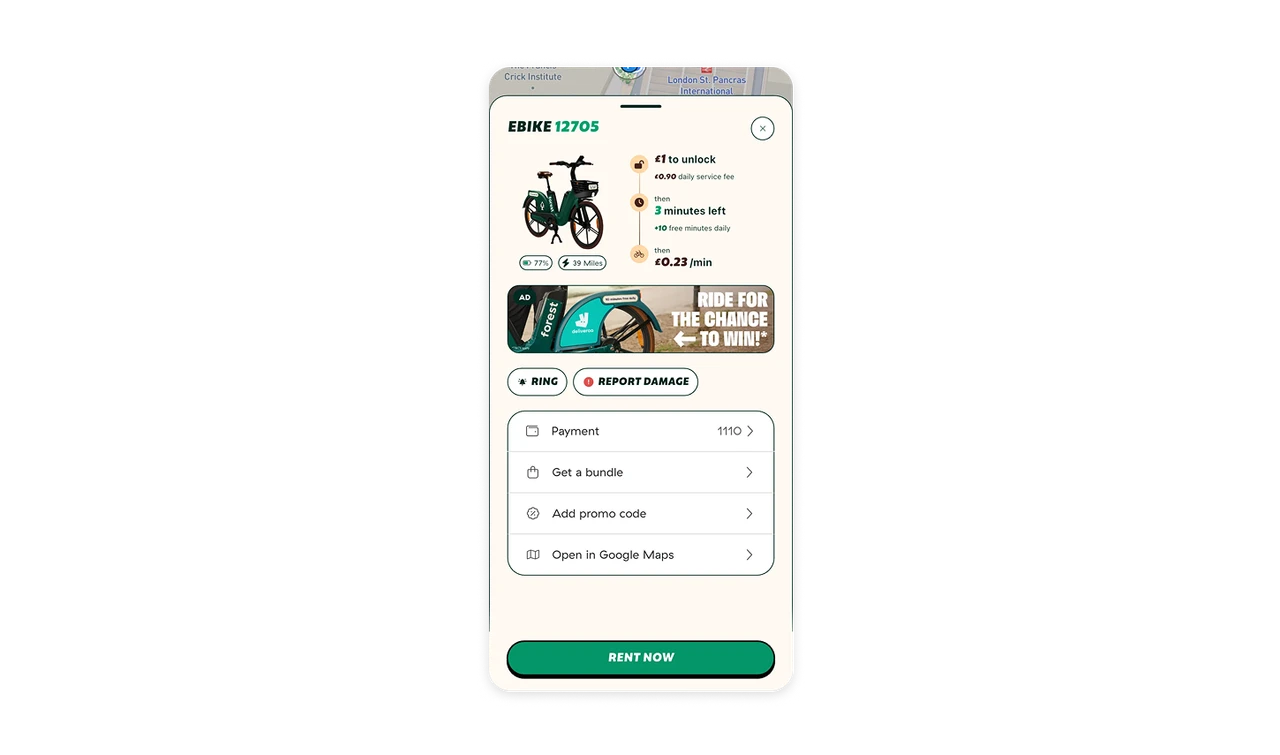
Showing the bike model, image, battery level, and remaining miles upfront gives users instant confidence in what they’re renting. It mimics real-life inspection, reducing uncertainty.
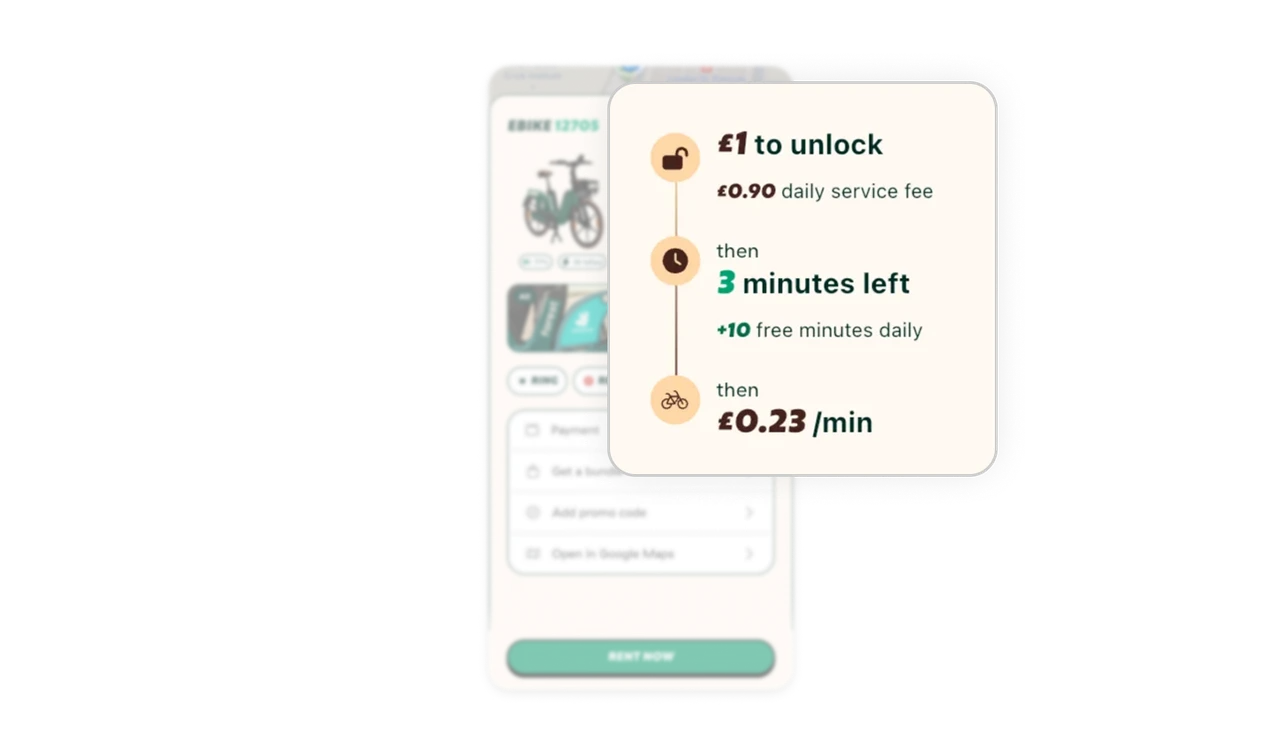
Pricing explained through a visual timeline
Presenting the unlock fee, free minutes, and per-minute cost in a sequential layout helps users intuitively understand how they’ll be charged without needing to read lengthy text.
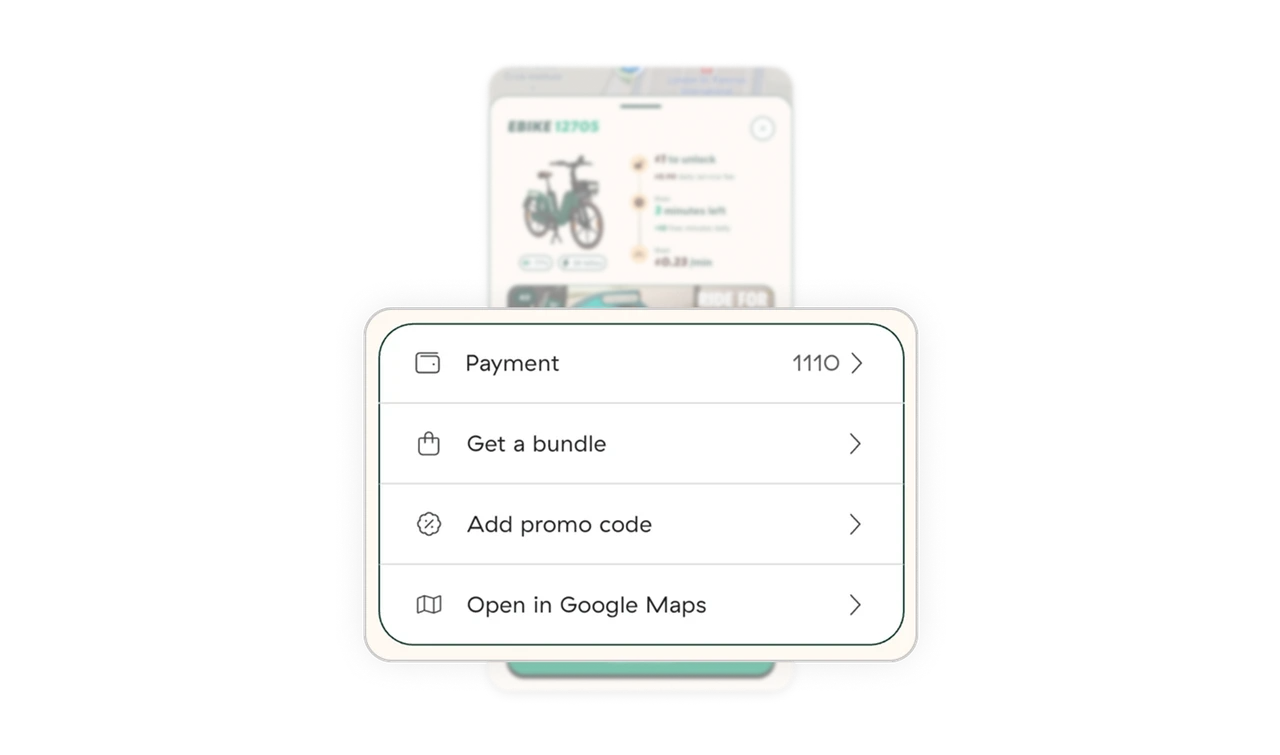
Smart secondary actions create a clean hierarchy
Grouping less-used options like bundles, promo codes, and map links in a compact card list keeps the interface clean while maintaining quick accessibility.
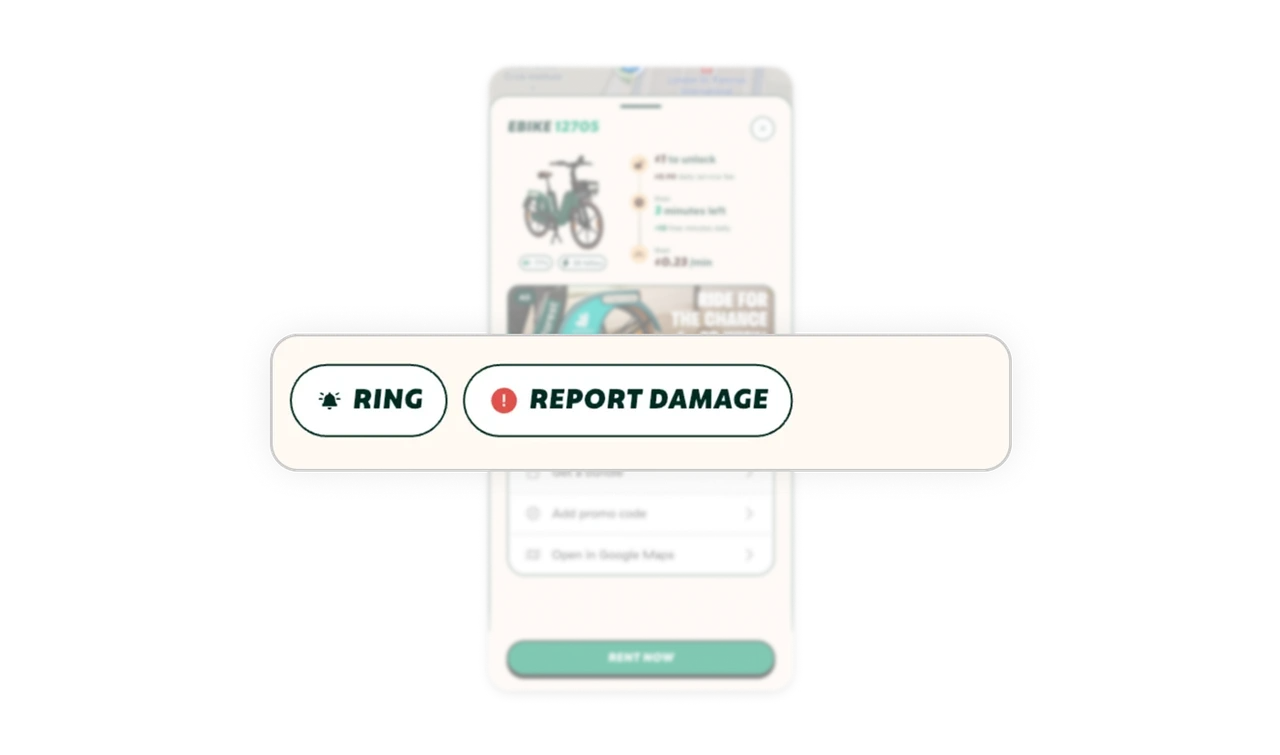
Practical utilities enhance usability and trust
The “Ring” button helps users locate the right bike in a crowd, while “Report Damage” improves safety and supports operational reliability, building trust on both ends.
Bottom sheet keeps spatial context alive
Displaying all details in a bottom sheet over the map maintains orientation and context. Users can easily close it to continue exploring other nearby bikes.
Similar Breakdown Lessons







