Route Navigation Details

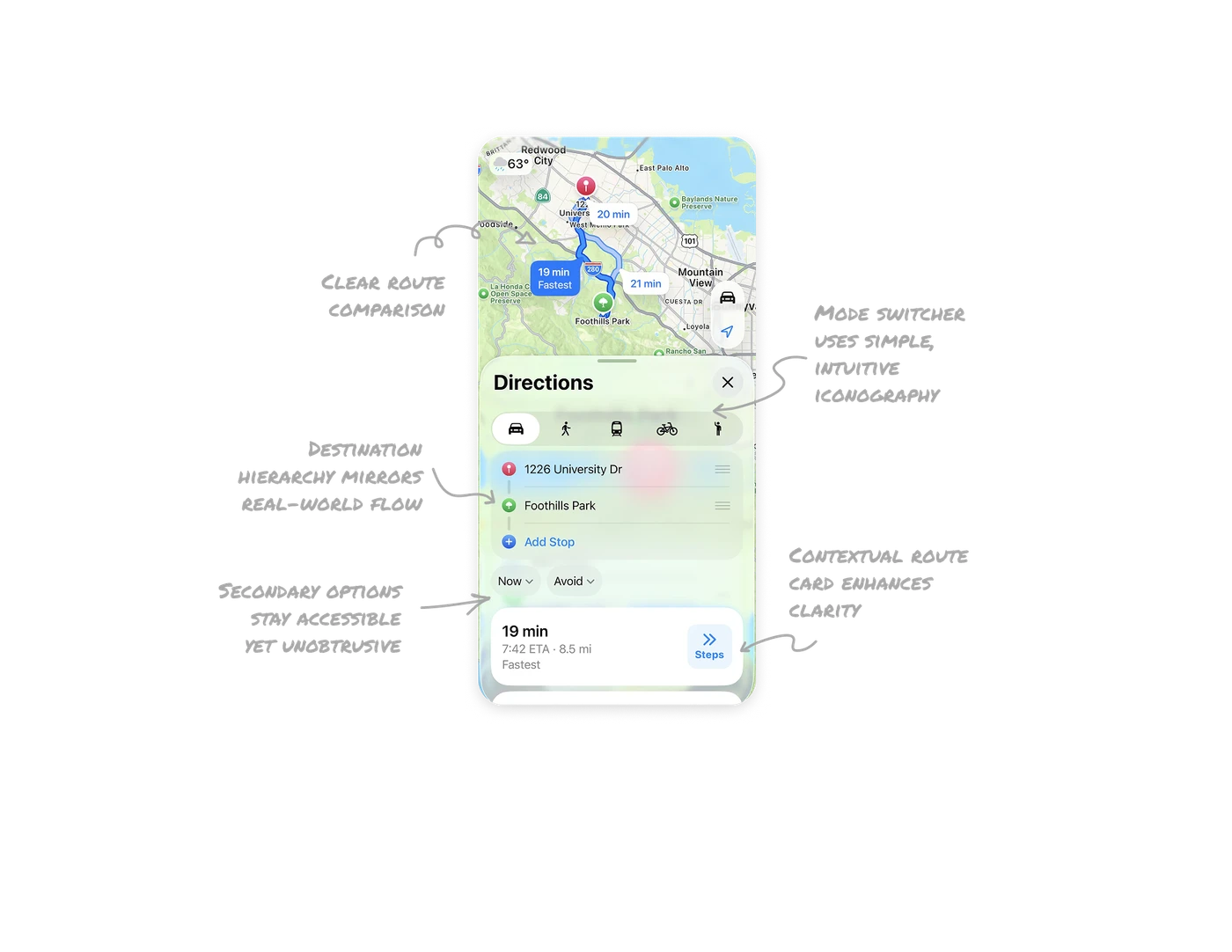
Clear route comparison drives confident decisions
Multiple routes are displayed with time and distance, and the fastest one is highlighted by default. Visual contrast between routes helps users make quick, confident travel decisions without overthinking.
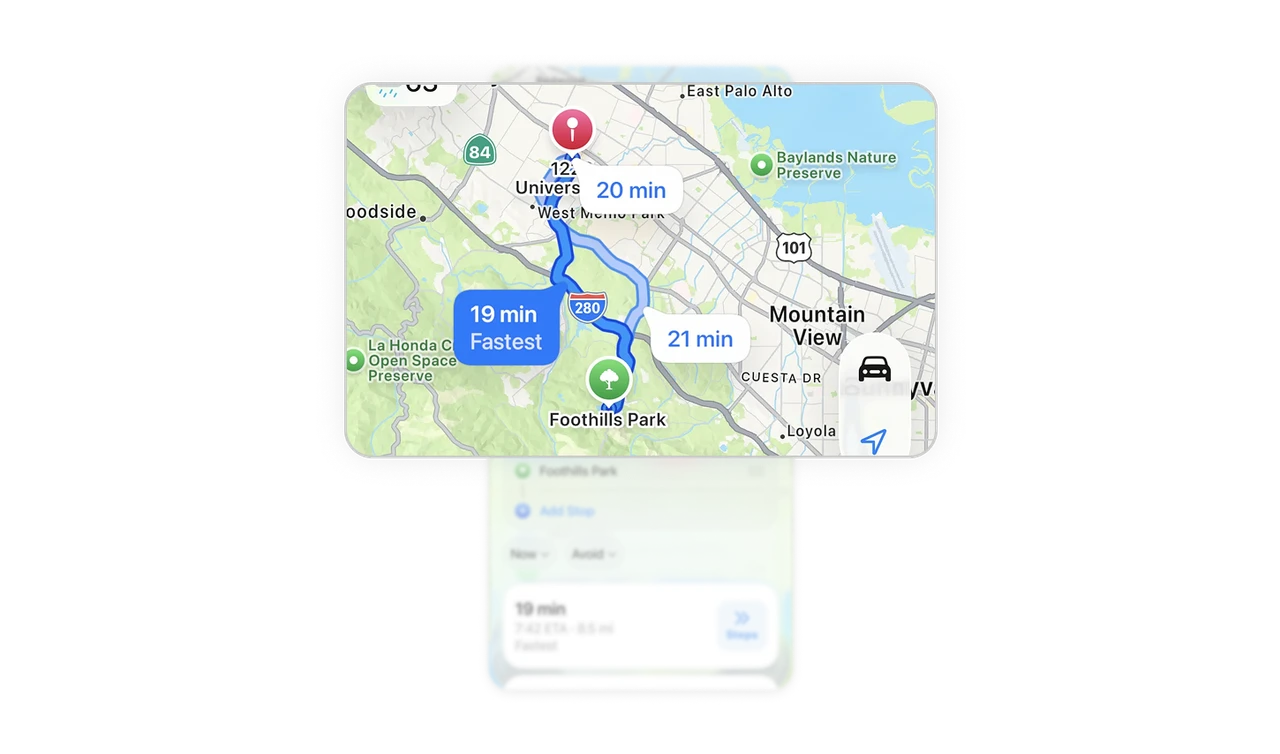
Mode switcher uses simple, intuitive iconography
The commute tabs use universally recognizable icons for driving, walking, transit, and cycling. This keeps the interface minimal and helps users identify their travel mode instantly without relying on text.
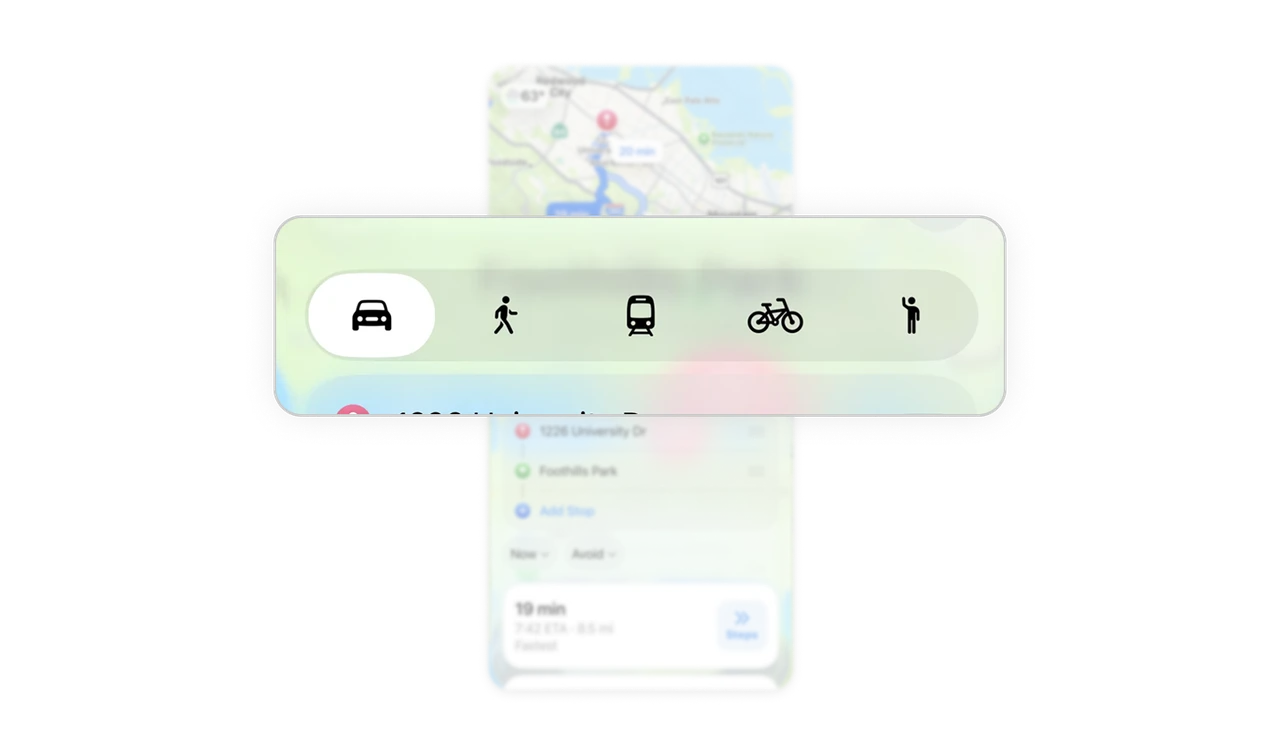
Destination hierarchy mirrors real-world flow
The “from” and “to” destinations are shown vertically with clear separation and subtle drag handles. This reinforces the journey order and allows easy reordering or adding new stops, aligning with user mental models.
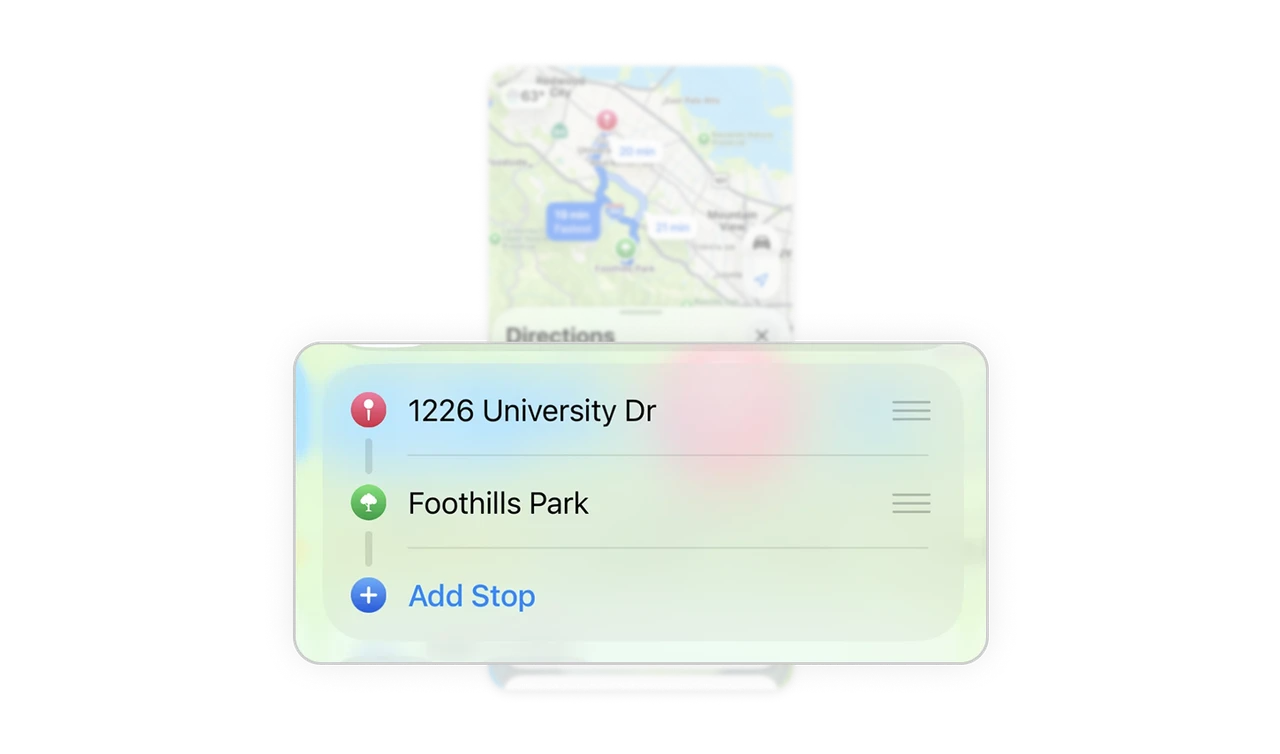
Secondary options stay accessible yet unobtrusive
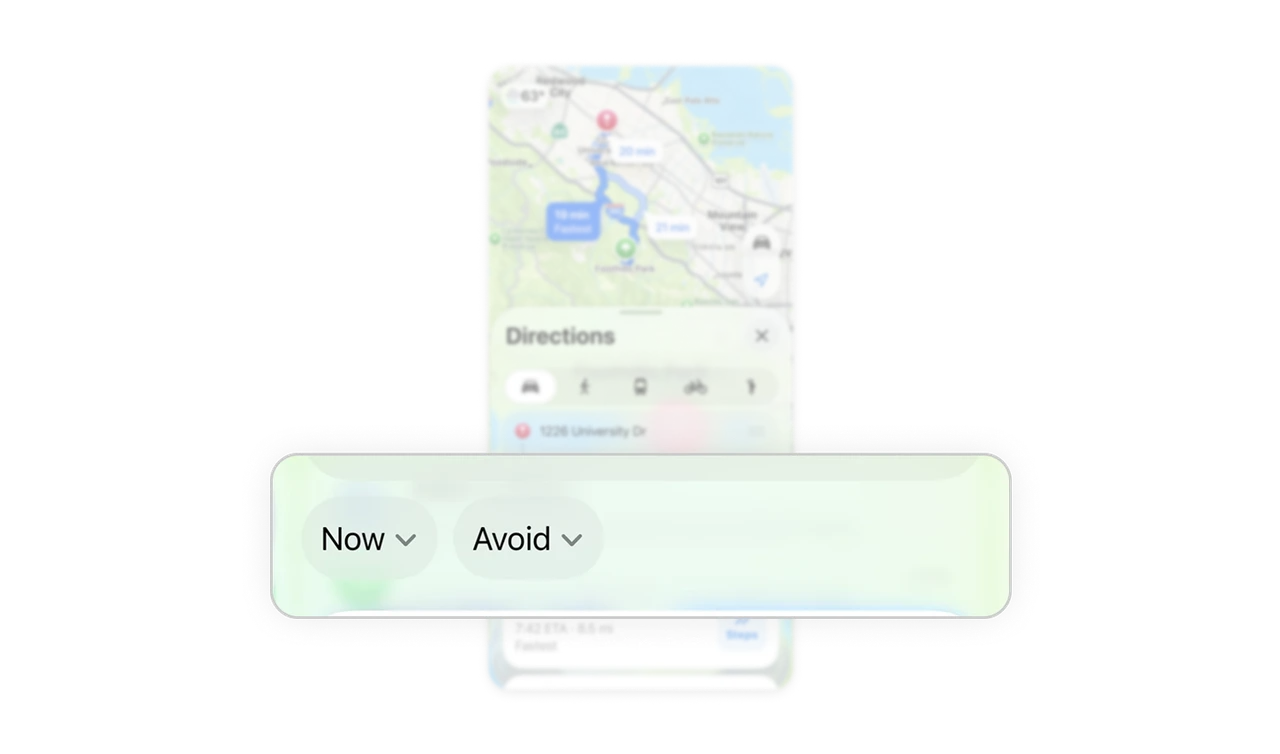
Filters like “Now” and “Avoid” are muted in color and placed horizontally, keeping them visible but not dominant. This approach maintains focus on the primary action while allowing easy expansion of advanced options.
Contextual route card enhances clarity and relevance
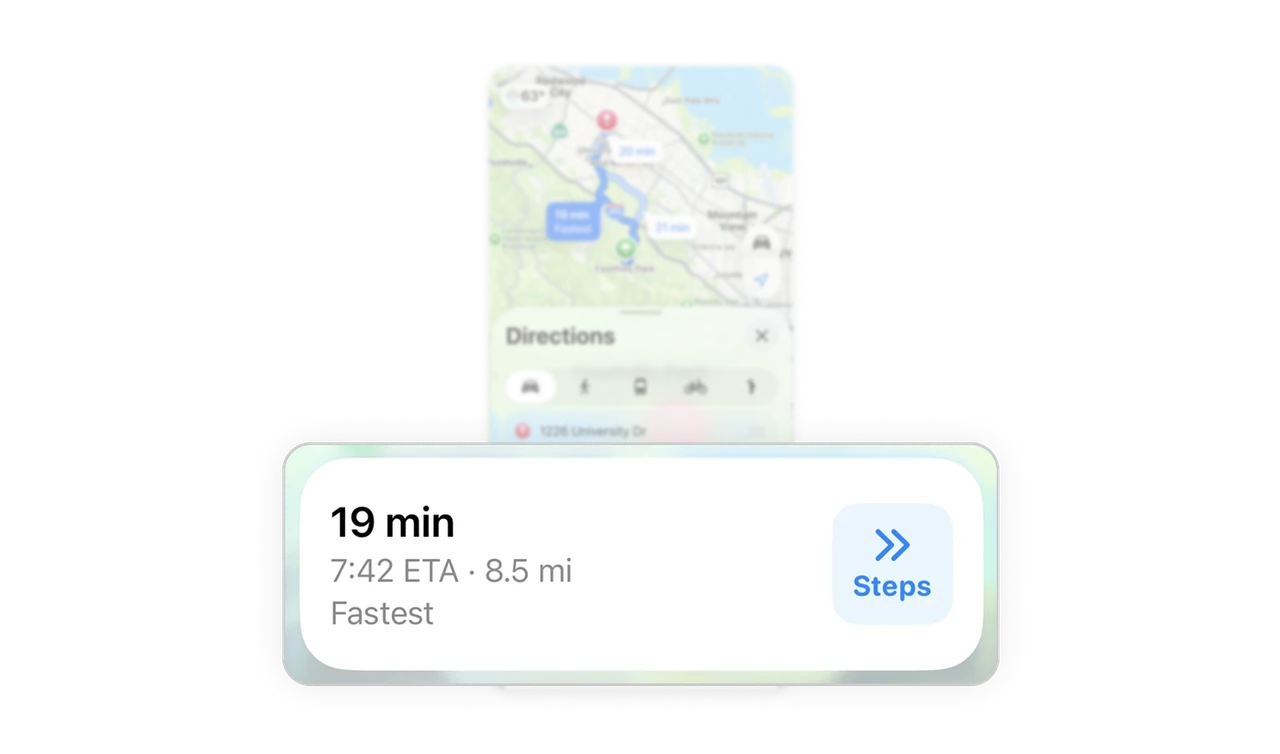
The route card uses clear typography and layout to surface travel time, ETA, and distance. The “Steps” action appears only when relevant, providing contextual guidance rather than cluttering the interface.
Similar Breakdown Lessons







