Search Results

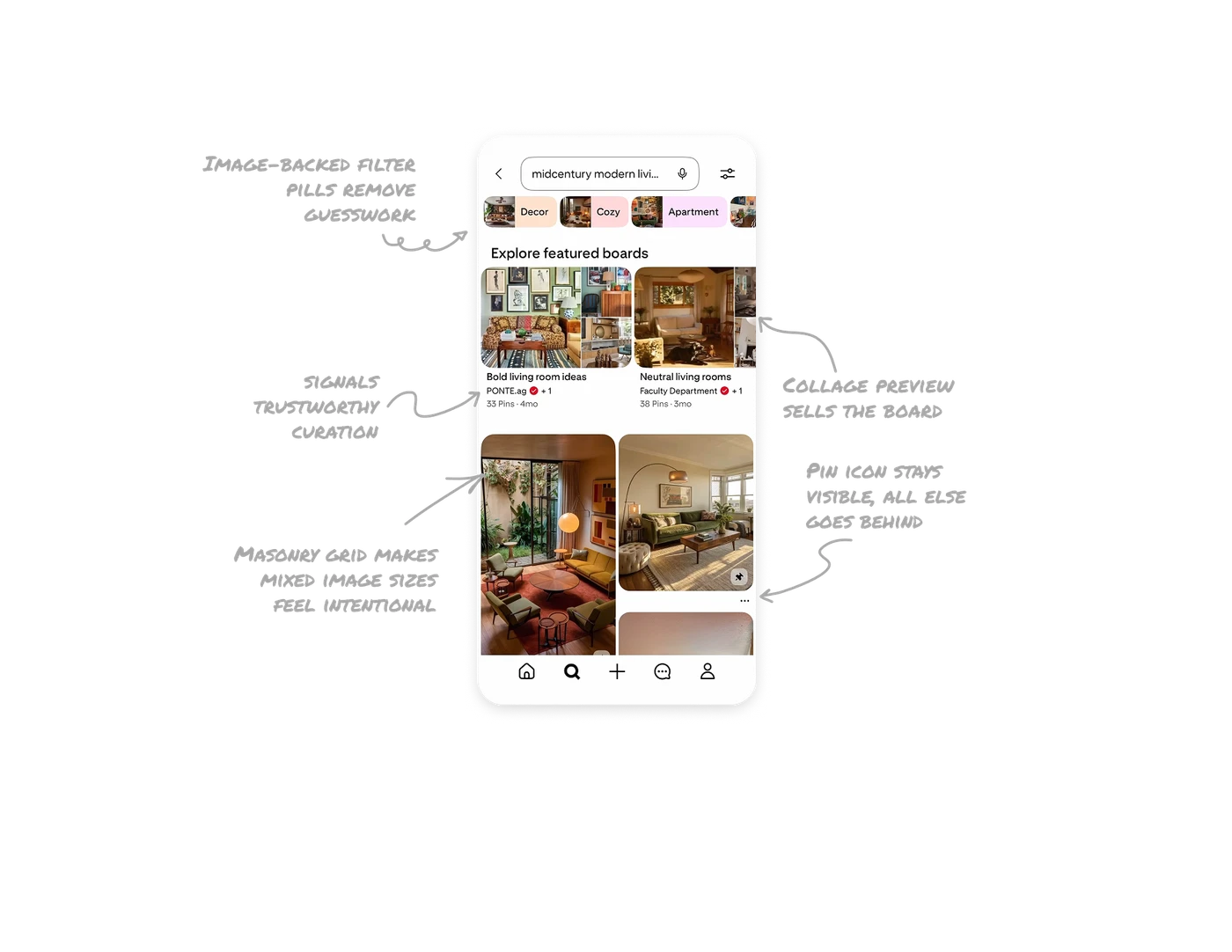
Image-backed filter pills remove category guesswork
Each refinement pill pairs a label with a thumbnail pulled from that category. Users do not have to imagine what "Cozy" or "Apartment" will return. The image proves the category before they tap. This visual confirmation reduces wrong-path clicks and makes narrowing a search feel like browsing, not filtering.
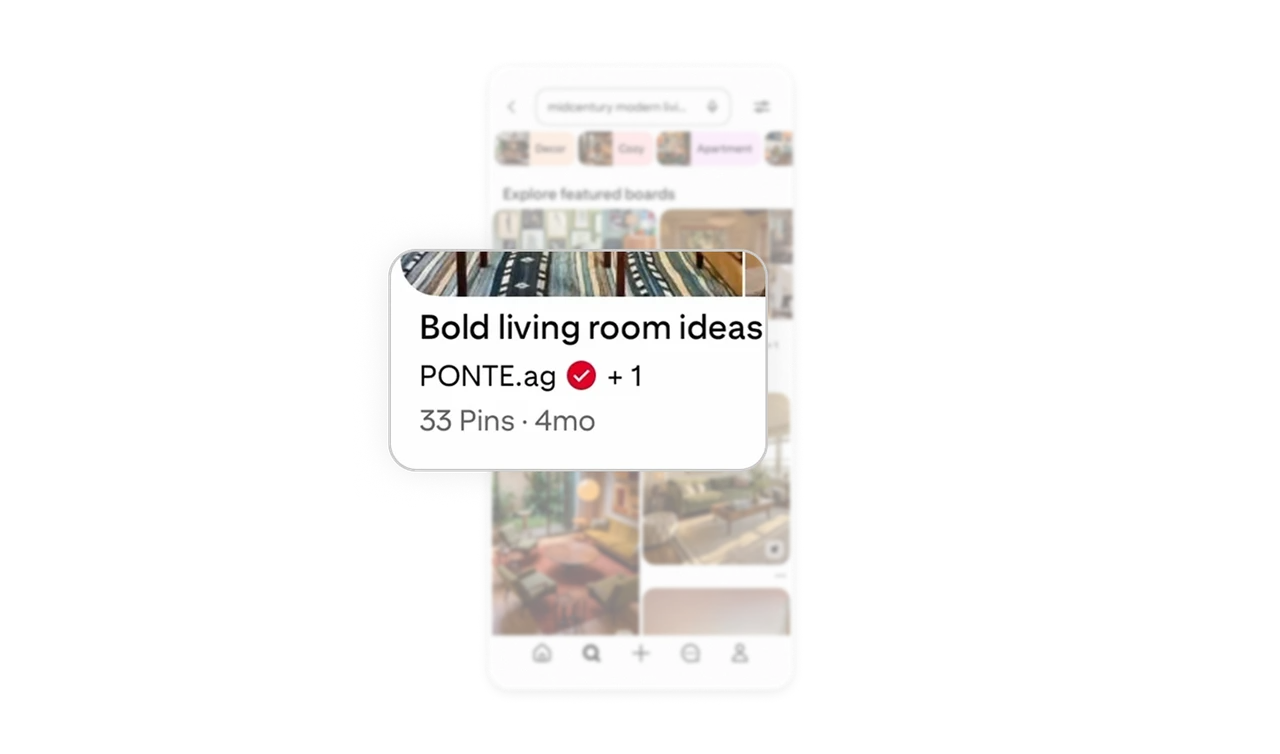
Collage preview sells the board before you open it
Featured boards show three to four pinned images stitched into a collage instead of a single cover photo. The variety signals content depth and stylistic range at a glance. A single image can misrepresent a board. A collage communicates "this has more of what you want" more honestly and more compellingly.

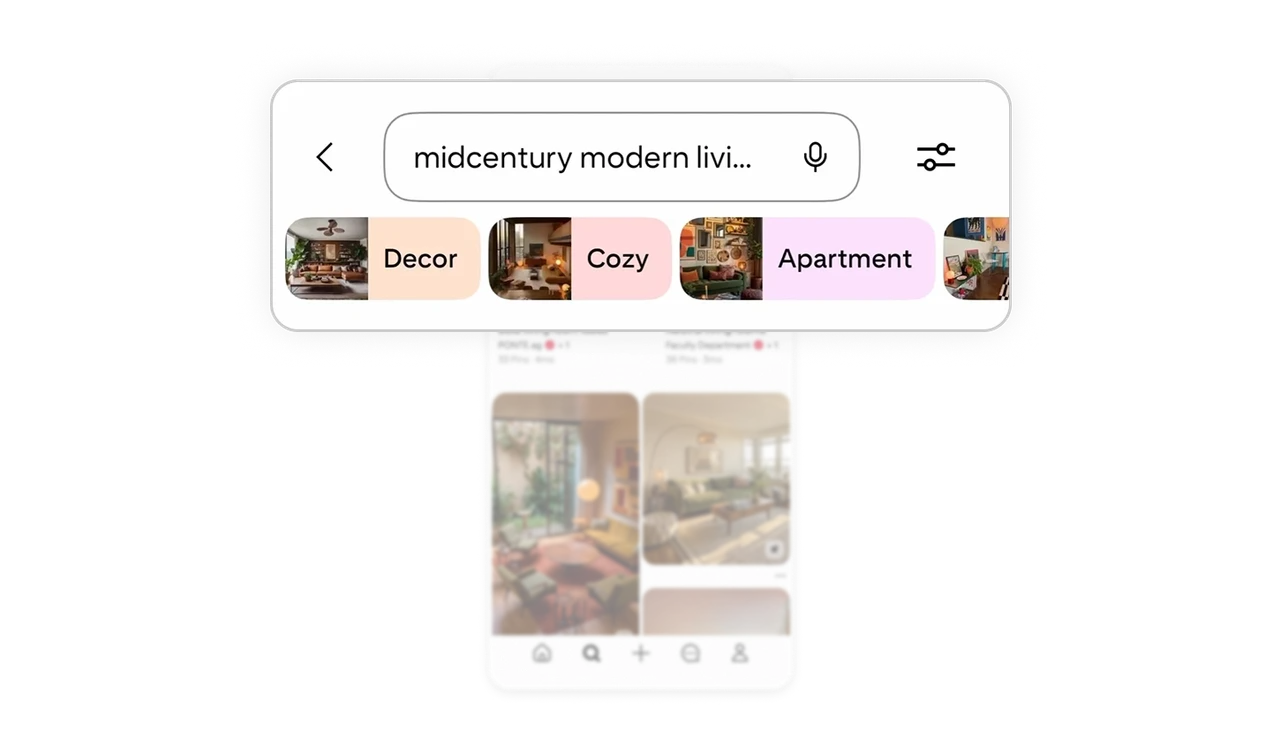
Masonry grid makes mixed image sizes feel intentional
Pinterest's variable-height column grid lets portrait, landscape, and square images coexist without cropping. Every image shows its natural composition. The irregular rhythm also creates visual momentum that pulls users to keep scrolling. Uniform grids feel orderly but flat. Masonry feels alive and editorial without requiring any extra design work per image.
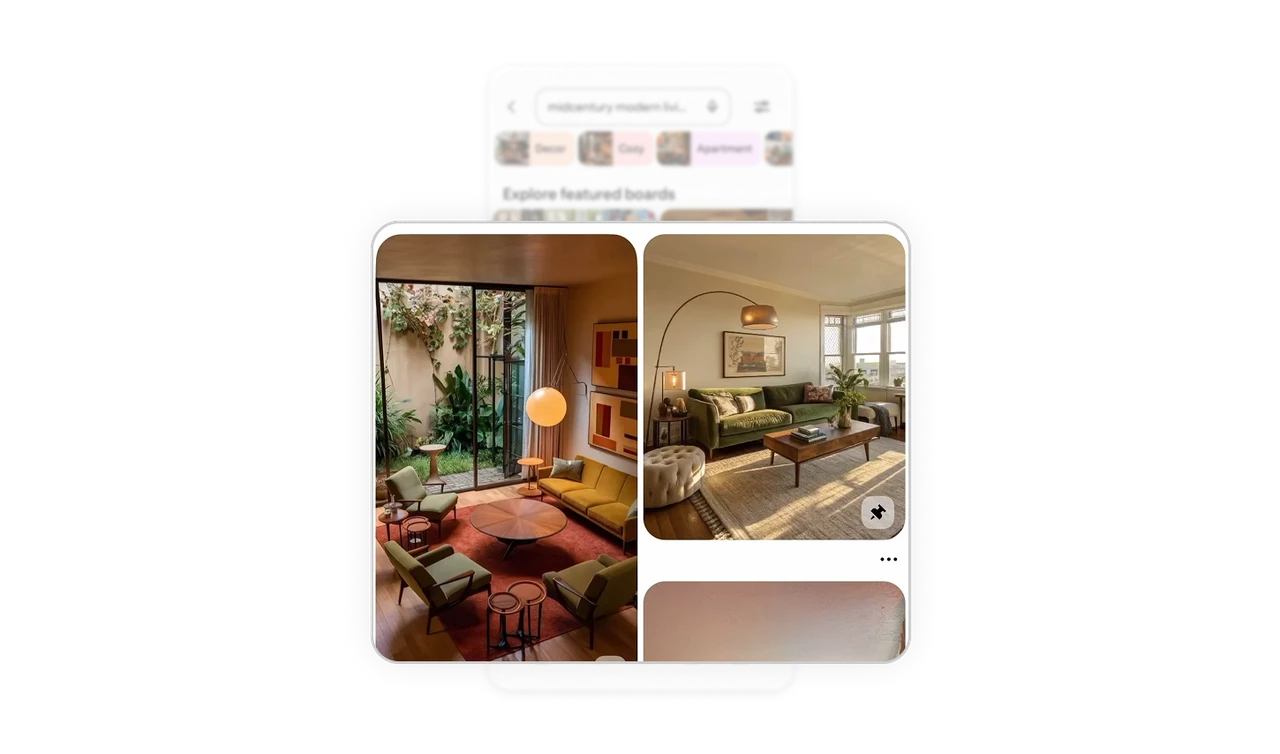
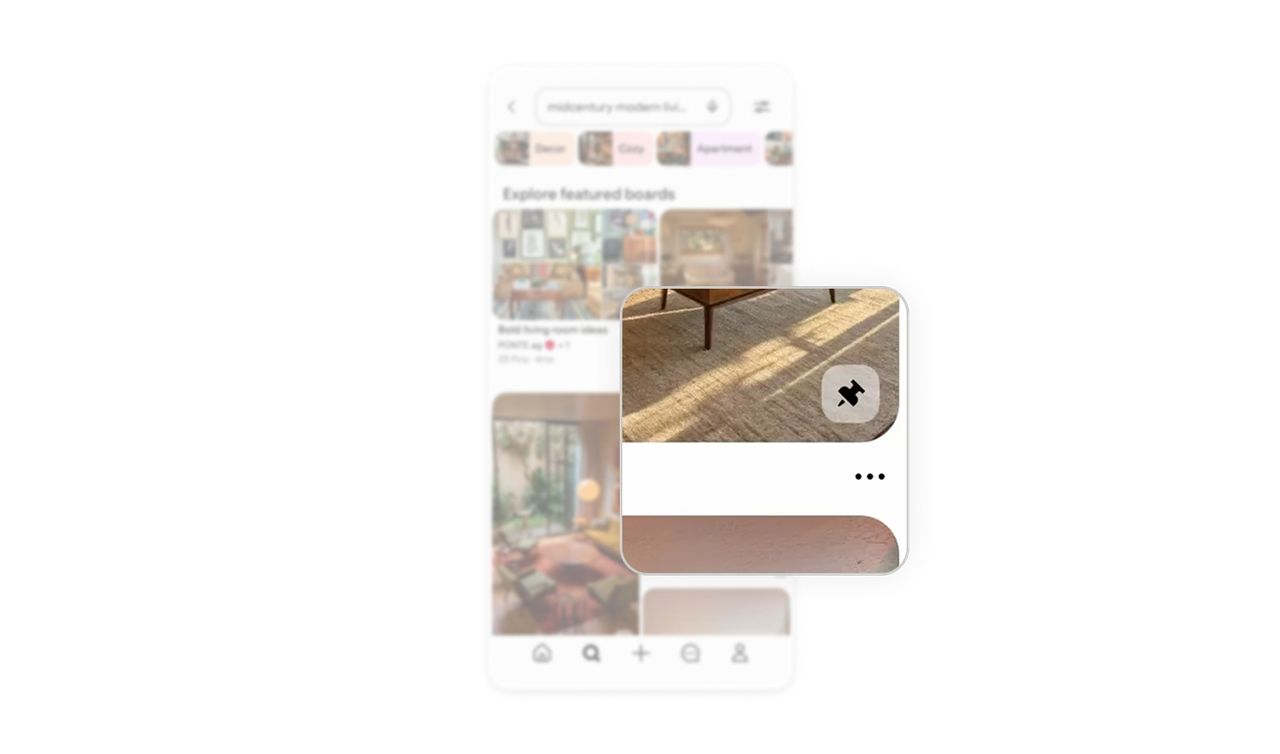
Pin icon stays visible, all else goes behind three dots
The save action sits as a small persistent icon on each post. Every other action, share, hide, report, is tucked behind a three-dot menu. This is progressive disclosure applied to content actions. The one thing Pinterest needs users to do most (save) is always one tap away. Everything else waits until asked. Exploration stays distraction-free.
Verified badge on boards signals trustworthy curation
The red checkmark beside board creator names like PONTE.ag and Faculty Department signals verified accounts without any explanation. Users browsing search results use this badge as a quality filter before tapping. In discovery-heavy products where anyone can create content, trust signals embedded at the list level dramatically increase click-through on curated collections.
Similar Breakdown Lessons







