Ski Conditions Report

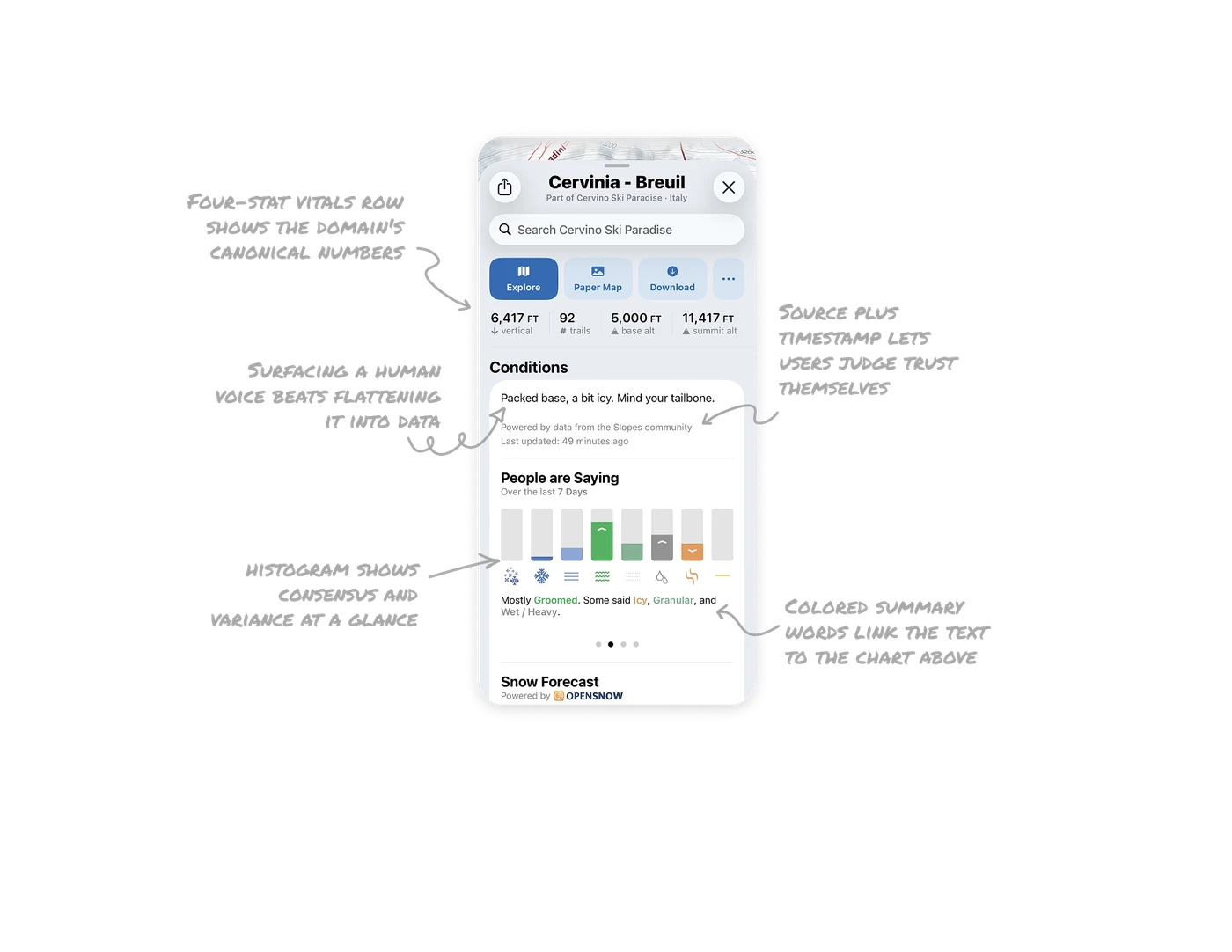
Four-stat vitals row shows the domain's canonical numbers
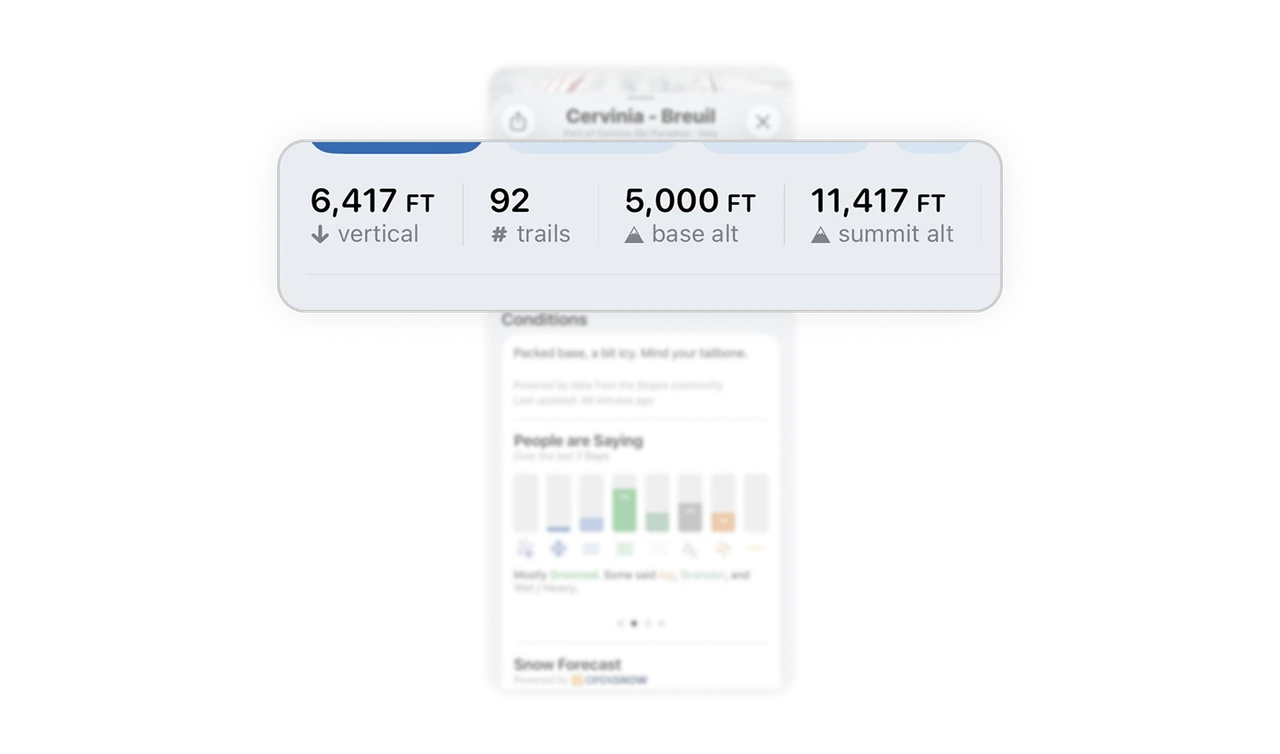
Vertical, trails, base altitude, and summit altitude sit as a compact icon-plus-number row. These are exactly the numbers skiers use to evaluate a mountain. Every domain has its three to five vital signs. Identify your domain's canonical stats and present them as one scannable row, users should never dig for the numbers the entire category is judged by.
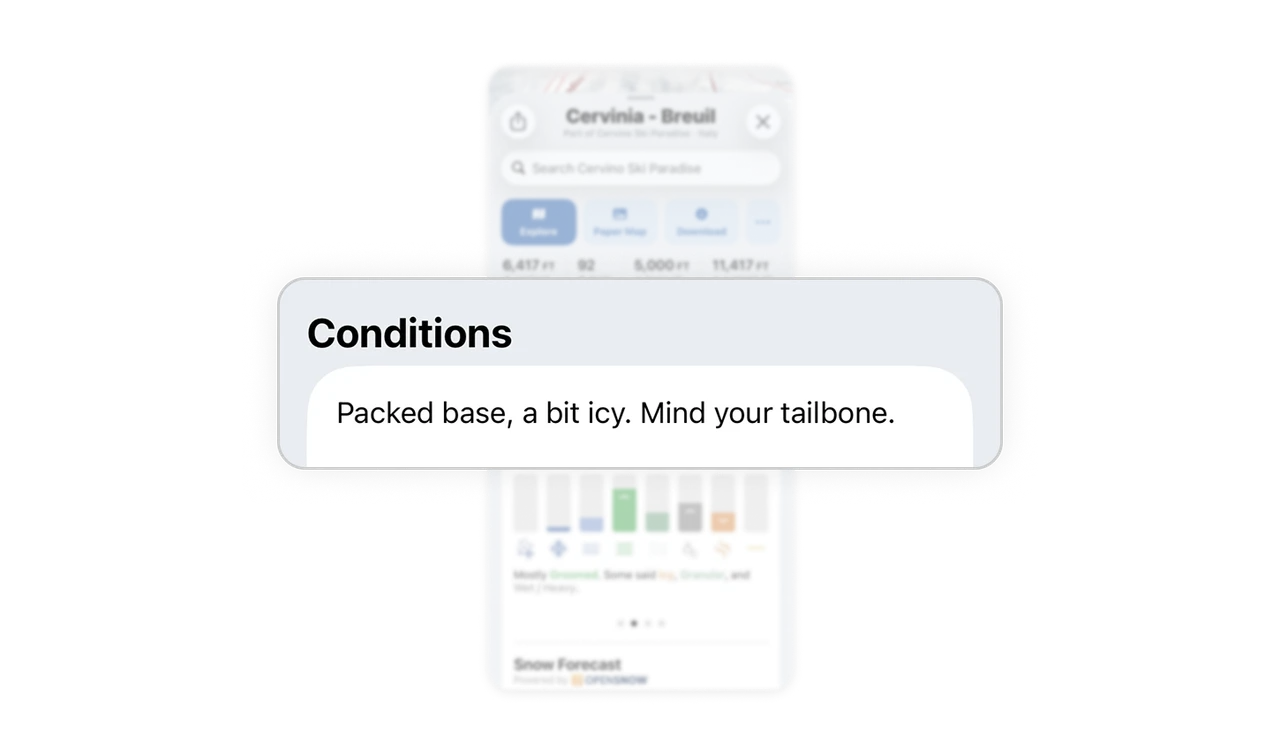
Surfacing a human voice beats flattening it into data
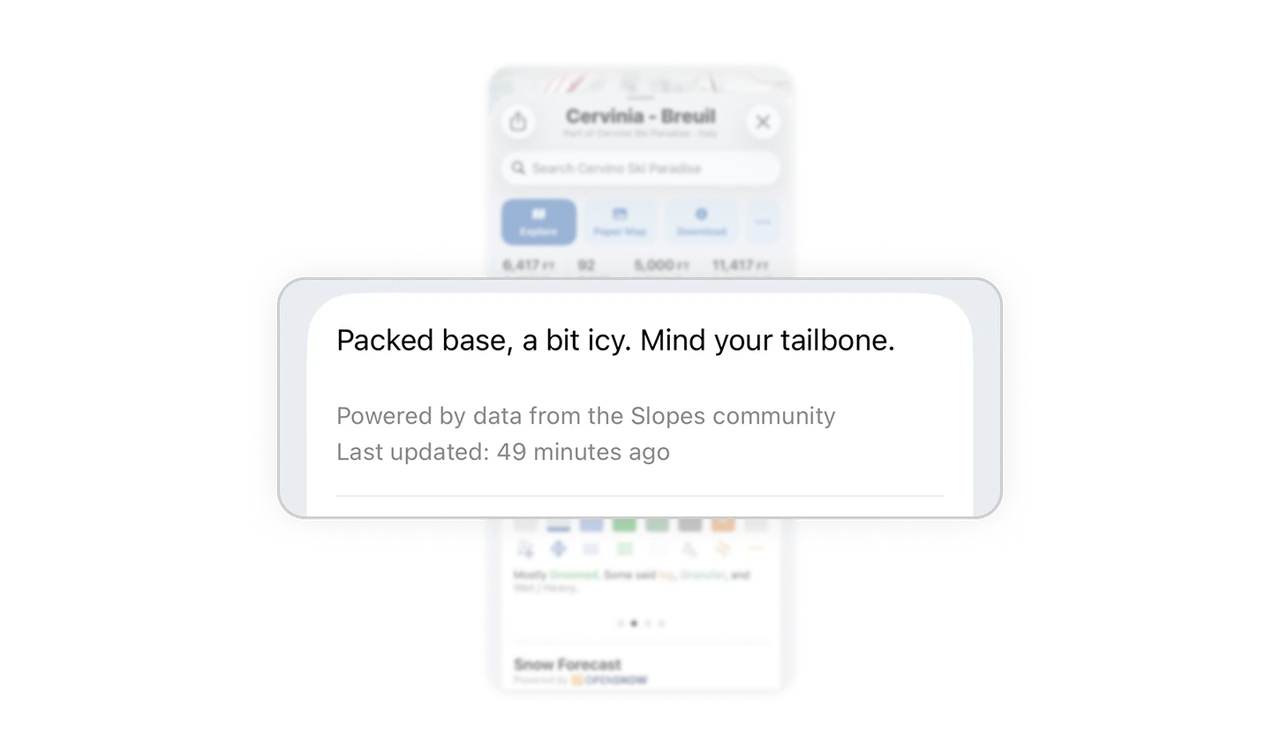
"Packed base, a bit icy. Mind your tailbone." likely comes straight from a community report, and Slopes surfaces it as the headline instead of flattening it into clinical metrics. The humor communicates icy conditions more vividly than "surface hazard advisory" ever could. Keeping the human voice front and center makes conditions memorable and trusted. Most data products sanitize community input into numbers, losing the vividness that makes information stick.
Source plus timestamp lets users judge trust themselves
"Powered by data from the Slopes community. Last updated: 49 minutes ago" shows where the report came from and how fresh it is. For time-sensitive conditions, staleness is everything. A 49-minute-old community report beats a day-old official one, and showing the timestamp lets users make that call themselves. Always attribute and timestamp time-sensitive data, trust delegated to the user is stronger than trust demanded by the product.
Community histogram shows consensus and variance at a glance
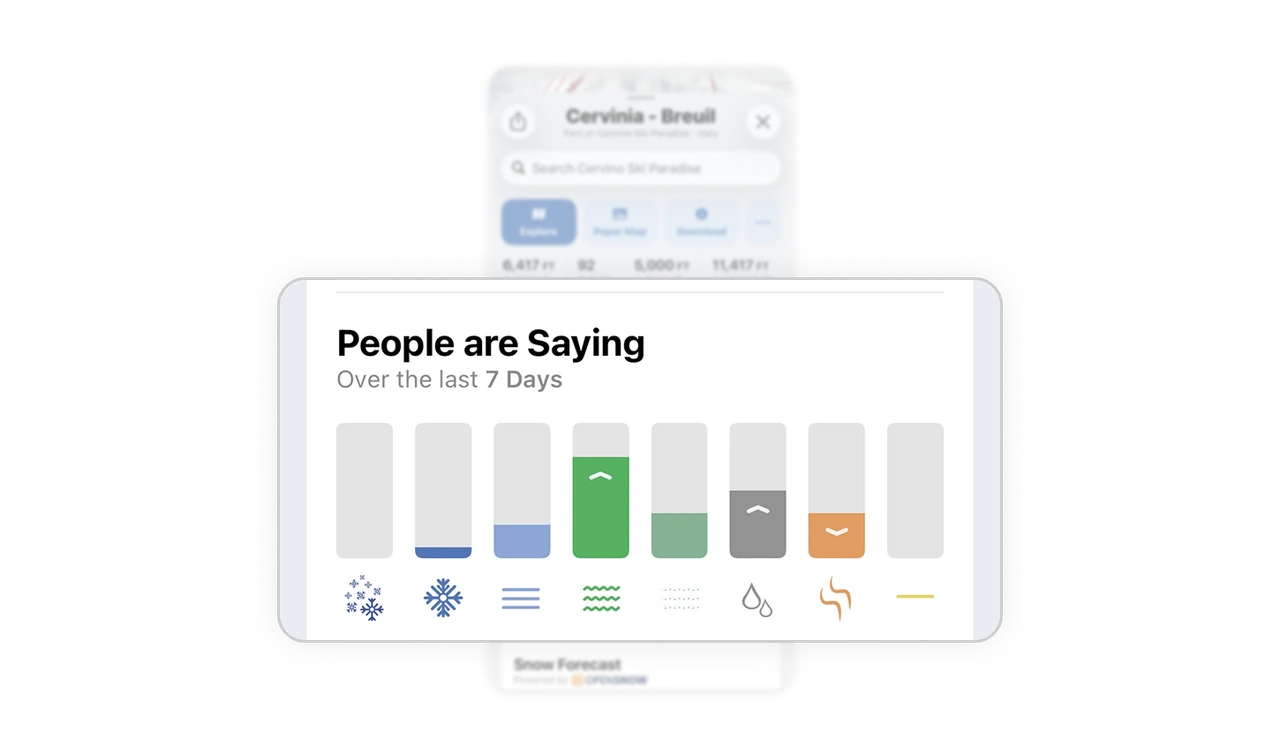
"People are Saying" aggregates seven days of skier reports into a bar distribution, each bar an icon for a surface type: powder, groomed, icy, wet. You see "mostly groomed, some icy" as shapes before reading a word. Aggregating community input into a visual distribution beats listing individual comments because the histogram carries both the majority view and the disagreement in one image.
Colored summary words link the text to the chart above
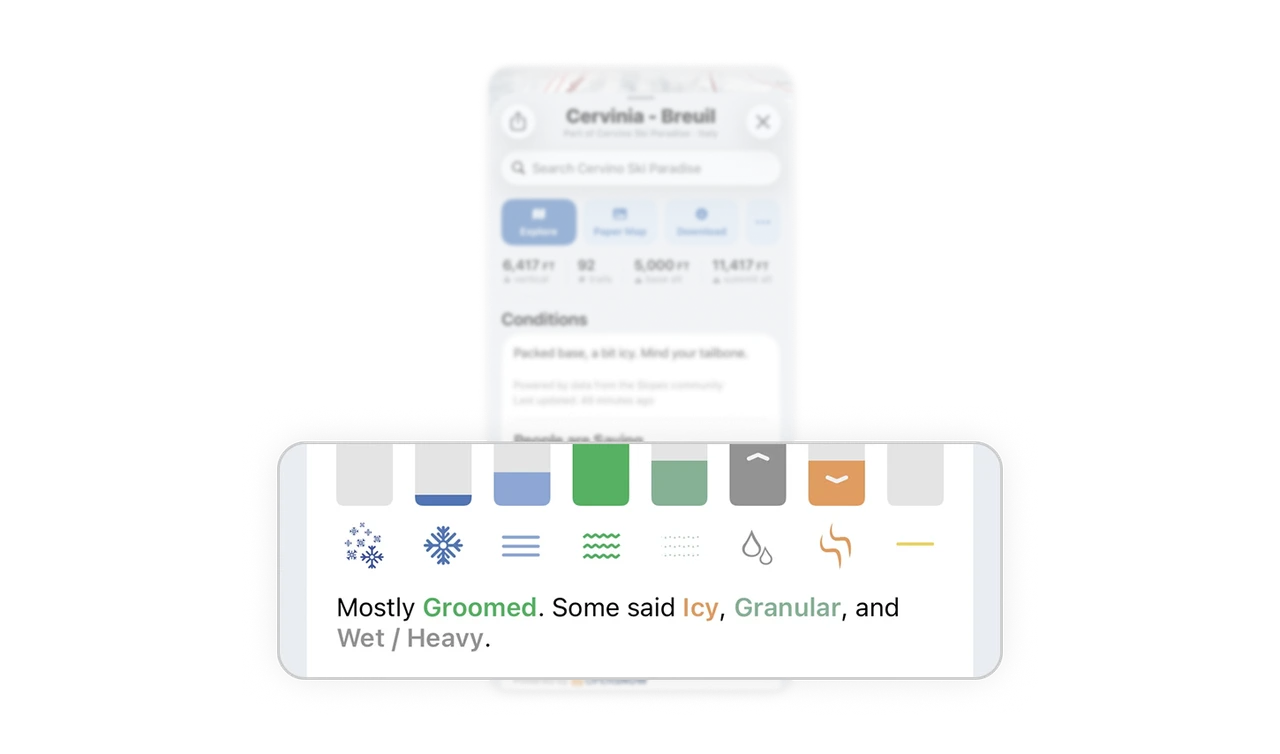
Description colors each condition word to match its bar in the histogram above. The green "Groomed" in the sentence points straight to the green bar. Cross-linking text and visualization through color turns two representations into one connected system. Readers move between sentence and chart without re-decoding, which is a small typographic choice with an outsized comprehension payoff.
Similar Breakdown Lessons