Soccer Match Details

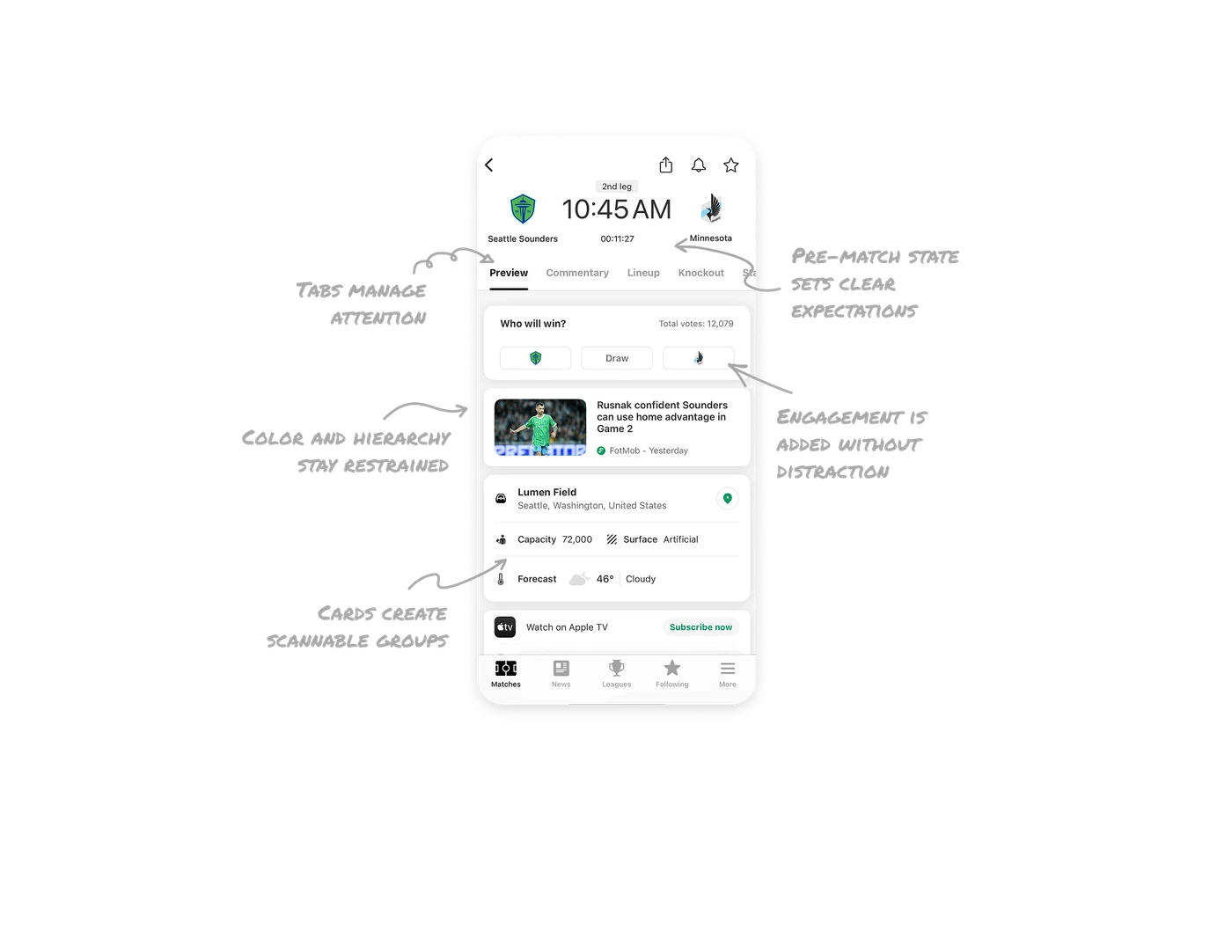
Pre-match state sets clear expectations
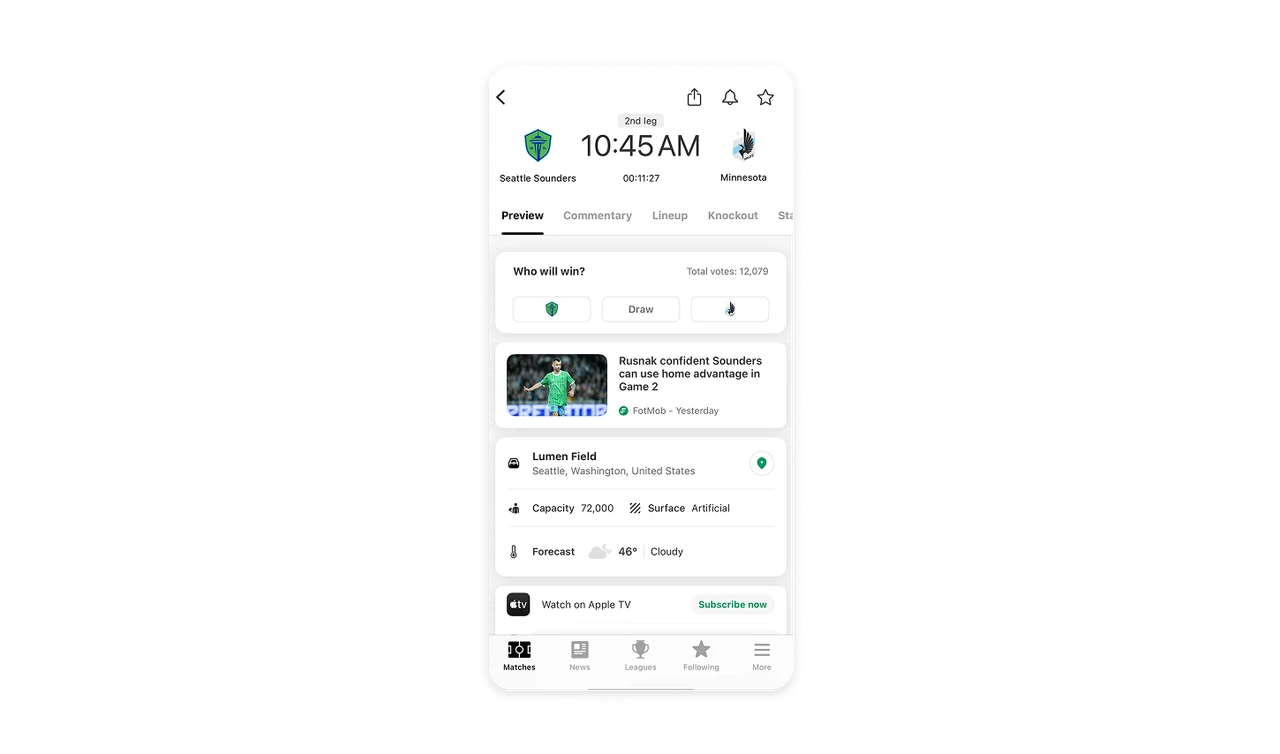
Instead of showing a 0–0 score, the UI displays the match start time in large type along with a countdown timer. Users immediately understand the match hasn’t started and exactly when it will.
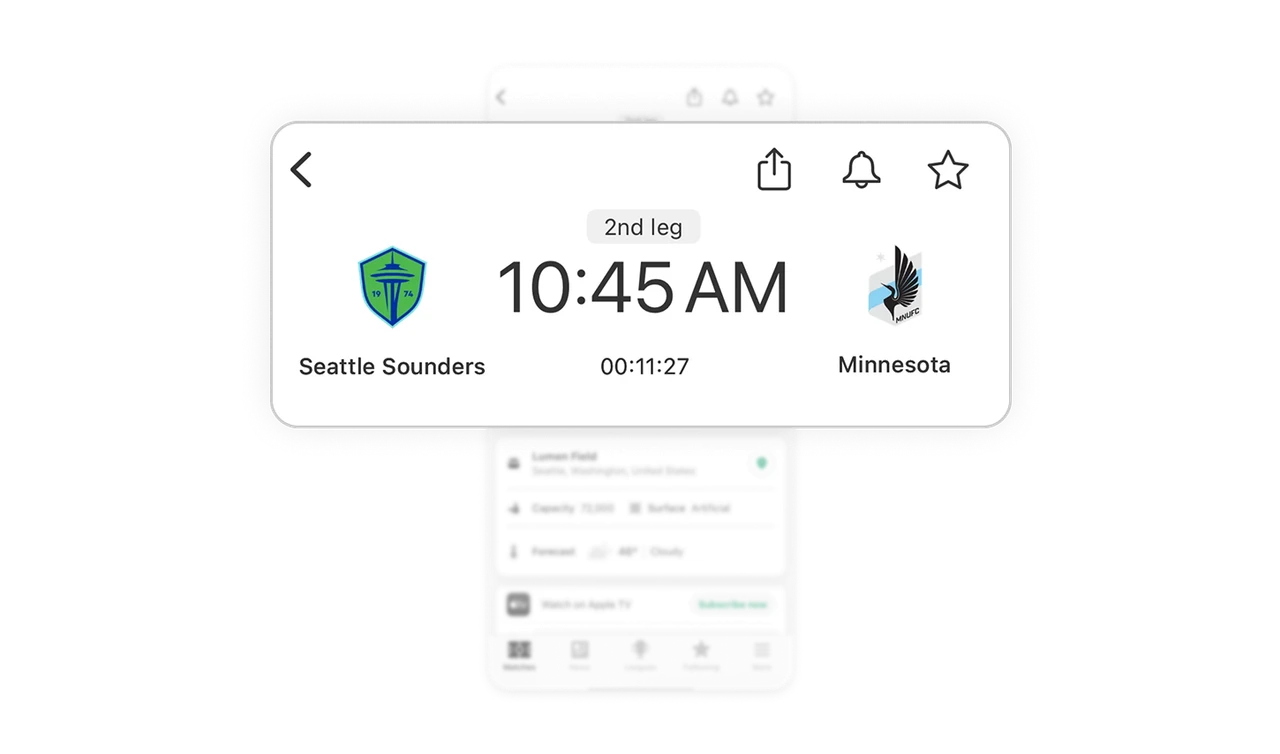
Tabs manage attention and future complexity
The horizontal tabs let users dive into specific sections like Preview, Commentary, or Lineup without overwhelming them with everything at once. This keeps cognitive load low and makes the page easier to scale as more data is added.
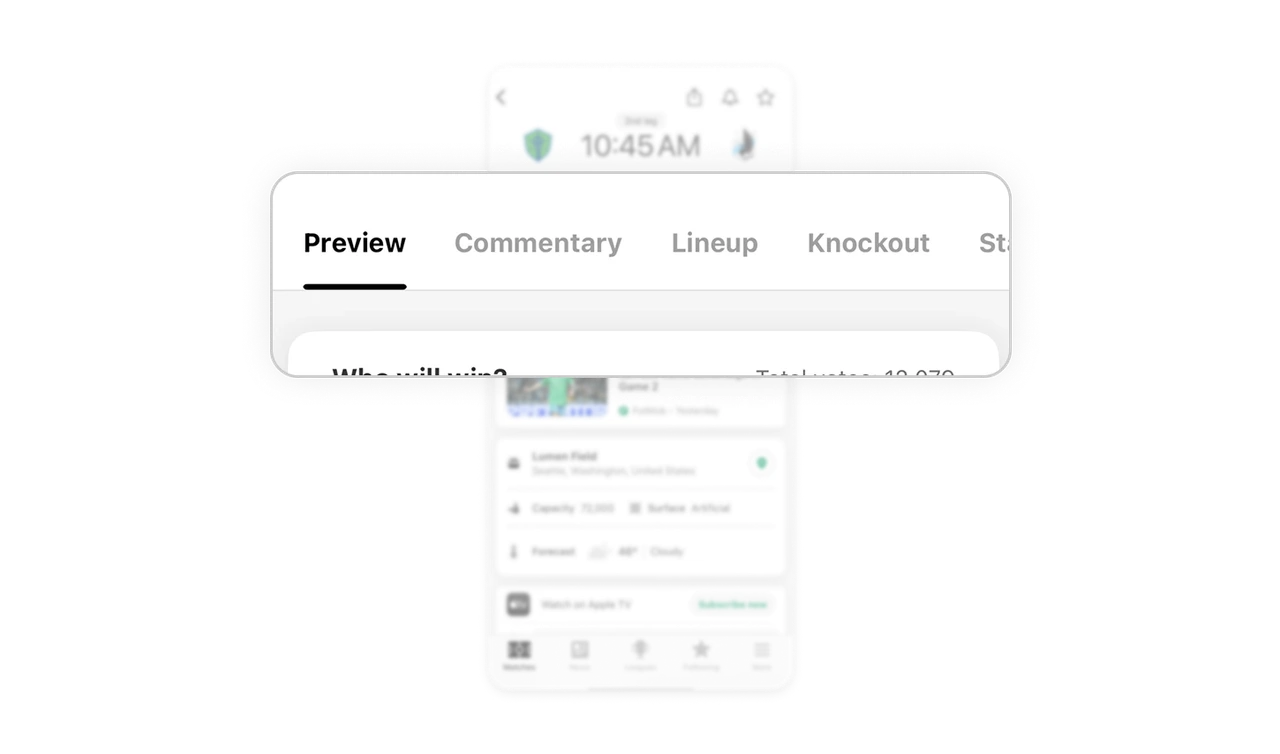
Engagement is added without distraction
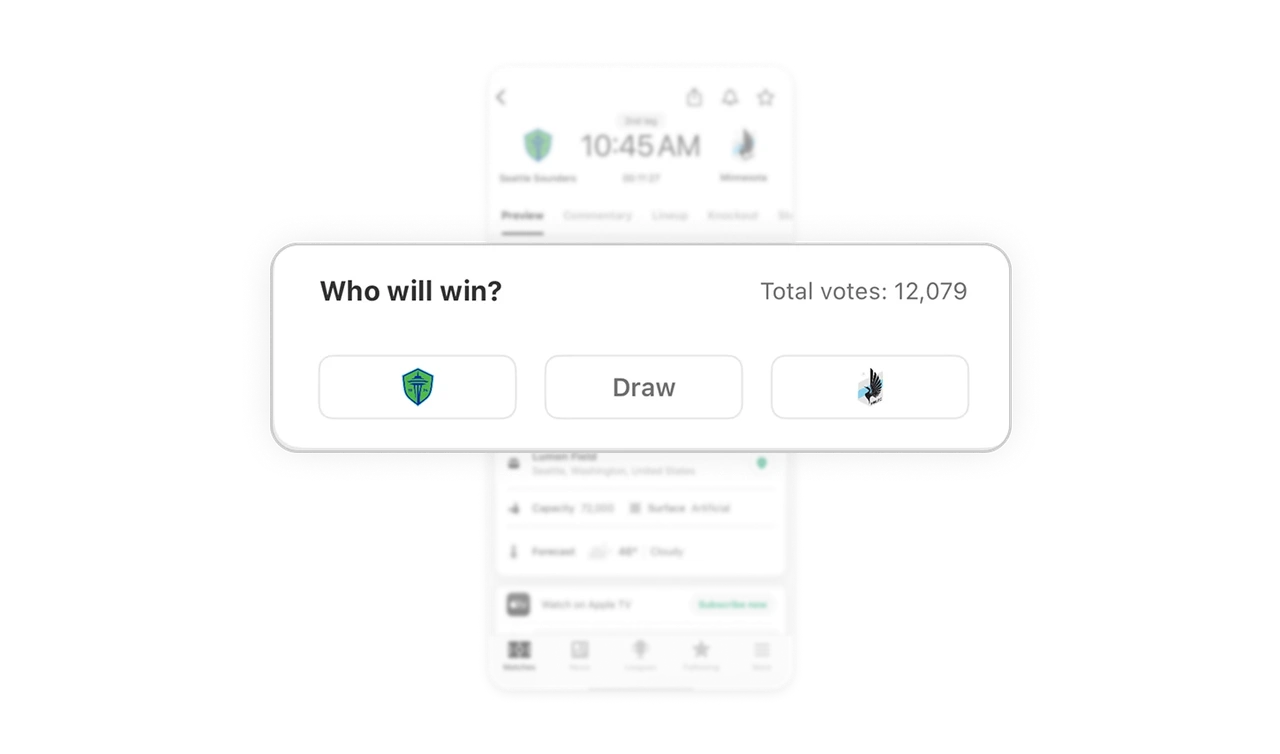
The “Who will win?” poll subtly invites interaction while staying true to the app’s informative nature. It adds a sense of involvement without pulling users away from the main content.
Cards create clear, scannable groups
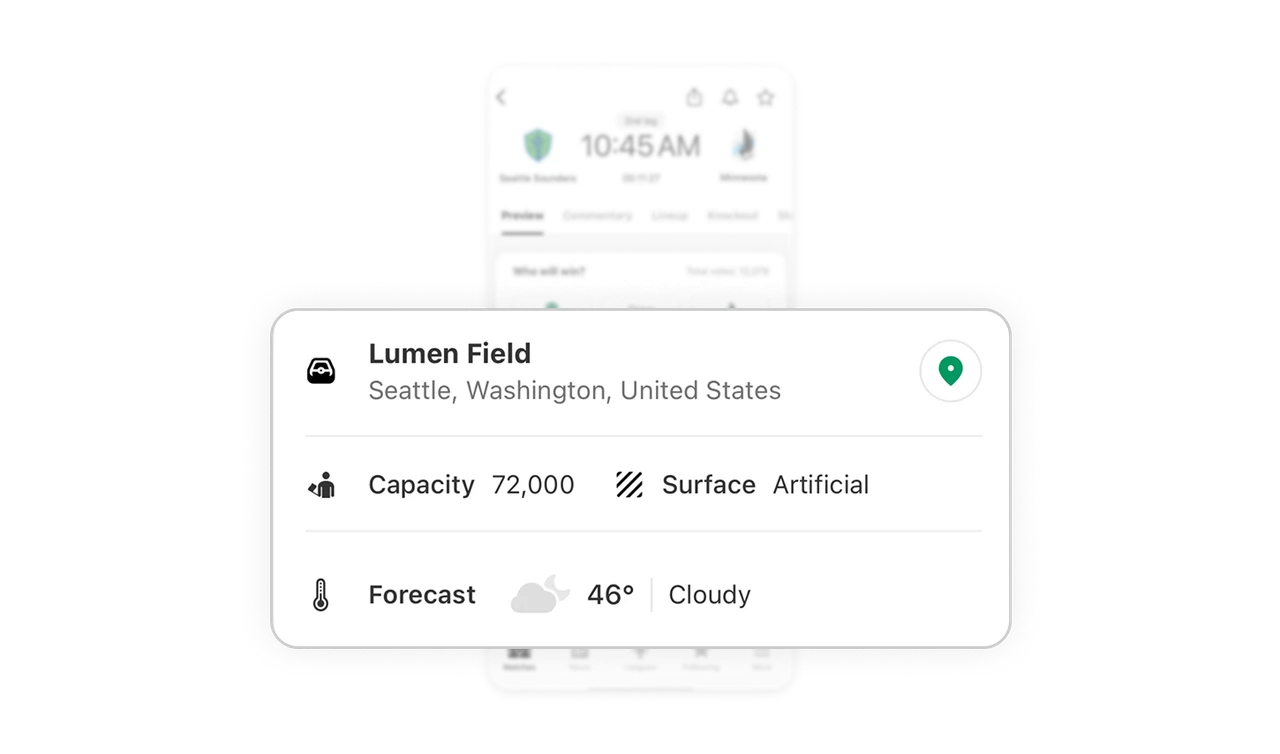
The location card combines stadium, city, capacity, surface, and weather into one structured block. Icons, spacing, and consistent layout make the information easy to scan in seconds.
Color and hierarchy stay intentionally restrained
The interface relies mainly on white space, black text, and gray tones, with color used only where it adds meaning, like team identity. This reduces visual noise and improves reading speed.
Similar Breakdown Lessons







