Spending Dashboard

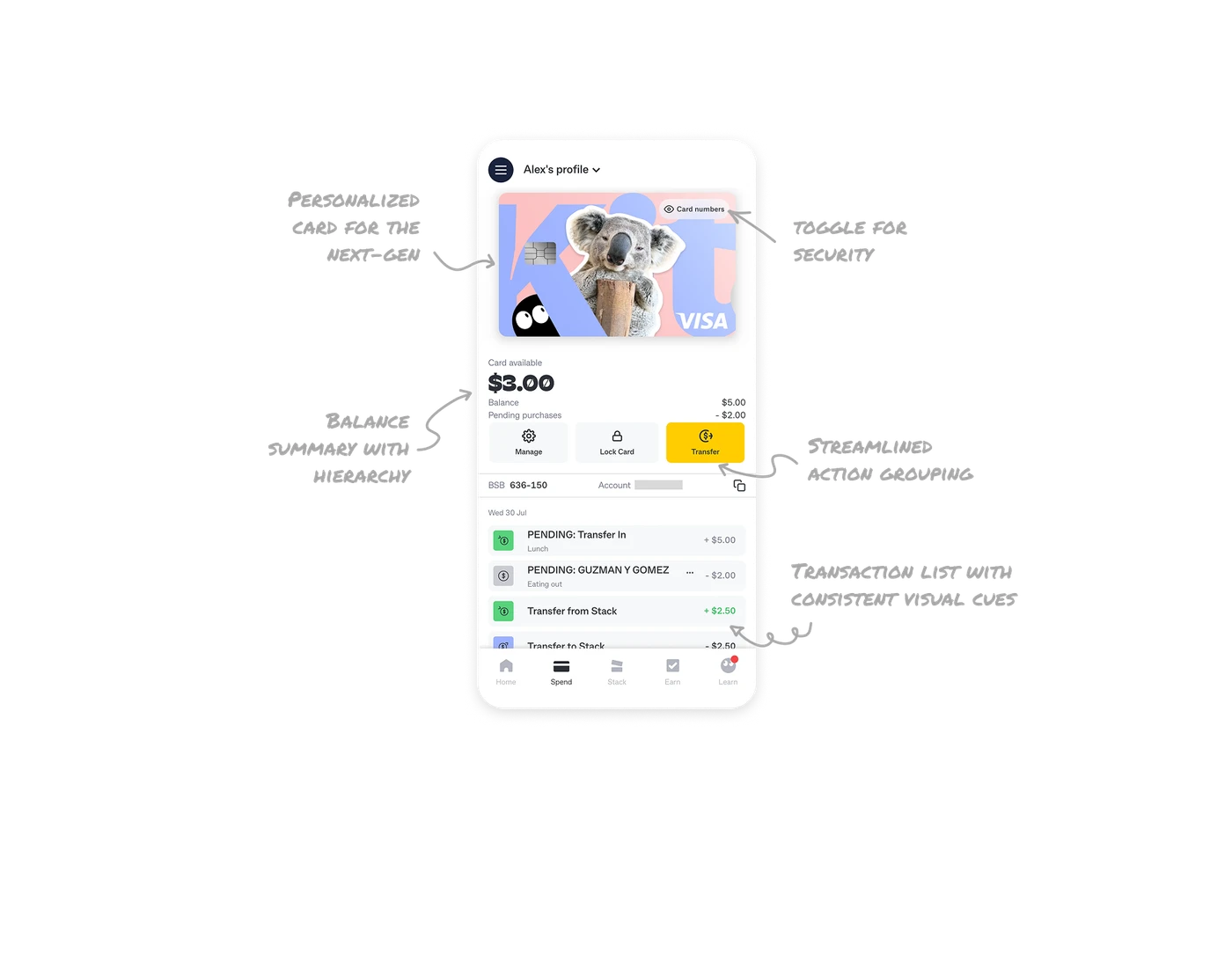
Personalized card for the next-gen audience
The dashboard uses a fun, customized card design that feels aspirational for younger users. Instead of a generic banking card, the playful visuals create an emotional connection, making finance feel less intimidating.
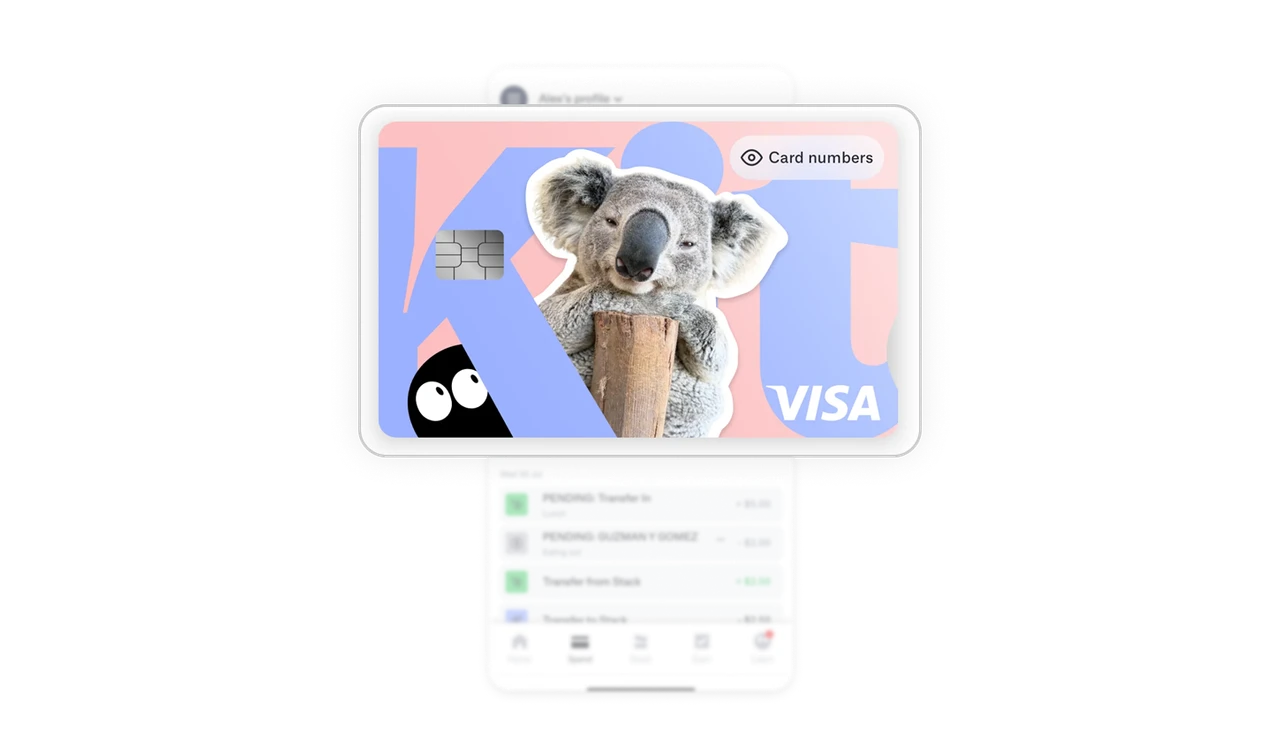
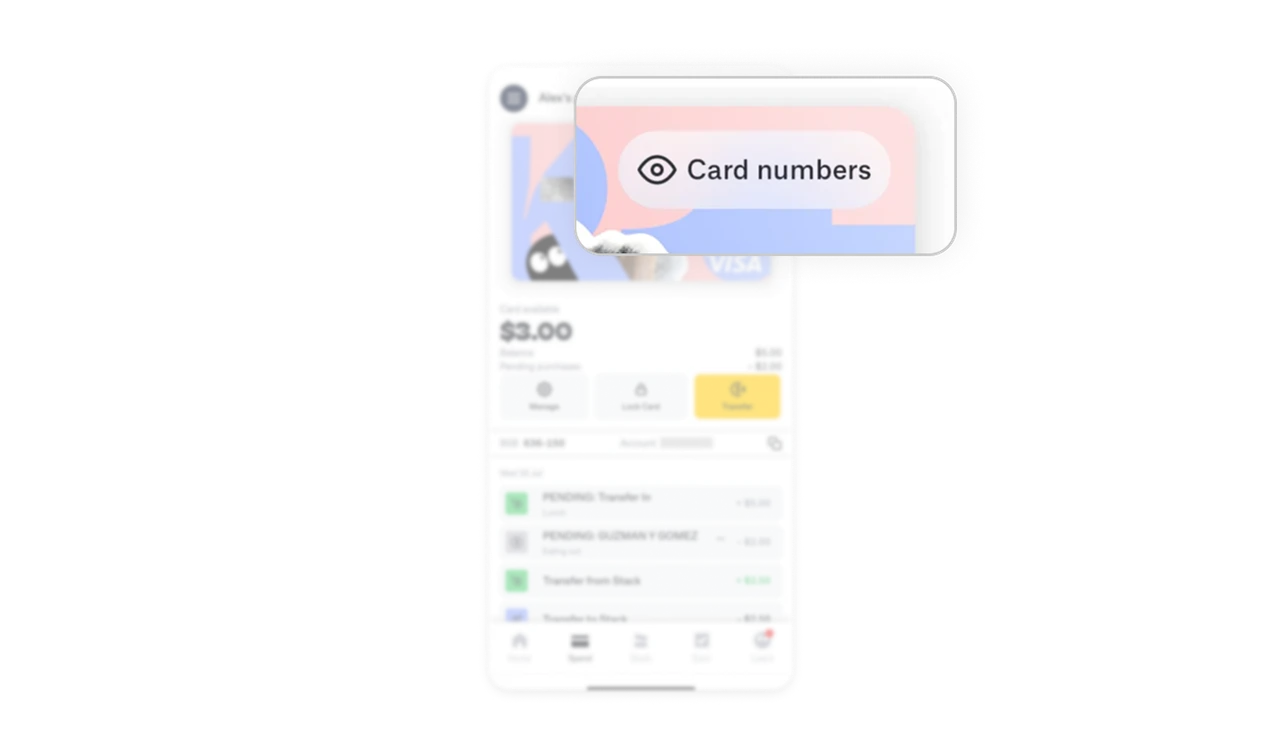
Card number toggle for security
The card number is hidden by default, with a simple reveal button. This balances usability with privacy; users can access details when needed, while keeping sensitive info safe.
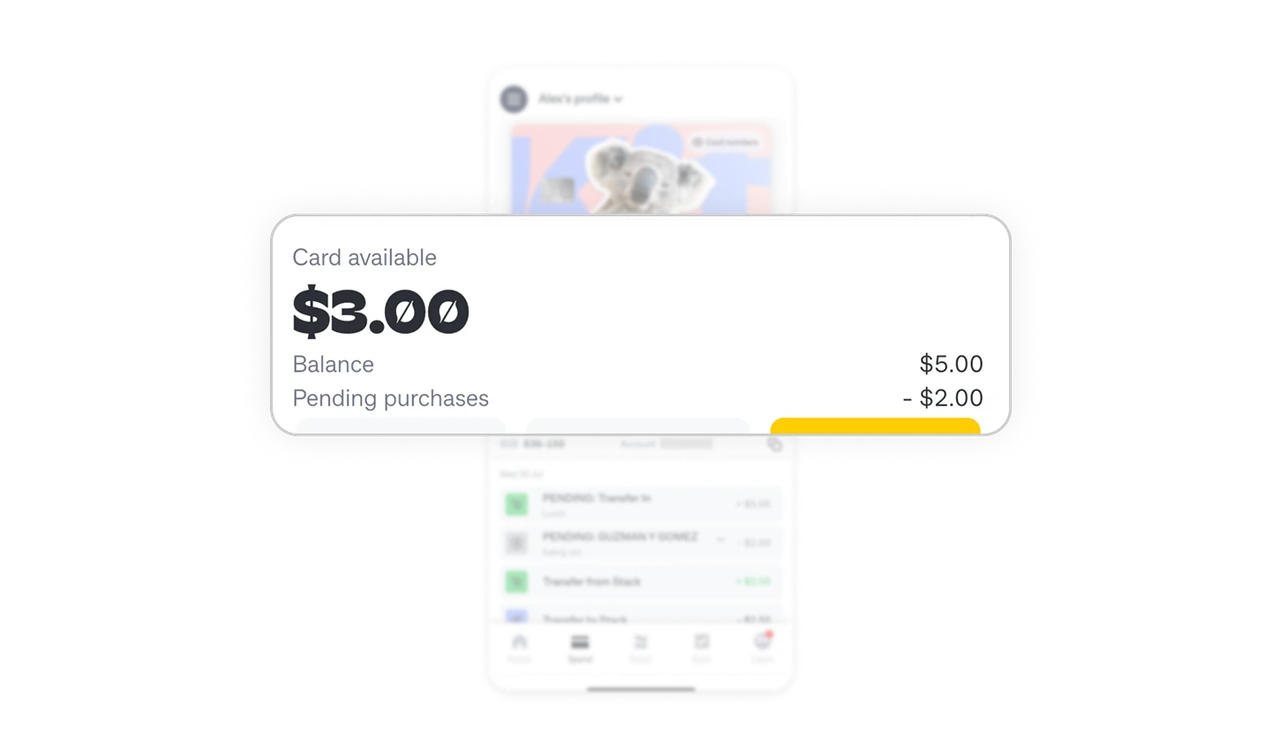
Balance summary with strong hierarchy
The available balance is highlighted in bold typography, while pending purchases and breakdowns use lighter text. This hierarchy makes the financial snapshot quick to scan.
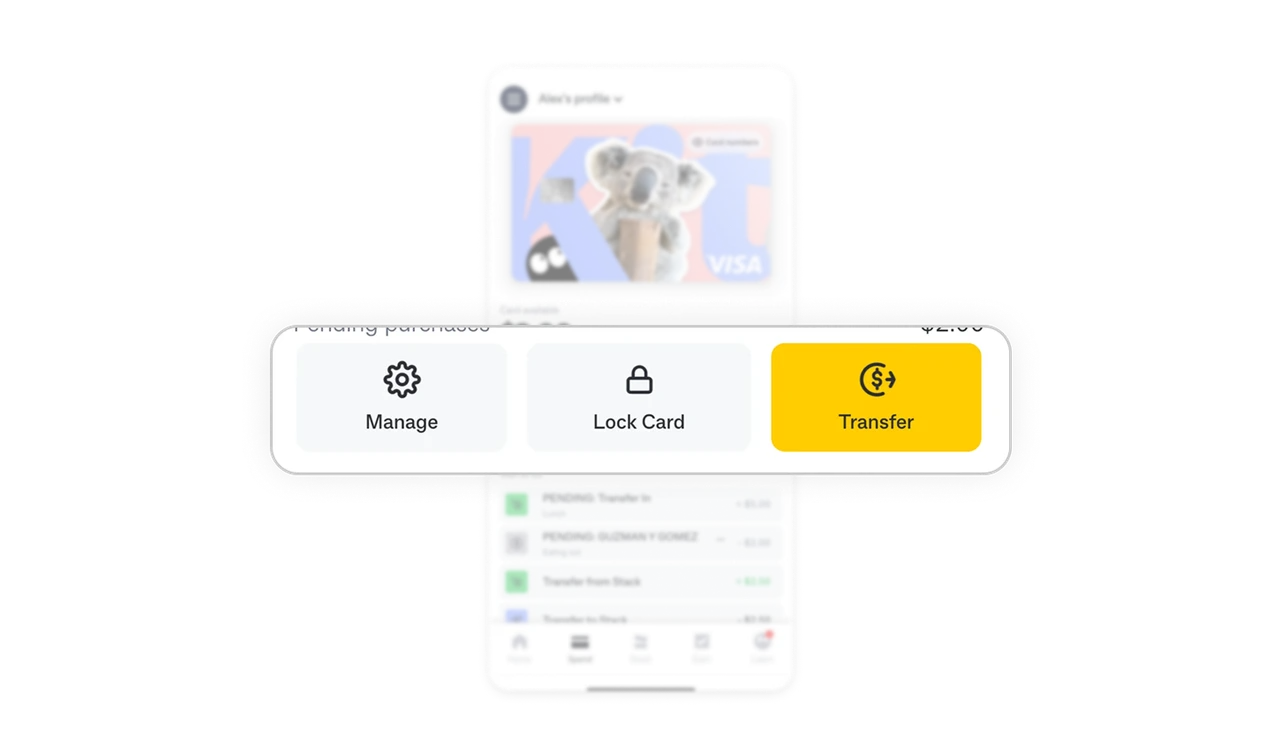
Streamlined action grouping
Key actions are limited to three: Manage, Lock, and Transfer. Less frequent actions are tucked inside Manage, while Transfer is emphasized as a distinct primary action.
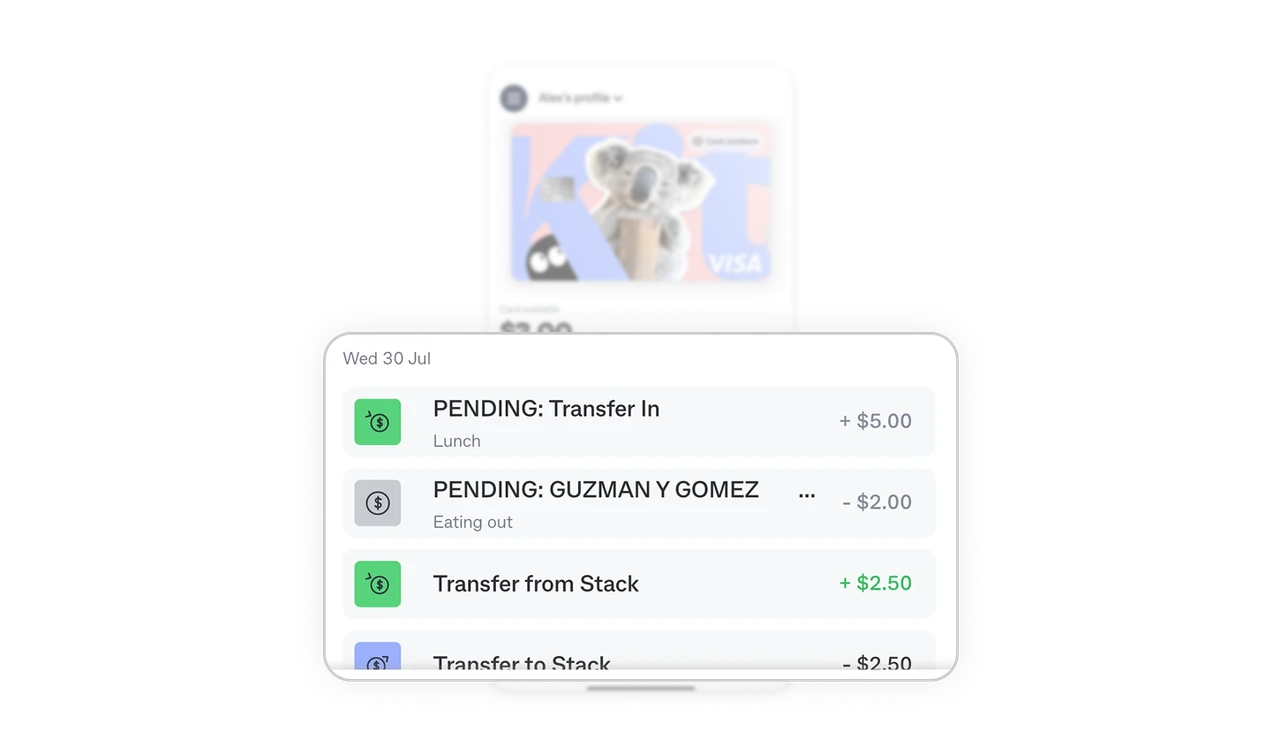
Transaction list with consistent visual cues
Each transaction uses consistent formatting with distinct icons for categories like transfers and purchases. This makes it easy to identify transaction types at a glance.
Similar Breakdown Lessons







