Subscriptions Dashboard

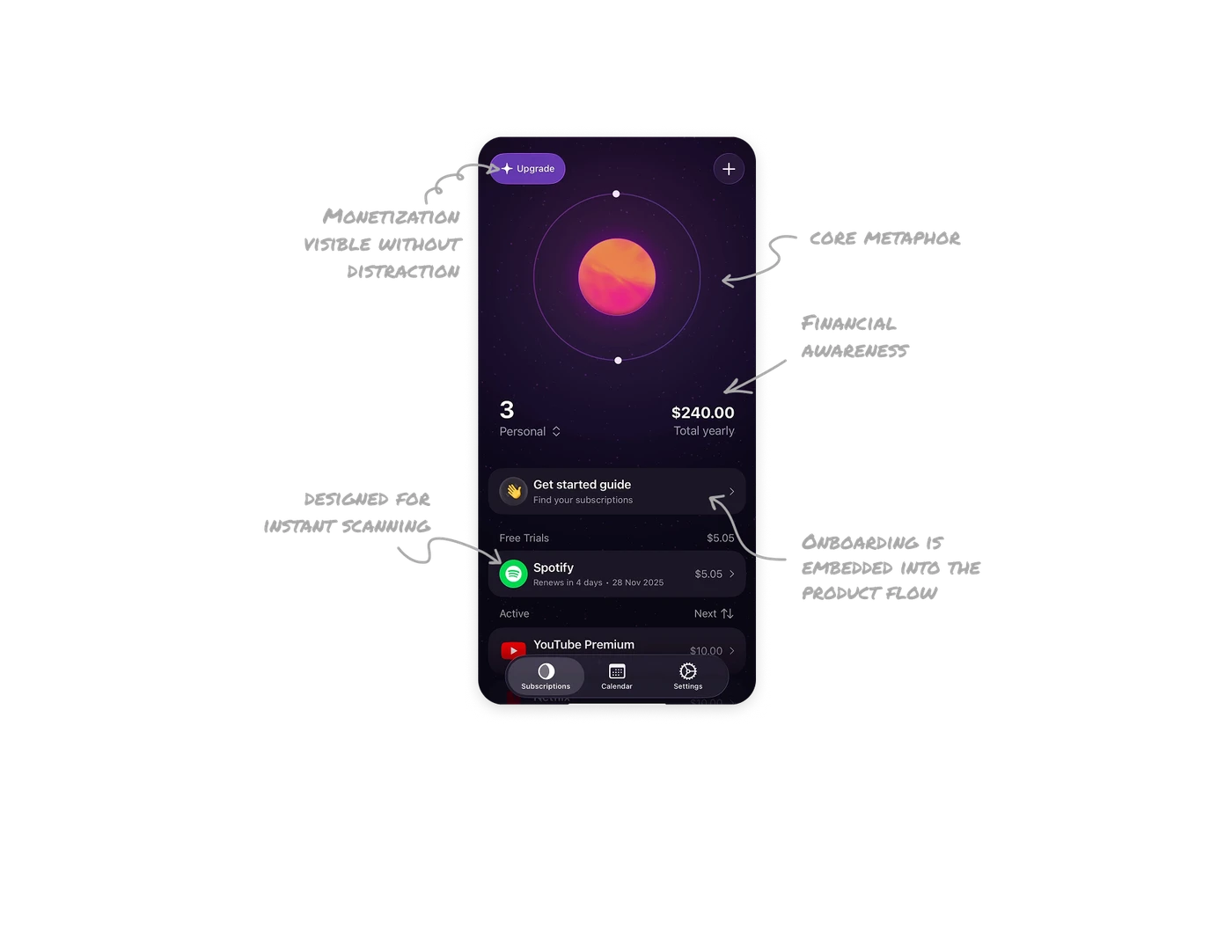
Core metaphor makes the product instantly understandable
Orbit turns subscriptions into planets that orbit around a center. This visual metaphor is not just beautiful; it explains the product in one second. Users immediately understand that this is a place where all their subscriptions live and move around their lives.
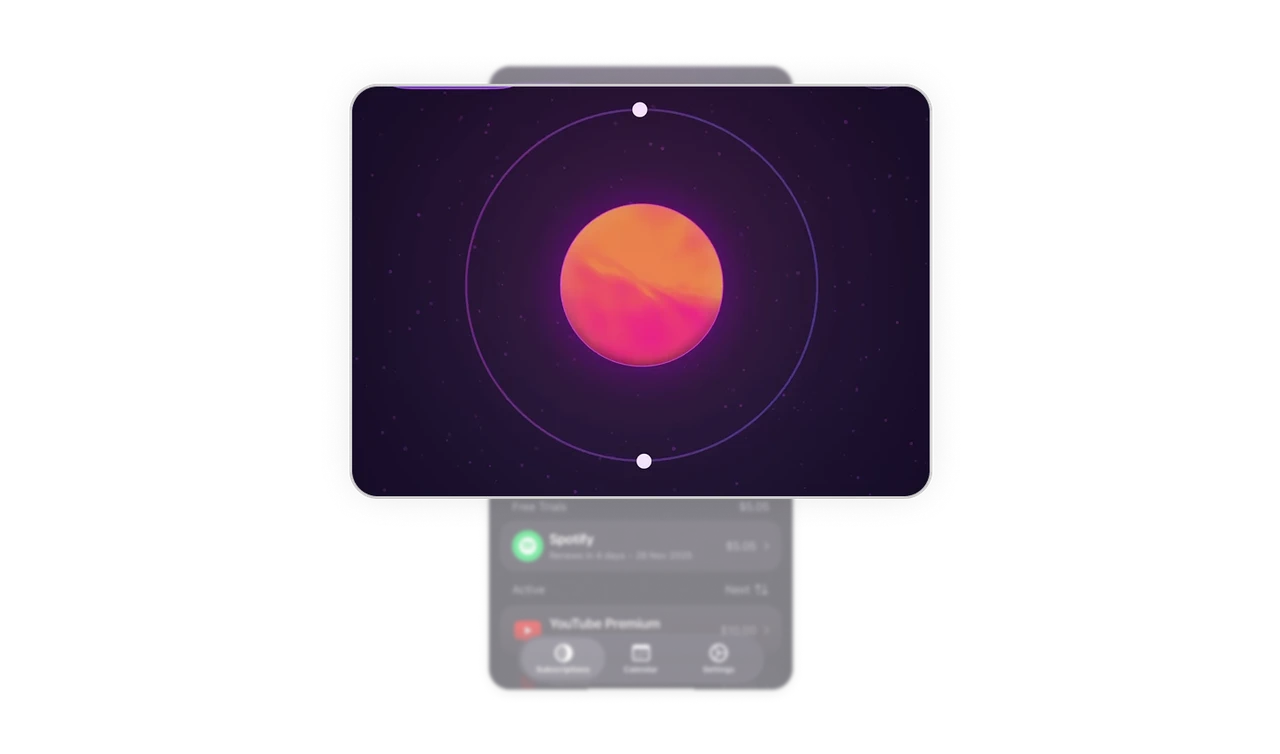
Financial awareness and organization are designed as one system
The dashboard shows total yearly spend alongside subscription count and category filters like personal, shared, and work. This answers the most important question first and then helps users organize everything based on real-life context.
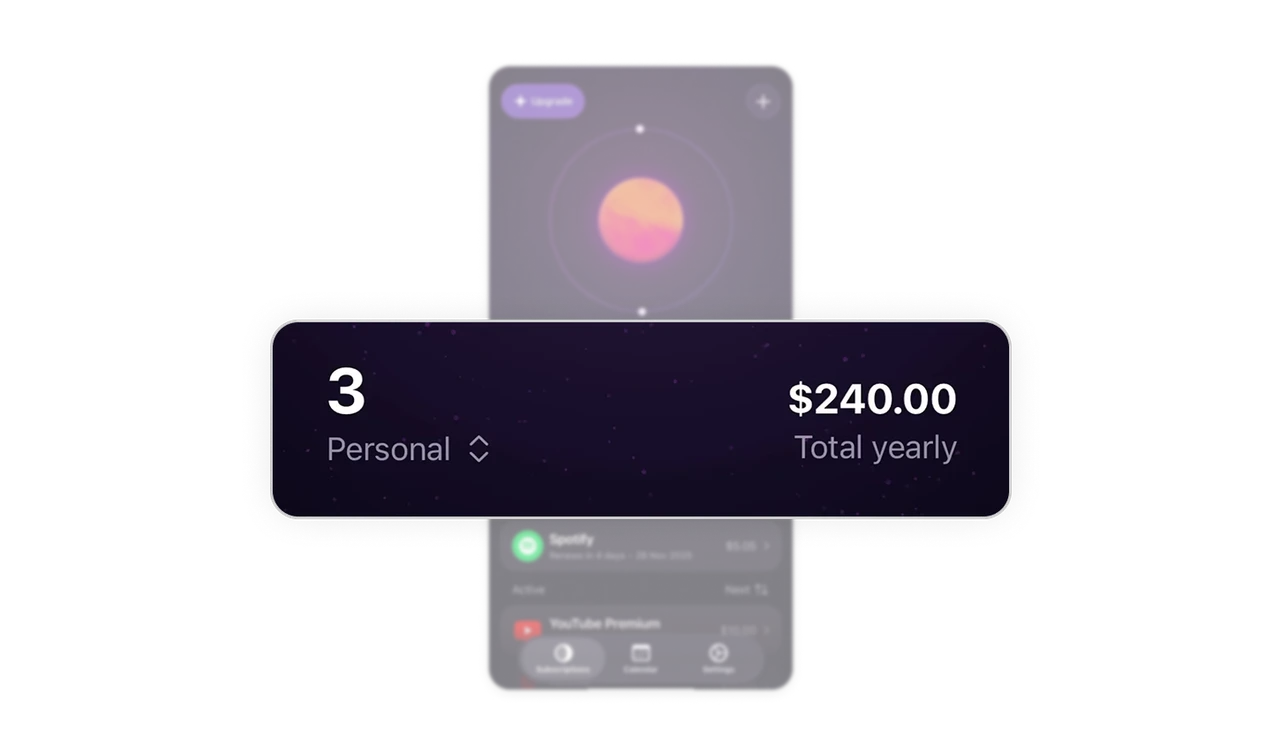
Onboarding is embedded into the product flow
The Get started guide lives directly inside the dashboard instead of a separate onboarding flow. It teaches users how to find and track subscriptions while they are already using the app.
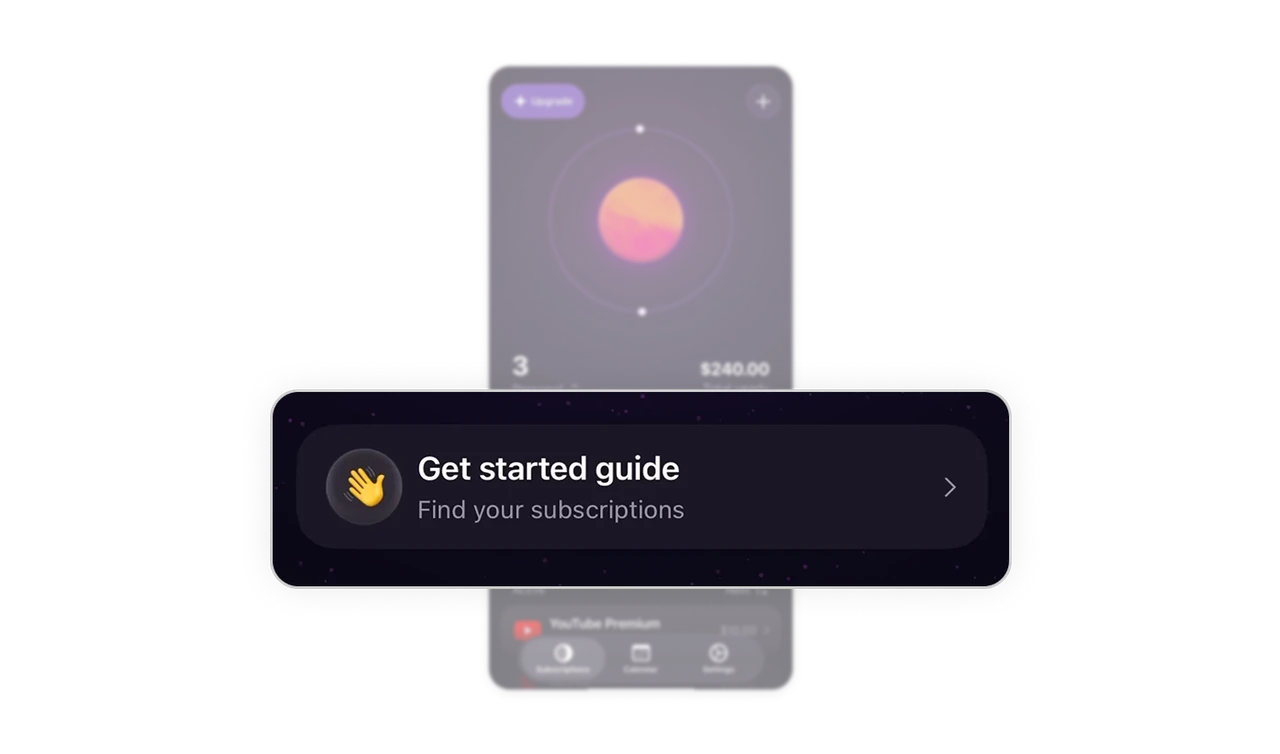
Subscription lists are designed for instant scanning
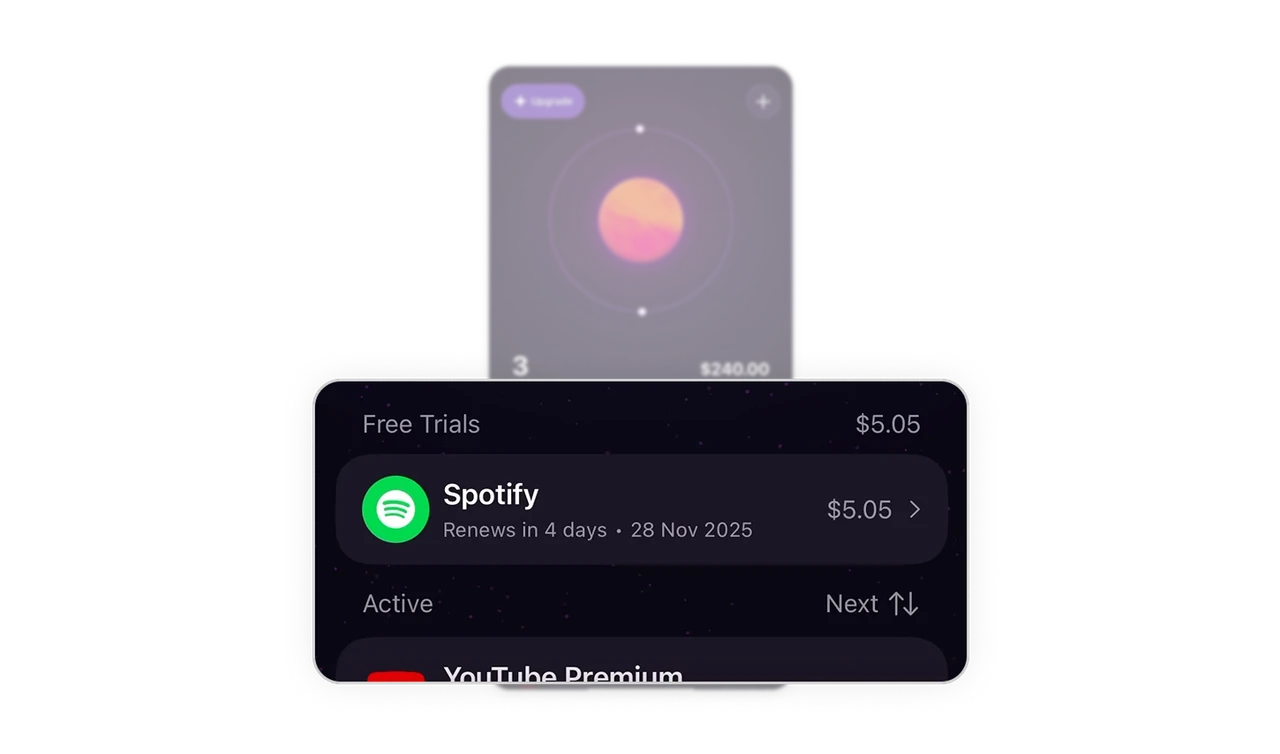
Subscriptions are sorted and grouped clearly, with a strong visual hierarchy for app name, renewal date, and price. Users can instantly see what is renewing next and how much it will cost without opening each item.
Monetization stays visible without breaking trust
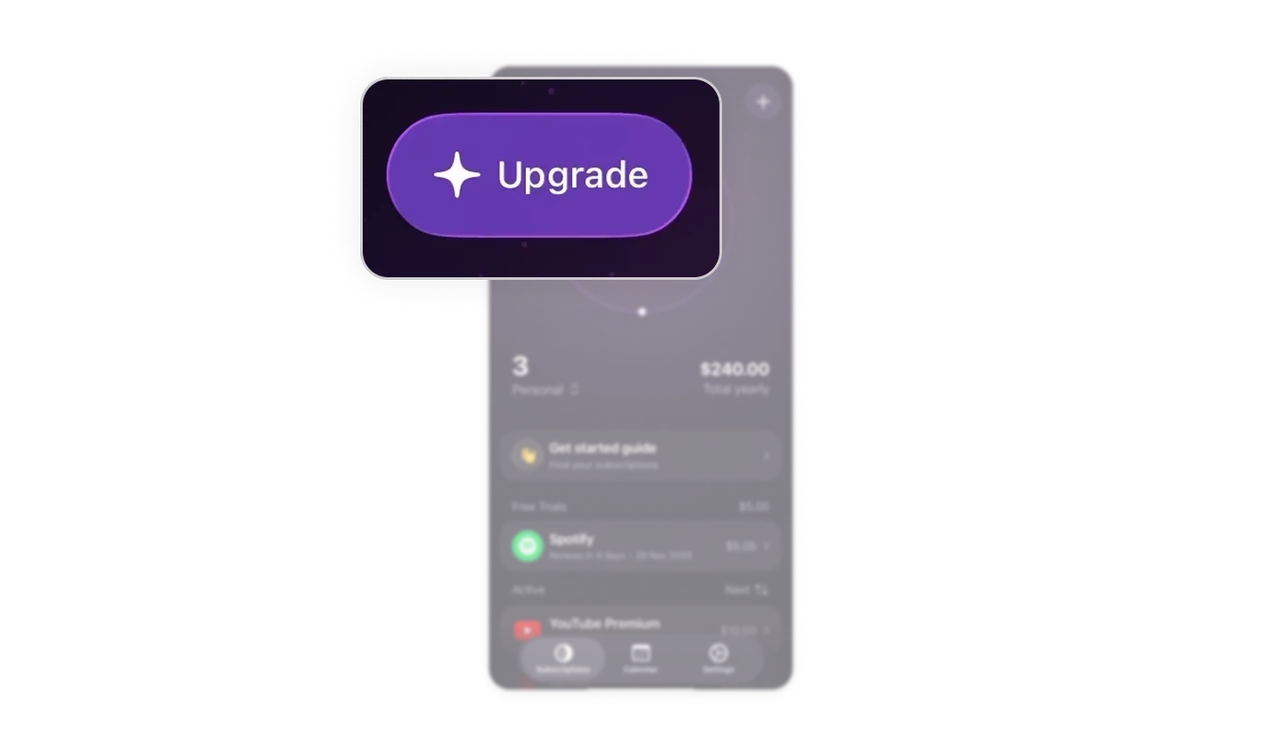
The Upgrade button is placed at the top, where it stays discoverable but never interrupts the core task. It respects the user’s intent while keeping the business goal present.
Similar Breakdown Lessons







