Restaurant Menu

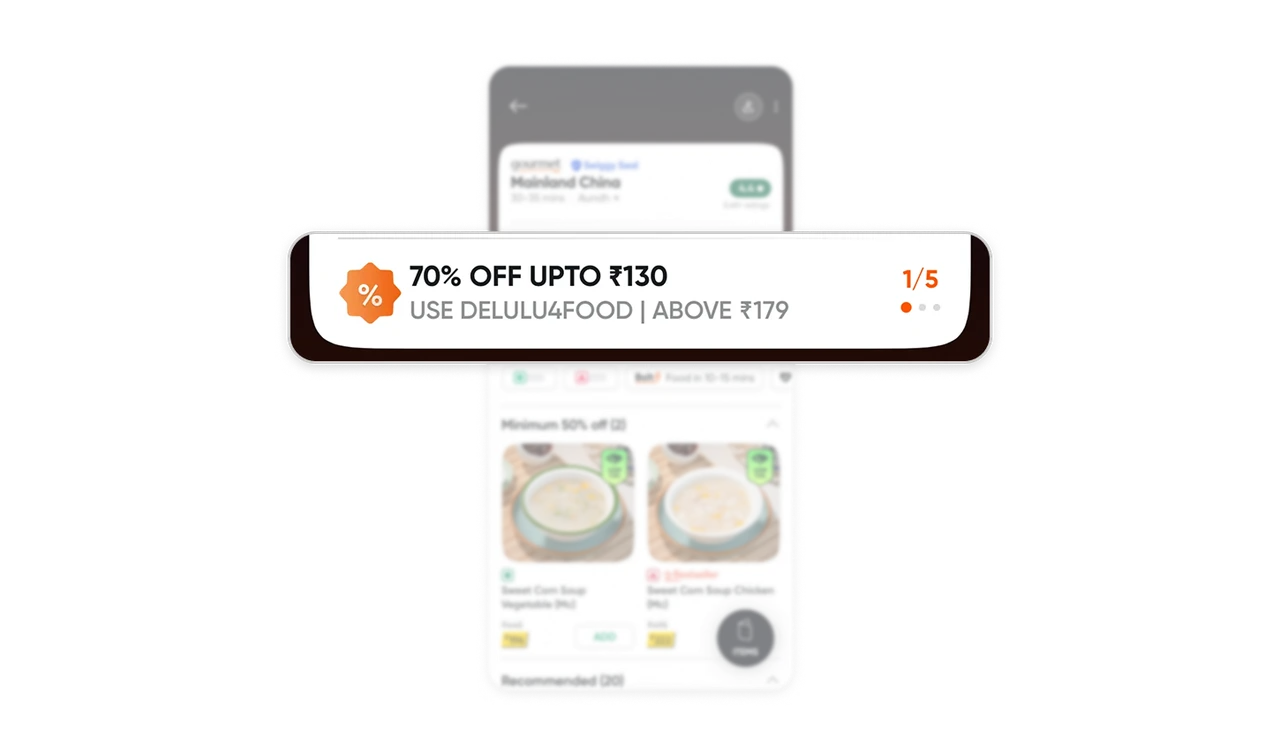
Show offer alternatives alongside their conditions
The offer card pairs a “1/5” counter with “70% OFF UPTO ₹130,” a coupon code, and an order minimum. The counter signals other offers to explore, while the adjacent conditions help users assess this one. When promotions compete for attention, reveal both the available choice and the limits of each offer before customers build an order around it.
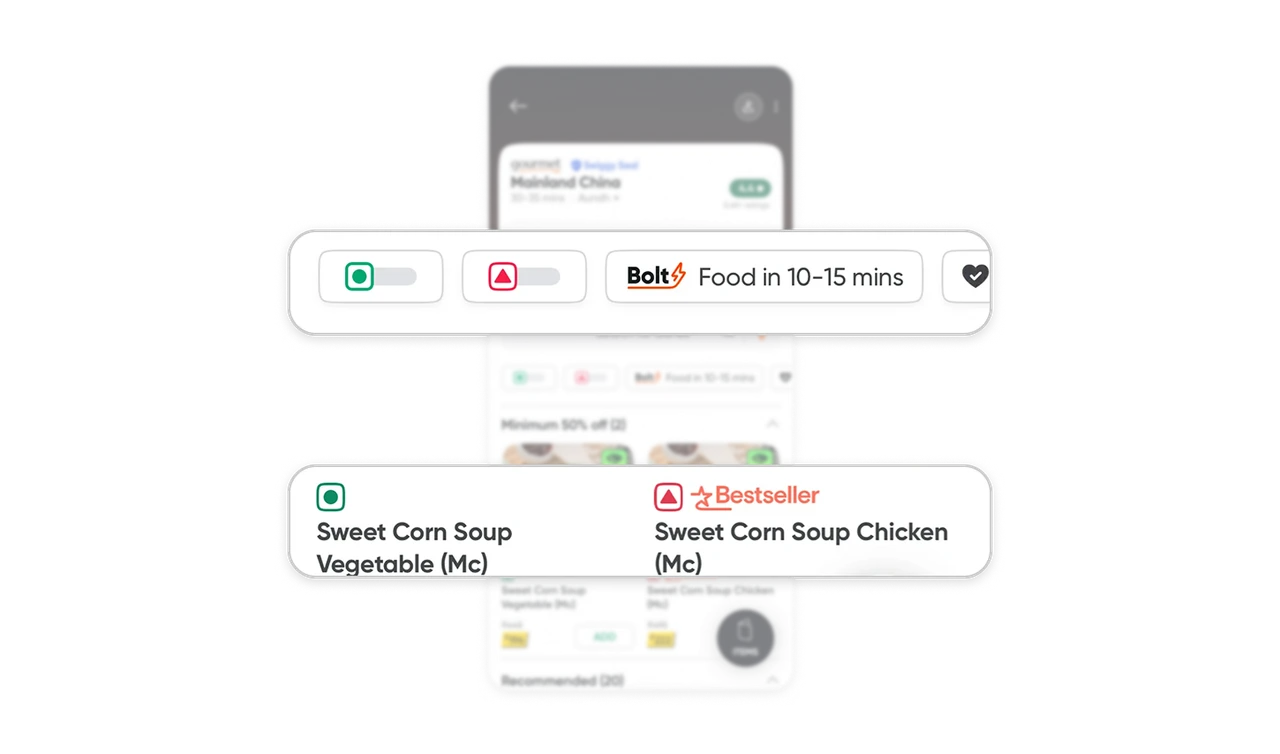
Repeat dietary distinctions throughout menu browsing
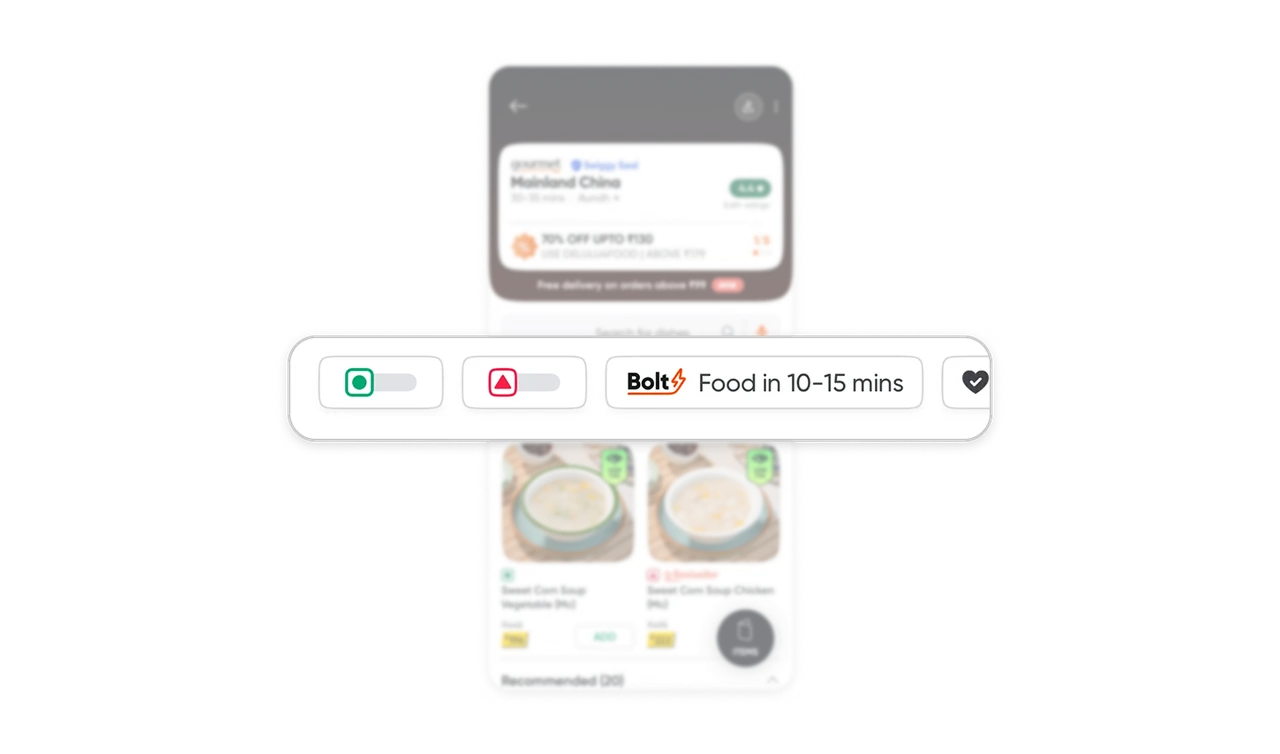
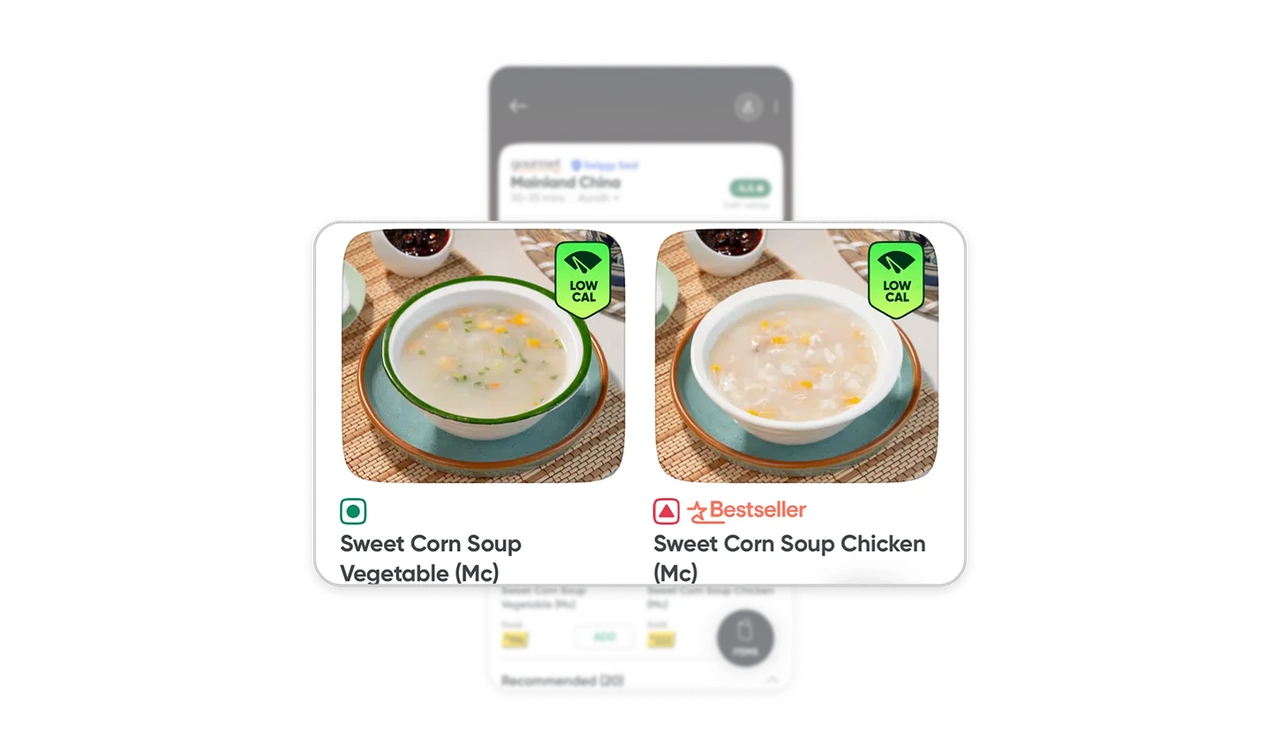
Green circles and red triangles appear in both the filters and the two soup cards, whose names specify Vegetable or Chicken. Because the photographs look similar, these repeated symbols and explicit names provide distinctions the images cannot reliably communicate. Carry the same dietary notation from browsing controls into item details, and pair color with shape and meaningful ingredient wording.
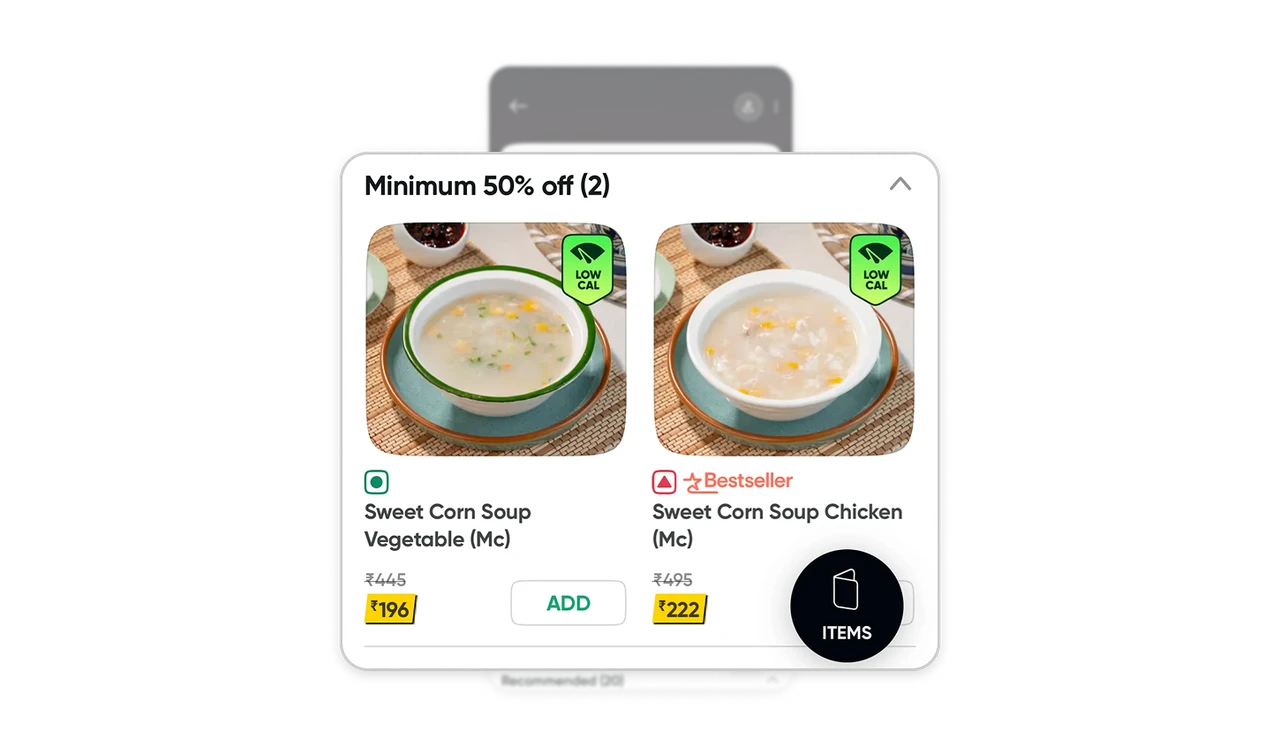
Connect discount categories to visible item savings
“Minimum 50% off (2)” introduces two dishes with crossed-out reference prices and yellow-highlighted current prices. The section names a savings criterion and reveals its size; the cards make individual comparisons possible. The yellow price-tag treatment draws attention to the amount relevant to selection. Pair deal-based browsing with visible item prices so shoppers can evaluate specific choices beyond the promotional headline.
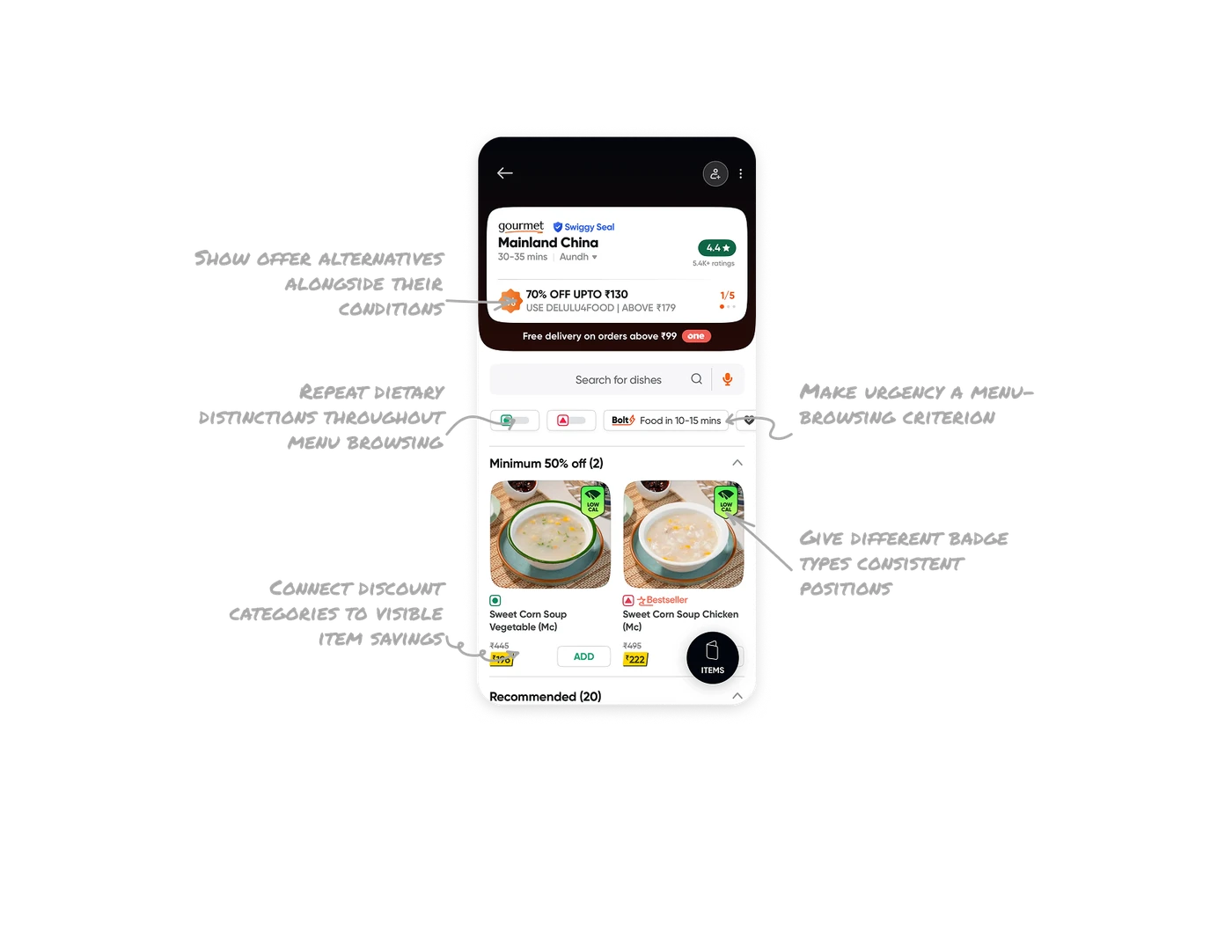
Make urgency a menu-browsing criterion
The Bolt control labeled “Food in 10–15 mins” sits beside dietary controls, while the restaurant header shows a 30–35-minute estimate. This placement presents delivery speed as a menu-level choice, giving urgency a place alongside food preferences. Organize browsing around the constraints that shape a purchase. When faster service applies to a particular selection, make its scope clear so users can distinguish the available options.
Give different badge types consistent positions
“LOW CAL” badges sit on the soup photos, while “Bestseller” appears beside the chicken soup’s name. Separate positions and visual treatments distinguish a nutritional claim from a popularity signal without crowding them into one cluster. For cards carrying several attributes, assign predictable locations to different information types so users can scan for what matters without untangling competing labels.
Similar Breakdown Lessons