Text-to-Speech AI

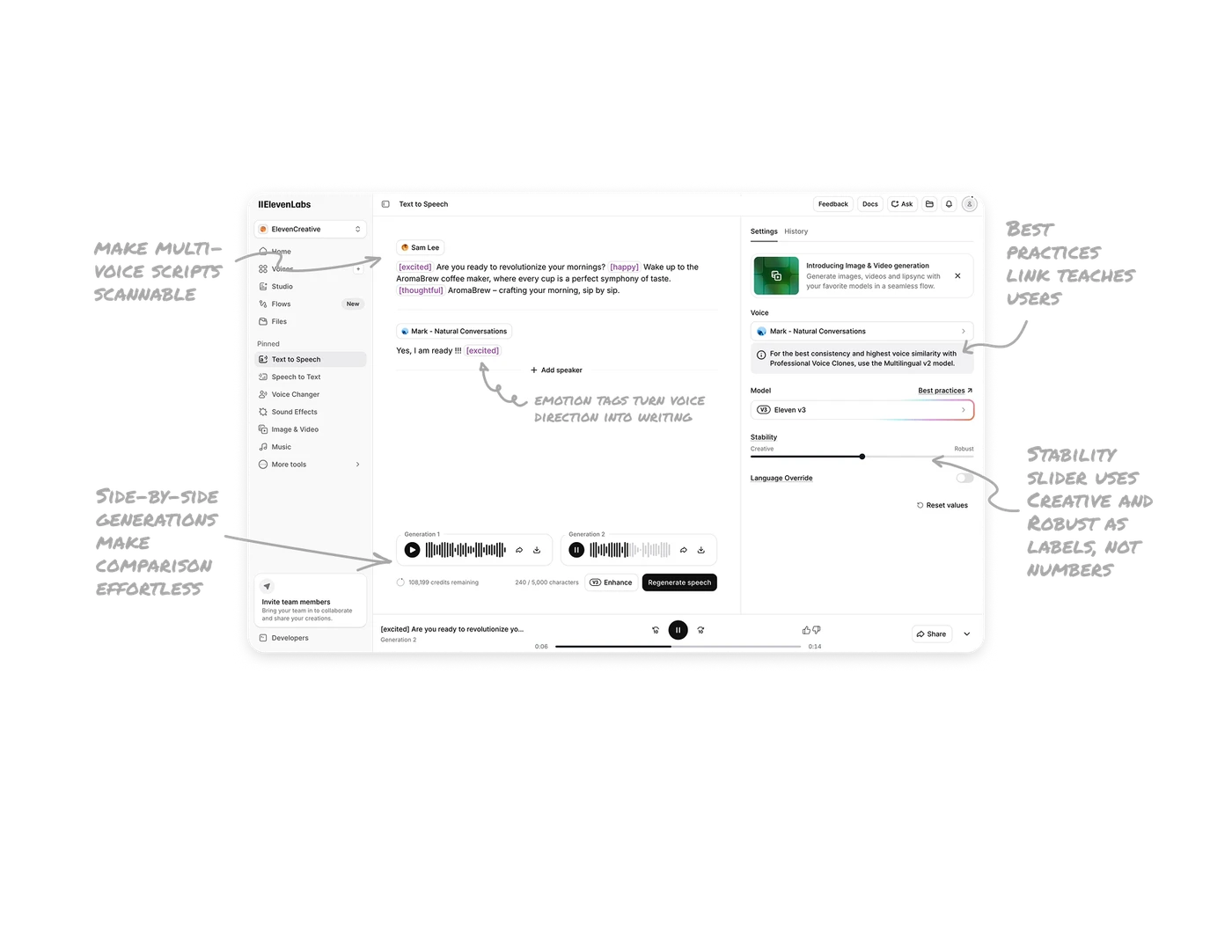
Inline emotion tags turn voice direction into writing
[excited], [happy], [thoughtful] sit inline within the script in purple bracketed pills. Users direct emotion the same way they write the script, no separate timeline or property panel needed. Treating voice direction as part of the text itself makes the workflow feel like writing a play, not configuring a synthesizer. Inline metadata is a powerful pattern any creative tool with directable elements should consider.
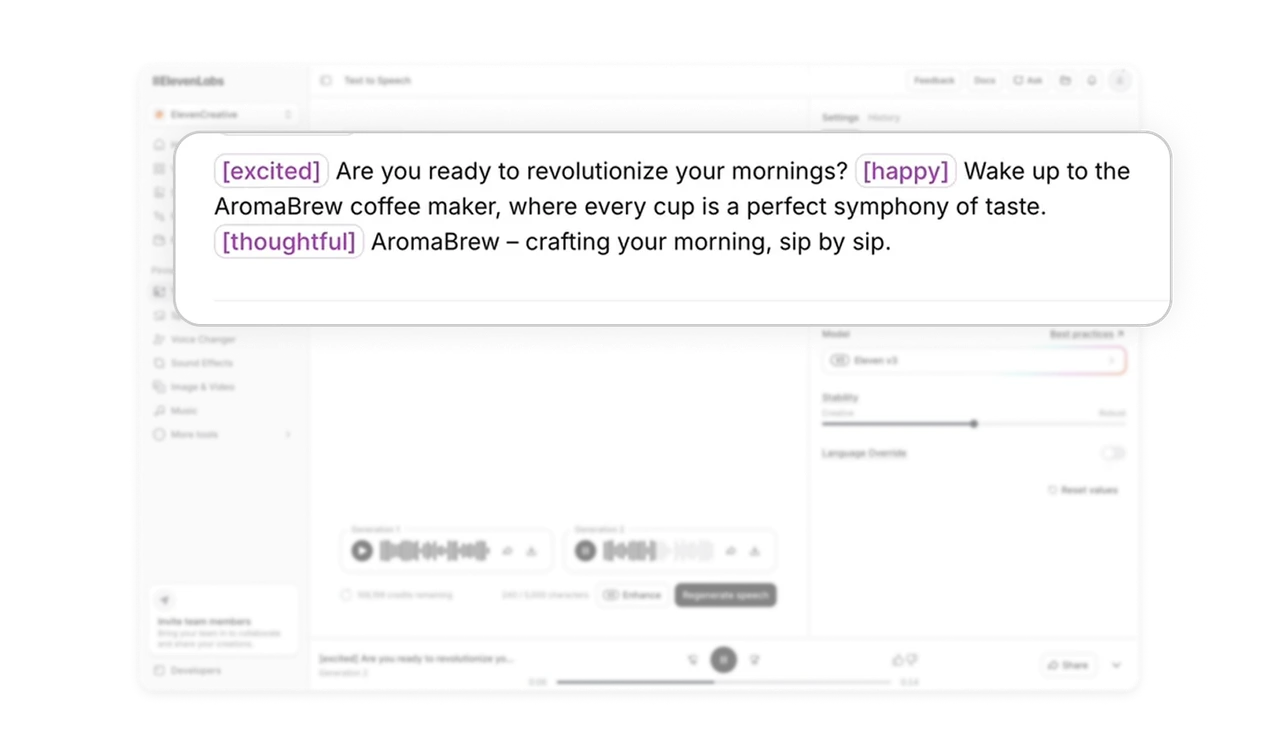
Speaker pills with avatars make multi-voice scripts scannable
Each speaker section starts with a colored pill containing their avatar and name. Users follow conversations the way they would read a film script, with characters labeled at the top of each block. This pattern handles complex multi-speaker content without losing readability and applies to any tool generating dialogue, podcasts, audiobooks, or roleplay scenarios.
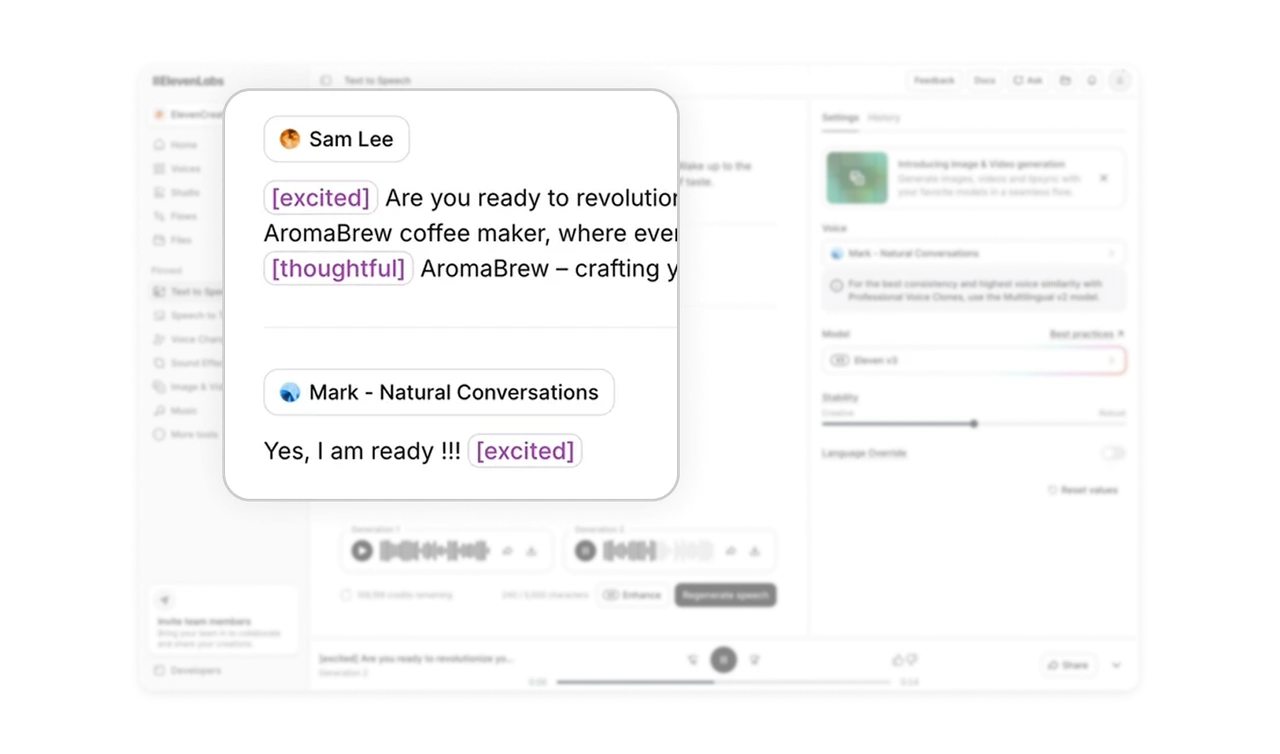
Side-by-side generations make comparison effortless
Generation 1 and Generation 2 sit next to each other with full waveforms and individual play buttons. Users compare voice outputs without scrolling, switching tabs, or losing the previous result. In generative AI tools where output quality varies between runs, side-by-side comparison turns trial-and-error into a fast feedback loop and is what actually makes iteration tolerable.
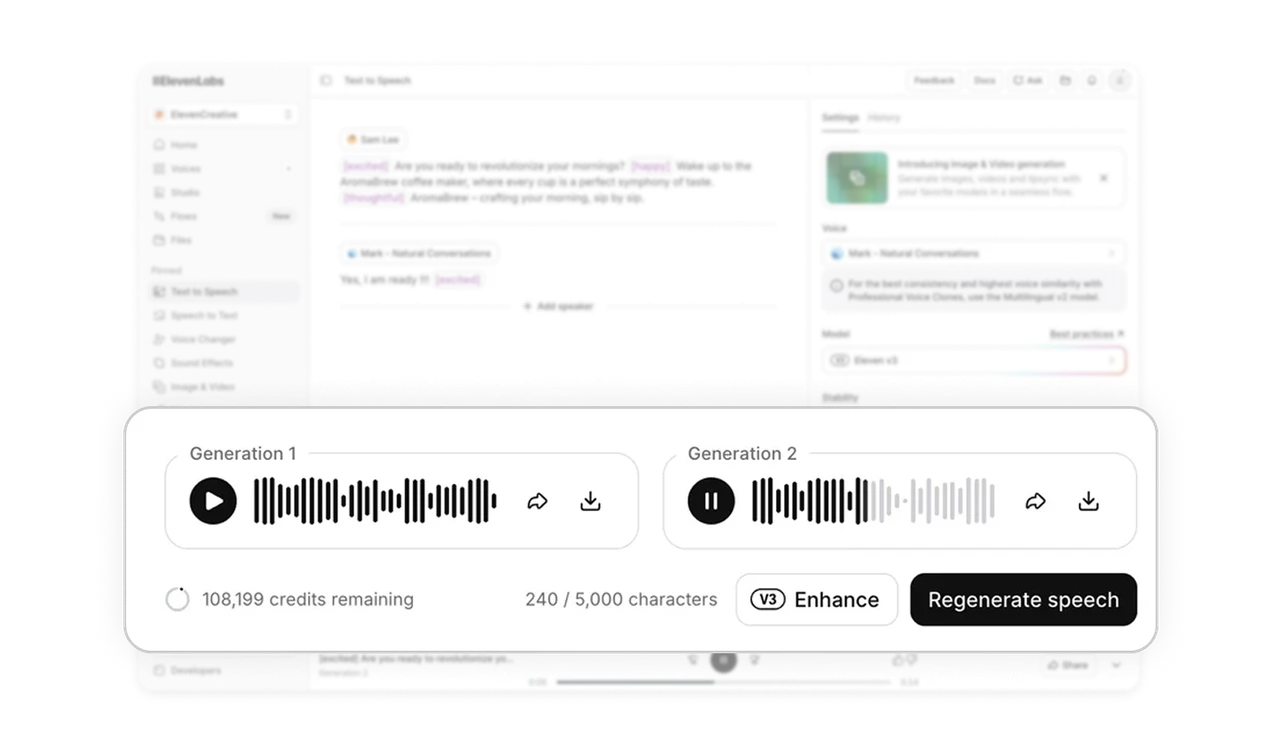
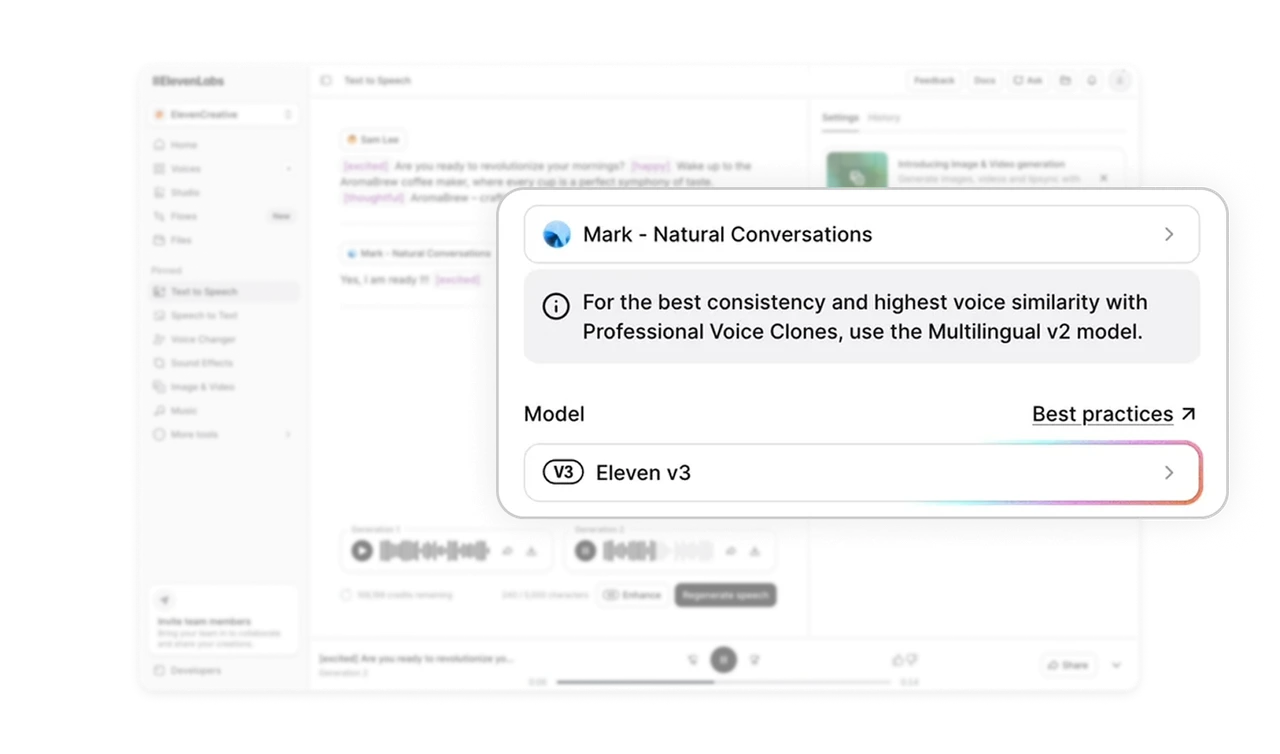
Best practices link teaches users without formal onboarding
Next to the model selector, a small "Best practices" link offers contextual guidance about which model fits which scenario. Users learn the platform while making a decision, not before. Documentation links placed at the exact moment of choice convert reading from a chore into an in-the-flow upgrade. This pattern increases user expertise over time without requiring formal onboarding.
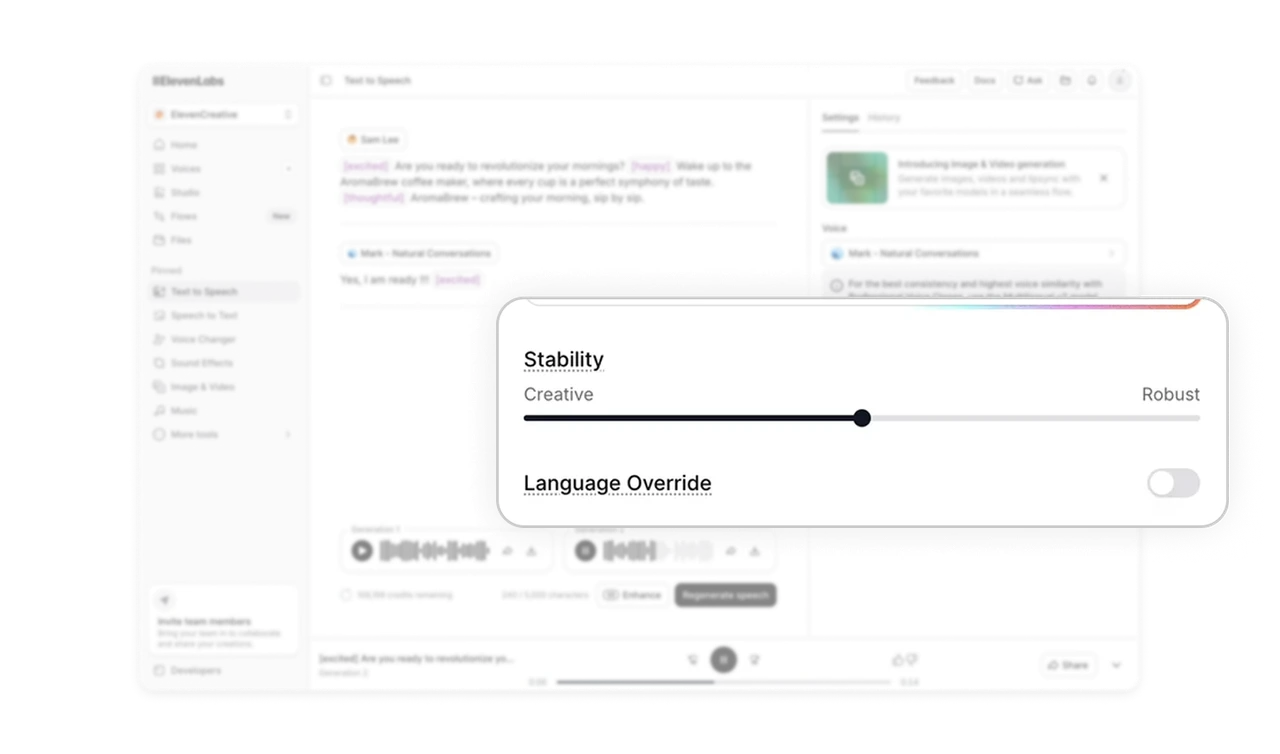
Stability slider uses Creative and Robust as labels, not numbers
The Stability slider is labeled Creative on the left and Robust on the right instead of 0 to 100. Users instantly understand the tradeoff: more variation versus more consistency. Naming the ends of a slider with what they actually mean removes the need to interpret abstract numbers. Any product where a setting has a tradeoff should consider naming the poles rather than scaling them.
Similar Breakdown Lessons